Posts tagged with "apple watch"

WatchKit as a “Sweet Solution”

Marco Arment (who’s been struggling with Watch app development for a while now) makes the case for WatchKit to be either discontinued or substantially expanded as, in its current form, it hinders the creation of more powerful apps.

Developing Apple Watch apps is extremely frustrating and limited for one big reason: unlike on iOS, Apple doesn’t give app developers access to the same watchOS frameworks that they use on Apple Watch.

Instead, we’re only allowed to use WatchKit, a baby UI framework that would’ve seemed rudimentary to developers even in the 1990s. But unlike the iPhone’s web apps, WatchKit doesn’t appear to be a stopgap — it seems to be Apple’s long-term solution to third-party app development on the Apple Watch.

When I first read his post, I thought that asking Apple to discontinue and replace WatchKit was perhaps too much. But after spending some time reorganizing my Watch favorites and complications last night and this morning, I agree with Marco. My favorite apps on the Watch are all made by Apple and are not based on WatchKit. The only exception is Workouts++ (which, as a workout app, has specific privileges). The only third-party Watch apps I regularly use besides Smith’s app are Things and Shazam (which is somewhat ironic) and they’re both accessed via complications; they’re okay, but I don’t love them because they’re often slow to sync data with their iPhone counterparts or take too long to launch and be in a usable state. When I’m out and about, I still don’t trust Watch apps to be as reliable as iPhone apps.

Despite three years of watchOS updates and more powerful hardware (I use a Series 3), the Apple Watch still doesn’t feel like the rich, diverse, and vibrant app platform that the iPhone is. Some might say that’s precisely the point – it doesn’t have to be because the Watch works best through notifications and complications. However, I often ask myself if such argument is the wearable equivalent of Aesop’s sour grapesreal Watch apps wouldn’t make sense anyway. Like Marco, I wonder what would happen if only Apple exposed real watchOS development tools to app makers.

Permalink

Evolving the Apple Watch in watchOS 5

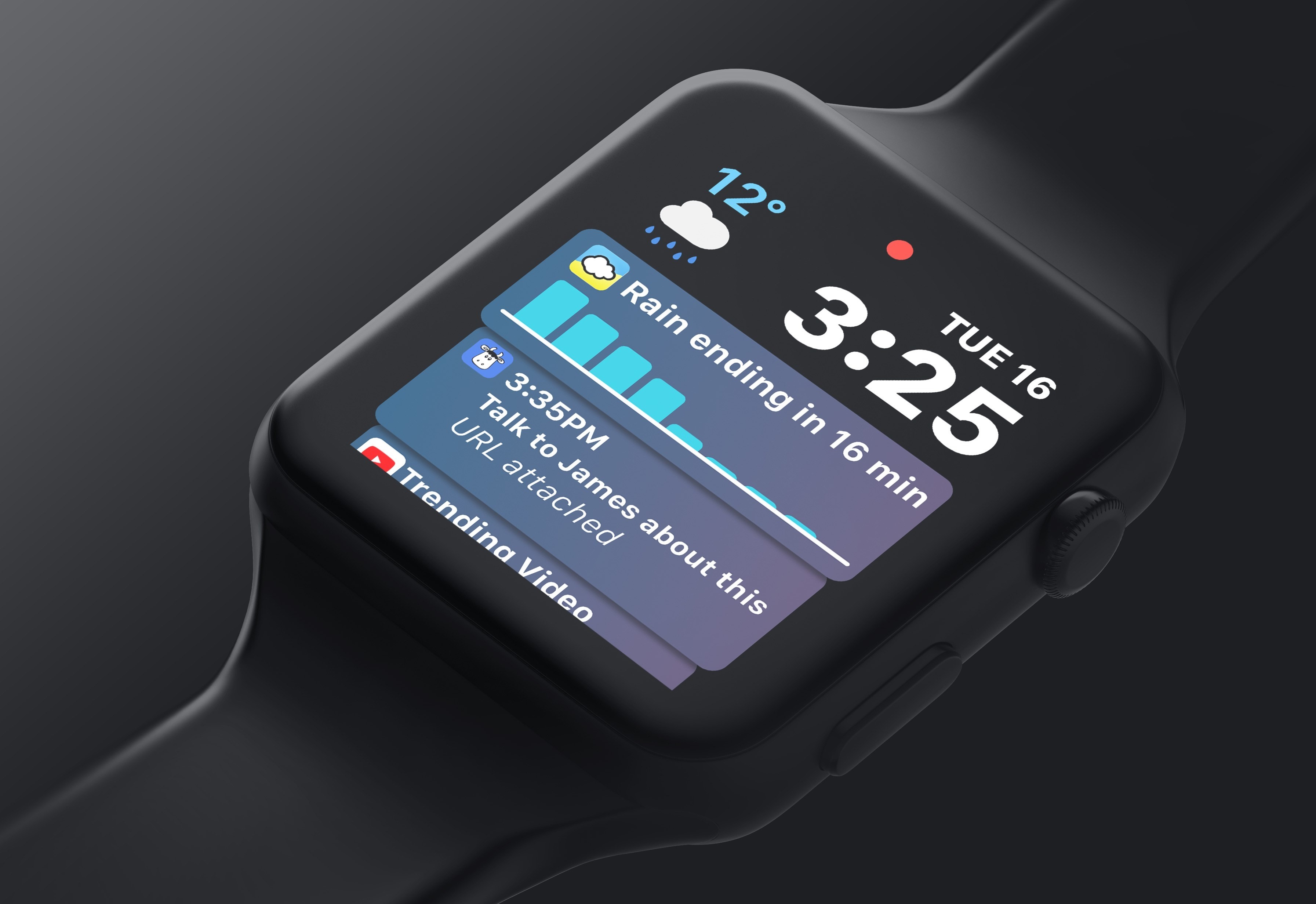
Matt Birchler has published his list of requests for watchOS 5, and I wholeheartedly agree with all of his major feature ideas. His top request is identical to my own: letting third-party apps populate the Siri Watch face introduced last year.

Essentially, Apple should be making the Siri watch face the smartest, most useful watch face someone can choose. It already is the smartest, but to be useful to everyone, they need to make the apps people are actually using work with it.

I’ve been using the Siri face nearly non-stop since installing the watchOS 4 beta. Because I use a lot of first-party apps, it still offers me enough value to be the best Watch face for me. Once third-party apps can tap in though, it could end up becoming the best face for everyone.

Pair Siri face improvements with Birchler’s other major requests – always-on Watch faces, an Apple Podcasts app, and further updates to Activity and Workout – and watchOS 5 would stack up to address all my outstanding issues with the platform.

Permalink

How Apple Watch Saved One Man’s Life

Amazing story shared by Scott Killian with 9to5Mac:

Then Killian, who wears his Apple Watch to bed three to four nights a week for sleep tracking, says his Apple Watch woke him up around 1 am with an alert from a third-party app called HeartWatch saying his resting heart rate was elevated while sleeping (Apple recently introduced a built-in feature that can do this with Apple Watch Series 1 and later). Killian experienced mild indigestion which can be a sign of a heart attack, but says he generally didn’t feel sick.

His Apple Watch charted his heart rate at around 121 beats per minute in the middle of the night while data previously captured showed his average resting heart rate at around 49 beats per minute. The data also showed that this was the first time his resting heart rate had reached this level since he began wearing Apple Watch, so he decided to go to the emergency room as a precaution.

I’ve been using HeartWatch since it came out in late 2015 – if you care about heart rate stats monitored by the Apple Watch, I can’t recommend it enough.

Permalink

Workouts++ Adds Podcast Playback, Mapping, New Workout Types, Siri and More

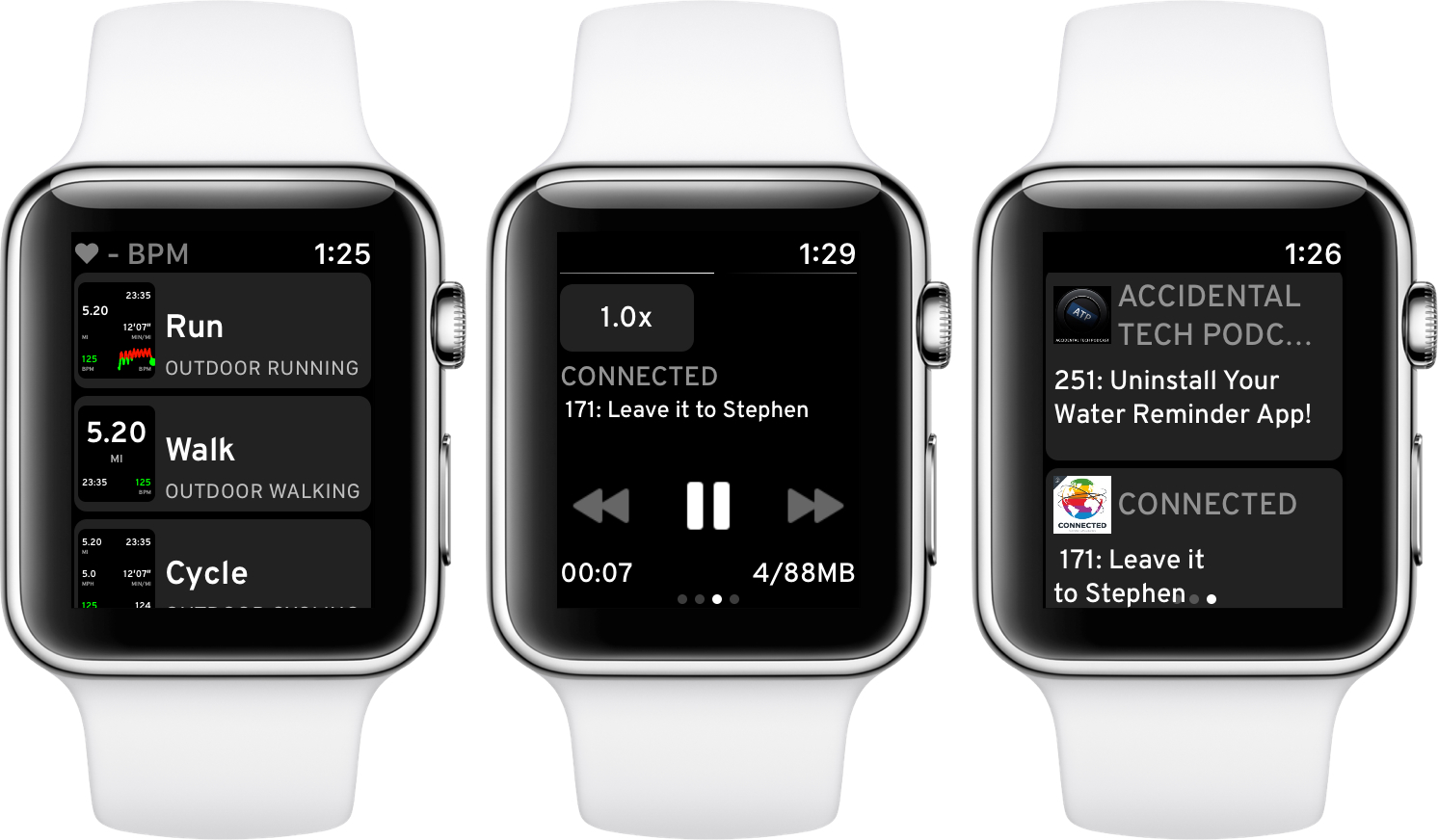
Almost a year ago, David Smith released Workouts++, an alternative to watchOS’ built-in Workout app that adds an iOS component to leverage the data collected during workouts. Today, Smith released version 2.0 of Workouts++ with a host of new features enabled by advances in the Apple Watch and Apple’s health and fitness APIs, including podcast playback, location tracking and mapping, support for new workout types, Siri integration, and more. On top of that, Workouts++ is now free with no In-App Purchases, advertising, or subscription.

Read more


Apple Launches Heart Study App in the US in Partnership with Stanford Medicine

Today, Apple launched the Apple Heart Study app. The app lets users contribute heart rate data to a study being conducted in partnership with Stanford Medicine regarding irregular heart rhythms. The app uses the Apple Watch to monitor the user’s heart rate and alert them when they may be experiences atrial fibrillation, a leading cause of stroke. Apple COO Jeff Williams commented that:

“Every week we receive incredible customer letters about how Apple Watch has affected their lives, including learning that they have AFib. These stories inspire us and we’re determined to do more to help people understand their health,” said Jeff Williams, Apple’s COO. “Working alongside the medical community, not only can we inform people of certain health conditions, we also hope to advance discoveries in heart science.”

If the app detects an irregular heart rhythm, the user receives an alert on their iPhone and Apple Watch, a free consultation with a study doctor, and an electrocardiogram patch for further monitoring. The app is available in the US only on the App Store and users must be 22 or older to participate in the study.


Apple Encourages Developers to Update to watchOS 4

In a short note to developers on its Developer News and Updates site, Apple is encouraging developers to:

Take advantage of increased performance, new background modes for navigation and audio recording, built-in altimeter capabilities, direct connections to accessories with Core Bluetooth, and more. In addition, the size limit of a watchOS app bundle has increased from 50 MB to 75 MB.

The carrot of new functionality comes with something of a stick as well. After April 1, 2018, watchOS 1 app updates will no longer be accepted and all updates must be native apps built with the watchOS 2 SDK or later. New app submissions must be built with the watchOS 4 SDK.


Stranded Kitesurfer Used His Apple Watch to Call for Help

John Zilles, a 49-year-old who has been kiteboarding for 20 years, recently found himself stuck at sea after crashing about a mile off the coast of Ventura, California, an area known for great white sharks. Zilles told his story to the Daily Mail:

’I started thinking about all the great white shark sightings in our area, and although I realised I could probably swim in, I couldn’t stop thinking about sharks - it was a real mind bender.

’I realized I had my watch - so called the Ventura Harbor Patrol, explained my situation and asked for help.’

The harbor patrol sent a boat, and Zilles spotted it, but the boat was heading in the wrong direction. Another quick call on his Apple Watch and Zilles was in the boat heading back to safety.

Permalink

The Limitations of watchOS Development

Benjamin Mayo recently built his first watchOS app, a companion to his iOS app for scanning and creating QR codes, Visual Codes. On his blog he outlines his experiences developing for the Apple Watch, focusing particularly on how limited third-party developers are with their apps.

Apple engineers are using a completely different technology stack to create the system apps. They get to real write real iOS apps with a watchOS appearance theme, essentially. Third-party developers have to use WatchKit — a completely separate abstracted framework that exposes only high-level interface objects (whilst creating UIKit components under the covers).

The current WatchKit API leaves no room for invention. iOS innovations like pull-to-refresh came about because the iPhone OS UI frameworks were flexible enough to let developers and designers run wild with their own ideas, if they wanted to. Some of these custom controls worked so well Apple later incorporated them as standard components in UIKit. That free reign creativity simply can’t happen on the watch at the moment. Apple defines what is possible.

Apple has clearly invested a lot into advancing the Apple Watch from a hardware perspective, and even in the native OS experience – both key areas to grow. But Mayo puts the spotlight on an area that’s clearly lagging behind.

In past years the lack of tools available to make third-party watchOS apps was less important, as the Watch itself still bore several key limitations – slow hardware, a confused OS, and being tethered to the iPhone. Few developers cared about being creative with Watch apps because everyone knew the Watch could barely handle the vanilla apps of the time anyways. It’s a testament to the recent evolution of the Watch as a product that WatchKit’s shortcomings now appear so disappointing.

Permalink

Shazam Launches Redesigned, Faster Apple Watch App

iOS 11 apps have been receiving the most attention in recent weeks, and for good reason – drag and drop, ARKit, and more make it an exciting time for the platform. But watchOS is also seeing significant improvement of late. With watchOS 4 and the Apple Watch Series 3, the Watch feels like it’s beginning to truly mature in several key ways. There’s still a long way to go, but developers are now able to build the most capable, refined Watch apps ever seen. Shazam is a great example of that.

Shazam’s new Watch app is extremely simple, and as I like to say, that’s the way all good Watch apps should be. Launching it presents the familiar blue Shazam button, which upon a tap will begin listening to whatever music is currently playing. After you hit the button, you can turn your wrist away and the app will notify you through a haptic tap when the song’s been identified. In testing on a Series 3 Watch, songs were identified very quickly, taking only 2-3 seconds on every try.

After songs have been identified, they’re stored below the Shazam button in the main app interface. By scrolling with the Digital Crown, you’ll see the last five songs presented in a style similar to watchOS’s revamped Music app: large album covers resembling cards that slide in over each other as you keep scrolling. Tapping an album cover plays a short preview of the song using the Watch’s built-in speaker.

One final thing worth noting is that unlike many other third-party watchOS apps, Shazam is built to take full advantage of the iPhone independence made possible by the new Series 3 LTE Watch. According to an official support document:

Do I need my phone to use Apple Watch Shazam features?

If you have the Watch Series 3 LTE, you can shazam phone-free! If you have an older Apple Watch device you’ll need to have your iPhone connected in order to name that song.

It will likely be a while before we see a significant number of third-party apps updated to support independence from the iPhone, but Shazam is a good start.