OS X Yosemite Overview

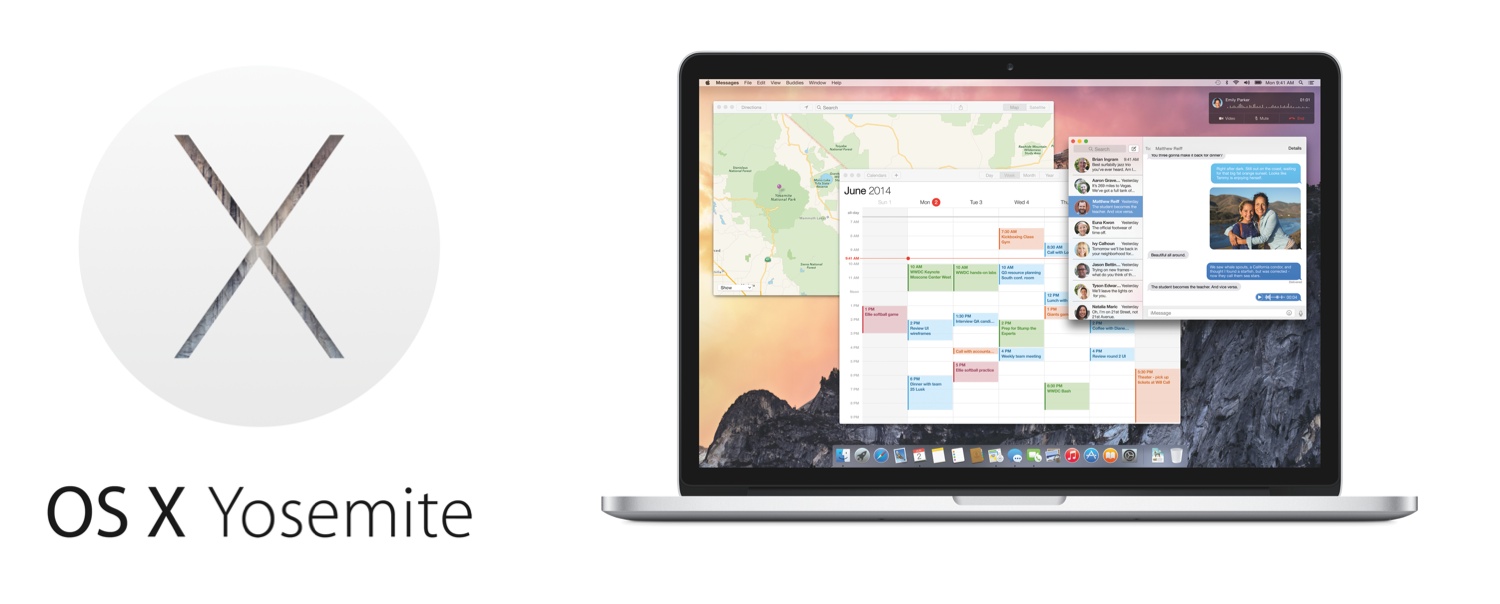
Apple today unveiled OS X Yosemite, the next major version of their Mac operating system. Introduced by Apple’s Senior Vice President of Software Engineering, Craig Federighi, Yosemite brings a big new redesign to the Mac that is reminiscent of last year’s iOS 7 redesign. Continuity between OS X and iOS is also a huge aspect to the Yosemite release, including a so-called ’Handoff’ feature, instant hotspots, and support for making phone calls and sending text messages from a Mac. Beyond that, Notification Center now includes the ‘Today’ view from iOS (with support for widgets), a brand new ‘Spotlight’ and big improvements to Mail, Safari and the new iCloud Drive.

 “Yosemite is the future of OS X with its incredible new design and amazing new apps, all engineered to work beautifully with iOS,” said Craig Federighi, Apple’s senior vice president of Software Engineering. “We engineer our platforms, services and devices together, so we are able to create a seamless experience for our users across all our products that is unparalleled in the industry. It’s something only Apple can deliver.”
Read more


Apple Posts WWDC 2014 Keynote, “Apps We Can’t Live Without” Videos

For those who didn’t follow the live stream or news as it unfolded on Twitter and blogs, Apple has now posted the video of its WWDC 2014 keynote held earlier today in San Francisco.  The video can be streamed here, and a higher quality version should be made available in a few hours through iTunes (on the Apple Keynotes podcast). To avoid streaming errors, Safari is recommended for the best viewing experience.

Apple has also posted the “Apps We Can’t Live Without” short film that was aired at the beginning of the keynote. The video shows how “developers — and the iOS apps they create — have changed the way we all interact, learn, entertain, work, and live”, and it’s available here.

For more coverage, check out our WWDC 2014 news hub and follow @macstoriesnet on Twitter.


The Numbers From Apple’s WWDC 2014 Keynote

Apple CEO Tim Cook walked on stage today and kicked off the company’s 25th Worldwide Developers Conference with his usual opening remarks and “state of the business” facts and numbers. From the number of attendees to iOS devices sold and OS X stats, these numbers are interesting as they’re typically shared throughout the year in dedicated events or press releases; at WWDC, Apple can provide a mid-year overview before switching gears to talk about iOS or OS X.

We’ve compiled the most important numbers from Apple’s WWDC 2014 keynote below. Read more


Part of Speech Highlighting in Editorial

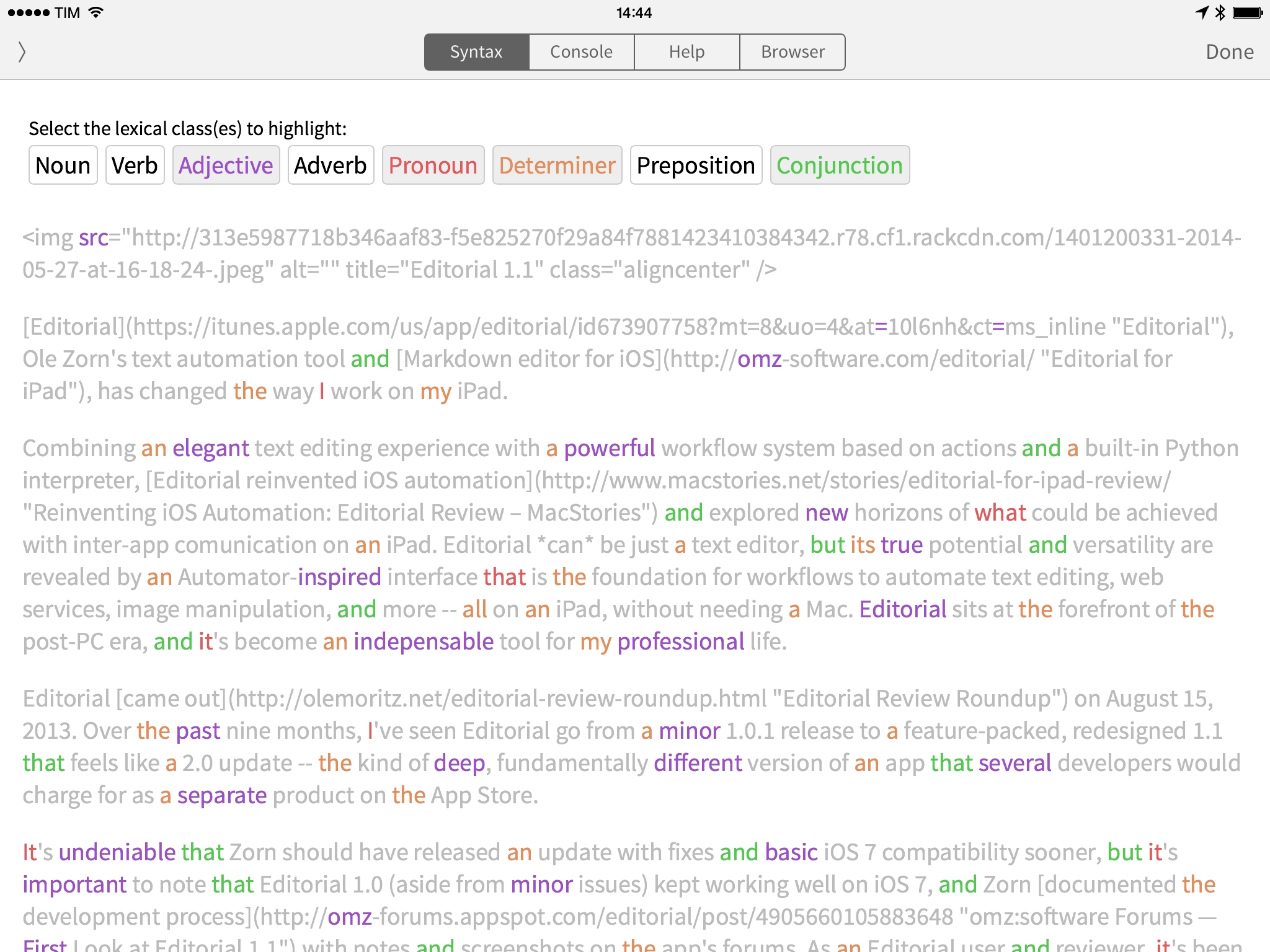
Editorial developer Ole Zorn has created a workflow showing how the new Editorial can tag parts of speech in text to highlight lexical classes like nouns, verbs, adjectives, and more.

The linguistictagger module is a new Python addition in Editorial 1.1 and it’s reminiscent of the part of speech highlighting found in apps like Phraseology and Writer Pro. In Editorial, you won’t get any editing features, but the basic syntax highlighting will still come in handy to understand how you write when reading a document in the Syntax preview.

Also from Zorn, check out two UI workflows to display a sidebar for Wikipedia and a Markdown preview while writing in the text editor.

Permalink

Apple Events Channel Now Available on Apple TV to Stream Today’s Keynote

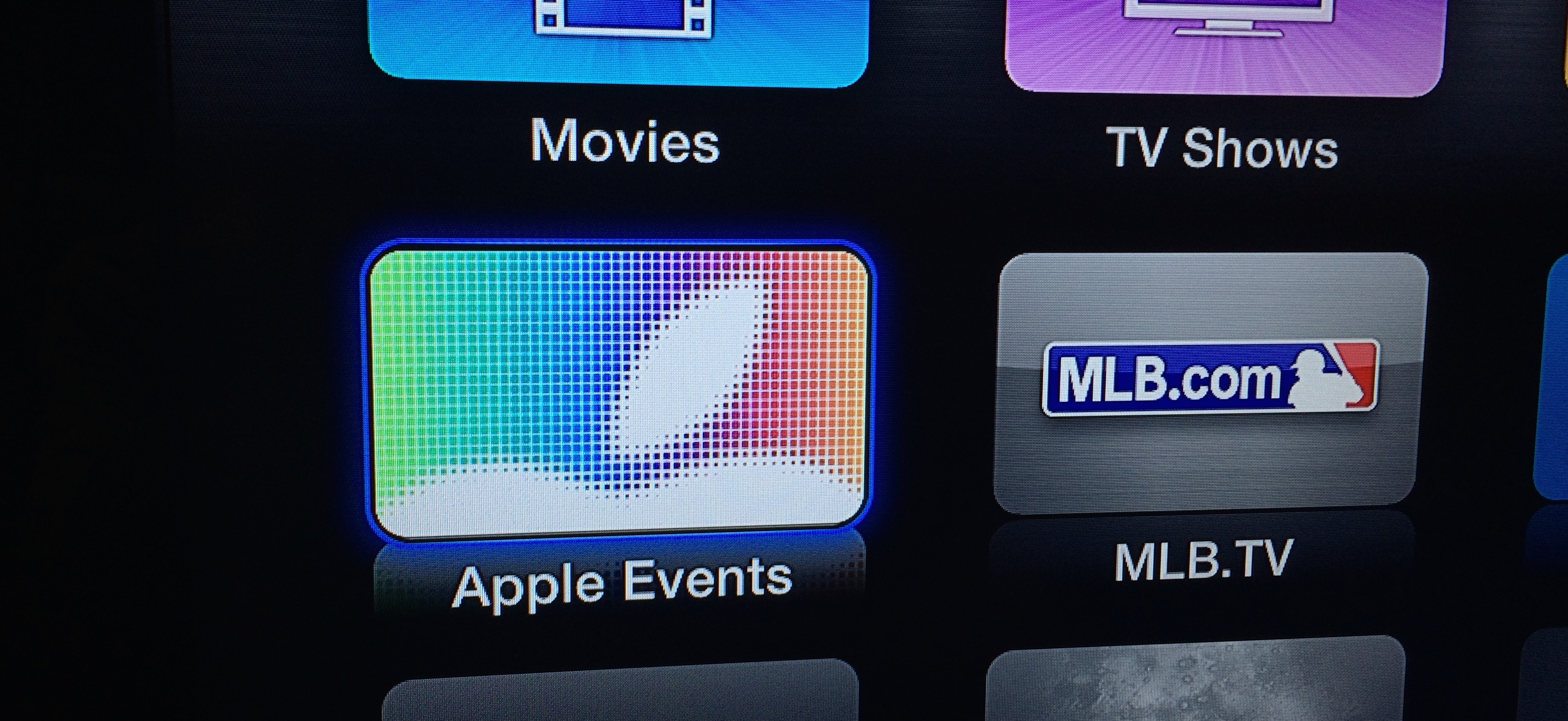
Apple has just made their ‘Apple Events’ channel accessible again from any Apple TV (2nd or 3rd generation), ahead of today’s WWDC keynote. The channel will allow users to stream the WWDC keynote from 10am, San Francisco time, as Apple previously announced. The channel also allows users to stream past Apple events, just in case you have some time to kill whilst you wait for today’s event.

Read more


Directional: Extra Special Q&A

This week Federico and Myke take questions from the audience. They discuss a whole range of topics including their favourite games of all time, what they perceive as the future trends in gaming and they also come up with Pokemon characters for each other.

A fun episode, with lots of questions answered. Get it here.

Permalink

Full Video of Jimmy Iovine and Eddy Cue at Code Conference

A few hours after announcing their $3 billion deal, Apple SVP Eddy Cue and Beats co-founder Jimmy Iovine came to the Code Conference to talk about what brought them together, and what they want to do next.

Re/code has posted the full video of the interview with Jimmy Iovine and Eddy Cue, recorded shortly after news of the Beats deal broke. We had a recap of the event, but I highly recommend watching the video as much of the nuance is lost in the transition to plain text.

The video is yet another confirmation of Jimmy Iovine’s vision and, as Marco says, charisma. Iovine knows music and he values music culture, which is reflected in Beats.

See also: this profile of Iovine by Ben Sisario for The New York Times.

Permalink

The Sweet Setup’s Rundown Of Photo Stream Alternatives

Bradley Chambers, writing at The Sweet Setup:

When it comes to syncing data across our devices, we’ve largely “arrived.” If you predominately use all Apple or Google apps and services, then most of your data and documents are synced through those first-party services. And if you use 3rd-party apps and services (such as the aforementioned ComiXology, Kindle, Audible, et al.), many of them provide their own syncing with apps available on all our devices.

One of the last major hurdles for syncing across all our devices and computers is with photos and home movies.

I was surprised by Bradley’s pick, but, with that pricing, it is indeed a good deal.

I’ve personally been using the free trial of Picturelife for a few months now, and I think I’m going to upgrade to Premium for the summer. I like the Picturelife apps and especially the Map view they have on the web to visualize photos by location. The company is focused on making a great product and I hope they will stick around in the future.

The question, of course, is iOS 8. Right now, I’m using a complex workflow to organize my photos in Dropbox and mirror them to Picturelife. I would love to see new iCloud photo announcements next week.

Permalink