

In an update that added full support for quick replies to notifications and the ability to view muted and blocked accounts in Settings, Twitter also brought Universal Links to its iOS app today.
Twitter for iOS Adds Universal Links Support on iOS 9
Joanna Stern on the iPhone 6s’ Battery Life→
From Joanna Stern’s iPhone 6s review for the WSJ:
Let’s get this out of the way first. The No. 1 thing people want in a smartphone is better battery life. And the iPhone 6s doesn’t deliver that.
And:
Still, there is no battery improvement over last year’s iPhone 6 models. In our grueling test; which loops a series of websites with brightness set at around 65%, I found the 6s and 6s Plus get no more—but also no less—battery life than their predecessors. (iOS 9 itself adds an hour of savings to the iPhone 6, and has Low Power Mode.) Strangely, although Apple says that the 6s Plus gets hours more battery life than the 6s, repeated testing on multiple devices reveals a slimmer difference. In a Web surfing test, the 6s on average lasted for 8 hours, while the 6s Plus went 20 minutes longer. In a video playback test, the difference was an hour.
This is a common theme in reviews I’ve read this morning. Given that Apple had to ship a smaller battery to make room for new components, the fact that the 6s is still getting the same performance on a more powerful hardware suggests that iOS 9’s optimization technologies are working.
Jim Dalrymple on the iPhone 6s→
The iPhone 6s review embargo lifted this morning. As usual, the first review of a new iPhone I read is Jim Dalrymple’s:
Peek and Pop work all over the place on iPhone. In Apple Music, you can use it to view albums and playlists; you can view Messages and texts; You can set calendar events, view flight info, view images and videos and all kinds of other things.
3D Touch is one of the handiest features that I’ve seen from Apple in a long time. It’s not just that it’s cool, it actually saves me time. It’s a new way to navigate the iPhone that’s quick, easy, and efficient.
iPad mini 4 Gets Improved Display→
The scientists at DisplayMate have tested the latest iPad mini’s display and found it to be some of Apple’s best work yet:
First of all, the colors and color accuracy of the iPad mini 4 now match all of the recent full size iPads and also the recent iPhones (5 and 6 including S and Plus). So across the entire mobile iOS product line you’ll now see color matched photos and screen images. The mini 4 is an excellent super size upgrade to the iPhone 6(S) and Plus and now truly qualifies as a small version of the iPad Air 2.
But in terms of real-world viewing conditions, the record low 2.0% screen Reflectance actually makes a bigger visual difference for the image colors and image contrast that you actually see because ambient light washes out and degrades the displayed images and reduces screen readability - so its record low Reflectance actually makes a bigger difference!
How to Wear Your Apple Watch 24/7→
David Smith has released a new app called Sleep++, which uses the Apple Watch to track your sleep. To wear a Watch at night, though, Smith had to figure out a way to charge it quickly during the day.
He ran some tests, and the results are interesting:
I have been tracking my sleep every night for a couple of months now so I’ve learned a few strategies to make this work pretty well.
The TL/DR is to charge your Apple Watch in the morning while you get ready for your day (take a shower, get dressed, etc) and then again in the evening while you get ready for bed (brush teeth, put on pajamas, etc). Then put your Apple Watch in Airplane Mode while you sleep.
I can’t wait to try Sleep++ with this method (which also happens to be used by other cool people).
Apple Refunding All Purchases of Peace→
Apple has informed Marco Arment that all purchases of Peace will be refunded to customers after he pulled the app from the App Store:
Apple notified me this afternoon that they’ll be proactively refunding all purchases of Peace. It will probably take a few days to process.
As far as I know, this effectively never happens. When I decided to pull the app, I asked some Apple friends if this was even possible, and we all thought the same thing: iTunes billing works the way it works, period, and no special cases can be made.
This is the first time I’ve heard of Apple proactively refunding an app removed from sale. I wonder what will happen to purchase history in iTunes: will Peace be available for redownload from a user’s account, or will it effectively disappear forever?
(In the meantime, I’m keeping Peace on my devices. It’s still a great app.)
watchOS 2: The MacStories Review
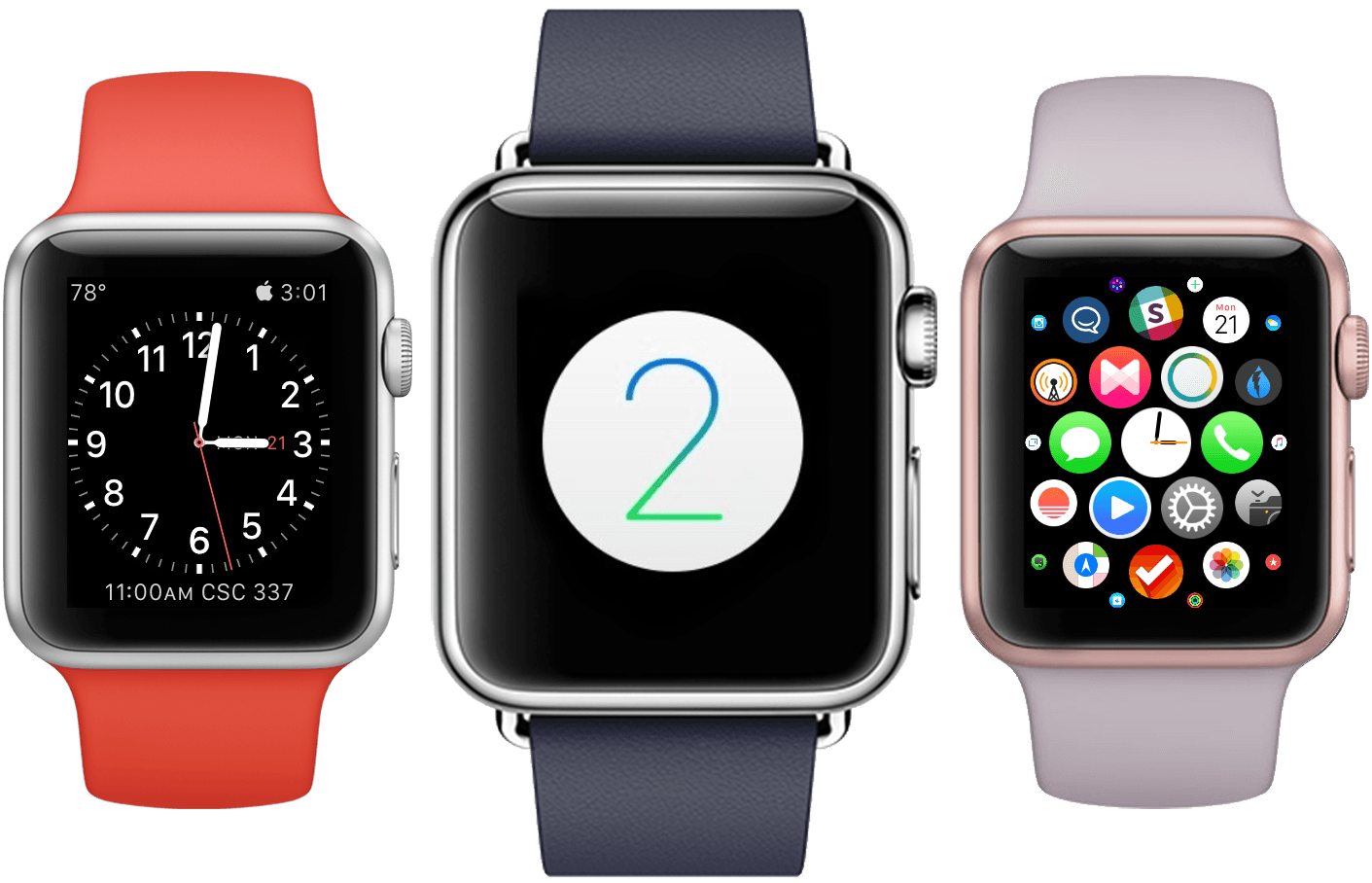
On September 9th, 2014, Apple CEO Tim Cook took the stage at the Flint Center for the Performing Arts in Cupertino. This was the very same stage on which, 30 years earlier, a young Steve Jobs had introduced the original Macintosh to the world. The Apple of 2014 was a very different company. Loved and hated, famous and infamous, indomitable and doomed. The only statement about the tech giant that might avoid contestation was that it could not be ignored.
The 9th would be a rubicon for Tim Cook. The late Steve Jobs had helmed the company through every one of its unparalleled series of epochal products. This was the day on which Cook would announce the first new product to come out of Apple since Jobs’ passing. A product that media pundits everywhere were sure to use as a scapegoat to prove or disprove the quality of his leadership.
The words “One More Thing…” overtook the screen, met by raucous applause from the expectant audience. Uncontrolled excitement burst through Cook’s normally calm demeanor as he presented the introduction to his hard work. “It is the next chapter in Apple’s story,” Cook boldly stated before leaving the stage. The ensuing video gave the world its first look at the Apple Watch.
iOS 9 Installed on 50% of iOS Devices→
Apple published a press release this morning confirming that the iPhone 6s and 6s Plus will be available in retail stores at 8 AM on Friday, September 25. In the press release, the company also announced that iOS 9 has been installed on 50% of active iOS devices:
Apple also announced the fastest iOS adoption ever, with more than 50 percent of devices already using iOS 9.
And:
“Customer response to the iPhone 6s and iPhone 6s Plus has been incredibly positive, we can’t wait to get our most advanced iPhones ever into customers’ hands starting this Friday,” said Philip Schiller, Apple’s senior vice president of Worldwide Marketing. “iOS 9 is also off to an amazing start, on pace to be downloaded by more users than any other software release in Apple’s history.”
The numbers are based on App Store stats as measured on September 19 – three days after the launch of iOS 9. While the adoption rate will slow down in the next few weeks, this is an impressive result regardless and it shows that Apple’s focus on making updates smaller in size and easier to install is paying off.
iOS 9 and Accessibility: My 5 Favorite Details
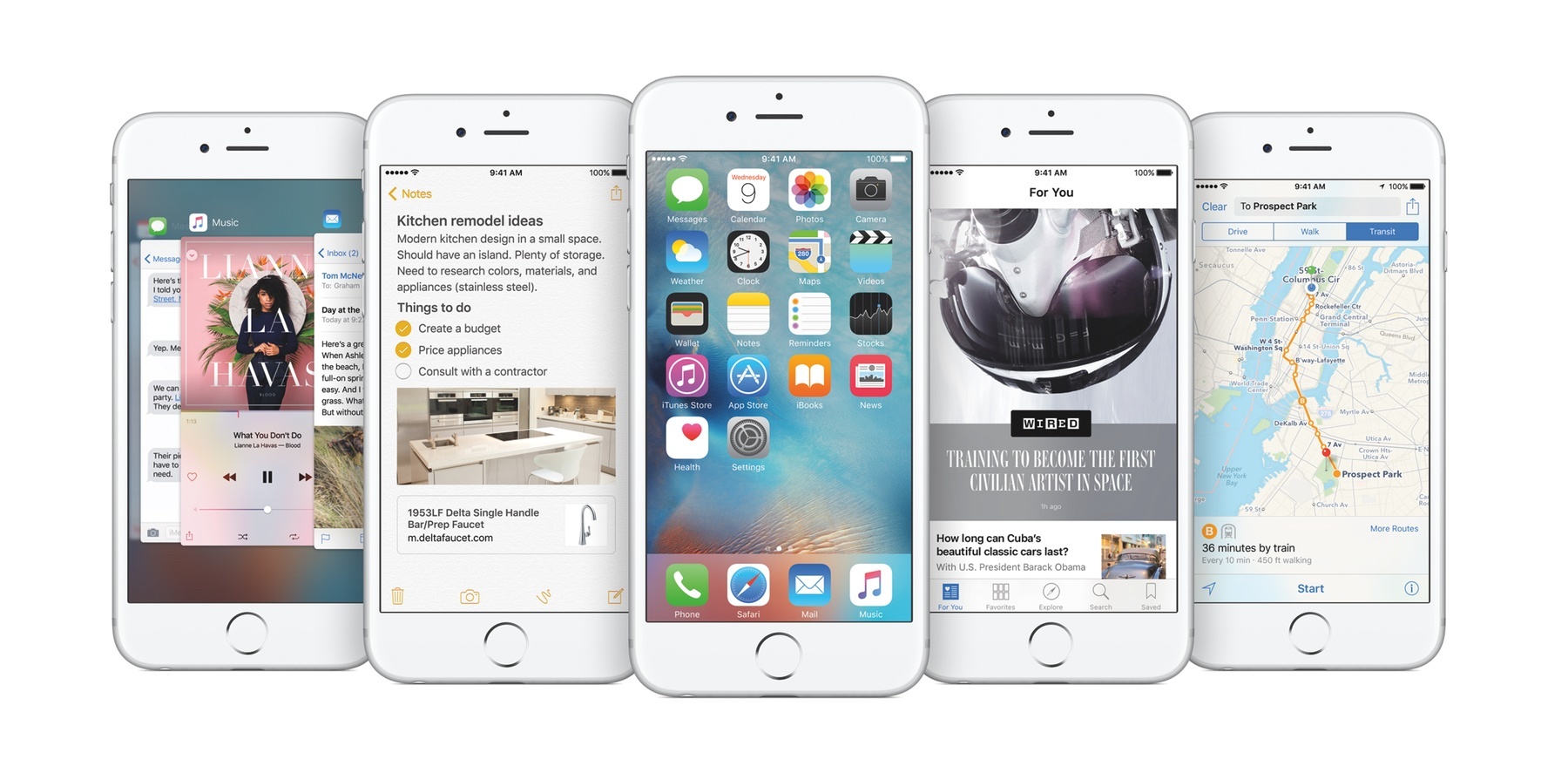
I’ve made the case more than once that accessibility, conceptually, is not a domain exclusive to the disabled. Certainly, persons with disabilities will always be the target market for accessibility features, but I think many fully-abled people overlook the fact that accessibility features can help them too. To me, the canonical example is larger text. Yes, something like Large Dynamic Type is a boon to the visually impaired, but it can also benefit someone with aging or tired eyes.
In a similar vein, accessibility isn’t solely about discrete Accessibility features. While a big part of my writing involves reporting on iOS’ (and watchOS’) Accessibility features and how they affect users, I do make an effort to focus and write on the smaller aspects of accessibility. That is to say, I try to find accessibility in less obvious places – for instance, how technologies like Touch ID and Force Touch impact the disabled.
This concept has extended to my testing of the iOS 9 public beta throughout the summer. As I’ve gotten used to the new operating system on my iPhone 6 and iPad Air, I’ve come to notice several details that aren’t intentionally for accessibility, but nonetheless make the experience more accessible (and more enjoyable).
With that in mind, here are five “little things” in iOS 9 that stand out the most.