This Week's Sponsor:

BetterTouchTool

Now with a Powerful Launcher for Your Mac


AppStories, Episode 3: App Camp for Girls with Jean MacDonald and Grey Osten

On this week’s episode of AppStories, we invited Jean MacDonald and Grey Osten, co-founders of App Camp for Girls, to talk about their organization and the goals of the program. App Camp for Girls, now at its fifth year, helps middle-school age girls get started with app development, and, for the first time, there will be a Camp in Chicago later this year.

Sponsored by:

  • Working Copy – a powerful Git client for iOS.
  • Narwhal – fast, gesture-based Reddit browsing.

You can listen to the episode below.

AppStories+ Deeper into the world of apps

AppStories Episode 3 - Interview: App Camp for Girls with Jean MacDonald and Grey Osten

0:00
29:06

AppStories+ Deeper into the world of apps

Permalink


Game Day: Invert

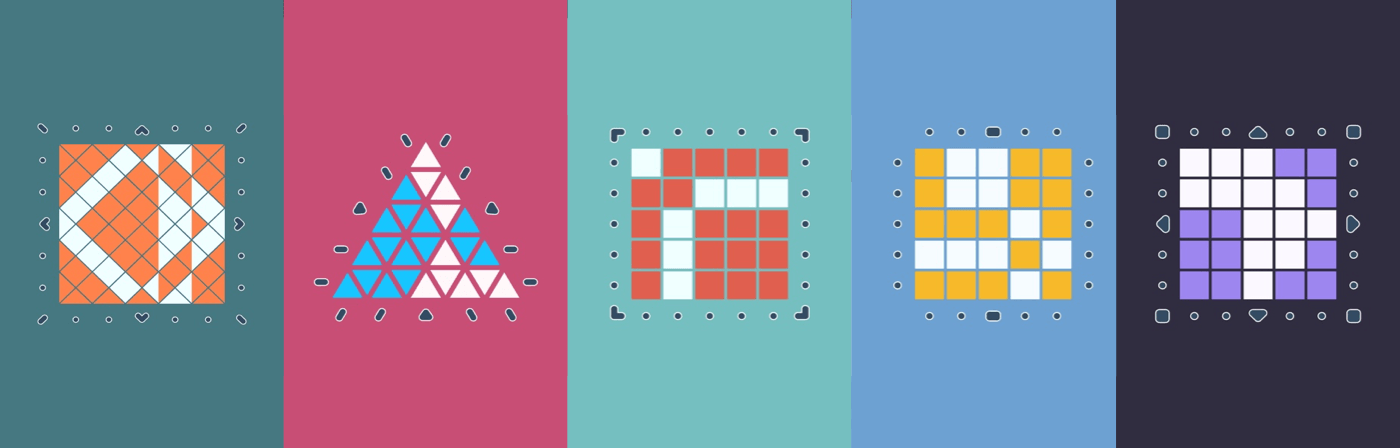
Invert from Copenhagen-based Glitchnap stretches the concept of tile flipping games in new directions. The only constants in the game are that each flippable tile has two different colored sides, and the goal is to flip them, so the board is one, uniform color. Glitchnap describes Invert as a 2D Rubik’s cube-like puzzle game, which is apt on many levels.

Invert starts with fairly simple puzzles laid out in a grid with only a few flipped tiles. The challenge is that you can only flip whole rows of tiles at once requiring you to consider the impact on other tiles in the row. As the game progresses, Invert introduces the ability to flip tiles in patterns other than rows. The buttons at the end of each row of tiles indicate the shape of the flip pattern. It’s a small difference that adds complexity because it forces you to consider how each pattern interacts with the others adjacent to it.

Read more


Doo Adds Task Collaboration, Checklists in Version 2.0

When I wrote about Doo over a year ago, I called its methodology “daring and bold,” a sentiment expressed primarily due to its sparse interface and few features. Although I found its straightforwardness endearing, those looking for a more robust task manager were likely sent packing.

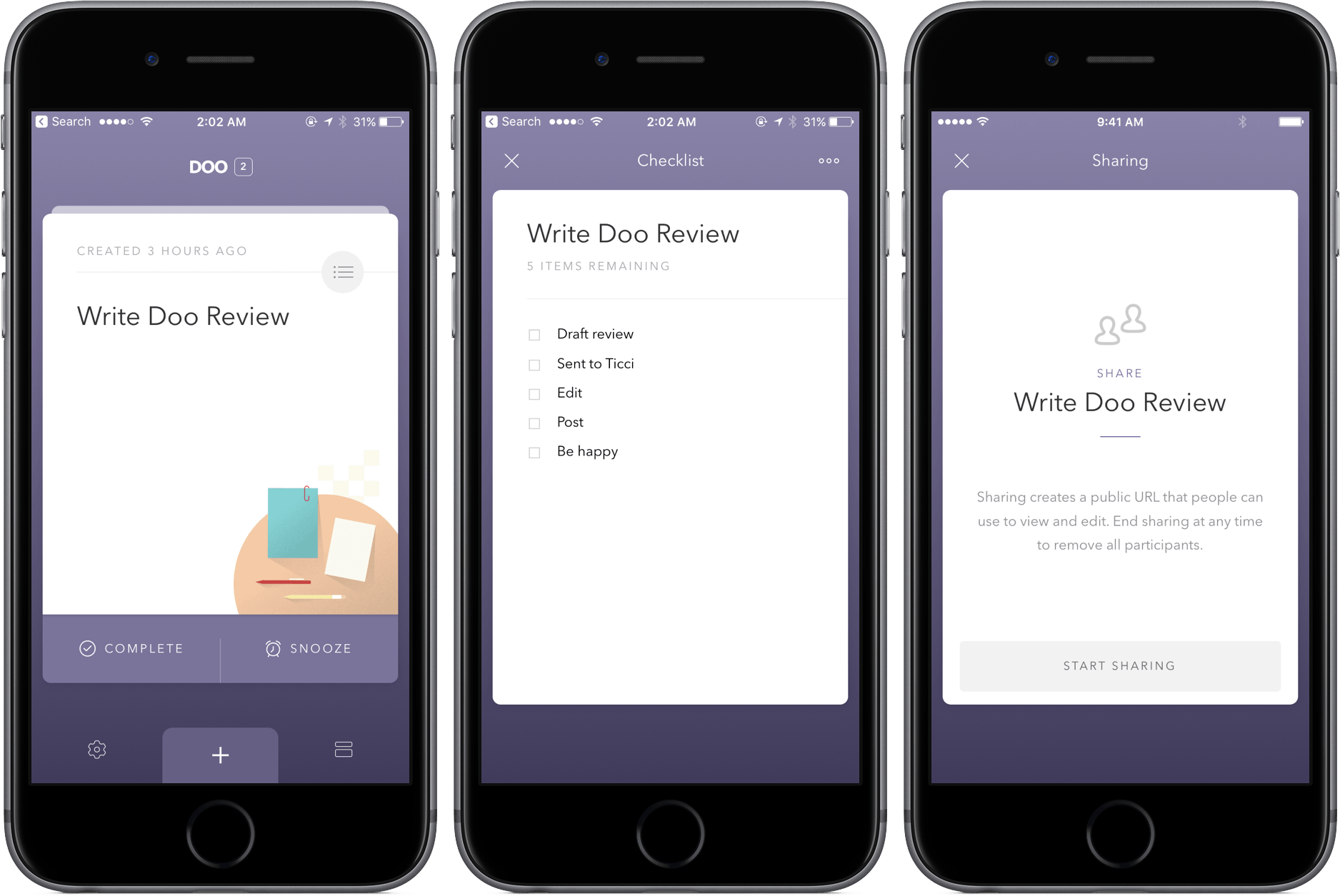
In version 2.0, though, Doo maintains its simplicity while growing into a more powerful productivity tool. The inclusion of task collaboration and checklists specifically makes the update a win, and the additions continue to be hits down the line: location reminders, morning and evening hours, and interface customization with font sizes.

The changes in Doo are well-integrated, too – while some apps might tack them on and make them seem out of place, Doo integrates them directly into the existing UI elements. Basically, you won’t have any problems finding or ignoring the new features, depending on what you’re looking to do.

Practically, using Doo’s new tools can make a big difference in your workflow. For example, a task in Doo can now be broader, with more intricate steps listed in the checklists. With Task collaboration, store trips or packing for vacation can now be a shared breeze.

Both Doo for iPhone and Mac received the update, so owners of each should make sure to update to see the latest the Ciarlo Software team has to offer. And if you haven’t picked up Doo yet, check out my review posted above and download the app for iPhone here ($3.99) and Mac here ($9.99).



Annotable 2.0 Adds Deep Customization Features

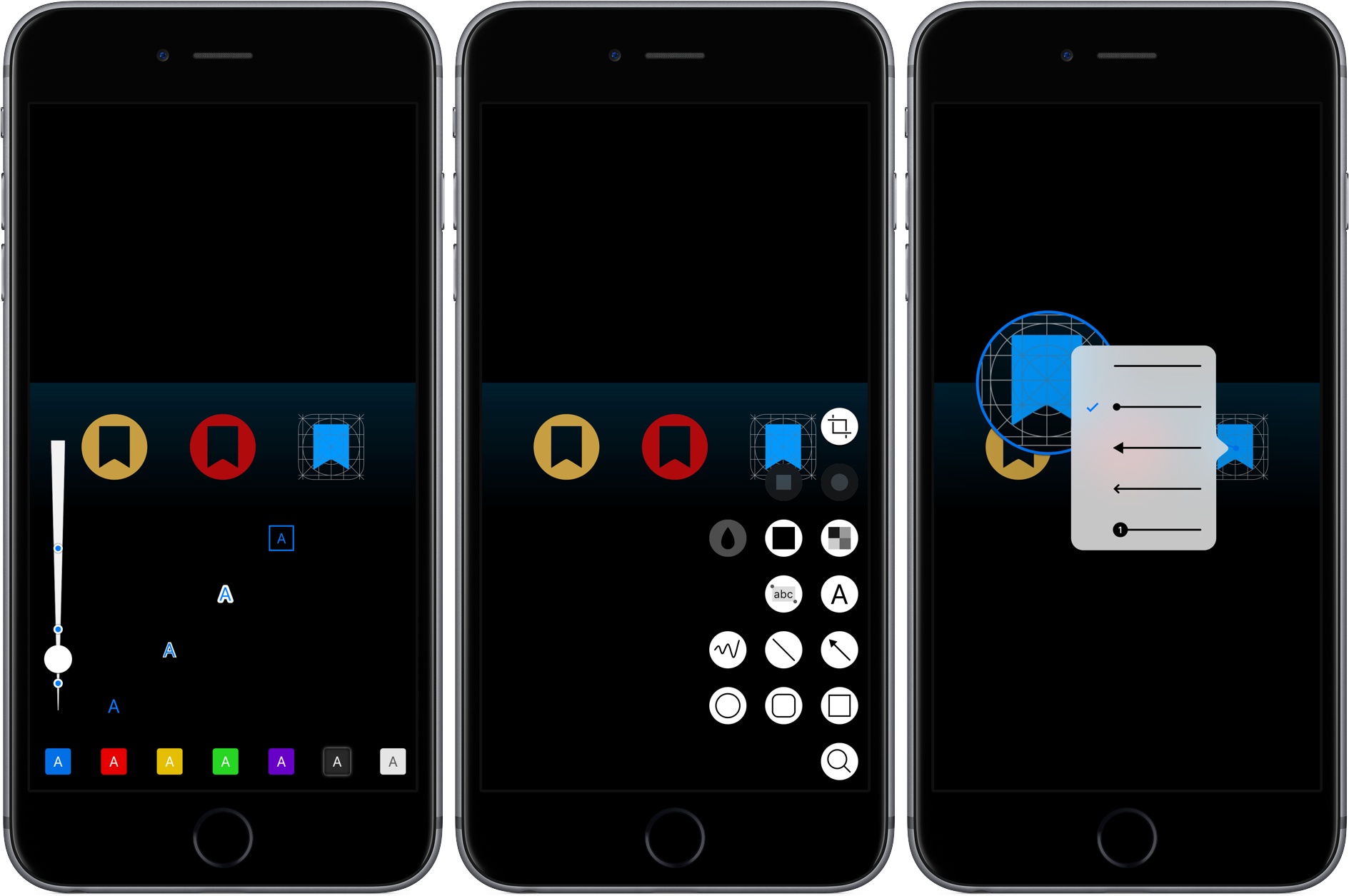
Annotable, an image annotation app from developer Ling Wang, received a major update yesterday. Version 2.0 of the app is all about customization. From the tools that appear when you open the app, to the formatting of text added to an image, Annotable gives you precise control over how you use the app and the look of marked up images, making it my hands-down favorite app for image annotations.

Read more


Prizmo Go Review: Smarter OCR with the iPhone’s Camera

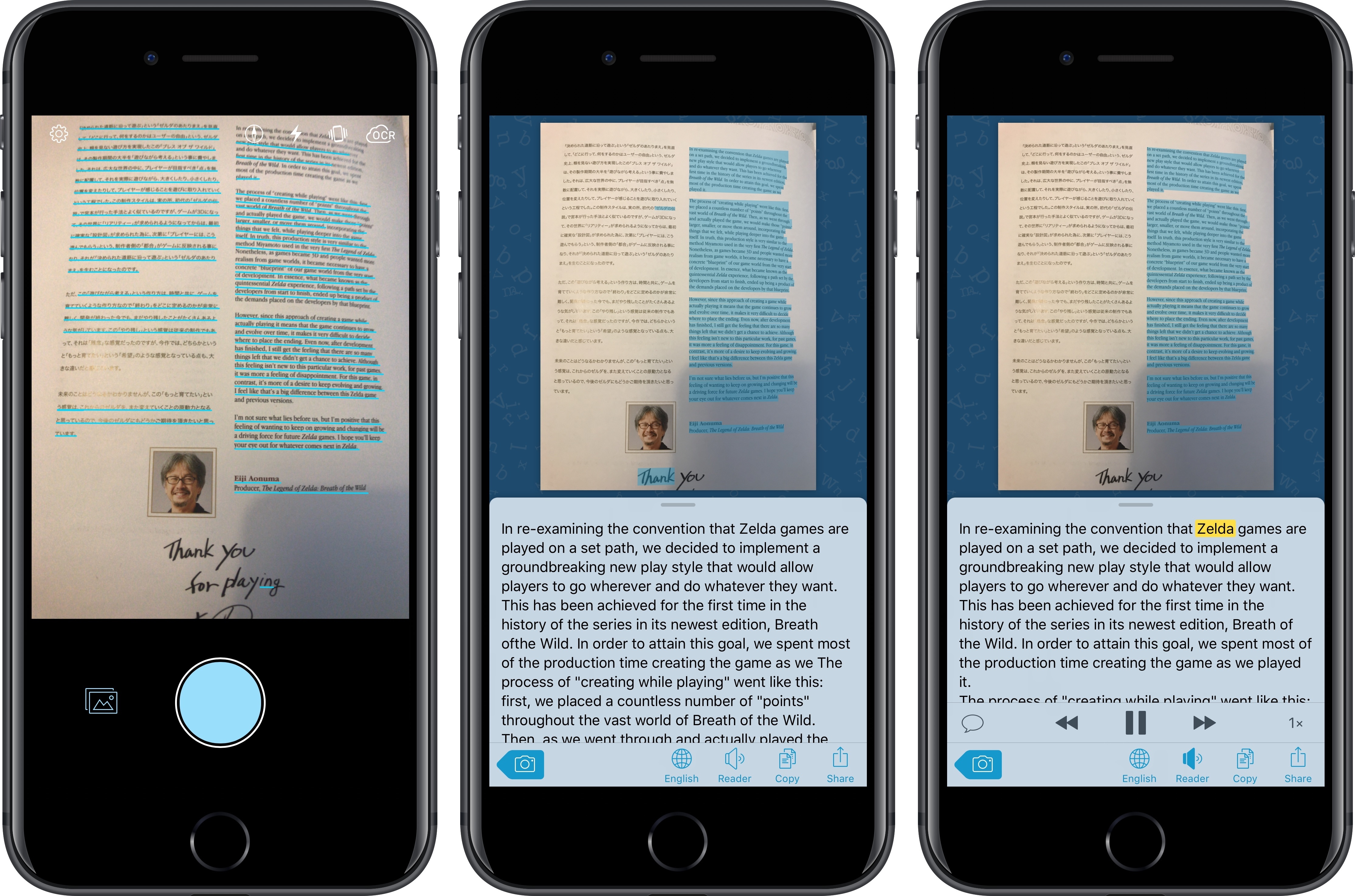
I’ve long been using Prizmo to quickly extract text contained in photos using the iPhone’s camera. Developed by Creaceed, Prizmo has always stood out among iOS scanner apps thanks to its accurate and fast OCR. While most scanner apps focus on digitizing documents and exporting PDFs, Prizmo complemented that functionality with the ability to recognize and share text with just a couple of taps. Prizmo could be used as a scanner app for paperless workflows, but I preferred to keep it on my devices as a dedicated utility to effortlessly extract and share text.

With Prizmo Go, released today on the App Store, Creaceed is doubling down on Prizmo’s best feature with a separate app that’s been entirely designed with OCR and sharing text in mind. While OCR was a feature of Prizmo, it becomes the cornerstone of the experience in Prizmo Go, which takes advantage of impressive new OCR technologies to make character recognition smarter, faster, and better integrated with other iOS apps.

Read more


App Camp for Girls is Coming to Chicago

App Camp for Girls is making a big jump geographically this summer. The camp for middle schoolers who self-identify as female, trans (regardless of identity), or gender non-conforming, was founded in 2013 by Jean MacDonald and Grey Osten in Portland, Oregon to address the gender imbalance in technology professions. Since then, App Camp has started camps in other cities including Seattle and Phoenix, but the debut of a camp in Chicago, Illinois this summer marks the first time a camp has been held east of the Mississippi River.

Read more