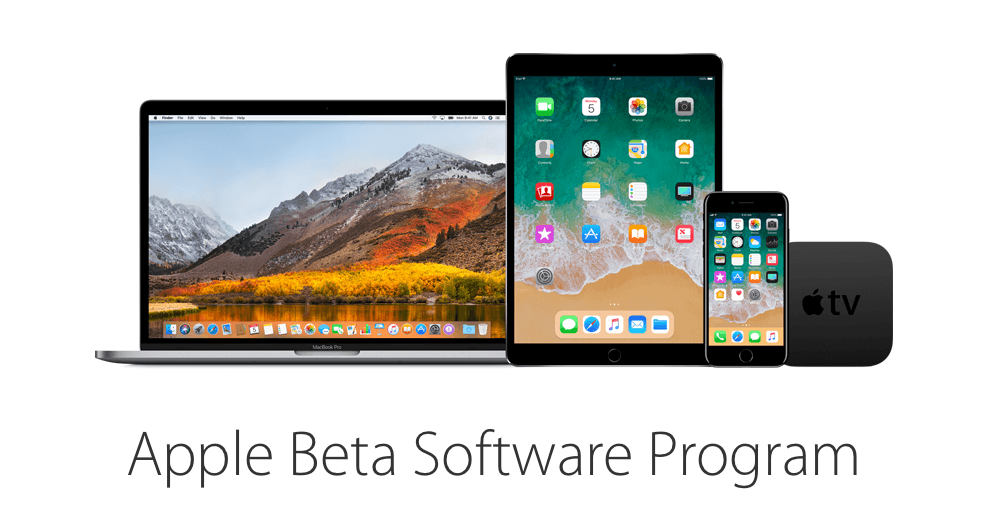
Apple has released the first public beta of iOS 11. The first developer beta of iOS 11 was released at WWDC on June 5, 2017. iOS 11 includes many new features such as a new Files app that makes navigating files on iOS devices easier than in the past and adds several iPad-only features like drag & drop, an app Dock, and enhanced multitasking.
You can sign up for the beta program here, but be sure to follow the instructions, which include backing up your iOS device, because it’s still early in the iOS 11 beta release cycle. There will be bugs and running a beta always runs the risk of data loss.
What if you had someone who would sort through your email and find only the important messages? That is exactly what SaneBox does. After you set it up, SaneBox leaves your important messages in your inbox and moves the rest to a SaneLater folder for reviewing later. That initial inbox purge is powerful because it reduces your inbox to a manageable number of messages. With additional training to tell SaneBox what’s important to you, it only gets better at dealing with the daily deluge of messages.
There’s much more to SaneBox than shuffling unimportant messages into a designated folder, though. If there’s something you never want to see ever again, send it to the SaneBlackHole, which is much easier than unsubscribing to unwanted messages.
You can also set up SaneReminders by sending messages to an address that sends a reminder to you at a later date if the recipient of your message hasn’t responded after a certain amount of time. Or forward messages to SaneReminders to have it pop back into your inbox at a later date when you are ready to deal with it.
SaneBox works on top of your existing email setup. There’s no app to download or new email account to set up. It all works server-side so you can use any email client you want.
Sign up today for a free 14-day SaneBox trial to take back control of your email. MacStories readers can receive a special $25 credit automatically by using this link to sign up.
Our thanks to SaneBox for sponsoring MacStories this week.
The Wall Street Journal released a short documentary called Behind the Glass to commemorate the 10-year anniversary of the iPhone’s release on June 29, 2007. The almost ten-minute long documentary cuts between interviews with Greg Christie, former Vice President of Human Interface, Scott Forstall, former Vice President for the iPhone Operating System, and Tony Fadell, former Senior Vice President of the iPod division. The three describe the struggle over whether to base the iPhone’s hardware on a multi-touch interface versus the iPod and the ensuing 2.5-year effort to create the first iPhone.
The interviews are short but recount several anecdotes, including the attempts to find a way to adapt the iPod’s interface to work as a phone and the predictive software used to make the touch keyboard accurate. Even ten years later, the retelling of the stories behind the iPhone’s birth is captivating.
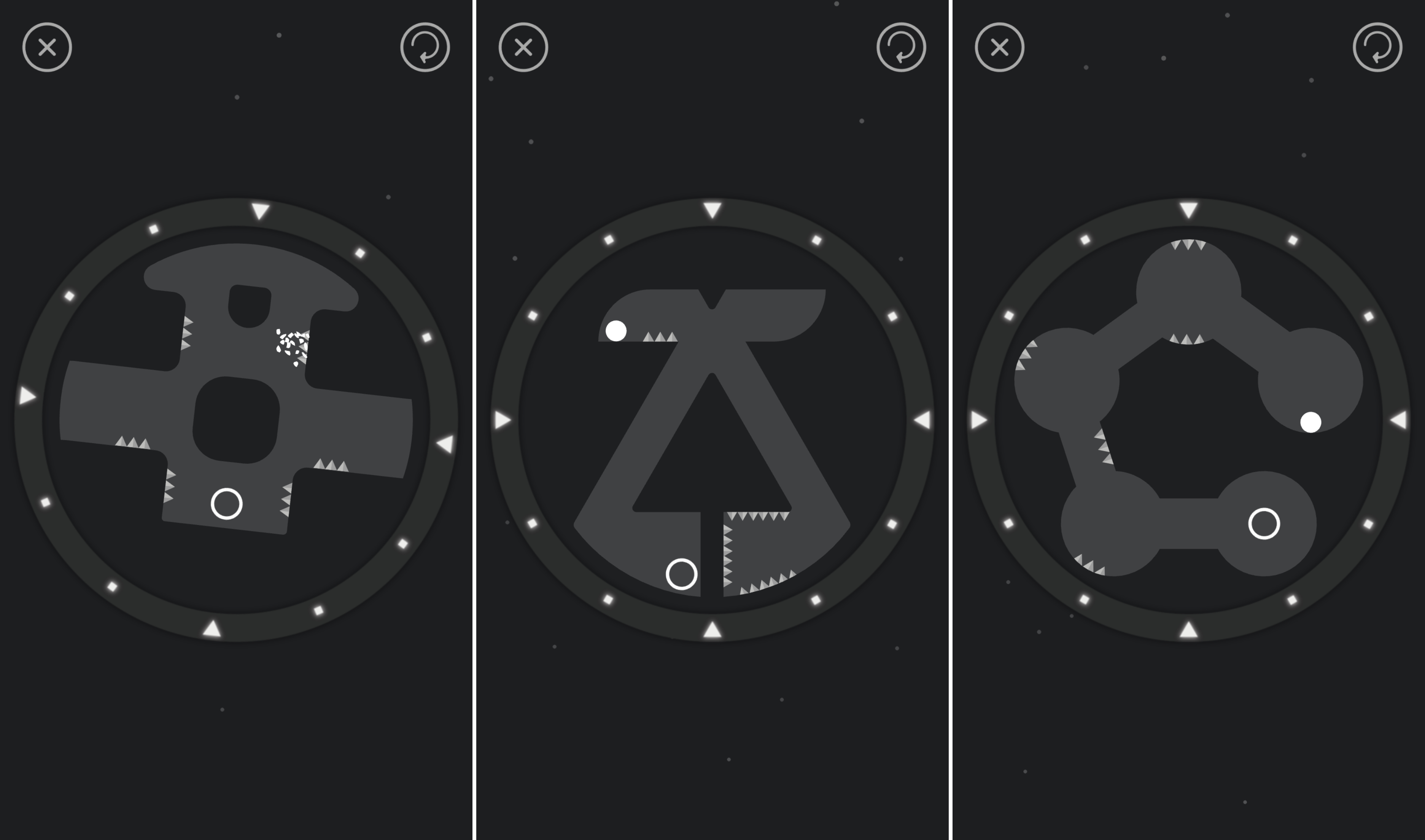
Casual puzzle games that you can pick up and play for a few minutes are a great way to kill time when you’re bored. Since the earliest days of the App Store,1 games have taken advantage of the iPhone’s sensors to create puzzles with realistic physics. Newton, by Binary Games, is a fun and challenging addition to the genre with unique mechanics and gameplay that I’ve enjoyed playing this week.
On this week’s episode of AppStories, we take a look at the upcoming changes to the App Store announced at WWDC, the challenges Apple will face producing original content about apps, and consider what it will mean for users and developers.
Sponsored by:
Zapier - Connect your apps and automate your workflows.
Sega has been out of the hardware business for a long time, but still, has some of the most beloved video game franchises around. Today, Sega began releasing classic Sega games under the banner Sega Forever.
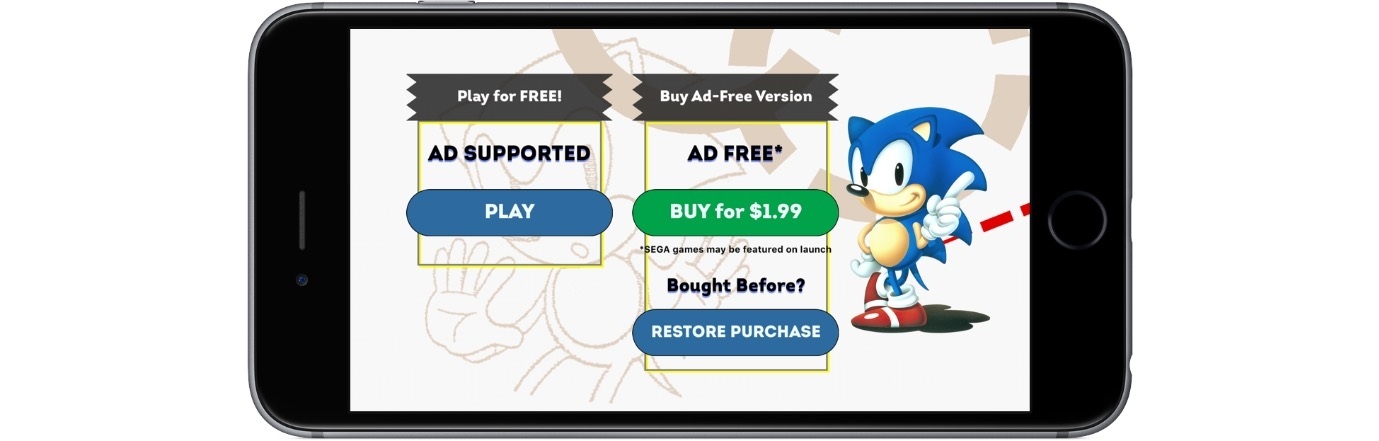
The first titles released are Sonic the Hedgehog, which was already available on iOS, Comix Zone, Altered Beast, Kid Chameleon, and Phantasy Star II. The games, which are standalone downloads, are free and include ads that can be removed with a $1.99 In-App Purchase. The Sega Forever website indicates that the next title in line for release is Virtua Tennis Challenge, which is currently $4.99 on the App Store and hasn’t been updated since 2013. For iMessage sticker fans, each game also includes a handful of animated stickers of game art.
In a series of tweets yesterday, one of the developers behind Codea announced that a new version of the iPad coding app had been approved for release, and this update would enable code sharing for the first time.
Previously we covered the revised App Store guidelines that now permit downloading and executing code inside of apps, but we haven’t seen those changes put into practice before now. With version 2.3.7 of Codea you can now import projects from both .zip files and .codea bundles, making it easy to share code with others.
Although Codea is the first prominent adopter of features made possible by Apple’s newly-granted permissions, it certainly won’t be the last. Other notable programming apps and IDEs like Pythonista and Continuous can follow suit as they so choose. These policy changes, combined with Apple’s own entrance into iOS coding via Swift Playgrounds, all of the sudden make iPad a much more attractive programming environment than ever before.
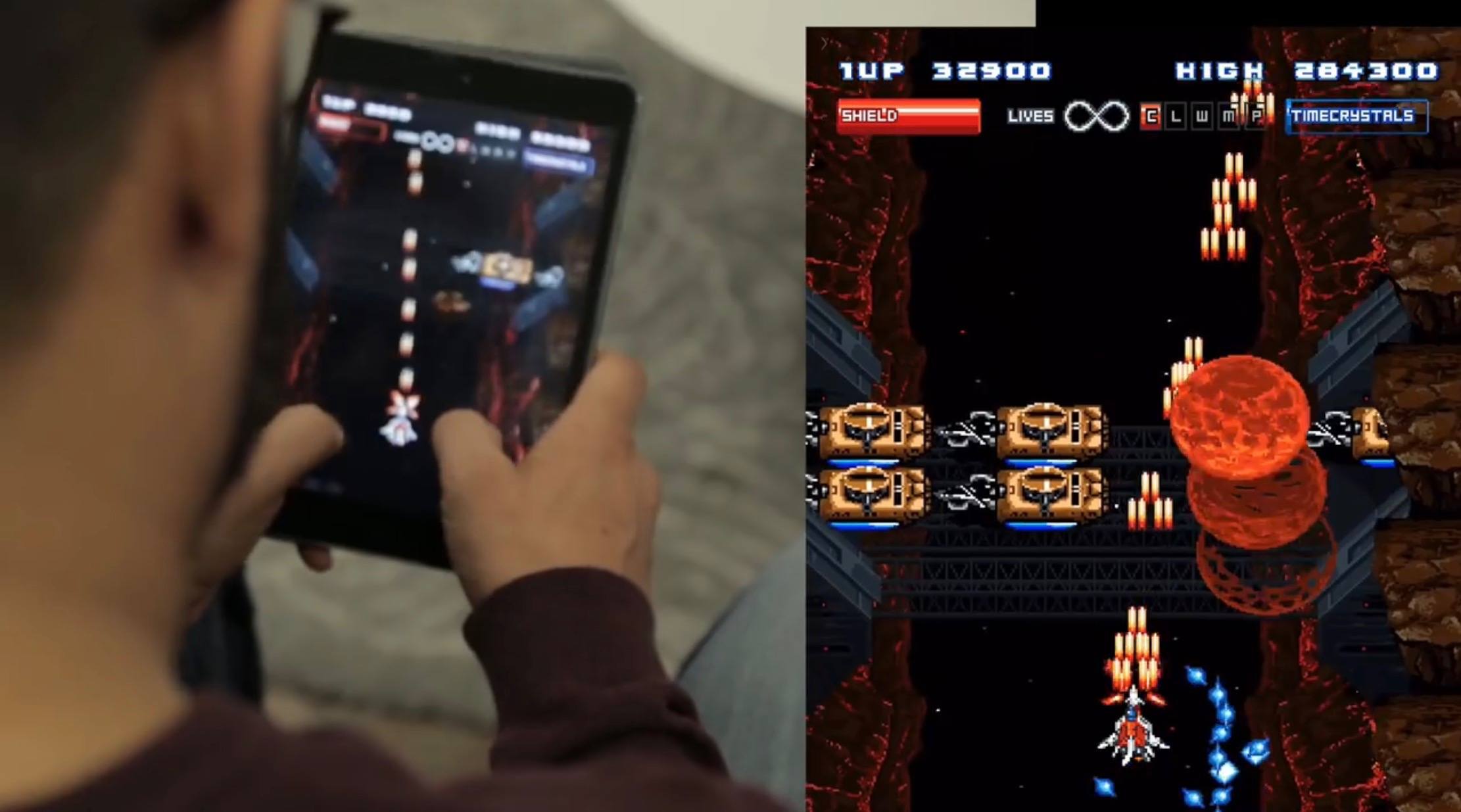
One excellent example of the power of coding on iOS is a game called Starsceptre. Starsceptre is a retro-style arcade shooter that was coded entirely on an iPad using Codea. Creator Richard Morgan wrote the game primarily during his daily commute on a train. “My work commute is basically the only spare time I have, so I needed a way to make games in that time – on the move, on my iPad.” The game’s trailer is embedded below.
With the less restrictive new App Store policies on coding, and the upcoming power user iPad features in iOS 11, hopefully we will see a lot more examples of apps coded entirely on iPad going forward.