Official Twitter Client for the Mac Abandoned

In the time honored tradition of releasing bad news at the close of business on a Friday, Twitter announced via its Twitter Support account that it was removing its Mac client from the the Mac App Store and discontinuing support for the app:

https://twitter.com/TwitterSupport/status/964635740444360704

Twitter gained a native Mac client when it acquired Tweetie for Mac from Loren Brichter in 2010, but the company’s support for the app over the years has been half-hearted at best. As John Gruber explained on Daring Fireball:

Twitter dumped Tweetie’s codebase years ago, of course, and their Mac app has been garbage ever since they did. It’s all fine, really, so long as they continue to allow third-party clients like Tweetbot and Twitterrific to exist. But this “Mac users should just use the website” attitude is exactly what I was talking about here as an existential threat to the future of the Mac.

Twitter’s move is not surprising given the history of the app. Most Mac users I know moved on to third-party clients years ago. However, Gruber’s broader point is an important one. There has been an increasing trend away from native Mac apps and towards web apps and cross-platform apps based on technologies like Electron. Many of these non-native solutions are resource hogs, and even the best often fail to take advantage of OS-level features, which makes them feel out of place among native apps. Perhaps the rumored Project Marzipan is designed to reinvigorate Mac development, although it’s hard to see that working if companies like Twitter simply don’t care to provide the best experience on macOS.


New iOS Apps Must Be Built with iOS 11 SDK and Support iPhone X Display Starting in April

Juli Clover, writing for MacRumors:

Apple today sent out a notice to developers letting them know that starting in April of 2018, all new apps submitted to the App Store must be built using the iOS 11 SDK, which is included in Xcode 9 or later.

Furthermore, Apple says that all new apps designed for the iPhone, including universal apps, must support the iPhone X’s Super Retina display.

“Must be built”, unfortunately, doesn’t mean apps have to support new features like drag and drop. Speaking of which, I don’t think supporting the native resolution of the 12.9-inch iPad Pro is a requirement yet, and the device launched in November 2015.

Permalink

Apple Music’s Archaic Album Categorization

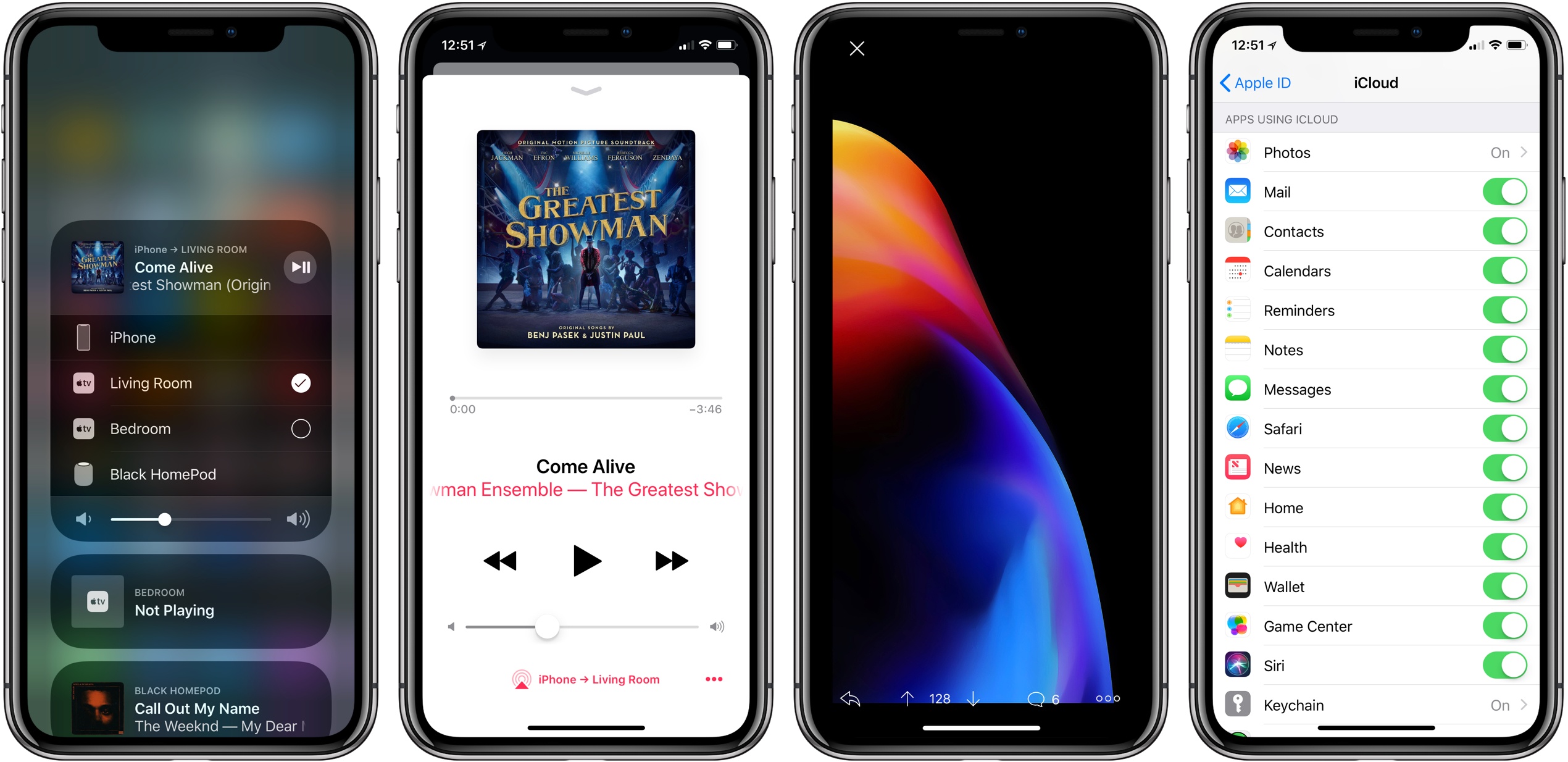
Benjamin Mayo sums up one of the most annoying features of Apple Music: the way the service thinks everything is an “album”, making it extremely inconvenient to find what you’re looking for.

These artefacts of compact discs show up again when looking at an artist page. What a human would think of as an artist’s albums, and what Apple Music lists, are completely different. EPs, singles, specials, deluxe, originals are all shoehorned under one name ‘Albums’. There is no way to filter these out. This really makes finding what you want hard. When you know what you want to find, all this backwardly organised catalogue gets in your way.

There has to be a better method than packaging everything up with the same ‘album’ label. This is not a hard problem, I thought to myself. In fact, it’s already been solved … by Spotify. As you have probably noticed by now, I have included a graphical illustration of Apple Music’s biggest flaw alongside this article. If you can’t see it, your browser isn’t wide enough. If you are reading outside of a browser, like RSS, this probably won’t show up for you either. Use a browser. I encountered this exact scenario in my first day of using the service. I did not fabricate it.

Don’t miss the effective visualization of this problem on his post.

I like Apple Music, but this has been a problem since the service launched almost three years ago, and it’s time for a fix.

Here’s what makes this even more annoying: Beats Music – the very service Apple Music is largely based onvisualized albums, compilations, and different editions in separate tabs/views. Two of the worst Apple Music features (album categorization and the separation of playlists made by you vs. those made by others) had already been fixed by Beats Music, but Apple went for an inferior design that is still with us today.

Permalink

Shazam Updated with Synchronized Lyrics and a New Design

When Apple acquired Shazam, people wondered what would become of the popular song identification and music discovery app. It’s not unusual for an app acquired by a big company to be pulled from the App Store or for development to slow substantially. Questions were also raised about whether Shazam would continue to support Apple’s music streaming rival, Spotify.

As it turns out, Shazam has continued to be updated and support Spotify since Apple’s acquisition. In fact, there have been at least four updates to Shazam since the acquisition including one today that adds synchronized lyrics and a design refresh of the app’s results screen.

The new UI looks great. The results screen is dominated by a background image of the artist. In the foreground is a big play button, the name of the song the app recognized, and the name of the artist. If you tap on the artwork, you get an image of the artist and album in some cases, plus more details on the artist, album, song, and release date.

Along the top of the results screen is a menu you access by swiping horizontally that includes lyrics, videos, additional songs by the artist, and related artists. If you swipe over to the lyrics screen while a song is playing, they are displayed in perfect synchronization with the song that’s playing, which is perfect for impromptu karaoke moments. Adding songs to Apple Music and Spotify playlists has been streamlined too – it now takes one less tap to add a song to a playlist.

One thing to keep in mind though, is that if you’re using the iOS 11.3 beta, playback is broken throughout the app. Tapping on any play button freezes the entire UI and requires you to force quit the app. Playback works as expected if you’re not on the beta, however.

Shazam is available on the App Store.


‘sodes Embodies Beauty and Minimalism in a Podcast Player

Jared Sinclair launched a new iPhone app today, ‘sodes. Short for ‘episodes,’ the app offers a simple, no-frills podcast listening experience.

Unsurprisingly considering Sinclair’s previous work, ‘sodes is a beautiful app. Perhaps my favorite designed area is the Now Playing view; after I first tried it, going back to another app’s Now Playing screen was painful. The app especially shines on the iPhone X’s full-width display. As was highlighted in Federico and John’s discussion on AppStories last year, an indie app’s little human touches can elicit such delight – and ‘sodes is a great example of that.

‘sodes was designed to be nearly feature-absent (at least to the user’s eye), so you won’t find things like chapter support, Smart Speed, playlists, or any such extras. You can adjust the duration of skips forward and back, there are multiple color themes, and playback speed can be set anywhere from 0.5x to 2x – but that’s about it. Mainly, the app gives you podcasts in a clean, minimal, delightful wrapper. If that’s enough for you, you might just love it.

‘sodes is available on the App Store.

Permalink

Connected, Episode 180: Our True Tiny Head Form

We have HomePod opinions, dreams about WWDC and an amazing new t-shirt.

On this week’s episode of Connected, we talk about our HomePod impressions and Apple’s plans for iOS and macOS this year. You can listen here.

As a side note, we’ve launched a new t-shirt design for Connected. You can find the t-shirt (in three colors) on Cotton Bureau.

I think this artwork (by the talented Chris Rowland) is amazing, and I’d love to see many of these t-shirts at WWDC later this year. You can get yours here.

Permalink

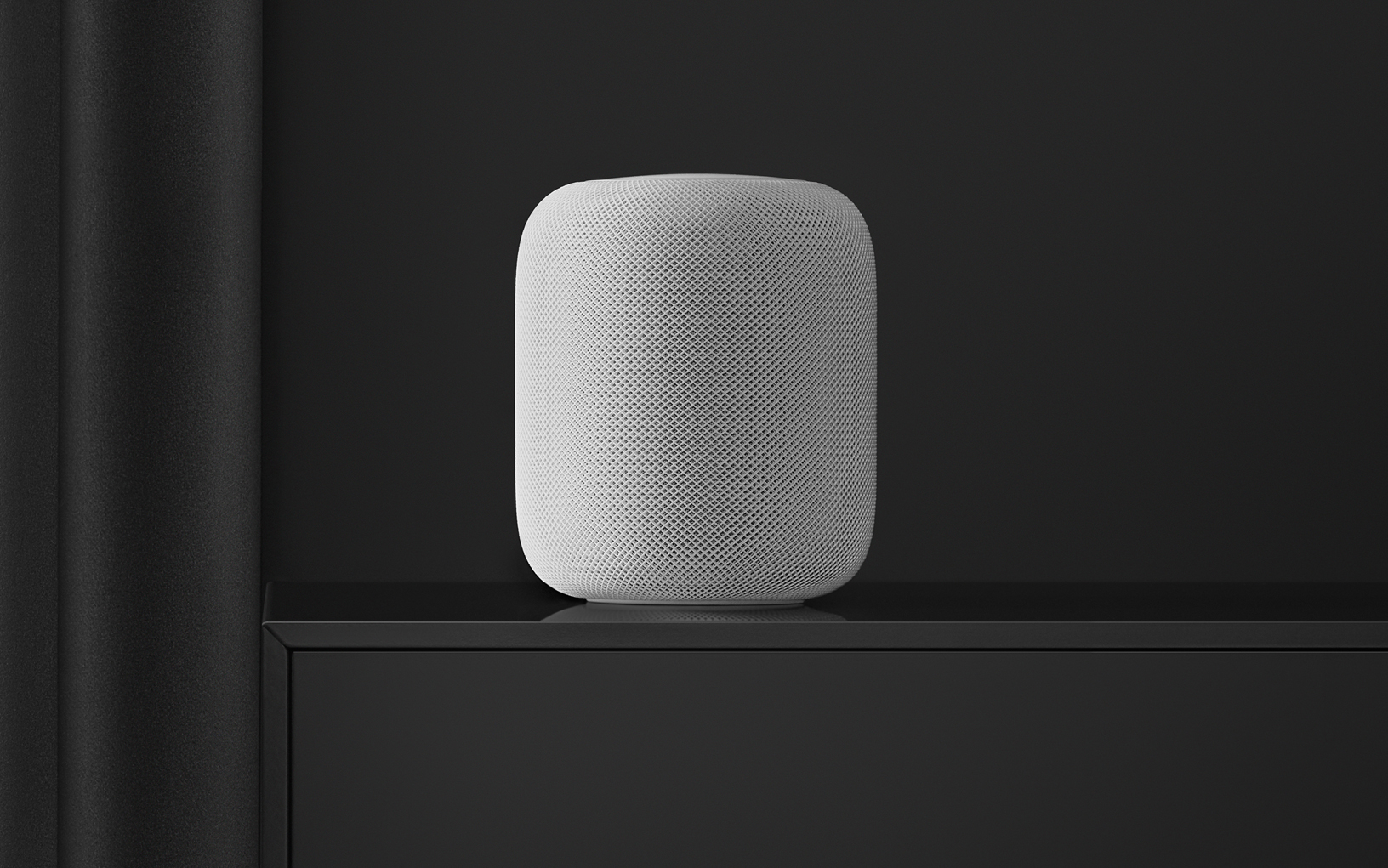
HomePod Leaving Residue on Some Wooden Furniture

John Voorhees' HomePod ring; the device now sits on a coaster.

John Voorhees’ HomePod ring; the device now sits on a coaster.

Nearly a week after its launch, HomePod owners are discovering that in some cases, the device leaves a white ring in its place when stored on wood furniture. John Chase of The Wirecutter reports:

An unhappy discovery after we placed a HomePod on an oiled butcher-block countertop and later on a wooden side table was that it left a defined white ring in the surface. Other reviewers and owners (such as Pocket-lint, and folks on Twitter) have reported the same issue, which an Apple representative has confirmed. Apple says “the marks can improve over several days after the speaker is removed from the wood surface,” and if they don’t fade on their own, you can basically just go refinish the furniture—the exact advice Apple gave in an email to Wirecutter was to “try cleaning the surface with the manufacturer’s suggested oiling method.”…In other testing, we have seen no visible damage when using it on glass, granite countertop, nice MDF, polyurethane-sealed wood, and cheap IKEA bookcases.

Among the MacStories team, Federico and John have both encountered this issue, while I have not. Serenity Caldwell of iMore explains the inconsistency:

Not all whole-wood table finishes are alike: Certain wood oil treatments include drying agents that have organic compounds present in them — compounds that could potentially interact with the silicone in Apple’s base.

It appears that for those who will face this problem, it doesn’t take more than a couple days for the white ring to become at least faintly visible. If you’re not seeing anything after several days of HomePod use, it’s likely that your furniture will be fine, but if you’re concerned, using a coaster seems like the best low-budget fix at this point.

Update: Also per Serenity Caldwell, Apple has now put together an official support document, dubbed “Cleaning and taking care of HomePod.” It provides official details regarding HomePod and wooden surfaces:

It is not unusual for any speaker with a vibration-dampening silicone base to leave mild marks when placed on some wooden surfaces. The marks can be caused by oils diffusing between the silicone base and the table surface, and will often go away after several days when the speaker is removed from the wooden surface. If not, wiping the surface gently with a soft damp or dry cloth may remove the marks. If marks persist, clean the surface with the furniture manufacturer’s recommended cleaning process. If you’re concerned about this, we recommend placing your HomePod on a different surface.

The new document also addresses the matter of cleaning HomePod – only with a dry cloth, or, if necessary, a slightly damp one – and informs users to keep HomePod away from liquids and heat sources.

Permalink

FileBrowser for Business Gains New FTP Options, Native iXpand Drive Integration in Files App

I first covered FileBrowser in an iPad Diaries column from January about finding a replacement for Transmit on iOS. As I noted in the story, FileBrowser didn’t have the prettiest interface (to be fair, I still have to find a file manager that looks as nice as Transmit), but it offered superior integration with iOS 11 features such as drag and drop and Files.

I wrote:

What FileBrowser gets right is support for iOS 11’s drag and drop and Files app. With drag and drop, you can import items into FileBrowser (and thus upload them to any configured location) as well as export files from a server you’re browsing in FileBrowser. The app supports multi-item drag and drop so you can pick up multiple files in a single drag session and drop them into another iPad app, and it correctly implements lazy delivery (asynchronous transfers) for large files. For instance, I was able to drag a .aif song (30 MB) and a .zip archive (160 MB) from FileBrowser and drop them into Gladys and, while it took a few seconds (particularly for the 160 MB file), it worked just fine; as the file was being copied after I let go of it, I could continue using Gladys as normal.

Something else I should have noted: the FileBrowser team is extremely receptive to criticism and new ideas. Over the past few weeks, I’ve been testing an updated version of FileBrowser (in the Business flavor) that addresses several limitations I covered last month.

Read more