iOS 12 and watchOS 5: A Roundup of All the Little Things

Every year when Apple introduces the latest versions of its software platforms at WWDC, information streams out in two major phases: we get the biggest, most important announcements during the opening keynote, then afterward, once the new beta builds are in the hands of developers, we find out all the additional details not meriting on-stage attention. In that vein, here’s a roundup of all the smaller details we’ve discovered so far in iOS 12 and watchOS 5 that weren’t covered in our initial overviews.

Read more


AppStories, Episode 58 – Imagining What iOS Could Do for Mac Apps

On this week’s episode of AppStories, we look at what Apple could do to use iOS and its large developer community to revitalize the Mac app ecosystem.

Sponsored by:

AppStories+ Deeper into the world of apps

AppStories Episode 58 - Imagining What iOS Could Do for Mac Apps

0:00
26:20

AppStories+ Deeper into the world of apps

Permalink

Craig Federighi Shares More Details on Porting iOS Apps to the Mac

Near the end of yesterday’s WWDC keynote, Craig Federighi shared that Apple was at work on tools that would enable developers to more efficiently bring their iOS apps to the Mac. The ship date for those tools isn’t until 2019, but this was still a major announcement, with plenty of questions left unanswered. Today Lauren Goode of Wired has published a new interview with Federighi in which a few additional details are shared on exactly how porting apps from iOS to Mac will work.

Read more


Apple Design Awards 2018 Winners Announced

This evening, capping off the first day of Apple’s WWDC conference, the company recognized the best of the App Store at its 2018 Apple Design Awards ceremony.

The Apple Design Awards are a WWDC tradition dating back all the way before the turn of the century. The ceremony is an opportunity for Apple to applaud developers whose apps demonstrate a high level of quality and innovation. 2017’s winners included the excellent Things 3 and Bear.

Last year the company broke from its norm for the ADAs by making them a private ceremony, exclusive to the award winners themselves, rather than a public event for all conference attendees. This year things were back to normal, as all developers in attendance could attend.

Apple selected the following apps across iOS, macOS, watchOS, and tvOS as 2018 Apple Design Award winners:

Read more


WWDC 2018 Keynote: By the Numbers

Every time Apple holds a keynote event, the company shares a variety of numbers related to things like user counts for certain products, software performance improvements, and customer satisfaction. With the company announcing the future of key platforms like iOS, macOS, watchOS, and tvOS today, there was unsurprisingly a lot of data mentioned at today’s WWDC event.

We’ve collected some of the most important numbers shared on-stage during the keynote and outlined them below.

Read more


watchOS 5: The MacStories Overview

This morning at the WWDC keynote presentation in San Jose, Apple’s Vice President of Technology Kevin Lynch took the stage to announce the latest version of the company’s smartwatch operating system. watchOS 5 will ship this fall and include improvements to the Apple Watch fitness features, new methods of communication, Siri and notification enhancements, the introduction of web content, and more.

Over the coming months we’ll be diving deep into these new features and testing them thoroughly, but for now read on for an in-depth overview and some initial thoughts on everything new in watchOS 5.

Read more


iOS 12: The MacStories Overview

Every year a major new version of iOS is released, adding a wealth of powerful improvements that transform the way we use some of our most important tools in life. In comparison to updates in recent years, iOS 12 – which Apple introduced at today’s WWDC keynote – doesn’t have as many flashy new features or major changes to system apps. When it gets in public hands this fall, lots of users may install it and not notice anything different. And that’s partly on purpose.

Apple spent a lot of time this year focusing on performance improvements that make iOS run better on a wide assortment of devices. In iOS 12, even though your iPhone or iPad may not be getting a major Home screen redesign or anything similarly noticeable, one change Apple hopes you will recognize is that your device runs better than ever before. In addition to being available on all the same hardware as iOS 11, iOS 12 claims to bring a Camera that opens up to 70 percent faster from the Lock screen, apps that launch up to twice as fast, smoother animations system-wide, a keyboard that loads up to 50 percent faster, and more response typing. These may not be the kind of details that make for great marketing campaigns, but they make the tasks we do every day better.

It’s not fair to call iOS 12 a release mainly focused on fixing bugs and improving performance, however. Apple has also put together an impressive assortment of features, big and small, which will empower you to do things with your device that wasn’t previously possible. There are impressive new automation capabilities integrated deeply with Siri, improved tools for monitoring how you use your devices, excellent new features for Messages, FaceTime, Photos, and more, and the arrival of ARKit 2.


Here’s an in-depth look at all that iOS 12 will bring when it launches this fall.

Read more


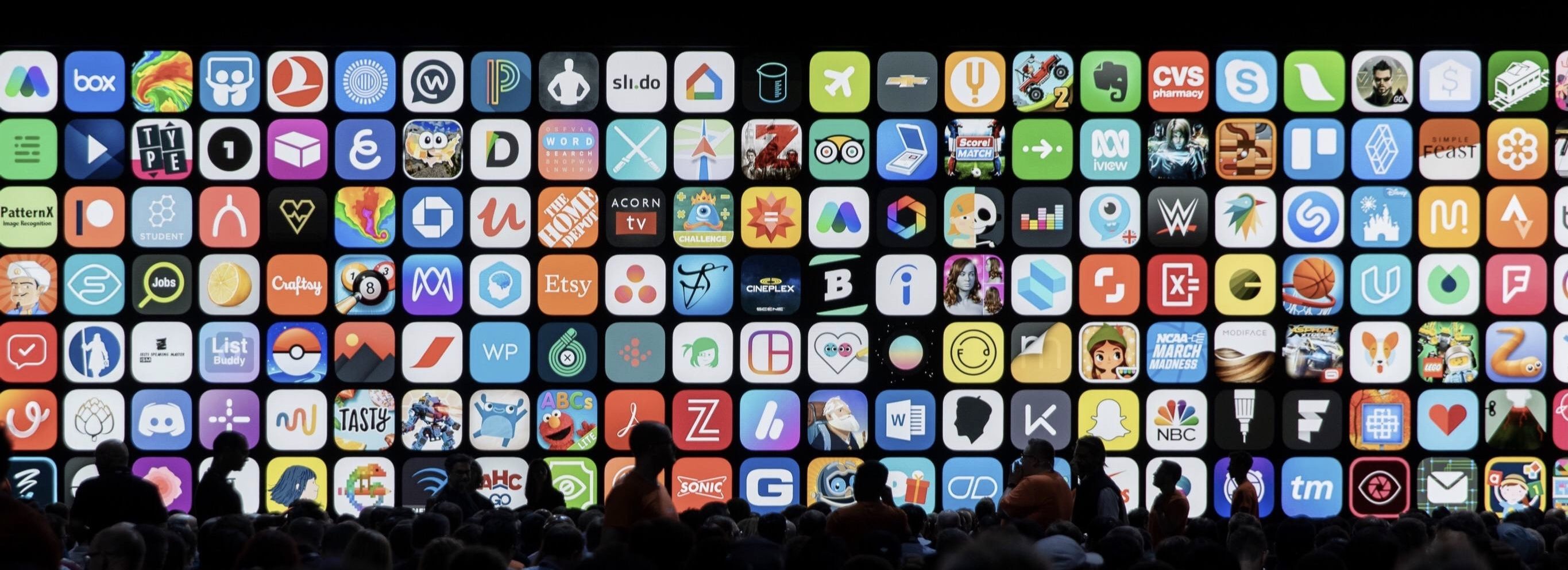
Apple Redesigns Mac App Store with iOS-like Editorial Focus, New Product Pages, and More

During the WWDC keynote today, Apple announced a redesigned Mac App Store, elements of which leaked this past Saturday in a 30-second Mac App Store preview video for Xcode 10.1 The video was discovered by Steve Troughton-Smith:

https://twitter.com/stroughtonsmith/status/1002893737037582336

Unlike the iOS App Store, the Mac App Store has never included preview videos, which indicated additional Mac App Store improvements were likely.

Those suspicions were confirmed during the keynote this morning when Apple revealed an ambitious redesign of the Mac App Store. The update takes several cues from the iOS App Store, implementing lessons learned from that store’s successful update in iOS 11.

Read more


Transmit 5: The Gold-Standard of macOS File Transfer Apps [Sponsor]

Transmit 5 by Panic takes the hassle out of managing files on a server and locally. For 20 years, Mac users have relied on Transmit for FTP and SFTP file transfers. That remains one of Transmit’s core strengths, but the app has evolved into much more.

Transmit’s power starts with its design. The clean, two-pane design makes it easy to understand which files are on your local drive and where they’re going. With version 5, Panic focused on every element, refining and modernizing its design, while remaining familiar to long-time users.

The app still works with FTP, SFTP, WebDAV, and S3, but it also works with Amazon Drive, Backblaze B2, Box.com, DreamObjects, Dropbox, Google Drive, Microsoft OneDrive and Azure, OpenStack Swift, Rackspace Cloud Files, and more, bringing a native Mac app experience to every service.

The new cloud support opens up all sorts of possibilities. For example, Transmit can see your entire Dropbox, even if you sync only a subset of your files to your Mac. That means if you’re short on storage space, you can turn off Dropbox sync for a folder full of large files with the peace of mind of knowing you can still access them with Transmit.

Transmit 5 has other great features too. It supports:

  • Panic Sync, which provides secure, encrypted sync of your data across all of the Panic products you use;
  • File Sync, which keeps your files in sync across local and remote computers, or even multiple local machines;
  • Batch file renaming; and
  • Yubikey devices and the Krypton iOS app for easy, secure password-less connections.

Transmit is also much, much faster than its predecessor.

Whether you’re managing a server, or even just local files across multiple drives, Transmit 5 is the tool with the flexibility and power you need to get the job done quickly, safely, and securely.

MacStories readers can purchase Transmit directly from Panic using this link to receive 20% off automatically at checkout through June 11, 2018. As announced earlier today, Transmit will be returning to the Mac App Store later this year as a subscription-based app. You will still be able to buy Transmit directly from Panic for an up-front payment, but whether you buy now or subscribe later, be sure to visit Panic’s website to learn more about Transmit 5.