The New 12.9- and 11-inch iPad Pros: The MacStories Overview

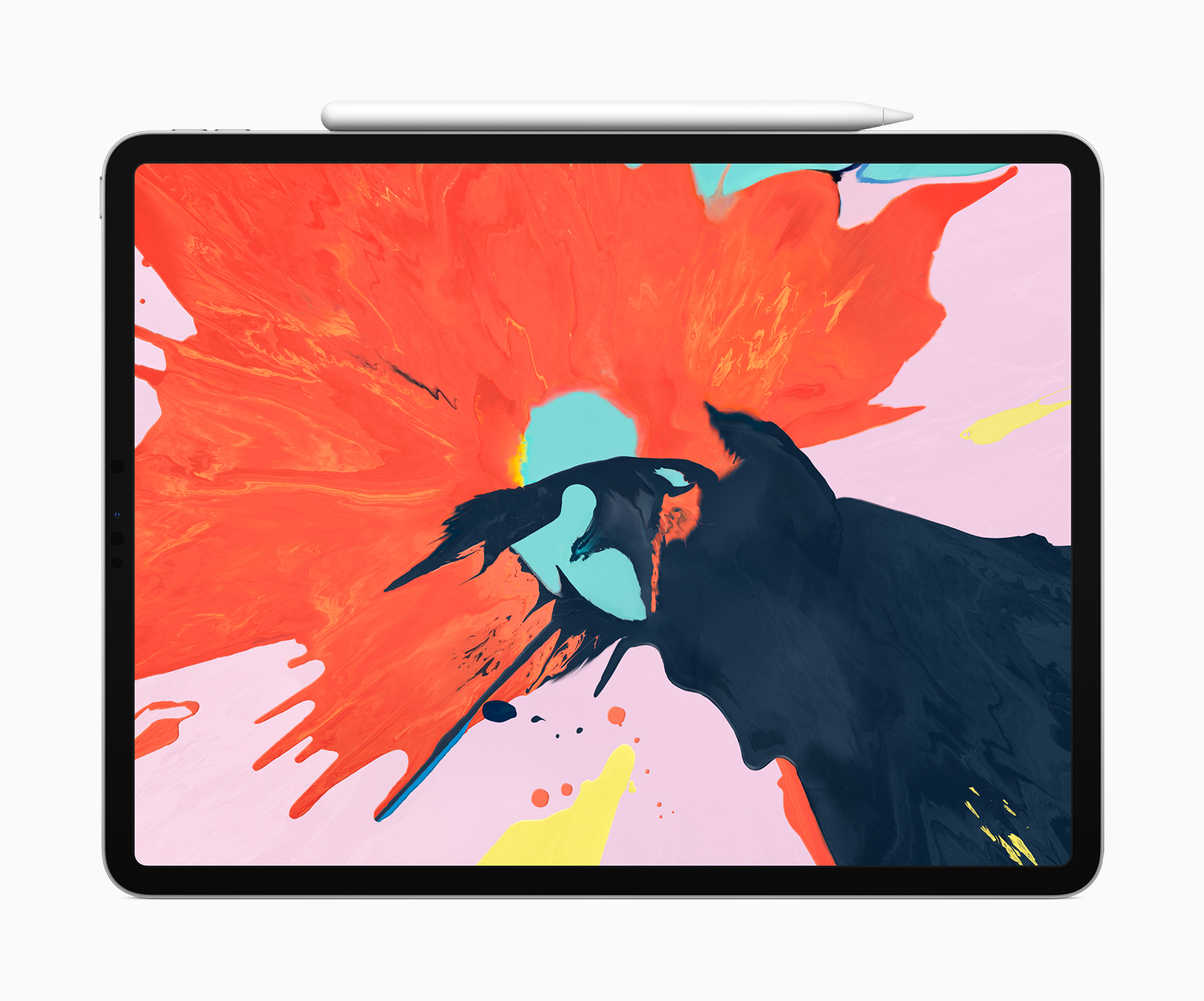
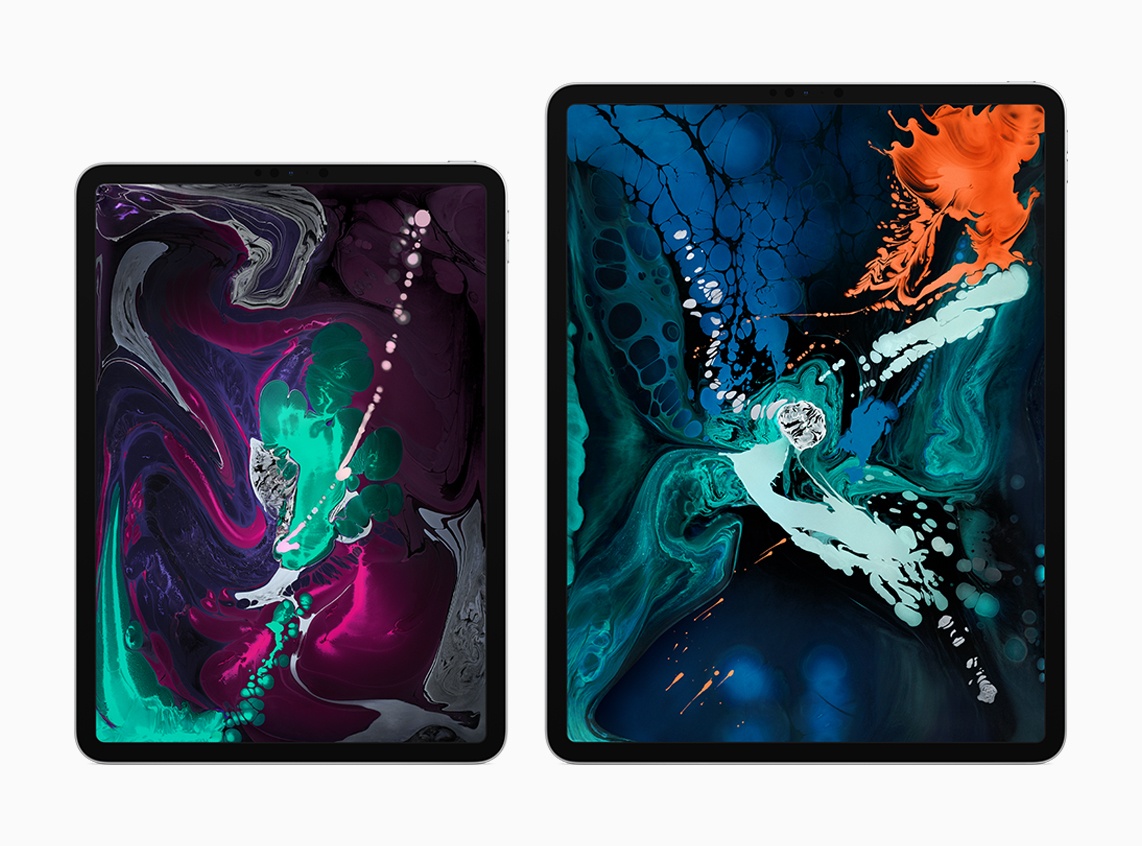
Today during its keynote event in Brooklyn, Apple took the wraps off the most radical change to iPad hardware since the first iPad Pro launched in late 2015. The new 12.9-inch and 11-inch iPad Pro models represent the iPad’s ‘iPhone X moment,’ bringing drastic changes to Apple’s tablet platform aimed at making the iPad an even more valuable tool for creation and productivity. While many of these iPad Pro changes are directly inspired by Apple’s iPhone efforts over the last 12 months, some represent new innovations entirely.

“The new iPad Pro is a huge step forward for powerful, creative, mobile computing; it has an all-new thinner design, speeds through projects with the super-fast A12X Bionic chip and unlocks with a glance using Face ID in any orientation — while you’re sitting or standing, with iPad Pro on your desk or lap, with the new Smart Keyboard Folio and new Apple Pencil,” said Philip Schiller, Apple’s senior vice president of Worldwide Marketing. “There has never been a mobile device anything like the new iPad Pro; it has a gorgeous edge-to-edge Liquid Retina display that curves into the corners, breakthrough performance that outperforms most laptops, Face ID, support for the new Smart Keyboard Folio and new Apple Pencil, advanced new cameras and sensors for the best AR experiences ever in any device, a high-speed USB-C connector, louder speakers, faster wireless and more, all packed into a thinner device that has all-day battery life and is 25 percent smaller in volume.”

Read more


Mac mini: The MacStories Overview

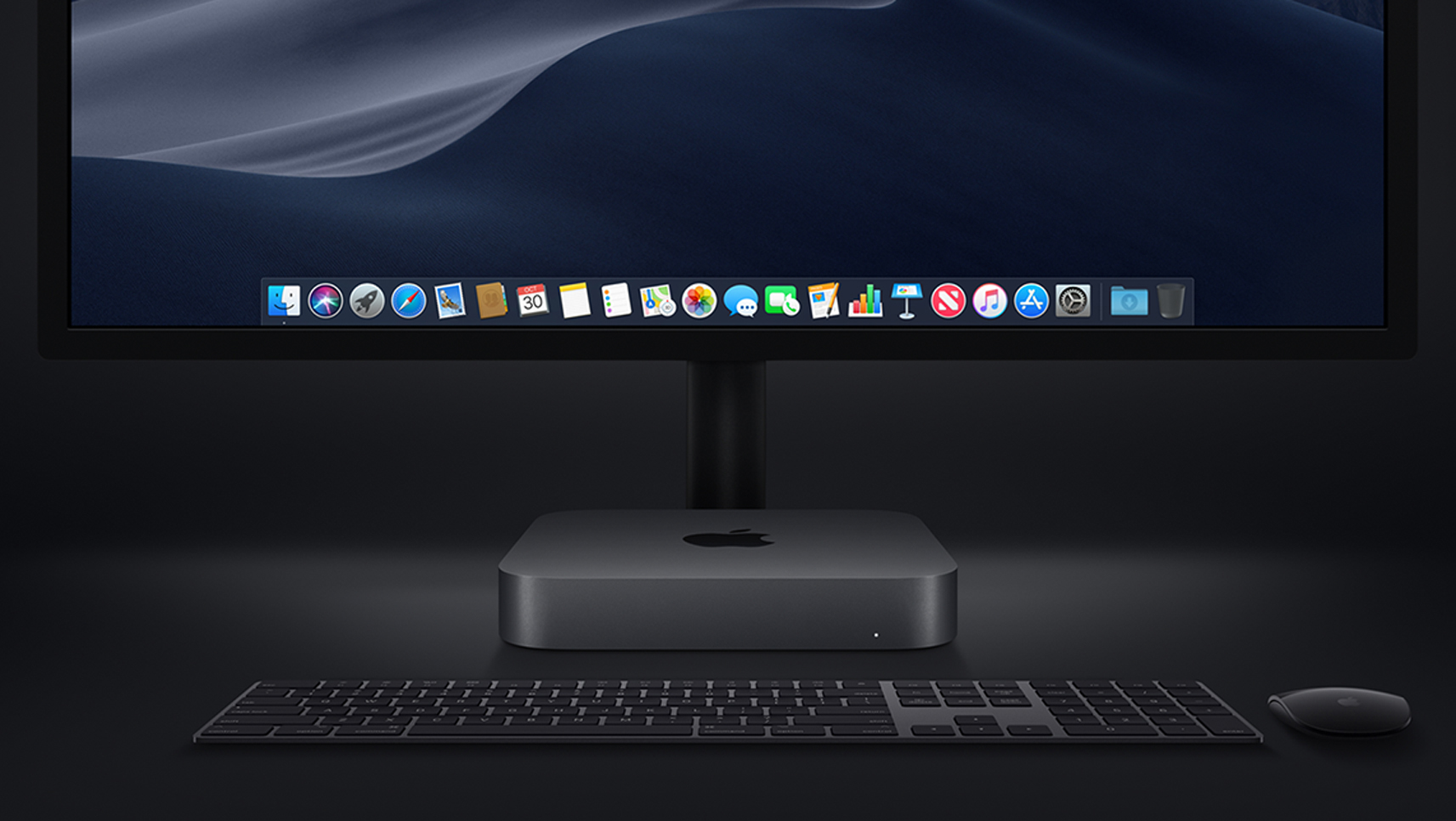
Tim Cook introduced the new Mac mini at the Brooklyn Academy of Music’s Howard Gilman Opera House by gesturing to the sky. What followed was a video titled ‘The Arrival’ depicting a Mac mini descending like a UFO from the nighttime sky into the desert, which turned out to be a nighttime wallpaper from Mojave, Apple’s latest macOS update. It was a fun introduction to a computer that was last updated in 2014, and many Mac users had predicted would be discontinued.

Read more


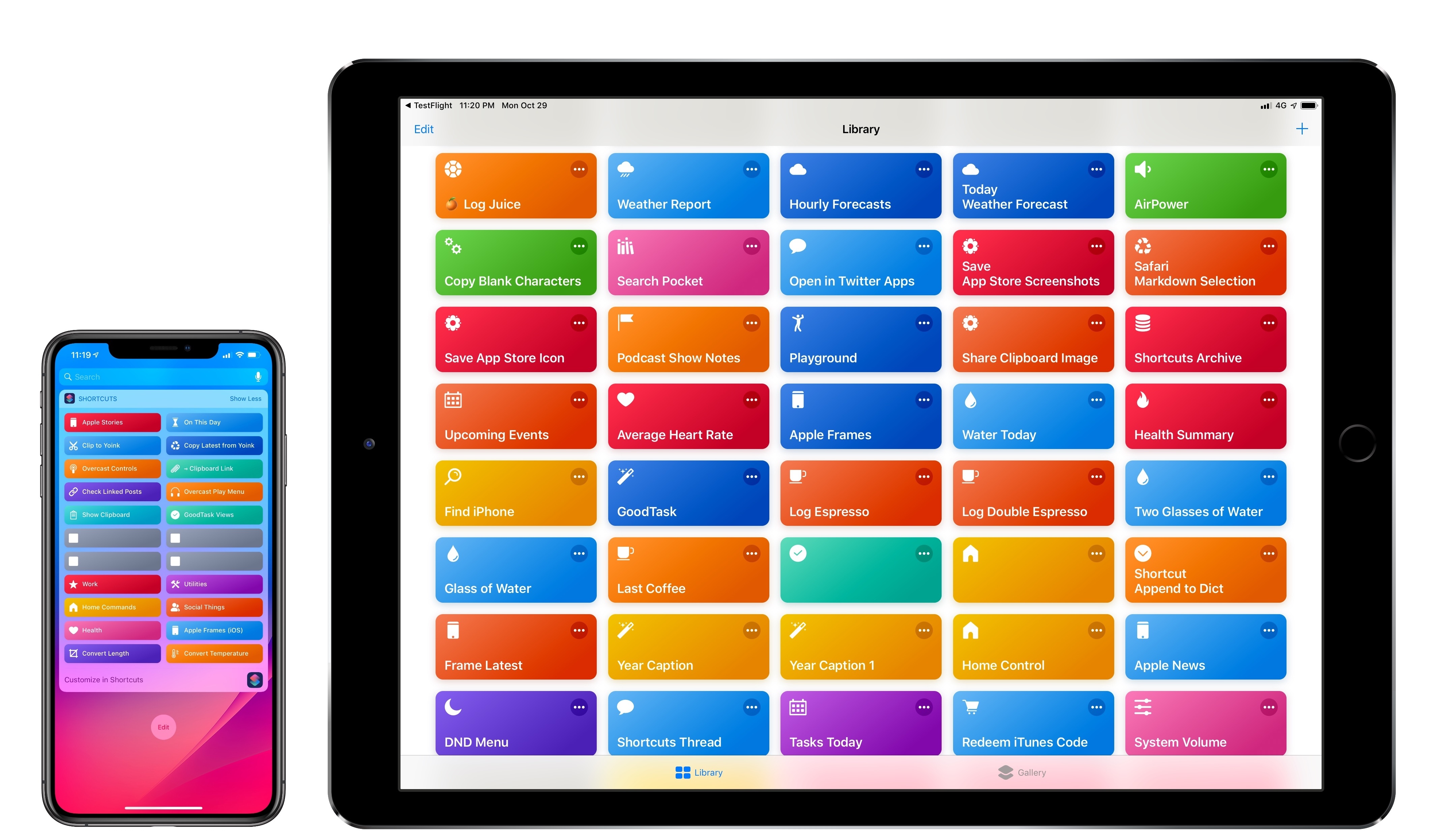
Shortcuts 2.1 Brings New Weather and Clock Actions, iCloud Sharing Improvements, and More

In a release that largely focuses on performance improvements and digital well-being tools to curb notification overload and smartphone addiction, Apple’s Siri shortcuts initiative in iOS 12 stands out as one of the most exciting developments in modern iOS history. Perhaps even more impressive than developers’ adoption of Siri shortcuts though has been the response to Apple’s Shortcuts app, which enables the creation of custom shortcuts that can integrate with apps, system features, and even Siri.

In addition to a thriving community that continues to prove how combining users’ imagination with automation can elevate iOS productivity, Apple itself has so far shown a remarkable commitment to the Shortcuts app by listening to the community and ensuring a smooth transition from Workflow. Traditionally, Apple’s App Store apps receive major updates then linger for months before the next big set of changes; with Shortcuts, Apple has kept the TestFlight beta channel active, pushing for the same development pace that characterized Workflow before its acquisition.

The result is Shortcuts 2.1, released today on the App Store with a variety of bug fixes, iCloud improvements, and, more importantly, new actions that integrate the app even more deeply with iOS 12. If you’re not familiar with the Shortcuts app, I recommending reading the dedicated section from my iOS 12 review first; if you’re an existing Shortcuts user and rely on the app for key aspects of your iOS workflow, let’s dig in and take a look at what’s new.

Read more


Apple Announces Release Dates for New iPad Pros, Macs, and iOS 12.1

Apple announced release dates for the new hardware unveiled during the keynote held at the Brooklyn Academy of Music’s Howard Gilman Opera House today and iOS 12.1. Here are the dates for each:

iPad Pros:

Pre-Order Date: Today
Ship Date and in stores: November 7th

iOS 12.1

Release Date: Today

MacBook Air

Pre-Order Date: Today
Ship Date and in stores: November 7th

Mac mini

Pre-Order Date: Today
Ship Date and in stores: November 7th


You can also follow all of our Apple event coverage through our October 30, 2018 hub, or subscribe to the dedicated October 30, 2018 RSS feed.


Replay Apple’s October 30, 2018 Keynote and New Product Videos

If you didn’t follow the live stream or announcements as they unfolded at the Brooklyn Academy of Music’s Howard Gilman Opera House today, you will be able to replay it on Apple’s Events site soon. You can also catch all the product videos on YouTube.

The keynote video will be streamed here and on the Apple TV using the Apple Events app. Also, a higher quality version should be made available soon through iTunes on the Apple Keynotes podcast.

Apple has posted new videos, including its product-reveals for the new iPad Pro, MacBook Air, and Mac mini on its YouTube channel too. You can find all those videos below after the break.


You can also follow all of our Apple event coverage through our October 30, 2018 hub, or subscribe to the dedicated October 30, 2018 RSS feed.

Read more


Halide Developer Ben Sandofsky Breaks Down How the iPhone XR Captures Depth Data

Ben Sandofsky from the team that makes the Halide iOS camera app has a detailed post on the iPhone XR’s camera and how Apple creates Portrait Mode photos with a single lens. Sandofsky walks through how Apple uses Focus Pixels to develop a rough Disparity Map and combines that with a Portrait Effects Matte to create Portrait Mode images.

The results have some advantages, but also distinct disadvantages compared to the iPhone XS’s camera. As Sandofsky explains:

It seems the iPhone XR has two advantages over the iPhone XS: it can capture wider angle depth photos, and because the wide-angle lens collects more light, the photos will come out better in low light and have less noise.

However:

…most of the time, the XS will probably produce a better result. The higher fidelity depth map, combined with a focal length that’s better suited for portraiture means people will just look better, even if the image is sometimes a bit darker. And it can apply Portrait effects on just about anything, not just people.

Although Apple’s Camera app can only take Portrait Mode photos of people on the iPhone XR, the upcoming Halide 1.11 update will combine the XR’s Disparity Map and Halide’s own blur effect to apply a similar effect beyond human subjects. Sandofsky admits that the feature isn’t perfect due to the low quality of the Disparity Map created by the XR, but the photos included in his post show that it can take excellent pictures under some conditions.

It’s remarkable what is being done to squeeze depth information out of the XR’s single lens and instructive to understand how the underlying technology works. It’s also apparent that Apple has made significant advancements since the introduction of the first dual-lens cameras.

Permalink

Daylite: Take Your Business Further with Mac CRM [Sponsor]

Daylite is different than most CRMs and that’s a good thing. Unlike other web-based CRMs that focus on customer relationships and sales, Daylite takes you further by going through the full customer cycle from closing the deal to finishing the project and it even allows you to access your information offline.

With all your team’s information in Daylite and accessible when you need it, your business runs smoother.

Daylite is specifically designed for Apple devices so you can integrate with Apple Mail on your Mac, and leverage features like Siri and Caller ID on your iPhone.

Daylite helps you and your team:

  • Remember when to follow up by setting tasks & reminders
  • Remember important details by tying emails, call and meeting notes to clients and projects
  • Keep track of all the moving pieces on a project with tasks, emails, and calendars all in one place
  • Streamline your sales and project processes with customizable pipelines and checklists
  • Improve team efficiency and make collaboration easy by having everything organized & searchable in one place.

From meeting prospects & winning business, to managing the moving pieces on projects so they’re done on time, all the way through following up for referrals and repeat business, it’s all done in Daylite.

Ready to take your business further? Start your free 30-day Daylite trial today!

Our thanks to Daylite for sponsoring MacStories this week.