
 MacStories Weekly: Issue 477
Podcast Rewind: Oasis at Wembley Stadium, Floating Sidebars, and Golf
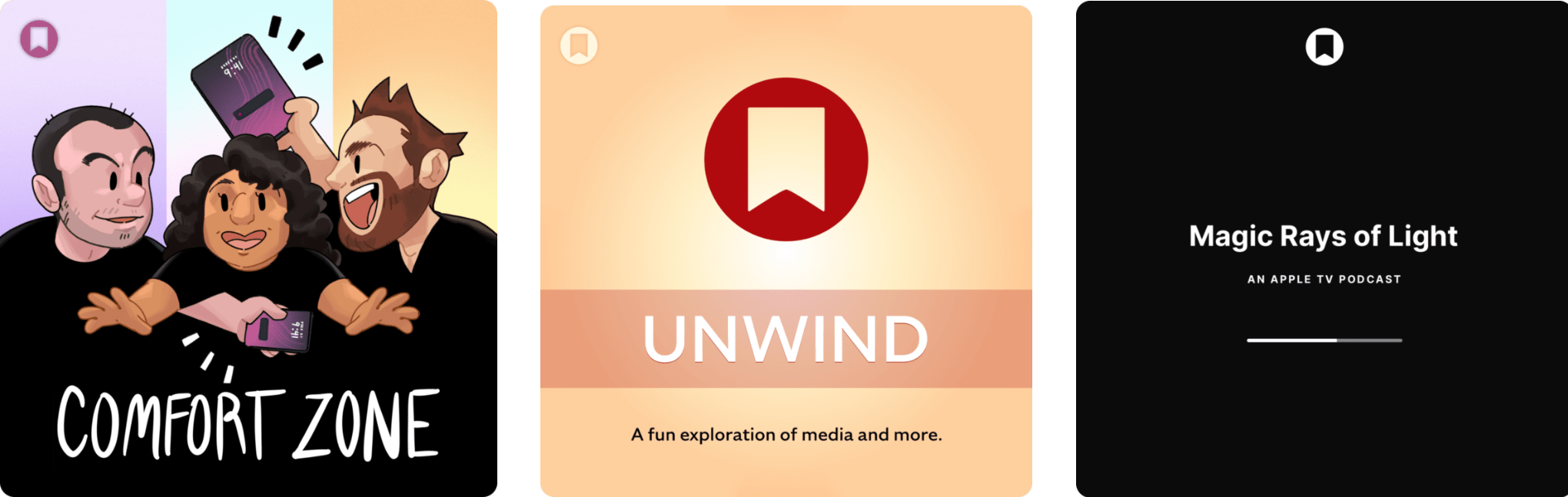
Enjoy the latest episodes from MacStories’ family of podcasts:
Comfort Zone






Niléane has to let loose on Liquid Glass, Chris runs into the arms of the iPad, and Matt challenges the gang to bring their hottest takes. An episode full of spice!
MacStories Unwind
This week, Federico recounts his trip to London to see Oasis play Wembley Stadium, and John recommends the new Fantastic Four movie plus a great deal on a classic comedy.
Magic Rays of Light
Sigmund and Devon preview the public beta of tvOS 26 and recap Apple Original comedy series Stick.
Apple Reports Q3 2025 Financial Results
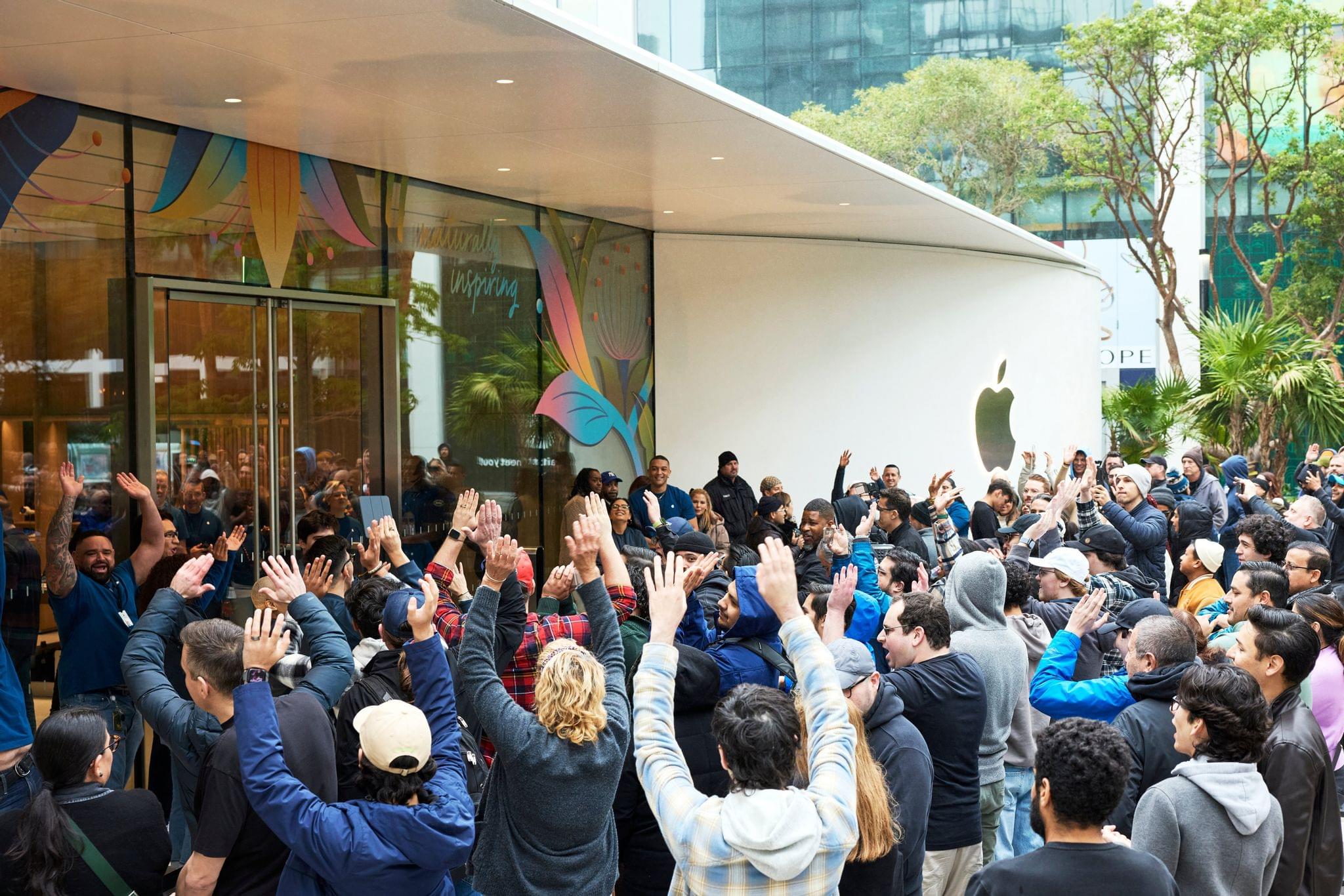
Apple’s third-quarter 2025 earnings are out and Apple reported revenue of $94 billion, a 10% year-over-year gain. The diluted earnings per share was $1.57 an 12% year-over-year gain.
Today Apple is proud to report a June quarter revenue record with double-digit growth in iPhone, Mac and Services and growth around the world, in every geographic segment. At WWDC25, we were excited to introduce a beautiful new software design that extends across all of our platforms, and we announced even more great Apple Intelligence features.
Going into today’s earnings, Reuters reported that the Wall Street consensus was for 4.2% growth in revenue to $89.34 billion, reflecting ongoing concerns over tariffs and the slow rollout of Apple Intelligence features.
Today’s results are substantially better than expected, led by double-digit gains for iPhone, Mac, and Services sales. Apple’s board of directors has authorized a $0.26/share dividend, too.
Monthly Log: July 2025
Thoughts on iPadOS 26: Hello, It’s Good to Be Back
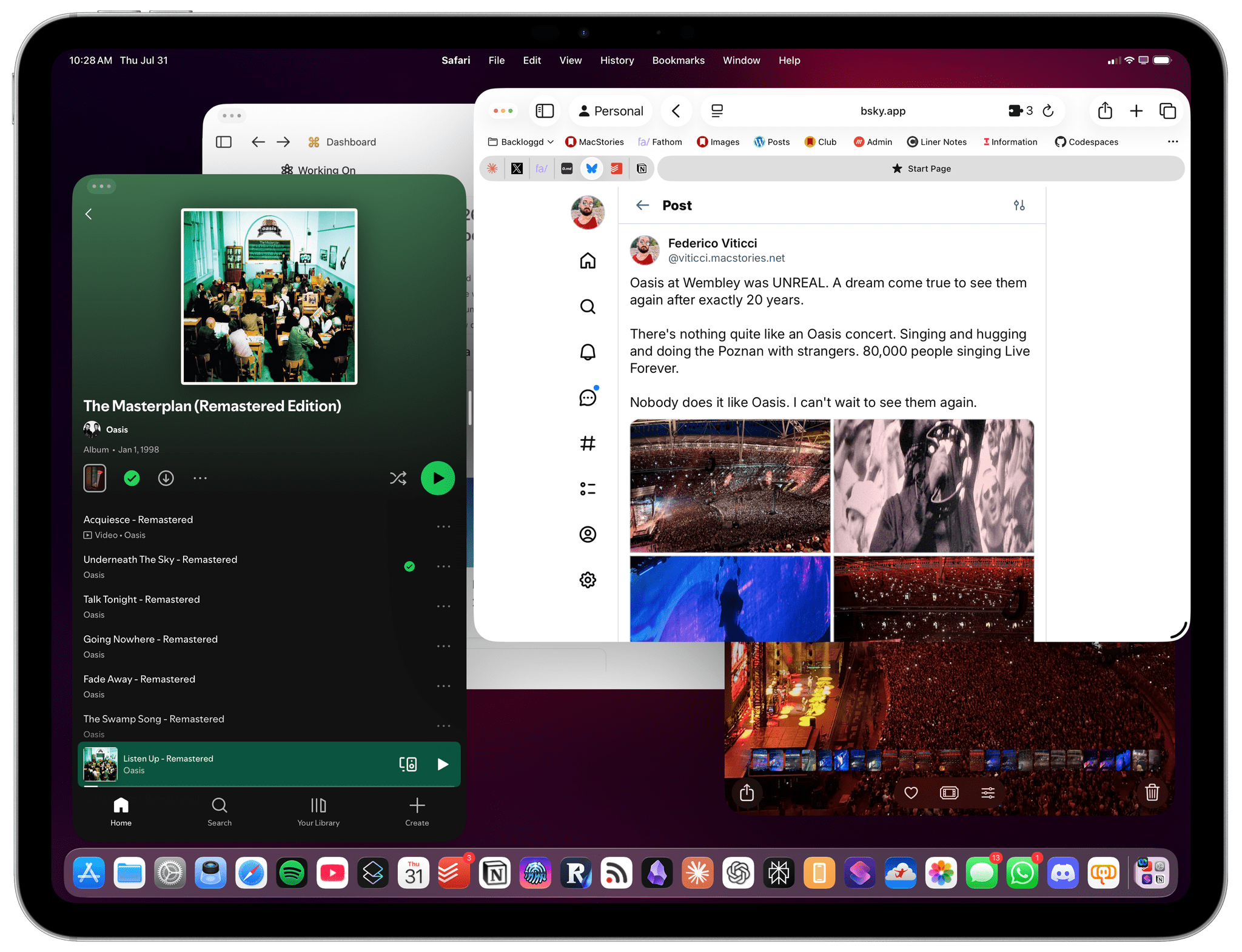
Apple released the first public betas of iOS and iPadOS 26 last week, and I’m going to cut to the chase with this story: although I’m still wrapping my head around Liquid Glass and trying to understand where this new design language will land, iPadOS 26 has fundamentally revolutionized my workflow in just a little over a month. While talking to Craig Federighi at WWDC, I did get the sense that Apple was approaching the iPad platform from a different – perhaps more humble – perspective, with a newfound willingness to listen to power users and find a better balance between the simplicity of the iPad and its flexibility. Actually using iPadOS 26, however, has far exceeded my expectations – which pushed me to completely rethink my desk setup (again) and the apps I use around the iPad Pro and iPadOS 26.
Conversely, I’ve been struggling to understand iOS 26 and the role of Liquid Glass. I’ve documented my issues with Apple’s new design with a variety of examples recently, but the truth is that at this point in the beta cycle, I don’t know what to write about Liquid Glass yet. For this reason, despite my many attempts to write this story over the past few weeks, I’ve decided to take a different approach.
Today, I only feel comfortable sharing my opinion about iPadOS 26, and I’ve chosen to delay my analysis of iOS 26 until later this year. I’ve found it incredibly challenging to form an opinion on Liquid Glass and iOS 26 when everything is still so in flux and being adjusted on a beta-by-beta basis. I feel like sharing what I think about Liquid Glass right now would be a fruitless exercise, or shortsighted perhaps, one way or another. Instead, since I find iPadOS 26 to be more of a known entity at the moment, I’ve decided to focus on that and how this software update is changing the way I work. The time will come for me to write about Liquid Glass and Apple’s vision for the future of its software design. Today, though, I’m all about the iPad.
It’s been an interesting month since WWDC. This year more than ever, I have a feeling that Apple isn’t done tweaking its OSes and much will continue to change between now and September. But for now, as always, let’s dive in.
macOS Tahoe: The MacStories Public Beta Preview
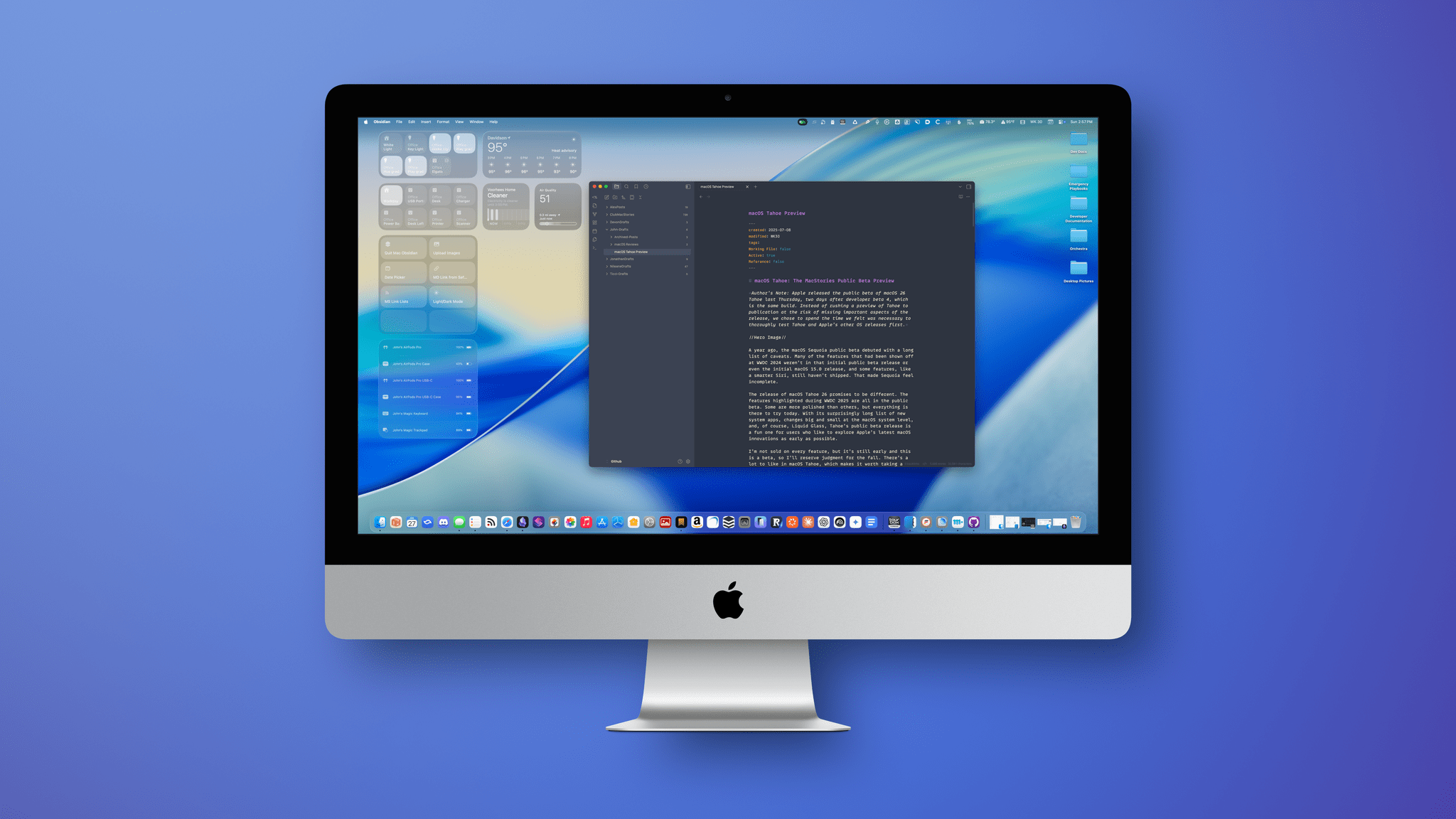
Author’s Note: Apple released the public beta of macOS 26 Tahoe last Thursday, two days after developer beta 4. Instead of rushing a preview of Tahoe to publication at the risk of missing important aspects of the release, I chose to spend the time necessary to thoroughly test Tahoe first.
A year ago, the macOS Sequoia public beta debuted with a long list of caveats. Many of the features that had been shown off at WWDC 2024 weren’t in that initial public beta release or even the initial macOS 15.0 release, and some features, like a smarter Siri, still haven’t shipped. That made Sequoia feel incomplete.
The release of macOS Tahoe 26 promises to be different. The features highlighted during WWDC 2025 are all in the public beta. Some are more polished than others, but everything is there to try today. With its surprisingly long list of new system apps, changes big and small at the macOS system level, and, of course, Liquid Glass, Tahoe’s public beta release is a fun one for users who like to explore Apple’s latest macOS innovations as early as possible.
I’m not sold on every feature, but it’s still early, and this is a beta, so I’ll reserve my final judgment for the fall. However, there’s a lot coming in macOS Tahoe, which makes it worth taking a closer look at today, so let’s dig in.
Podcast Rewind: Videogame Companion Apps and Handheld Homework

Enjoy the latest episodes from MacStories’ family of podcasts:
AppStories
This week, John is joined by Brendon Bigley to explore the wide world of videogame companion apps from media trackers to game-specific companion apps.
On AppStories+, John and Brendon dig into 16 years of App Store history to compile a list of games that have defined gaming on the iPhone.
NPC: Next Portable Console
This week, Brendon and John cover the ONEXSUGAR Sugar 1 dual-screen handheld, Sony’s power-saving and controller updates, and the latest ES-DE update for Android. Then, John reports back on the MagicX Zero 40 homework that Brendon gave him last week.
On NPC XL, Brendon and John revisit two handhelds from the past year. Brendon explains why he loves the Ayn Odin 2 Mini even more than ever, and John rediscovers the AYANEO Pocket Micro in all of its overpowered glory.

watchOS 26: The MacStories Public Beta Preview
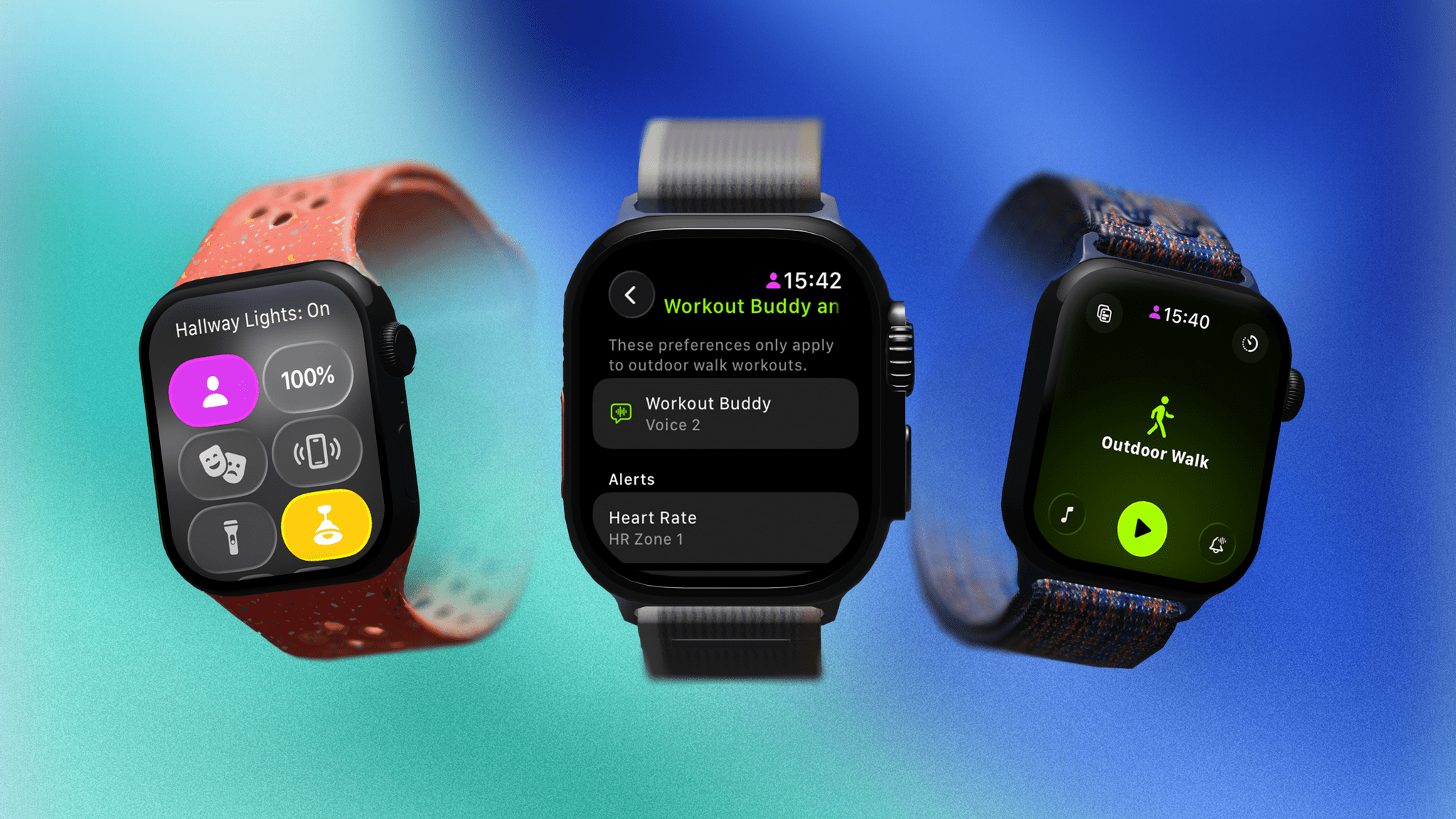
Author’s Note: Apple released the public beta of watchOS 26 last Thursday, two days after developer beta 4. Instead of immediately publishing a preview of watchOS 26, I took the time to review the OS again to ensure my preview accurately reflected the version released as a public beta.
Last year, watchOS 11 emerged from the bumpy launch of Apple Intelligence completely unscathed due to the fact that it included precisely zero AI features. Instead, what Apple Watch users got was a fully formed OS update that took some big swings in addition to refining many areas of the Apple Watch experience. It was a good year with notable updates across the system, particularly when it came to the Smart Stack and health and fitness features.
It’s unfortunate, though perhaps not surprising, that this year’s new watchOS release – dubbed version 26, like its OS brethren – is what might be considered a quiet year. However, after living with the beta for over a month, I’m happy to report that while there aren’t any substantial new features, there are still clever flourishes here and there that make my daily use of the Apple Watch more enjoyable.
Here’s a preview of what you can expect from watchOS 26.
Folio: A Promising Read-Later App with a Strong Foundation
I’ve been using read-it-later apps since before I had an iPhone. For those of us who were Wi-Fi-only iPod touch users before owning iPhones, apps like Instapaper were great for reading on the go.
Like in those early days, the read-later universe is once again hyper-competitive, with a lot of relatively new entrants such as Matter and Readwise Reader. That’s led to other apps shutting down. ElevenLabs bought and closed Omnivore, and most recently, Pocket, which debuted ages ago as Read It Later and was eventually acquired by Mozilla, shuttered.
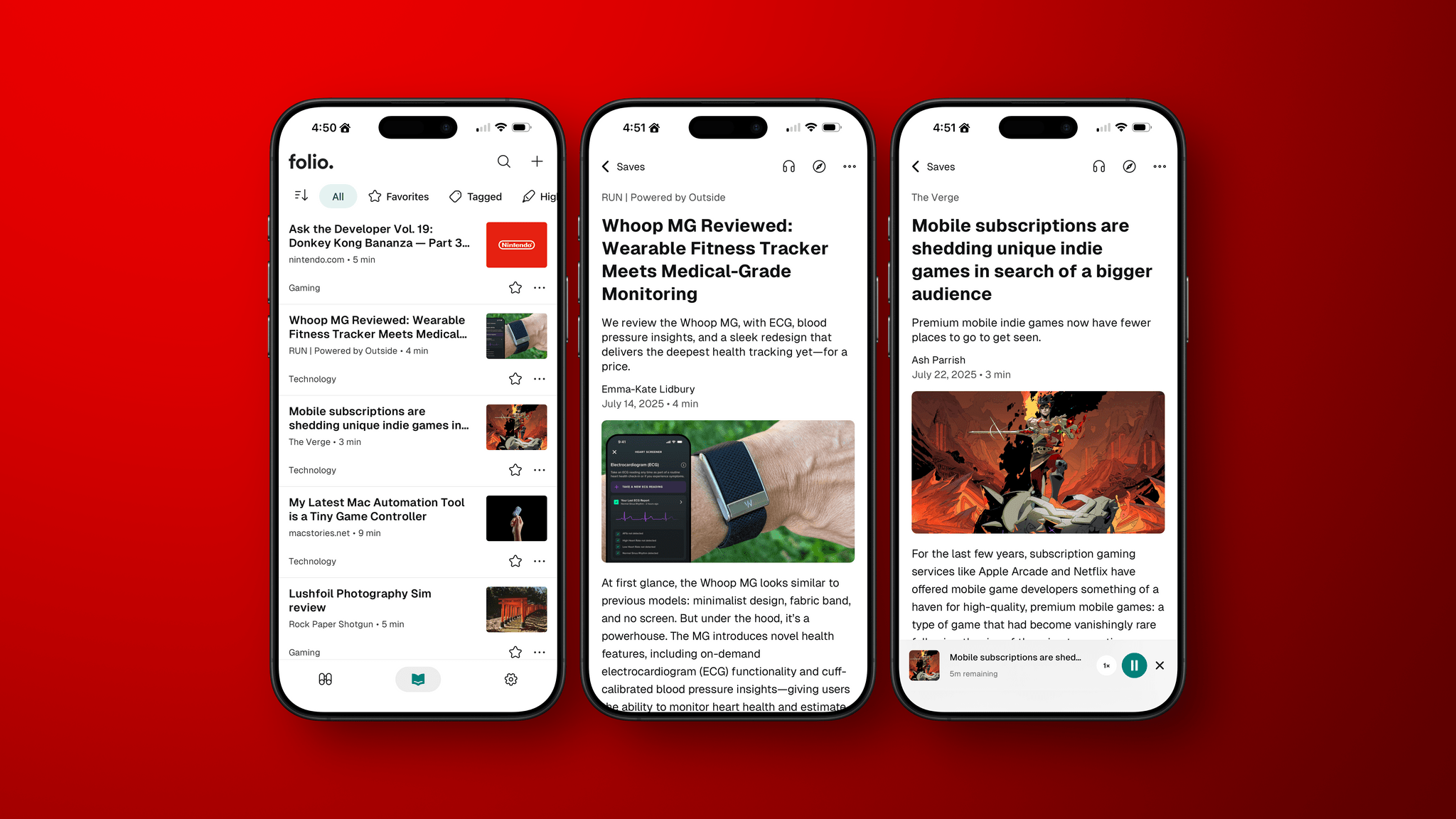
In the wake of Pocket’s demise, Nick Chapman, who used to work on Pocket, and the team at Less is Better debuted Folio, a new read-later app for the iPhone, the iPad, Android, and the web that they say is designed to capture the essence of Pocket. I used Pocket on and off over the years but always considered it a step behind alternatives, so my expectations for Folio weren’t high.
Still, I was curious to see what Folio had to offer, especially because it must have been put together very quickly in order to be launched as Pocket shut down. Despite my initial reservations and some gaps in the app’s functionality, the Folio team has laid a great foundation with an excellent reading experience that’s worth keeping an eye on.