Take Your Business Out Of The Dark With Daylite [Sponsor]

For small businesses, it can be difficult to stay on top of clients, leads, and projects that are evolving every day. Here’s how Daylite can help supercharge your team to shine brighter, handle more clients, close more deals, and execute more projects. Designed for Mac, iPhone, and iPad exclusively.

Daylite empowers small businesses by improving team efficiency and making collaboration easy—everything is organized, searchable, and accessible (even offline). You can easily access information and segment data tailored to your specific client’s history. You can manage and share everyone’s schedules, project status, and next steps. 

Seamless Apple Integration

Daylite is the only Mac CRM and productivity app that integrates with Apple devices and most of the built-in Apple apps and features, like direct Apple Mail integration. You and your team can capture all email communication in one place and create opportunities, appointments, and tasks right from your Apple Mail. 

Linking 

Its linking capability is what makes Daylite shine. You can link emails, notes, tasks, projects, appointments, and other records to existing contacts in Daylite. This enables teams to quickly and clearly view an organization’s structure and access the information they need in a unique way. 

CRM + Project Management

Daylite’s productivity-focused design helps you and your team get more done throughout the full customer lifecycle. From meeting prospects and winning business to managing the moving pieces on projects, all the way through to following up on referrals and repeat business, it’s all done in Daylite. 

If you live by the Mac, you’ll love Daylite. Start your free 30-day Daylite trial today!

Our thanks to Daylite for sponsoring MacStories this week.


MacStories Unwind: Elden Ring and Kimi

AppStories+ Deeper into the world of apps
0:00
24:01

AppStories+ Deeper into the world of apps


This week, Federico shares why he’s enjoying Elden Ring so much, and John recommends Kimi, an HBO Max thriller with a tech twist.

Apple’s Upcoming ‘Peek Performance’ Event

On March 8th at 5:00 pm Eastern US time, we’ll be holding a live audio Town Hall in the Club MacStories+ and Club Premier Discord community. Join Federico, Alex, and me for reactions to the day’s events and to ask any questions you may have. More details about the Town Hall are available in the Announcements channel on Discord.

Federico’s Pick

John’s Pick:


Apple Announces March 8th Online Event

As tweeted by Federico, Apple has announced an online media event for March 8th, 2022 at 10:00 am Pacific:

Based on the latest speculation and rumors, Apple is expected to introduce a revision of the iPhone SE and iPad Air. Other announcements could include the base-model iPad, which has historically been revised in the spring, and new Apple silicon Mac minis.

Of course, MacStories readers can expect comprehensive coverage on MacStories and AppStories, which will extend to Club MacStories too.


You can follow all of our ‘Peek Performance’ Apple event coverage through our event hub, or subscribe to the dedicated RSS feed.


OutlineEdit 3 Offers a Fast, Keyboard-Driven Way to Outline Your Thoughts

One of my earliest MacStories reviews was of OutlineEdit 1.0, a Mac-only outlining app that caught my eye with its attention to the kind of details that are a must for creating carefully structured outlines quickly. Version 3.0 recently landed on the Mac App Store and at its core, OutlineEdit is just as capable as ever at effortlessly turning ideas into outlines. The changes introduced with version 3.0 include refinements to existing features, as well as a handful of new features that extend OutlineEdit’s capabilities. Let’s take a look.

Read more


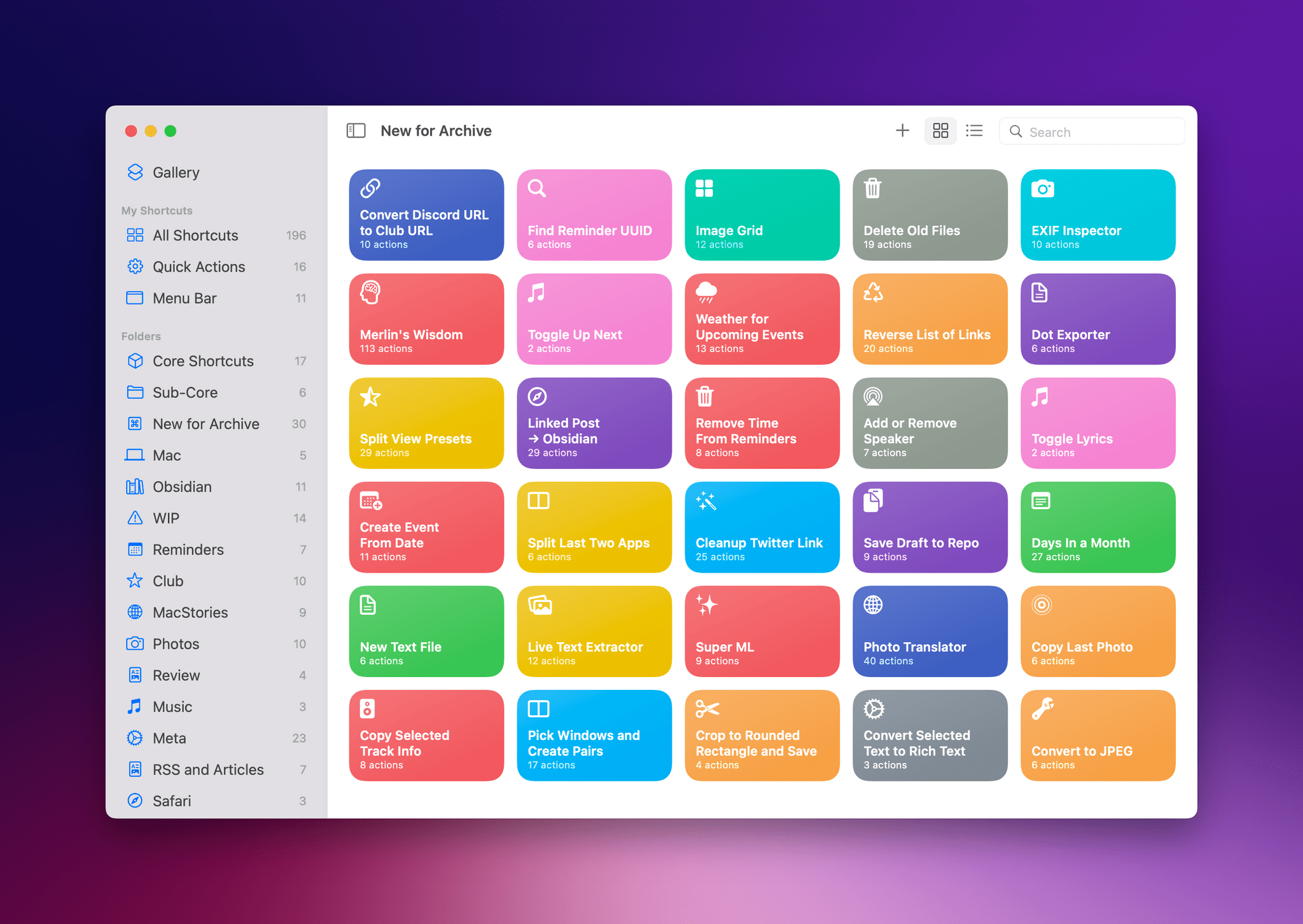
Last Week, on Club MacStories: Voting on the Next AV Club Pick, a Tip for Avoiding Accidental Lock Screen Activations, Utility Shortcuts for Mac, and a New Episode of Unplugged

Because Club MacStories now encompasses more than just newsletters, we’ve created a guide to the past week’s happenings along with a look at what’s coming up next:

AV Club Voting Begins

Don’t forget to vote for the latest AV Club pick in the Club MacStories+ Discord. Head to the Announcements channel for the details and to vote for one of the following four choices:

We’ll discuss the videogame or show selected as a community with a live Discord Town Hall event that is tentatively set for March 15th. For those unable to join live, we’ll publish the conversation to the Club MacStories Town Hall podcast feed after the event, as we did earlier this month for the Matrix movie series.

AV Club is a monthly event held in the Club MacStories+ Discord community. Club members vote on a movie, TV show, videogame, book, or music to enjoy as a group. It’s like a book club, but for all kinds of media. Our Discord community is one of the many perks for Club MacStories+ and Club Premier members.

MacStories Weekly: Issue 309

New Club MacStories+ and Club Premier Discount

Typefully is a beautifully designed Twitter utility for writing, scheduling, and publishing tweets and threads from the makers of Mailbrew.

Club MacStories+ and Club Premier members can get 30% off on their first year’s subscription to Typefully by visiting the Club Discounts page.


Tweetbot 7.1 Adds Background Notifications for Follows, Quotes, and User Tweets

A tweet notification from Tweetbot. This one took about four minutes to arrive – not too bad considering they're not based on push notifications.

A tweet notification from Tweetbot. This one took about four minutes to arrive – not too bad considering they’re not based on push notifications.

We’ve been keeping an eye on Tapbots’ rapid development pace for Tweetbot on iPhone and iPad over the past few months (we gave Tweetbot 6 a MacStories Selects award in December), and I continue to be impressed by how Tweetbot is growing and adding new features thanks to its new business model and Twitter’s new API.

In today’s 7.1 update, Tweetbot has gained support for background notifications. These notifications, unlike push notifications, are managed by iOS/iPadOS’ background app refresh system, which comes with some benefits and limitations that Tapbots has outlined here. In terms of why this matters for users, background notifications alllow Tweetbot to support notifications for more types of activities: you can now enable notifications for new followers, people who quote one of your tweets, and – my favorite – new tweets from a specific user. The latter can be enabled on a user’s profile page (pictured below) or by long-pressing someone’s profile picture in the timeline.

Enabling notifications for specific users.

Enabling notifications for specific users.

Being notified when a specific user tweets was one of the features I was missing from the official Twitter app, so I’m glad Tapbots figured out a way to add it to Tweetbot. Since Tapbots’ system is based on Apple’s background app refresh technology and they can’t control the timing of notifications, Tweetbot’s version of these alerts won’t likely be as immediate as the Twitter app, but that’s fine as long as I get a list of new tweets from specific users.

I look forward to testing these notifications over the next few days. Tweetbot 7.1 is available on the App Store for iPhone and iPad; hopefully, we won’t have to wait much longer for Tweetbot 7 to arrive on macOS too.

Permalink