Apple Updates Magic Keyboards

Source: Apple.

Source: Apple.

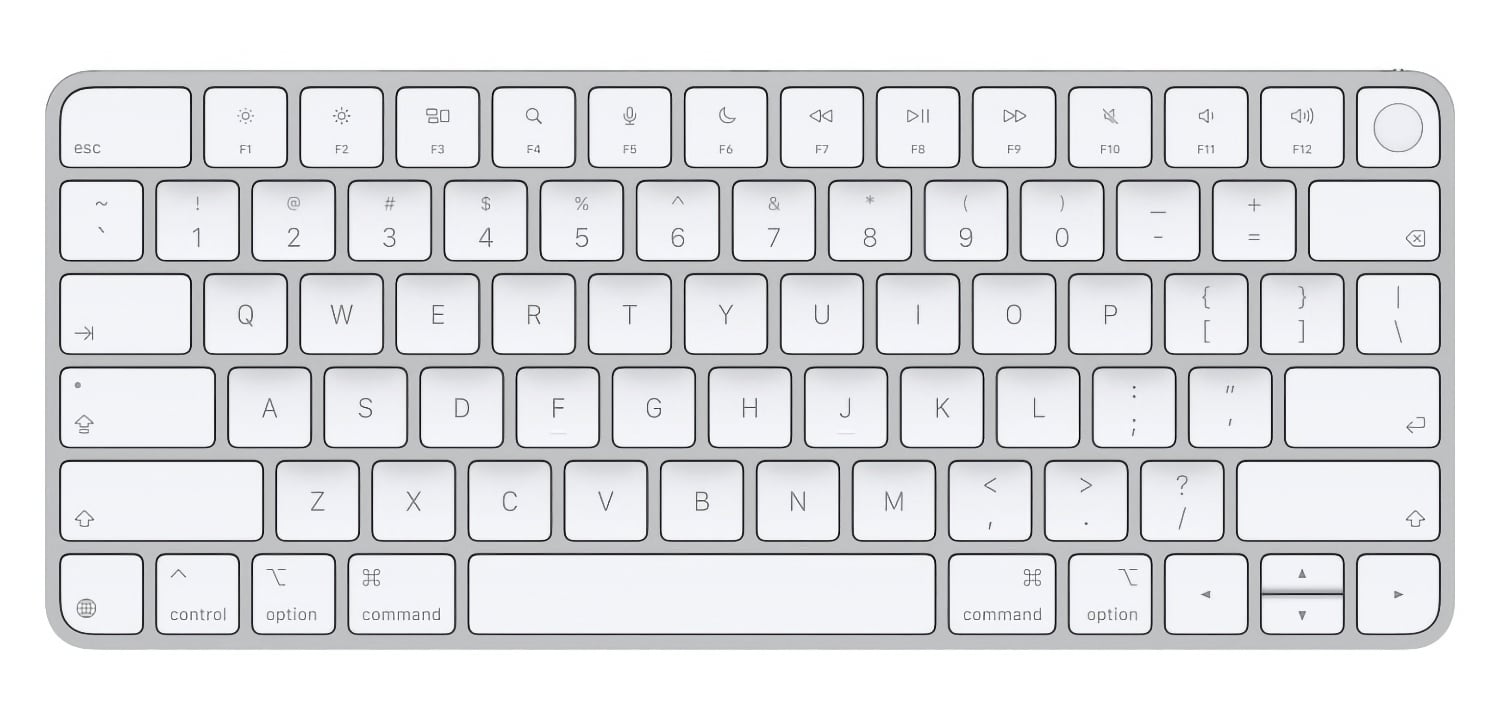
Earlier this year, Apple swapped the text on some of its laptop keyboard keys for glyphs. MacRumors reports that the trend has now spread to four of the company’s Magic Keyboard models:

On the new keyboards, the tab, caps lock, shift, return, and delete keycaps are labeled with glyphs rather than edge text.

The keyboards with numeric pads get even more glyphs than the more compact models.

It’s a small change, but I like it. I burn through keyboards pretty fast with the amount of typing I do, and these come just in time to replace the Magic Keyboard on I use with my Mac Studio that has a slowly disappearing “A” key.

Permalink

Apple Announces New M6 and M5 Pro Mac minis, Along with M5 Max and M5 Ultra Mac Studios

Source: Apple.

Source: Apple.

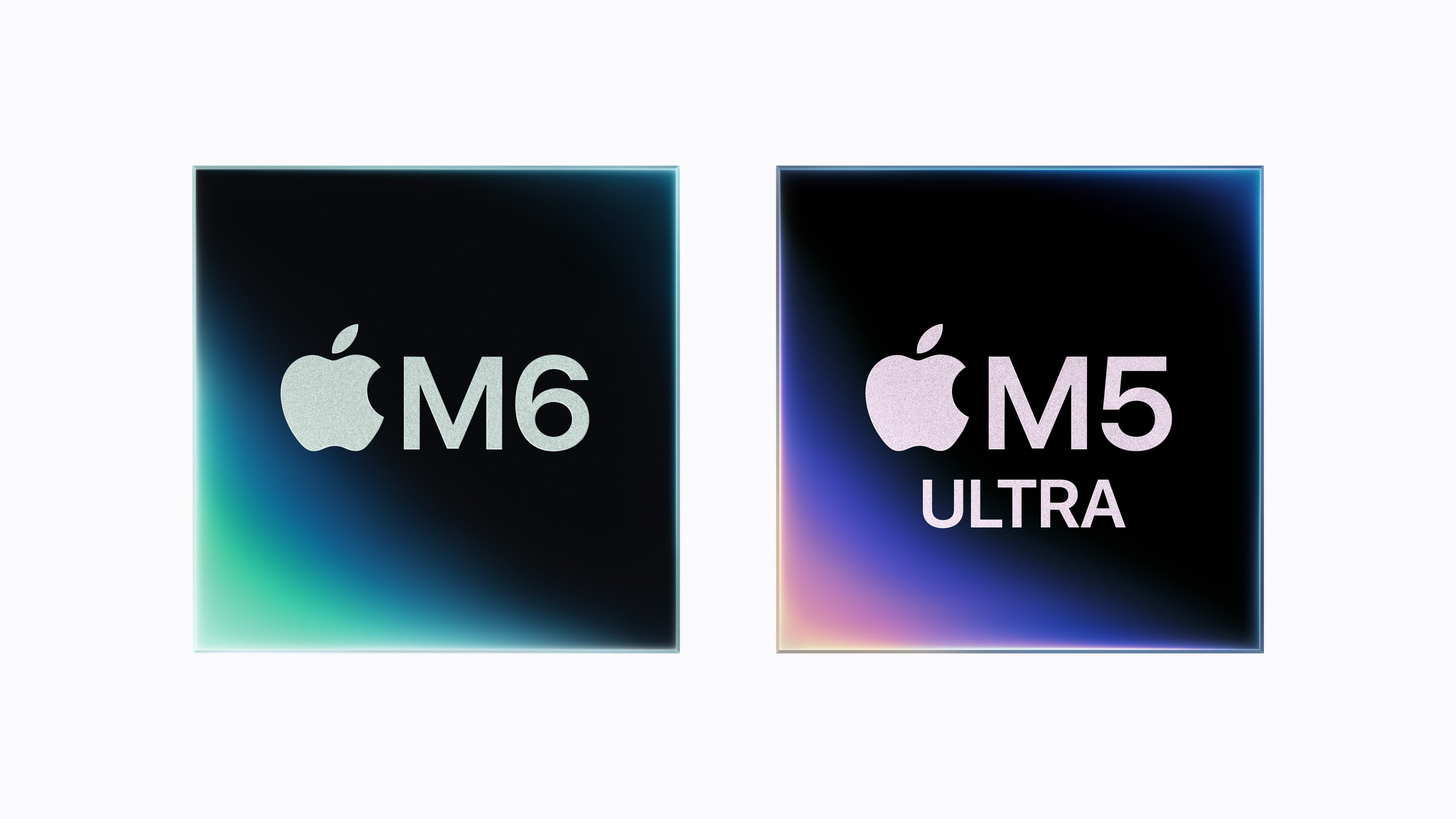
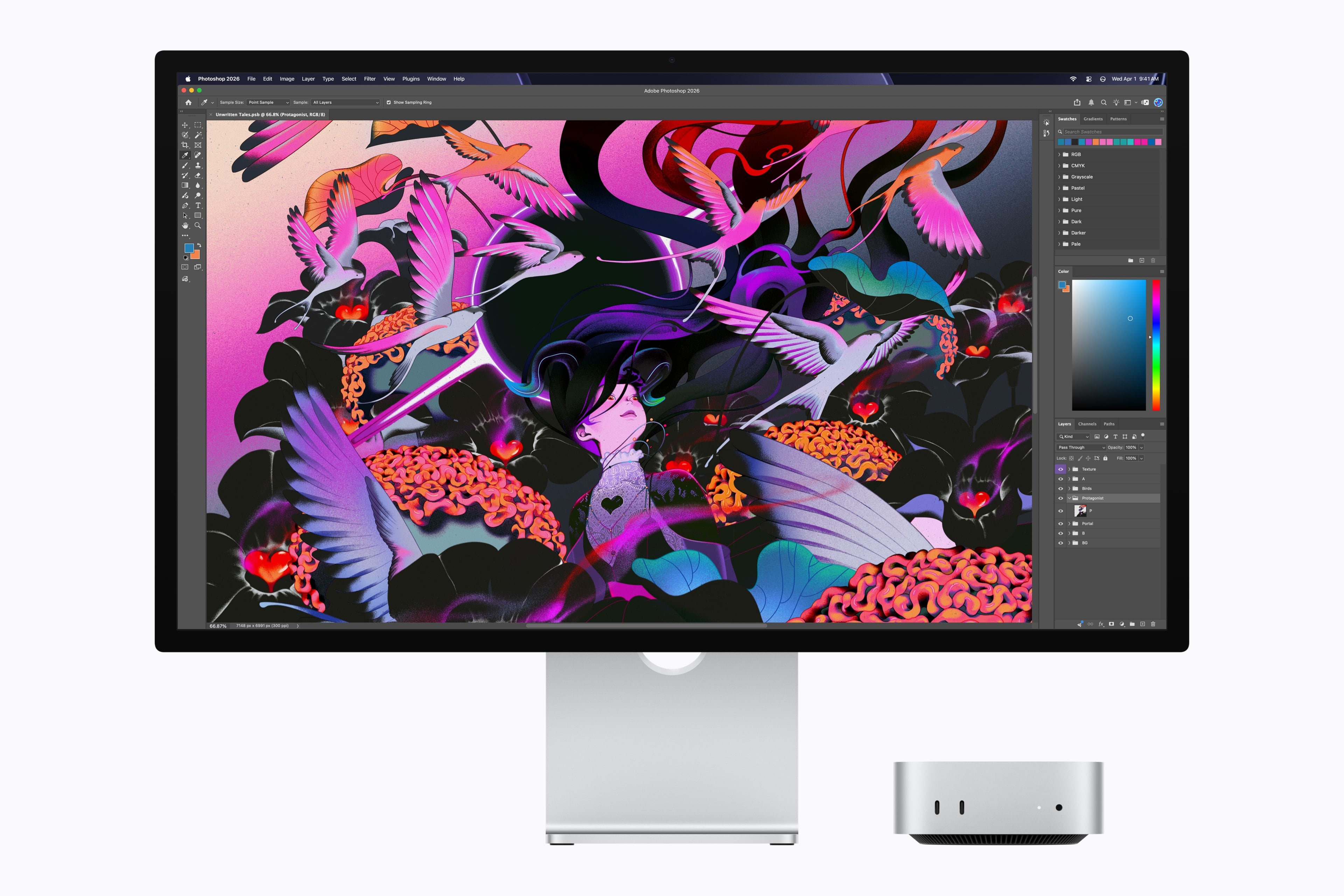
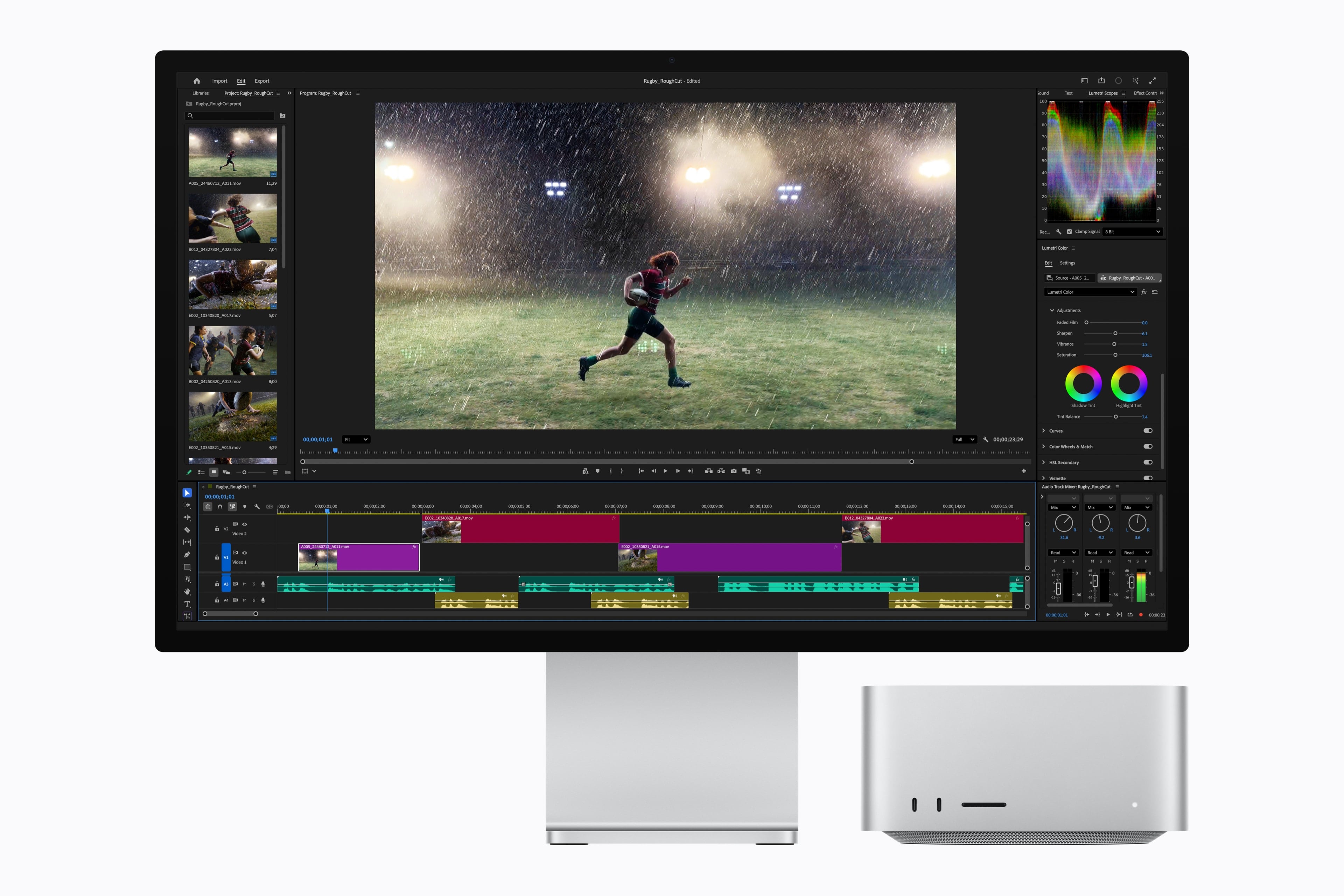
Today, Apple announced a new M6 chip that will debut in the Mac mini and an M5 Ultra that is coming to the Mac Studio. The company also announced an M5 Pro Mac mini and an M5 Max Mac Studio. Let’s take a look at the headline specs.

The headline feature of the M6 chip is that it’s Apple’s first 2-nanometer chip. The chip also includes “a larger 12-core CPU complex with the world’s fastest CPU core, a larger 12-core GPU with Neural Accelerators, a Dual 16-core Neural Engine, and up to 170GB/s of unified memory bandwidth.”

Looking more closely at the M6, Apple says it consists of two super cores, four performance cores, and six efficiency cores and is 1.2x faster in multithreaded performance than an M5 and up to 2.4x faster than an M1. Apple says the GPU delivers nearly 30% more peak GPU compute for AI than the M5. The M6’s 10% faster memory bandwidth will help with AI tasks, too, but its 32GB memory ceiling will limit which models can run locally.

Source: Apple.

Source: Apple.

The M6 mini’s GPU sounds impressive, too, with two more cores, Neural Accelerators for each core, which is a first for the mini. According to Apple, that leads to an up to four-fold increase in AI performance and a 2x graphics bump compared to the M4 mini. The Neural Engine has also been improved.

Apple also introduced an M5 Pro mini. It’s understandable if you find it confusing that the base model Mac mini has a more recent generation chipset than the more expensive model. What matters more than the chip generation is the “Pro” in M5 Pro, which makes it more capable than the M6, which has been designed for entry-level models. The same sort of asymmetry occurred with the 2025 Mac Studio, which included an M4 Max model alongside the M3 Ultra. A big part of that difference is the M5 Pro mini’s support for 64GB of memory (double the M6 version’s top memory spec) and its 307GB/s of memory bandwidth compared to the M6 model’s 170GB/s memory bandwidth.

Source: Apple.

Source: Apple.

As for the M5 Ultra, which debuts in the Mac Studio, it sounds like a beast. According to Apple, the chip uses a next-generation version of its UltraFusion technology, resulting in a quad-die architecture for the first time in an Apple silicon chip. In addition, the M5 Ultra features an “up-to-36-core CPU and up-to-80-core GPU with a massive 1.2TB/s of unified memory bandwidth, 50 percent more than M3 Ultra.”

Read more


Defining an “Agent Harness”

I’ve recently been asked to explain what an “agent harness” is (particularly after I wrote about my favorite app of the year so far, Open Minis). I realized it was one of those concepts I could understand intuitively but not quite articulate. Thankfully, other people have done a better job of explaining it than I have.

Drew Breunig calls them “situated agents”:

Harrison Chase once excitedly shared an insight that agents are comprised of 4 things: a system prompt, a planning tool, a file system, and subagents. In the year-plus since he said that, I think this remains largely true. (Though you might tweak it to have general tools, etc.)

[…]

Imagine the simplest coding agent, and you at the keys. Let’s slowly zoom out and consider all the elements the harness can manage:

  1. The Session: The current task and context, as both a trajectory and a durable, branchable log. You can zoom backwards, fork, and replay it.
  2. The Environment: The instance, defined as a sandbox, terminal, worktree, computer, and/or container.
  3. The Repo: The project. Versioned with Git, it contains your code, history, current work, AGENTS.md, guides, and hooks.
  4. Memory: The person’s predilections, accrued over time, managing progress and past decisions.
  5. Skills: The domain, artifacts describing reusable workflows or domain knowledge worth wielding in this situation.
  6. The Team: Your colleagues and counterparts. Shared rooms, shared traces, project tracking tools, issues, and bug reports.
    • The Organization: The policies and audits, defined by legal, leadership, and procurement.
    • The Model: The LLMs themselves, the common artifact shared by all. Stochastic blobs we all poke trying to evoke positive outcomes. Log or train on their quirks and adjust.

I also thoroughly enjoyed this explanation and excellent visualization by Ted Spare, Dexter Storey, and Sarim Malik, writing for Rubric Labs:

A harness is the software that translates a model into a system that can affect its environment.

[…]

Functionally, a harness makes a model agentic, meaning it can take action.

And:

As coding agents begin to run for longer, and deploy more intelligence through dispatch, they are owning larger and more complex problems end to end, and the developer is less in the loop to steer the agent. The value of high quality planning increases as agents implement the plans more autonomously. Harnesses like Claude Code and Codex ship with a native planning mode, where the agent must first create a detailed Plan.md file with feedback from the user before executing. These harnesses then place a reference to the plan and the todo list into a top level state (system prompt) so that the agent doesn’t forget what it’s working on across long runs.

Given the multi-model, hybrid structure of the new Siri AI, we should probably assume Apple also made a lightweight “Siri harness” to aid the on-device orchestration of the entire system.

Permalink

Apple Music to Launch Labels on AI “Songs”

Ethan Millman, writing for The Hollywood Reporter:

Apple Music will soon launch labels on songs created with artificial intelligence, the company said in an email sent out to industry partners on Thursday.

In the email, obtained by The Hollywood Reporter, the streaming service said that AI music labels will come “later this year,” though Apple Music didn’t disclose a specific launch date.

The new labels come months after Apple Music launched transparency tags back in March, available for record labels and music distributors to disclose when content uploaded was “materially generated using AI.”

Good. As much as I enjoy working and tinkering with AI, AI “music” falls squarely in the category of AI implementations I do not understand and cannot even be remotely interested in. Perhaps I’m old-fashioned, but what’s the point of listening to “music” performed by something you can’t see live on a stage, or that you know has never lived a real life? (Obviously we can’t see The Beatles or Beethoven perform live today, but we know they were real humans with real motivations behind their work.)

If you ask me, AI music shouldn’t even be allowed on streaming services, but I suppose it’s too late to fix that problem by now. Hopefully Apple will also include a system-level toggle to permanently hide AI “music” from Apple Music’s UI, too.

Permalink

Jungle Shot 11 Music Videos in Four Days with Apple Creator Studio

Source: [Apple](https://apps.apple.com/us/story/id6788556021).

Source: Apple.

Today, Jungle released their fifth studio album, Sunshine. Alongside the release, Apple published a look at how the band used Apple Creator Studio to film 11 music videos in just four days, an impressive feat no matter the technology used.


Source:
Apple.

The band’s toolbox included Logic Pro, Final Cut Pro, and Pixelmator Pro to capture the series of signature one-shot take videos. According to the App Store feature on the band’s process, Logic Pro was where the entire album was produced. The app’s Varispeed feature was also used to shift the tempo of songs while maintaining pitch as they shot the videos.

Final Cut Pro’s Magnetic Mask was used to composite footage quickly. Jungle’s Tom McFarland told Apple:

Final Cut Pro is like a magic sword. There’s one shot for the track ‘Romeo II,’ where the camera accidentally caught some of the lighting rig. With five clicks, the editor was able to paint it out. It just automatically knows.

Pixelmator Pro on the iPad with an Apple Pencil and Mac enabled the band’s team to add artwork and posters to the final product, too.

But of all the quotes from the band, J Lloyd’s comment really struck a chord with me:

We didn’t have to worry about the tech. We could just focus on getting the design right. I could pick up the iPad between takes and keep sketching on Pixelmator Pro, and it all just worked.

I love apps, or I wouldn’t write about them every day, but what I love even more is the creativity they enable. Getting a glimpse of how one of my favorite bands uses some of the same tools I do was a treat.


Podcast Rewind: Folding iPhone Possibilities, Portable Gaming on a Folding Phone, a Headphone Problem, and Classic Game Revivals

Enjoy the latest episodes from MacStories’ family of podcasts:

AppStories

This week, John is joined by Christoper Lawley to discuss uses for a folding iPhone and Parchment, Lawley’s daily agenda app.

On AppStories+, John and Chris dig into audio and video workflows for podcasting and YouTube.

NPC: Next Portable Console

This week, folding phones and gaming, updates on upcoming handhelds, and GammaOS on the RG Rotate.

On NPC XL, John and Brendon revisit the Playdate via Crankboy.

Comfort Zone

Matt has some pretty good but not perfect Switch 2 controllers. Niléane has a new set of headphones and assures us she doesn’t have a problem. And everyone tries to make the best gaming recommendations for their co-hosts.

On Cozy Zone, the gang has a lively discussion about the new The Mandalorian and Grogu movie.

MacStories Unwind

This week, Federico returns from the beach, he and John discuss the explosion of classic videogames being ported to the iPhone, iPad, and Android, and they share a couple of Apple TV picks.

Read more


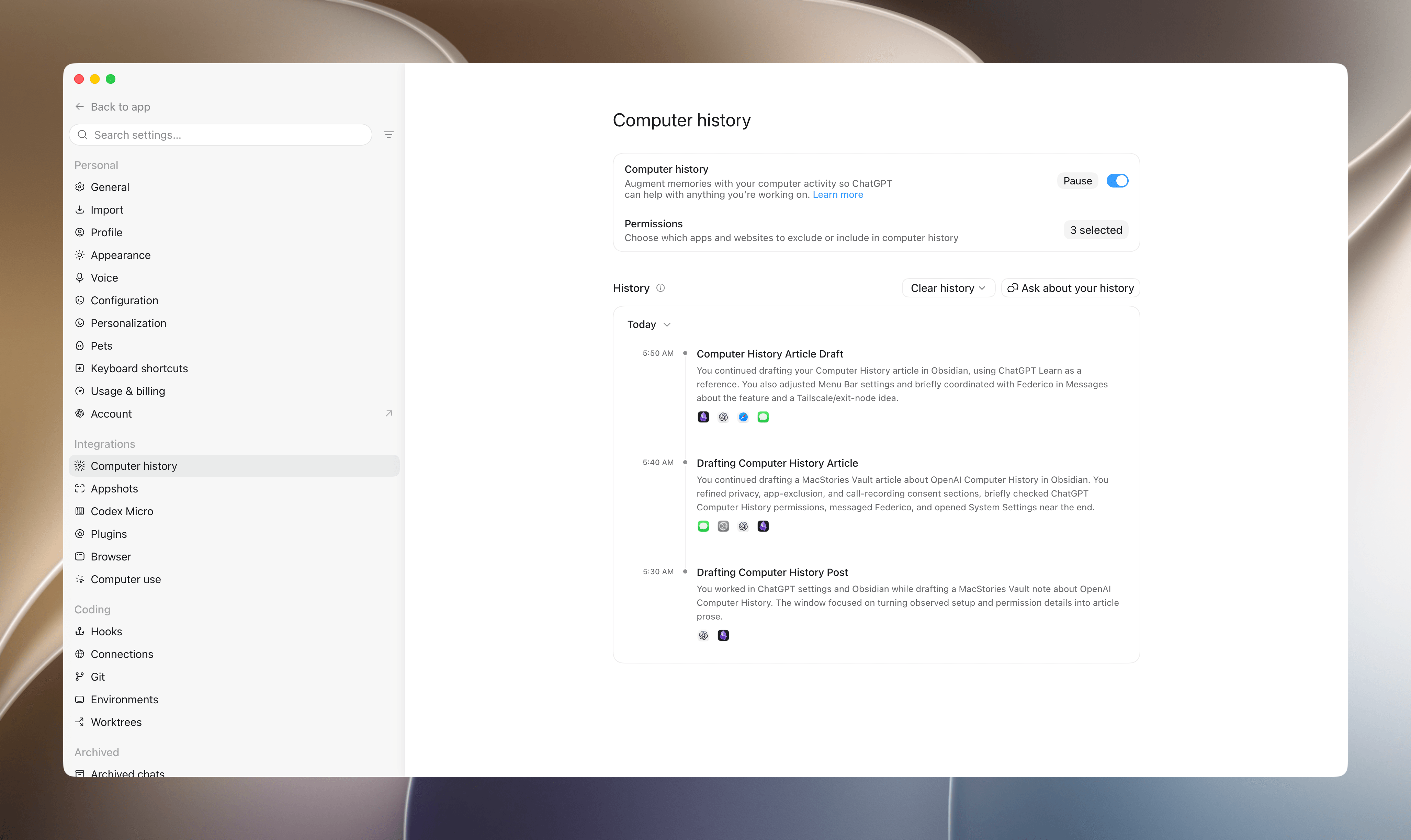
Hands-On with Computer History: OpenAI’s Take on Agent Memory

Late yesterday, OpenAI revealed the sort of automation catnip I love: Computer History. It’s a new feature for Pro, Business, and Enterprise subscribers that creates continuity for ChatGPT and Codex by converting the actions you take on your Mac into Markdown memory files that serve as context for subsequent interactions. The idea is that with the additional context, ChatGPT and Codex will better understand your requests, requiring you to provide less detail up front while getting better results. Anyone familiar with OpenClaw, Hermes Agent, and similar projects will know where this is going.

Here’s how it works.

Read more


Raising the Gates Is Not the Way to Improve the App Store

Jeff Johnson has a knack for finding spam on the App Store. Yesterday it was review spam, and today it’s app submission spam. In a post where he called out an individual for releasing 41 apps, and presumably contributing to slow app review times, Johnson proposed a solution:

…bring back Apple Developer Program tiers and review app updates post-release for proven developers. Why should Marco Arment go into the same App Store review queue as AI slop? Does that make any sense for developers, for Apple users, or for Apple? Is there no way for developers to earn Apple’s trust, no matter how long they’ve been in the App Store, no matter how famous or beloved? Should professional software developers whose livelihood depends on the App Store go into the same review queue as hobbyists? Speaking for myself, I would be willing to pay a much higher developer program fee for improved service, including a separate review queue. I suspect that a much higher developer program fee might also deter scams and AI slop, typically looking for a fast, easy buck.

I’ve heard versions of this argument since before the App Store first opened its doors, and it’s never sat well with me. Maybe that’s because when I first heard someone argue that established developers or the ones who could afford it should get preferential treatment, I was an unknown hobbyist learning Objective-C and trying to build an app myself. It struck me as gatekeeping then, and it still does today.

There’s no doubt that there is spam on the App Store, but the way to remove it is to target the spammers, not new developers, students, and hobbyists looking to build their ideas. I know that being an indie developer isn’t an easy way to make a living, but erecting barriers to submitting apps is the surest way to starve Apple platforms of fresh, innovative ideas. That hurts everyone from users who would have fewer choices to the established developers who would find themselves writing apps for a stagnant platform.

Permalink