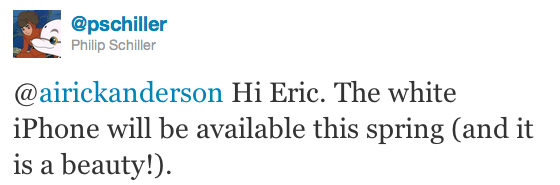
Phil Schiller: White iPhone This Spring

The elusive white iPhone 4 has become one kind of a myth among tech bloggers following Apple news and fans willing to get their hands on a different colored model of the popular device. Initially announced in June 2010 at the WWDC then delayed multiple times due to alleged manufacturing issues (light leaks, color paint, picture quality have been mentioned in the rumors), a series of DIY replacements have surfaced in the past months, but none of them quite managed to win the hearts of consumers that, at the same time, kept hearing about this white unit finally becoming available in Spring 2011.

Now it is Apple’s Phil Schiller to confirm the news officially through his verified Twitter account: the white iPhone is coming this Spring. In a reply to a customer, he says the white iPhone is a “beauty”. We have no doubts about it – well, at least basing on what we saw back in June 2010.

A number of reports in the past weeks suggested Apple had fixed the production issues with the device and it is now ready to ship it in volume. It’s also worth noting that Schiller didn’t mention the “iPhone 4” in his tweet, but we think it’s pretty clear that we’re not talking about an iPhone 5 available in Spring. It’s unclear whether Apple will release only a GSM version of the device, or both GSM and CDMA for Verizon. [via Engadget]

The Billion Dollar Smart Cover

The Billion Dollar Smart Cover

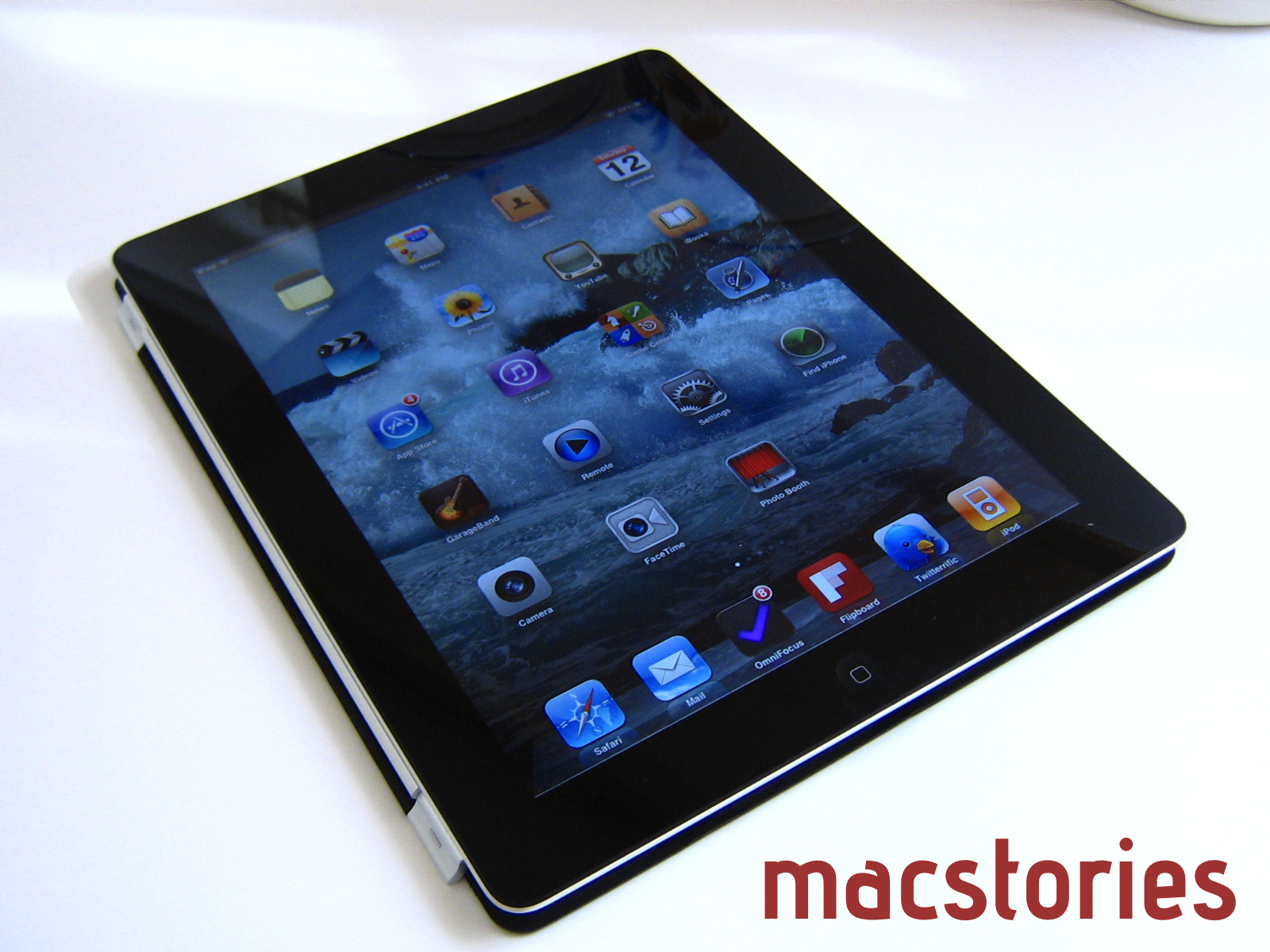
I’m estimating that at least 60% of iPad buyers will get one. Based on an estimate of 36 million iPads sold in 2011 and an average price of $48 (70% polyurethane and 30% leather mix), the total revenue for Smart Covers will top $1 billion this year.

While waiting in line for the iPad 2, chit chat with the line neighbors eventually turned to Smart Covers. Quite a few people I was in line with wanted either the orange or green polyurethane Smart Cover, with only a few opting to get the (PRODUCT) RED leather model. I agree that more people will opt for the polyurethane covers at the entry price. Based on Horace Dediu’s prediction, Apple will possibly make more money selling Smart Covers alone than competitors selling tablets.

Permalink

Browse Instagram From Your iPad With Instagallery

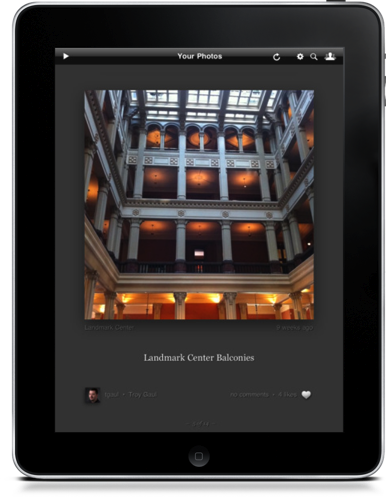
Instagram photos are uniquely genuine to the photographer, often showcasing beautiful sceneries, elegant dishes, and perhaps a kitten or two. Unlike a DSLR where you prepare and tailor each scene, Instagram focuses on the now, capturing life as it happens in the moment. While I don’t have an iPhone to share experiences of my own, I can enjoy what friends and Twitter associates post from the couch cushion. Instagallery brings Instagram to the iPad display, allowing you to browse through popular photos, view pictures taken at the same geo-location where you took your photo, view photos as a slideshow, and like or comment on inspiring shots all in one place. Instagallery is available for $1.99 in the App Store.


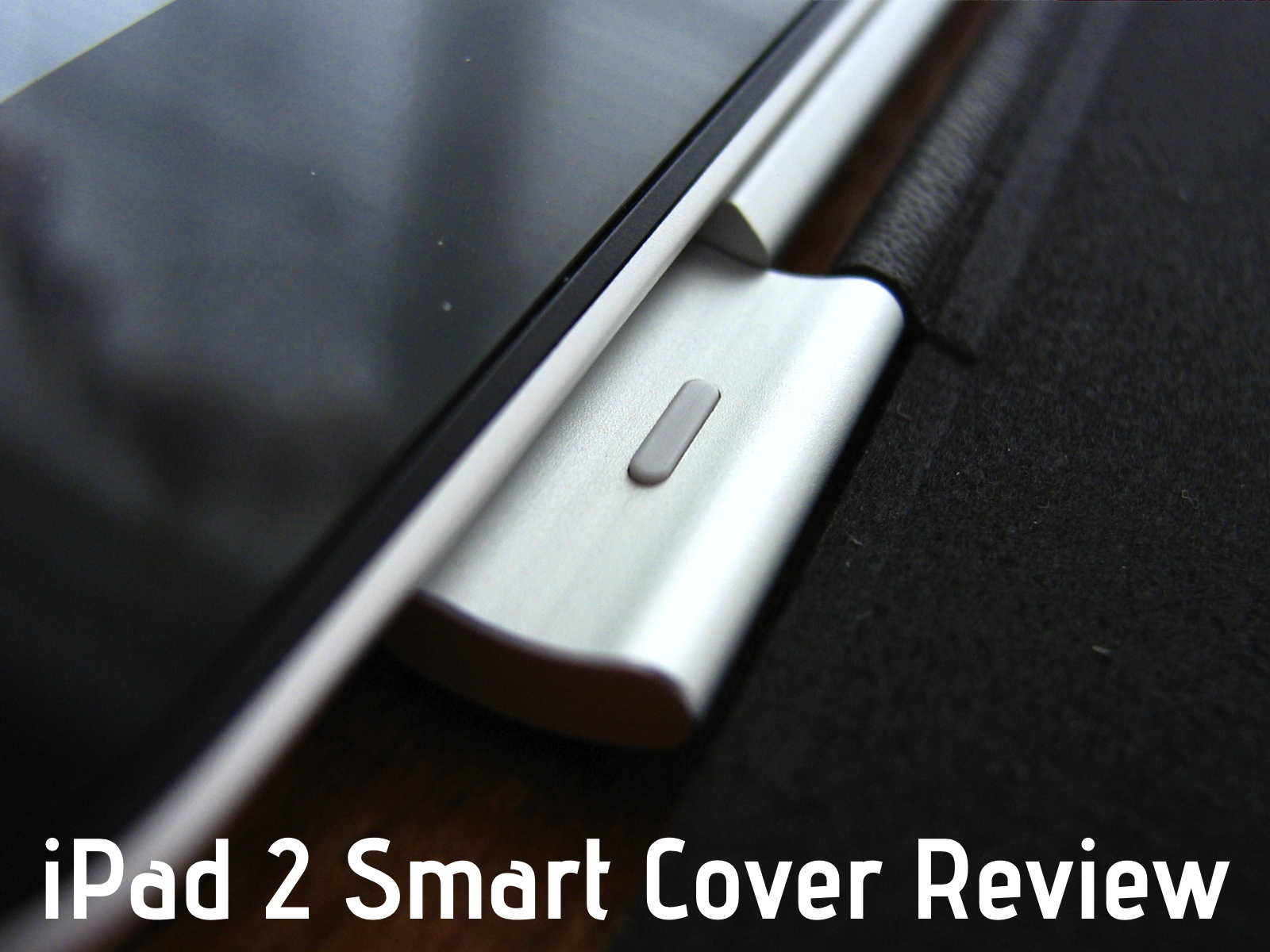
The Smart Cover: Revisited & Reviewed

When I wrote about the genius of Apple’s Smart Cover for the iPad 2, I didn’t need to have it in hand to make my bold assertion. The Smart Cover had sold itself before anyone needed to touch it, thanks in part to Apple’s well done product showcase. It is the first accessory offered as you purchase an iPad 2 online, and the Apple store representative I was with made sure I knew all about the must-have covers. Apple is aggressively putting the spotlight on Smart Covers wherever they can, and for good reason. Put simply, this is the accessory you’ll want to buy with your next iPad.

Read more


Donate To Red Cross for Japan Through iTunes

As noted by 9to5mac, Apple has enabled an option in the iTunes Store to donate to the American Red Cross for the Japan relief fund. If you want to make your donation to the earthquake and tsunami victims in Japan, you can by visiting this page and choosing to donate $5, $10, $25, $50, $100 or $200. Everything happens through the iTunes account you already have – a clever move to make donations easy and just a click away for iTunes users.

100% of your donation will go to the American Red Cross, which is set to provide food, shelter and assistance to the victims of the earthquake and tsunami.


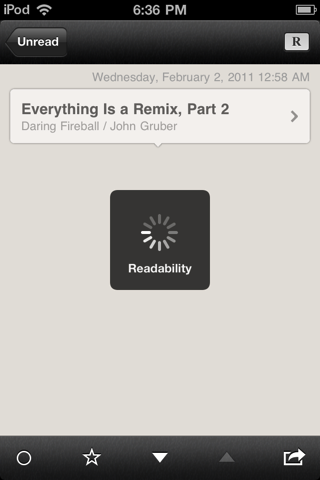
Latest Reeder for iPhone Update Now Sends To Readability

If you take pride in supporting the writers and content creators that add thoughtful and insightful information about the topics you read about daily, you may already be a subscriber of Readability. Readability support was added in January, but now Reeder allows you to send articles to your read later queue so may share your public articles with followers or to read them in the new web app. Reeder has also addressed bugs and usability issues, fixing shared articles that didn’t sync, eliminating crashes, and overall improving the syncing experience. You can download the latest update for Reeder in iTunes, through the App Store app, or by visiting this link (App Store link).


iPad 2: Thoughts, Questions & Answers

Short of a full review, I wanted to go over some of the sporadic thoughts I’ve had while using the iPad 2. I want this to be a place where you can leave questions in the comments, and where I’ll update this post as ideas come to mind. These aren’t quite initial reactions, but more of an unfolding conversation in response to a new discovery or comment. Many of the initial reviews left me a little unsatisfied, and I want to fill that gap with burning questions about what’s on your mind. I can’t answer app compatibility questions, but feel free to plug away about the iPad 2.

Read more


Will The iPad 1 Keyboard Dock Work With The iPad 2? [Update: Yes]

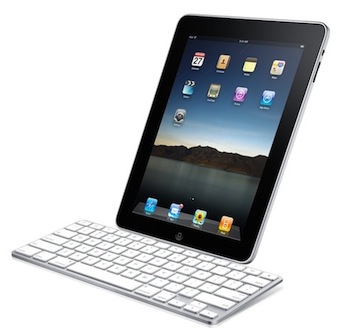
A notable lack on Apple’s accessory page for the iPad 2 is the Keyboard Dock the company used to sell last year for the original iPad which allowed you to dock the device, charge it, and type with a physical keyboard at the same time. I own a 2010 Keyboard Dock and, in spite of its portrait-only functionality, it is a well-made piece of tech that I used a lot last summer when I needed to write my articles on the go.

Keyboard Dock is no more. Apple isn’t selling such an accessory for the iPad 2 (they only have a new dock for sale), and AppAdvice reports the dock you bought last year won’t work with the iPad 2: it doesn’t fit well and doesn’t charge the device.

The decision doesn’t come as a surprise considering Apple’s rapid move to touch interfaces instead of physical keyboard input. Clearly, Apple thinks the iPad’s virtual keyboard is great for most of the typing you’ll need to do, and if you really want a physical keyboard you can still get one of the third-party ones that will come out in the next weeks – or just buy an Apple Bluetooth wireless keyboard that works perfectly with the iPad. But that is, no native option for the iPad 2.

Update: we’re hearing from some of our readers that the Keyboard Dock typing works, but the iPad 2 doesn’t indeed fit very well and charging is rather random. Works for some, doesn’t do anything for others. We’ll look into this. Read more


Video Comparison Shows Safari on iPad 2 Is Incredibly Fast

When Apple announced the iPad 2 would get a new dual-core processor with improved performances, we all guessed that the device would also get at least double the RAM for much better app management and fast switching. In the days following the announcement and after the plethora of hands-on videos that were uploaded from San Francisco, it was still unclear whether or not the iPad 2’s Safari browser (undoubtedly one of the most-used apps by iPad owners) would be faster and snappier than its iPad 1 counterpart. Many had the feeling that, combining the improved iOS 4.3 with a new processor and more RAM, Safari would highly benefit to reach great performances and stability. This, however, remained a theory even after the reviews posted last week that failed at really showcasing the capabilities of the new Safari.

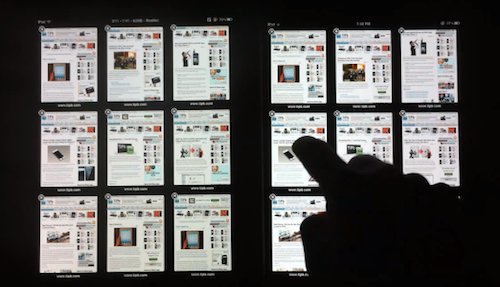
With the iPad 2 now out and available for everyone, the guys at TiPB posted a video last night a few hours after they got their iPad 2 to (finally) compare Safari on the iPad 2 with Safari on the original iPad. The results are impressive: with 9 tabs loaded and open on each browser, not only does the iPad 2 keep every tab loaded in memory, it also doesn’t display any “checkerboard effect” when scrolling. A major annoyance on Safari for iPad 1, in fact, was that with multiple tabs open the browser was usually forced to reload a tab when you switched to it because it didn’t have enough memory to keep it in a live, fully loaded state. This changes with the iPad 2 as you can see in the video below.

Scrolling in Safari is smooth as butter, and gone are the days when switching between tabs meant loading the entire page from scratch.

The difference in performance is quite clear, and browsing on the iPad 2 is definitely a step up from the original iPad in every way.

We’ll follow up later today with other videos showing the improved performances of the iPad 2 over the original iPad. Check out the video below. Read more