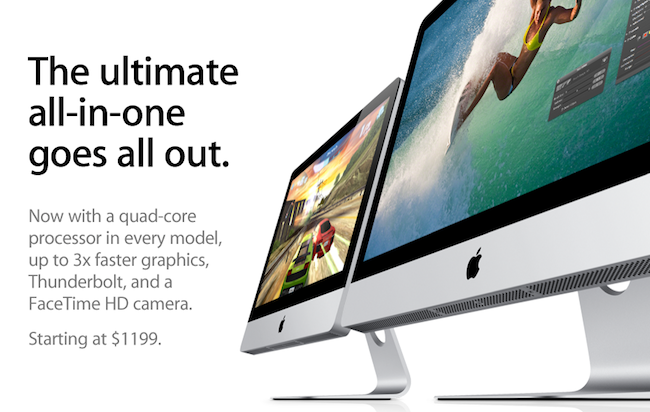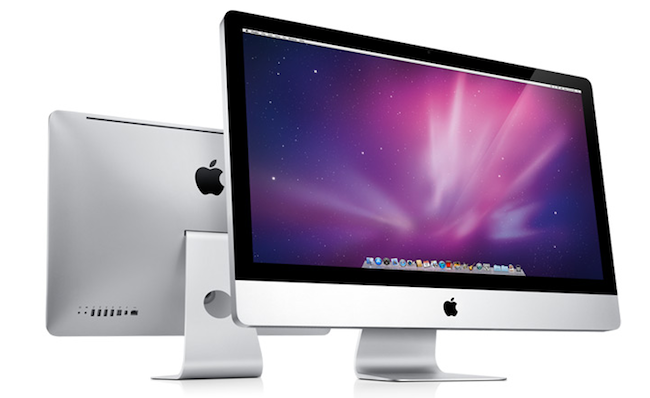
Following this morning’s refresh of the iMac – you can read more about it here – a few technical tidbits have started popping up on the Internet causing some interest and speculation from Apple fans and bloggers. Among the new features of the updated line – such as improved graphics, and new Intel “Sandy Bridge” processors – support for the Thunderbolt technology on the 27-inch iMacs has been extended, as the bigger models now come with two Thunderbolt ports to use for data transfer, daisy-chaining of external drives and peripherals and, as noticed and confirmed with Apple by GigaOM, dual external display output. Support for dual display out through Thunderbolt means you’ll be able to connect two external monitors to the new 27-inch iMac, and output the computer’s screen to the monitors simultaneously. This is great news for those who like external vertical monitor setups, and it’s now made extremely easy by the Thunderbolt ports located on the back of the iMac.
One of the most exciting things about today’s new iMacs (and the thing that will probably result in me buying one) are the dual Thunderbolt ports on the 27-inch iMac. They’re great in that they provide a lot of potential I/O transfer power, but more importantly because it allows the new iMac to output to two external monitors simultaneously, Apple confirmed to me this morning.
Achieving a similar setup was possible before, but it required users to buy USB or VGA adapters that resulted in loss of quality and poor performances when compared to native, wired Mini DisplayPort connections. Thanks to Thunderbolt’s daisy-chaining functionality, using both Thunderbolt ports for dual display output doesn’t mean you’ll be forced to constantly plug in and disconnect peripherals: if you own a Thunderbolt-based external drive, you’ll be able to connect it to the iMac, and then plug a secondary display into the drive’s Thunderbolt port. This way, Thunderbolt is used at its full capacity and you still retain the possibility to output to two different monitors simultaneously. Read more