This Week's Sponsor:

HomeSnap

A Private, Read-Only Window Into Your HomeKit Home


Apple Updates Remote Desktop with Per-User Remote Control

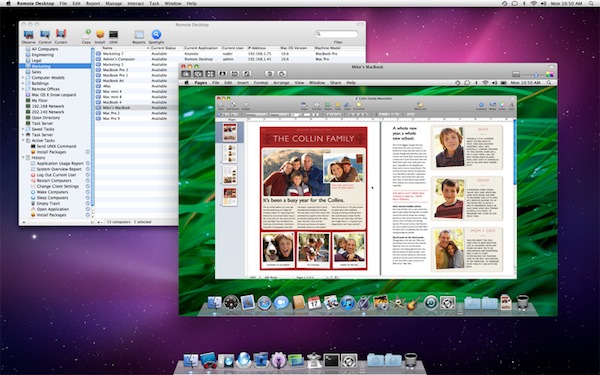
As part of the ongoing series of software updates that Apple is releasing today following the big debut of OS X Lion on the Mac App Store, Apple’s professional tool to access and manage computers on a network, Apple Remote Desktop, was updated as well to incorporate some of the new functionalities baked into Lion. The new version of OS X, in fact, allows users to log into a remote machine (or one on a local network) using a different account than the one currently in use by the second computer; so say your co-worker is logged into his personal account, you can still remotely access his Mac and log into, for instance, a shared work account. This is one of the big new features of Lion that was unveiled with the developer previews, and which works in conjunction with the possibility of remotely logging into a computer using an Apple ID.

The new Apple Remote Desktop isn’t exclusive to Lion (requirements accept OS X 10.6), but it includes Lion’s per-user remote control. Apple writes in the changelog:

You can remotely log in to a Mac with any user account on that computer and control it, without interrupting someone else who might be using the computer under a different login.
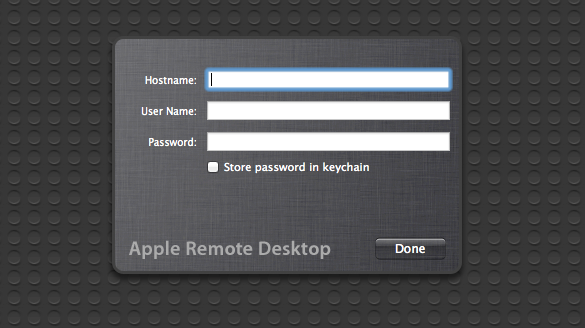
You can read more about all the features offered by Remote Desktop here, and buy the app from the Mac App Store. For those who didn’t purchase Remote Desktop on the Store, there are some updates available on Apple’s website as well:

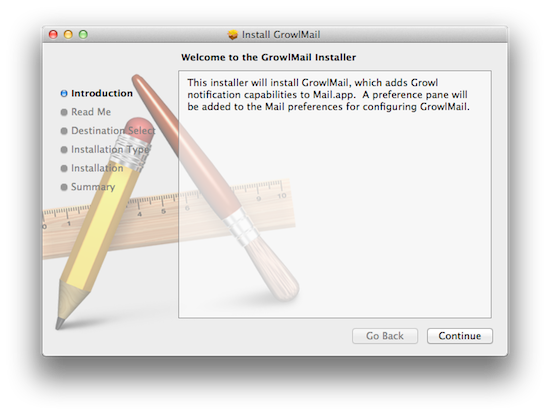

Lion App Updates: GrowlMail, Pixelmator, Plex, Backblaze

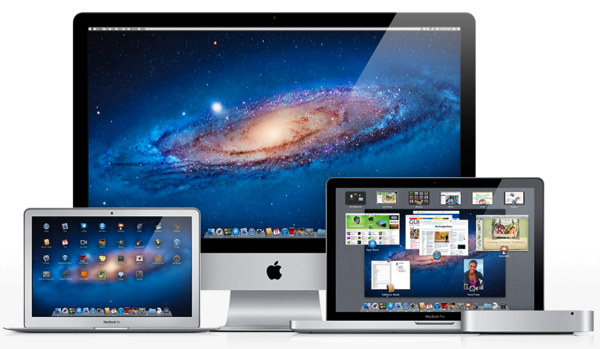
Earlier today, Apple released new hardware, OS X Lion, and a series of software updates to bring new OS compatibility to apps such as the iWork suite, Cocoa enhancements to iTunes, and new features to Safari. Apple also released several minor updates on its Support website, which we outlined in a separate Lion article here. But on the other hand, developers of third-party apps for the Mac haven’t missed the opportunity to update their software following the release of Lion, which is likely being installed and tested for the first time by hundreds of thousands of Mac users as we speak. In the past few hours, we’ve collected the most interesting app updates released today, so check them out after the break. Read more


Bought a Mac Recently? Don’t Forget You can Download Lion for Free!

If you’ve purchased a Mac between June 6th and July 20th, or you’re buying a new Mac that doesn’t come with Lion preinstalled as of today (July 21st), you can redeem a free copy of Lion from the Apple Online Store! Downloads are good for both Lion and Lion Server on qualifying new or refurbished machines. You’ll need to enter receipt information such as date of purchase, place of purchase, and from your Mac the serial number in order to get the redemption. Alternatively, Apple gives you the opportunity to scan a proof of purchase. Most likely the Up -To-Date Program will pertain to Mac users who’ve purchased their machines in the past weeks — I bet many college students would be happy that their $100 credit will continue to go towards apps, and not an OS upgrade.

You can find all the details about the program on Apple’s Up-To-Date landing page.


Lion Launch Notes: What You Might Have Missed

It’s not just your normal Wednesday morning folks. Nope — coinciding with the launch of Lion that was only confirmed yesterday during Apple’s Q3 conference call, Apple has released a handful of new products including updated MacBook Airs, updated Mac Minis, and new Apple Thunderbolt Displays (a step up from the Apple Cinema Displays). In the chaos of four press releases and an updating Apple Store, there’s lots of new items to note alongside our major morning launches, so let’s run through the list!

Read more


Xcode 4.1 for Lion Released, Free On Mac App Store

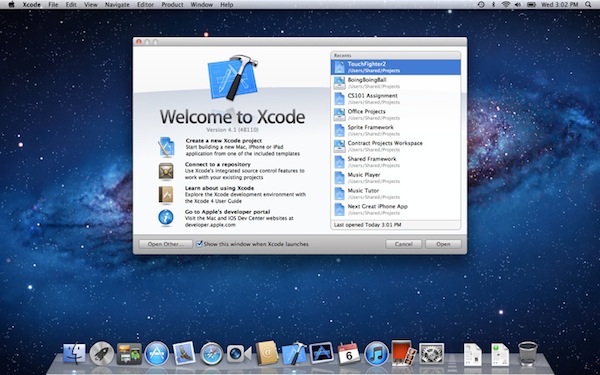
Among all the various software updates released today, Apple also just flipped the switch on a new version of Xcode. Xcode 4.1, after several developer previews, is now available for free on the Mac App Store. From the changelog:

  • Includes SDKs for OS X Lion and iOS 4.3
  • Interface Builder support for Auto Layout and new Aqua controls such as NSPopover
  • Full screen support in workspace, project, and organizer windows
  • Project modernization to identify and resolve out of date build settings
  • Behaviors can be customized and assigned to unique key bindings
  • Source control enhancements to pushing, pulling, and management of remote servers
  • Assistant editor support for display of generated assembly and preprocessed output
  • Additional bug fixes and stability improvements

Mac OS X Lion is a requirement to download this new version of Xcode. The new 4.1 version, however, shows up as free on older Snow Leopard machines as well. Download here.


Apple Releases iTunes 10.4: Full 64-bit Cocoa On OS X Lion


Apple just released an update for iTunes, which reaches version 10.4 and adds a number of important improvements in OS X Lion. The new iTunes does in fact support full-screen mode, but more importantly is a full 64-bit Cocoa application on OS X Lion. This should enable for speedier performances and a more stable app, though we haven’t been able to test it just yet. iTunes 10.4 comes ahead of iTunes 10.5, which has already been seeded to developers and will likely debut this Fall alongside iOS 5 and iCloud. The new iCloud-based features such as automatic downloads and iTunes in the Cloud, however, are available to iTunes 10.3, and now iTunes 10.4, users as well, without needing to get the developer preview.

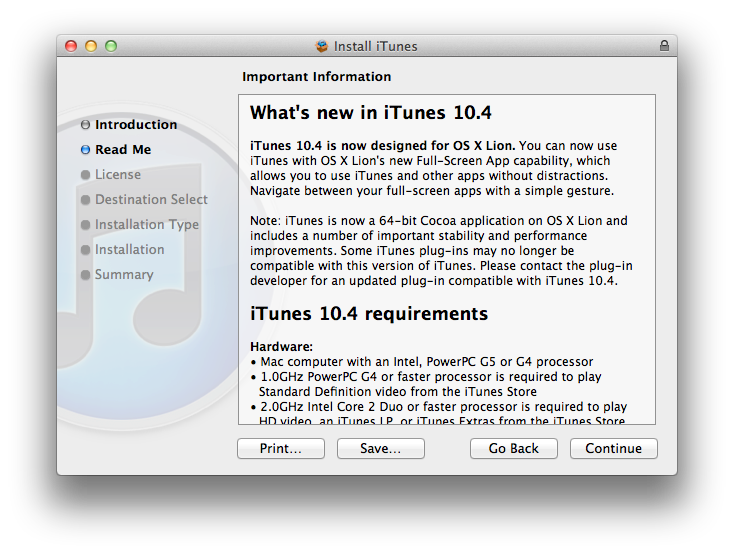
iTunes 10.4 is now designed for OS X Lion. You can now use iTunes with OS X Lion’s new Full-Screen App capability, which allows you to use iTunes and other without distractions. Navigate between your full-screen apps with a simple gesture.

iTunes is now a 64-bit Cocoa application on OS X Lion and includes a number of important stability and performance improvements. Some iTunes plug-ins may no longer be compatible with this version of iTunes. Please contact the plug-in developer for an updated plug-in compatible with iTunes 10.4.

To enjoy the latest Cocoa enhancements and 64-bit support, you’ll need to have Lion installed on your machine. You can download iTunes 10.4 from Apple’s site or Software Update now.

Update: As far as performances go, if iTunes 10.5 beta is of any indication on my late-2008 MacBook Pro with SSD, the application does seem a little snappier and generally more responsive than older iTunes versions, though it’s not an immediately visible change. The trained eyes of developers will notice the performance improvements and technical changes, but to the average user it’s just the same iTunes, only slightly faster.


iWork Update: Resume, Full-Screen, Auto Save and Versions in Lion

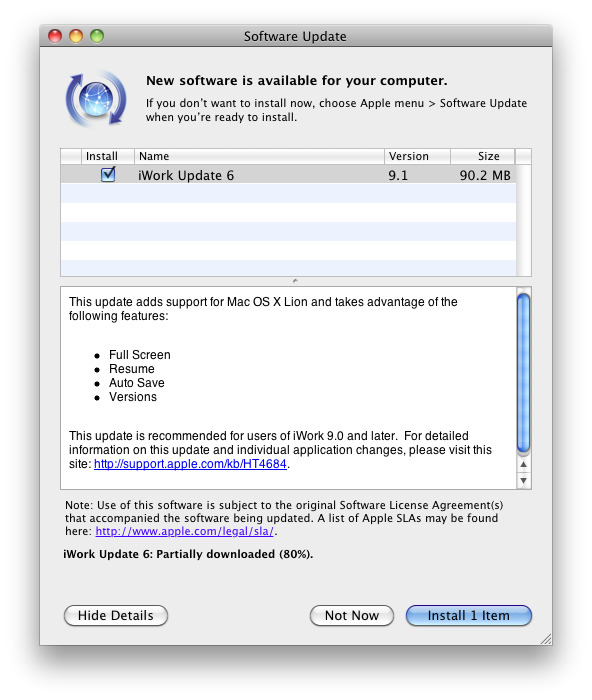
Apple just released an update to the existing iWork suite, bringing support for several new features in OS X Lion: namely, Apple enabled full-screen mode, Resume and auto save, as well as Versions for all the iWork apps when used on the new OS. Currently the update is only showing up with the Software Control panel, but we expect the Mac App Store versions to receive the update soon. Apple indeed mentions Mac App Store, Software Update and Standalone Installer in this support document.

Changelog:

All iWork 9.1 applications

Adds support for Mac OS X Lion, including:

  • Full-Screen
  • Resume
  • Auto Save
  • Versions
  • Character picker

More details available on the OS X Lion page.

  • Improves Microsoft Office Compatibility

Keynote 5.1

Adds new builds:

  • Anvil
  • Fall Apart

We’ll update this story with screenshots of the new features for iWork 9.1 as we get more information.

Update: The updated iWork apps are now available on the Mac App Store: Pages, Numbers, Keynote have all received the latest update for the standalone versions. Read more


OS X Lion: Installation Guide, Boot Discs and Q&A

Apple today released Mac OS X 10.7 Lion and it is the first release of OS X to be distributed primarily through a digital channel. That digital channel, the recently released Mac App Store, is the main way in which Apple is selling Lion.

To help you (or perhaps a family member or friend who may need a little guidance) with the various installation methods, and how the Mac App Store changes things, we’ve prepared the following post. In this article we include a step-by-step guide for the typical Lion upgrade process, explain what the new Recovery Partition is, how to make your own bootable Lion Installation media, how to do a clean Lion installation and a helpful Q&A section.

So jump after the break to see the full article and learn more than you would want to know about the Lion installation process.

Contents

To make things as simple as possible we have split this article into several sections so you can jump right to the section you most want/need to learn about. So as a side note to those who wish to read the whole article, be warned some parts and information is repeated multiple times.

  1. Introduction to Mac App Store Distribution of Lion
  2. The Simple Upgrade Installation (from Snow Leopard)
  3. The Recovery Partition, What Is It?
  4. Making Your Own Bootable Media
  5. The Quasi-Clean Installation
  6. The Completely Clean Installation
  7. Q & A

Read more