

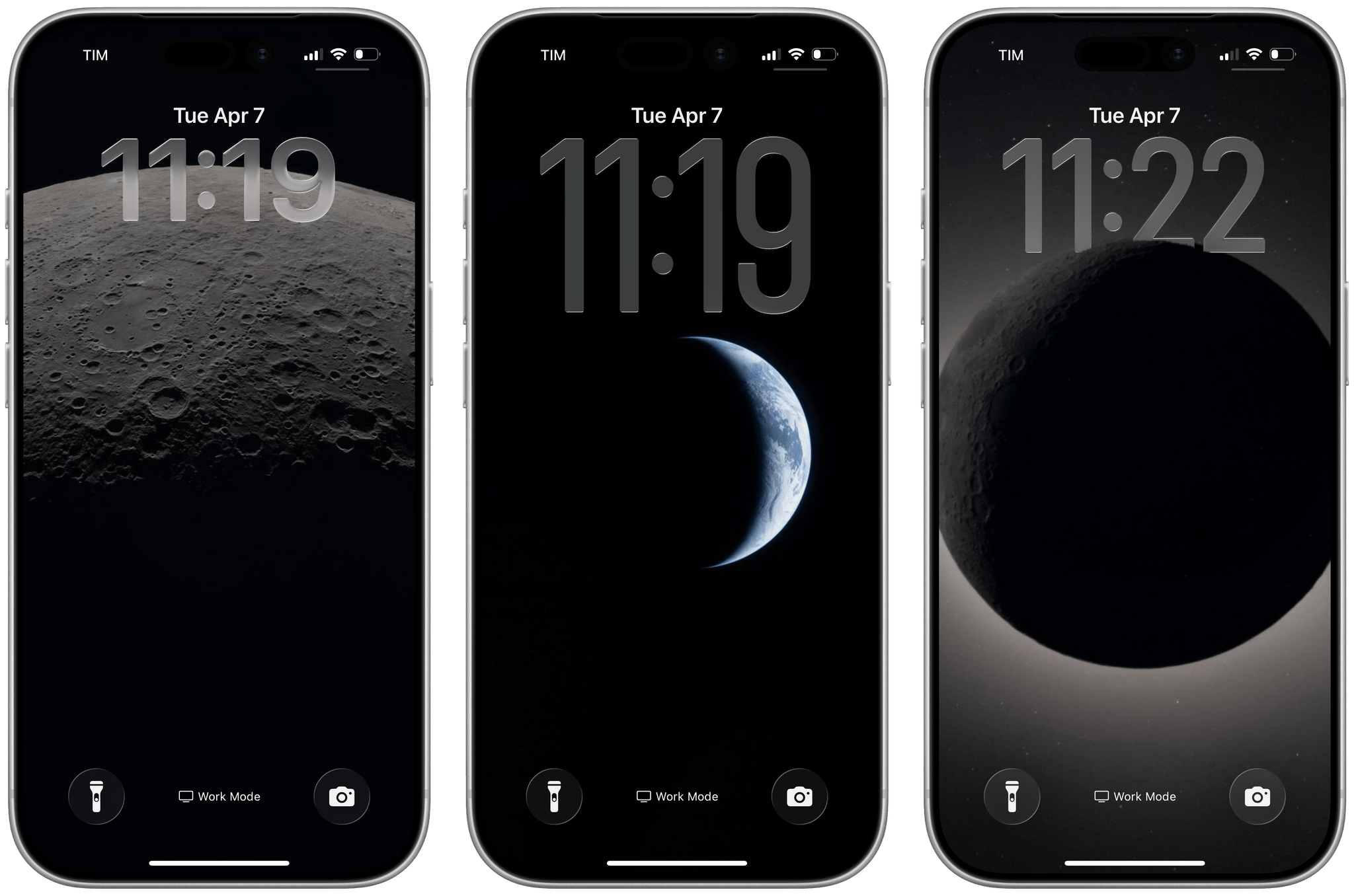
I’ve been staring at my Lock Screen and macOS desktop a lot this week. Not because of John’s iMessage notifications or the weird handhelds we share in the NPC group thread – because of the Moon. Specifically, because of photos taken by Orion as it swung within 4,067 miles of the lunar surface during the Artemis II flyby a couple of days ago. Yesterday, NASA published an official gallery of images from the flyby, and I immediately knew what I had to do.
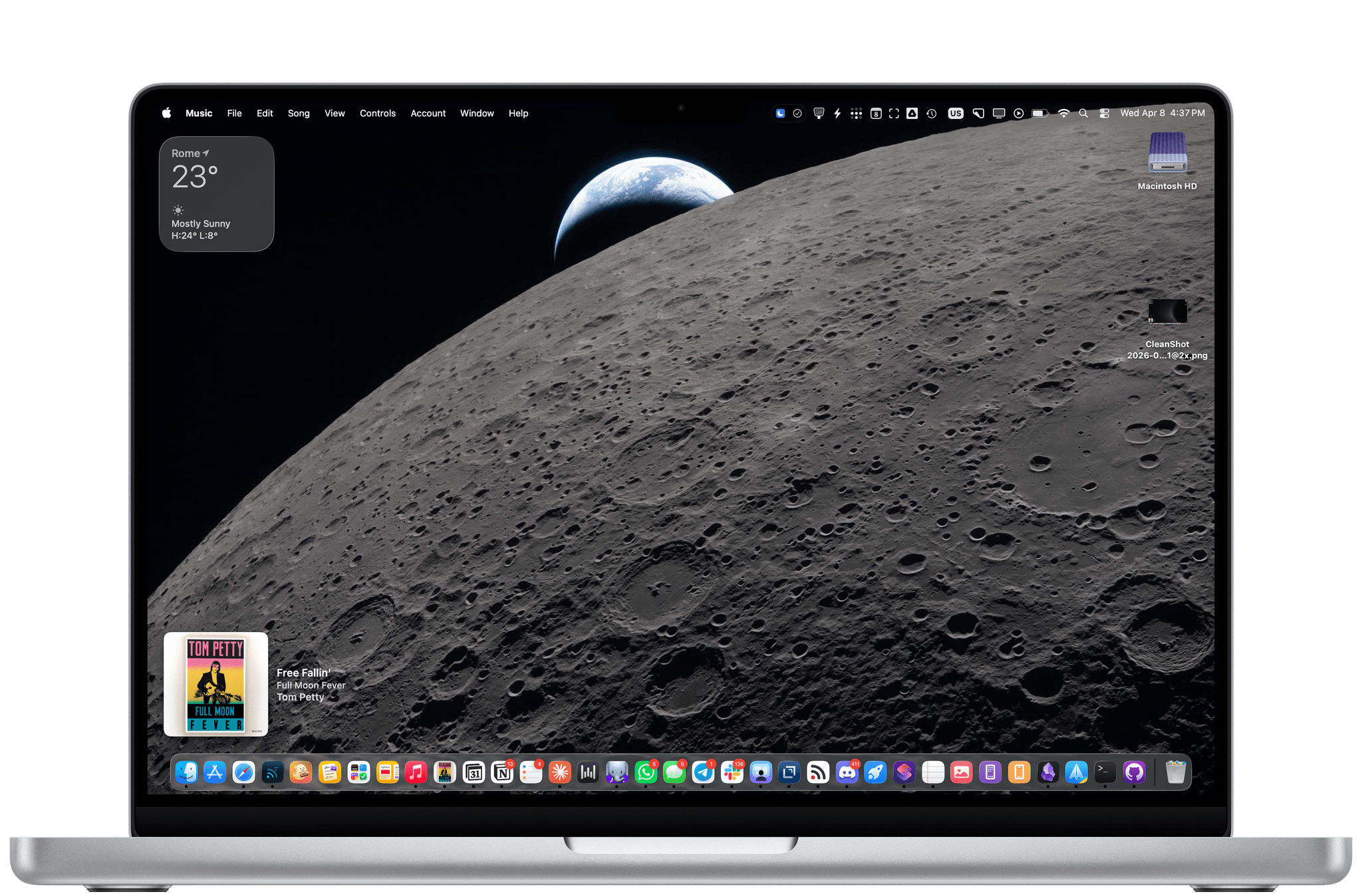
LunarWall is a simple shortcut that picks a random image from a curated set of 23 photos pulled from NASA’s Artemis II Lunar Flyby gallery and sets it as your wallpaper. That’s it! Each time you run it, you get a different photo. The way this shortcut works, NASA’s images aren’t re-hosted or saved anywhere on your computer: the LunarWall shortcut fetches each image directly from NASA’s CDN and passes it to the ‘Set Wallpaper’ action, which is configured to automatically crop images to fit on mobile devices, blurs the wallpaper for the iOS/iPadOS Home Screen, and uses the original widescreen images at high resolutions on macOS.
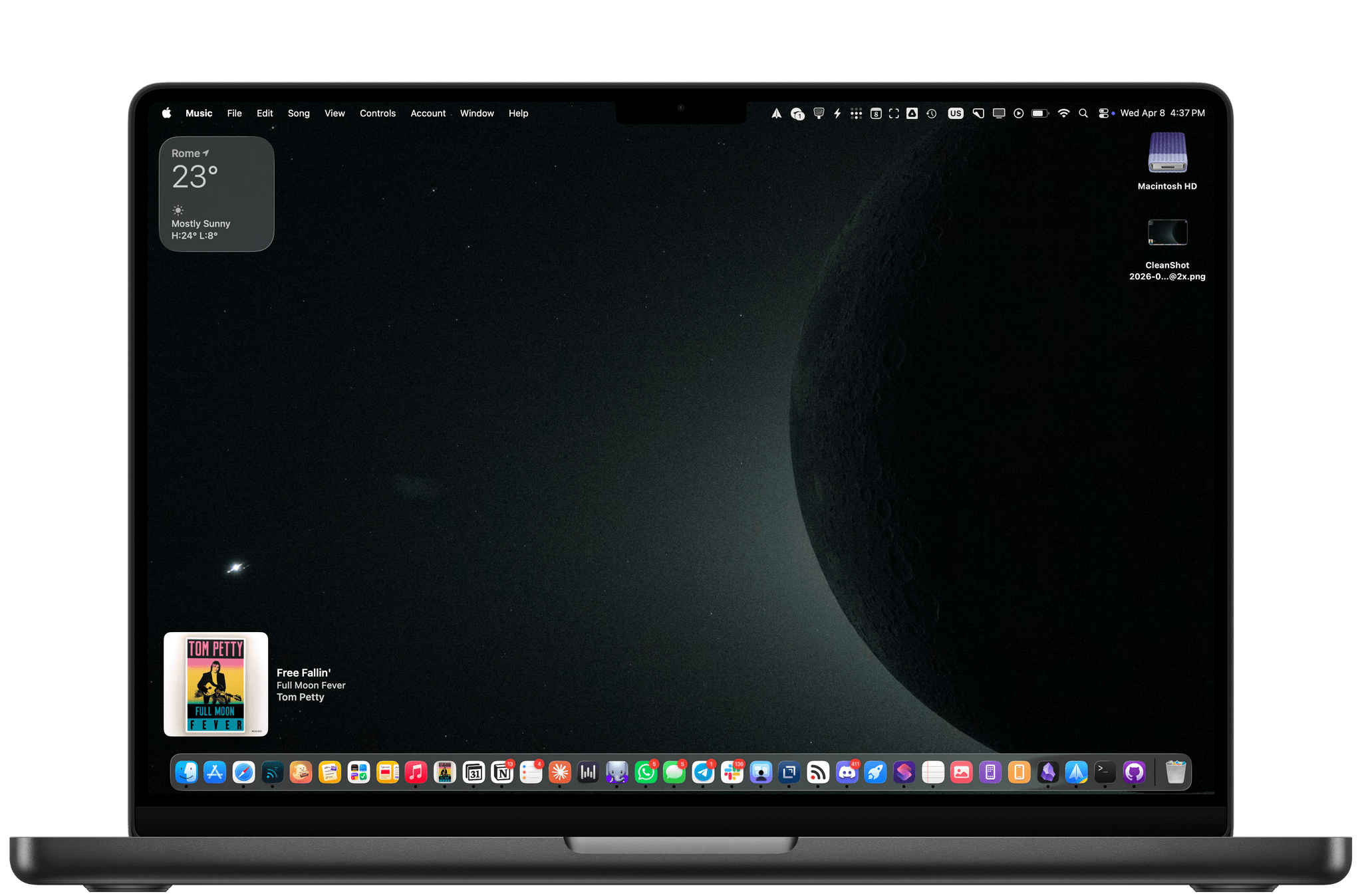
Before making the shortcut (more on this below), I chose to use a subset of images from the full gallery, keeping only the ones with pure space and lunar shots: surface close-ups, Earthrise and Earthset compositions, the solar eclipse as seen from Orion, and exterior views of the spacecraft against the darkness of space. I decided to discard the crew selfies and interior cabin shots.
If all this sounds a little familiar coming from me, it should. Back in 2022, during Automation April, I built SpaceWall, a shortcut that fetched NASA imagery and set it as your wallpaper using the Astronomy Picture of the Day API. LunarWall is a spiritual successor to that shortcut, but with a tighter focus and – I think – better source material. The APOD archive is wonderful, but there’s something special about knowing these photos were taken this week, by a spacecraft carrying four humans around the Moon after so many years.
How I Built It
An important note about LunarWall: this is the first time I’m sharing a shortcut that was entirely created by my upcoming Shortcuts Playground generative shortcut system for Apple Shortcuts. I’ve been working on this system for the past four months, and I think I’ve reached the point where it’s ready for public debut. To make LunarWall, I described what I wanted, pointed it at the NASA gallery URLs, and waited for Shortcuts Playground to produce a working shortcut. The shortcut was one-shotted by Claude Opus 4.6, and it passed my personal verification tests. The whole process took 10 minutes, and I didn’t even have to research and test the NASA API myself.
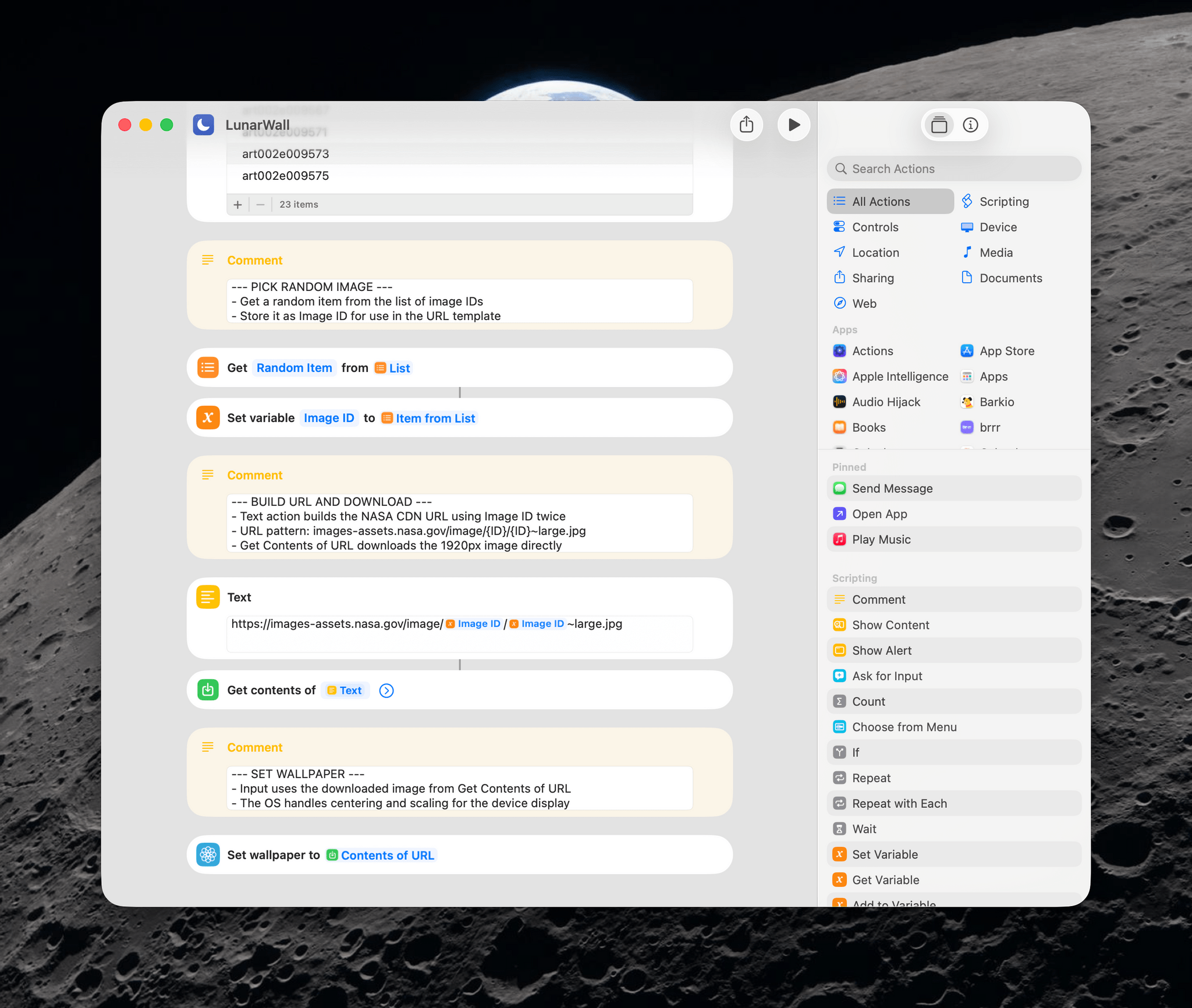
The technical approach behind the shortcut is intentionally simple. The shortcut stores 23 direct image identifiers mapped to NASA’s CDN, each pointing to a high-resolution JPEG. Every time LunarWall runs, it picks one at random, downloads it, and hands it to the ‘Set Wallpaper’ action.
You can run LunarWall manually whenever you want a new wallpaper, or – the way I use it – set it up as a Personal Automation in Shortcuts triggered at a specific time each day. I have mine running at 12 AM as well as every time my phone is disconnected from a charger, so I get a nice rotation of Artemis II shots on a daily basis.
If you’ve been following Artemis II, I think you’re going to like LunarWall. It’s available for free below and you can find it on the MacStories Shortcuts Archive. And if you’re interested in finally testing my Shortcuts Playground system, I promise that’s coming soon, too.

LunarWall
Sets a random high-resolution space wallpaper from NASA’s Artemis II Lunar Flyby gallery. Fetches directly from NASA’s Image and Video Library CDN. Only includes space and lunar scenes – all images with humans have been excluded. 23 curated images: lunar surface details, Earthrise/Earthset, solar eclipses, and Orion spacecraft views.
