Posts in roundups

#MacStoriesDeals Black Friday 2014: Best Deals for iPhone, iPad, and Mac Apps & Games

Black Friday is upon us once again! #MacStoriesDeals is the best place to find great deals for iOS apps and games, Mac software, and more.

Every year, thousands of iOS and OS X software deals are launched for Black Friday. We handpick the best ones and collect them in a single post with links to buy or share discounted products directly. You don’t need to be overwhelmed by Black Friday deals because we take care of finding the best stuff for you.

Bookmark this post and come back to find updated deals starting today through Friday. Updates will be listed as new entries at the top of each category.

You can find us as @MacStoriesDeals on Twitter.
Read more


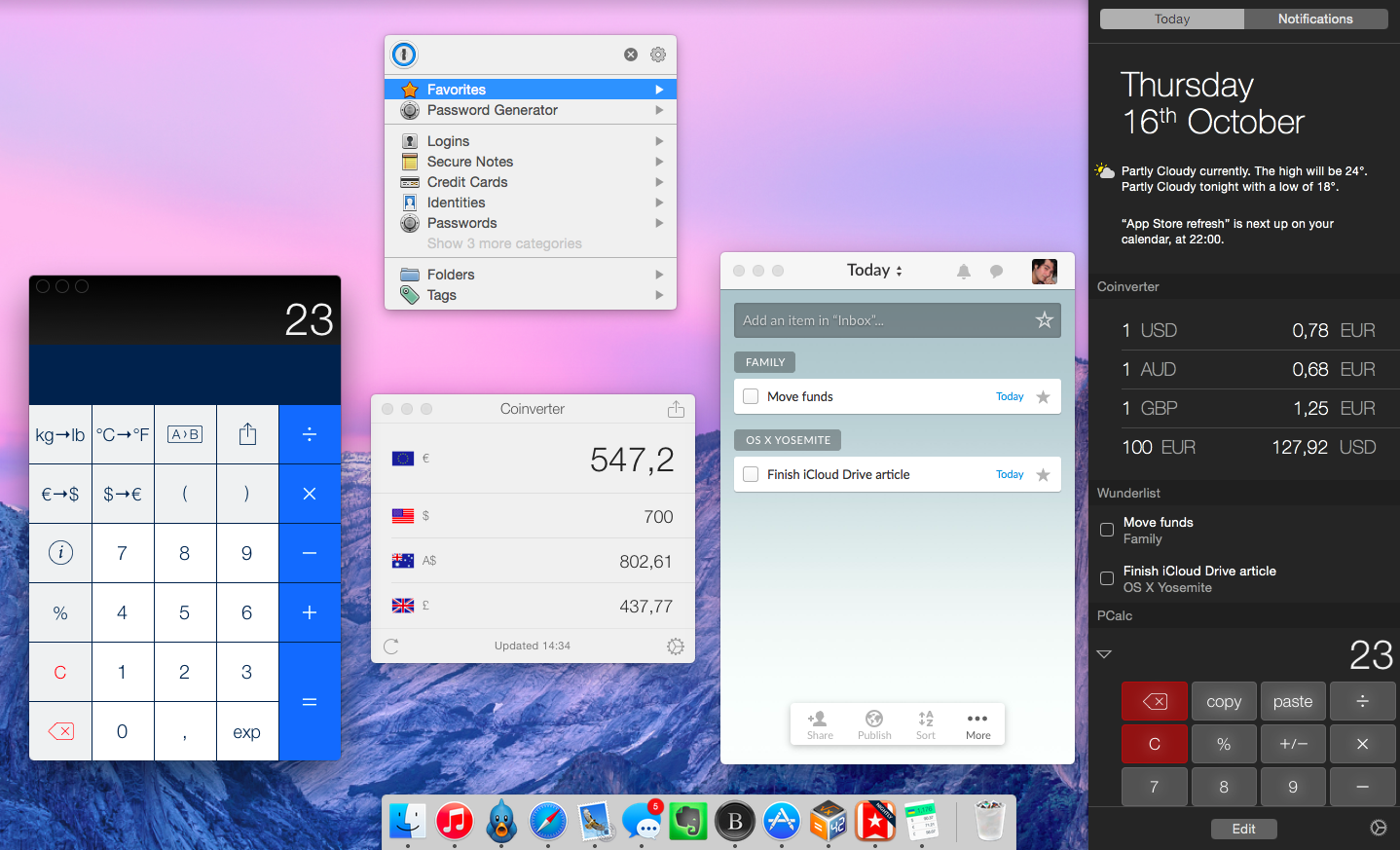
OS X Yosemite Apps I’ve Been Trying

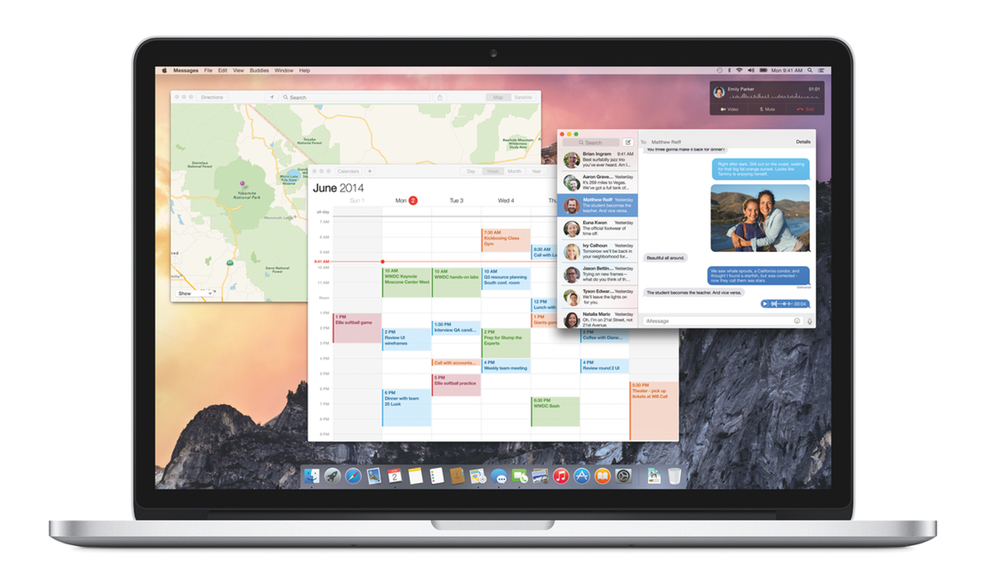
OS X Yosemite, first announced at WWDC in June and released today by Apple, brings a major redesign of OS X and a variety of new features such as widgets, extensions, Handoff, and Continuity. While I don’t use OS X as much as I did a few years ago, I still rely on the system for tasks that I can’t complete on iOS alone.

Below, you’ll find a roundup of the third-party Yosemite apps I’ve been testing over the past couple of weeks, which should give you a good idea of the design changes and new functionalities Yosemite is bringing to OS X.

Read more


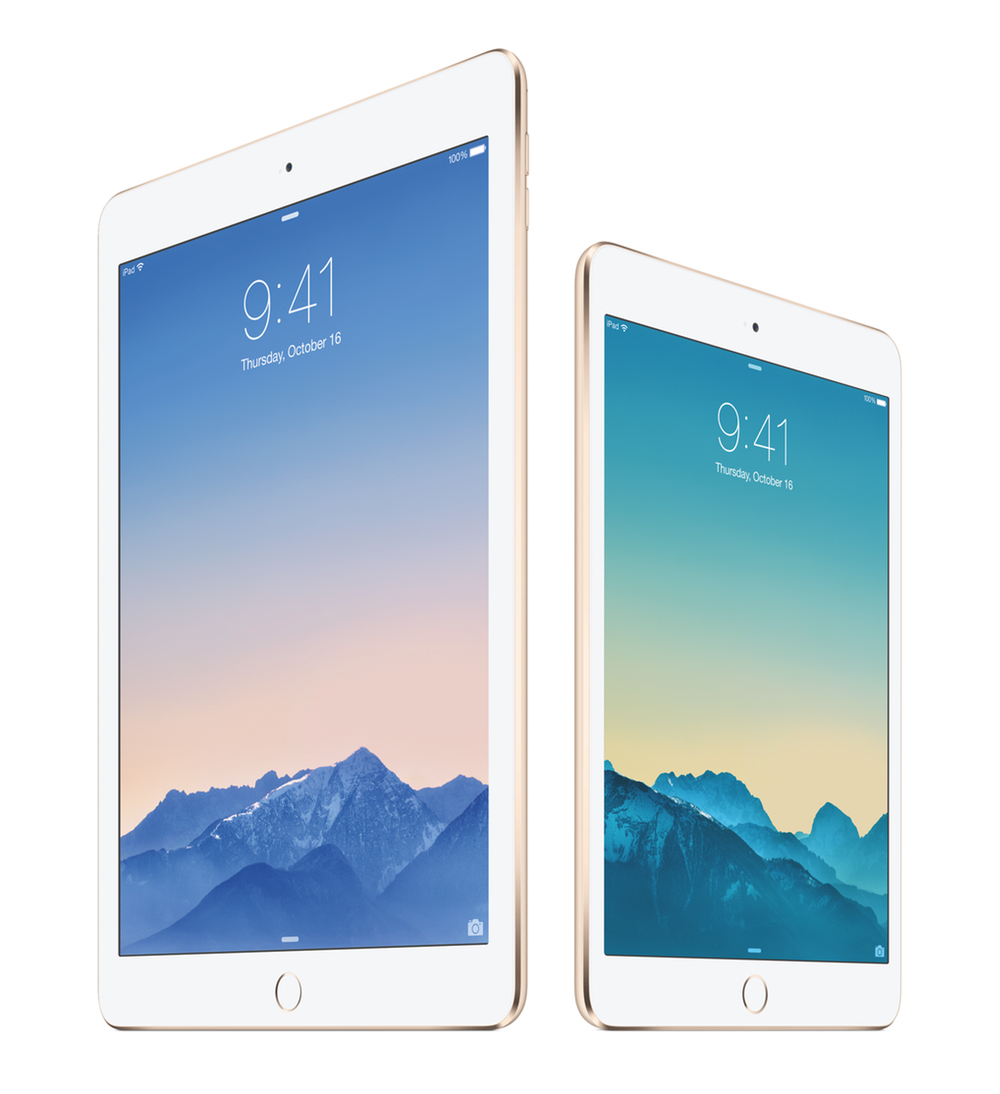
iPad Air 2 and iPad mini 3: Our Complete Overview

At a media event held earlier today in Cupertino, Apple unveiled the latest entries to the iPad family: the iPad Air 2 and the iPad mini 3. Building upon last year’s launch of the iPad Air and iPad mini with Retina display, the new iPads brings iterative improvements over the last generation, but it should be noted that, this year, Apple has drawn a clear line between the iPad mini and the full-sized iPad Air.

Read more


OS X Yosemite: Tips, Tricks, and Details

At MacStories, we believe in knowing all the little features and details of the software we use every day. We enjoy finding all the tweaks and hidden tricks that Apple ships with OS X and iOS every year, we love to round them up in a comprehensive collection. In this post, you’ll find over 60 tips, tricks, and details of OS X Yosemite that we’ve collected throughout the summer since the first beta release of Apple’s major redesign of OS X.

The release of OS X Yosemite was announced today at Apple’s media event in Cupertino, and the new OS is available now as a free upgrade on the Mac App Store. Yosemite – version 10.10 of OS X – brings a radical redesign, better integration with iOS thanks to Continuity and iCloud, and several changes to apps like Safari, Mail, and even the Finder.

We will have more articles on Yosemite today and throughout the week in our Yosemite hub on MacStories. In the meantime, you can enjoy our collection of tips and tricks to get the most out of OS X Yosemite below.

Read more


iOS 8 Apps I’m Trying This Week

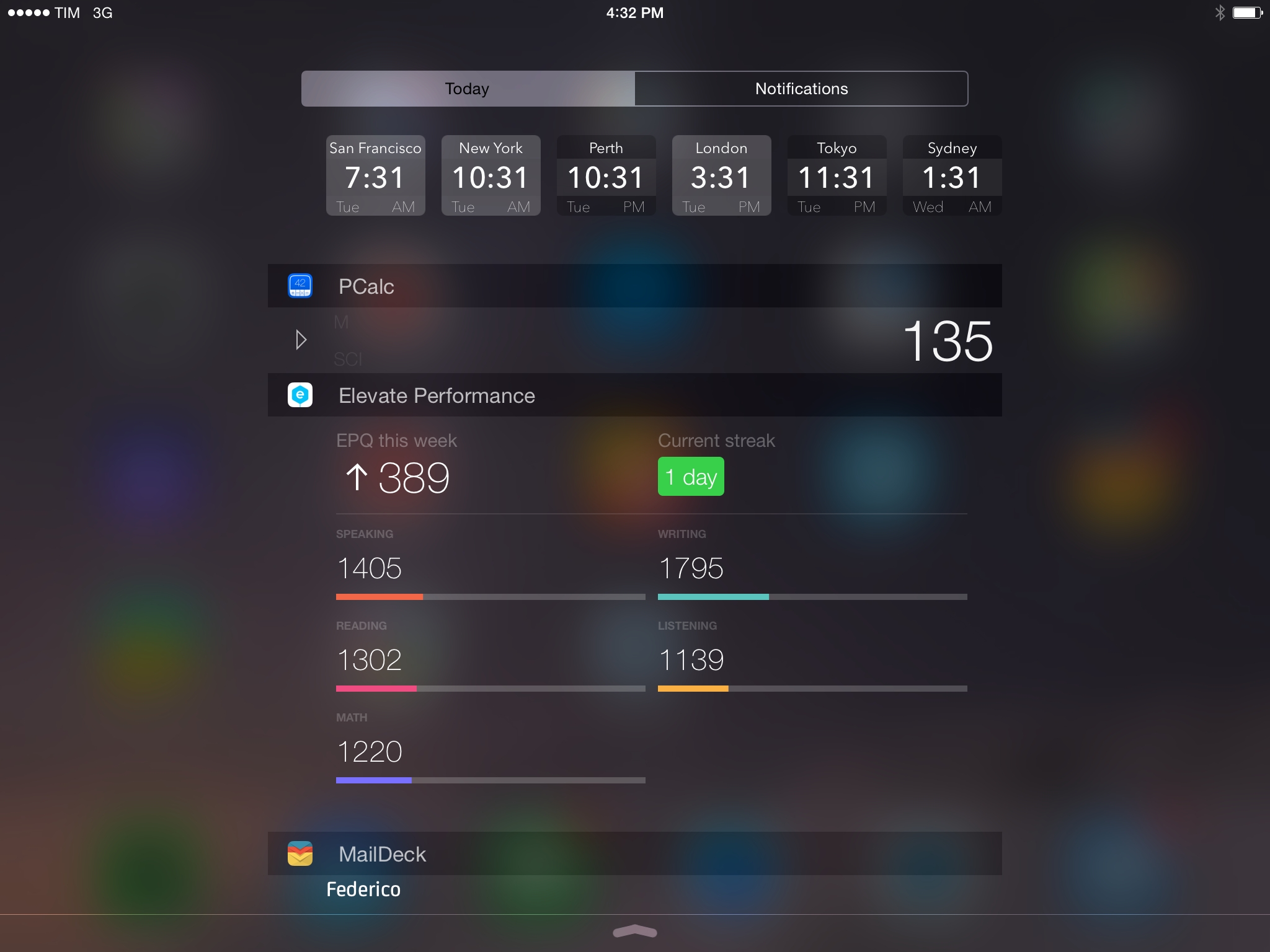
While iOS 8 user adoption may be slowing, the same hasn’t been true for third-party apps. Developers are embracing the new OS with app updates that take advantage of new features such as widgets and extensions, and since the release of iOS 8 last month I’ve been trying dozens of new apps and utilities in my daily workflow.

Some of these apps will turn into full reviews; others will likely be replaced over time. I’ve been having fun exploring the App Store and discovering new software for iOS 8, and I thought it’d be nice to keep documenting what I’m trying. Consider this a follow-up to my earlier post from September 19th.

You can find the list below and our complete iOS 8 coverage here.

Read more


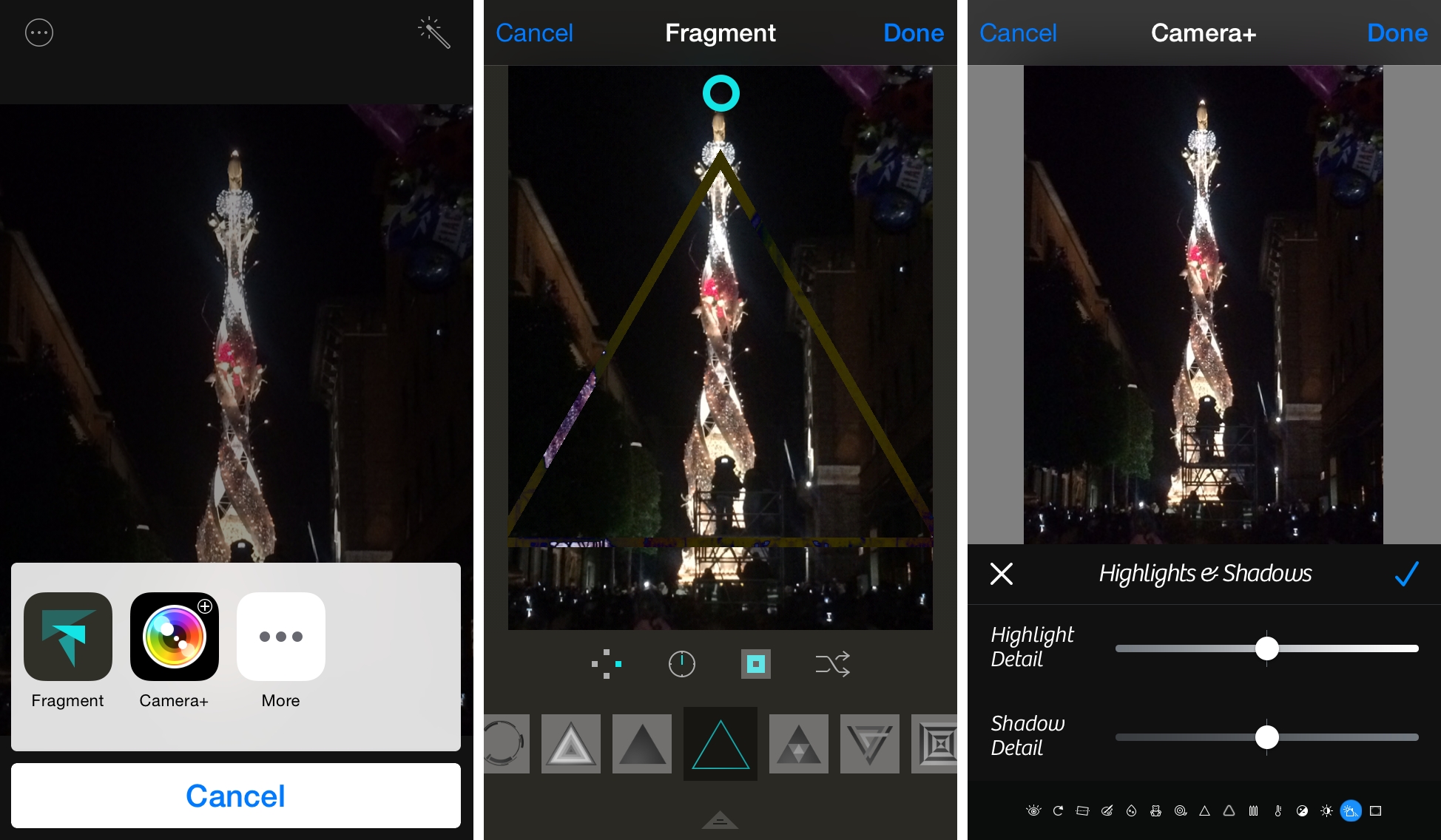
iOS 8 Extensions and Widgets I’m Trying This Weekend

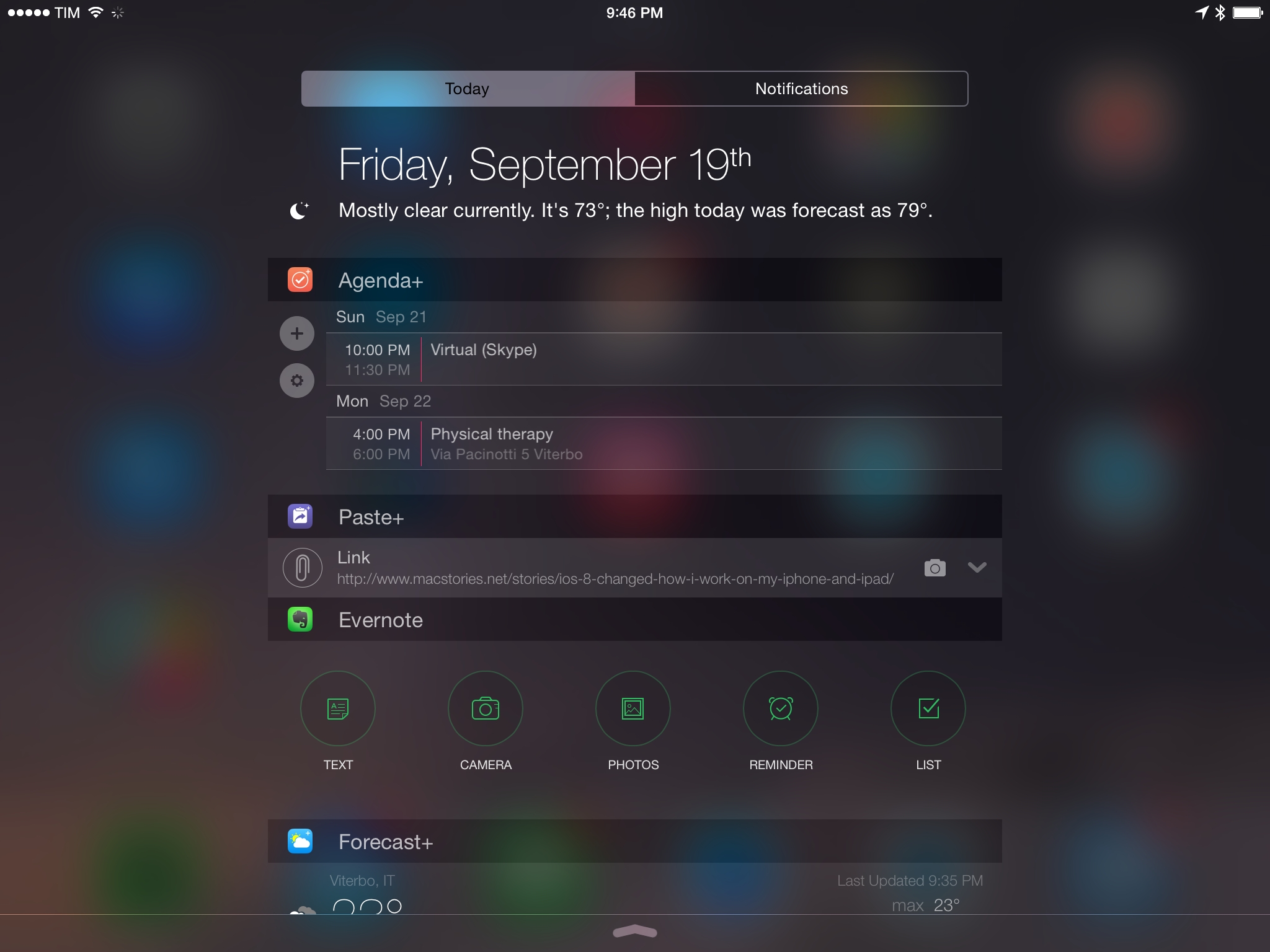
A lot of new and updated apps have landed on the App Store since the launch of iOS 8 earlier this week. While we tried to be as prepared as possible by covering notable releases here at MacStories, we couldn’t possibly hope to always have articles for every single new app we like. Therefore, I’ve decided to run down a few personal picks for new iOS 8 extensions and widgets I’m going to try over the weekend.

Due to the abundance of widgets, extensions, and custom keyboards that have been launched this week, I don’t expect all of these apps to stick around on my devices forever. Developers of apps I use every day still haven’t finalized their iOS 8 updates; others are still figuring out the best ways to implement new iOS 8 technologies.

Still, I’ve been having fun browsing the App Store for new apps. You can find the list below.

And if you’re looking for our in-depth coverage that we prepared ahead of iOS 8, you can find all our articles and reviews here, and my thoughts on iOS 8 here.

Read more


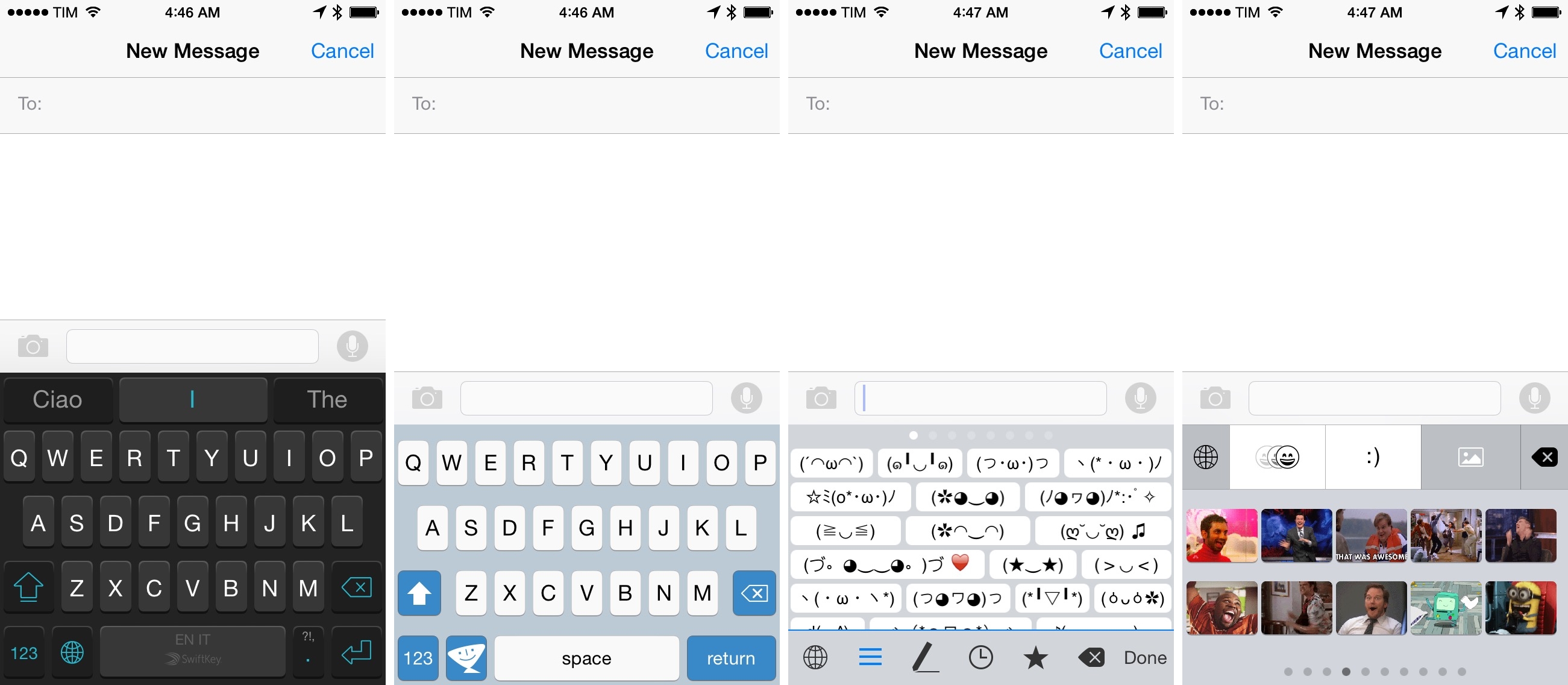
My Favorite iOS 8 Keyboards So Far

Earlier today, I shared my thoughts on custom keyboards in iOS 8 and how I’ve struggled to use a custom keyboard as my primary input method on the iPhone and iPad.

I wrote:

All these limitations can be easily overcome by setting preferences in each custom keyboard and accepting the fact that iOS will often default to the system keyboard due to privacy concerns. And that is absolutely fine: I appreciate the secure model that Apple built to protect customer data as much possible and I like that Internet access needs to be granted manually to custom keyboards.

But from a user’s perspective, this lack of deep system integration, little trade-offs, and increased friction add up over time when trying to use a general-purpose custom keyboard as your only keyboard. At least in my experience, I’ve found it easier to switch to simpler custom keyboards when I needed them rather than keyboards meant to be used all the time.

In addition to the limitations I mentioned in my article, custom keyboards have taken a while to get used to for two main reasons: performance and novelty.

Read more


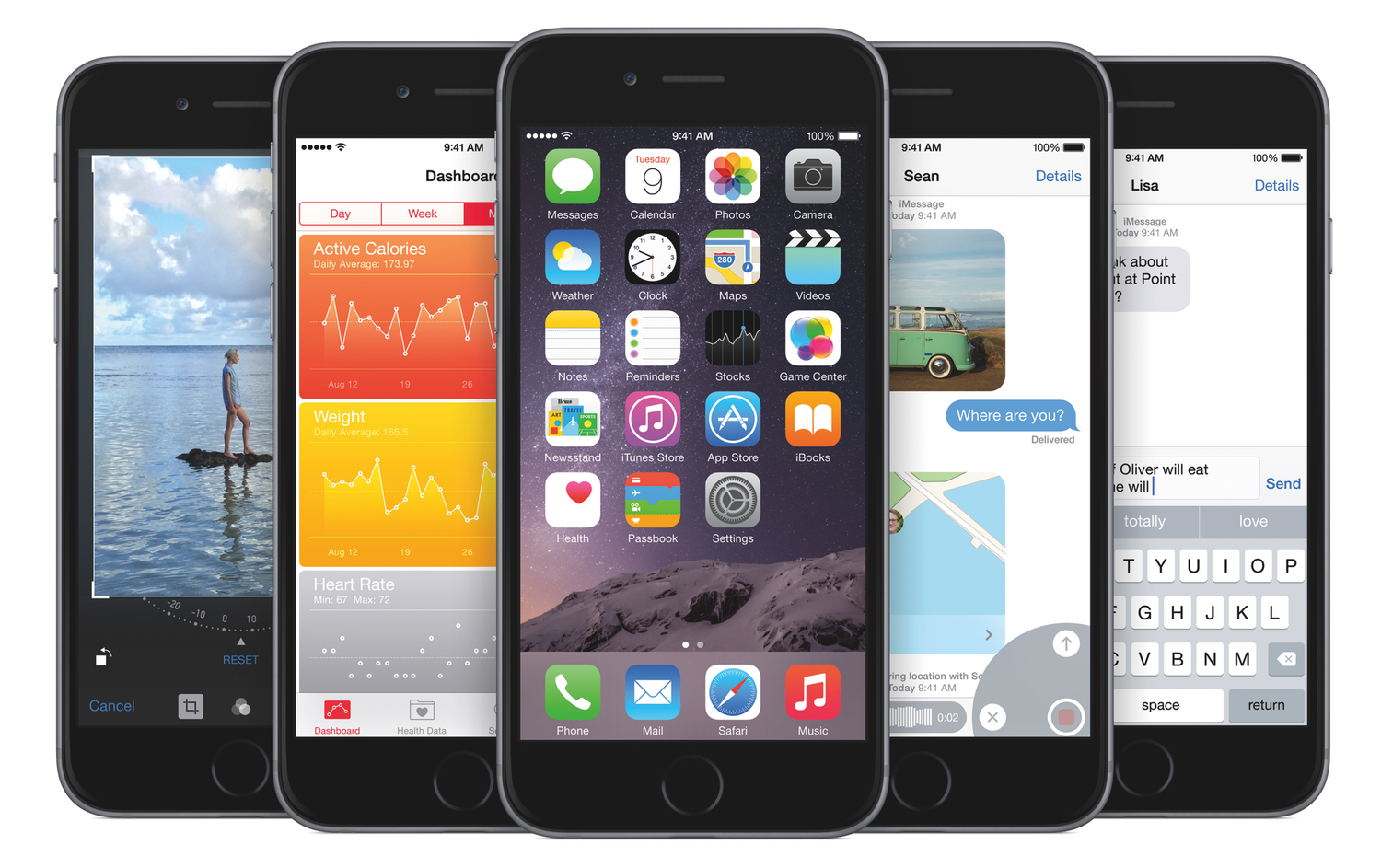
iOS 8: Tips, Tricks, and Details

iOS 8 is, by any measure, a big update. A lot of it is refinement to last year’s drastic design overhaul, but there are also a lot of notable new features. Sitting amongst those refinements and big new features are little nuggets of delight in which Apple has designed or implemented something (whether it be a feature, design flourish or a shortcut) that you might not notice until one day you stumble upon it accidentally.

Just like we have in the past few years, we like to find those little gems that come with every brand new version of iOS. So in this post, you’ll find dozens and dozens of tips, tricks, and details of iOS 8 that we’ve collected throughout the summer since the first beta release of iOS 8.

For more iOS 8 coverage, check out our news hub.

Read more