This Week's Sponsor:

SoundSource

New Year, New Audio Setup: SoundSource 6 from Rogue Amoeba


Posts in reviews

Outflow Review: Simple Subscription Tracking

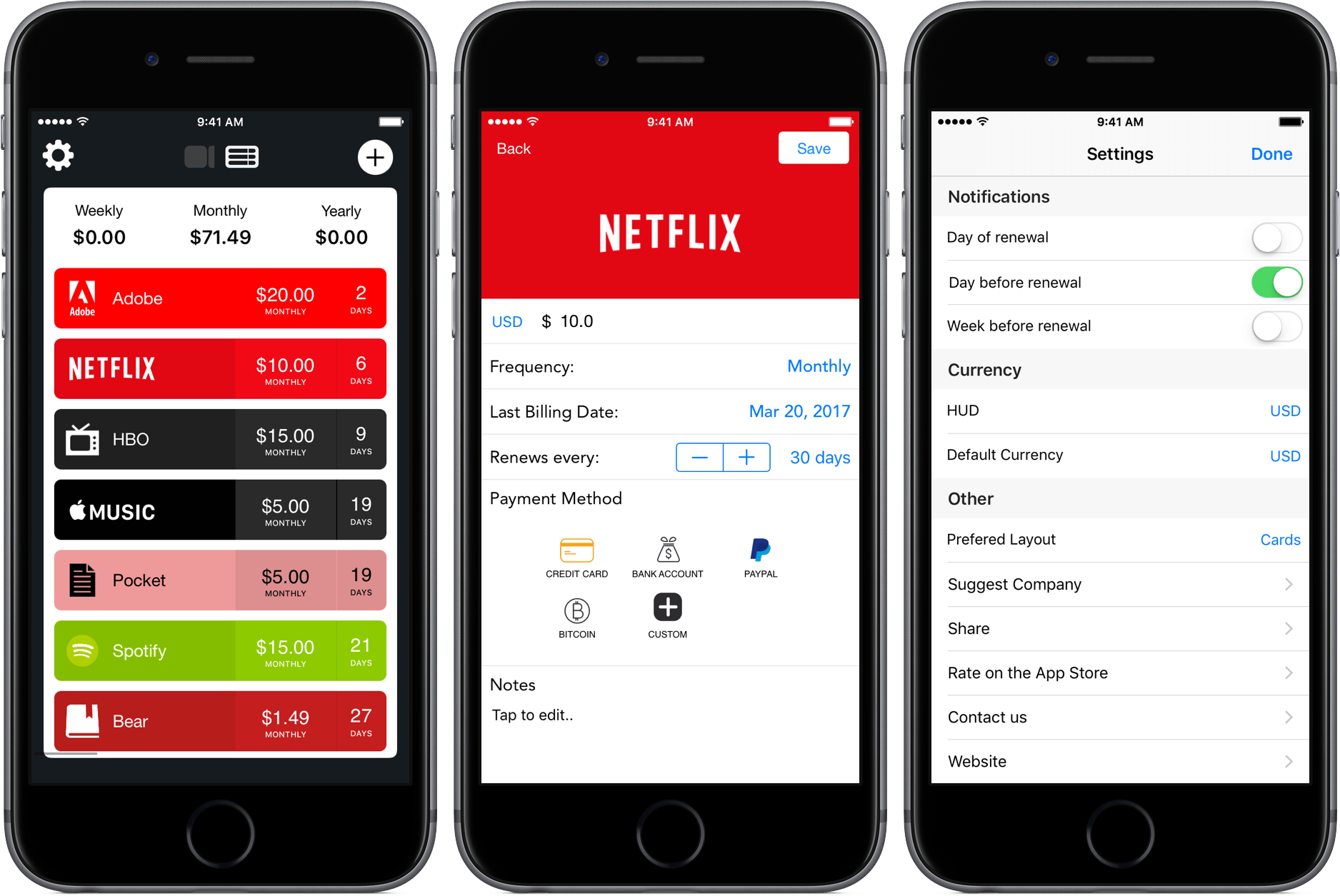
As I’ve mentioned in previous articles, I’m a huge fan of Bear, the minimalist note-taking app developed by Shiny Frog. To show my appreciation and grab an extra feature or two, I pay a monthly subscription fee of $1.49, a price so low that I forgot that I paid it at all.

It’s a similar story for other services, too – $5 each for Pocket Premium and Apple Music slip out of my bank account monthly without much thought. But that’s where the cheap stuff ends, and the expensive subscriptions begin: $15 for HBO Now, $15 for a Spotify family subscription, and $20 for the Adobe Creative Suite. After all of this, I’m at $71.49 a month for software, some of which I’m rarely putting hours into.

Because my subscriptions span different platforms and renew at different times, I’ve been looking for ways to track where all my money is going. With Outflow, I’ve found a new way to do that.

Read more


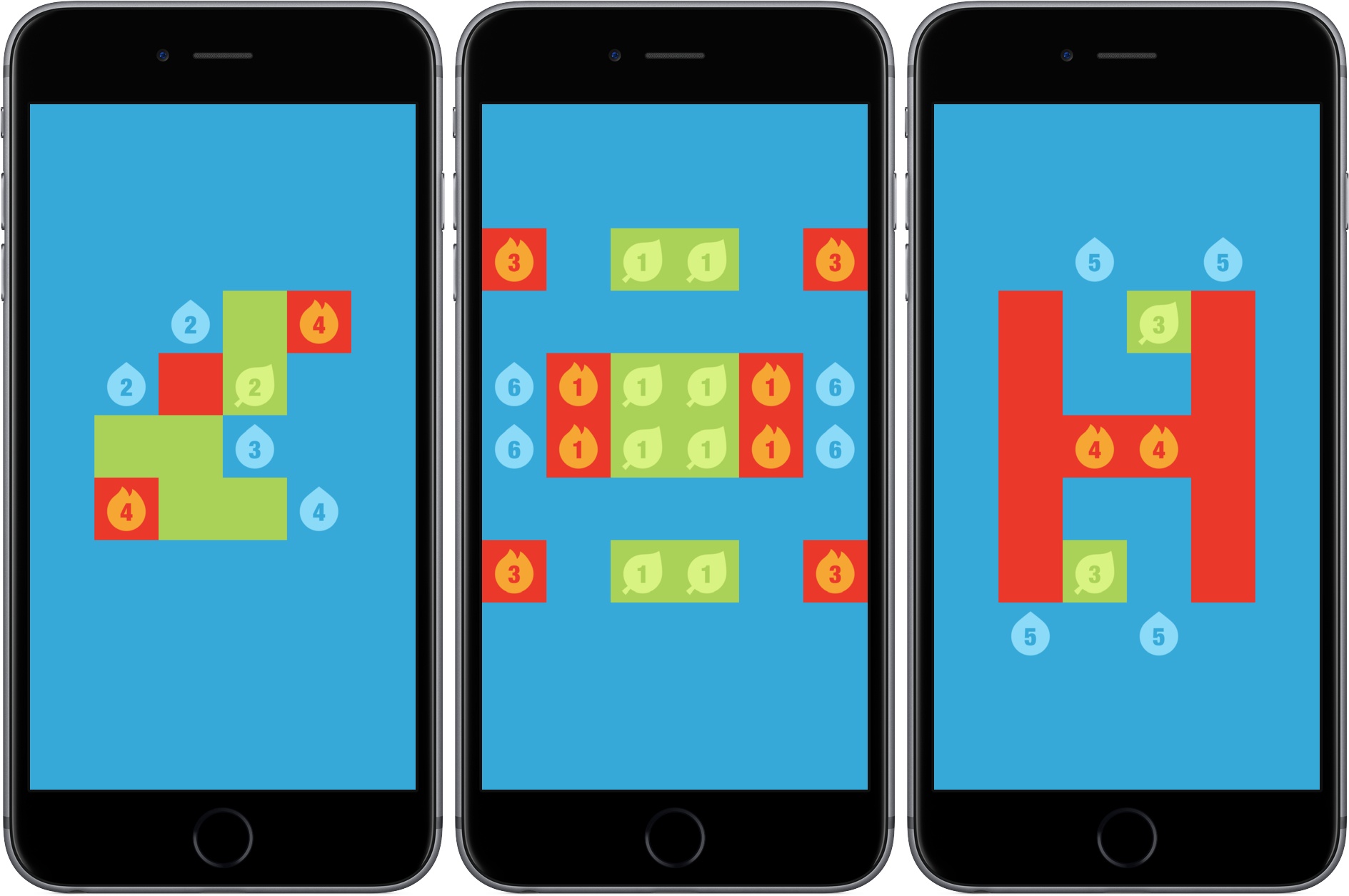
Game Day: Pocus

Pocus is the latest mind-bending puzzle game from Ankara-based developer Gamebra.in, a husband and wife duo that is known for their challenging puzzles. The game shares a common visual style with Gamebra.in’s earlier titles but has the most in common with the hit game Hocus as the names of the two games suggest.

Whereas Hocus is about navigating a cube around a variety of Escher-like geometric structures, Pocus is always played on three sides of one or more 3D cubes. Each side of a cube is composed of a 6x6 grid. Most of the squares in the grid are gray, but others are black or other colors. You play as a red with a black dot on it. The goal is to move your red square across the three sides of the cubes to collect green squares.

Read more


Tomates Time Management: Elegant Pomodoro Timer for Mac

If you’re a fan of the Pomodoro Technique, you’ll be interested in Tomates Time Manager. Version 4 is a great-looking menu bar app with detailed reporting, Touch Bar support, and a handy Today Extension.

If you’re not familiar with it, the Pomodoro Technique is a timer-based way of getting work done in 25-minute sprints with short breaks between, and then a nice long break after a set of four. I first tried the Pomodoro Technique many years ago and it worked well for me, but I didn’t stick with it. Over the years I went back to it a few times, but it still didn’t stick. It was only last year when issues with my ADHD caused me to desperately need a system exactly like this.

There are a plethora of good timers available for Mac and iOS, including the elegant Zen Timer on Mac (which I’ve mentioned here before) and Focus Time on iOS. What sets Tomates apart is the combination of elegant design and powerful utility. It allows customizable work and break times, Work Series counts, alarm sounds, and handles task names and reporting.

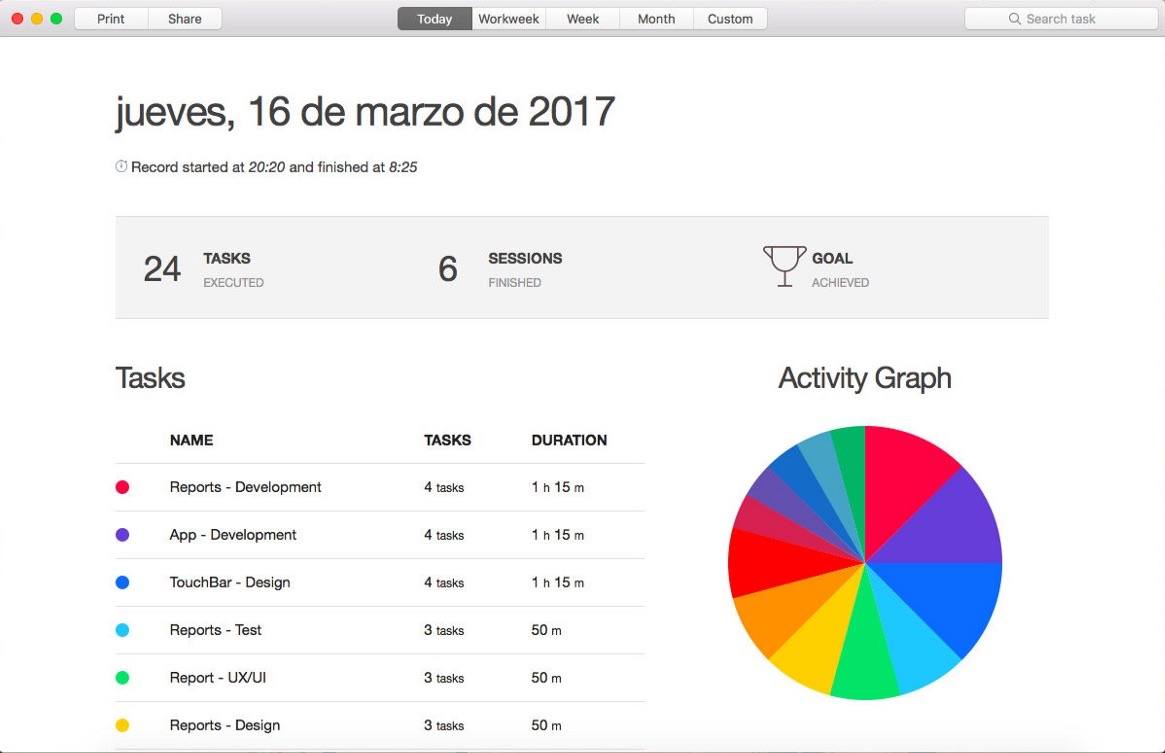
Version 4 introduces a Today Extension, providing an overview of your progress right in the Today View of Notification Center, tracking your tasks and sessions along with trophies for reaching your goals.

Reporting is also enhanced, with both task and time-based reports. The time-based reports can show today, this week (or this workweek), this month, or a custom time period. The reports can also now be printed or saved as beautiful PDFs. I’ll admit those reports aren’t something I really need hard copies of, but they are nice looking.

Lastly, version 4 adds Touch Bar support so you can work with the timer from the Touch Bar on your MacBook Pro. Manage and reset timers, and reset the session and goal counters with a tap.

Head to the Mac App Store to check out Tomates Time Management. $2.99 US isn’t a bad price to pay for something that could change the way you work.


Ulysses 2.8 Adds Touch ID Security and More

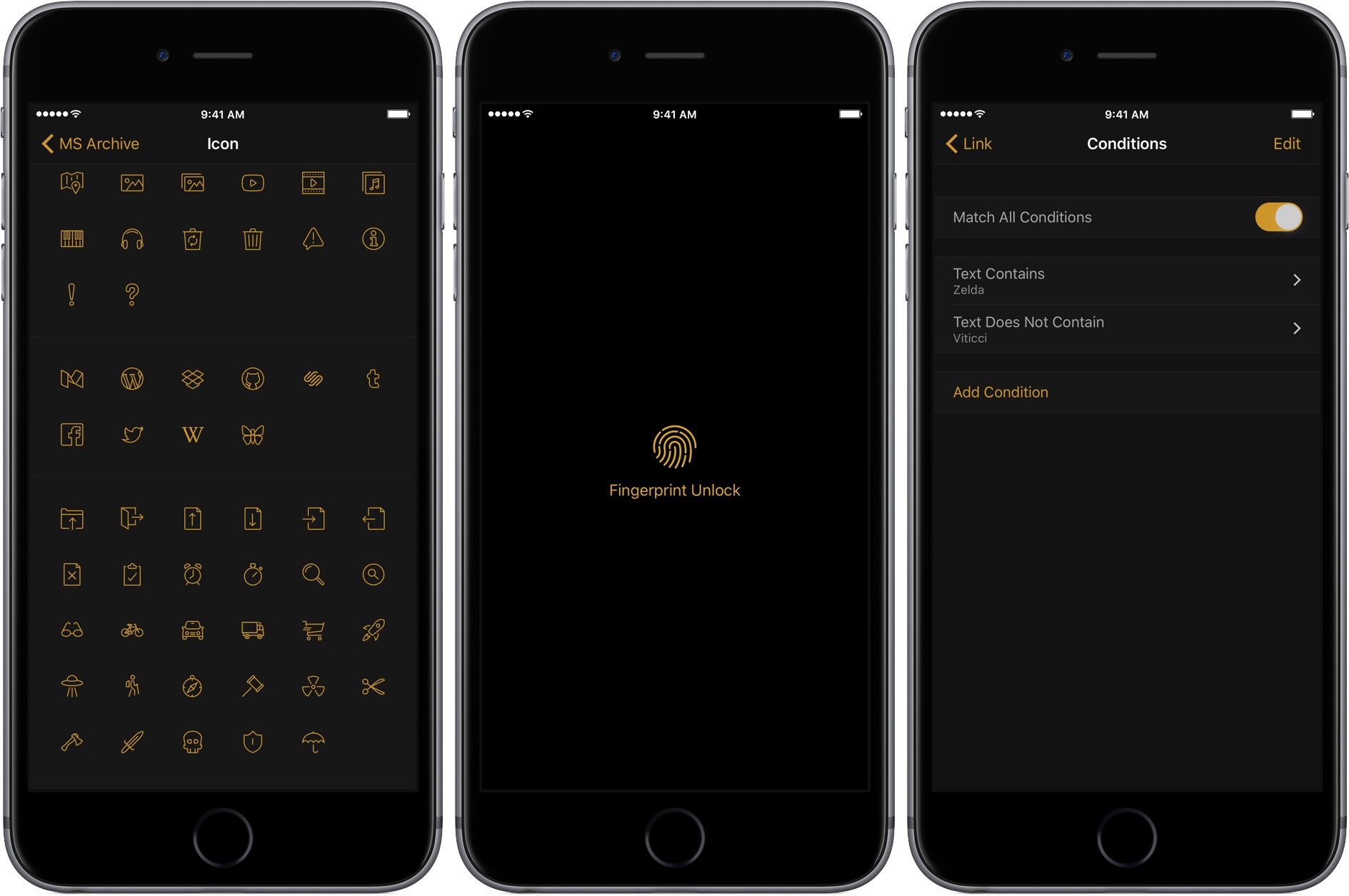
The Soulmen released version 2.8 of Ulysses on iOS and macOS today. The headline feature of the update is Touch ID support, which gives users the option to lock Ulysses automatically as soon as it is closed or after one, three, or five minutes. If your iOS device or Mac doesn’t support Touch ID, you can require Ulysses to use a password instead. I don’t have any particularly secret documents in Ulysses, but there are some documents I would prefer to keep private. With Touch ID, it’s so easy to unlock Ulysses that turning it on was a no-brainer.

Read more


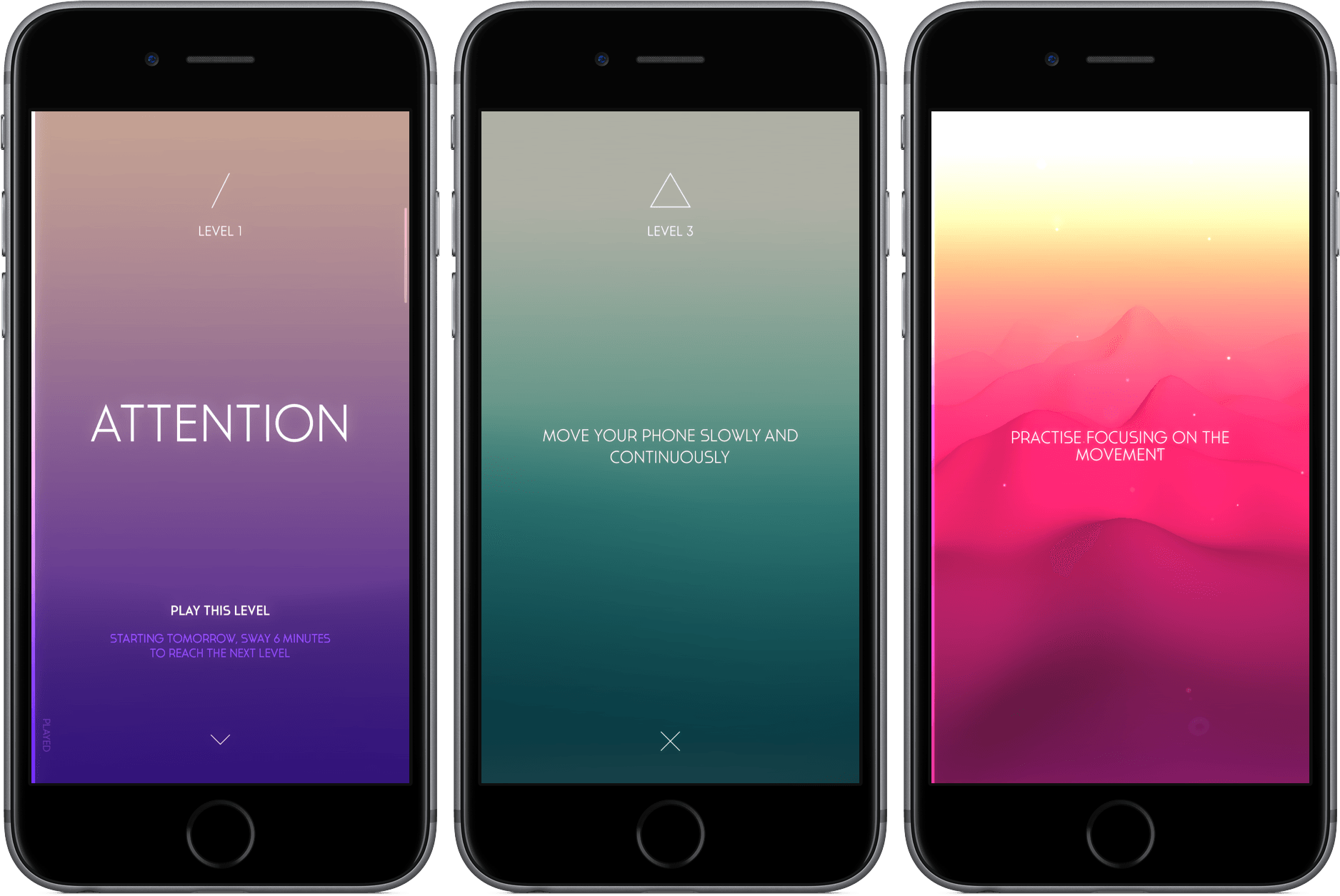
Sway Review: Meditation Through Movement

It’s 11:30 p.m., and I’m waltzing, rather awkwardly, around my room. If you were to walk in, you’d see me performing the slowest of slow dances, my iPhone clutched in my left hand, my AirPods nested in my ears, and my feet shuffling over my small, blue carpet.

What may look like a drug-fueled trip is my attempt at meditation using Sway, a movement-based mindfulness app for the iPhone. Since I picked it up over a weekend, I’ve been setting aside moments of my day to perform my tiny routine and attempt to center my mind.

I think it might be working.

Read more


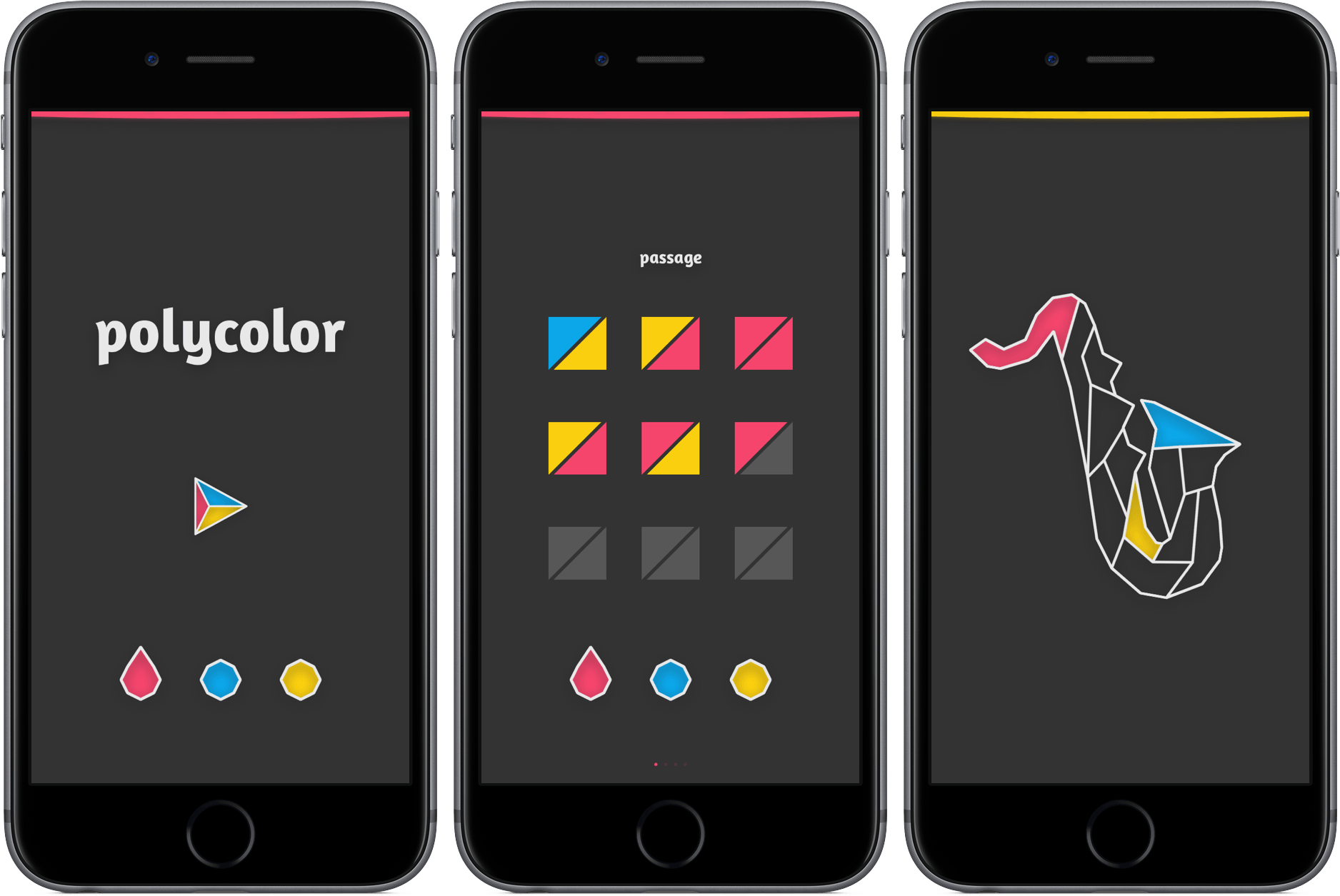
Game Day: Trilogic

Simple puzzles that make you think are a great way to unwind. Getting the hang of playing them is easy, which eliminates any up-front frustration. The challenge is all in the puzzle itself, which is an excellent distraction from whatever might be on your mind. There is virtually no friction to getting started with Trilogic, the follow-up to developer 1Button’s game called Bicolor. That makes Trilogic’s progressively tricky puzzles a perfect escape for brief moments throughout the day.

Read more


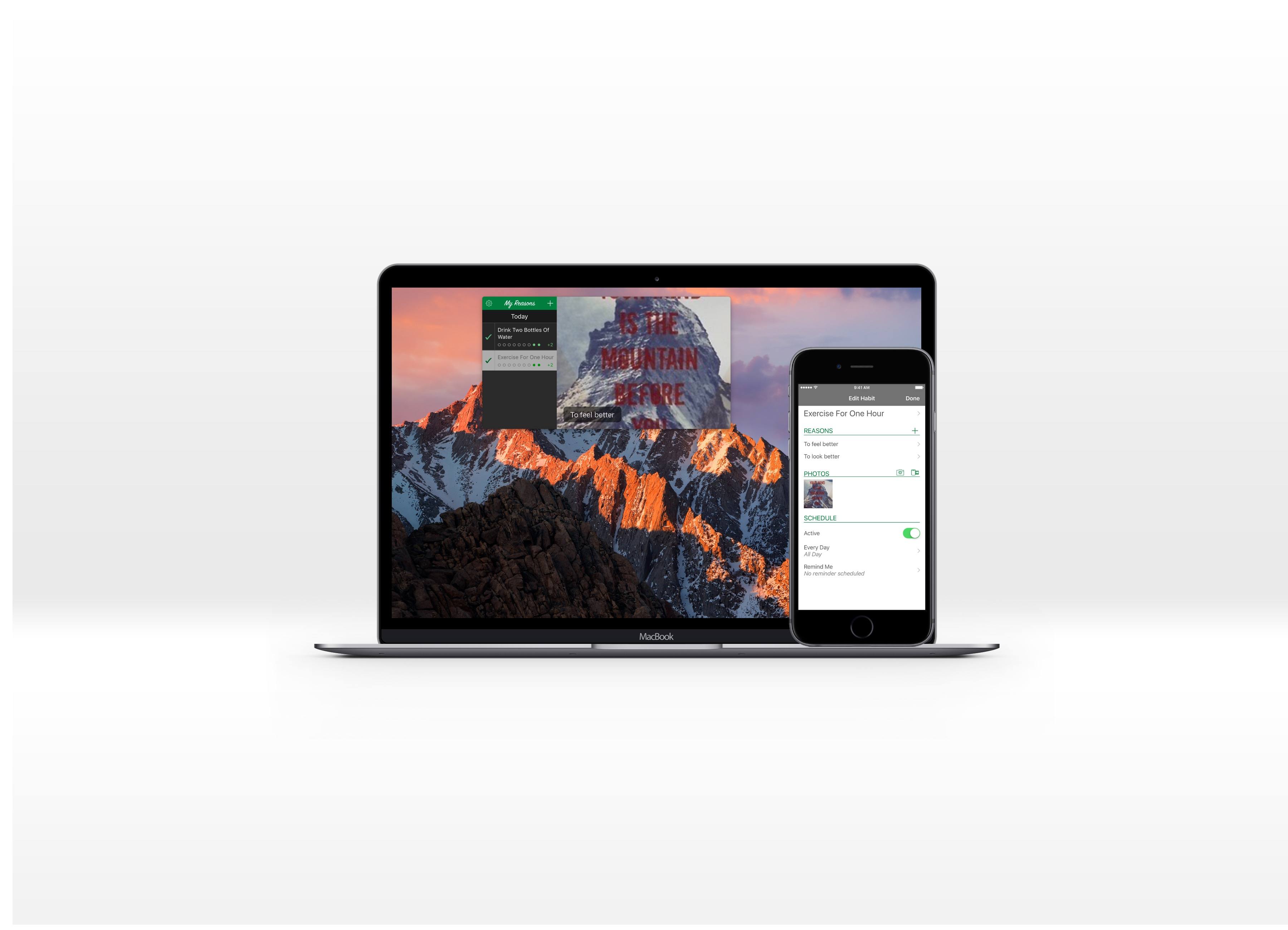
My Reasons Review

I’m a creature of habit, both positive and negative – and one of my most evident habits is the absurd amount of Diet Pepsi I drink. Although it’s not the worst habit I could have, it’s still concerning, especially considering that my water intake is embarrassingly low.

However, habits are hard to form and break, requiring effort, consistency, and constant motivation. While it’s nice to cheer yourself along through the journey of change, we often fall short of our goal because we forget the reason we started.

My Reasons for iOS and Mac is a productivity app that collects the things that motivate you and reminds you when working on your habit. It’s a tool that may just help me kick my Diet Pepsi habit – and some of your habits, too.

Read more


Game Day: Typeshift

Developer Zach Gage describes Typeshift as ‘Anagrams meets Word Search, with a sprinkle of Crosswords,’ which fits well. Gage is the creator of SpellTower and other excellent iOS games. It’s a clever mashup of the familiar in an unconventional way. With an extensive library of free puzzles, new daily puzzles, and puzzle packs that are available as In-App Purchases, TypeShift is a thoroughly addicting, seemingly bottomless pit of word game fun.

Read more


Interact Scratchpad for Mac Takes the Pain Out of Adding Contacts

Last year, Agile Tortoise introduced Interact for iOS, a powerful app for managing contacts. One of the most popular features of that app is the scratchpad that parses contact information, making quick work of turning a block of text into a new contact. Agile Tortoise has ported that functionality to the Mac in the form of a menu bar app called Interact Scratchpad.

Adding information to contacts is tedious. Too often I find myself switching back and forth between a webpage and the Contacts app typing information into field after field or copying little bits of text and pasting them into those fields. Scratchpad does the monotonous part for you by automatically recognizing all kinds of contact information.

Read more