Posts in news

MacStories Is on Mastodon with Its Own Server

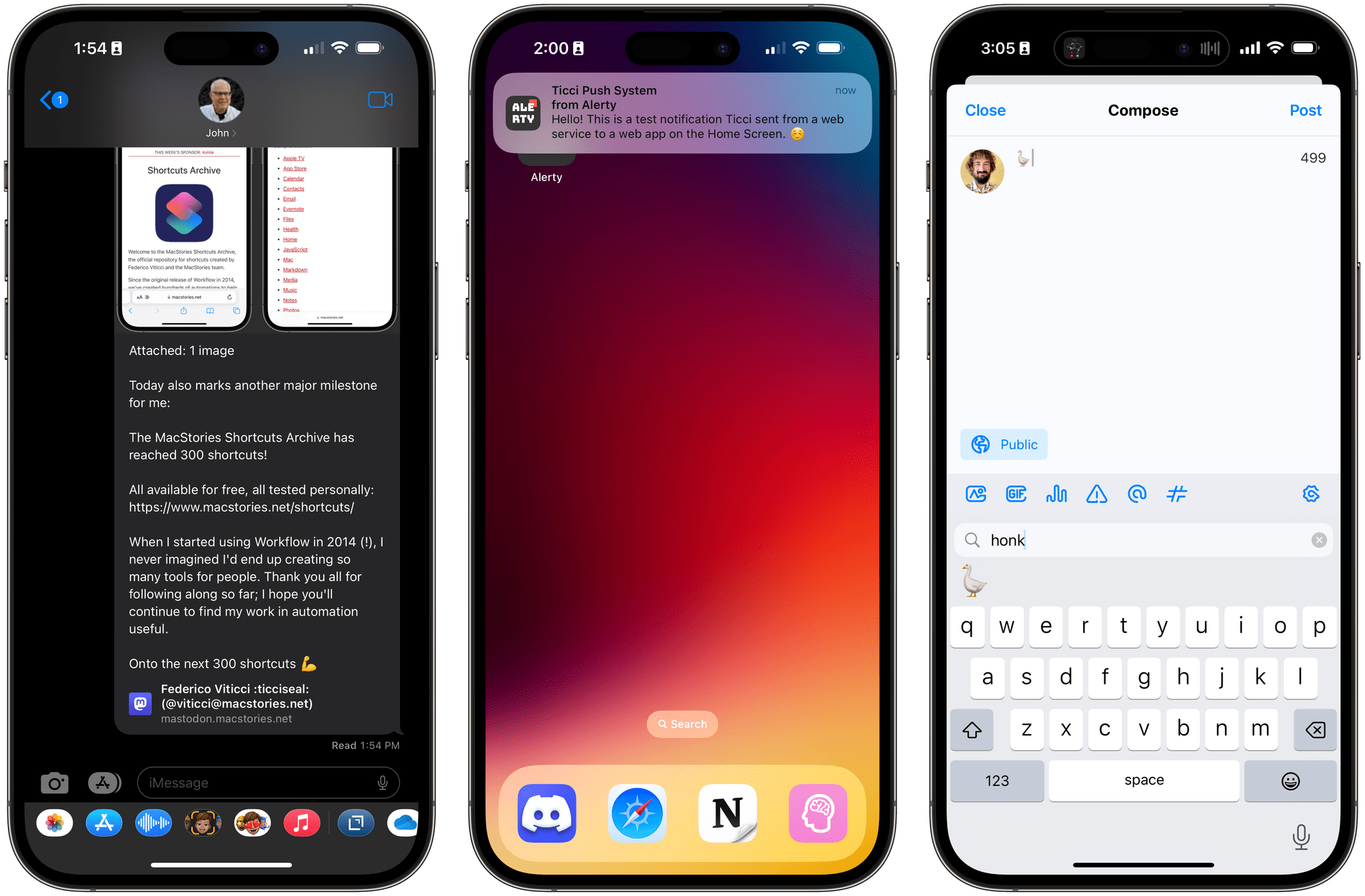
As of today, MacStories is officially on Mastodon with its own server for each of its properties and team members. You can find us here:

The new MacStories Mastodon account.

The new MacStories Mastodon account.

We’re not closing down our Twitter accounts (yet), but as you may have noticed, they haven’t been active lately and won’t be going forward. That’s because we’ve grown increasingly uncomfortable with the direction the company is heading. If you’ve been keeping up with the news, you know what I mean. If you haven’t, I highly recommend Casey Newton’s recent piece on Platformer. Casey’s perspective and reasons for winding down his personal and business presence on Twitter are very close to our own.

Although I’ll miss what Twitter was at its best and always remember what it’s meant to me professionally, I’m excited to be moving on too. I don’t know if Mastodon will be the next big thing, but it doesn’t have to be. It gives us a place to experiment and expand the places we connect with the MacStories audience, which we’re eager to do.

Read more


AppStories, Episode 309 – Gone but Not Forgotten: The Third-Party Apps (Part 1)

This week on AppStories, we extend last week’s ‘Gone but Not Forgotten’ theme to third-party apps, including Dropbox text editors, Twitter apps, email clients, and more.

Sponsored by:

  • Pillow – Sleeping better, made simple.
  • Memberful – Monetize your passion with membership.

On AppStories+, I have a gripe about TV app sports notifications, and Federico experiments with Siri and wonders if he should set up a second home in his garage.

We deliver AppStories+ to subscribers with bonus content, ad-free, and at a high bitrate early every week.

To learn more about the benefits included with an AppStories+ subscription, visit our Plans page, or read the AppStories+ FAQ.

Permalink

Last Week, on Club MacStories: Calendar Apps, AV Club Returns, Plus Movies, TV Shows, Apps, and More

Because Club MacStories now encompasses more than just newsletters, we’ve created a guide to the past week’s happenings along with a look at what’s coming up next:

MacStories Weekly: Issue 348


MacStories Unwind: The Best TV Shows and Movies of 2022

0:00
21:38


This week, Federico and John share their favorite TV shows and movies of 2022.

The Best TV Shows and Movies of 2022

Joint Picks:

Federico’s Picks:

John’s Picks:

Club MacStories Member Recommendations:


Apple Announces a Trio of Security Features Coming to Its Platforms

Today, Apple announced three new security features.

First, iMessage Contact Key Verification allows users to verify that they are communicating with the person with whom they think they’re communicating. The feature will alert users who use it if someone has infiltrated cloud services to gain access to the user’s iMessage conversations. For even greater security, users can compare a Contact Verification Code in person, on FaceTime, or through another secure channel.

Second, Security Keys lets users adopt hardware security keys when logging into their iCloud accounts. The new system is an enhancement over two-factor authentication because it prevents someone from obtaining a your second factor through a phishing scam.

Third, Advanced Data Protection for iCloud adds encryption on the iPhone, iPad, and Mac for a long list of data categories. According to Apple’s press release:

iCloud already protects 14 sensitive data categories using end-to-end encryption by default, including passwords in iCloud Keychain and Health data. For users who enable Advanced Data Protection, the total number of data categories protected using end-to-end encryption rises to 23, including iCloud Backup, Notes, and Photos. The only major iCloud data categories that are not covered are iCloud Mail, Contacts, and Calendar because of the need to interoperate with the global email, contacts, and calendar systems.

Apple says that iMessage Contact Key Verification will be available globally in 2023, and Security Keys is coming early 2023. Advanced Data Protection for iCloud is available in the US today for participants in Apple’s beta OS program, and will presumably roll out with the next point release to Apple’s OSes.


Apple Announces Upcoming Apple Music Sing Feature

Source: Apple.

Source: Apple.

Apple announced today that later this month, it will update its Music app with a new feature called Apple Music Sing.

According to Apple’s Oliver Schusser, its vice president of Apple Music and Beats:

Apple Music’s lyrics experience is consistently one of the most popular features on our service. We already know our users all over the world love to follow along to their favorite songs, so we wanted to evolve this offering even further to enable even more engagement around music through singing. It’s really a lot of fun, our customers are going to love it.

Source: Apple.

Source: Apple.

The feature is an extension of Music’s existing real-time lyrics. With real time lyrics playing on an iPhone, iPad, or latest-generation Apple TV 4K, users can adjust the lyric mix of a song, taking over the lead or backup vocals or singing along with the artist’s vocals. There’s even a duet view that takes up opposite sides of a screen for duets and multi-singer tracks.

Apple says it will be launching the new feature later this month with more than 50 dedicated playlists for users to use with Apple Music Sing.


Pixelmator Pro 3.2 Moves into Video Editing

Pixelmator Pro 3.2 adds a new dimension to the Pixelmator team’s flagship app: video. I have yet to spend much time with the app’s new video features yet, but anyone familiar with Pixelmator Pro should feel right at home because working with video works a lot like editing still images.

Pixelmator Pro adds new video templates.

Pixelmator Pro adds new video templates.

To get you started, Pixelmator Pro includes templates, a feature that was added in version 3.0. There are templates for a movie title clip, a YouTube thumbnail, YouTube channel art, and story-style vertical video. Only some templates incorporate placeholder video clips, but those that do are a great way to get a better feel of the video features added to the app.

Pixelmator Pro's editing controls.

Pixelmator Pro’s editing controls.

Editing a video isn’t much different from working with still images, except you’ll notice playback controls at the bottom of the clip you’re editing for controlling sound and playing back the clip. Also, a three-dot ‘more’ button reveals a scrubber with clip trimming controls and other advanced options when clicked. Other than that, video layers work just like other layers. You can adjust brightness, exposure, colors, and other aspects of a clip, apply filters, crop your video, overlay text, and more.

Video can be exported as MP4 files, QuickTime movies, animated GIFs, or PNGs. The Pixelmator team also says it has improved support for Motion projects.

Pixelmator Pro isn’t a replacement for a timeline-based video editor that lets you build a video from multiple clips. However, for clips like title segments and short-form social media posts, Pixelmator Pro strikes me as a far simpler solution than a more complex video editor like Final Cut Pro.

Pixelmator Pro 3.2 is available on the Mac App Store and is a free update to existing users. New users can purchase currently purchase Pixelmator Pro for $19.99, a 50% discount of its usual price.


Last Week, on Club MacStories: Anybox, Music Tips, A Universal and VNC Desk Setup, and Lessons Learned From Going Indie

Because Club MacStories now encompasses more than just newsletters, we’ve created a guide to the past week’s happenings along with a look at what’s coming up next:

MacStories Weekly: Issue 347

Anybox.

Anybox.

The Monthly Log, November 2022


MacStories Unwind: The Best Music of 2022

0:00
37:06


This week on MacStories Unwind, we kick off the first of our annual ‘best of’ Unwind recaps with the best music releases of 2022.

The Best Music of 2022

Federico’s Pick:

John’s Pick: