Posts in news

Apple Introduces Two New Personalized Music Stations

Apple Music has added two new personalized stations: Love and Heartbreak. Here’s how Apple describes each:

The Love Station features songs about romantic love, falling in love, feeling amorous, and feelings that these experiences bring. Tailored to each listener’s taste, the Love Station will play songs and artists they know and love along with recommendations. Not exclusively ballads, these love songs are guaranteed to amplify the mood; whether they’ve got that rush of a new crush, or that fully grown long time love. 

The Heartbreak Station features songs about heartbreak, unrequited love, breaking up, or sad love. Having your heart broken is awful. Sometimes during these moments, music is the only thing that can make sense of it all. The Heartbreak Station will play a blend of songs from artists listeners know and recommendations, to help them let it all out.

The introduction of the new stations follows the Discovery station, which debuted last summer. It’s great to see Apple expanding these algorithmically-generated stations based on your listening habits because they’re nice complements to the curated playlists from Apple Music’s editorial team.


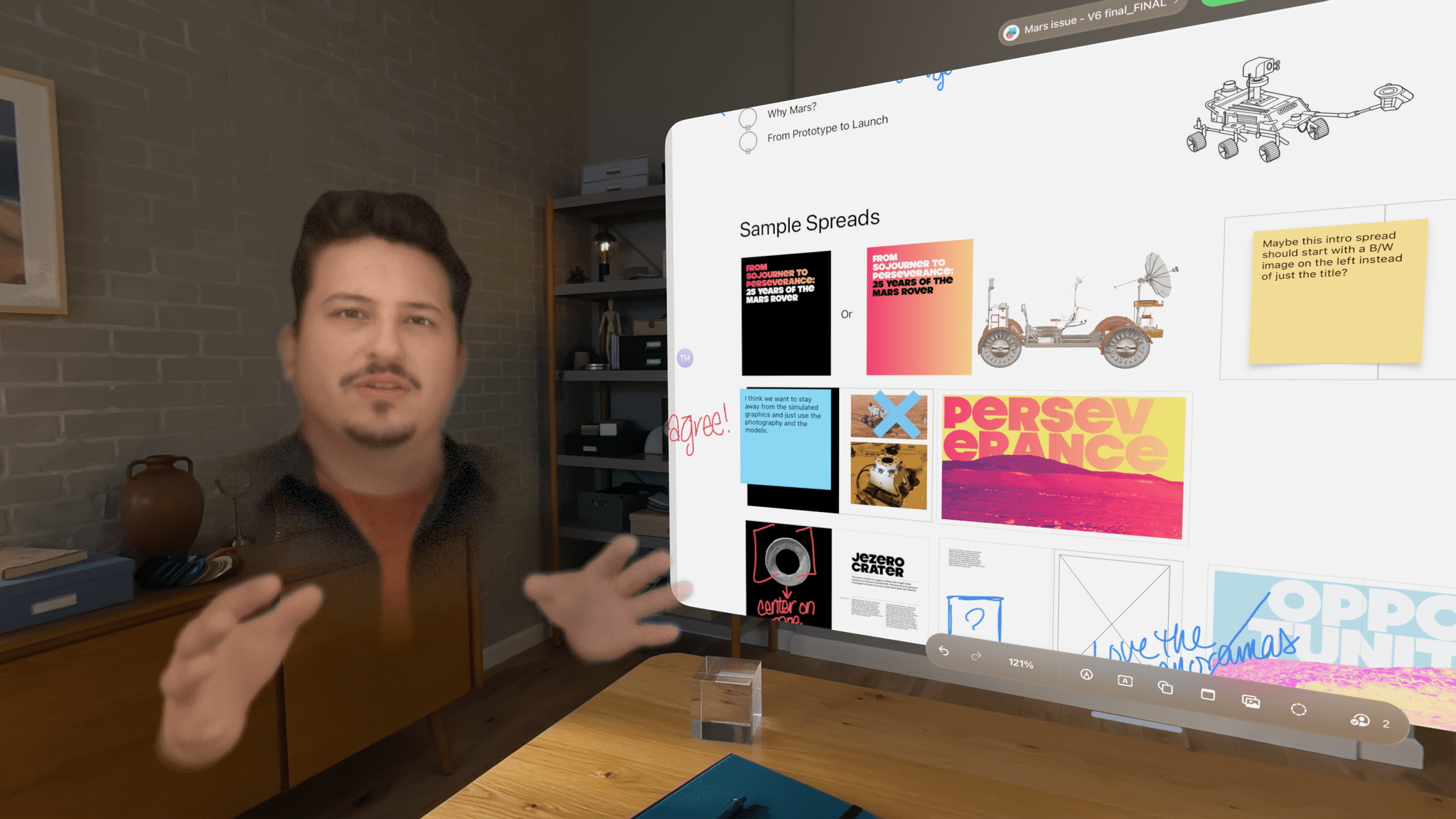
AppStories, Episode 370 – Apple Vision Pro: Hardware First Impressions

This week on AppStories, we tell the story of how Federico got his Apple Vision Pro before sharing our first impressions of the Vision Pro hardware.

Sponsored by:

  • Memberful – Easy-to-Use Reliable Membership Software
  • Bills to Budget – Get your Bills paid on time and your Budgets under control, with Bills to Budget!
  • 1Blocker – Enjoy websites without distractions

On AppStories+, we look back at CES and the gadgets we’re excited about and disappointed with.

We deliver AppStories+ to subscribers with bonus content, ad-free, and at a high bitrate early every week.

To learn more about the benefits included with an AppStories+ subscription, visit our Plans page, or read the AppStories+ FAQ.

Read more


MacStories Teams Up with ScreenCastsONLINE for a Big Discount for Club Members

For more than fifteen years, ScreenCastsONLINE has been a leading resource for online tutorials for Mac, iPhone, and iPad users. So we’re very pleased to announce today that we’ve teamed up with ScreenCastsONLINE to offer Club MacStories+ and Club Premier members who first-time subscribers to ScreenCastsONLINE: a 50% discount on their first year of an annual subscription. Club MacStories+ and Premier members can use this link to take advantage of ScreenCastsONLINE’s special discount as well as the other deals offered by Club MacStories. Not a Club member yet? Learn more here.

ScreenCastsONLINE has an incredibly deep catalog of tutorials that includes tutorials on:

  • Apple OS updates
  • Shortcuts and other automation tools
  • Apple system apps
  • Photography apps
  • Productivity apps
  • Music apps
  • And much more

Many of our favorite apps are included among ScreenCastsONLINE’s videos, making it a terrific compliment to the reviews and other app coverage you find on MacStories. So, if you haven’t joined Club MacStories before or are thinking of rejoining, now is a great time to join and become a ScreenCastsONLINE member too.

Discounts are just one of the many Club MacStories perks.

Discounts are just one of the many Club MacStories perks.

To put the Club deals into context, taking advantage of them all would save you enough to pay for more than two years of Club Premier, the highest Club tier. That’s before you even consider the many other perks Club MacStories+ and Club Premier members enjoy, including:

  • Weekly and monthly newsletters 
  • A sophisticated web app with search and filtering tools to navigate eight years of content
  • Customizable RSS feeds
  • Bonus columns
  • An early and ad-free version of our Internet culture and media podcast, MacStories Unwind
  • A vibrant Discord community of smart app and automation fans who trade a wealth of tips and discoveries every day
  • Live Discord audio events after Apple events and at other times of the year, including one coming this week about the Apple Vision Pro

On top of that, Club Premier members get AppStories+, an extended, ad-free version of our flagship podcast that we deliver early every week in high-bitrate audio.

Use the buttons below to learn more and sign up for Club MacStories+ or Club Premier.

Join Club MacStories+:

Join Club Premier:


Apple Updates Its Collection of Windows Apps

Today, Apple introduced a redesigned version of its iCloud for Windows app. The updated app, which allows users to access photos, files, passwords, and other content on a Windows PC, has clarified how it works and where synced content can be found. The app also adds physical password keys and other refinements. I don’t spend a lot of time using Windows, but I appreciate that it makes it easy to access passwords, files, and other content when I do, and today’s update makes that process a little easier, which is great.

The other updates today were to apps that have been available as previews on Windows for a while. That’s no longer the case for Apple Music, Apple TV, and Apple Devices. The functionality of those apps was previously found in iTunes for Windows. Music and TV closely resemble their Mac counterparts, whereas Devices lets users update, backup, restore, and manage their Apple devices on a Windows PC, similar to the way Mac users can do the same in Finder.

iTunes for Windows survives for podcast and audiobook listening.

iTunes for Windows survives for podcast and audiobook listening.

Although today marks the end of many of the core features of iTunes for Windows, the app continues to be available to Windows users to manage their podcasts and audiobooks. However, I wouldn’t be surprised if we see Windows versions of Apple Podcasts and Books in the future.


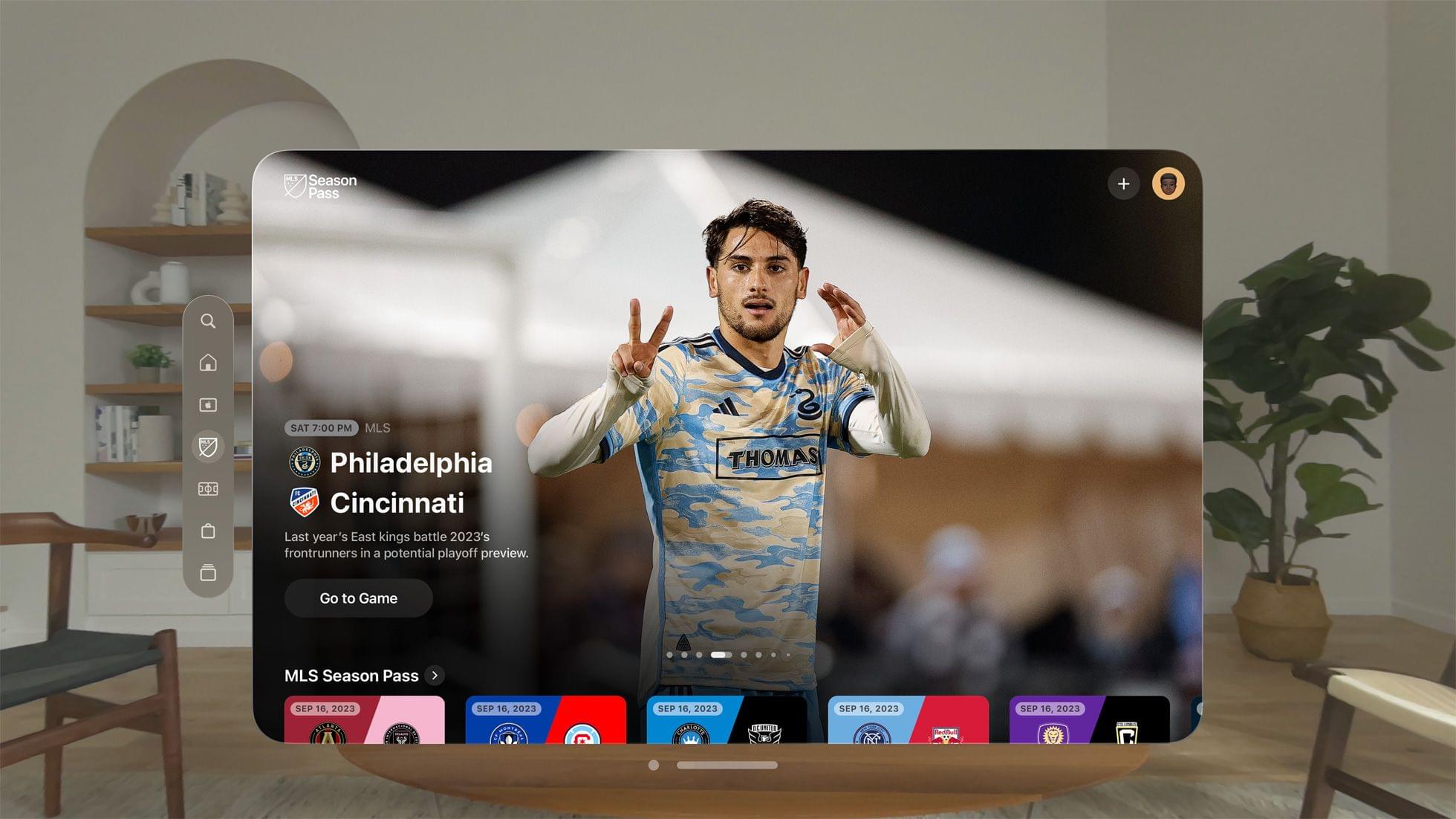
Magic Rays of Light: Apple Vision Pro Impressions, TCA Winter Press Tour 2024, and the Road to the Apple Music Super Bowl LVIII Halftime Show

0:00
01:44:59


This week on Magic Rays of Light, Sigmund and Devon share first impressions of Apple Vision Pro, all of the Apple Original announcements from the Television Critics Association Winter Press Tour, and the lead up to the Apple Music Super Bowl LVIII Halftime Show headlined by Usher.

Show Notes


Send us a voice message all week via iMessage or email to [email protected].

Sigmund Judge | Follow Sigmund on X, Mastodon, or Threads

Devon Dundee | Follow Devon on Mastodon or Threads

View our Apple TV release calendar on the web.

Subscribe to our Apple TV release calendar.

Read more


AppStories, Episode 369 – Digging into the DMA

This week on AppStories, we consider how Apple’s response to the Digital Markets Act will change the world of apps for developers and users in the EU.

Sponsored by:

  • Notion: Do your most efficient work with Notion AI. Try it free today.

On AppStories+, the backstory of Shortcut Buttons a visionOS Shortcuts app by Finn Voorhees.

We deliver AppStories+ to subscribers with bonus content, ad-free, and at a high bitrate early every week.

To learn more about the benefits included with an AppStories+ subscription, visit our Plans page, or read the AppStories+ FAQ.

Read more


Apple Publishes Vision Pro User Guide and Support Documentation

Apple has created a comprehensive Vision Pro user guide and accompanying support documentation that was published late last week. I’ve spent some time browsing through the user guide, and it’s full of excellent tips to help get people started with the new device. Each section of the guide links to related support documents, which go into more depth about the topics covered. I’ve pinned the page in Safari as I continue to explore everything the Apple Vision Pro can do.

Another page worth bookmarking is a story by Joe Rossignol and Aaron Perris of MacRumors, who compiled a long list of what they describe as ‘nearly all’ of the support documents listed in the Vision Pro user guide. You’ll come across links to these documents in the user guide itself, but if you want to go deeper on a topic and bypass the user guide, MacRumors’ story is a great place to start.


Apple Offers USB-C Enabled Vision Pro Strap to Registered Developers

Apple is offering a new Vision Pro accessory to registered developers: a head strap with a USB-C connector for $299. There aren’t a lot of details about the strap, which is designed to be connected to a Mac to accelerate development and testing for the Vision Pro, other than this description that is behind a developer account login:

Overview

The Developer Strap is an optional accessory that provides a USB-C connection between Apple Vision Pro and Mac and is helpful for accelerating the development of graphics-intensive apps and games. The Developer Strap provides the same audio experience as the in-box Right Audio Strap, so developers can keep the Developer Strap attached for both development and testing.

Tech specs

  • USB-C data connection
  • Individually amplified dual driver audio pods
  • Compatible with Mac

Although we haven’t been able to confirm the capabilities of the Developer Strap, USB-C may allow developers to connect the Vision Pro to their network over Ethernet or access external storage, for example.

Why is a USB-C dongle $299? It’s expensive, but as the description makes clear, it incorporates the speaker found in Vision Pro’s right strap, which it replaces, explaining at least part of the cost.


MacStories Unwind: John’s Surprise Payback

0:00
28:52


This week on MacStories Unwind, John turns the tables, surprising Federico with a more flexible, modular desk setup.

  • Kolide – It ensures that if a device isn’t secure it can’t access your apps.  It’s Device Trust for Okta. Watch the demo now.

John’s New Modular, Flexible Desk Setup

MacStories Unwind+

We deliver MacStories Unwind+ to Club MacStories subscribers ad-free and early with high bitrate audio every week.

To learn more about the benefits of a Club MacStories subscription, visit our Plans page.

Read more