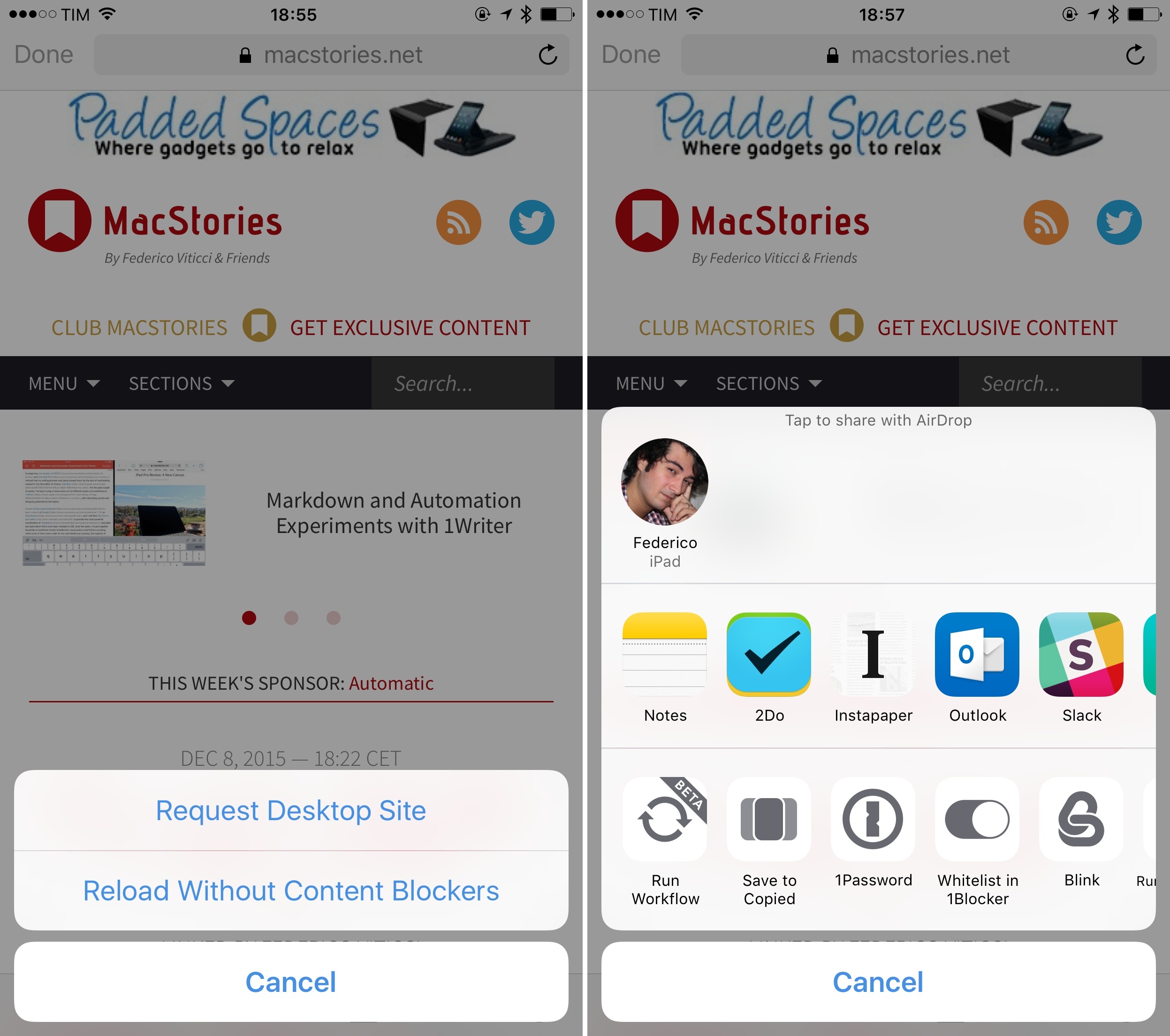
Web Tools is a new app from developer James Finley of Ergo which aims to create a Safari-style web inspector for iPad. I’ve tried other solutions for getting the source of web pages via iOS, but, at least on iPad, I haven’t seen any come close to being as well designed and implemented for the iPad’s bigger screen.
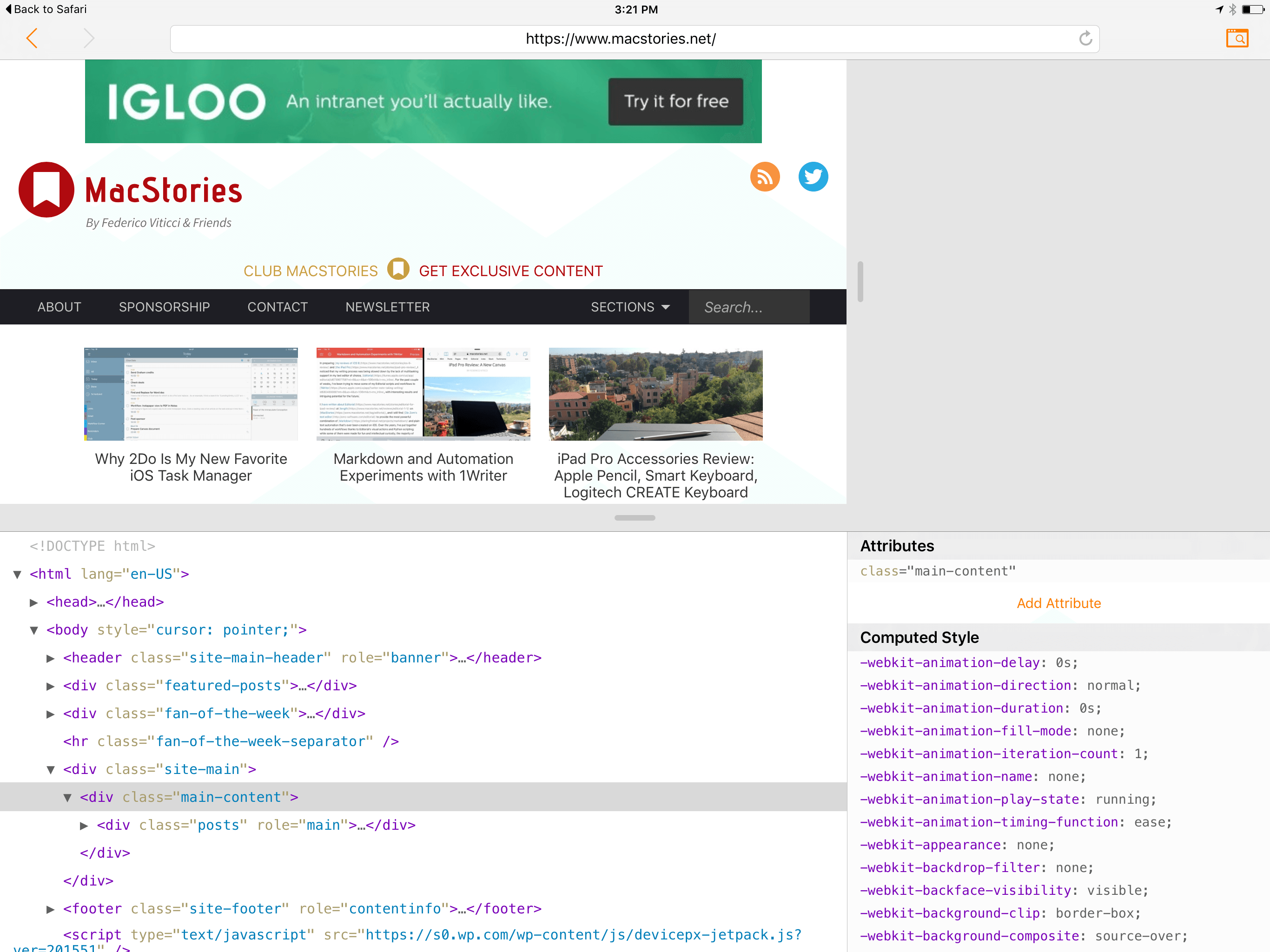
Web Tools is an extremely simple app, with no interface elements except an address bar and a browser window. The address bar contains back and forward buttons, a reload button, and an inspect button. Load up a webpage in the address bar and tap the inspect button to see the web inspector slide up from the bottom.
Web Tools has a very similar design to that of Safari’s web inspector for Mac. When you enable the inspector, it slides up to cover the bottom half of the web page (though you can easily drag to make it obscure more or less, depending on your preference). The inspector contains two panes, the first of which displays the HTML DOM tree for the web page. You can expand and collapse whichever elements you want to navigate through the DOM.