Posts in news

Introducing NPC XL: More NPC, Every Week

Welcome to NPC XL.

Welcome to NPC XL.

Ever since Brendon, John, and I started our podcast about portable gaming – NPC: Next Portable Console – last year, I knew I’d found something special. It’s not just that the three of us are obsessed with handhelds and portable consoles; it’s that we work well together, and we’re having so much fun doing the show every two weeks. Who wouldn’t want to do even more with a project they love?

So today, we’re announcing some big changes to NPC:

  • We’re taking the regular show weekly, for free, for everyone!
  • We’re introducing NPC XL, a members-only version of NPC with extra content, available exclusively through our new Patreon for $5/month.
  • NPC is getting its own YouTube channel. With an expansion of the show, it made sense to let it grow beyond the MacStories YouTube channel.
  • NPC is joining the (awesome) TWG Discord server with a dedicated channel for community feedback and participation.

You can find our Patreon here, and we also dropped a surprise episode of NPC today announcing the expansion of the show:

Now, allow me to spend a few more words on why we’re doing this and what you can expect from becoming a patron of NPC XL.

Read more

Access Extra Content and Perks

Founded in 2015, Club MacStories has delivered exclusive content every week for nearly a decade.

What started with weekly and monthly email newsletters has blossomed into a family of memberships designed for every MacStories fan.

Learn more here and from our Club FAQs.

Club MacStories: Weekly and monthly newsletters via email and the web that are brimming with apps, tips, automation workflows, longform writing, early access to the MacStories Unwind podcast, periodic giveaways, and more;

Club MacStories+: Everything that Club MacStories offers, plus an active Discord community, advanced search and custom RSS features for exploring the Club’s entire back catalog, bonus columns, and dozens of app discounts;

Club Premier: All of the above and AppStories+, an extended version of our flagship podcast that’s delivered early, ad-free, and in high-bitrate audio.

Learn more here and from our Club FAQs.


Apple Reveals New Magic Keyboard for iPad Air

Alongside today’s announcement of the M3 iPad Air and A16 iPad, Apple also revealed the all-new Magic Keyboard for iPad Air. The iPad Air line has traditionally inherited previous versions of the Magic Keyboard for iPad Pro, so this Air-exclusive version is a first. It offers some of the new features that came to the iPad Pro’s Magic Keyboard last year as well as an interesting set of tradeoffs when compared to the Pro model.

The Magic Keyboard for iPad Air adds a 14-key function row above the number keys for adjusting screen brightness, controlling volume and audio playback, and more. It also features a larger trackpad than the previous version for the iPad Air as well as the new hinge design introduced on the Magic Keyboard for iPad Pro last year. As before, it connects to the iPad Air via the Smart Connector and includes a single USB-C port for passthrough charging.

It’s great to see these features from the iPad Pro’s Magic Keyboard make their way to the iPad Air. At the same time, the Air version does include some compromises, most notably its omission of backlit keys. It also lacks the aluminum palm rest and trackpad haptic feedback found on the Magic Keyboard for iPad Pro, and it only comes in a single color option: white.

The iPad Air’s Magic Keyboard is marginally cheaper than the iPad Pro version (and the Magic Keyboard for last year’s iPad Air), costing $30 less at $269 for the 11-inch version and $319 for the 13-inch version. It’s compatible with a far wider range of devices, too. While the Magic Keyboard for iPad Pro only works with the latest M4 models, the iPad Keyboard for iPad Air works with the new M3 models, last year’s M2 versions, and models going back to 2020.

This new keyboard offering for the iPad Air is a mixed bag, but I think it’s a net positive. Apple is taking a step towards simplifying the iPad accessory lineup by clearly separating iPad Air features from iPad Pro features. It will be an adjustment for Air owners who are used to getting all of the features of the previous-gen iPad Pro keyboard, but it sets a clear expectation for what Apple thinks the iPad Air experience should be.

The Magic Keyboard for iPad Air is available to preorder today with deliveries and in-store availability starting March 12.

Access Extra Content and Perks

Founded in 2015, Club MacStories has delivered exclusive content every week for nearly a decade.

What started with weekly and monthly email newsletters has blossomed into a family of memberships designed for every MacStories fan.

Learn more here and from our Club FAQs.

Club MacStories: Weekly and monthly newsletters via email and the web that are brimming with apps, tips, automation workflows, longform writing, early access to the MacStories Unwind podcast, periodic giveaways, and more;

Club MacStories+: Everything that Club MacStories offers, plus an active Discord community, advanced search and custom RSS features for exploring the Club’s entire back catalog, bonus columns, and dozens of app discounts;

Club Premier: All of the above and AppStories+, an extended version of our flagship podcast that’s delivered early, ad-free, and in high-bitrate audio.

Learn more here and from our Club FAQs.


Apple Announces the New iPad Air and Base Model iPad

The new iPad Air. Source: Apple.

The new iPad Air. Source: Apple.

Apple today introduced an update to the iPad Air featuring the company’s M3 chip and a new base model iPad with the A16 chip and more starting storage at 128GB.

According to Apple’s press release, the new Air is almost twice as fast as the model with an M1 chip and up to 3.5 times faster than the Air with an A14 Bionic chip. Apple elaborates:

The powerful M3 chip offers a number of improvements over M1 and previous-generation models. Featuring a more powerful 8-core CPU, M3 is up to 35 percent faster for multithreaded CPU workflows than iPad Air with M1. M3 features a 9-core GPU with up to 40 percent faster graphics performance over M1. M3 also brings Apple’s advanced graphics architecture to iPad Air for the first time with support for dynamic caching, along with hardware-accelerated mesh shading and ray tracing. For graphics-intensive rendering workflows, iPad Air with M3 offers up to 4x faster performance than iPad Air with M1, enabling more accurate lighting, reflections, shadows, and extremely realistic gaming experiences.

The new model is available in blue, purple, starlight, and space gray and in 11-inch and 13-inch screen sizes. The Air also has 128GB, 256GB, 512GB, and 1TB storage options.

The 11-inch iPad Air starts at $599, and the 13-inch model starts at $799 with education customers getting $50 off those prices. The cellular models add $150 to the price tag. The iPad Air can be preordered today for delivery and in-store pickup on March 12th.

The base model iPad. Source: Apple.

The base model iPad. Source: Apple.

As for the base model iPad, it comes in blue, pink, yellow, and silver, starting at $349 for the 128GB model. Cellular costs an additional $150, and education customers get $20 off. The other storage options for the iPad update are 256GB and 512GB. Like the iPad Air, the base model iPad can be ordered today for delivery March 12th.

Access Extra Content and Perks

Founded in 2015, Club MacStories has delivered exclusive content every week for nearly a decade.

What started with weekly and monthly email newsletters has blossomed into a family of memberships designed for every MacStories fan.

Learn more here and from our Club FAQs.

Club MacStories: Weekly and monthly newsletters via email and the web that are brimming with apps, tips, automation workflows, longform writing, early access to the MacStories Unwind podcast, periodic giveaways, and more;

Club MacStories+: Everything that Club MacStories offers, plus an active Discord community, advanced search and custom RSS features for exploring the Club’s entire back catalog, bonus columns, and dozens of app discounts;

Club Premier: All of the above and AppStories+, an extended version of our flagship podcast that’s delivered early, ad-free, and in high-bitrate audio.

Learn more here and from our Club FAQs.


Gemini for iOS Gets Lock Screen Widgets, Control Center Integration, Basic Shortcuts Actions

Gemini for iOS.

Gemini for iOS.

When I last wrote about Gemini for iOS, I noted the app’s lackluster integration with several system features. But since – unlike others in the AI space – the team at Google is actually shipping new stuff on a weekly basis, I’m not too surprised to see that the latest version of Gemini for iOS has brought extensive support for widgets.

Specifically, Gemini for iOS now offers a collection of Lock Screen widgets that also appear as controls in iOS 18’s Control Center, and there are barebones Shortcuts actions to go along with them. In both the Lock Screen’s widget gallery and Control Center, you’ll find Gemini widgets to:

  • type a prompt,
  • Talk Live,
  • open the microphone (for dictation),
  • open the camera,
  • share an image (with a Photos picker), and
  • share a document (with a Files picker).

It’s nice to see these integrations with Photos and Files; notably, Gemini now also has a share extension that lets you add the same media types – plus URLs from webpages – to a prompt from anywhere on iOS.

The Shortcuts integration is a little less exciting since Google implemented old-school actions that do not support customizable parameters. Instead, Gemini only offers actions to open the app in three modes: type, dictate, or Talk Live. That’s disappointing, and I would have preferred to see the ability to pass text or images from Shortcuts directly to Gemini.

While today’s updates are welcome, Google still has plenty of work left to do on Apple’s platforms. For starters, they don’t have an iPad version of the Gemini app. There are no Home Screen widgets yet. And the Shortcuts integration, as we’ve seen, could go much deeper. Still, the inclusion of controls, basic Shortcuts actions, and a share extension goes a long way toward making Gemini easier to access on iOS – that is, until the entire assistant is integrated as an extension for Apple Intelligence.

Access Extra Content and Perks

Founded in 2015, Club MacStories has delivered exclusive content every week for nearly a decade.

What started with weekly and monthly email newsletters has blossomed into a family of memberships designed for every MacStories fan.

Learn more here and from our Club FAQs.

Club MacStories: Weekly and monthly newsletters via email and the web that are brimming with apps, tips, automation workflows, longform writing, early access to the MacStories Unwind podcast, periodic giveaways, and more;

Club MacStories+: Everything that Club MacStories offers, plus an active Discord community, advanced search and custom RSS features for exploring the Club’s entire back catalog, bonus columns, and dozens of app discounts;

Club Premier: All of the above and AppStories+, an extended version of our flagship podcast that’s delivered early, ad-free, and in high-bitrate audio.

Learn more here and from our Club FAQs.


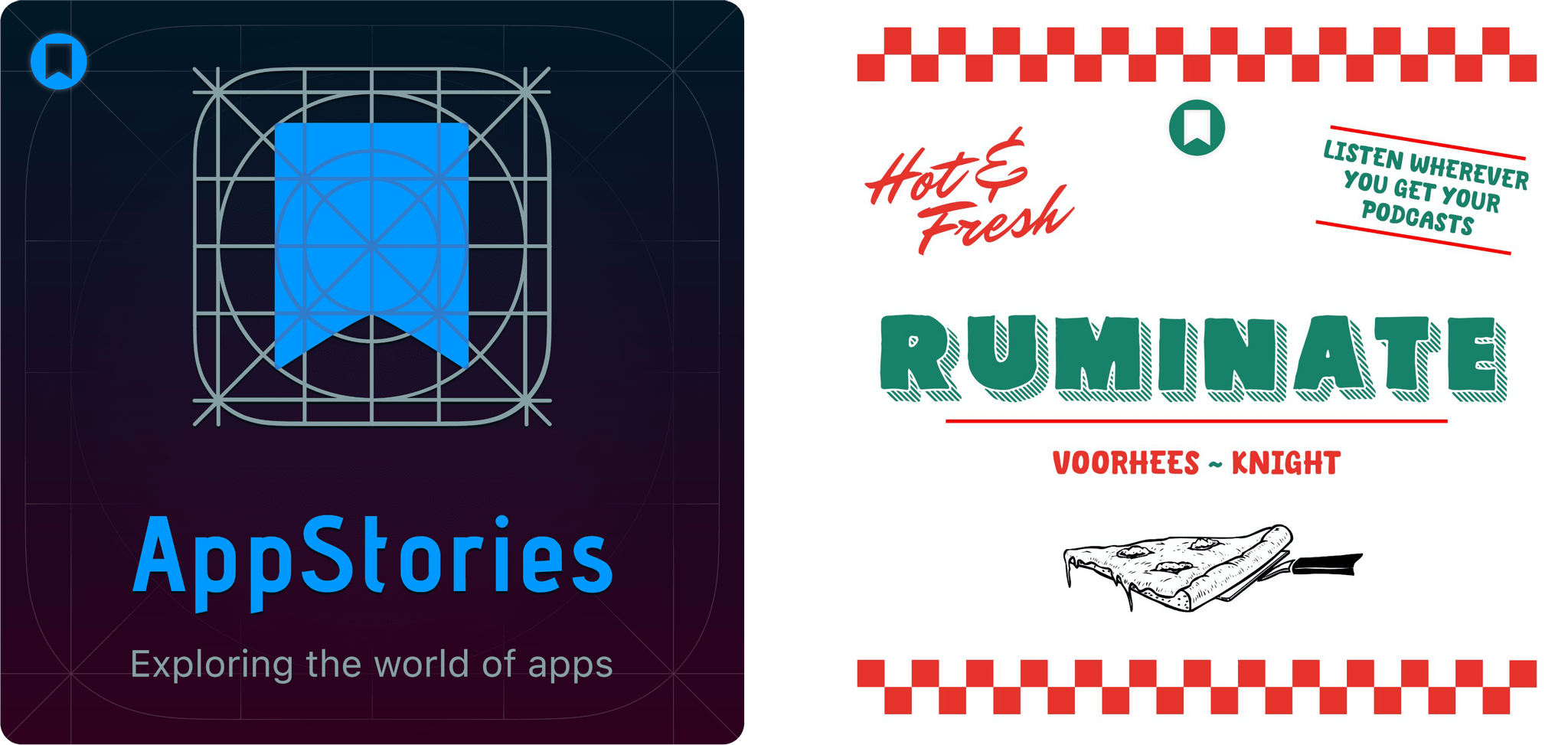
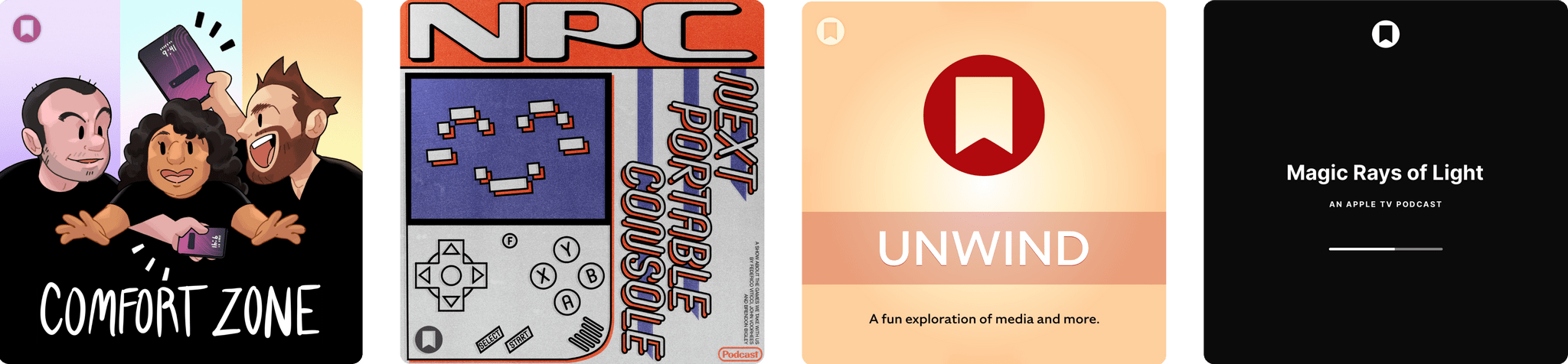
The Latest from Comfort Zone, MacStories Unwind, and Magic Rays of Light

Enjoy the latest episodes from MacStories’ family of podcasts:

Comfort Zone

Chris has a first look at a new iPad stand, Matt is ready to drop out and have some fun, and a our Coldplay challenges pushes some of the gang to their limits.


MacStories Unwind

This week, Federico questions my character before discovering the joy of audiobooks, while I have been listening to more podcasts and have a question for listeners about which TV show he should watch next.


Magic Rays of Light

Devon and Jonathan highlight the premiere of German-language medical drama Berlin ER and go immersive arctic surfing on Apple Vision Pro.

Read more

Access Extra Content and Perks

Founded in 2015, Club MacStories has delivered exclusive content every week for nearly a decade.

What started with weekly and monthly email newsletters has blossomed into a family of memberships designed for every MacStories fan.

Learn more here and from our Club FAQs.

Club MacStories: Weekly and monthly newsletters via email and the web that are brimming with apps, tips, automation workflows, longform writing, early access to the MacStories Unwind podcast, periodic giveaways, and more;

Club MacStories+: Everything that Club MacStories offers, plus an active Discord community, advanced search and custom RSS features for exploring the Club’s entire back catalog, bonus columns, and dozens of app discounts;

Club Premier: All of the above and AppStories+, an extended version of our flagship podcast that’s delivered early, ad-free, and in high-bitrate audio.

Learn more here and from our Club FAQs.


With Pokémon Champions, Competitive Pokémon ‘VGC’ May Finally Go Mainstream

Pokémon Champions artwork. Source: Pokémon.com.

Pokémon Champions artwork. Source: Pokémon.com.

Today is Pokémon Day, and, as they do every year, The Pokémon Company held a Pokémon Presents keynote showcasing the latest updates coming to their slate of titles, including a gameplay reveal for the upcoming Pokémon Legends: Z-A for Nintendo Switch.

Read more

Access Extra Content and Perks

Founded in 2015, Club MacStories has delivered exclusive content every week for nearly a decade.

What started with weekly and monthly email newsletters has blossomed into a family of memberships designed for every MacStories fan.

Learn more here and from our Club FAQs.

Club MacStories: Weekly and monthly newsletters via email and the web that are brimming with apps, tips, automation workflows, longform writing, early access to the MacStories Unwind podcast, periodic giveaways, and more;

Club MacStories+: Everything that Club MacStories offers, plus an active Discord community, advanced search and custom RSS features for exploring the Club’s entire back catalog, bonus columns, and dozens of app discounts;

Club Premier: All of the above and AppStories+, an extended version of our flagship podcast that’s delivered early, ad-free, and in high-bitrate audio.

Learn more here and from our Club FAQs.


PicoChat or PictoChat: Can You Tell the Difference?

It’s been a very long time since I reviewed an iMessage app, but past issues of MacStories Weekly and this site chronicle the hundreds of iMessage apps Federico and I tried and wrote about. Today, though, I was reminded that there’s still fun to be had in what has to be Apple’s most obscure corner of the App Store because this afternoon, Brendon Bigley sent me a link to PicoChat for iMessage, a nostalgia-filled delight from developer Idrees Hassan.

PicoChat lovingly recreates the look and feel of PictoChat, a local messaging app that shipped with the Nintendo DS beginning in 2004 and later with the DS Lite and DSi. PictoChat used a short-range proprietary wireless protocol that could only extend about 65 feet, which ultimately led to its demise as smartphones with cellular connections and Wi-Fi became popular. However, for several years, it served as a short-range communications and creative outlet for a generation of kids.

For context, here’s PictoChat running on my matte black Nintendo DSi, a model that is one of Brendon’s ‘dream devices,’ as he recently shared on NPC: Next Portable Console:

Now, here’s a close-up of the original PictoChat interface and the iMessage app side-by-side.

PictoChat on a DS (left) and the PicoChat for iMessage app (right).

PictoChat on a DS (left) and the PicoChat for iMessage app (right).

Just like the DS, the iMessage version has a teeny tiny keyboard with space above it for doodles. If it weren’t for the lower resolution of the DS’s screen, I bet most people would have a hard time telling them apart.

Getting back to Hassan’s app, it’s accessed like other iMessage apps from the Plus button in a Messages thread. Once you’re finished composing your masterpiece, the app converts it into an image and sends it like any other image is sent in Messages.

That’s it, but it’s more than enough to have sent a whole lot of Nintendo DS fans down a nostalgia-filled rabbit hole today, which was cool. Even if the DS wasn’t your thing, check out PicoChat and send some doodles to your friends and family. It’s a lot of fun.

PicoChat is available as a free download on the App Store.

Access Extra Content and Perks

Founded in 2015, Club MacStories has delivered exclusive content every week for nearly a decade.

What started with weekly and monthly email newsletters has blossomed into a family of memberships designed for every MacStories fan.

Learn more here and from our Club FAQs.

Club MacStories: Weekly and monthly newsletters via email and the web that are brimming with apps, tips, automation workflows, longform writing, early access to the MacStories Unwind podcast, periodic giveaways, and more;

Club MacStories+: Everything that Club MacStories offers, plus an active Discord community, advanced search and custom RSS features for exploring the Club’s entire back catalog, bonus columns, and dozens of app discounts;

Club Premier: All of the above and AppStories+, an extended version of our flagship podcast that’s delivered early, ad-free, and in high-bitrate audio.

Learn more here and from our Club FAQs.


Podcast Rewind: What’s Next for Apps and Hands-On with the Latest Android and Retro Handhelds

Enjoy the latest episodes from MacStories’ family of podcasts:

AppStories

This week, Federico and I make five app predictions for the next five years covering everything from App Intents and automation to the fate of the App Store.

This episode is sponsored by:

  • P – The water reminder and hydration app.

NPC: Next Portable Console

On the latest NPC, ASUS gaming phones, Retroid’s big surprise, and more Nintendo emulation drama, plus 8BitDo tries to solve the iPhone vertical controller problem, Federico weighs in on the Any Odin2 Portal, and the whole gang has nothing but love for the TrimUI Brick.

Read more

Access Extra Content and Perks

Founded in 2015, Club MacStories has delivered exclusive content every week for nearly a decade.

What started with weekly and monthly email newsletters has blossomed into a family of memberships designed for every MacStories fan.

Learn more here and from our Club FAQs.

Club MacStories: Weekly and monthly newsletters via email and the web that are brimming with apps, tips, automation workflows, longform writing, early access to the MacStories Unwind podcast, periodic giveaways, and more;

Club MacStories+: Everything that Club MacStories offers, plus an active Discord community, advanced search and custom RSS features for exploring the Club’s entire back catalog, bonus columns, and dozens of app discounts;

Club Premier: All of the above and AppStories+, an extended version of our flagship podcast that’s delivered early, ad-free, and in high-bitrate audio.

Learn more here and from our Club FAQs.


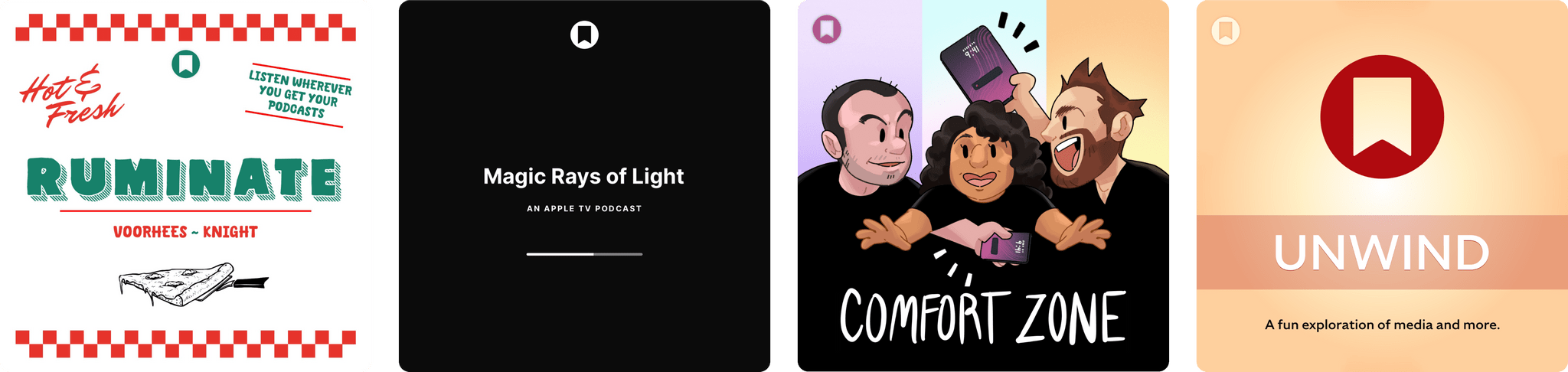
The Latest from Comfort Zone, MacStories Unwind, and Magic Rays of Light

Enjoy the latest episodes from MacStories’ family of podcasts:

Comfort Zone

Matt has a lot of feelings about podcast players, Niléane has gone on an adventure where the sounds are just warmer and somehow better but she can’t quite explain why, and Chris tries to make an all-out war break out.


MacStories Unwind

This week on Unwind, Federico and I offer a peek behind what it’s like to wait for an Apple press release to drop, Federico critiques an Italian’s recommendations of what to buy at Costco and shares a videogame pick, and I have a new movie for listeners.


Magic Rays of Light

Sigmund and Devon check in after the Netflix “bug” that briefly enabled integration with TV app. Then, they highlight the return of Surface, share their thoughts on the Apple TV app coming to Android, and discuss the new iPhone 16e.

Read more

Access Extra Content and Perks

Founded in 2015, Club MacStories has delivered exclusive content every week for nearly a decade.

What started with weekly and monthly email newsletters has blossomed into a family of memberships designed for every MacStories fan.

Learn more here and from our Club FAQs.

Club MacStories: Weekly and monthly newsletters via email and the web that are brimming with apps, tips, automation workflows, longform writing, early access to the MacStories Unwind podcast, periodic giveaways, and more;

Club MacStories+: Everything that Club MacStories offers, plus an active Discord community, advanced search and custom RSS features for exploring the Club’s entire back catalog, bonus columns, and dozens of app discounts;

Club Premier: All of the above and AppStories+, an extended version of our flagship podcast that’s delivered early, ad-free, and in high-bitrate audio.

Learn more here and from our Club FAQs.