


App Camp for Girls is making a big jump geographically this summer. The camp for middle schoolers who self-identify as female, trans (regardless of identity), or gender non-conforming, was founded in 2013 by Jean MacDonald and Grey Osten in Portland, Oregon to address the gender imbalance in technology professions. Since then, App Camp has started camps in other cities including Seattle and Phoenix, but the debut of a camp in Chicago, Illinois this summer marks the first time a camp has been held east of the Mississippi River.
Posts in news
App Camp for Girls is Coming to Chicago
Latest iWork Updates Bring Back Previously-Removed Numbers Features
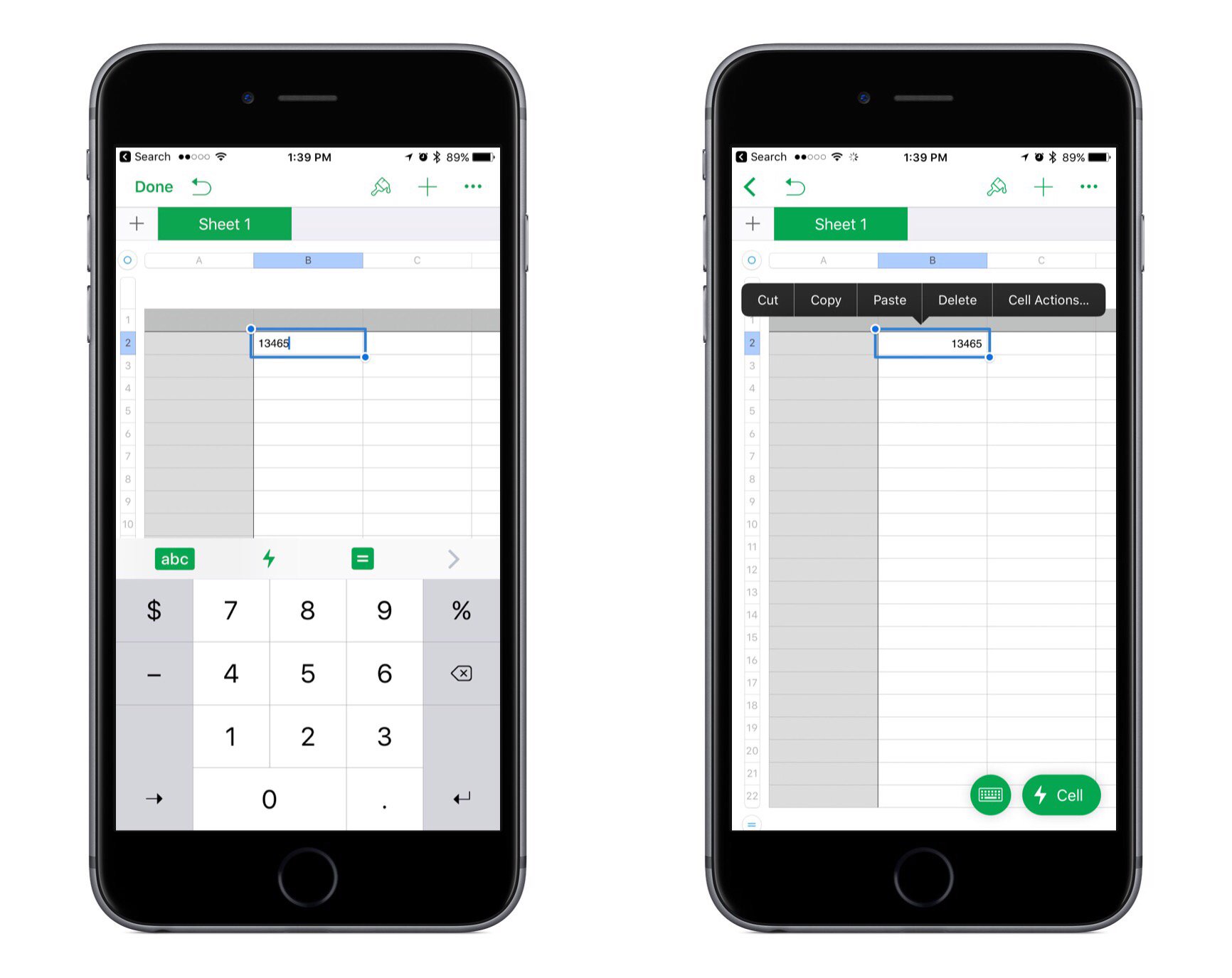
Apple released updates to its iWork suite across iOS and macOS today. The changes largely consist of bug fixes and stability improvements, but a couple of notable improvements were made to Numbers.
In the last big update for Numbers, a new cell action menu was added to handle common tasks like copying/pasting, adding formulas, and more. But with the arrival of this cell menu, a couple subtractions were also made: the numeric keyboard on iPad was removed, along with the copy/paste menu that would appear when you selected a cell. Federico covered the details of those changes in his recent iPad Diaries story on Numbers. But with today’s update, both of those items have now been restored to the app.
In the past when Apple has removed features from an app, those features often would never come back, or if they did it took a while. I’m thankful that Numbers users don’t have to wait any longer to work in the app the way they’re used to.
Day One Offers Printed Journals
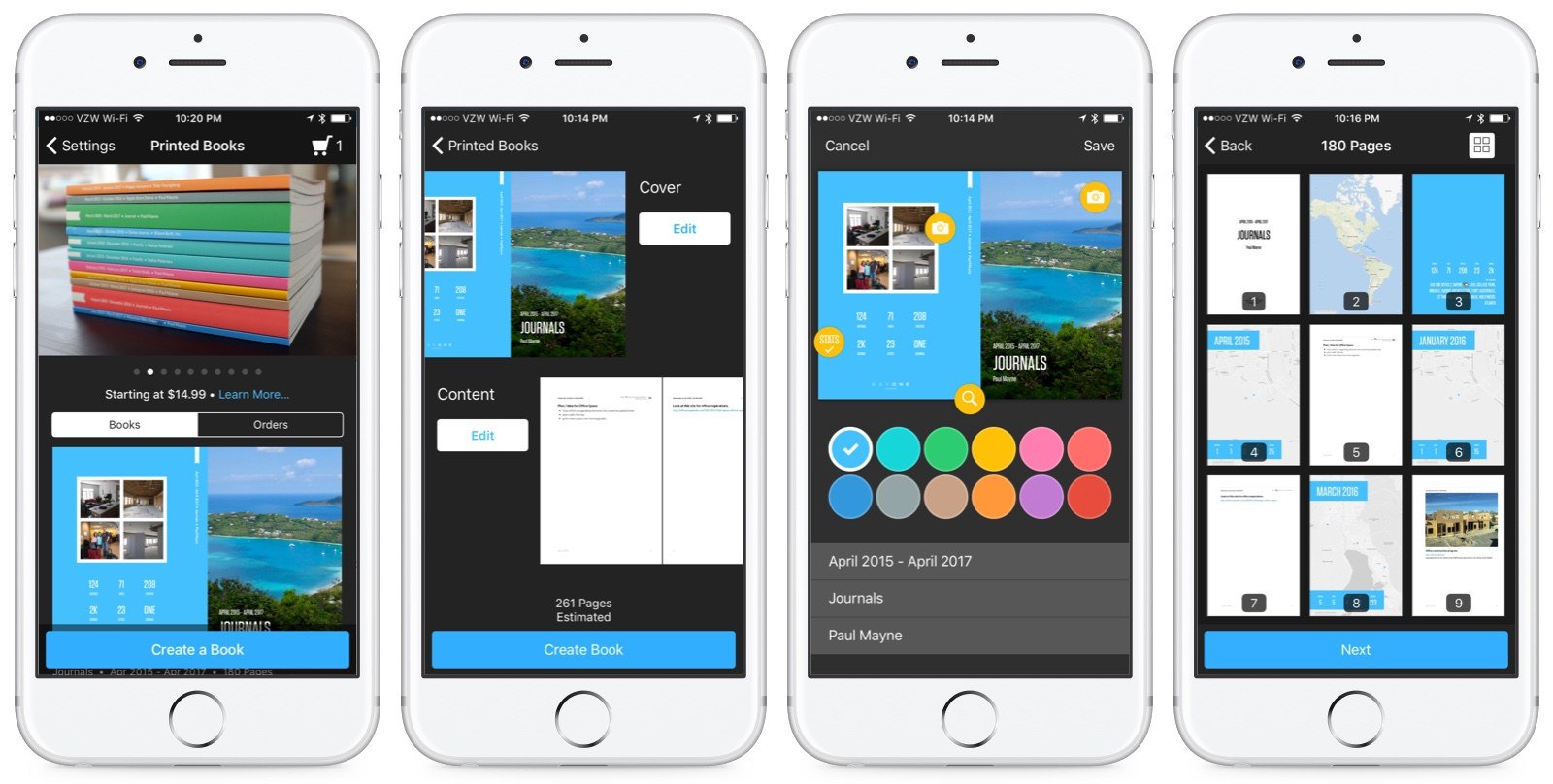
Day One has evolved over the years into one of the premier journaling apps on iOS. The app lets you combine your words with images, weather data, location information, and even your step count to create a highly-personalized journal. Now, you can preserve your memories as a book too.
Apple Launches Store Redesign and Today at Apple Program
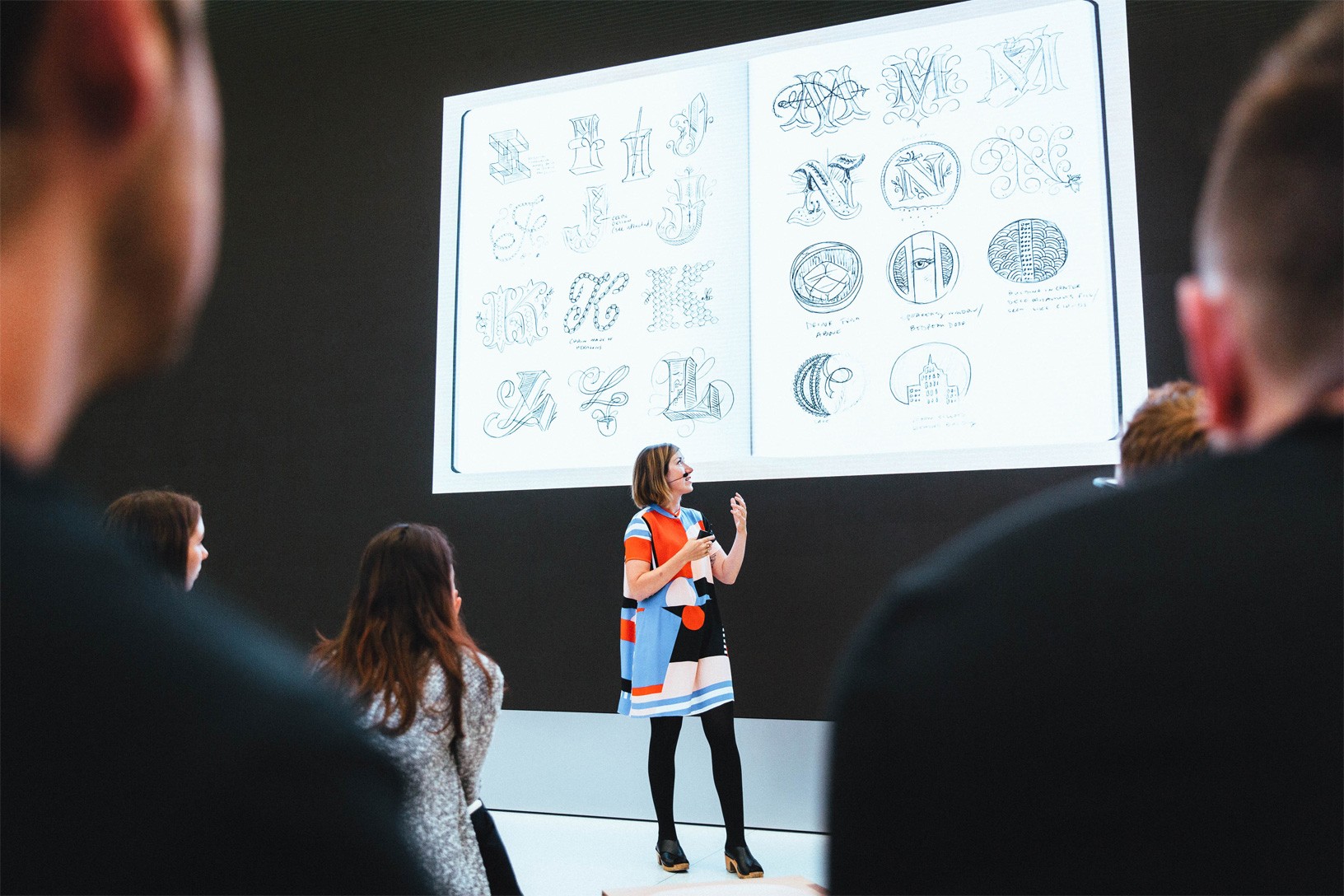
Apple announced a major redesign of its retail stores today. The changes combine alterations to the physical space of some stores as well as a new series of events called ‘Today at Apple.’
The 100 largest Apple Stores will be redesigned to include live trees, meeting spaces, and screens similar to the upgrades that Apple’s Union Square store in San Francisco received last year. The Genius Bar will be renamed the Genius Grove in a nod to the addition of trees.
Apple Stores will also add a series of educational sessions in 495 locations that will launch at the end of May. The program is called ‘Today at Apple’ and will feature a wide range of presentations and hands-on sessions covering topics like photography, programming, design, art, and music. Sessions will be led by Creative Pros, a new retail store position filled by people with deep domain knowledge in the subjects they teach. In some cities, sessions will also be taught by world-class artists, musicians, and the like.
Apple Cuts Affiliate Commissions on Apps and In-App Purchases

Today, Apple announced that it is reducing the commissions it pays on apps and In-App Purchases from 7% to 2.5% effective May 1st. The iTunes Affiliate Program pays a commission from Apple’s portion of the sale of apps and other media when a purchase is made with a link that contains the affiliate credentials of a member of the program. Anyone can join, but the Affiliate Program is used heavily by websites that cover media sold by Apple and app developers. The announcement, which was made in the May Affiliate News email that Apple sends to participants in the program says:
Starting on May 1st 2017, commissions for all app and in-app content will be reduced from 7% to 2.5% globally. All other content types (music, movies, books, and TV) will remain at the current 7% commission rate in all markets. We will also continue to pay affiliate commissions on Apple Music memberships so there are many ways to earn commissions with the program.
With ad revenue in decline, affiliate commissions are one way that many websites that write about apps generate revenue, MacStories included. Many developers also use affiliate links in their apps and on their websites to supplement their app income. This change will put additional financial pressure on both groups, which is why it’s especially unfortunate that the changes are being made on just one week’s notice.
Nike Announces New, Limited Edition Apple Watch Dubbed ‘NikeLab’
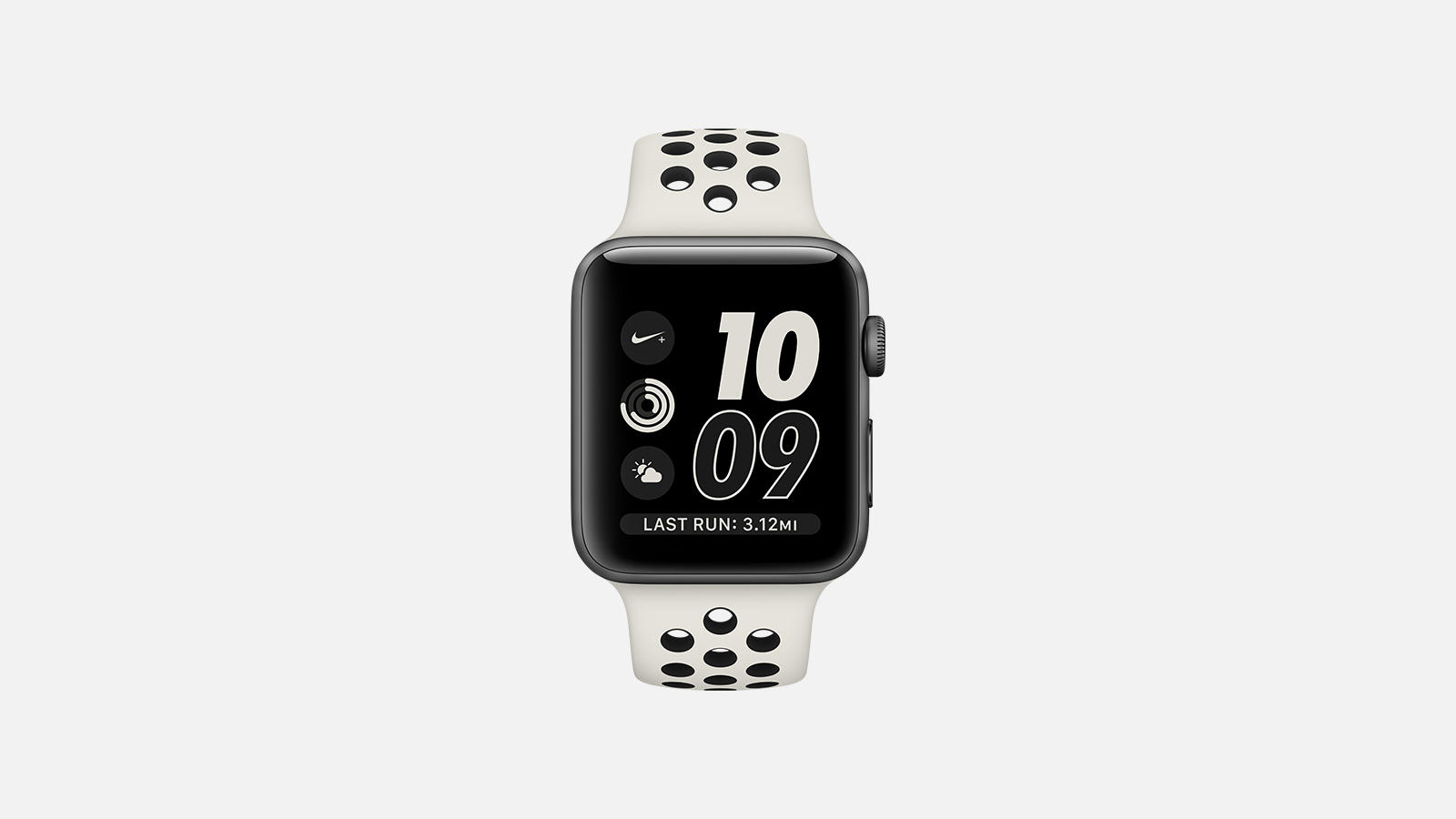
Nike has news out today concerning the latest fruits of its partnership with Apple. A new model of Apple Watch called ‘Apple Watch NikeLab’ is coming soon:
The limited edition, neutral-toned Apple Watch NikeLab maintains the beloved features of its predecessor: deep integration with the Nike+ Run Club app, exclusive Siri commands, GPS, a two-times-brighter display and water resistance to 50 meters, all made possible by a powerful dual-core processor and watchOS 3.
I don’t understand why Nike felt the need to give this Watch a new name rather than releasing it as an extension of the Nike+ line. Perhaps it’s simply a marketing angle, as they are presenting the NikeLab as a limited edition model.
If you’d like to get your hands on the Apple Watch NikeLab, it goes on sale April 27th on nike.com, at NikeLab stores, and at an Apple Tokyo pop-up in Isetan. Assuming this is a comprehensive list of sellers, it means you won’t be able to get the Watch from the Apple Store. It also appears unlikely that the band will be available for separate purchase, though that remains unclear.
Apple Shares New Videos Highlighting Environmental Efforts
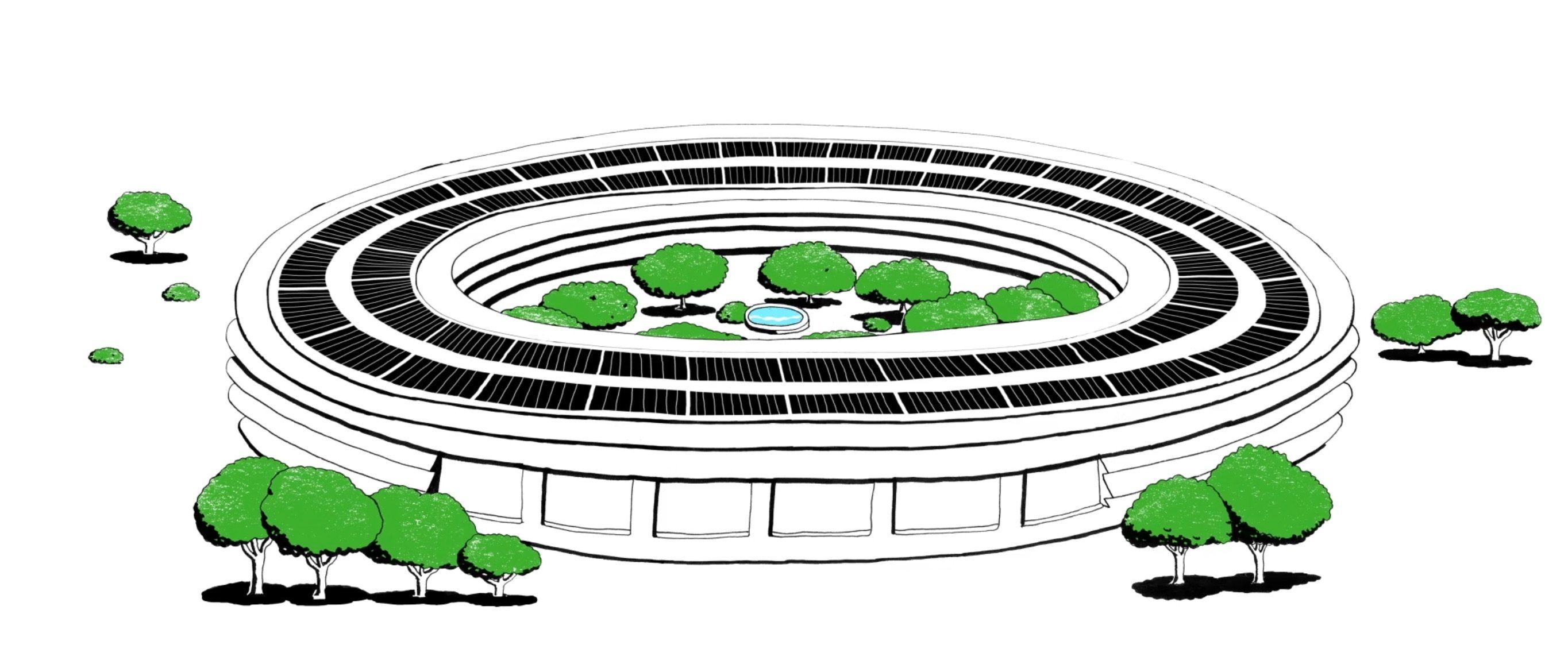
Four new videos were released by Apple this morning, each focusing on a different aspect of the company’s environmental efforts. The videos feature different Apple employees who have roles focused on the environment, and they all share a similar artistic style and comedic tone.
One video shares how Apple creates artificial sweat to test the durability of its Apple Watch bands, another discusses how Apple Park was designed with a high level of “breathability,” a third covers Apple’s ambitions to produce zero waste company-wide, and the final video is about how solar farms can co-exist with traditional farming.
Video embeds after the break.
Apple Announces New Activity Challenge for Earth Day
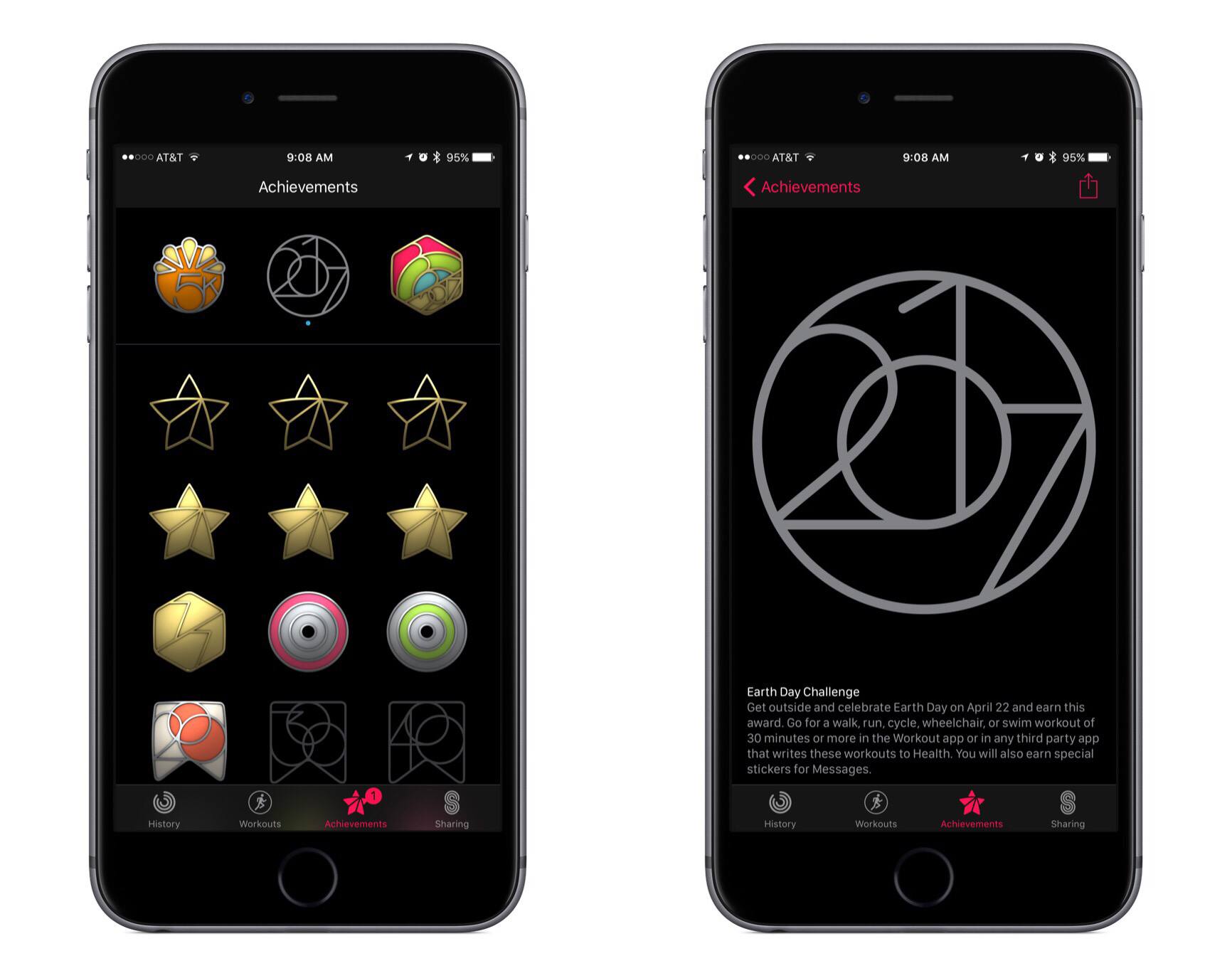
This morning Apple notified Apple Watch users that the company’s third activity challenge was coming up soon. Following challenges for Thanksgiving (U.S. only) and the start of the new year, the latest challenge is in celebration of Earth Day on Saturday, April 22nd.
This new challenge encourages Apple Watch owners to complete a 30-minute or longer walk, run, cycle, wheelchair, or swim workout on Earth Day. Doing so will earn a special Achievement in the Activity app, as well as unlock a few new iMessage stickers.
My wife and I are two-for-two on prior activity challenges, so I’m sure we’ll aim for the trifecta and complete the Earth Day challenge as well. If Apple pushed these challenges more frequently, they might be less motivating, but so far I think the company has struck a healthy level of frequency by centering challenges around special occasions.
Google Maps Adds Your Timeline, Directions Widget, and iMessage App
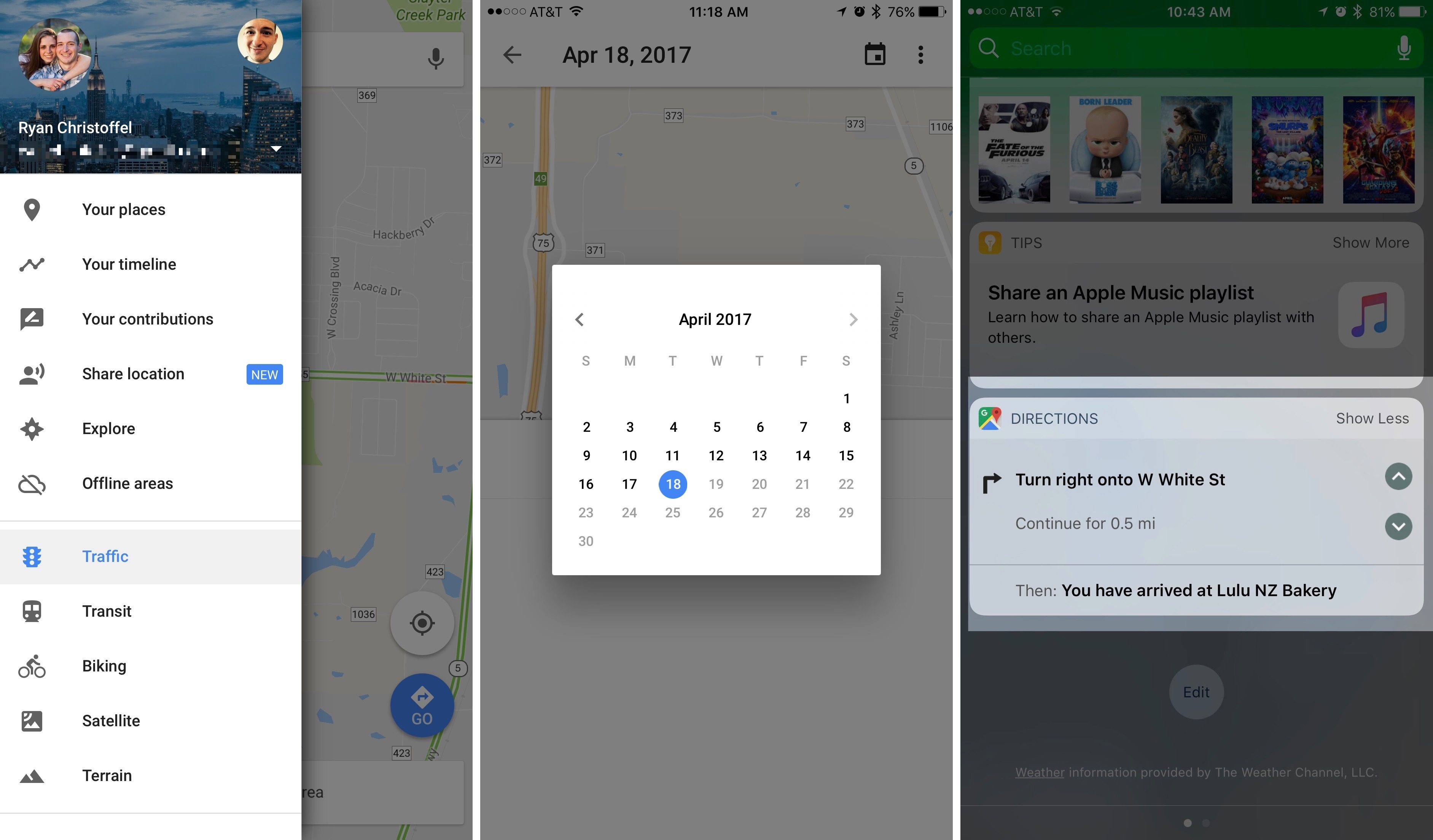
In its latest update, Google has added several new features to Google Maps for iOS. Most prominent among them is Your Timeline, a feature that has been available on the web and on Android since 2015, but is welcome nonetheless. Your Timeline keeps track of all the locations you’ve visited and allows you to easily view that travel history in one place.
Your Timeline is available in a couple of different locations within the Google Maps app. The primary way to access it is from the main menu, where it’s prominently listed near the top. The other place Your Timeline will appear is on the place cards of locations you’ve visited before. While viewing information about, for instance, a restaurant you visited on a prior vacation to London, you would see a label that tells you how long ago you last visited. Tapping that label will take you straight to Your Timeline and to the date of your visit, so you can easily view other exploits from your trip.
There are a couple of nice touches with Your Timeline that deserve mention. One is that you have the option to fully customize the information that’s logged in Your Timeline. Besides simply editing a location’s name or other basic details, you can also assign an activity to that trip. Options include ‘Boating,’ ‘Hiking,’ ‘Catching Pokémon,’ and many more. A second feature is that you can opt-in to receive monthly emails summarizing all the places you visited that prior month, which is a nice way to revisit and reflect on time past, and perhaps a source of encouragement to visit new places and try new things more often.
Although Your Timeline took almost two years to reach iOS, time has at least meant that it’s arrived well-polished.
The latest update to Google Maps also brought with it a new directions widget and an iMessage app. The directions widget provides directions for your current trip, allowing you to scroll through each step of the journey without needing to unlock your device. The new iMessage app serves only a single purpose: sending your static location to friends. Once you open the iMessage app, a still image of your current location is loaded up and available to send by message. It’s a simple utility, but perhaps some will find it useful.