Posts in Linked

Remaster, Episode 39: Selfish Follow-Up

Some upcoming games for the Switch, thoughts on the Zelda DLC, and a discussion about PlayStation PlayLink.

On Remaster this week, we discuss the experience of playing with the first DLC for Breath of the Wild; Shahid also explains why Sony’s PlayLink is an interesting approach to bridging the gap between the PS4 and smartphones. You can listen here.

Permalink

Connected, Episode 150: The Turtle Anniversary

This week, faces are authenticating phones, iOS 11 is shaming apps for using location data and Federico is hard at work on his review.

On the 150th episode of Connected, I go over the current state of my iOS 11 review and we take a look at other changes coming to iOS later this year.

You can listen here.

Sponsored by:

  • Squarespace: Make your next move. Enter offer code WORLD at checkout to get 10% off your first purchase.
  • Freshbooks: Online invoicing made easy.
  • Pingdom: Start monitoring your websites and servers today. Use offer code CONNECTED to get 30% off.
Permalink

How App Store Gift Cards Work

Equinux, maker of VPN Tracker, Mail Designer Pro, and other products has a fascinating look at the tech behind App Store gift and promo code cards that can be scanned and redeemed with an iPhone or Mac’s camera. The company wanted to make scannable cards of its own to hand out at events, so they began investigating how the alphanumeric codes found on the back of the cards work. It turns out there’s quite a bit to it.

After poking around under the hood of iTunes, Equinux discovered that Apple uses a special font, a certain size rectangle surrounding the redemption code, and private framework to scan the codes:

When you look at some of the other folders inside iTunes, we found a tantalizing plugin called “CodeRedeemer.” It showed promise. But alas, no font files there either. The app binary does give a hint of where the heavy lifting is being done: “CoreRecognition.framework.”

Inside the CoreRecognition framework were two fonts, Scancardium and Spendcardium, which, along with the surrounding rectangle, are the keys to creating custom cards.

The entire story is an impressive bit of sleuthing and well worth a read. If you’re a developer and would like to make scannable codes of your own, Equinux’s post includes instructions for doing so, along with Sketch, Photoshop, FileMaker, and Mail Designer Pro templates.

Permalink

AppStories, Episode 13 – Interview: Rehearsal Pro with David H. Lawrence XVII

On this week’s episode of AppStories, we chat with actor David H. Lawrence XVII about his app Rehearsal Pro, which helps actors rehearse for parts, the intersection of the performing arts and apps, how David’s experience as an actor has helped his app find a large following among other professional actors, and how some of the app’s more famous users have become its best marketing.

Sponsored by:

  • Trails - Your outdoor GPS tracker and logbook for iPhone and Apple Watch.
    • Set up a free Trails account and email Trails support with the subject ‘AppStories’ for a free month of Trails Pro service.
  • Big Keys - Finally, an iOS keyboard and emoji you can see.
    • On sale for $0.99 for this week only.
Permalink

PayPal is Rolling Out to the App Store, Apple Music, iTunes, and iBooks

PayPal announced that its payment service is coming to the App Store, Apple Music, iTunes, and iBooks on iOS devices and Macs today, starting in Canada and Mexico with the US and other countries to follow soon. Setting up PayPal works the same as adding a credit card:

Paying with PayPal is simple. Customers with a new or existing Apple ID can select “PayPal” as their payment method from their account settings in the App Store, Apple Music, iTunes [and iBooks] from their iPhone, iPad, iPod touch and Mac, or on iTunes from their PC.

After PayPal is enabled, purchases from the selected Apple ID will be made from the customer’s PayPal account.

Adding PayPal should expand the universe of customers making purchases from Apple’s stores by creating an alternative for people who don’t have or don’t want to use a credit card.

Permalink


‘Nintendo Switch Online’ App Arriving on iOS Soon

Juli Clover writes for MacRumors about the upcoming release of Nintendo’s previously announced iOS app, which will serve as a companion to the Nintendo Switch:

During a Nintendo Direct event this morning, Nintendo announced plans to release a new “Nintendo Switch Online” app on July 21, the release date for Splatoon 2. According to Nintendo, the Nintendo Switch Online app, available for iOS and Android, is designed to “enhance your online experience for compatible games on the Nintendo Switch console.”

At launch, the only game compatible with the Nintendo Switch Online app will be Splatoon 2. The app will let users voice chat with friends, invite people to online matches, create teams, and access SplatNet 2. SplatNet2 offers up online play statistics and info on upcoming game features.

At launch all components of the new app will be free for all users, but it’s unclear how long that will last. Nintendo has stated that from some point in 2018 and beyond, its online service for the Nintendo Switch will cost $19.99 per year or $3.99 per month, and there has been no clarification to this point on which aspects of the companion app might be tied to that paid service.

Permalink

Connected, Episode 149: Caramel

Will the next iPhone eschew Touch ID for facial scanning? Is Stephen keeping his Echo Show? Can Ticci explain CoreML in a way that normal humans can understand?

On this week’s Connected, we cover some of the latest iPhone 8 rumors and try to explain what Apple is doing with machine learning in iOS 11. You can listen here.

Sponsored by:

  • Mack Weldon: Smart underwear for smart guys. Get 20% off with the code CONNECTED.
  • Hover: Domain names for your ideas. Get 10% off your first purchase.
  • Igloo: A digital workplace platform Free for up to 10 people.
Permalink

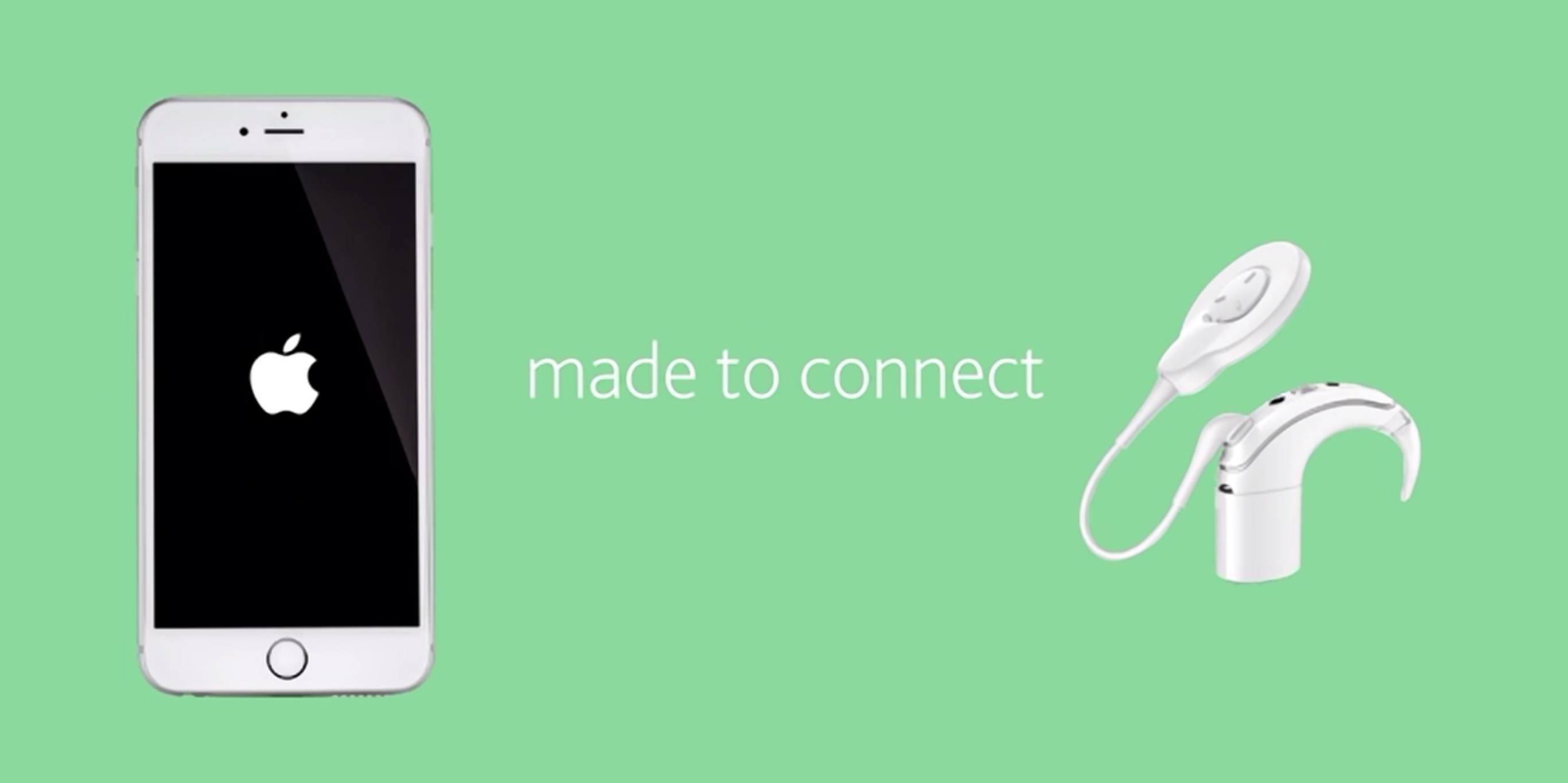
iOS 11 and Accessibility

Great overview by Steven Aquino on the Accessibility changes coming with iOS 11. In particular, he’s got the details on Type to Siri, a new option for keyboard interaction with the assistant:

Available on iOS and the Mac, Type to Siri is a feature whereby a user can interact with Siri via an iMessage-like UI. Apple says the interaction is one-way; presently it’s not possible to simultaneously switch between text and voice. There are two caveats, however. The first is, it’s possible to use the system-wide Siri Dictation feature (the mic button on the keyboard) in conjunction with typing. Therefore, instead of typing everything, you can dictate text and send commands thusly. The other caveat pertains to “Hey Siri.” According to a macOS Siri engineer on Twitter, who responded to this tweet I wrote about the feature, it seems Type to Siri is initiated only by a press of the Home button. The verbal “Hey Siri” trigger will cause Siri to await voice input as normal.

Technicalities aside, Type to Siri is a feature many have clamored for, and should prove useful across a variety of situations. In an accessibility context, this feature should be a boon for deaf and hard-of-hearing people, who previously may have felt excluded from using Siri due to its voice-first nature. It levels the playing field by democratizing the technology, opening up Siri to an even wider group of people.

I wish there was a way to switch between voice and keyboard input from the same UI, but retaining the ‘Hey Siri’ voice activation seems like a sensible trade-off. I’m probably going to enable Type to Siri on my iPad, where I’m typing most of the time anyway, and where I could save time with “Siri templates” made with native iOS Text Replacements.

Permalink