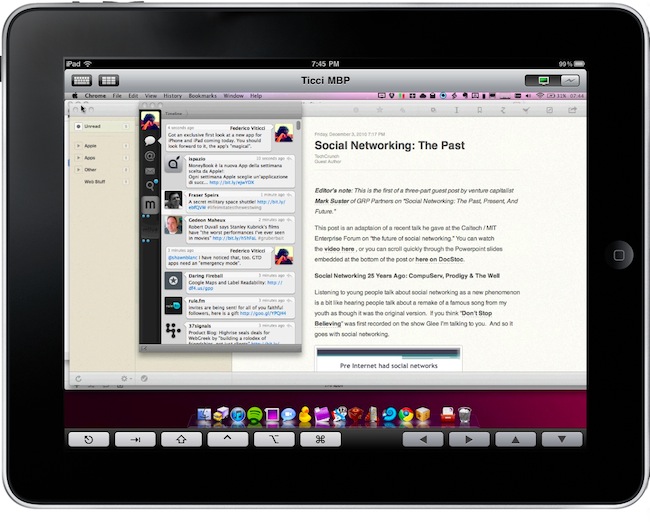
Screens is an excellent new VNC client by Edovia which, unlike other similar apps in the App Store, it’s not aimed at letting you move a cursor on your computer through the iPhone and iPad. It’s an app specifically meant to take advantage of the platform it runs on – iOS – so that you can actually touch your computer remotely.
From my review:
The “simple approach” doesn’t stop at touch controls, however. Once you’re controlling OS X on your device and you’d like to do some actual stuff with it, Screens offer two separate keyboards to execute most of the commands you know and love on the Mac. The first keyboard is a standard iOS keyboard with an additional bar on top which allows you to navigate using the arrow keys, or press Mac-only keys like Command and Control. Those buttons stay pressed until you tap on them again — useful. The second keyboard, though, is much more functional: it contains the same Mac-only and arrow keys on top, but there are no letters at the bottom. Instead, you get these “action buttons” that let you perform tasks that would require a series of taps and dialogue boxes instead. For instance, you can cut, copy, minimize, log out and activate Spolight with a single tap. Huge time saver.
We have 5 copies of Screens to give away to lucky MacStories readers. Check out the giveaway rules below (it ends tomorrow!), and if you can’t wait the app is available here. Read more