


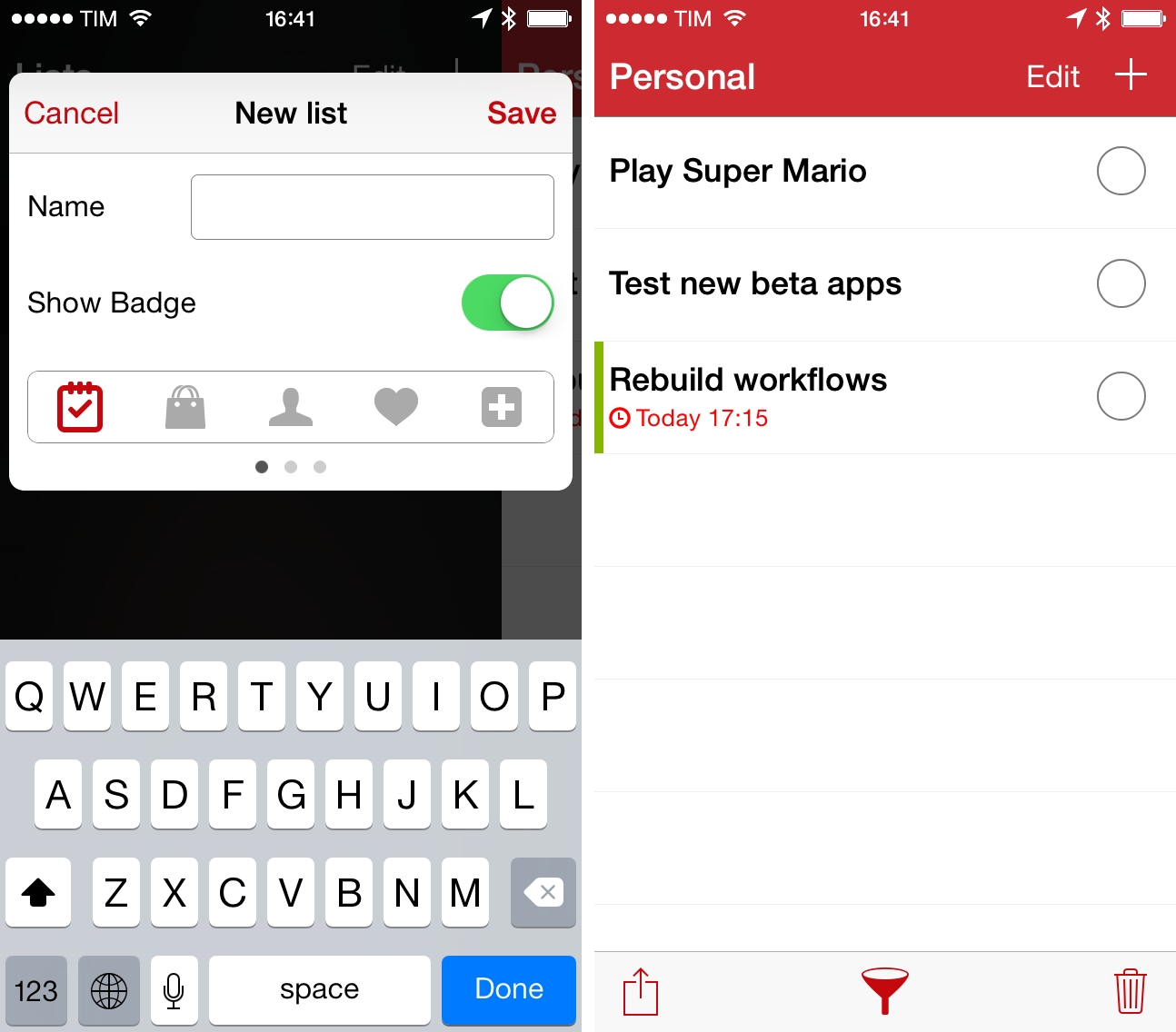
I first covered ListBook, a simple list-making app for iOS, when it came out on the iPhone in 2011 and, a year later, when an iPad version was released, making the app Universal. Since then, I’ve switched to Apple Reminders as my todo management system of choice, primarily because I can use Reminders with Fantastical, which I love both on the iPhone and Mac. I like the convenience of having my reminders synced with iCloud and available on iOS, OS X, and the web (with iCloud.com), and I like that I can move between different clients knowing that my todos will be handled by Apple in a central location. This is the reason why I’ve eschewed third-party, list-based todo apps like ListBook and Silo in the past two years – I prefer the flexibility given me by iCloud’s Reminders.
ReadKit 2.4 Brings Keyboard Shortcut and Navigation Improvements, Rewritten Sidebar, And More
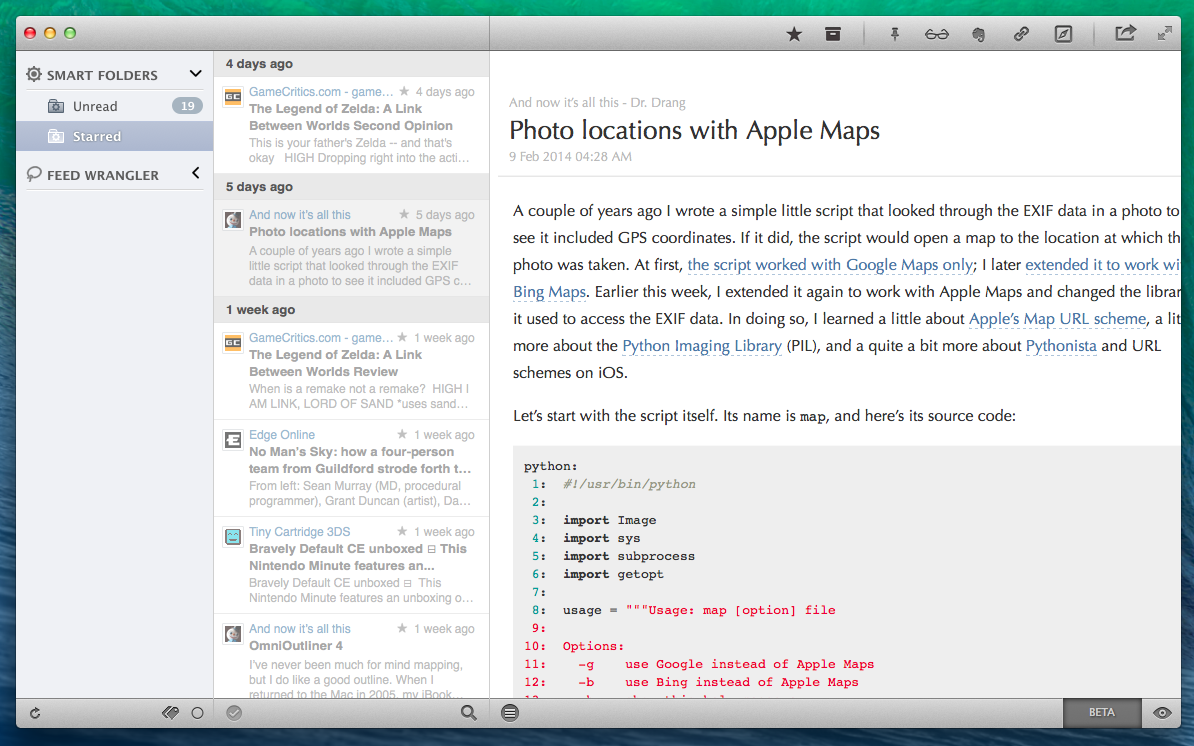
ReadKit 2.4 with syntax highlighting for code blocks.
ReadKit, my favorite RSS reader for OS X, has today been updated to version 2.4, which brings bug fixes and improvements, a rewritten sidebar, revamped keyboard navigation, and several other additions to sharing, sync, and more. ReadKit, which packs support for different RSS and bookmarking services such as Feedly, Feed Wrangler, and Pocket, has always been affected by a series of annoying bugs and animation issues, and, in my tests, ReadKit 2.4 has performed smoothly with snappier transitions and navigation than old versions.
For users who rely on ReadKit to sync with multiple services, the app can now keep separate sets of preferences for each account. These settings include refresh times, grouping, sorting, and dock badge, and they can be configured in the Account section of the app’s Preferences. While I tend to use ReadKit just as a desktop client for Feed Wrangler, this is a welcome change.
For sharing services, ReadKit can now assign custom keyboard shortcuts to each service as well as put icons in the top toolbar for easy access when reading. The feature is reminiscent of Reeder for Mac, and it’s just as useful: in my toolbar, I added icons to save to Evernote (the Mac app will be used to create a note if installed), send to Reading List, save to Pinboard, and open in the browser; each of these services has also a custom keyboard shortcut (mine are ⌘⌥B for Browser, ⌘⌥L for Reading List, etc) so you can share links without ever lifting your fingers from the keyboard.
The new keyboard shortcut options work well with the app’s new keyboard navigation. From the ReadKit blog:
There are several new shortcuts, and you can also navigate with the left, right, up and down arrow keys, so it is worth a little explanation. Left and right arrow keys allow you to jump between the sidebar and the article list, while up and down keys select the previous/next item in the actual list. ⌘+right expands, and ⌘+left collapses the selected folder on the sidebar. There is an option in shortcut preferences called “Right key behavior”. This option controls the behavior of the right arrow key when an article is actually selected.
These are convenient new features for users who like to move across feeds and articles without using the trackpad. In the Preferences, there’s also a new setting to change the default behavior of the → key – however, this can be ignored when using the key as a shortcut for a sharing service (in my case, → is associated to View In Browser).
ReadKit 2.4 is a solid update and ReadKit remains the best RSS reader for Mac. The app is $6.99 on the Mac App Store.
Numerical for iPhone
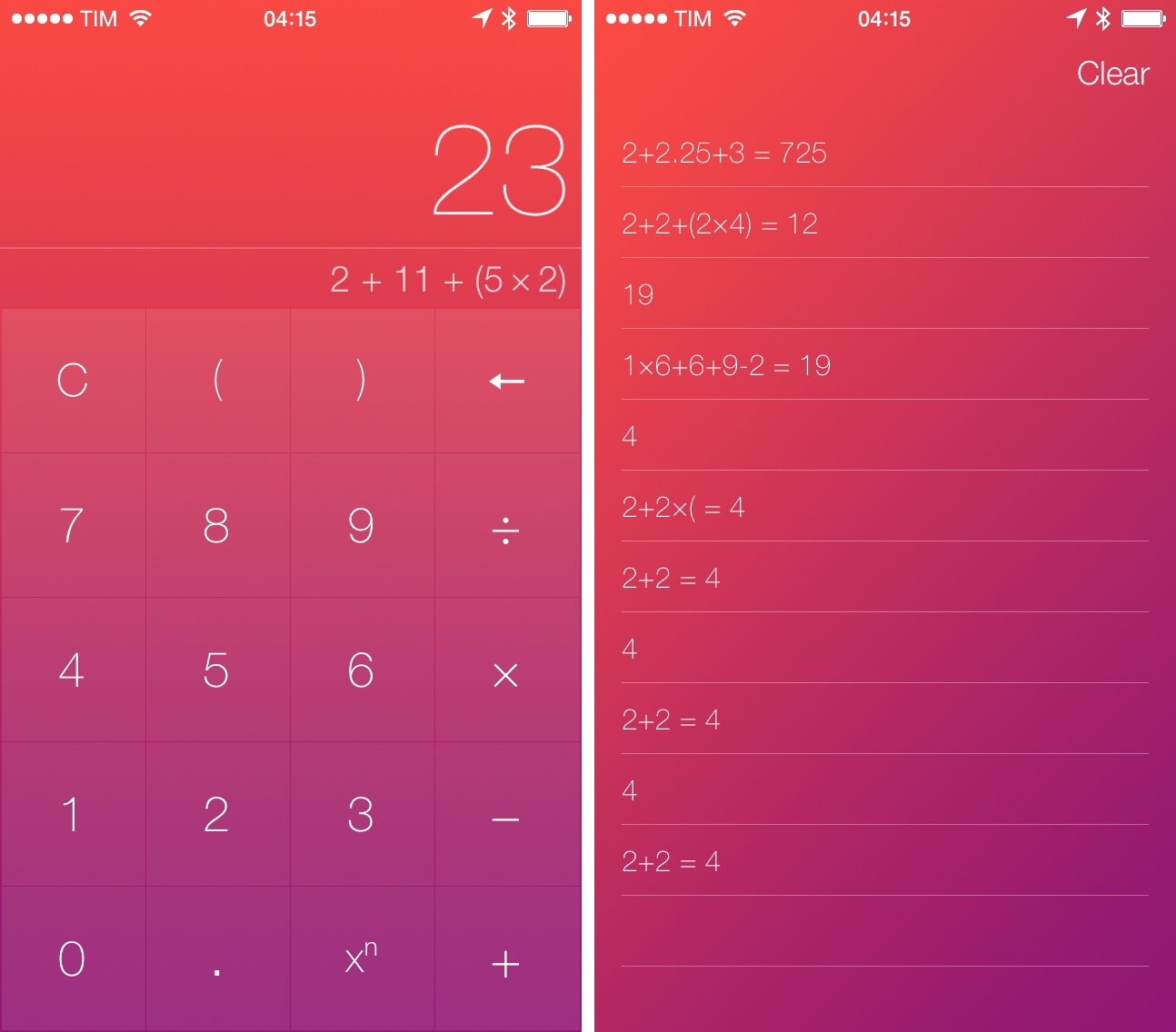
Developed by Andrew J. Clark, Numerical is a new iPhone calculator designed for iOS 7. I’ve covered a lot of calculator apps over the years, and, while many of them sport unique features aimed at bringing more functionality to the genre, I tend to always go back to Apple’s Calculator app for its simplicity, ease of use, and, with iOS 7, fast access thanks to Control Center. I don’t have high requirements for my calculator: I’m not an engineer, and like most people I just need to perform simple operations while I’m working, grocery shopping, or splitting a bill with friends. Apple’s Calculator app covers the basics well and I’m mostly fine with it. Read more
The Prompt: Rage Quit The Vibrate→
Myke, Federico and Stephen celebrate Valentine’s Day by taking some heat about baseball and talking about smelly iBooks, Myke’s Pebble and Flappy Bird.
I really enjoyed Myke’s report on his Pebble Steel and the subsequent discussion on wearables, which fits well with The Prompt #34. Get the episode here.
Flappy Bird Clone Made with Pythonista On iOS→
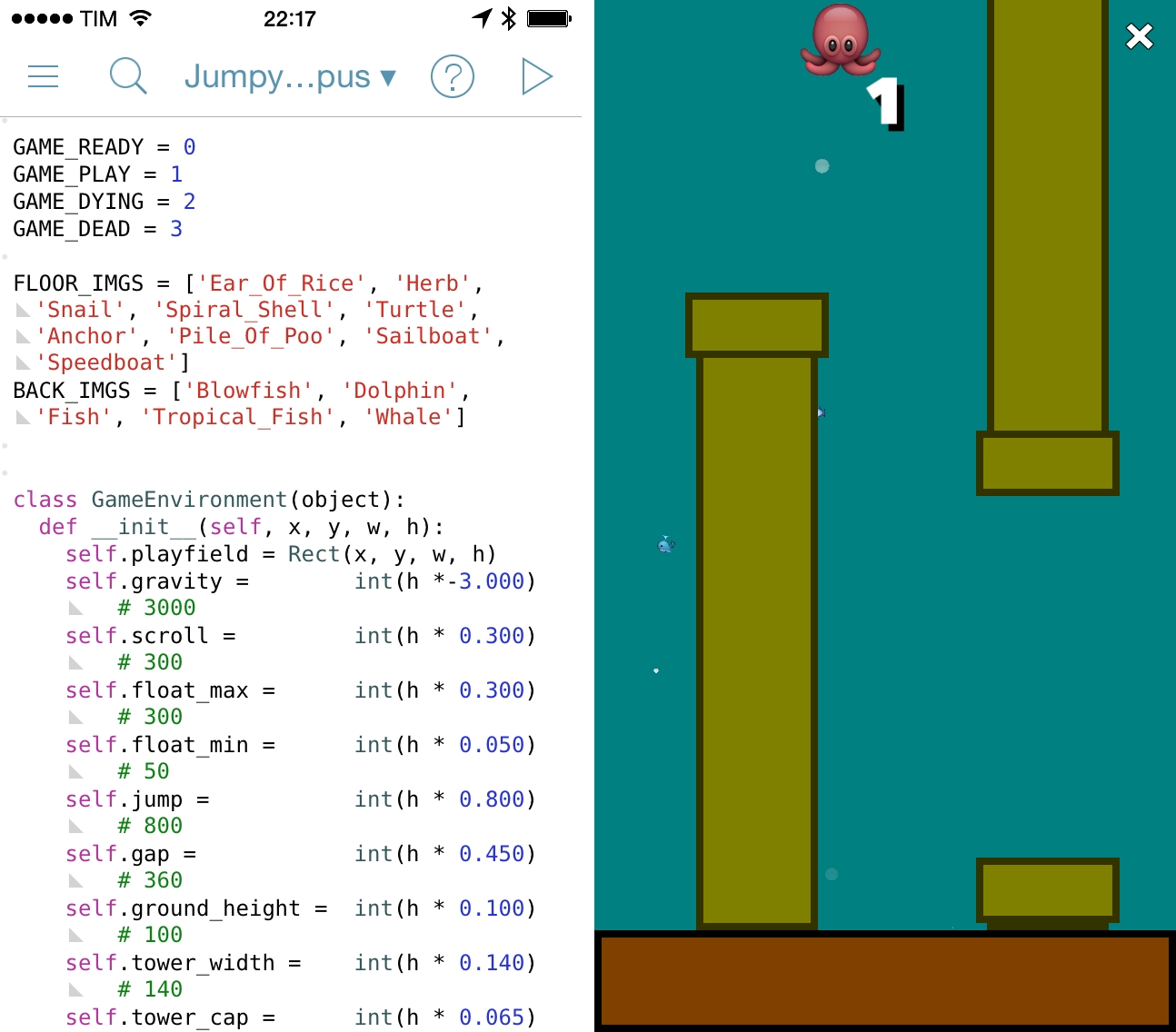
Following the unfortunate demise of Flappy Bird, hundreds of developers are rushing to release clones of the game on the App Store. Over at the Pythonista forums, however, user “bashedcrab” has created a working clone of Flappy Bird called “Jumpy Octopus”, made entirely with Pythonista (pictured above).
This started out as a Flappy Bird clone (can be done in under 100 lines of Pythonista), but I let my son do a bit of a redesign. He decided an underwater setting involving an Octopus was much more enjoyable.
The game play and physics are tuned to replicate the original Flappy Bird as closely as possible, so it is hard! If you want to make it a bit more fun for young kids, make the gap larger (Default is 360. 450 is much easier but still a challenge for young kids).
The game is available as a Python script here, which can be copied in a new file in Pythonista and run to play the game. Jumpy Octopus has sounds, keeps tracks of high scores, and uses iOS emojis as characters for the underwater setting. Of all the Flappy Bird clones that are coming out, this is an impressive open-source implementation based on Pythonista’s game creation features.
Pinswift 1.1 Adds iPad Support
Retina iPad mini Review
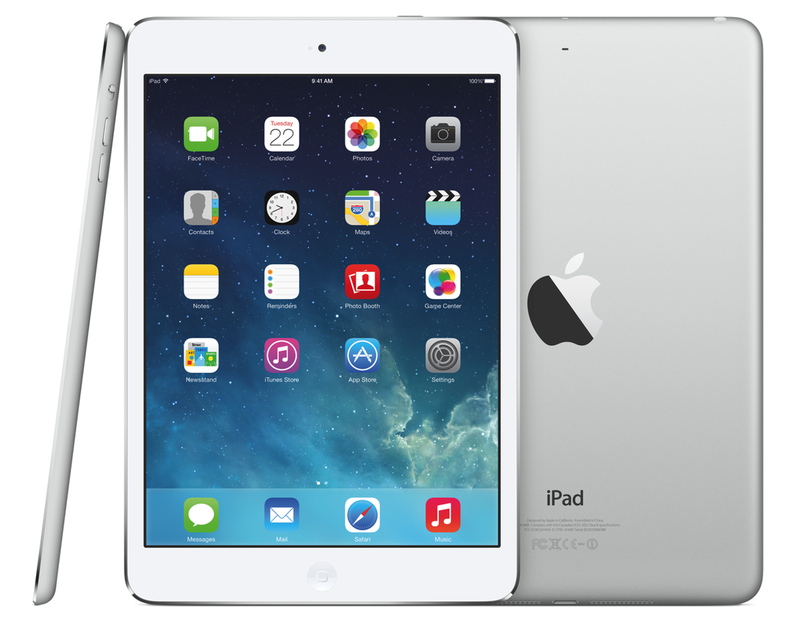
When I bought a Retina iPad mini in November, I published my first impressions of the device and promised that, like I did with the iPhone 5, I would revisit my article for a proper review. I work from my iPad every day, and I believe there is value in condensing thoughts on a product after continued and regular experience. Three months later, I think I’ve used the iPad mini enough to write my review.
Introducing Directional Podcast
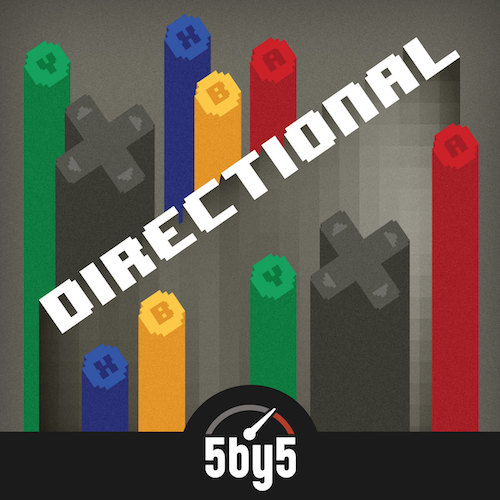
Thanks to Jory Raphael for the awesome artwork.
In recording The Prompt every week, my friend Myke Hurley and I realized that we love talking about games. We love games and the community of game makers and players behind them. We’ve been playing games since we were kids, and whenever we touched upon the topic of mobile gaming, Nintendo’s history and current games, Sony and Microsoft, indie games, and everything in between on The Prompt, we felt that we could go on for hours with our discussions. Eventually, we knew that we needed a separate venue to properly dedicate ourselves to the topic.
Which brings us to today: Myke and I are announcing Directional, a podcast about games, gamers, game makers, and surrounding culture. Here’s how we like to describe Directional’s focus:
We reflect about past trajectories and current directions, old games and new hits. Directional focuses on the games that are paving the way, the games that laid the foundations and just how dedicated games consoles exist in the smartphone age.
I’m extremely excited and grateful for this opportunity, and I look forward to beginning this second podcasting adventure with Myke next week. The Prompt has been an amazing and rewarding success for us, and, again, I hope that Directional will distinguish itself for quality and opinion, not just what’s trending.
Directional will be a weekly show on 5by5, with the first episode airing next week. We have some great stuff planned, and I can’t wait to share what we’ve been working on. I think you’ll also like our music.
We don’t have a webpage or RSS feed yet, but you can follow @DirectionalShow on Twitter for updates.
Eric Pramono’s Tips for Threes→
If you’ve been trying to get high scores in Threes, you’ll want to check out Eric Pramono’s tips and explanation of the point system.
The game score is determined by the numbers and types of tiles you have at the end of the game. Each white tile is worth three times the score of its previous number, for example the 768 tile is worth 19,683 points whereas the 384 tile is only worth 6,561 points.
Fair warning: this may require an even larger investment of your time to play Threes, which is a great game.