


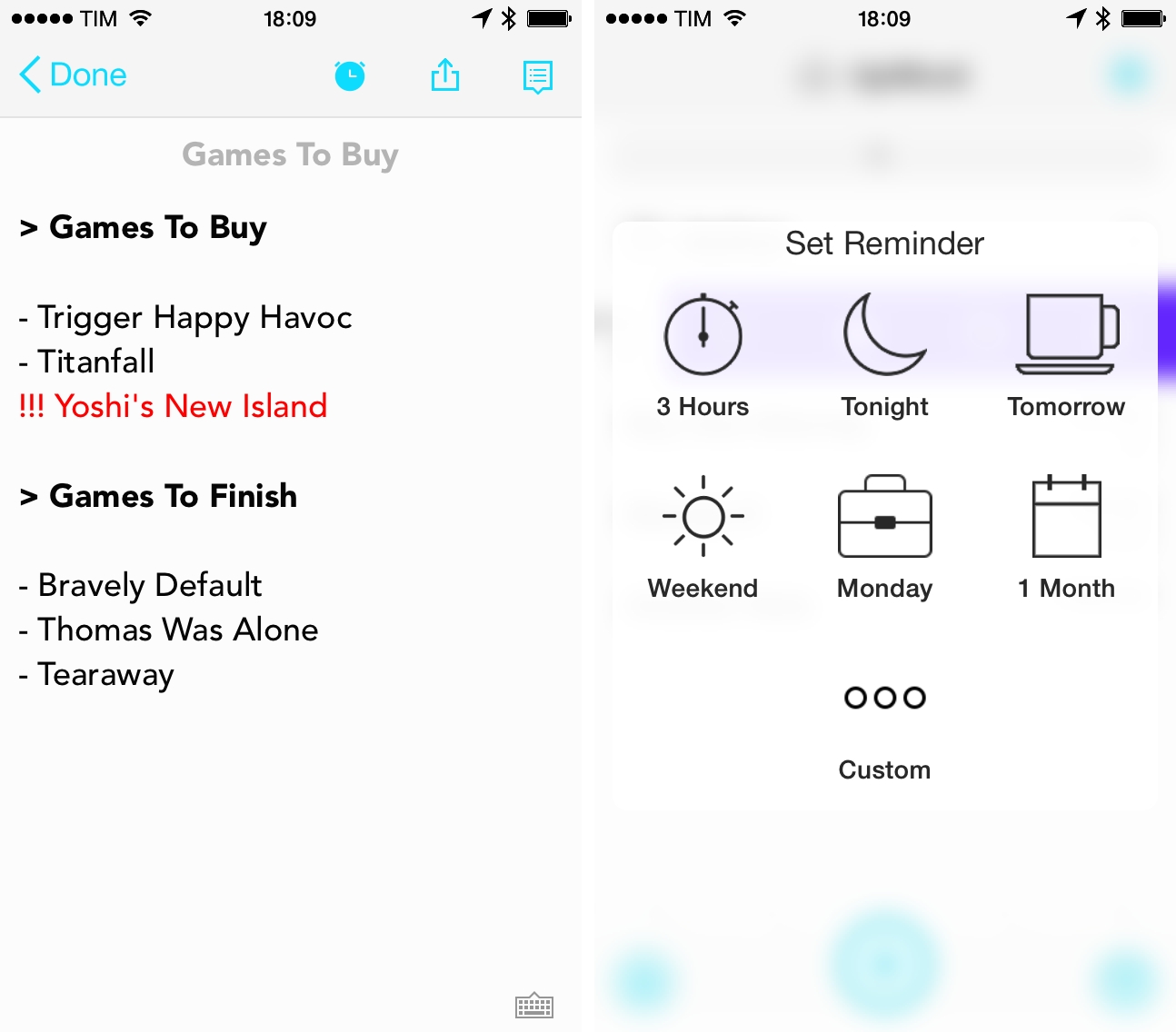
Released last week on the App Store, UpWord is a list-making app that works with Dropbox and that lets you quickly add notes and manage them in lists with gestures. The app isn’t perfect, but it’s got some interesting ideas.
Some Of Apple’s Lemons→
Stephen Hackett:
While Macintosh hardware is considered some of the most reliable in the industry, the company has had some pretty epic failures in the past. We spoke about some of these a couple of weeks ago on The Prompt, but after doing some digging, I’ve tweaked and expanded the list.
Creating and Sharing Text Files In Launch Center Pro
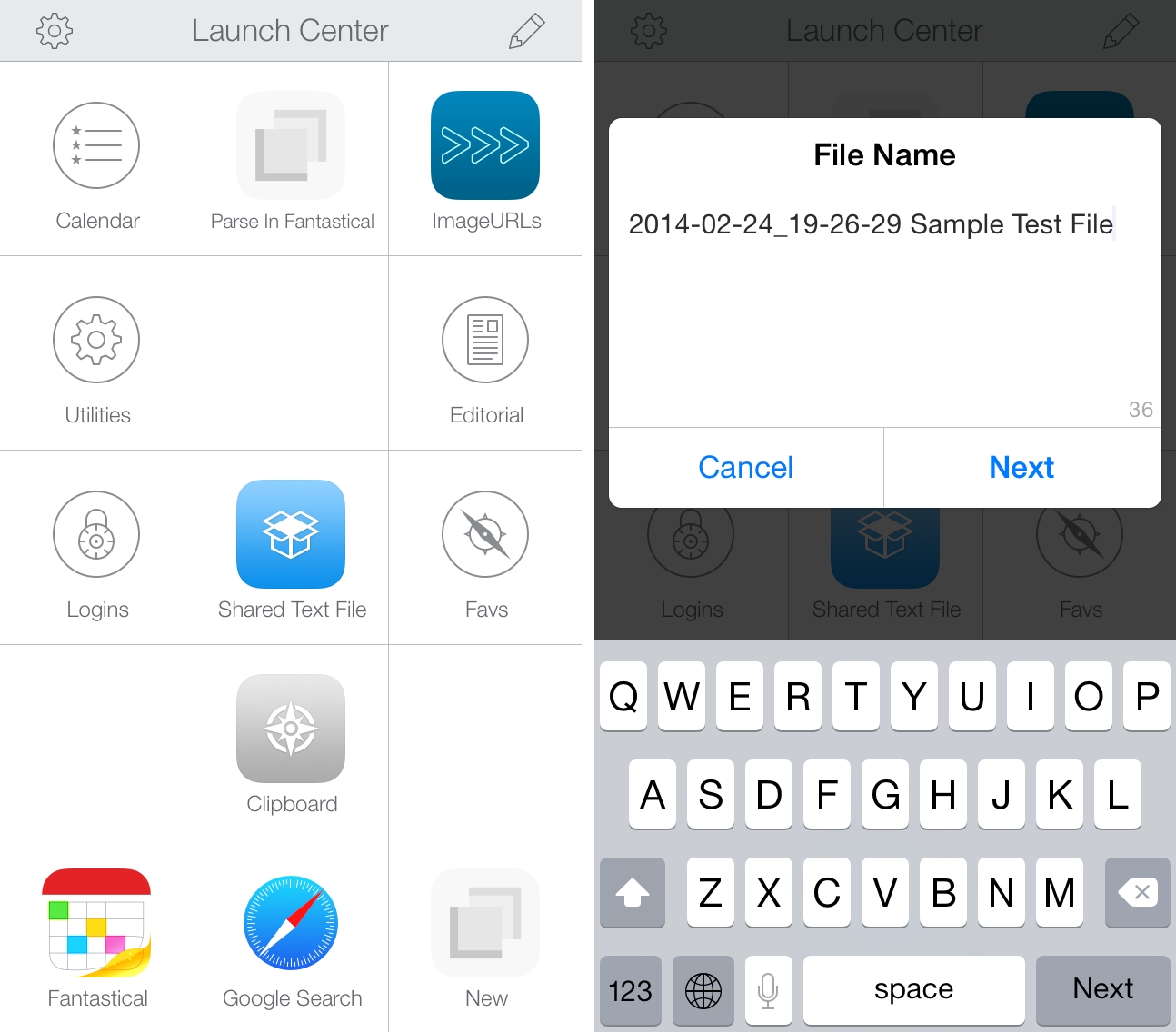
When Launch Center Pro 2.2 was released last month, I mentioned the addition of Dropbox actions for creating and modyfing text files, but I didn’t share any action example because I couldn’t find a possible use of the feature in my workflow. This morning, I realized that my old workflow to generate and share text files with Dropbox could be simplified with Launch Center Pro, so I rewrote it using the app’s new Dropbox functionalities.
I often need to create text files and share them quickly with Dropbox. These are usually notes that don’t fit in a Twitter DM or long crash reports for developers of apps I’m testing. In my old workflow, I used to type file name and file contents in Launch Center Pro, then, with two steps of inter-app communication, upload the file with Drafts, get the shareable link back with Launch Center Pro, and start a new tweet with the link in Tweetbot.
The workflow still gets the job done but the new version is simpler, faster, and more flexible. It’s just three steps:
- Type file name;
- Type file contents;
- Get public link to text file in Dropbox.
With a single action that doesn’t involve switching between apps, I can type a file name in a Launch Center Pro prompt, insert contents manually or by pasting, and hit Done to create a text file in Dropbox. Launch Center Pro gets the link of the just-created file and presents an iOS share sheet with a series of options for the file’s public link so that I’m not limited to Tweetbot anymore; I discovered that I often needed to DM or email a link, and with the old workflow I was forced to start a new tweet then select and copy the link manually from it. With the new action, everything happens inside Launch Center Pro in seconds and I can pick the best option for me (it’s usually “Copy”).
I was skeptical as to whether I would need Dropbox actions in Launch Center Pro, but this workflow shows some clear benefits of Contrast’s app – keyboard prompts and a native share sheet combined with Dropbox text features make for a quick and elegant note-taking and sharing experience.
You can download the action here.
Memories Of Steve Jobs→
I’ve been following the work Jim has been doing with The Loop Magazine, and today they published an issue dedicated to Steve Jobs and his accomplishments. There’s a great list of writers in this issue:
I gathered together people that worked with Steve and those that were influenced by his extraordinary life. Former Apple executive, Richard Kerris, tells of introducing Jobs to The Rolling Stones to show off iTunes before it was released to the public; Don Melton, former head of the Safari team at Apple, tells of a number of interactions with Jobs; Industry analyst, Tim Bajarin, recounts how he watched Steve grow into the showman we all saw on stage; Actor Matthew Modine played John Scully in the recently released “Jobs” movie and talks about that experience; Matt Gemmell believes we’ve all met Steve through his work; and Jonathan Zufi talks about why he set out to photograph as many Apple products as he could to publish “Iconic,” a design book about Apple.
The Loop Magazine is available on iTunes.
Apple Acquires TestFlight Owner Burstly

Earlier today, TechCrunch reported that Apple had acquired TestFlight parent company Burstly. The news was later confirmed by an Apple spokesperson to re/code using the company’s boilerplate for acquisitions.
Releasing Games Through Apple, Valve, Nintendo And Sony’s Digital Storefronts→
Swedish indie development studio Image & Form has released games for iOS, Nintendo devices, and Steam; next month, they will release Steamworld Dig for PS Vita and PlayStation 4. CEO Brjann Sigurgeirsson spoke to Edge about the differences between digital storefronts, suggesting that Apple could do a better job at selecting and working with indies:
The developer’s experience with Apple – or rather, the lack of it – suggests that the App Store’s greatest strength is also its greatest weakness. “So many games are coming out every day and the largely DIY submission procedures are so effective that it’s impossible for Apple to keep up personal relations,” says Sigurgeirsson. “A year and a half after having released a Game of the Week I met my first Apple representative in person, and many developers probably couldn’t tell you who ‘their’ person is. The ‘right’ Apple e-mail addresses used to be hard currency, real bargaining chips.”
In throwing its doors open and welcoming all comers, Apple has made it easy for developers to release a game, certainly, but perhaps it’s too easy right now. Sigurgeirsson would like to see Apple raise the entry level to the App Store – “make it a tiny bit harder to become a licensed developer, so that the average quality of the games goes up,” he says.
The Prompt: An Isolated Experiment→
After recovering from the news about Facebook’s purchase of WhatsApp, Stephen and Federico discuss the problems users face while using Apple’s App Stores.
In this week’s episode of The Prompt, we started a mini-series about the App Store’s problems for developers and users, discussing possible solutions for search, discovery, and curation. Get the episode here.
Apple Expands Two-Step Verification To New Countries→
Jordan Kahn:
Back in May of last year, a long list of readers in countries around the world reported having access to Apple’s two-step verification security feature for their Apple ID. Shortly after the news broke, the feature disappeared in many countries signaling it had been launched prematurely. The only officially supported countries listed on Apple’s website included the “U.S., UK, Australia, Ireland, and New Zealand.” However, today the feature has appeared in several new countries including Canada, France, Germany, Japan, Italy, & Spain.
Apple’s list of compatible international carriers for SMS verification is available here. I just enabled two-step verification for my Italian account, and everything worked right away without any issues.
See also: our guide from last year on enabling two-step verification for your Apple ID.
Fleksy Launches SDK for iOS Developers→
Fleksy is an alternative keyboard for iOS that I first tested when Launch Center Pro, an initial partner, implemented it a few months ago. Within the limitations of iOS, Fleksy provides a different typing experience that can be faster than Apple’s default keyboard.
Today, Fleksy has opened up their SDK for any iOS developer to implement in their apps. The public SDK allows apps to feature colorful keyboards (there are themes) and a button in the Copy & Paste menu to quickly switch to the Fleksy keyboard. These system replacements are much more useful on Android because they can be activated anywhere in the OS, and it’ll be interesting to see how many iOS apps will add support for Fleksy as a user option.
Check out the Fleksy SDK here.