Federico Viticci

10763 posts on MacStories since April 2009

Federico is the founder and Editor-in-Chief of MacStories, where he writes about Apple with a focus on apps, developers, iPad, and iOS productivity. He founded MacStories in April 2009 and has been writing about Apple since. Federico is also the co-host of AppStories, a weekly podcast exploring the world of apps, Unwind, a fun exploration of media and more, and NPC: Next Portable Console, a show about portable gaming and the handheld revolution.

iOS 8 Spotlight Search and App Discovery

Hugh Kimura, writing about the new Spotlight search suggestions for App Store apps in iOS 8:

At this point, there doesn’t seem to be a way to optimize for Spotlight Search. Even searches for the most popular app names and keywords return inconsistent results.

It does help some well established apps. But we need to wait for Apple to refine the algorithm, in order for it to benefit more apps.

With ASO now being an important factor for developers to consider to properly market their apps, it’ll be interesting to see if and how search in Spotlight will evolve. I’m finding it to be much faster and intuitive than App Store search, but its results aren’t consistent.

Permalink

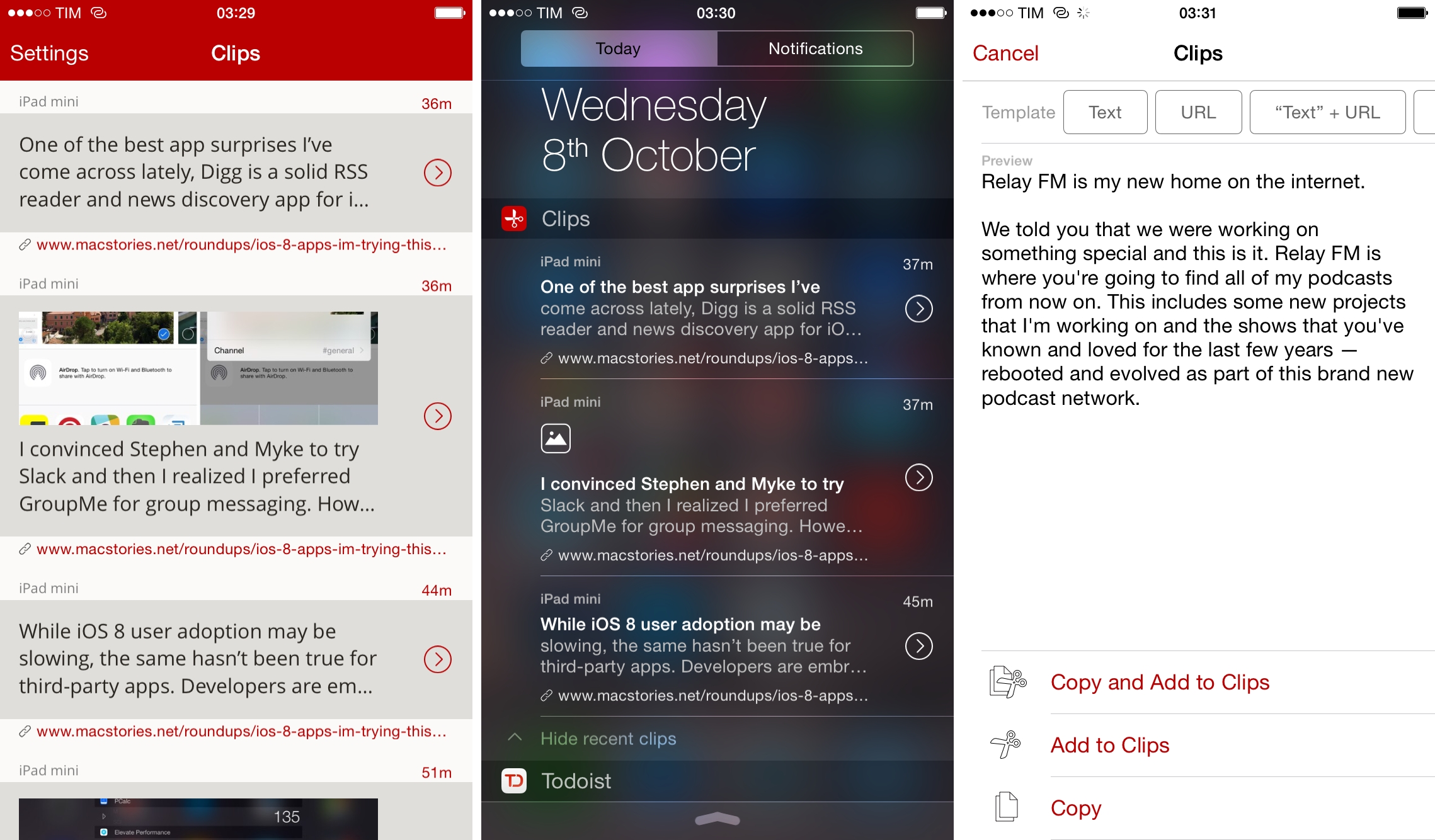
Clips Review: Actionable Clipboard Management for iOS 8

When I’m researching an article for MacStories or taking notes for an episode of our shows on my MacBook Air, I have full access to the system clipboard. I can copy a URL, a few bits of text, and perhaps even some images, and, when I’m done, navigate through past clipboard entries and put everything back together in Byword, Evernote, or Google Drive. For over six years, I’ve been using a nifty utility called ClipMenu, but I’ve been playing with Alfred’s clipboard history tool lately and I think I’m going to stick with it.

I’ve never had a clipboard manager on my iPhone or iPad. Clipboard apps existed before, but they were severely limited by the way iOS handled background processes: because an iOS app couldn’t monitor the clipboard in the background all the time, clipboard management utilities such as Pastebot or EverClip had to rely on manual activation and they could run in the background for approximately 10 minutes. After that, they’d stop monitoring the clipboard and you’d have to launch them again.

Clips, developed by Muh Hon Cheng and Lin Junjie (the same folks behind Dispatch), seeks to reinvent clipboard management on iOS by embracing the fact that it can’t replicate the experience of Alfred, LaunchBar, or ClipMenu. Instead, Clips takes advantage of new technologies available in iOS 8 to make it as effortless as possible to save bits of text from anywhere, archive your clipboard, and retrieve it in any app.

Clips is one of the most useful iOS 8 apps I’ve tried in the past couple of months, and it’s become a key piece of my iOS workflow. Rather than mimicking a desktop experience that still can’t happen on iPhones and iPads (even with iOS 8), Clips tries to go back to the underlying problem: how can you shift multiple pieces of information from Point A to Point B with fewer taps and less app-switching?
Read more


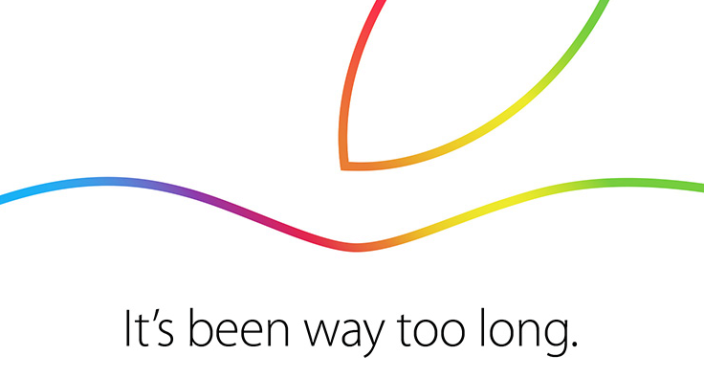
Apple Announces Media Event for October 16

As first reported by The Loop’s Jim Dalrymple, Apple has invited selected members of the press to a media event that will take place in Cupertino, California, on October 16th at 10 AM.

Following last month’s introduction of the iPhone 6, Apple Pay, and Apple Watch, the company is expected to announce new iterations of its iPad Air and iPad mini lines. According to recent rumors and speculation, the new iPads will carry Touch ID (first introduced last year with the iPhone 5s), a thinner chassis, and design cues from the iPhone 6 and iPhone 6 Plus.

Apple is also expected to provide a release date for Yosemite, the next major version of OS X currently in testing with registered Mac developers and in “Golden Master candidate” status. OS X Yosemite, announced at WWDC ‘14, brings a complete redesign of the company’s Aqua interface and deeper integration with iOS 8 through Handoff and Continuity. Yosemite will also feature the desktop counterparts of several new functionalities first rolled out on iOS 8, such as Notification Center widgets and app extensions.

(Invitation image via 9to5mac)


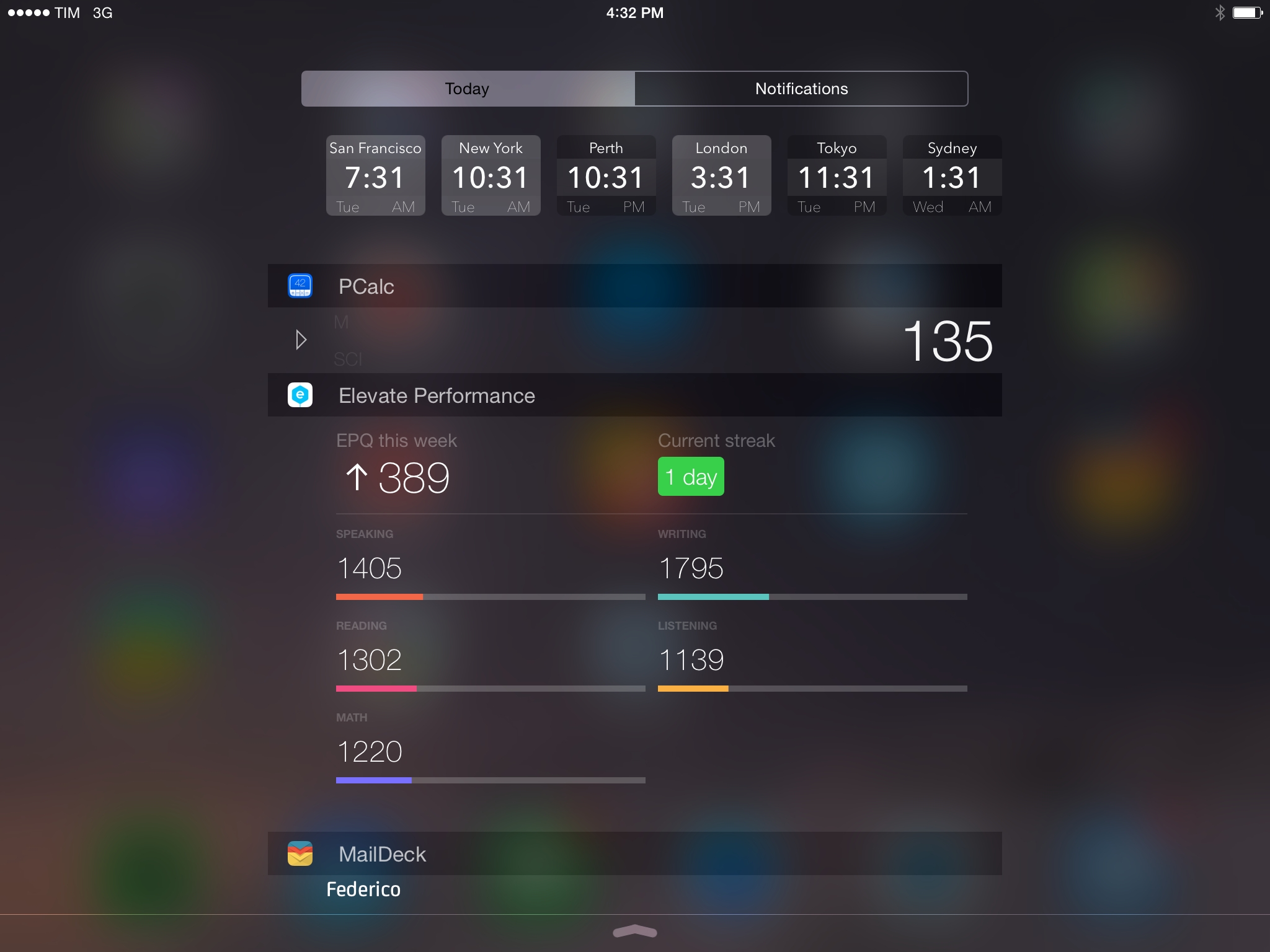
iOS 8 Apps I’m Trying This Week

While iOS 8 user adoption may be slowing, the same hasn’t been true for third-party apps. Developers are embracing the new OS with app updates that take advantage of new features such as widgets and extensions, and since the release of iOS 8 last month I’ve been trying dozens of new apps and utilities in my daily workflow.

Some of these apps will turn into full reviews; others will likely be replaced over time. I’ve been having fun exploring the App Store and discovering new software for iOS 8, and I thought it’d be nice to keep documenting what I’m trying. Consider this a follow-up to my earlier post from September 19th.

You can find the list below and our complete iOS 8 coverage here.

Read more


CleanMyMac 2 [Sponsor]

CleanMyMac 2 makes space for the things you love. Sporting a range of ingenious features, CleanMyMac 2 lets you safely and intelligently scan and clean your entire Mac with just one click.

CleanMyMac 2 clears out more than just system junk – including large files you’ve forgotten about or haven’t opened in a while such as movies, dot-dmg files, and unpacked archives. It even reduces the size of your iPhoto library to help track down those hidden modified copies of your photos and lets you remove them.

What about apps you don’t use anymore? Their uninstaller makes it easy to do a complete uninstall on those apps you don’t need or that are no longer compatible with your Mac. It also identifies those annoying leftovers of previously removed applications.

CleanMyMac 2 uses a set of rules and exceptions to properly clean up junk files without doing any harm to the user’s system. It’s called Safety Database and they’ve been building this for over 5 years! CleanMyMac 2 stands out among all other cleaning apps by making it safe to clean up your Mac. It’s just the best app for cleaning up your Mac.

For MacStories readers, MacPaw is offering a 30% off discount. You can buy CleanMyMac 2 by visiting macpaw.com/macstories.

Our thanks to MacPaw for sponsoring MacStories this week.


1Password 5.1

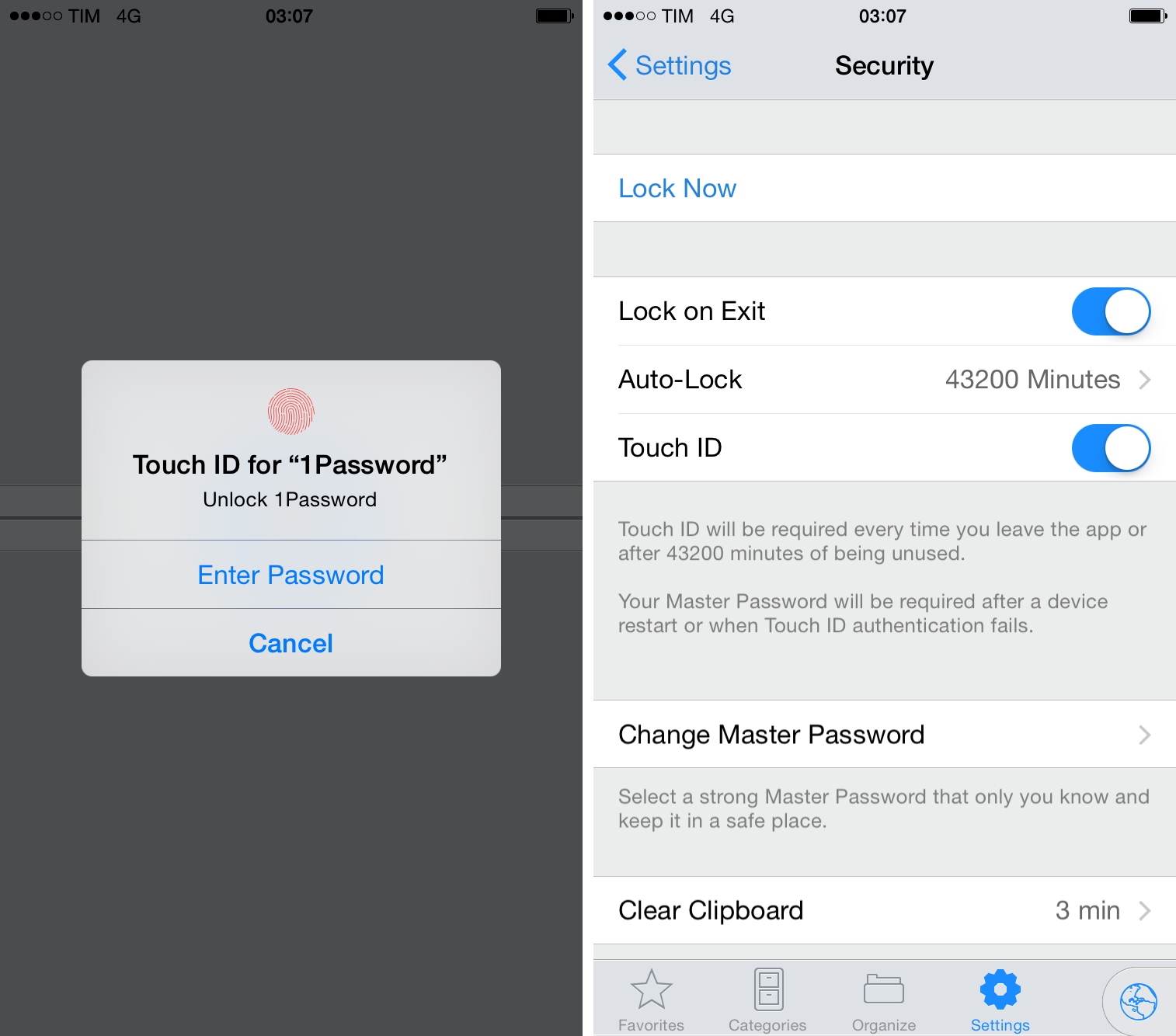
Released today on the App Store, version 5.1 of 1Password brings, in addition to iPhone 6 support, better compatibility with Touch ID and a redesigned security screen.

When I tested 1Password 5 for my review, I noted that Touch ID had been working well for me, but the public release of the app revealed that iOS 8 was prompting for master passwords for many people due to memory constraints and other bugs.

Version 5.1 comes with redesigned settings that better explain how Touch ID authentication works, unify the master password and PIN options, and that also contain an option (in the Advanced section) to enable custom keyboards inside 1Password (they’re turned off by default as they could transmit keystrokes). According to Agile Bits, the implementation of Touch ID is more reliable now and the app should always honor its security settings. That means less master password prompts, unless you restart your device or Touch ID fails.

I continue to be amazed by the fact that 1Password can now be invoked in any app that supports action extensions. If you’re a developer and you’re making apps that handle web logins or other secure data input, consider supporting the 1Password extension. If you’re a 1Password user, get the 5.1 update from the App Store as it brings some welcome bug fixes.

Permalink

Keymoji Custom Keyboard Lets You Add Emoji by Typing Their Name

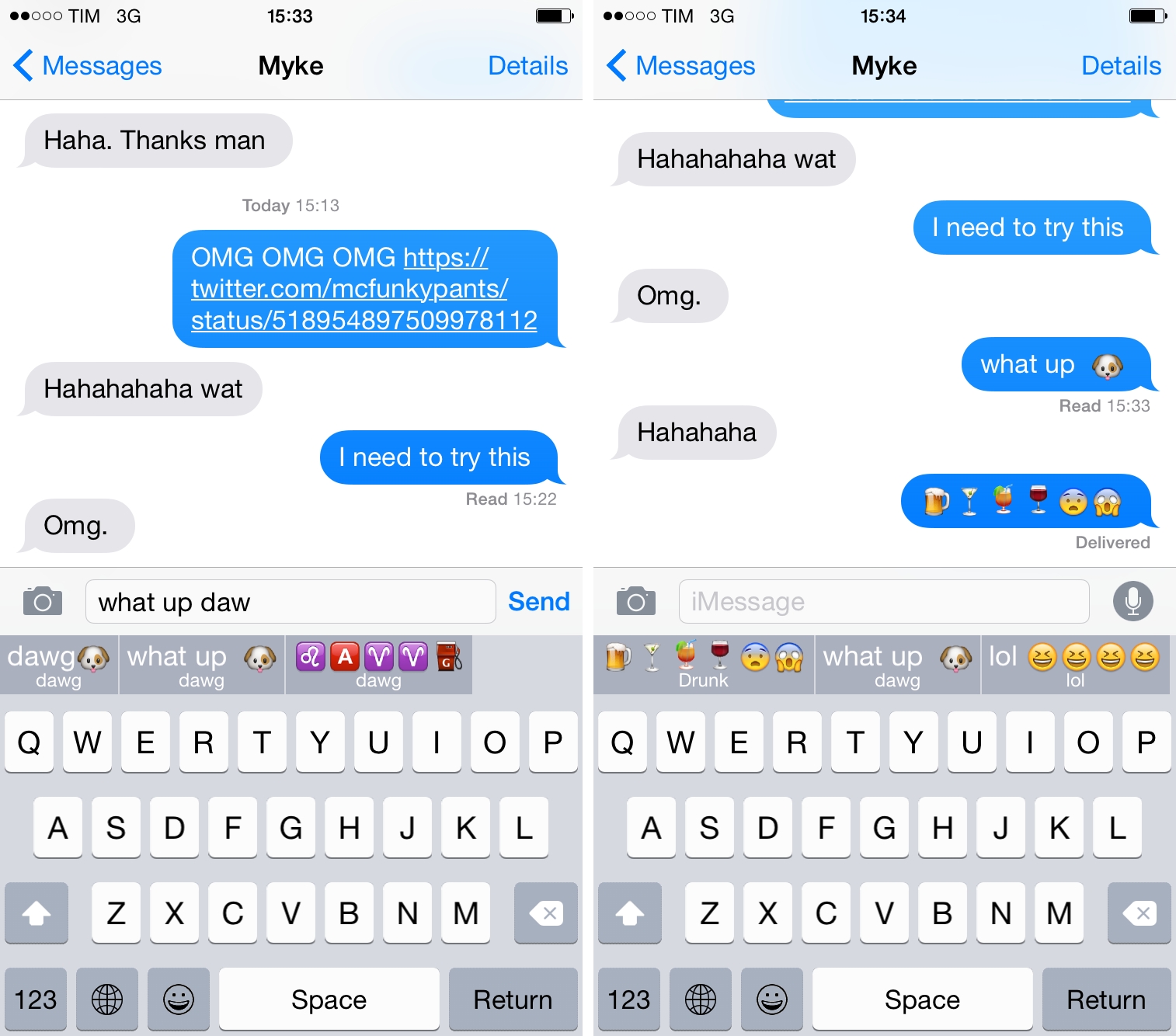
Emoji keyboards have become one of the most popular consequences to Apple offering third-party keyboard replacements in iOS 8. Apple’s default emoji keyboard leaves much to be desired, and developers are finding a new opportunity in being able to give users better input methods for the emoji millions of people use every day. Last week, I covered David Smith’s excellent Emoji++, but I’ve also been enjoying Keymoji, available for free on the App Store.

Read more


iOS 8 Automation on Mac Power Users

Federico Viticci of MacStories joins us to talk about the state of automation with the new enhancements of iOS 8.

I was invited on Mac Power Users and I had lots of fun discussing iOS 8 apps, extensions, and new automation features with Katie and David. Some of the apps I mentioned have been covered here, others will be released soon.

You can get the episode here.

Permalink