Federico Viticci

10855 posts on MacStories since April 2009

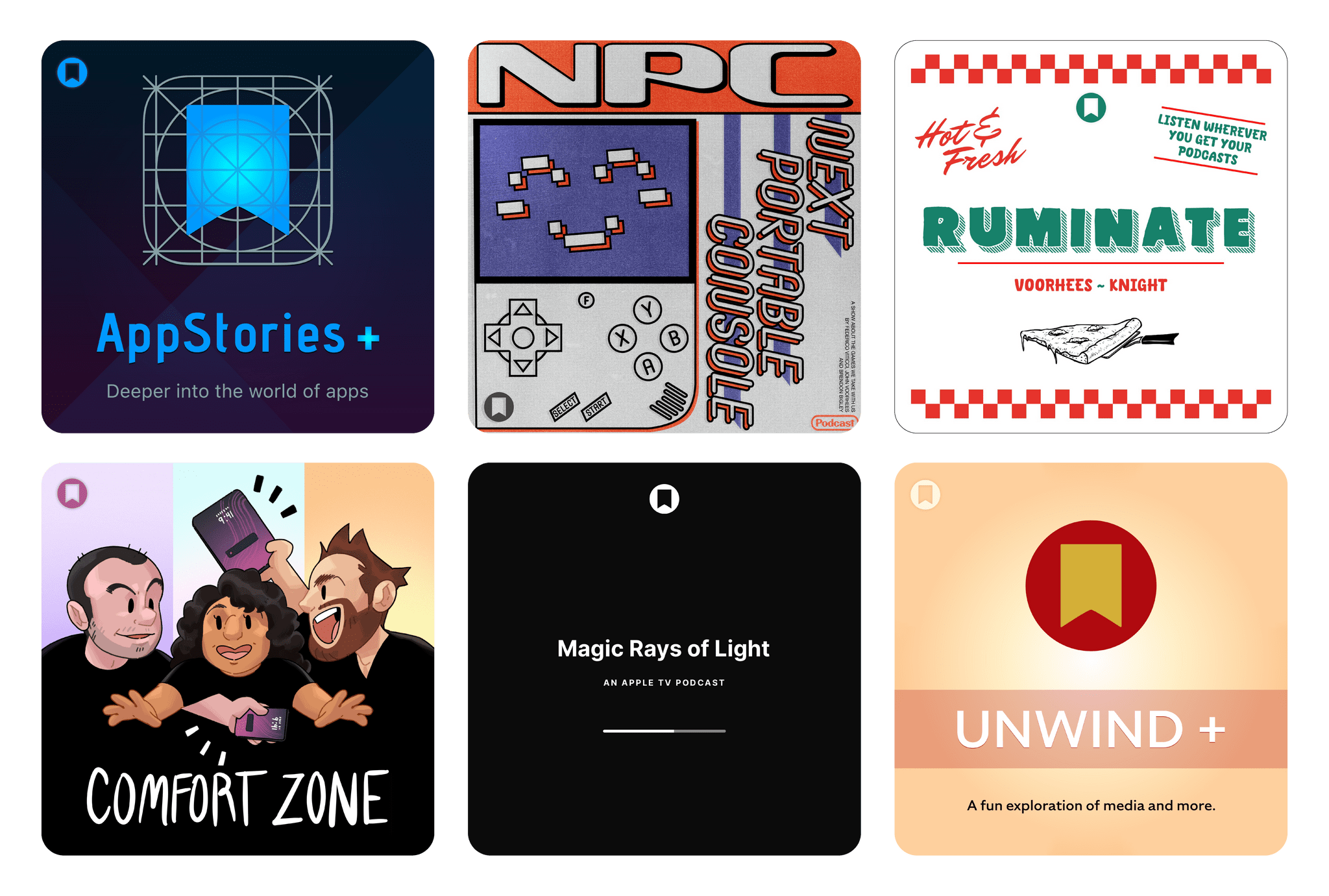
Federico is the founder and Editor-in-Chief of MacStories, where he writes about Apple with a focus on apps, developers, iPad, and iOS productivity. He founded MacStories in April 2009 and has been writing about Apple since. Federico is also the co-host of AppStories, a weekly podcast exploring the world of apps, Unwind, a fun exploration of media and more, and NPC: Next Portable Console, a show about portable gaming and the handheld revolution.

How Could Apple Use Open-Source AI Models?

Yesterday, Wayne Ma, reporting for The Information, published an outstanding story detailing the internal turmoil at Apple that led to the delay of the highly anticipated Siri AI features last month. From the article:

In November 2022, OpenAI released ChatGPT to a thunderous response from the tech industry and public. Within Giannandrea’s AI team, however, senior leaders didn’t respond with a sense of urgency, according to former engineers who were on the team at the time.

The reaction was different inside Federighi’s software engineering group. Senior leaders of the Intelligent Systems team immediately began sharing papers about LLMs and openly talking about how they could be used to improve the iPhone, said multiple former Apple employees.

Excitement began to build within the software engineering group after members of the Intelligent Systems team presented demos to Federighi showcasing what could be achieved on iPhones with AI. Using OpenAI’s models, the demos showed how AI could understand content on a user’s phone screen and enable more conversational speech for navigating apps and performing other tasks.

Assuming the details in this report are correct, I truly can’t imagine how one could possibly see the debut of ChatGPT two years ago and not feel a sense of urgency. Fortunately, other teams at Apple did, and it sounds like they’re the folks who have now been put in charge of the next generation of Siri and AI.

There are plenty of other details worth reading in the full story (especially the parts about what Rockwell’s team wanted to accomplish with Siri and AI on the Vision Pro), but one tidbit in particular stood out to me: Federighi has now given the green light to rely on third-party, open-source LLMs to build the next wave of AI features.

Federighi has already shaken things up. In a departure from previous policy, he has instructed Siri’s machine-learning engineers to do whatever it takes to build the best AI features, even if it means using open-source models from other companies in its software products as opposed to Apple’s own models, according to a person familiar with the matter.

“Using” open-source models from other companies doesn’t necessarily mean shipping consumer features in iOS powered by external LLMs. I’ve seen some people interpret this paragraph as Apple preparing to release a local Siri powered by Llama 4 or DeepSeek, and I think we should pay more attention to that “build the best AI features” (emphasis mine) line.

My read of this part is that Federighi might have instructed his team to use distillation to better train Apple’s in-house models as a way to accelerate the development of the delayed Siri features and put them back on the company’s roadmap. Given Tim Cook’s public appreciation for DeepSeek and this morning’s New York Times report that the delayed features may come this fall, I wouldn’t be shocked to learn that Federighi told Siri’s ML team to distill DeepSeek R1’s reasoning knowledge into a new variant of their ∼3 billion parameter foundation model that runs on-device. Doing that wouldn’t mean that iOS 19’s Apple Intelligence would be “powered by DeepSeek”; it would just be a faster way for Apple to catch up without throwing away the foundational model they unveiled last year (which, supposedly, had a ~30% error rate).

In thinking about this possibility, I got curious and decided to check out the original paper that Apple published last year with details on how they trained the two versions of AFM (Apple Foundation Model): AFM-server and AFM-on-device. The latter would be the smaller, ~3 billion model that gets downloaded on-device with Apple Intelligence. I’ll let you guess what Apple did to improve the performance of the smaller model:

For the on-device model, we found that knowledge distillation (Hinton et al., 2015) and structural pruning are effective ways to improve model performance and training efficiency. These two methods are complementary to each other and work in different ways. More specifically, before training AFM-on-device, we initialize it from a pruned 6.4B model (trained from scratch using the same recipe as AFM-server), using pruning masks that are learned through a method similar to what is described in (Wang et al., 2020; Xia et al., 2023).

Or, more simply:

AFM-server core training is conducted from scratch, while AFM-on-device is distilled and pruned from a larger model.

If the distilled version of AFM-on-device that was tested until a few weeks ago produced a wrong output one third of the time, perhaps it would be a good idea to perform distillation again based on knowledge from other smarter and larger models? Say, using 250 Nvidia GB300 NVL72 servers?

(One last fun fact: per their paper, Apple trained AFM-server on 8192 TPUv4 chips for 6.3 trillion tokens; that setup still wouldn’t be as powerful as “only” 250 modern Nvidia servers today.)

Permalink

Return of the Utility Grab Bag

This week, Federico and John share some of their favorite utility apps, including Amphetamine, Text Lens, Gifski, Folder Peek, Mic Drop, Keka, and Marked.

Then, on AppStories+, Federico and John extend their conversation about utilities with six more favorites.


We deliver AppStories+ to subscribers with bonus content, ad-free, and at a high bitrate early every week.

To learn more about an AppStories+ subscription, visit our Plans page, or read the AppStories+ FAQ.


AppStories+ Deeper into the world of apps

AppStories Episode 430 - Return of the Utility Grab Bag

0:00
30:37

AppStories+ Deeper into the world of apps

This episode is sponsored by:

  • Rogue Amoeba: makers of incredibly useful audio tools for your Mac. Use the code MS2504 through the end of April to get 20% off Rogue Amoeba’s apps.
    Read more

Transcriber: A Shortcut to Generate YouTube Video Transcripts

Transcriber for YouTube.

Transcriber for YouTube.

As I teased yesterday in my story about processing video transcripts on the Mac using Simon Willison’s llm CLI, I wanted to write about the shortcut that actually generates those raw video transcripts. Today, I’m happy to share Transcriber, a shortcut that takes any YouTube video URL, extracts its content, and saves a full transcript...


Is Electron Really That Bad?

I’ve been thinking about this video by Theo Browne for the past few days, especially in the aftermath of my story about working on the iPad and realizing its best apps are actually web apps.

I think Theo did a great job contextualizing the history of Electron and how we got to this point where the majority of desktop apps are built with it. There are two sections of the video that stood out to me and I want to highlight here. First, this observation – which I strongly agree with – regarding the desktop apps we ended up having thanks to Electron and why we often consider them “buggy”:

There wouldn’t be a ChatGPT desktop app if we didn’t have something like Electron. There wouldn’t be a good Spotify player if we didn’t have something like Electron. There wouldn’t be all of these awesome things we use every day. All these apps… Notion could never have existed without Electron. VS Code and now Cursor could never have existed without Electron. Discord absolutely could never have existed without Electron.

All of these apps are able to exist and be multi-platform and ship and theoretically build greater and greater software as a result of using this technology. That has resulted in some painful side effects, like the companies growing way faster than expected because they can be adopted so easily. So they hire a bunch of engineers who don’t know what they’re doing, and the software falls apart. But if they had somehow magically found a way to do that natively, it would have happened the same exact way.

This has nothing to do with Electron causing the software to be bad and everything to do with the software being so successful that the companies hire too aggressively and then kill their own software in the process.

The second section of the video I want to call out is the part where Theo links to an old thread from the developer of BoltAI, a native SwiftUI app for Mac that went through multiple updates – and a lot of work on the developer’s part – to ensure the app wouldn’t hit 100% CPU usage when simply loading a conversation with ChatGPT. As documented in the thread from late 2023, this is a common issue for the majority of AI clients built with SwiftUI, which is often less efficient than Electron when it comes to rendering real-time chat messages. Ironic.

Theo argues:

You guys need to understand something. You are not better at rendering text than the Chromium team is. These people have spent decades making the world’s fastest method for rendering documents across platforms because the goal was to make Chrome as fast as possible regardless of what machine you’re using it on. Electron is cool because we can build on top of all of the efforts that they put in to make Electron and specifically to make Chromium as effective as it is. The results are effective.

The fact that you can swap out the native layer with SwiftUI with even just a web view, which is like Electron but worse, and the performance is this much better, is hilarious. Also notice there’s a couple more Electron apps he has open here, including Spotify, which is only using less than 3% of his CPU. Electron apps don’t have to be slow. In fact, a lot of the time, a well-written Electron app is actually going to perform better than an equivalently well-written native app because you don’t get to build rendering as effectively as Google does.

Even if you think you made up your mind about Electron years ago, I suggest watching the entire video and considering whether this crusade against more accessible, more frequently updated (and often more performant) desktop software still makes sense in 2025.

Permalink

Using Simon Willison’s LLM CLI to Process YouTube Transcripts in Shortcuts with Claude and Gemini

Video Processor.

Video Processor.

I’ve been experimenting with different automations and command line utilities to handle audio and video transcripts lately. In particular, I’ve been working with Simon Willison’s LLM command line utility as a way to interact with cloud-based large language models (primarily Claude and Gemini) directly from the macOS terminal.

For those unfamiliar, Willison’s LLM CLI tool is a command line utility that lets you communicate with services like ChatGPT, Gemini, and Claude using shell commands and dedicated plugins. The llm command is extremely flexible when it comes to input and output; it supports multiple modalities like audio and video attachments for certain models, and it offers custom schemas to return structured output from an API. Even for someone like me – not exactly a Terminal power user – the different llm commands and options are easy to understand and tweak.

Today, I want to share a shortcut I created on my Mac that takes long transcripts of YouTube videos and:

  1. reformats them for clarity with proper paragraphs and punctuation, without altering the original text,
  2. extracts key points and highlights from the transcript, and
  3. organizes highlights by theme or idea.

I created this shortcut because I wanted a better system for linking to YouTube videos, along with interesting passages from them, on MacStories. Initially, I thought I could use an app I recently mentioned on AppStories and Connected to handle this sort of task: AI Actions by Sindre Sorhus. However, when I started experimenting with long transcripts (such as this one with 8,000 words from Theo about Electron), I immediately ran into limitations with native Shortcuts actions. Those actions were running out of memory and randomly stopping the shortcut.

I figured that invoking a shell script using macOS’ built-in ‘Run Shell Script’ action would be more reliable. Typically, Apple’s built-in system actions (especially on macOS) aren’t bound to the same memory constraints as third-party ones. My early tests indicated that I was right, which is why I decided to build the shortcut around Willison’s llm tool.

Read more


Pick 3: Automations

This week, Federico and John take listeners on a tour of the wide variety of automations they’ve been working on so far this year, including shortcuts, Claude projects, and Zapier zaps.

On AppStories+, Federico and John dig a little deeper into some of the more complex automations that they’ve been working on in 2025.


We deliver AppStories+ to subscribers with bonus content, ad-free, and at a high bitrate early every week.

To learn more about an AppStories+ subscription, visit our Plans page, or read the AppStories+ FAQ.


AppStories+ Deeper into the world of apps

AppStories Episode 429 - Pick 3: Automations

0:00
39:42

AppStories+ Deeper into the world of apps

This episode is sponsored by:

Read more


Automating Shortcuts’ Tedious Permission Prompts

As I covered on Connected earlier this week, I’ve been playing around with a Mac mini server for the past month for a variety of tasks. Besides running local LLM tasks on it (such as transcribing videos or podcasts), processing audio files with shell commands, and experimenting with Cursor, I’ve found it nice to have...


Opening iOS Is Good News for Smartwatches

Speaking of opening up iOS to more types of applications, I enjoyed this story by Victoria Song, writing at The Verge about the new EU-mandated interoperability requirements that include, among other things, smartwatches:

This is a big reason why it’s a good thing that the European Commission recently gave Apple marching orders to open up iOS interoperability to other gadget makers. You can read our explainer on the nitty gritty of what this means, but the gist is that it’s going to be harder for Apple to gatekeep iOS features to its own products. Specific to smartwatches, Apple will have to allow third-party smartwatch makers to display and interact with iOS notifications. I’m certain Garmin fans worldwide, who have long complained about the inability to send quick replies on iOS, erupted in cheers.

And this line, which is so true in its simplicity:

Some people just want the ability to choose how they use the products they buy.

Can you imagine if your expensive Mac desktop had, say, some latency if you decided to enter text with a non-Apple keyboard? Or if the USB-C port only worked with proprietary Apple accessories? Clearly, those restrictions would be absurd on computers that cost thousands of dollars. And yet, similar restrictions have long existed on iPhones and the iOS ecosystem, and it’s time to put an end to them.

Permalink

On Apple Allowing Third-Party Assistants on iOS

This is an interesting idea by Parker Ortolani: what if Apple allowed users to change their default assistant from Siri to something else?

I do not want to harp on the Siri situation, but I do have one suggestion that I think Apple should listen to. Because I suspect it is going to take quite some time for the company to get the new Siri out the door properly, they should do what was previously unthinkable. That is, open up iOS to third-party assistants. I do not say this lightly. I am one of those folks who does not want iOS to be torn open like Android, but I am willing to sign on when it makes good common sense. Right now it does.

And:

I do not use Gemini as my primary LLM generally, I prefer to use ChatGPT and Claude most of the time for research, coding, and writing. But Gemini has proved to be the best assistant out of them all. So while we wait for Siri to get good, give us the ability to use custom assistants at the system level. It does not have to be available to everyone, heck create a special intent that Google and these companies need to apply for if you want. But these apps with proper system level overlays would be a massive improvement over the existing version of Siri. I do not want to have to launch the app every single time.

As a fan of the progressive opening up of iOS that’s been happening in Europe thanks to our laws, I can only welcome such a proposal – especially when I consider the fact that long-pressing the side button on my expensive phone defaults to an assistant that can’t even tell which month it is. If Apple truly thinks that Siri helps users “find what they need and get things done quickly”, they should create an Assistant API and allow other companies to compete with them. Let iPhone users decide which assistant they prefer in 2025.

Some people may argue that other assistants, unlike Siri, won’t be able to access key features such as sending messages or integrating with core iOS system frameworks. My reply would be: perhaps having a more prominent placement on iOS would actually push third-party companies to integrate with the iOS APIs that do exist. For instance, there is nothing stopping OpenAI from integrating ChatGPT with the Reminders app; they have done exactly that with MapKit, and if they wanted, they could plug into HomeKit, HealthKit, and the dozens of other frameworks available to developers. And for those iOS features that don’t have an API for other companies to support…well, that’s for Apple to fix.

From my perspective, it always goes back to the same idea: I should be able to freely swap out software on my Apple pocket computer just like I can thanks to a safe, established system on my Apple desktop computer. (Arguably, that is also the perspective of, you know, the law in Europe.) Even Google – a company that would have all the reasons not to let people swap the Gemini assistant for anything else – lets folks decide which assistant they want to use on Android. And, as you can imagine, competition there is producing some really interesting results.

I’m convinced that, at this point, a lot of people despise Siri and would simply prefer pressing their assistant button to talk to ChatGPT or Claude – even if that meant losing access to reminders, timers, and whatever it is that Siri can reliably accomplish these days. (I certainly wouldn’t mind putting Claude on my iPhone and leaving Siri on the Watch for timers and HomeKit.) Whether it’s because of superior world knowledge, proper multilingual abilities (something that Siri still doesn’t support!), or longer contextual conversations, hundreds of millions of people have clearly expressed their preference for new types of digital assistance and conversations that go beyond the antiquated skillset of Siri.

If a new version of Siri isn’t going to be ready for some time, and if Apple does indeed want to make the best computers for AI, maybe it’s time to open up that part of iOS in a way that goes beyond the (buggy) ChatGPT integration with Siri.

Permalink