
Federico has tips for simplifying the creation of Home app automations and saving emails in Things, John explains how he approaches cleaning up digital messes, Jonathan has a story on the AI features of the Arc browser and thoughts on the app’s development style, we have a Dato giveaway, Tim Nahumck shares his Home Screen,...
 Previously, On MacStories
Stories Automation Academy: Leveraging Reminders to Make Saving Tasks to Things More Reliable On-the-Go Home+ 6.2 Adds a Battery Smart Section and Widget Fantastical’s Widgets Pair Interactivity with Superior Design Is Apple’s Translate App Still Getting Lost in Translation? Apple Announces a New, More Affordable Apple Pencil That’s Coming in November Announcing the Club MacStories...
Home Screen: Tim Nahumck

Mastodon: @Nahumck. Club MacStories member. When widgets were first introduced all the way back in iOS 14, it completely changed my Home Screen. At the time, I used a long press with most app icons to gain more functionality. When the behavior of Shortcuts automations and the aesthetic Home Screen phase started, I incorporated better...
Stupid Companies Make AI Promises. Smart Companies Have AI Policies [Sponsor]

It seems like every company is scrambling to stake their claim in the AI goldrush–check out the CEO of Kroger promising to bring LLMs into the dairy aisle. And front line workers are following suit–experimenting with AI so they can work faster and do more.
In the few short months since ChatGPT debuted, hundreds of AI-powered tools have come on the market. But while AI-based tools have genuinely helpful applications, they also pose profound security risks. Unfortunately, most companies still haven’t come up with policies to manage those risks. In the absence of clear guidance around responsible AI use, employees are blithely handing over sensitive data to untrustworthy tools.
AI-based browser extensions offer the clearest illustration of this phenomenon. The Chrome store is overflowing with extensions that (claim to) harness ChatGPT to do all manner of tasks: punching up emails, designing graphics, transcribing meetings, and writing code. But these tools are prone to at least three types of risk.
- Malware: Security researchers keep uncovering AI-based extensions that steal user data. These extensions play on users’ trust of the big tech platforms (“it can’t be dangerous if Google lets it on the Chrome store!”) and they often appear to work, by hooking up to ChatGPT et al’s APIs.
- Data Governance: Companies including Apple and Verizon have banned their employees from using LLMs because these products rarely offer a guarantee that a user’s inputs won’t be used as training data.
- Prompt Injection Attacks: In this little known but potentially unsolvable attack, hidden text on a webpage directs an AI tool to perform malicious actions–such as exfiltrate data and then delete the records.
Up until now, most companies have been caught flat-footed by AI, but these risks are too serious to ignore.
At Kolide, we’re taking a two-part approach to governing AI use.
- Draft AI policies as a team. We don’t want to totally ban our team from using AI, we just want to use it safely. So our first step is meeting with representatives from multiple teams to figure out what they’re getting out of AI-based tools, and how we can provide them with secure options that don’t expose critical data or infrastructure.
- Use Kolide to block malicious tools. Kolide lets IT and security teams write Checks that detect device compliance issues, and we’ve already started creating Checks for malicious (or dubious) AI-based tools. Now if an employee accidentally downloads malware, they’ll be prevented from logging into our cloud apps until they’ve removed it.
Every company will have to craft policies based on their unique needs and concerns, but the important thing is to start now. There’s still time to seize the reins of AI, before it gallops away with your company’s data.
To learn more about how Kolide enforces device compliance for companies with Okta, click here to watch an on-demand demo.
Our thank to Kolide for sponsoring MacStories this week.
Previously, On MacStories
Game On: An Upcoming Game Release Check-In Bartender 5 Is the Essential Menu Bar Upgrade for macOS Sonoma Podcasts AppStories, Episode 354 – Apple Vision Pro and Apps MacStories Unwind: Flora and Son and Federico’s Latest Tech Discovery...
Home Screen: FlohGro

Mastodon: @FlohGro. Senior Software Developer from ?? Germany. Check out my Website where I share things I create around Drafts and other Apps I use. Customizing my Home Screen is a never-ending story for me – this year was no different due to the new interactive widgets. During the beta period, I played around with...
In This Issue
John shares a grab bag of tips, Jonathan recommends Default Folder X, and Club member FlohGro shares his Home Screen, plus the usual Links, App Debuts, the latest happenings in the Club MacStories+ Discord community, a recap of MacStories articles, and a preview of next week’s episode of AppStories....
Up Next on AppStories
Next week on AppStories, it’s John’s turn to surprise Federico with a new reading workflow he’s been experimenting with for the past several weeks....
iMazing 3 Is Coming, macOS Public Beta Available Now [Sponsor]
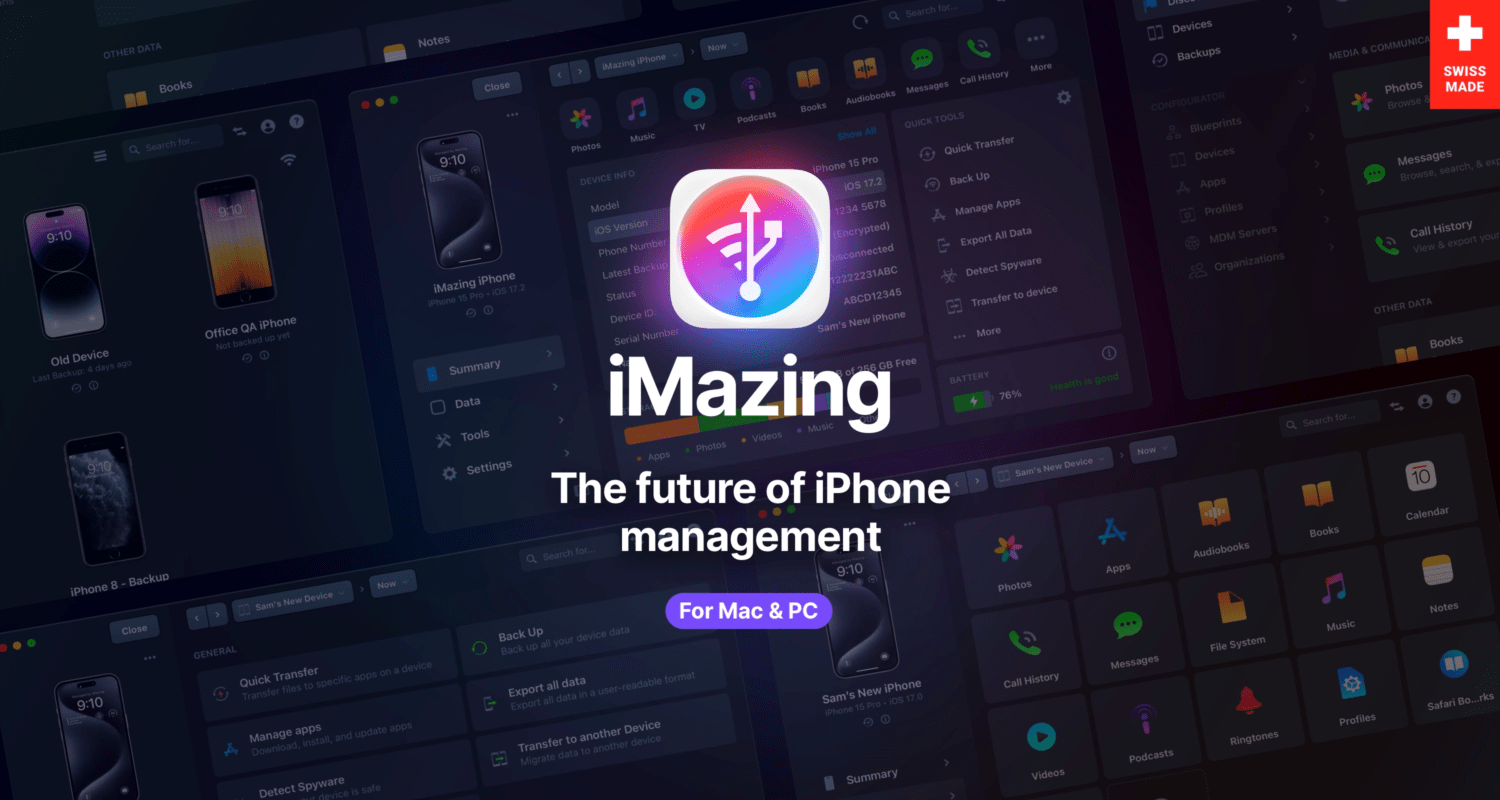
Rethought, rewritten, and redesigned from the ground up iMazing, the trusted iPhone manager, is about to release its third major version. Ahead of the launch later this year we’re inviting MacStories readers to check out the latest macOS beta today!
The iMazing team’s primary focus was to deliver the smoothest possible user experience. The all new interface brings the many available features to light, while remaining accessible to less technical users willing to perform simple tasks.
A new Discover view greets users with quick access to iMazing’s most-used features, like download photos from any iOS device, export text messages from an iPhone to a computer, back up a device or update to a new one, or drag and drop files via Quick Transfer!
Advanced and pro users will appreciate the new take on the Devices screen with a grid or a list view to pick from. The app then filters commonly available tasks, and makes it a breeze to backup or update multiple devices at once.
iMazing 3 lays the foundation for the future, with a robust roadmap of features for the upcoming years.
Learn more about iMazing 3 and try out the beta, we’d love to hear what you think!
Our thank to iMazing for sponsoring MacStories this week.