
Federico and John are taking a two-week break from recording and will be back with a new episode ofAppStorieson January 7th....
Affinity: Super-Fast, Powerful, Professional Apps for Modern Creative People [Sponsor]
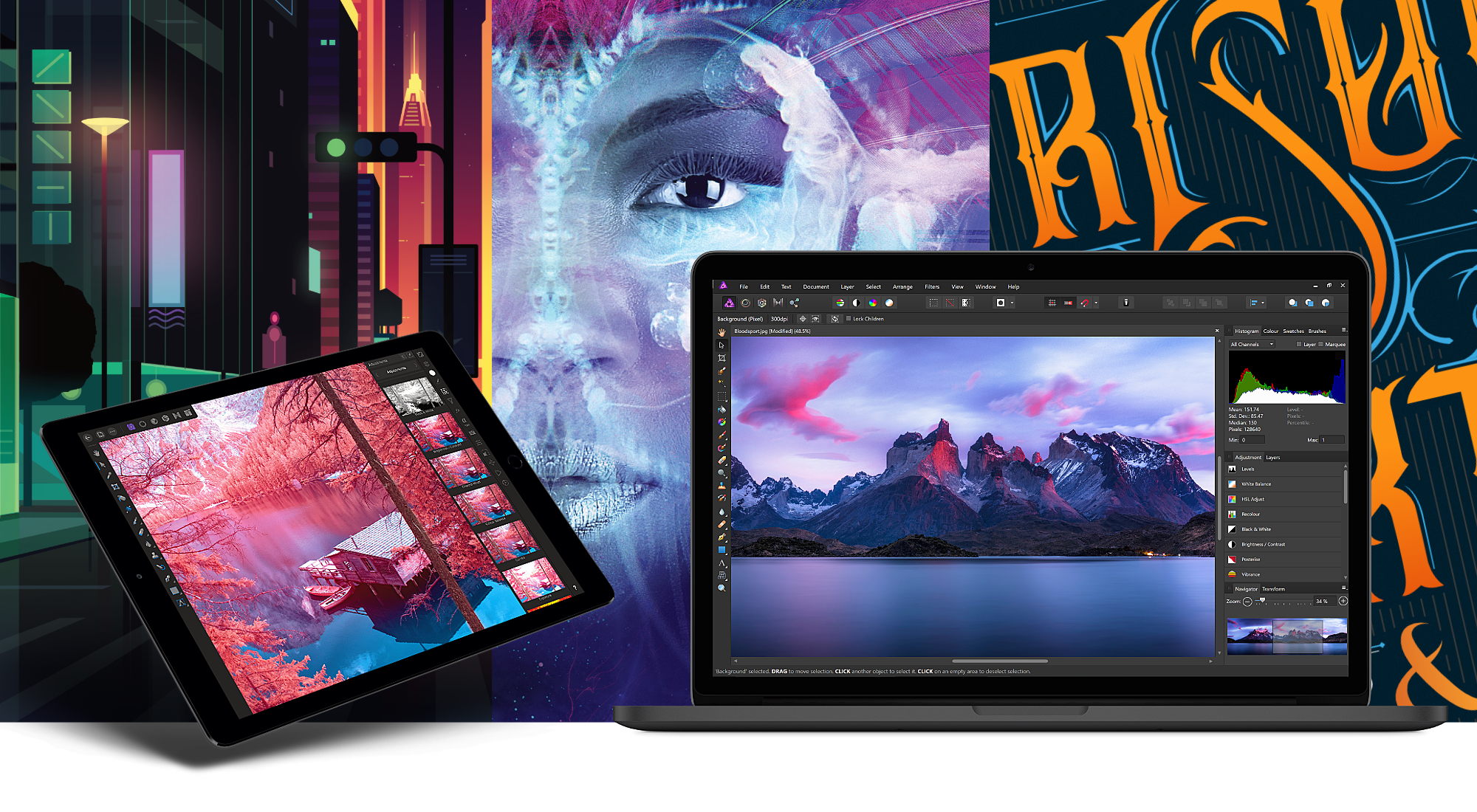
Serif, the maker of Affinity Photo and Affinity Designer, is one step closer to completing its trio of apps for creative professionals with the desktop publishing app Affinity Publisher, now available as a free public beta. From the earliest days, Serif’s vision has been to build the Affinity apps as an unrivaled trio of sleek, super-modern apps that work with the latest technologies, are ultra-fast, and completely stripped of feature-bloat. With the launch of the Affinity Publisher’s public beta, Serif is on the cusp of realizing that vision.
Affinity Publisher is set to revolutionize desktop publishing in the same way Affinity Photo and Affinity Designer have shaken up the worlds of professional photo editing and graphic design. The app will boast full integration with Affinity Designer and Affinity Photo, allowing owners of all three to edit vector designs and images inside one app in a stunning new way. Although not enabled in the current version of the beta, switching to Photo or Designer from within Publisher will be as easy as clicking a button in the app’s toolbar.
Affinity Publisher, which is free to download and try, is the result of thousands of hours of development by Serif’s award-winning team, which also launched the fully-featured vector graphics app Affinity Designer on iPad this year. Publisher includes advanced typography, linked text frames, master pages, facing page spreads, dynamic photo frames, tables, baseline grids, linked resources, end-to-end CMYK support, and much more. The beta is currently available on the Mac and Windows and an iPad version to follow later. This is an excellent opportunity to get an advance look at Publisher and provide Serif with feedback, suggestions, and requests on their dedicated Publisher forum.
If you haven’t tried the Affinity apps yet, see what the future of professional creative work looks like today by visiting the Affinity store where you’ll find the Affinity apps, workbooks, brush packs, and merchandise on sale with a 20% discount throughout the holiday season.
Our thanks to Affinity for sponsoring MacStories this week.
Introducing MacStories Selects: The Best New Apps, App Updates, and iOS Games of 2018

Over the course of a year, the MacStories team tries hundreds of apps. We test them, live with them, poke, prod, and break them, and then we write and talk about them. Collectively, it amounts to thousands of hours of thought and analysis that on a macro level seeks to answer the question: what makes a good app? There’s no single factor or simple formula; if there was, nearly every app would achieve greatness. But after evaluating as many apps as we have, each of us has a fine-tuned instinct for standout apps when they come onto our radar.
We write about lots of terrific apps, but every year a handful stand out as exceptional. The precise quality that sets an app apart is often harder to identify than the app itself. Some are apps that push the boundaries of Apple’s OSes into new territory, while others are fresh takes on old problems. Despite the millions of apps on the App Store, every so often an app emerges that is truly inventive and opens up a whole new category of apps.
This year, we’re starting something new to celebrate those apps that stand out from the pack with a new feature we call MacStories Selects. For this inaugural year, we are covering three app categories: Best New App, Best App Update, and Best New Game. Along with a top pick for each category, we have selected runners-up that also stood out from the crowd. Before the end of the year, we’ll reveal two other components of MacStories Selects as well:
- Federico’s App of the Year, which will be published as part of his annual Must-Have iOS Apps of 2018; and
- Picks for our favorite new hardware accessories of 2018.
In making today’s app picks, we only looked at titles released in 2018. In addition, for Best App Update we evaluated each stand-alone update independent from any others, as opposed to aggregating updates from throughout the year.
Selects is something new for us here at MacStories that we expect to grow over time. We hope you enjoy. Now, on to our picks…
 In This Issue
1Blocker X,Apps for the Holiday Season, Guilherme Pipolo’s home screen, plus the usualWeekly Q&A, Tip, Links, a recap of MacStories articles, and a preview of next week’s episode of AppStories....
Previously, On MacStories
Hands-On: Belkin’s USB-C to HDMI Adapter for the 2018 iPad Pro Google Maps Debuts ‘For You’ Recommendations in 40 Countries on iOS Drafts 5.5, MultiMarkdown, and CriticMarkup The Electrodes Used by Apple’s ECG Watch App Enable Faster, More Accurate Heart Rate Measurements HomeRun 1.1 Enables Creating Custom Watch Complications Djay 3.0 Debuts as a Free,...
Holiday Publication Schedule
Dear Club MacStories members, Thank you for your support this year. There wouldn’t be a Club MacStories without you. We’d like to take a moment to wish you and your families all the best this holiday season. Our last MacStories Weekly issue of 2018 will be sent to you on December 21st, and we will...
Interesting Links
Epic Games pulled the Infinity Blade trilogy of games that were showcased by Apple during past keynotes to show off iOS device capabilities with a blog post explaining the decision. (Link) Recode reports on Verizon’s $4.6 billion write-off of its $5 billion purchase of AOL and Yahoo, an acknowledgement that the mobile company cannot revitalize...
Home Screen: Guilherme Pipolo

Twitter: @gipipolo. MacStories reader. Since my first iPhone in 2011 I’ve been struggling to find the perfect set of apps for my home screen. For years I found myself looking over the fence at jailbreaking just to gain some features that the iOS couldn’t give me, such as more apps in the dock and folders....
Up Next on MacStories’ Podcasts
Next week on AppStories, Federico and John announce a new annual feature called MacStories Selects....