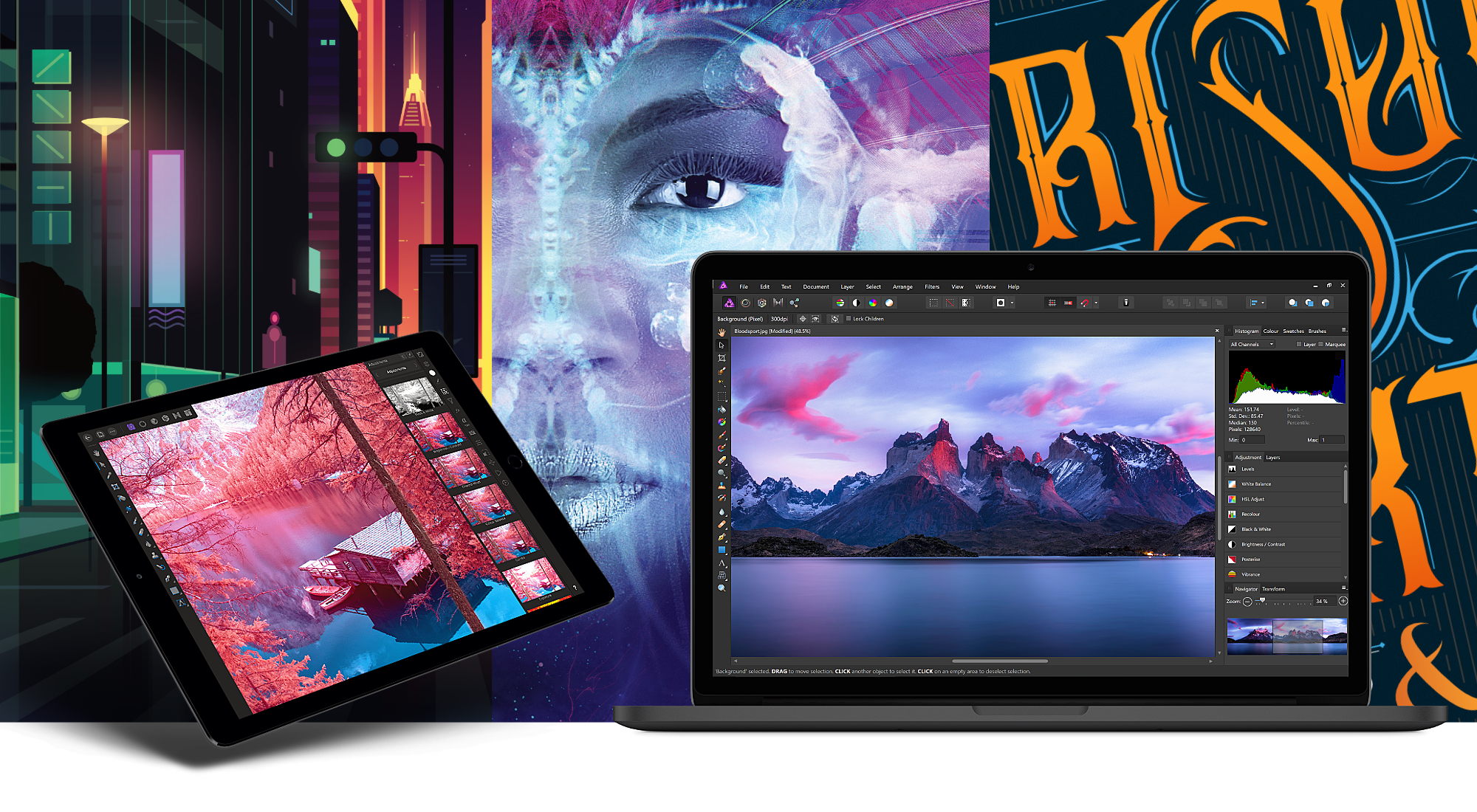
Serif, the maker of Affinity Photo and Affinity Designer, is one step closer to completing its trio of apps for creative professionals with the desktop publishing app Affinity Publisher, now available as a free public beta. From the earliest days, Serif’s vision has been to build the Affinity apps as an unrivaled trio of sleek, super-modern apps that work with the latest technologies, are ultra-fast, and completely stripped of feature-bloat. With the launch of the Affinity Publisher’s public beta, Serif is on the cusp of realizing that vision.
Affinity Publisher is set to revolutionize desktop publishing in the same way Affinity Photo and Affinity Designer have shaken up the worlds of professional photo editing and graphic design. The app will boast full integration with Affinity Designer and Affinity Photo, allowing owners of all three to edit vector designs and images inside one app in a stunning new way. Although not enabled in the current version of the beta, switching to Photo or Designer from within Publisher will be as easy as clicking a button in the app’s toolbar.
Affinity Publisher, which is free to download and try, is the result of thousands of hours of development by Serif’s award-winning team, which also launched the fully-featured vector graphics app Affinity Designer on iPad this year. Publisher includes advanced typography, linked text frames, master pages, facing page spreads, dynamic photo frames, tables, baseline grids, linked resources, end-to-end CMYK support, and much more. The beta is currently available on the Mac and Windows with an iPad version to follow later. This is an excellent opportunity to get an advance look at Publisher and provide Serif with feedback, suggestions, and requests on their dedicated Publisher forum.
If you haven’t tried the Affinity apps yet, see what the future of professional creative work looks like today by visiting the Affinity store where you’ll find the Affinity apps, workbooks, brush packs, and merchandise throughout the holiday season.
Our thanks to Affinity for sponsoring MacStories this week.