
A collection of fun iPhone photography projects that use third-party apps, a Yoink for iPad tip, Ryan on iPad modularity and the 11-inch iPad Pro, Federico’s second Home screen, plusWeekly Q&A, Links, lots of App Debuts, a recap of MacStories articles, and a preview of next week’s episode of AppStories....
CleanMyMac X: Your Mac, as Good as New [Sponsor]
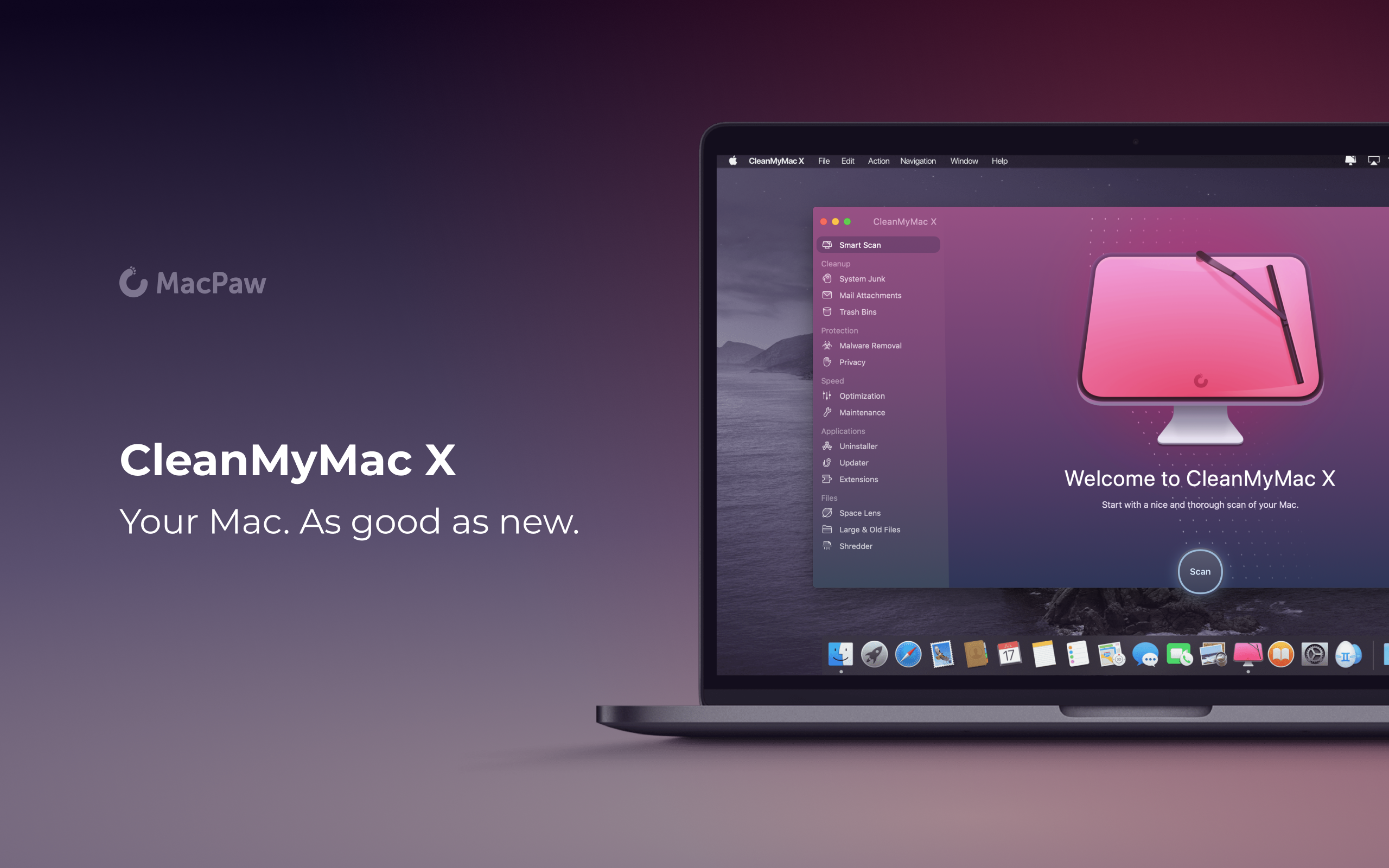
CleanMyMac X by MacPaw is your complete Mac maintenance solution. It’s the perfect way to do a little spring cleaning on your Mac. With an award-winning, beautiful design, CleanMyMac X frees up wasted storage space, protects against malware, optimizes your Mac’s performance, and a whole lot more.
It all starts with Smart Scan, the all-in-one center for analyzing, optimizing, and protecting your Mac. Here you’ll find features like System Junk removal module for finding unneeded system files that can be discarded, and Space Lens a visual and intuitive tool for cleaning up unwanted, large files. CleanMyMac also scans for malware, protecting your Mac against malicious third-party code and vulnerabilities. Better yet, the app’s Malware Monitor can scan for threats in the background, in real-time, catching and notifying you of malware before it takes hold. There’s an optimization section that can free up RAM and manage login items, launch agents, and memory-hungry apps too.
CleanMyMac X includes an app update module that scans your installed apps for available updates too. It’s a fantastic, centralized way to see all the apps on your Mac that have updates whether or not you bought them on the Mac App Store. When you want to uninstall an app, CleanMyMac X is there to help, deleting hidden files and any other cruft that an app would otherwise leave behind.
CleanMyMac X is a fantastic investment to get an older Mac running as good as new and to ensure that more modern Macs keep running smoothly and safely with enough storage to get your work done. The app is notarized by Apple, too, meaning you can download it with confidence.
So, don’t wait, check out CleanMyMac X today. There’s a free trial waiting to help you make your Mac as good as new, and until April 19, 2020, MacStories readers can purchase CleanMyMac X for 30% off, which is a fantastic deal.
Our thanks to CleanMyMac X for sponsoring MacStories this week.
The Future of the iPad

It’s been an eventful decade for the iPad. But what’s next?
This week’s iPad at 10 celebration has centered primarily on the past. We’ve explored the device’s influence in accessibility and education, heard developers’ stories, outlined some of the most impactful apps from the decade, considered one of the most overlooked iPad models, and more. But as the week closes out, we turn our attention from the past and present to what lies ahead.
For the longest time, the iPhone’s shadow loomed large over the iPad. The iPad Pro began to change that, iPadOS solidified that shift, and now the device is forging its own path as a modular computer.
There’s never been a more exciting time to use the iPad. Yet as far as the device has come, we remain optimistic that its best days are still ahead.
Before wrapping up this anniversary week, we have to consider the future of the iPad.
 Perks
Perks
For this special edition of MacStories Weekly, we asked the makers of some of our favorite iPad apps to contribute promo codes for a special iPad at 10 giveaway. Beneath each of the apps listed below is a button for entering to win. We will collect entries for each app until 10 pm Eastern US...
In This Issue
PiPifier,John’s favorite iPad games of the past decade, giveaways from five great developers, a shortcut from Federico for backing up files from an iPadto favorite folders or an external USB drive using Scriptable,an announcement about MacStories Unplugged, John’s iPad mini Home screen, plus Links, App Debuts, arecap of MacStories articles, and a preview of next...
Previously, On MacStories
Apple Releases Free COVID-19 App and Website Pixelmator Pro 1.6 Released with New Color Picker and Improved Way to Select Multiple Items The iPad at 10: Emerging from the Shadow of the iPhone For iPad, Accessibility Gives ‘It’s Just a Big iPhone’ New Meaning Full of Potential: Developers on the iPad’s Past, Present, and Future...
Interesting Links
Ulysses turns eight today, and Max Seelemann has an excellent post about the 10th anniversary of the iPad and what it has meant for one of the premier text editors on the platform. (Link) The Verge has a great collection of video conferencing backgrounds that can be used in apps like Zoom. (Link) Grammarly, the...
Up Next on MacStories’ Podcasts
Next week on AppStories, Federico and John discuss the tools they use to research projects like this week’s iPad at 10 series....
MacStories Unplugged
 John
JohnI wanted to give everyone a heads up that Federico and I will have an all-new episode of MacStories Unplugged for you in the next few days. Please note that we have changed the URL for the podcast, so you need to resubscribe to hear new episodes. There’s a short episode in the...