
Pastebot, iOS Utility Grab Bag, Vol. 3, Federico’s iPad Home screen, a new episode of MacStories Unplugged, signing PDFs on the iPad and Mac without a third-party PDF app,plus Weekly Q&A, Links, lots of App Debuts, arecap of MacStories articles, and a preview of next week’s episode of AppStories....
 MacStories Unplugged
A Really Weird Week In the latest installment of MacStories Unplugged, Federico and John talk about the iPad Magic Keyboard that became available for preorder earlier this week and Federico explains what led him to try OmniFocus again. MacStories’ and AppStories’ Anniversaries MacStories turned 10 in 2019 and 11 on April 20, 2020 AppStories...
Previously, On MacStories
Highlights for iPhone and iPad: An Excellent Companion for Researchers Apple and Google Partner for COVID-19 Contact Tracing Apple Shares ‘Creativity Goes On’ Video on YouTube PDF Expert’s New Reading Mode Offers the Best iPhone PDF Experience HomePass 1.7 Brings Refreshed UI, Customizable Data Fields, and Improved Shortcuts Support Apple Creates Tool for Spotting Trends...
Interesting Links
According to Mark Gurman at Bloomberg, Apple is working on an iPad Pro-style design for its next iPhone as well as a smaller HomePod. (Link) Wired tested the new Beats Powerbeats and has declared them the best earbuds for working out with an iPhone. (Link) A steep increase in US grocery orders during the COVID-19...
Gear.Coffee: Upgrade Your Coffee Ritual with the Kinu M47 Series Hand Grinders [Sponsor]
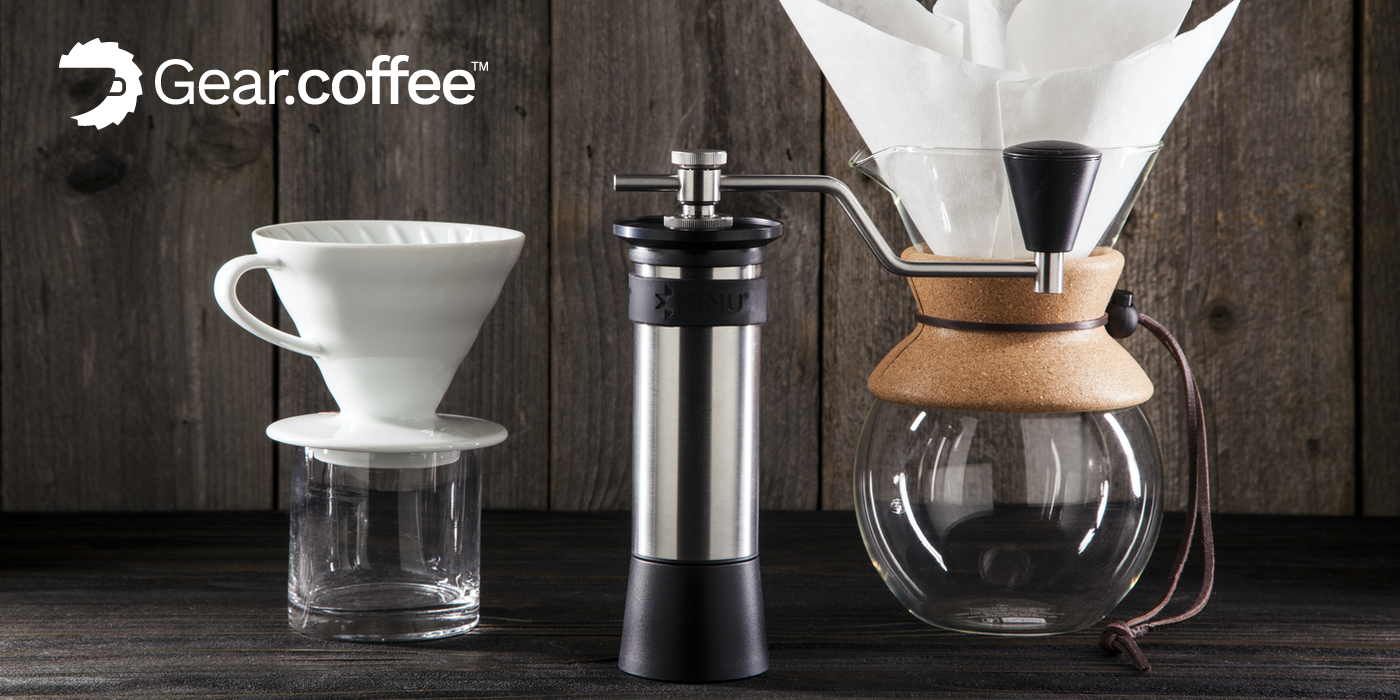
If you’re someone who can’t get through the day without coffee, I’m sure you understand the importance of having great coffee. With the Kinu M47 Series Hand Grinders from Gear.Coffee you can upgrade your entire coffee experience with freshly-ground, flavorful coffee.
Each cup of coffee should be supreme, and you should enjoy each sip you take during the day. After all, believe it or not, this is part of what makes your day great. Every little detail sums up to produce an outstanding cup of coffee, but freshness is key here. So make sure that you get this part of your coffee ritual right.
To get a fully flavor-filled experience, the first thing you need is fresh-ground coffee beans. And to get the richest infusion of flavor and aroma to your coffee, you should grind it just before you brew it. Of course, you need a coffee grinder to accomplish this because coffee beans are super hard!
Gear.Coffee makes it easy for you to choose because they’ve selected the top three high-quality manual coffee grinders by Kinu Grinders. The German-engineered Kinu M47 Phoenix and Simplicity hand grinders feature the best in consistency and reliability no matter how you prepare your coffee: Aeropress, Pour-over, Espresso, Moka Pot, Drip, etc.
Choose the one that suits you best. There’s no wrong choice with these grinders!
MacStories readers can get $10 off their first grinder purchase by visiting the Gear.Coffee website using code “macstories10” at checkout throughout April. Check out these terrific grinders today and enjoy a fantastic cup of coffee.
Our thanks to Gear.Coffee for sponsoring MacStories this week.
Interesting Links
Serif, the maker of Affinity Photo, Designer, and Publisher, has launched a campaign called 100 Days, 100 Commissions. For 100 days, Serif is commissioning freelance work using its apps at $1,500 per submission to help ease the impact on the creative community of cancelled projects. (Link) Yesterday, Radiohead began posting weekly live concerts on YouTube...
MacStories Unplugged
A Little Punch Drunk After a long week writing about the 10th anniversary of the iPad’s release in the US, Federico and John talk about the series, the iPad mini, games, Federico’s keyboard and Home screen, and, of course, cat apps. As a reminder, please note thatwe have changed the URL for the podcast,...
Previously, On MacStories
The Future of the iPad Pixelmator Photo 1.2 Adds Cursor and Split View Support, ML Match Colors, and More Watchsmith Review: Create Your Own Apple Watch Complications The Beauty of the Apple Watch’s Solar Dial Face Highlights for iPhone and iPad: An Excellent Companion for Researchers...
Up Next on MacStories’ Podcasts
Next week on AppStories, Federico and John discuss their approaches to digital spring cleaning....