

Among the highlights on the Club MacStories+ Discord: Nathan shared his beautifully clean desk setup, which prompted Robb to share his beautifully chaotic desk setup. Members commiserated and discussed the iPad mini’s value in the lineup after a hugely disappointing ‘upgrade’ this week. There were a couple of good suggestions for apps that help you...
 When Holes Aren’t Holes, Backing Out of Matter, and Action Buttons
Among the highlights on the Club MacStories+ Discord: Inspired by Federico’s new, tidier desk setup, Nicolas did a full refurb of his, and its looks perfect. Extra points for the conduit. Have you moved your Hue setup over to Matter and found yourself missing features like adaptive lighting? There is a way to “back out”...
Creating a Personal Fitness+ Collection
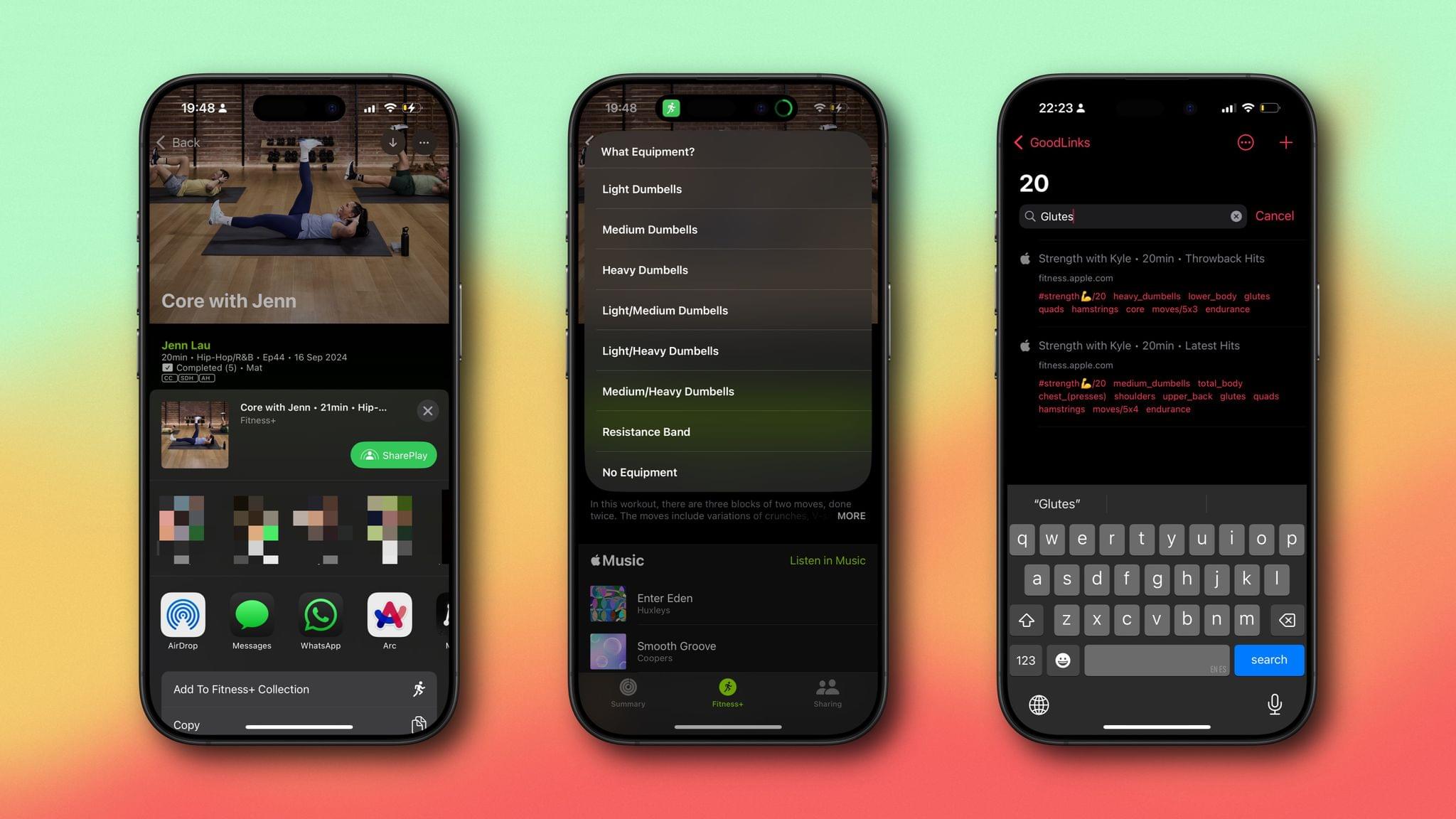
I’ve previously detailed my love of Fitness+, Apple’s affordable, accessible personal fitness service. The range of activities is great, the trainers are enthusiastic without being grating, and some workouts can really destroy you – in a good way. But I have a problem with Fitness+, specifically when it comes to revisiting workouts I’ve completed. While...
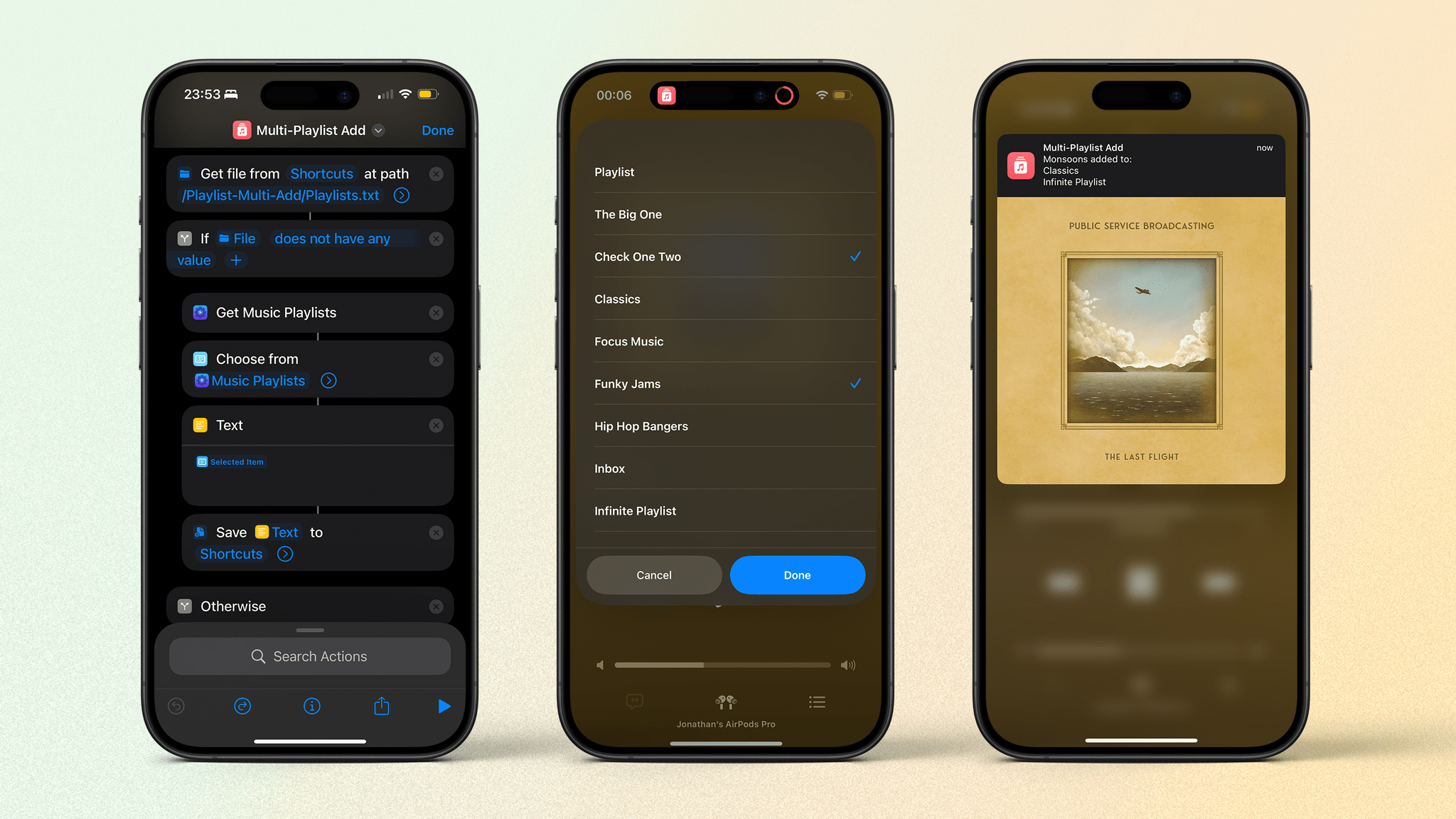
Adding Tracks to Multiple Playlists with Shortcuts
The End of Juno, Quick Notes in Drafts, and More Great Photos
Among the highlights on the Club MacStories+ Discord: Some sad news for Vision Pro users: Christian Selig’s YouTube app Juno has been removed from the App Store, as linked to by Lachlan. Juan made a handy shortcut for creating a quick note, but in Drafts instead of Notes. Sid captured some fantastic travel photos on...
All the iPhones, Window Tiling, and New Features for Old HomePods
Among the highlights on the Club MacStories+ Discord: Club Member bbech showed off a fantastic picture of a spiderweb in the #photography channel. John dropped a link to a handy developer tool for transpiling iOS code to Android into the #developers channel. Niléane posted a nice tip showing a hidden feature of the new window...
Home Screen: Jonathan
I’ve kept a relatively steady Home Screen and Lock Screen for a while now, but two things in the last week have pushed me to radically change how I interact with my iPhone. First, the iPhone 16 Pro with its new Camera Control arrived on my doorstep. (I had ordered it; it wasn’t...
Teaching Myself Blender and the Desire to Keep Learning
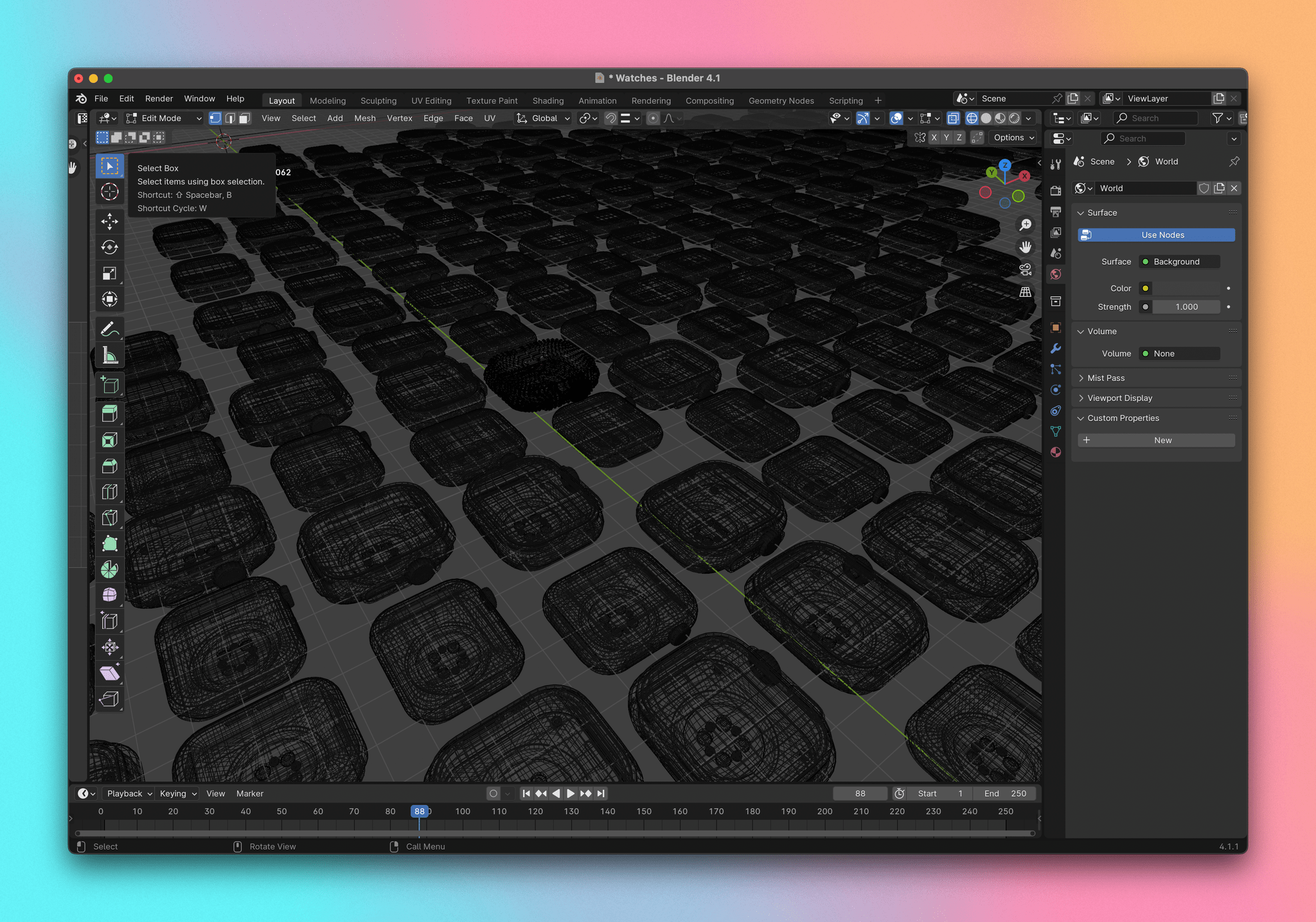
By now, many of you have probably seen my watchOS 11 review on the site. (And if you haven’t, please read it; I’m very needy.) You may have noticed the section header images of Apple Watches half sunken into a white surface and some shallow-focus Apple Watches containing the various screenshots for the piece. It’s...
New Apple Device Day, Controller Attachments, and More DMA
Among the highlights on the Club MacStories+ Discord: Chris Z linked to a fun-looking controller attachment for the iPhone. If you use Working Copy, you would do well to check out this message from the developer, linked by Niléane. Folks shared their thoughts – and their setups – while reading Federico’s iOS and iPadOS 18...