John Voorhees

5554 posts on MacStories since November 2015

John is MacStories' Managing Editor, has been writing about Apple and apps since joining the team in 2015, and today, runs the site alongside Federico. John also co-hosts four MacStories podcasts: AppStories, which covers the world of apps, MacStories Unwind, which explores the fun differences between American and Italian culture and recommends media to listeners, Ruminate, a show about the weird web and unusual snacks, and NPC: Next Portable Console, a show about the games we take with us.

This Week's Sponsor:

Hello Weather

Half Off for WWDC Week, Just in Time for Summer.


Celebrate the MacStories Selects App of the Year with the MacStories DS Skins for Delta

This year’s MacStories Selects App of the Year was never in question. No app has had a bigger political, cultural, and competitive impact on the App Store this year than Delta. On top of that, Delta is a beautifully designed, native app that takes advantage of Apple’s latest technologies, putting it head and shoulders above other iOS emulators. Of course, Delta is also a delightfully fun way to relive classic videogames on the iPhone’s outstanding hardware.

Delta’s impact on the app world this year transcended retro gaming. However, for most people, being able to dip into the world of Pokémon or battle their way through the dungeons of Hyrule on the device they carry with them is all the payoff they need.

That’s why, to celebrate Delta’s many accomplishments in 2024, we commissioned three Delta skins for Nintendo DS games from Sean Fletcher, a Seattle-based designer who has created dozens of Delta skins that pay homage to classic Nintendo hardware. The MacStories DS Skins, which incorporate MacStories’ signature colors and a subtle logo, work in portrait and landscape orientations and are available for $3 on our Gumroad store. As Nintendo’s first touchscreen device, we couldn’t think of a better way to celebrate Delta’s emergence as an emulation powerhouse on the iPhone than with skins for the DS.

The MacStories DS Skins for Delta.

The MacStories DS Skins for Delta.

With the rise of generative AI and the decline of search engines, we’ve made a point of working with as many writers, artists, musicians, developers, and now, designers as possible this year. The fact that Delta enables anyone to make skins for its app allowed us to work with Sean, another talented creative professional, whose work we’ve supported personally and linked to in the past. If you like the MacStories DS Skins, be sure to check out Sean’s other skins, too.

We’re delighted with how the MacStories DS Skins turned out and hope you love them, too. We can’t wait to see screenshots of what you’re playing with them.

Permalink

The 2024 MacStories Selects Awards Are Just Around the Corner

After a month of deliberation, planning, and Club voting, it’s finally time for the 2024 MacStories Selects Awards. We’ll be revealing the award winners on Monday with a post on MacStories, special coverage of the Lifetime Achievement winner, and an episode of AppStories dedicated to the awards, including showing the off on video for the...


My Latest Mac App and Plugin Experiments

I’m testing a lot of new apps right now. It’s something I do every holiday season, so I thought I’d share some first impressions of the apps that I’ve been exploring lately, plus an Obsidian plugin I’m trying too. Godspeed I’ve talked about Godspeed on Ruminate and AppStories recently, but I thought I’d update members...


Interesting Links

Apple has quietly confirmed that HomeKit support for robot vacuum cleaners, originally promised for 2024, has been postponed to 2025. (Link) I’ve recently learned that there is a whole market for advanced, custom Widgy widgets, and these by designer Lokki look pretty great. The Widgy subreddit is another good place to check out for...


App Debuts

Quick Capture - Obsidian I’ve been on the lookout for “quick capture apps” that can, well, quickly capture data into Obsidian and Todoist lately, and this one – aptly named Quick Capture – caught my attention. Designed for Obsidian power users, Quick Capture is an iPhone app that lets you capture text, files, and...


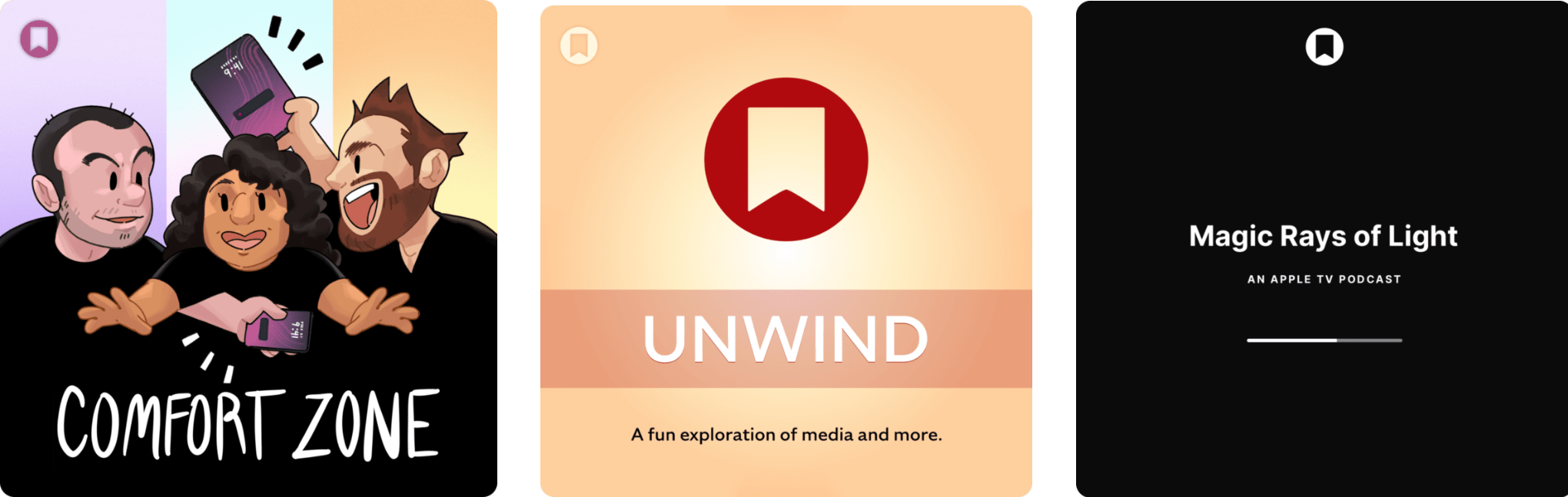
The Latest from Comfort Zone, Magic Rays of Light, and MacStories Unwind

Enjoy the latest episodes from MacStories’ family of podcasts:

Comfort Zone

Niléane has taken to the skies in Flight Simulator, Chris wants to talk about yet another Mac, and the gang all looks for the best open source app (or web app!) they can find.


Magic Rays of Light

Sigmund and Devon preview the new features coming in tvOS 18.2. Then, they recap the first German-language Apple Original series, Where’s Wanda?, and Spanish-language medical drama series Midnight Family.


MacStories Unwind

This week on MacStories Unwind, we kick off the first of our annual ‘best of’ Unwind recaps with the best music releases of 2024.

Read more


A Fun Way to Add Holiday Cheer to Your Mac

If you’re looking to add a little holiday cheer to your Mac, be sure to check out Festivitas by developer Simon Støvring. The app lives in your Mac’s menu bar where you can switch between displaying colorful blinking holiday lights along your menu bar, dock, or both.

The app requires access to accessibility permission to tell where your Mac’s dock is, which it will ask permission for when you first start it. Once that’s out of the way, you can turn the lights on and off from the menu bar, where you can also access settings to customize things like the size of the lights, their spacing, and the thickness of the wire that connects them.

The app is available via Gumroad for 4 euros.

Permalink

The Latest from NPC: Next Portable Console and AppStories

Enjoy the latest episodes from MacStories’ family of podcasts:

AppStories

This week, Federico and I consider the differences between assistive and generative AI and cover the sort of automation tasks for which assistive AI is useful.

On AppStories+, I share my skepticism about the utility of Apple’s rumored home hub device.


NPC: Next Portable Console

Tencent and Intel announce a huge handheld, Sony is taking its time, reviewers share early hands-on testing of the Ayn Odin Portal, the Miyoo Mini Flip is spotted across the Internet, Samsung files an intriguing portable gaming patent, and a new eGPU is on the way. Plus, Brendon revisits the Anbernic RG35XXSP, Federico has a mini-surprise, and Federico and I share oue first impressions of the Retroid Pocket 5.

Read more


Apple Music Replay 2024 is Live

Apple has released its annual Apple Music Replay overview of subscribers’ listening statistics for 2024. The recap can be accessed on the music.apple.com/replay, where you’ll find details about the music to which you listened throughout the year, including your top albums, songs, artists, playlists, and genres. If you’d rather browse Replay in the Music app, you can do that too, with the ‘Open’ in Music button that appears at the top of the webpage and opens the same content as a popup over your Apple Music library.

At the beginning of Replay, there’s an animated recap with highlights of your year in music set to the songs you enjoyed throughout the year. Replay also calls out listening milestones like the total number of minutes listened and the number of artists and songs played. Plus, subscribers can browse through their statistics by month. Also, at the bottom of Replay, you’ll also find a link to your Replay ‘24 playlist, with the top 100 songs you listened to in 2024.

The timing of Replay ‘24 is perfect. I’ve begun preparing my list of favorite albums of 2024 for this week’s MacStories Unwind, which will be out Thursday for Club MacStories members and for everyone else on Friday, and as my Replay playlist makes abundandly clear, 2024 has been a great year for music.

To view your own Replay 2024 statistics, visit music.apple.com/replay.

Permalink