
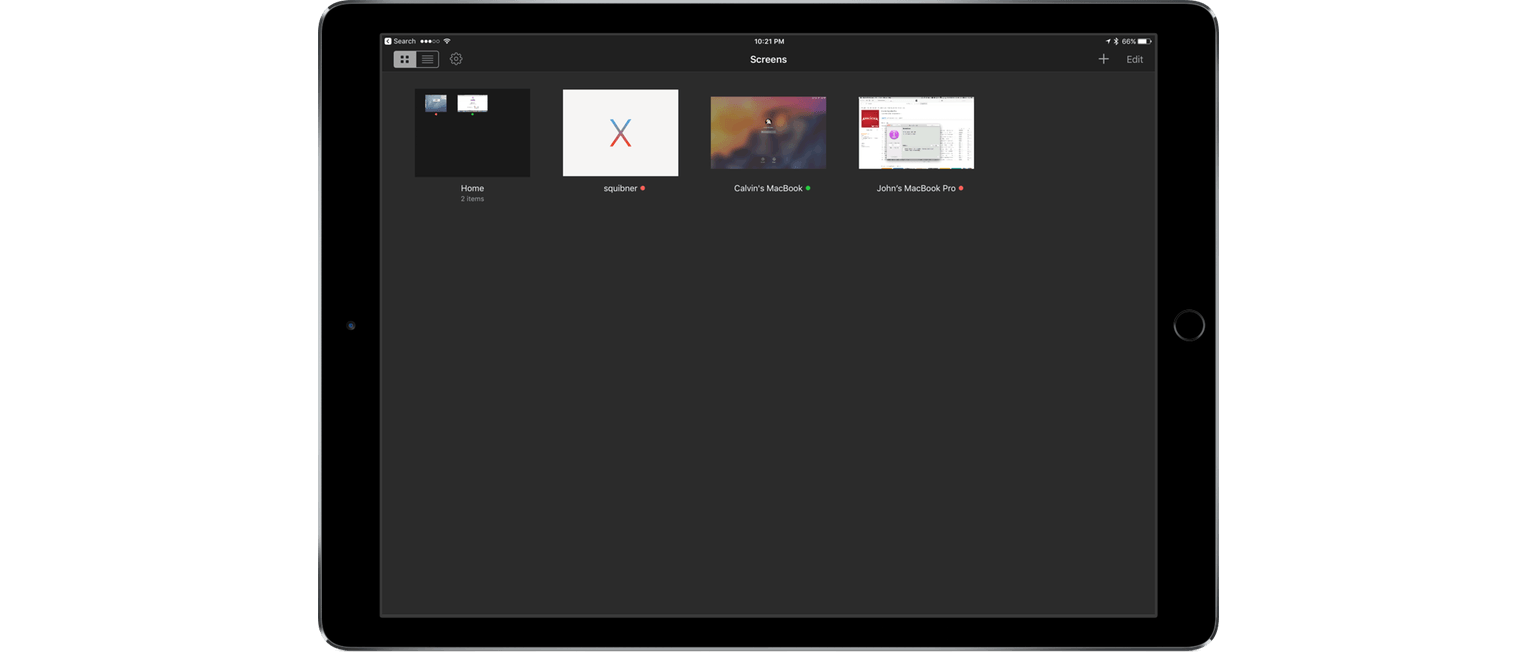
Screens 4, which I reviewed in April, improved the process of logging into and controlling a desktop computer remotely with a long list of features that eliminated hassles inherent in trying to control a desktop computer from a touchscreen display. Screens 4.2 continues down the same path offering a host of smaller refinements along with two headline features – Mobile Trackpad, which lets you use an iPhone as a trackpad for the computer you are connected to remotely, and Dark Mode.
The iPod at Fifteen
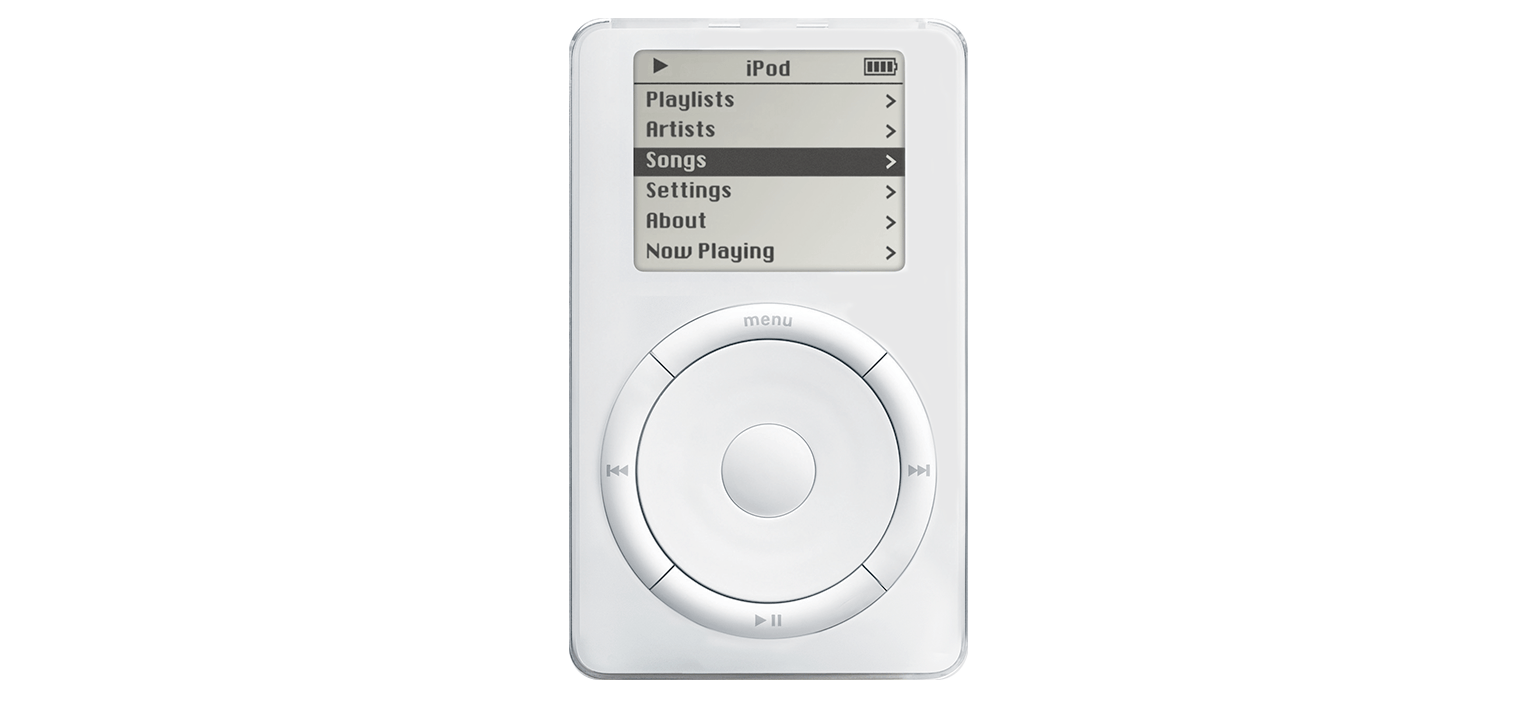
I remember my first iPod well. It was a third generation model and I loved it. It was commuting salvation packed into what seemed like an impossibly small package.
The iPod was a transformative device for Apple that laid the groundwork for future devices like the iPhone. Although it synced with a computer, the iPod marked Apple’s first major foray into consumer electronics. In some ways, the introduction of the iPod seems like an impossibly long time ago, but when you look back at its evolution, it’s amazing just how far technology has come in such a short time.
To mark the fifteenth anniversary of that first iPod, The Verge published a visual history of the iPod. I enjoyed scrolling through the product shots and picking out the ones I owned. For a little more history and context on where the iPod fits into Apple’s past, I recommend watching Stephen Hackett’s video on the 512 Pixels YouTube channel. Also, in piece of almost-forgotten history, Nobuyuki Hayashi tells the story of twenty CDs that Steve Jobs and his iPod team chose and put on the iPod prototypes given to journalists for testing (via Daring Fireball). The CDs included an interesting mix of classical, jazz, blues, classic rock, then-current hits, and other selections, each of which is linked in the article.
iOS 10.1 Stands Out Among Updates to All Apple OSes
Apple updated iOS, watchOS, macOS, and tvOS all at once today. Most of the changes consist of bug fixes, security enhancements, and similar updates, but there are also a handful of new features concentrated in iOS 10.1.
iOS 10.1 adds Portrait Mode to the Camera app for iPhone 7 Plus users. Portrait Mode simulates shallow depth of field photos taken by DSLR cameras by creating a depth map using the dual cameras of the 7 Plus. The result is a foreground image in sharp focus with a blurred background.
In the Photos app, iOS 10.1 improves the display of wide color gamut photos when viewed in the app’s preview grid. In addition, the names of people associated with photos are now included in iCloud backups.
Maps added transit support for the cities of Tokyo, Osaka, and Nagoya in Japan. Sign-based transit navigation, including the layout of underground structures and walkways in large transit stations, and fare comparisons when viewing alternate transit routes were also added to Maps.
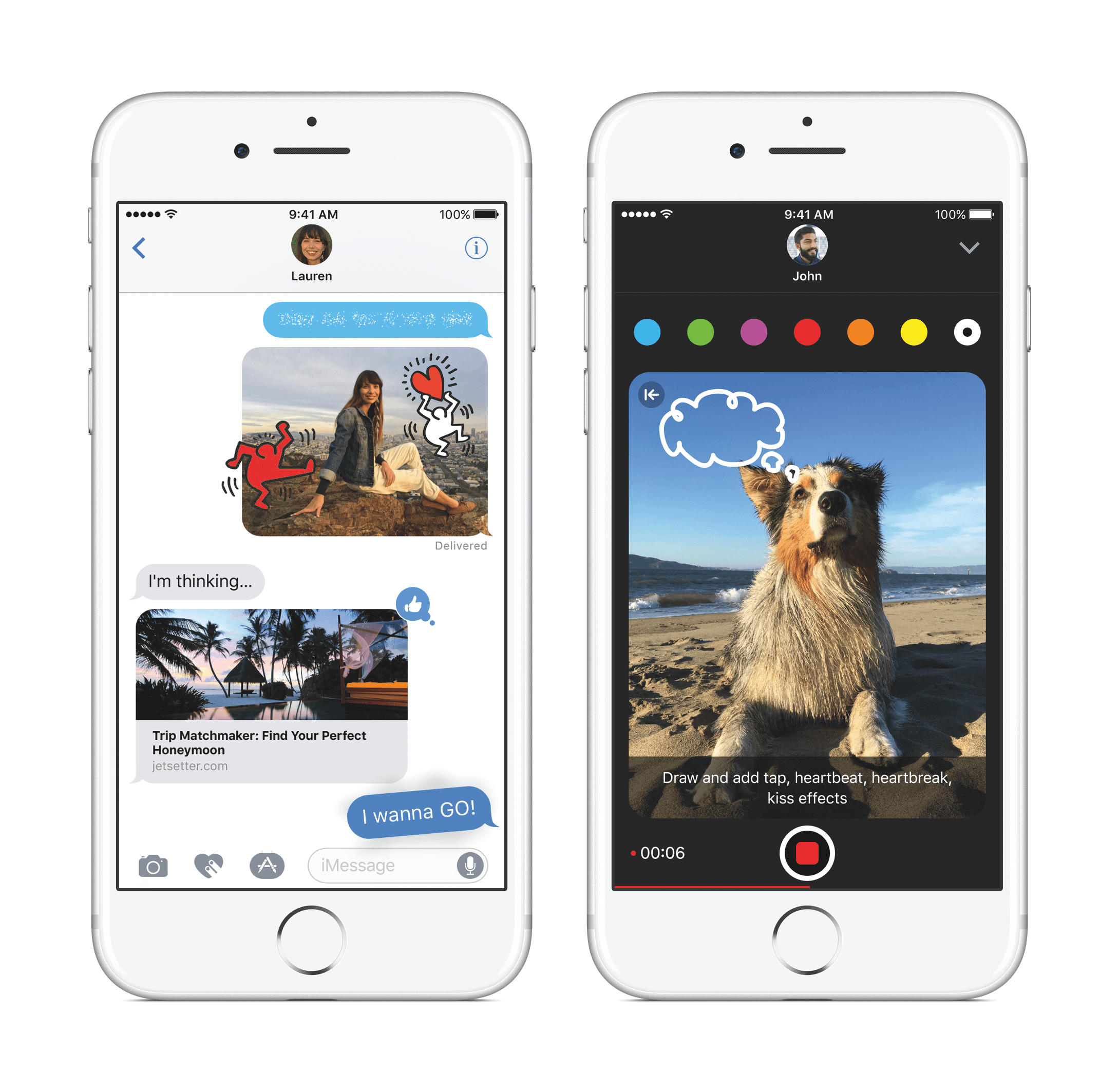
iMessage bubble effects, including ‘slam’ and ‘gentle,’ as well as full-screen effects like ‘balloons,’ ‘confetti,’ and ‘lasers’ can now be replayed in Messages. When you receive a message with effects, iOS 10.1 displays a little replay button below the message. With bubble effects the replay button appears regardless of whether the message you receive is text or a photo. iOS 10.1 also allows users to play effects if Reduce Motion is turned on in the Accessibility settings. In addition, the iMessage app browser has replaced page indicators with a scroll bar so users with lots of sticker packs and iMessage apps no longer have page indicators spilling outside the bounds of the controls below the browser.
In the Activity app, iOS 10.1 adds distance and average pace to workout summaries for outdoor wheelchair run pace and outdoor wheelchair walk pace activities.
Similar to changes to Messages in iOS 10.1, watchOS 3.1 adds the ability to replay messages received with bubble and full screen effects and play effects with Reduce Motion enabled. watchOS 3.1 also includes a handful of bug fixes.
Version 10.12.1 of macOS Sierra primarily improves the ‘stability, compatibility, and and security’ of Macs running Sierra. The update adds a new smart album to the Photos app that collects ‘Depth Effect’ photos taken in Portrait Mode using an iPhone 7 Plus. Sierra also includes improved compatibility with Microsoft’s Office Suite when iCloud Desktop and Documents is turned on.
tvOS received a minor update that fixes unspecified bugs and improves security.
Nike-Branded Apple Watch Coming October 28→
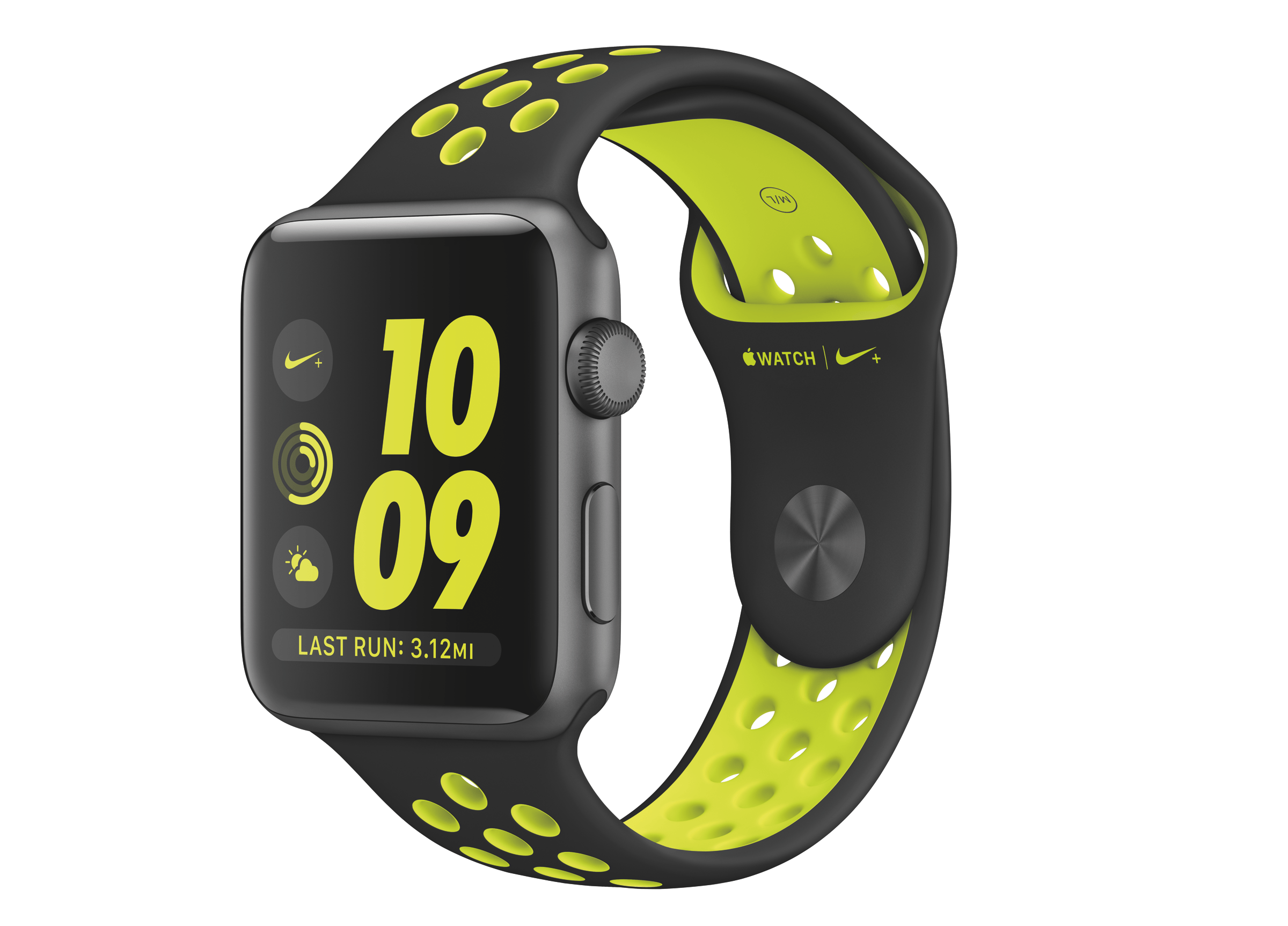
On September 7, 2016, Apple and Nike announced a Nike-branded version of the Apple Watch called the Apple Watch Nike+. Nike’s version of the Apple Watch did not debut with the Apple Watch Series 2, which became available on September 16th. Instead, Apple Watch Nike+ will go on sale October 28. 2016.
The Apple Watch Nike+ features a custom watch face and four distinct bands. As we reported after the September 7th event:
The new Nike-branded Apple Watch consists of a custom watch face available only to buyers of the watch, and a custom band. The band is basically a standard Sport band in construction, but includes distinctive holes throughout the surface, the interiors of which are a different color than the surrounding area. The result stands out, and I actually quite like it.
The band is available in four different colors, which vary the scheme between light and dark gray and a neon yellow-green (Nike calls the color “Volt”). The watch face mirrors these colors, and is available in several different styles, all which incorporate Nike’s distinctive font and logo. The Apple Watch Nike+ also includes a permanent complication along the bottom of the display for the Nike+ Run Club app, which I assume comes preinstalled on the devices since the Complication can’t be removed.
Earlier this month, Apple updated its website with a teaser that said the Apple Watch Nike+ would debut on October 28, 2016. That was confirmed by Apple today with a press release. According to Jeff Williams, Apple’s chief operating officer:
Running is one of the world’s most popular activities for staying in shape and being healthy, and with Apple Watch Nike+, runners will be even more motivated to achieve their performance goals…. The response so far has been incredible and we’re thrilled to get Apple Watch Nike+ onto customers’ wrists starting Friday.
The Apple Watch Nike+ comes in an aluminum finish and is priced the same as the Apple Watch Series 2. The watch will be available on Friday in Australia, Austria, Belgium, Brazil, Canada, China, Columbia, Czech Republic, Denmark, Finland, France, Germany, Hong Kong, Hungary, India, Ireland, Italy, Japan, Luxembourg, Macau, Malaysia, Mexico, Monaco, Netherlands, New Zealand, Norway, Poland, Portugal, Puerto Rico, Singapore, South Africa, South Korea, Spain, Sweden, Switzerland, Russia, Taiwan, Thailand, Turkey, the UK, and the US, with other countries being added shortly thereafter.
Game Day: Mini Metro
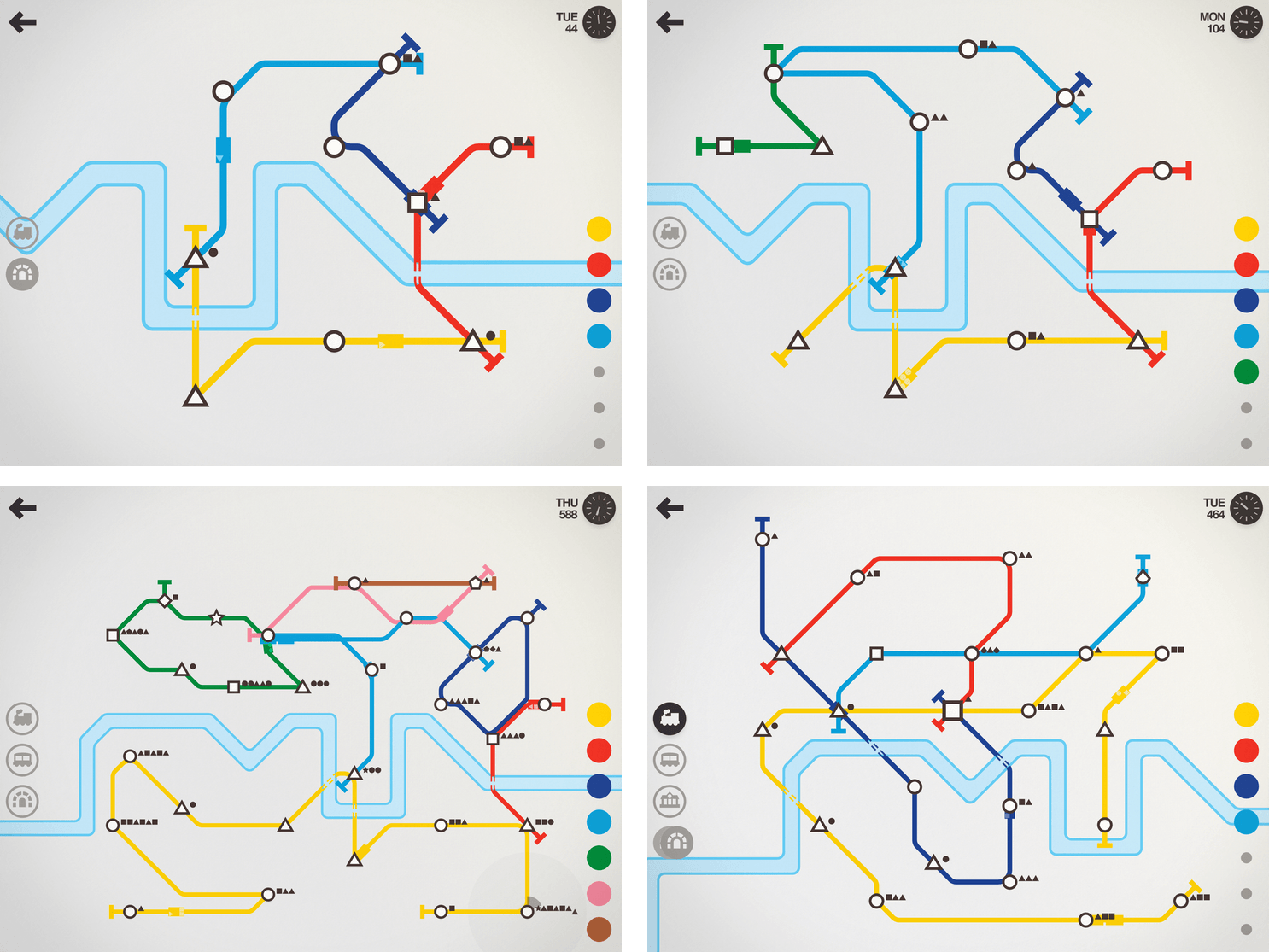
I haven’t been able to put Mini Metro down all week. The game, by New Zealand-based Dinosaur Polo Club, debuted on the desktop with promises of an iOS version ‘soon.’ It took about two years, but the wait was worth it. Touch Arcade is right on point with its assessment:
the iOS version [of Mini Metro] may well be the definitive version of one of the best indie puzzle games of recent years.
That’s high praise, but deserved. Mini Metro combines simple mechanics with elegant, minimalist artwork and challenging puzzles into a whole that transcends the sum of its parts.
What makes the iOS version of Mini Metro special is how you interact with it. The premise of the game is simple. You are in charge of building a transit system for your citizens. Mini Metro starts by tasking you with building London’s Tube from a few initial train stops that you connect with rail lines by dragging your finger between them. It’s the direct manipulation of the transit system – building parts up and tearing others down – that makes Mini Metro so engrossing.
 Member Requests
Question: Is there an app that lets me open a link quickly (either in Safari or in-app search) like what I can do with Workflow and its URL-Open URLs actions? (Alessandro, @Roseofwolf)
 Federico
You may want to look at Opener, an app specifically built to work as an extension to open URLs in apps that...
GoodNotes

I spend most of my day typing on a keyboard. Sometimes the keyboard is Magic; other times it’s just Smart, but either way, I find myself pressing keys for hours a day. Most of the time that’s fine, but sometimes I need a change of pace, especially when I’m tired or having a hard...
Album
Very Cute Stickers Italian developer Ferdinando Messina has released a pack of over 150 strikers with various animals, expressions, and objects. They’re very cute indeed. fruity Who doesn’t love a dancing banana or his friend, the dancing pineapple? You can now have this dancing squad in your iMessage. HeySkull I never thought a skull-based...
App Debuts
SongShift I reviewed SongShift when it launched in April. At the time, it was designed to ease the transition of Spotify users who wanted to move their playlists to Apple Music. The app worked well, but the UI had some rough edges. This week, SongShift 2.0 was released with much-improved UI and dark mode....