John Voorhees

5812 posts on MacStories since November 2015

John is MacStories' Managing Editor, has been writing about Apple and apps since joining the team in 2015, and today, runs the site alongside Federico. John also co-hosts four MacStories podcasts: AppStories, which covers the world of apps, MacStories Unwind, which explores the fun differences between American and Italian culture and recommends media to listeners, Ruminate, a show about the weird web and unusual snacks, and NPC: Next Portable Console, a show about the games we take with us.

This Week's Sponsor:

Crickets

The first alarm app for families.


AppStories, Episode 9 – Competing with iOS System Apps→

On this week’s episode of AppStories, we consider the pros and cons of competing with, and what it takes to succeed against, Apple’s free, built-in system apps and highlight some of their favorite alternatives.

Sponsored by:

AppStories+ Deeper into the world of apps

AppStories Episode 9 - Competing with iOS System Apps

0:00
31:14

↓

AppStories+ Deeper into the world of apps

Permalink

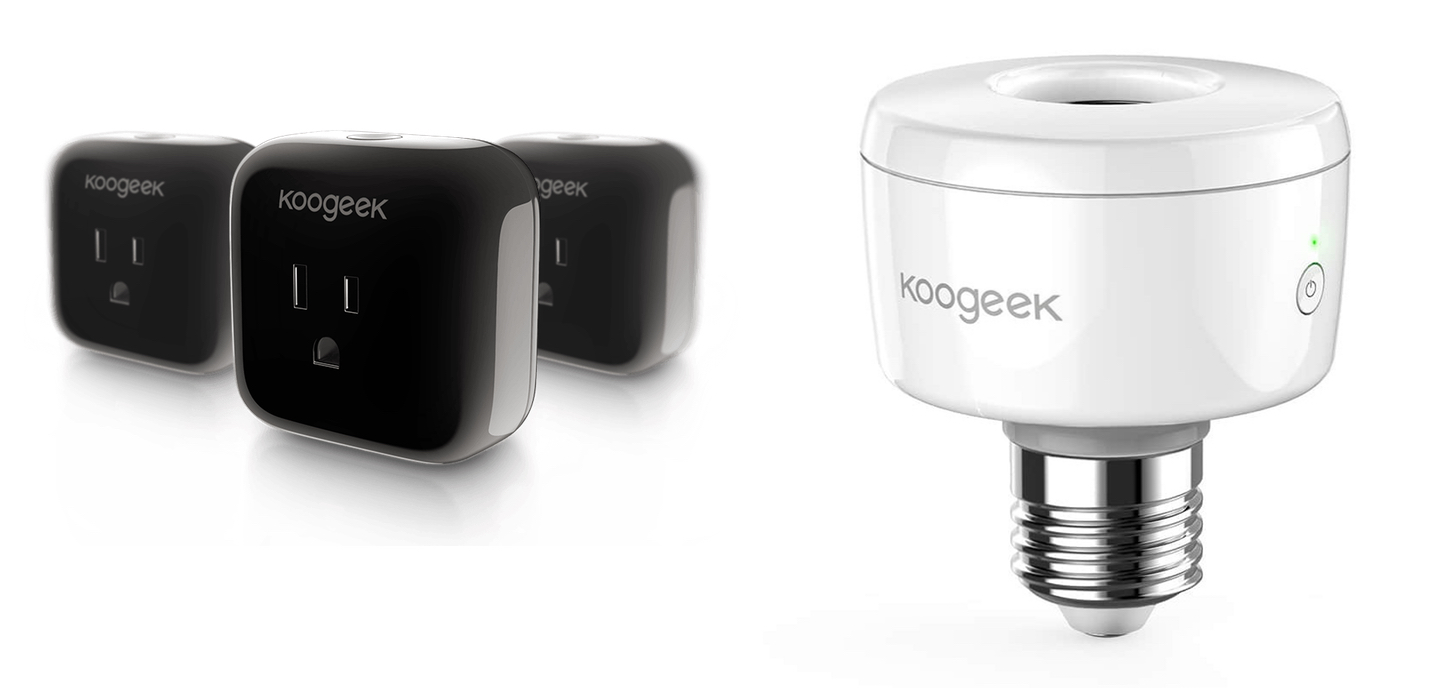
Koogeek HomeKit-Enabled Smart Plug and Light Socket Review

Koogeek may not be a name brand that jumps to mind when you think about home automation, but the company has built a substantial lineup of HomeKit-enabled devices. I’ve had a Koogeek smart plug for about a year and recently received a Koogeek lightbulb socket for review. I’m fairly new to home automation and have found both products to be a good way to dip your toe into home automation despite some limitations.

Read more


Apple Doubles Down on App Store Curation→

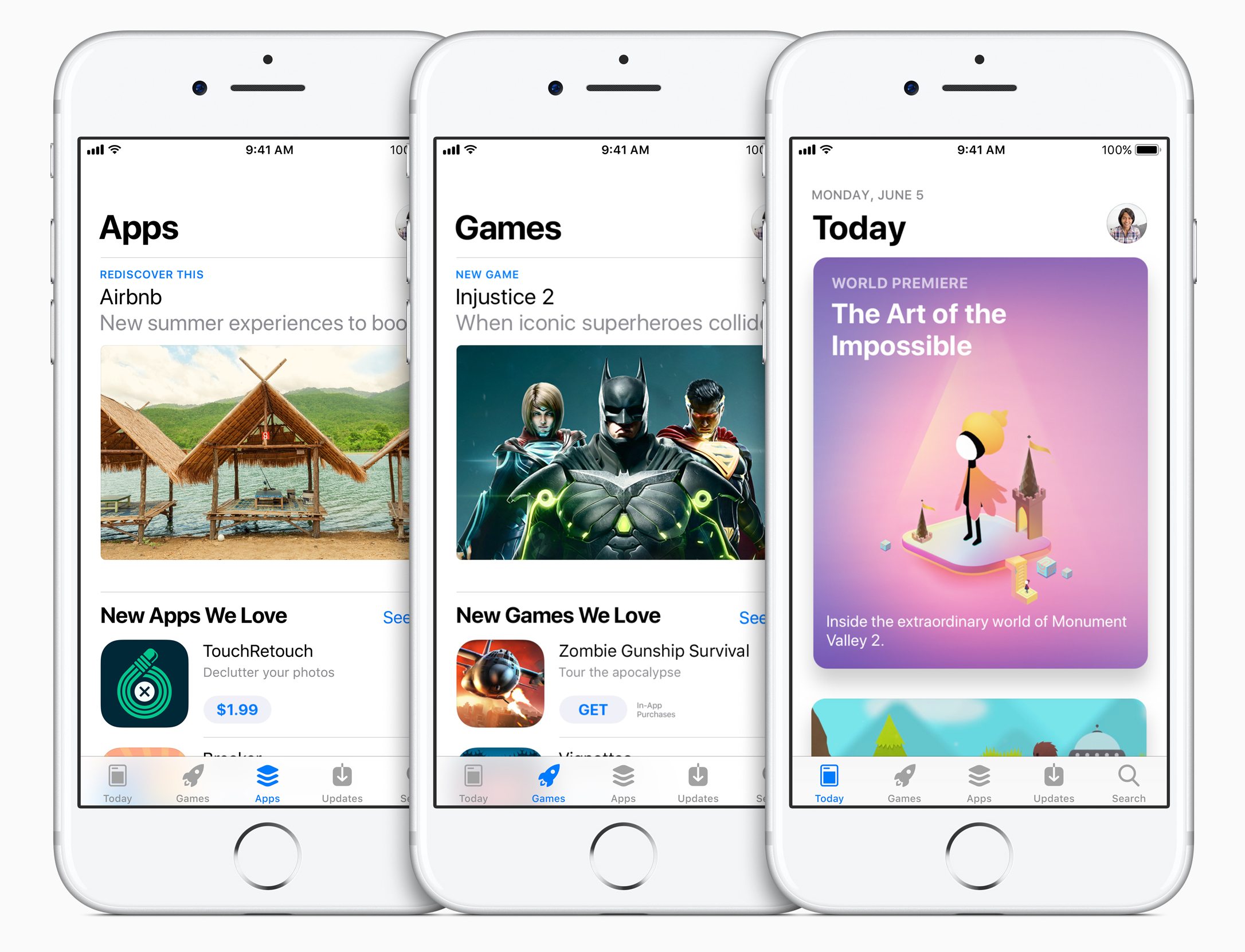
Manton Reece’s assessment of the redesigned App Store coming to iOS 11 is spot on:

The old App Store was designed like a database. Databases are good at showing grids and lists from an algorithm. But the App Store should tell a story about new apps. A blog-like format is the best way to do that.

This plays to Apple’s strengths in design and taste. Where Google might hire more engineers to improve their store, Apple should hire more writers.

Three years ago, Reece argued that Apple should invest heavily in App Store curation, which is precisely what it appears to be doing. The depth and breadth of the new App Store content that Apple has planned is unclear, but during a WWDC session on the changes to the App Store, product manager Pedraum Pardehpoosh declared Apple’s intent to ‘double down’ on editorial curation. If the initial content included with the iOS 11 beta is any indication, Apple may be on track to make the App Store a regular destination for users instead of a place people go to only when they have a specific need.

Permalink

A Frontline Perspective on the Birth of the iPhone→

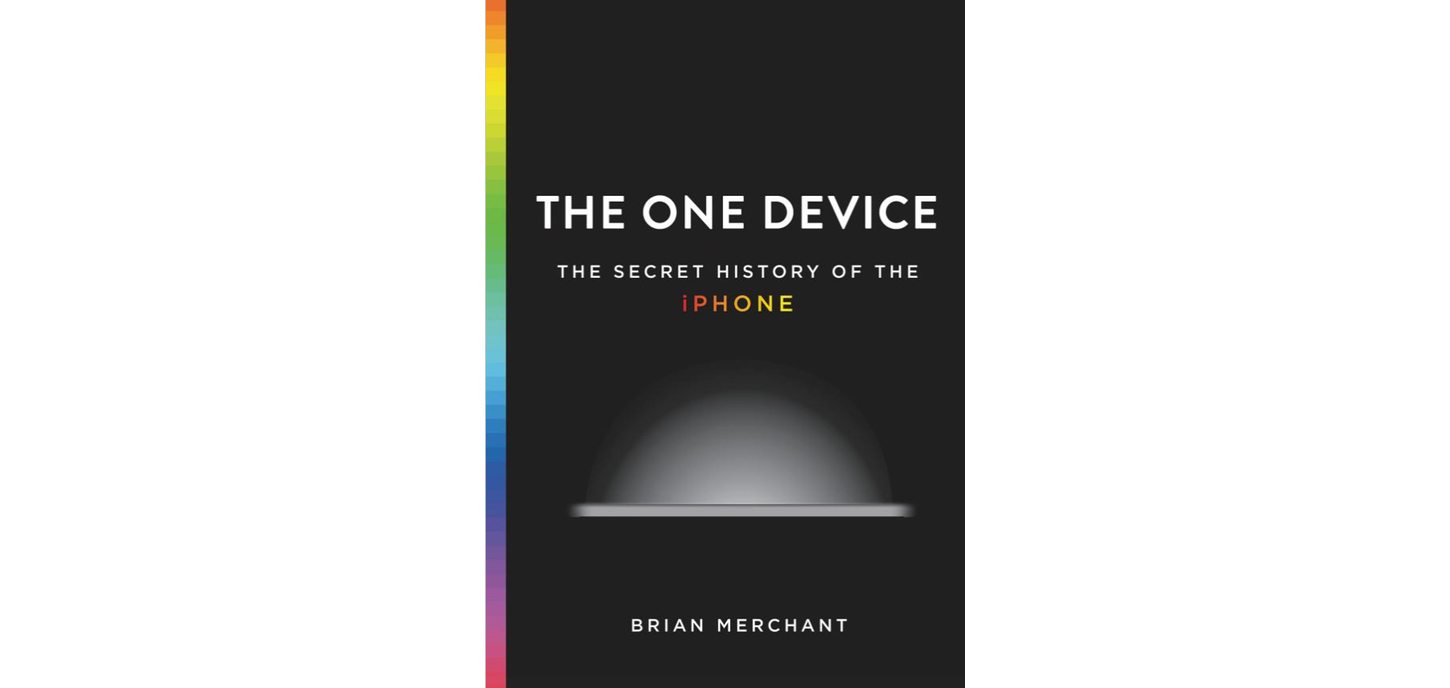
The Verge has a lengthy excerpt from Brian Merchant’s upcoming book, ‘The One Device: the Secret History of the iPhone.’ Merchant’s book chronicles the development of the iPhone from the recruitment of engineers, designers, and others at Apple, through the battles over its hardware and software implementation. What’s unique about the excerpt of ‘The One Device’ is that it doesn’t try to fit the story of the iPhone’s development into a neat and tidy straight-line narrative. Instead, the excerpt embraces the messy, twisted path the product took from inception to launch.

The first battle was over hardware and whether the iPhone would be a multitouch device or an adaptation of existing iPod hardware. According to Merchant, an iPod-based Apple phone made the first calls:

The first calls from an Apple phone were not, it turns out, made on the sleek touchscreen interface of the future but on a steampunk rotary dial. “We came very close,” Ording says. “It was, like, we could have finished it and made a product out of it… But then I guess Steve must have woken up one day like, ‘This is not as exciting as the touch stuff.’ ”

Once it was decided that the iPhone would be a multitouch device, the battleground shifted to whether the operating system would be based on OS X or the iPod’s OS:

“At this point we didn’t care about the phone at all,” Williamson says. “The phone’s largely irrelevant. It’s basically a modem. But it was ‘What is the operating system going to be like, what is the interaction paradigm going to be like?’ ” In that comment, you can read the roots of the philosophical clash: The software engineers saw P2 not as a chance to build a phone, but as an opportunity to use a phone-shaped device as a Trojan horse for a much more complex kind of mobile computer.

Ultimately, the iPhone was released as a touchscreen device that sported a stripped-down version of OS X, and has proven to be the mobile computer that its creators envisioned. What I like most about the excerpt, and why I immediately purchased the book, is that it tells the story of the iPhone from the perspective of the people who worked on it, which provides details that only the engineers and designers working on the front lines can bring to life.

‘The One Device: the Secret History of the iPhone’ by Brian Merchant will be released on June 20th and is available for pre-order on the iBooks Store and Amazon.

Permalink

tvOS 11 Will Add Automatic AirPod Pairing and Dark Mode Activation Plus Home Screen Syncing

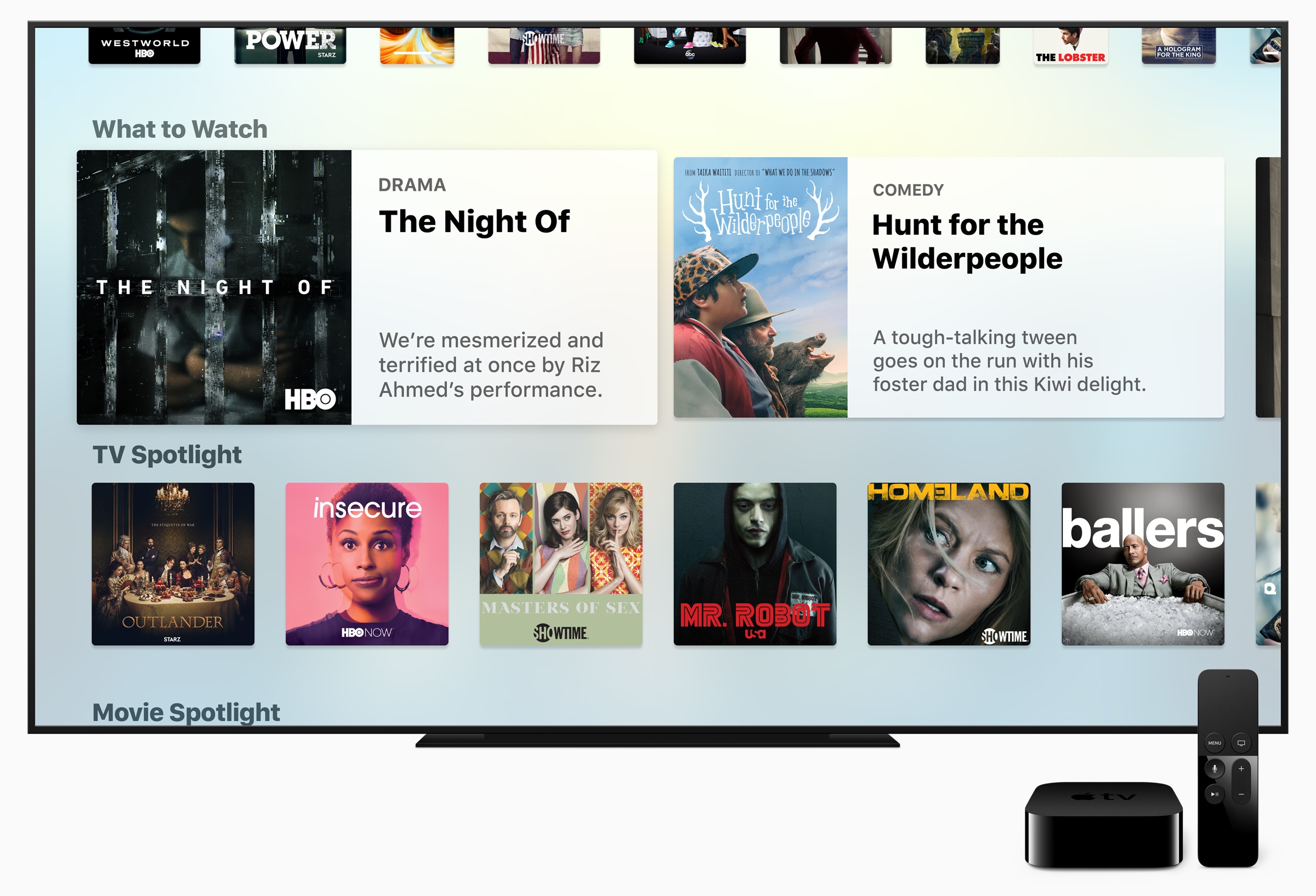
The Apple TV’s stage time at WWDC was limited to an announcement by Tim Cook that Amazon Prime Video will introduce an app to Apple’s streaming television-connected box later this year. Although they didn’t receive stage time during Apple’s WWDC keynote, Zac Hall at 9to5Mac discovered that Apple’s first beta of tvOS 11 includes a handful of additional features that look like they could come in handy.

The first tvOS 11 beta includes automatic pairing of AirPods to Apple TVs. When you pair AirPods with an iPhone, the settings are currently propagated across other iOS devices and Macs that are signed into the same iCloud account. That means you only have to pair AirPods once and then you can easily connect with other devices and Macs. However, Apple TVs were left out of the original implementation of this feature, which required them to be manually paired each time someone wanted to use AirPods with an Apple TV. tvOS 11 promises to eliminate those extra pairing steps by automatically pairing with Apple TVs on the same iCloud account too.

The tvOS beta also includes Home screen syncing among multiple Apple TVs. If you own more than one Apple TVs and want a consistent experience across them all, turning on Home Screen Sync ensures that the same apps will be installed automatically on each and organized in the same way.

Finally, the tvOS 11 beta has a setting for automatically switching between light and dark mode based on the sunrise and sunset times where you live.

The tvOS 11 beta is currently for developers only but will be available as part of Apple’s public beta program soon.


iOS 11 Will Not Support 32-bit Processors

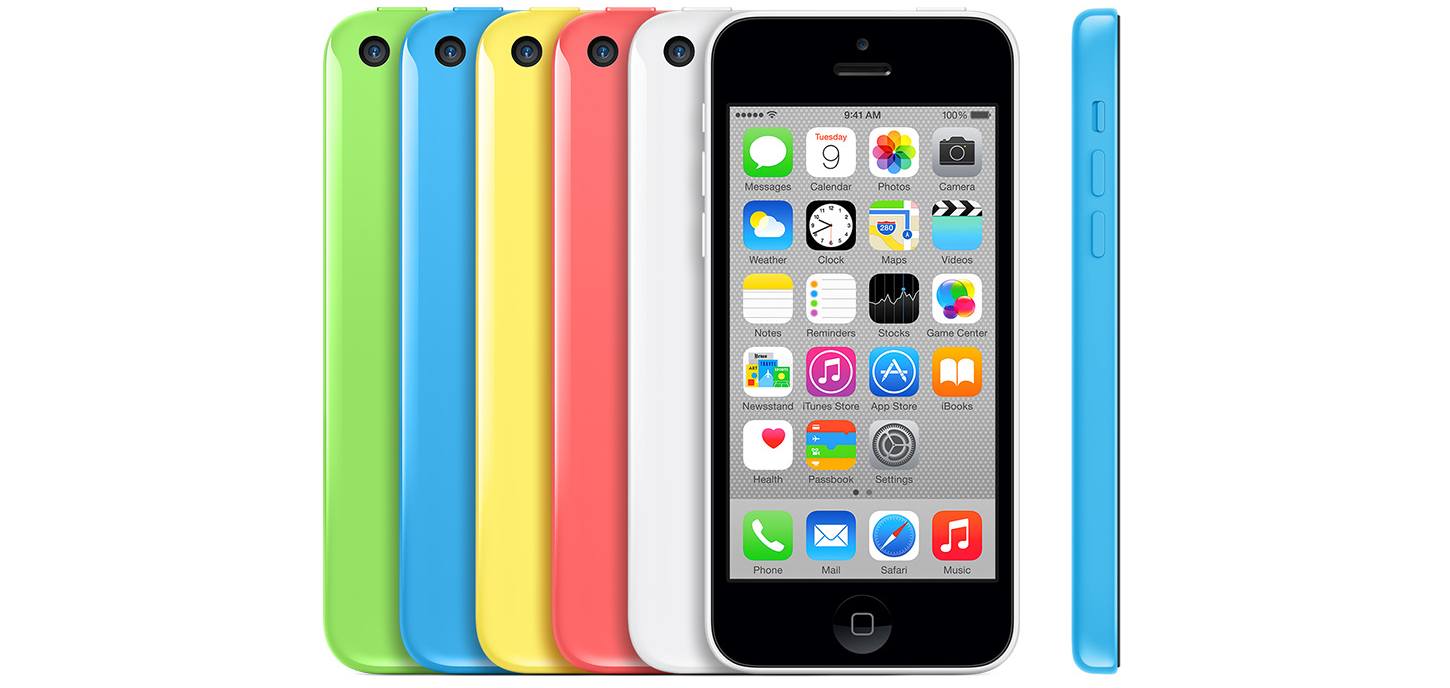
It’s not unusual for older iOS devices to get left behind with the introduction of new versions of iOS. This year will be no different. With the anticipated release of iOS 11 this fall, Apple will end iOS support for the iPhone 5, 5c, and iPad 4, which are the last three iOS devices in Apple’s product lineup with 32-bit processors supported under iOS 10. That means iOS 11 will be compatible with the iPhone 5S and newer models, the 6th generation iPod Touch, the iPad mini 2 and newer, the 5th generation iPad and newer, and all iPad Pro models.

The latest change goes hand-in-hand with a compatibility alert added to iOS 10.3 that appears when 32-bit-only apps are launched. Apps that haven’t made the transition to a 64-bit architecture will no longer run under iOS 11. SensorTower, a mobile app analytics company, estimates the move could render approximately 187,000 apps unusable.


V for Wikipedia: A Reading Interface To Discover The World [Sponsor]

V for Wikipedia is a beautifully-designed reader for Wikipedia. The app, which has won awards for its design and was declared an Editors’ Choice by Apple, emphasizes typography and mapping to make exploring Wikipedia a delight.

V for Wikipedia features a four-tab interface with a search box that is always available at the top of the main interface. The first tab features the most popular Wikipedia articles in an attractive two column layout. There are also search history and bookmark tabs for easily finding recently browsed or saved articles.

But where V for Wikipedia really shines is its location tab. The app marks locations around you that have Wikipedia entries with colorful markers that have lines that gracefully curve to a row of articles that scrolls horizontally across the bottom of the screen. The design is attractive, but also functional, like an interactive travel guide or encyclopedia.

https://vimeo.com/188793327

Another highlight of V for Wikipedia is its attention to each article’s layout, imagery, and typography. From the signature map view, to the the careful design of the articles, V for Wikipedia transforms Wikipedia into a stylish reading experience that sets it apart from other Wikipedia readers. Chosen by Apple as one of the best apps of 2016, V for Wikipedia is the best choice for travelers, students, researchers, and anyone else who uses Wikipedia regularly.

V for Wikipedia is available on the App Store as a Universal app for the iPhone, iPad, and Apple Watch. Learn more about V for Wikipedia here.

Our thanks to Raureif for sponsoring MacStories this week.


Competing with iOS System Apps

AppStories+ Deeper into the world of apps

AppStories Episode 9 - Competing with iOS System Apps

0:00
31:14

↓

AppStories+ Deeper into the world of apps

John and Federico consider the pros and cons of competing with, and what it takes to succeed against, Apple’s free, built-in system apps and highlight some of their favorite alternatives.

Read more


Album

Hawaii LocalMoji Using pineapples in place of smilies provides a sunny, tropical vibe to your messages, which is perfect for summertime conversations. Cute Monsters Kawaii Emoji These cheerful, colorful monsters bearing messages add a playful spirit to conversations with your friends. They’re small enough stickers to complement a chat without dominating it. Dill With...