John Voorhees

5812 posts on MacStories since November 2015

John is MacStories' Managing Editor, has been writing about Apple and apps since joining the team in 2015, and today, runs the site alongside Federico. John also co-hosts four MacStories podcasts: AppStories, which covers the world of apps, MacStories Unwind, which explores the fun differences between American and Italian culture and recommends media to listeners, Ruminate, a show about the weird web and unusual snacks, and NPC: Next Portable Console, a show about the games we take with us.

This Week's Sponsor:

Crickets

The first alarm app for families.


Third-Party YouTube App ProTube Pulled from the App Store→

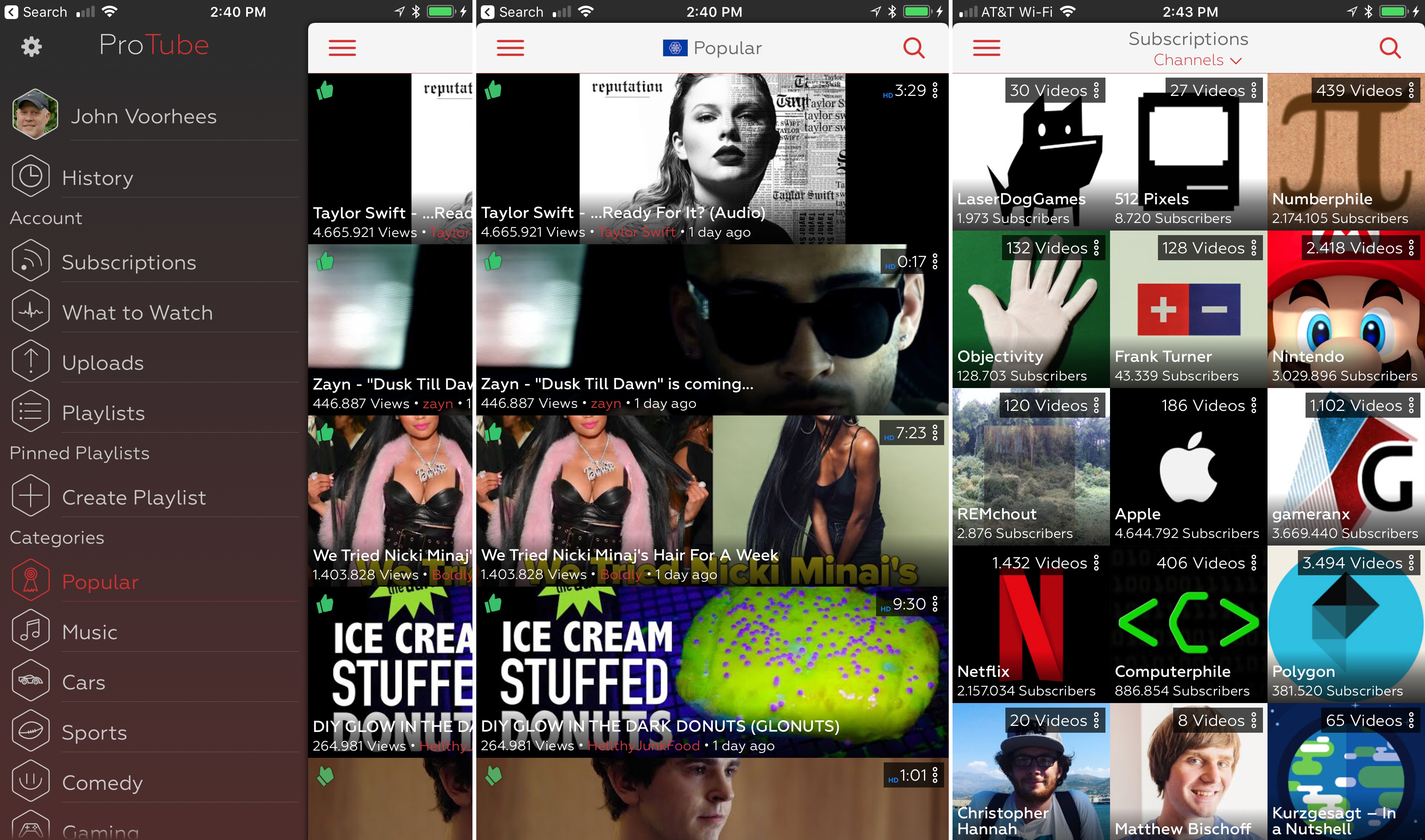
ProTube, a YouTube power-user app that I reviewed last year, has long had features that the official YouTube doesn’t have or was slow to implement. Features like background audio playback, support for 4K video at 60fps, Split View support, Picture in Picture, and a URL scheme for automation, put Google’s YouTube app to shame. However, as the YouTube app began to implement some of ProTube’s unique features as part of its $10/month YouTube Red service, I wondered what might become of ProTube. Unfortunately, it looks like the answer came late last week when Apple pulled ProTube from the App Store.

According to developer Jonas Gessner,

YouTube first requested Apple to remove my app well over a year ago, initially just stating that my app violates their Terms of Service. This was a generic takedown request they sent to many YouTube apps at once. They later started going into more detail, even stating that I could not sell the app as that alone violates their ToS. They basically wanted me to remove every feature that made ProTube what it is – that includes the player itself that allows you to play 60fps videos, background playback, audio only mode and more.

The app, which was pulled from the App Store on September 1st is no longer available for sale and will no longer receive updates, but remains available to re-download if you previously purchased it.

It’s a shame to see ProTube go. It implemented features Google didn’t care, or want, to add but that a subset of YouTube users wanted as demonstrated by the top charts numbers in Gessner’s post. However, ProTube also implemented features that YouTube wanted to reserve for paid subscribers and the result, while disappointing, is one of the risks of building an app on top of someone else’s service.
Permalink

Stay Connected to Your Files With Remotely [Sponsor]

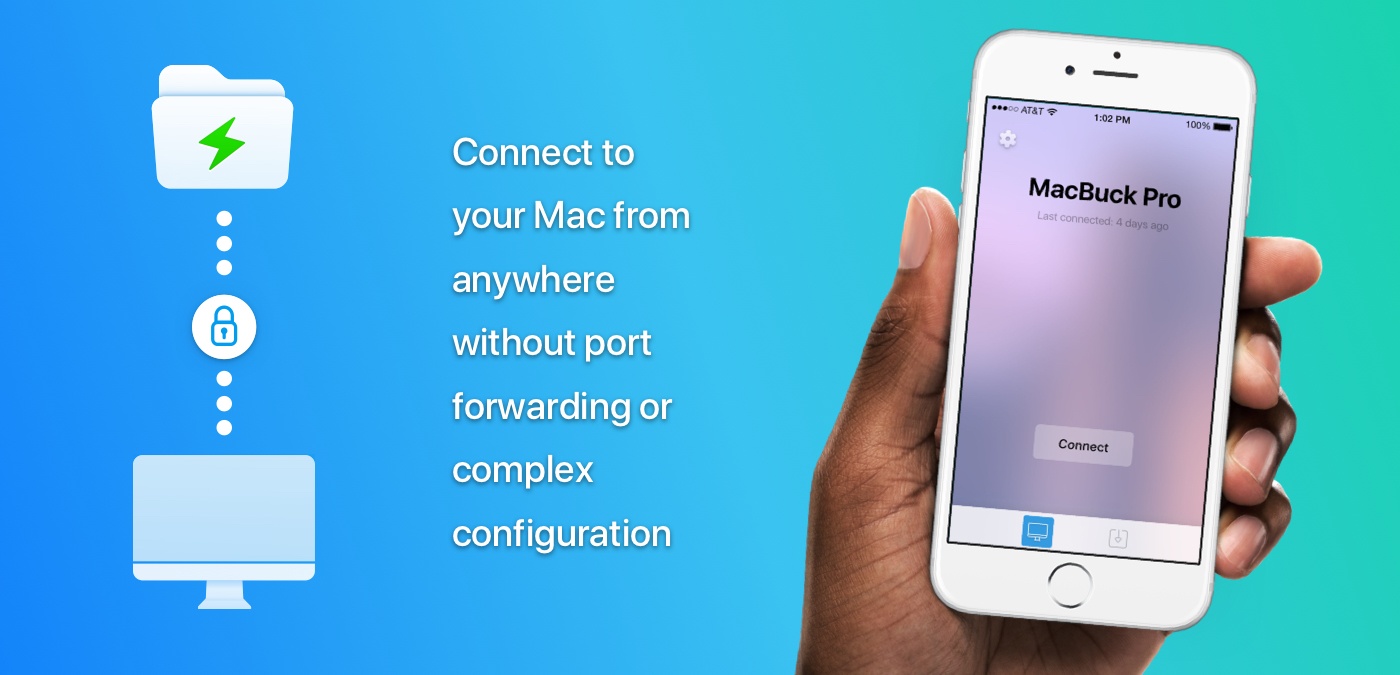
Remotely is an iOS app that lets you leave your Mac at home with the peace of mind that you can get at the files on it anytime with just a few taps. Everything about Remotely is fast. Setup couldn’t be easier. Just run a helper app on your Mac, connect using Remotely and you’re ready to go with a direct, encrypted peer-to-peer connection and no confusing network setup.

Remotely’s speed doesn’t stop after you’ve got it up and running. Its unique user interface gives you a portal into your Mac’s file system without having to mirror your Mac’s Desktop like other apps do. The result is a simple, native file browser that’s lightning fast.

As soon as Remotely is connected to your Mac you can start browsing your files or use the app’s search functionality to find exactly what you want. You don’t even have to be on the same network. Remotely is free to use for browsing your Mac’s Documents folder. Preview tons of different file types from within Remotely, and when you find the file you want, you can download it to work on it on iOS and share it using the system share sheet. To explore beyond your Documents folder, you can subscribe to Remotely for $2.99/month or $30/year.

Remotely is doing a special giveaway for MacStories readers. Click here for a chance to win one of five free annual subscriptions to Remotely.

Our thanks to Remotely for sponsoring MacStories this week.


Breaking Up iTunes Is Hard to Do

AppStories+ Deeper into the world of apps

AppStories Episode 21 - Breaking Up iTunes Is Hard to Do

0:00
37:16

↓

AppStories+ Deeper into the world of apps

Federico and John consider ways to break up iTunes into multiple apps that are designed to accommodate how media consumption has changed, but also account for legacy devices and uses.

Read more


Game Day: Swim Out

As the summer draws to a close, take one last dip into the pool with Swim Out, a stylish and challenging puzzle game from Lozange Lab that’s available on the iPhone, iPad, and Apple TV.

Swim Out is a turn-based puzzle game that requires you to make your way across a swimming pool to a ladder that takes you to the next puzzle. The playing area is a traditional grid viewed from a top-down perspective, dressed up like a swimming pool, which is a clever touch that gives Swim Out a unique personality. The other design choice I noticed immediately and like a lot is the sounds of people at the pool and the water. The artwork is also excellent with summery blues and reds dominating the puzzles.

The game starts off simply to ease you into the mechanics. Your goal is to maneuver your blue swimmer to the exit ladder without colliding with the red swimmers and other obstacles. As you progress, the obstacles become more complex. Multiple swimmers, people sitting at the edge of the pool, and other hazards appear and get in your way. Run into an obstacle, and you have to start the puzzle over.

As you progress through Swim Out’s 100 levels, objects that help you along the way also appear. For instance, if you grab a beach ball, you can throw it at a red swimmer and freeze them in place for a certain number of turns to allow you to pass by.

Swim Out is a perfect summertime game. It’s easy to learn, you can play for short periods of time, and it’s relaxing to play, while also being challenging. The game does a fantastic job of staying engaging throughout by throwing lots of different obstacles and tools at you, which makes Swim Out an excellent companion for your last few trips to the local pool or beach.

Swim Out is available on the App Store.


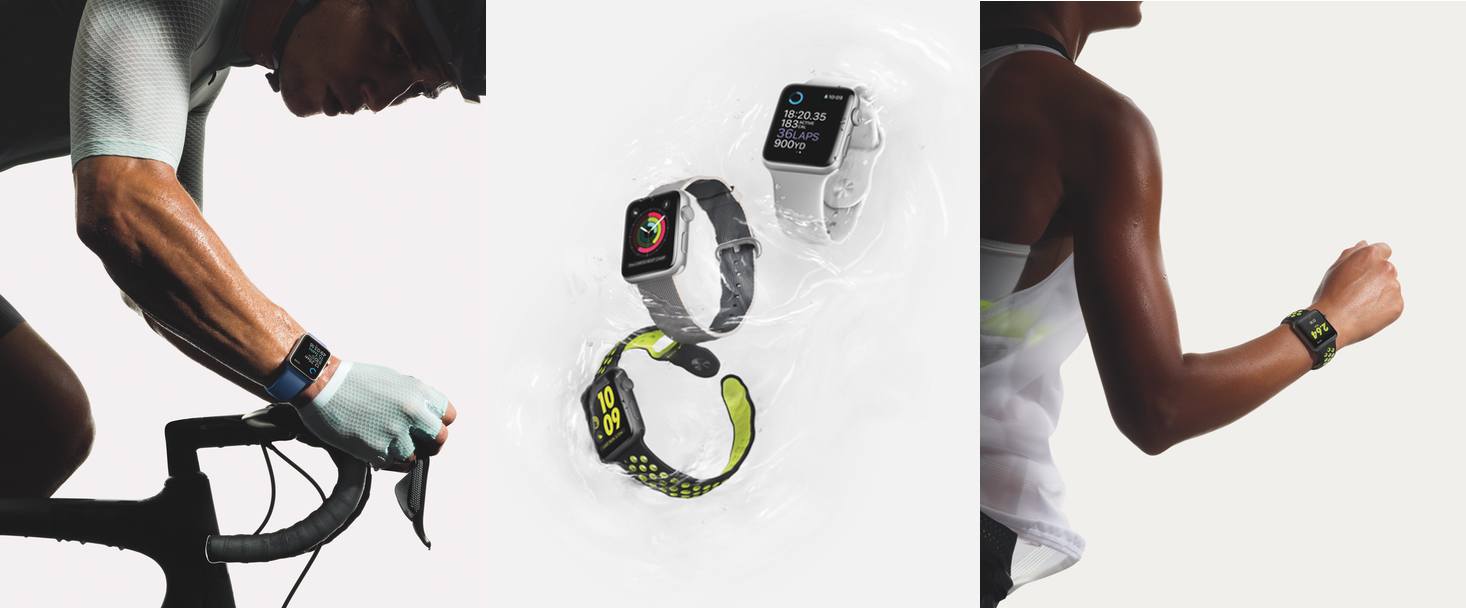
A Behind-the-Scenes Look at Apple’s Fitness Lab→

Men’s Health got a behind the scenes look at the fitness lab where Apple fine-tunes the Apple Watch algorithms that track your health and fitness. Like so many things Apple does, the numbers are staggering. According to Jay Blahnik, Apple’s director of fitness for health technologies:

‘Our lab has collected more data on activity and exercise than any other human performance study in history…. Over the past five years, we’ve logged 33,000 sessions with over 66,000 hours of data, involving more than 10,000 unique participants.’ A typical clinical trial enrolls fewer than a hundred participants.

Men’s Health also takes a look at the motivational messages coming to watchOS 4 and talked to Blahnik about the thinking behind the feature:

“We wanted to really make it easier for people to encourage each other, as well as smack-talk when the moment calls for it,” says Blahnik. “That’s why we have phrases like ‘Shazam’ and ‘You’re on fire.’ I share my activity with about 20 people, and whenever I see what someone else has done, it spurs me to train a little harder. It’s also a fun way to stay in touch.”

The refinements that Apple has made to watchOS 4 seem minor in print, but having tried the beta for about a month, I’ve been pleasantly surprised at the impact they’ve had, especially with respect to the fitness features of the Watch. Now more than ever, it feels like Apple has figured out what the Watch does best and is putting all its wood behind those arrows.

Permalink

Q&A

Question: One of the most frequently used applications and one of the seemingly most restrictive is email. I want to be able to compose messages that include bullet or numbered lists, different colors for words, different fonts and font sizes, and paragraph justification (left, center, right). Airmail has some options but brings a host of...


App Debuts

Serial Reader Serial Reader takes public domain classic books and breaks them into installments that can be read in about 20 minutes. You can choose from over 400 books, which are delivered daily. I particularly like the care and attention that has gone into the design of the books. They look great and are...


Album

Red Pandas Cuddly animated red pandas are cute, and your messages probably need more cute. This is a modestly-sized sticker pack, but every one of them is a fluffy, red ball of adorableness that will cheer up your friends and family. Cat Life I feel like there hasn’t been a great sticker pack dedicated...


Apple Announces September 12 Event

As first reported by Marques Brownlee, Apple has announced a media event for September 12, 2017 at 10:00 am. The event will be held at the Steve Jobs Theater in Cupertino.

Based on widespread speculation, Apple is expected to introduce new iPhones, including a redesigned model with an edge-to-edge OLED screen. Rumors in recent weeks also point to the introduction of a 4K-compatible Apple TV, a new LTE-enabled Apple Watch, and perhaps other products.

In addition to hardware, Apple is expected to announce release dates for updates to its operating systems, including iOS 11 and macOS High Sierra. As in the past, Apple should release a Golden Master of iOS 11 and High Sierra shortly after the event with a public release date within about 10 days.