John Voorhees

5811 posts on MacStories since November 2015

John is MacStories' Managing Editor, has been writing about Apple and apps since joining the team in 2015, and today, runs the site alongside Federico. John also co-hosts four MacStories podcasts: AppStories, which covers the world of apps, MacStories Unwind, which explores the fun differences between American and Italian culture and recommends media to listeners, Ruminate, a show about the weird web and unusual snacks, and NPC: Next Portable Console, a show about the games we take with us.

This Week's Sponsor:

Crickets

The first alarm app for families.


Cardhop by Flexibits Takes on Contacts

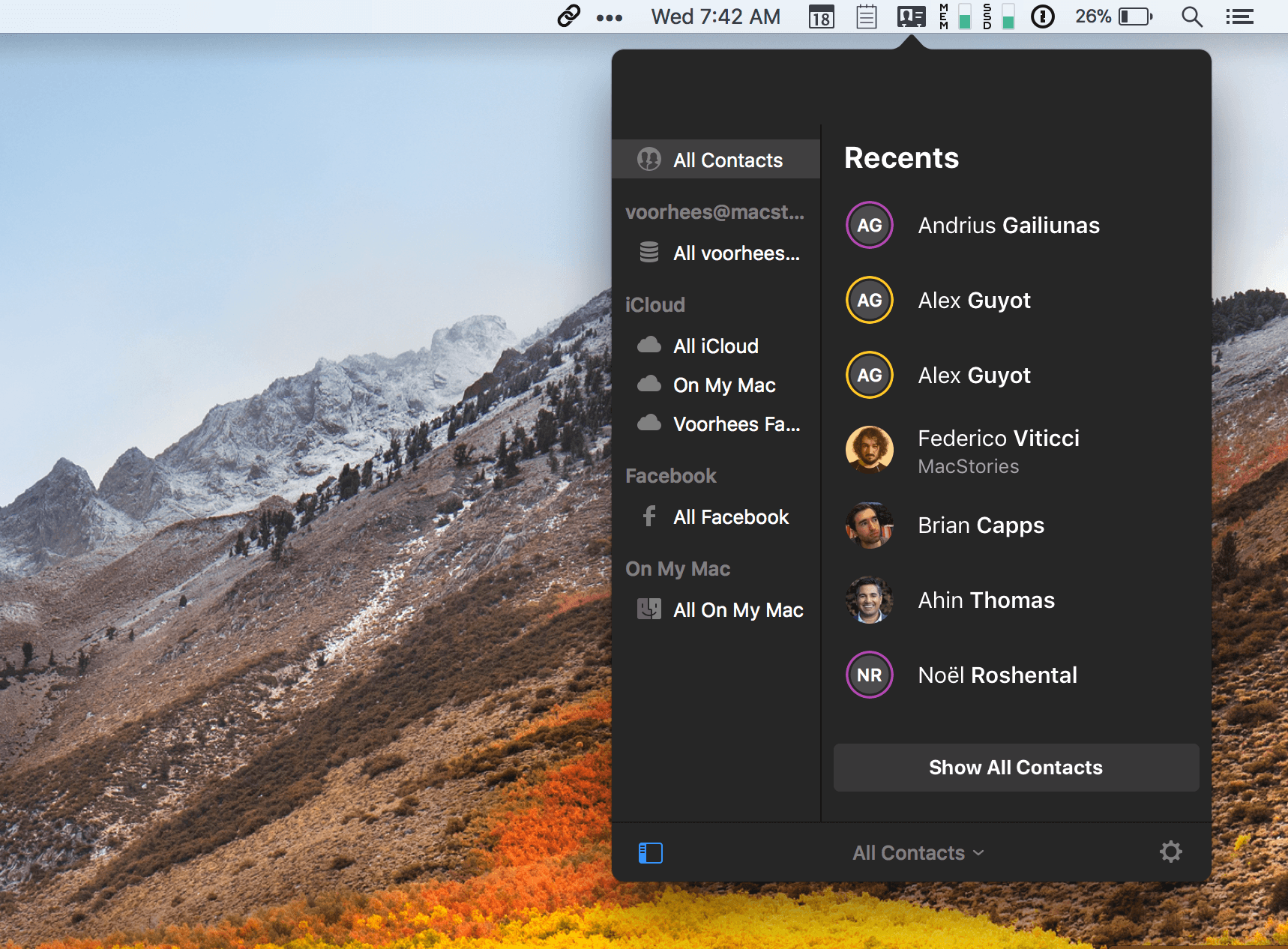
Flexibits took much of the frustration out of calendars when it introduced Fantastical for macOS in 2011 by leveraging natural language input of events. It followed up with iPhone and iPad versions. Now, Flexibits wants to do the same for contacts with a brand new app called Cardhop by integrating contact creation, management, and interaction into a single text field of a macOS menu bar app. The app is beautifully-designed and powerful but solves a problem that I’m not sure many people have today.

Many contacts apps are notoriously clunky, hard to get information into, and prone to creating duplicates, which limits their utility. However, contacts apps are less necessary today than ever before. Email clients and messaging apps automatically fill in contact information based on past messages you’ve sent. Other apps and services make it easy to bypass contacts apps altogether with favorites and recent contacts lists. In a communications app-centric world, I expect Cardhop will be a tough sell.

Read more


Balance Is a Wallet For the World’s Currencies [Sponsor]

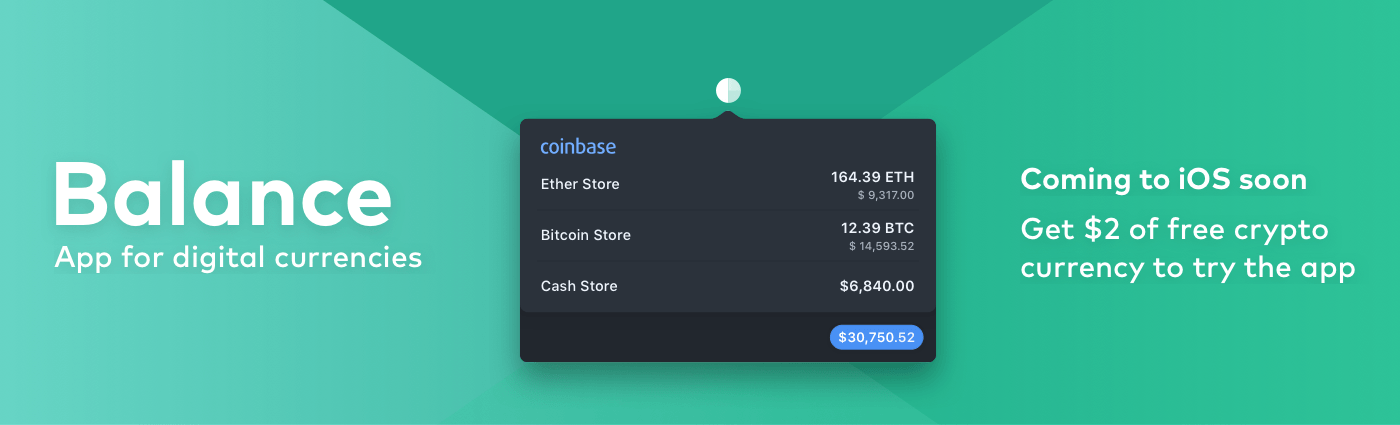
We are on the cusp of a financial revolution fueled by crypto-currencies and Balance makes it easy for everyone to get involved. You’ve probably heard of Bitcoin, one of the earliest crypto-currencies, but there are others including Ethereum. Balance connects to the most popular crypto-currency exchanges like Coinbase along with traditional financial institutions bridging the gap between the old financial world and the new one.

Balance connects with crypto-currency exchanges as well as traditional bank accounts, investment accounts, credit cards, and online services like PayPal using Plaid, a super-secure platform that works with financial institutions around the world.

When you set up accounts in Balance, the app automatically updates them periodically with new transactions, so you’re always up to date. You can view balances, transactions, notifications and gain insights about your spending. Soon, Balance will release an iOS version of their app too.

Balance is ready for the future. The current financial system is based on outdated, legacy software. Blockchains are the bedrock of a more secure and open system based on cryptocurrencies, but not many people are using them yet. Balance is poised to change that by becoming a single destination for traditional financial accounts and crypto-currency exchanges.

Balance has a great offer for MacStories readers who want to see what crypto-currencies are all about. Just go to bal.money/macstories this week and submit your email address to join the Balance iOS beta when it’s released along with $2 worth of Ether in a Coinbase account that you can track with Balance. It’s a great way to see for yourself what the financial world’s future looks like.

Our thanks to Balance for sponsoring MacStories this week.


Music Services and Apps

AppStories+ Deeper into the world of apps

AppStories Episode 27 - Music Services and Apps

0:00
28:13

↓

AppStories+ Deeper into the world of apps

Federico and John love music, so this week, they compare the apps and services they use to listen to, discover, and share music.

Read more


Album

Office Space I love this movie and have lived parts of it. I was a little surprised to see stickers for a movie that debuted in 1999 but glad to finally be able to send Federico TPS reports to fill out. I’m Running I think about going for a run more than actually doing...


Q&A

Question: Is there a good app for making chunky pixel art so that I can unleash my inner Susan Kare? (Chris, @wordgarbler)

I haven’t played with that many of these apps, but one of the best I’ve seen is Pixure. The app is a little like Photoshop for pixel art. You can set the...


App Debuts

CardioBot Cardiobot has rewritten its Apple Watch app to take advantage of new iOS and watchOS features. The Watch app can auto-detect workouts and calculate heart rate zones as you exercise. When you enter a new heart rate zone, you are notified by haptic feedback on your wrist, making it easier than ever to...


Motion Stills Adds In-App Motion Still and Live Photo Capture, GIF Export, and More

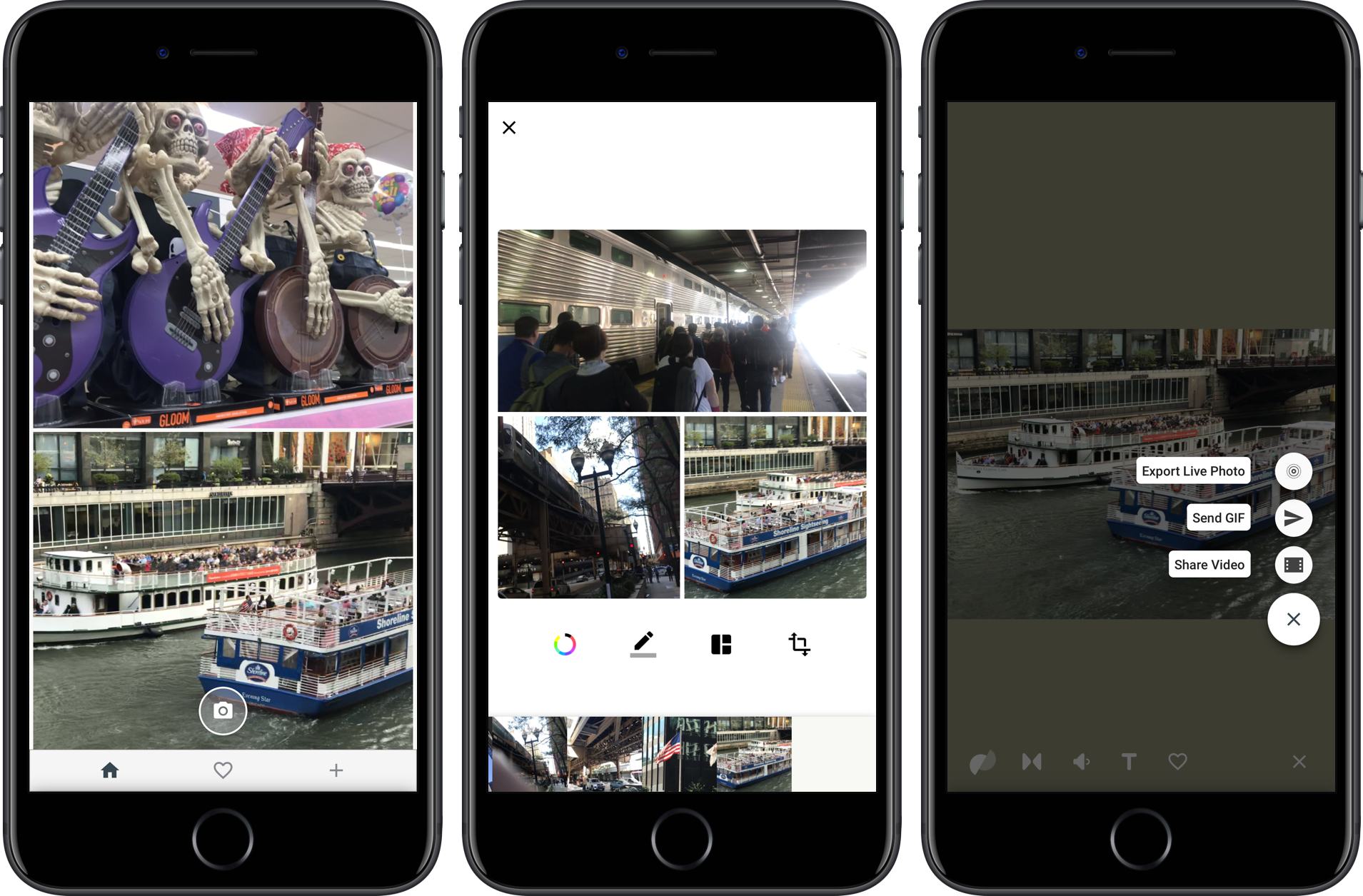
Google introduced Motion Stills on iOS in 2016. The app enables users to convert Live Photos into movies or GIFs applying stabilization to the video in the process. Live Photos can also be combined into moving collages.

Google has released version 2.0, which dispenses with the need to access your photo library to add Live Photos to a Motion Still. Instead, the app can now capture Live Photos and Motions Stills from within the app itself. The option to import from your photo library is still there, but having the option to shoot from within the Motion Stills app is a convenient addition. The new version also lets you delete Live Photos from your photo library with a swipe gesture and export collages you create as GIFs.

Motion Stills is available on the App Store.


Movie Studios Launch Movies Anywhere Service→

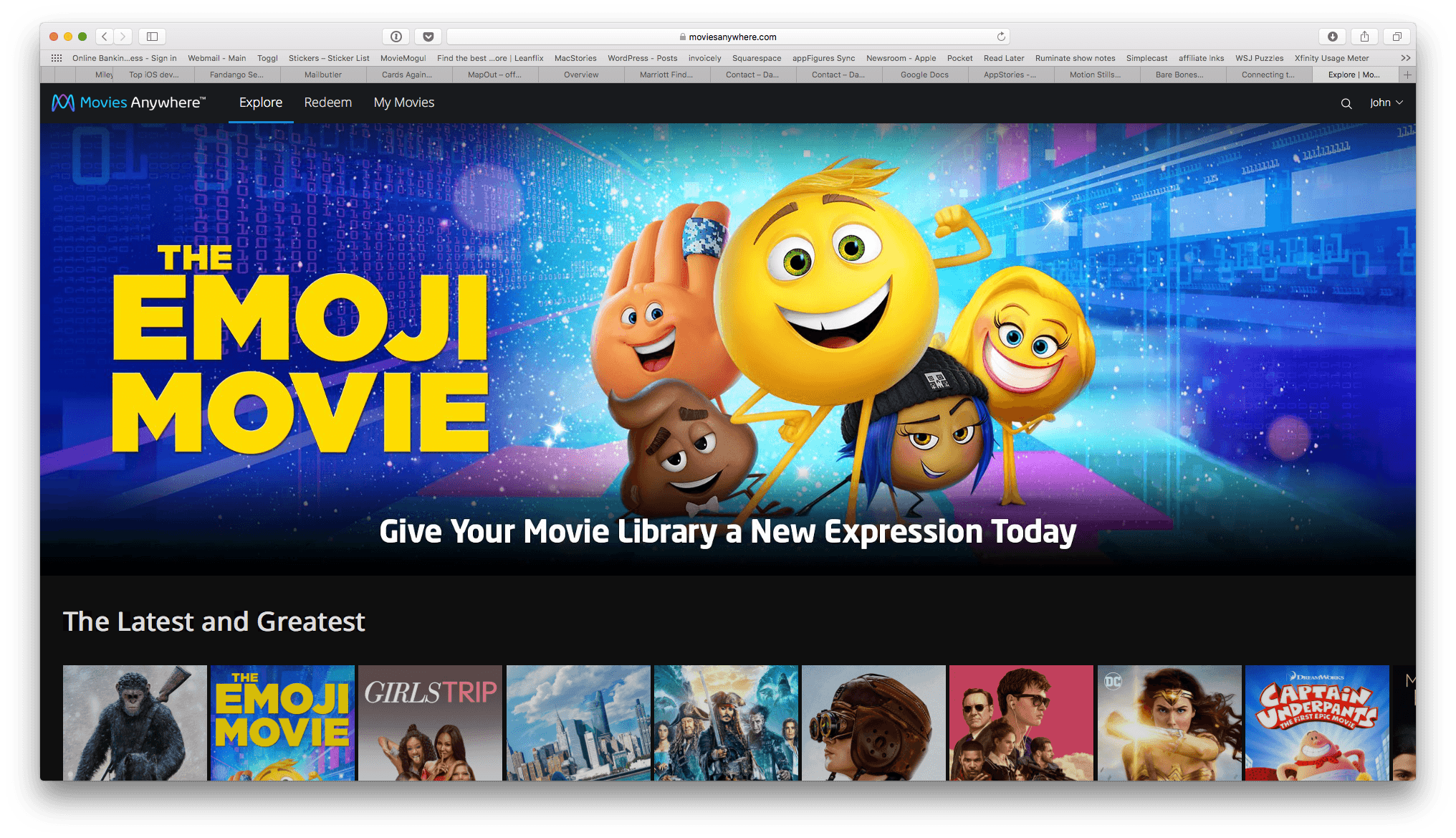
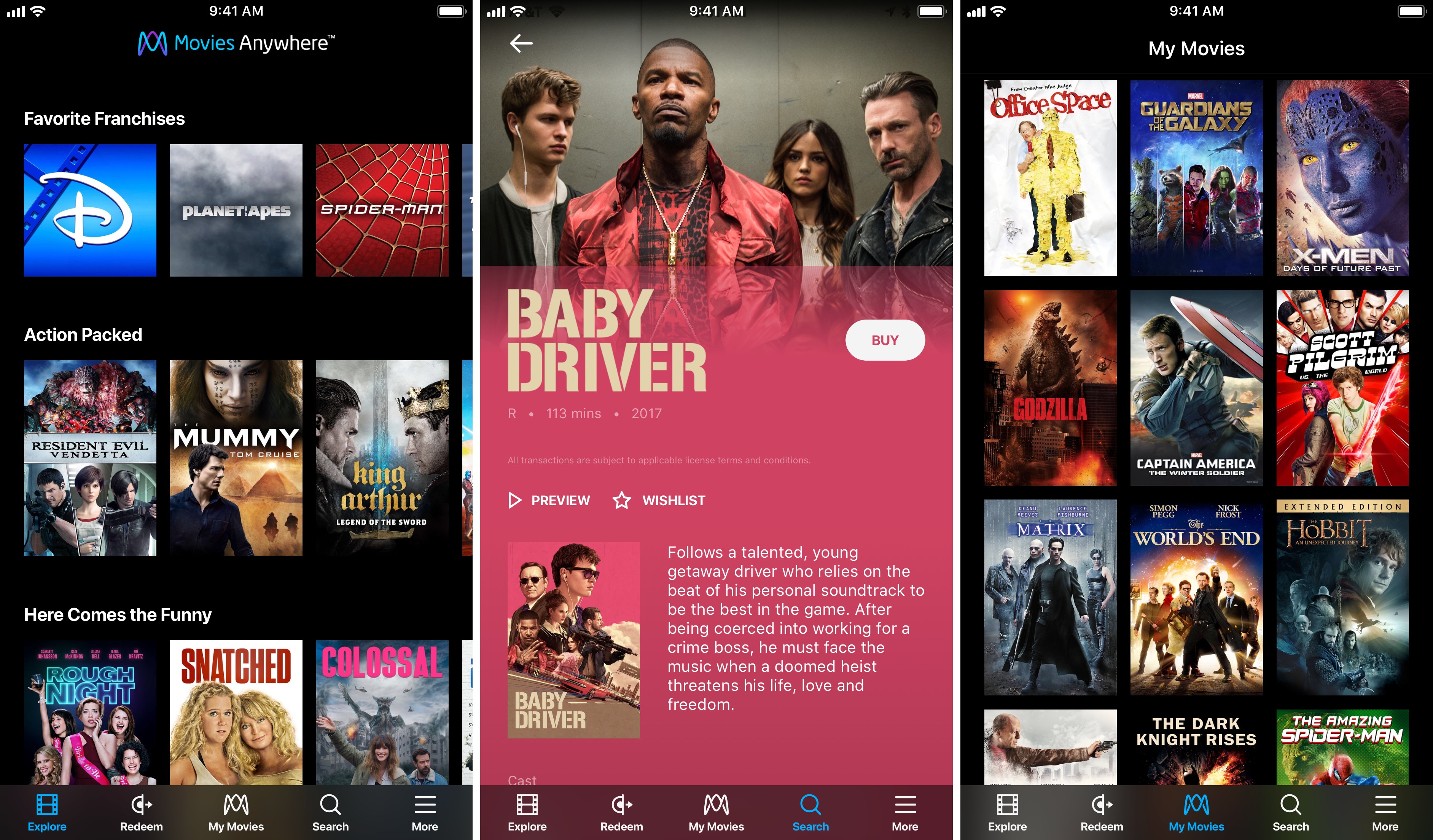
Services that promise to consolidate your digital movie collection in one place have come and gone over the years, so I was initially skeptical when I heard about Movies Anywhere, a new US-only service launched by Disney and other movie studios. However, after some preliminary testing of the service, I’m optimistic that Movies Anywhere stands a chance to become the first such service to catch on.

As reported by The Verge:

The big difference here is selection. Warner Bros., Universal, Sony Pictures, and Twentieth Century Fox have all signed on to Movies Anywhere. Along with Disney’s films, that gives the service a launch library of more than 7,300 titles.

Another differentiator with Movies Anywhere is platform support:

The promise of “buy once, watch anywhere” only works if a customer’s preferred device supports the service in question. The Movies Anywhere app will be available for iOS, Apple TV, Android, Android TV, Amazon Fire devices, and as part of Roku’s offerings. It will also support Chromecast, and titles will also [be] watchable through the service’s standalone website. And while apps for competing services have usually been clunky or awkward, the brief demo we saw of the Movies Anywhere app looked sleek and well-designed.

Movies Anywhere also gives customers the choice of where to buy their movies, though not without caveats on iOS.

Movies Anywhere will let customers browse for titles they’re interested in within the app itself, then allowing them to complete the purchase with their retailer of choice at the very end. (Android users will have the ability to purchase from Google Play, Amazon, or Vudu; those with Apple devices will only be able to purchase from iTunes, unless they head to a browser to purchase from a competitor directly.)

I tried to purchase a movie from the Movies Anywhere iOS app and sure enough, the only option was to buy it from iTunes. The workaround is to log into the Movies Anywhere service in Safari or another web browser, which will present you with the full menu of purchasing options. One other limitation that affects all platforms is that Movies Anywhere does not tell you how much a movie costs on each service. If you’re looking for a bargain, you’ll have to follow the link to each service to see how much they charge.

In the limited time I’ve had to try Movies Anywhere, I’ve been impressed. Logging into iTunes and Amazon Prime Video was quick and easy, and the movies I own on both providers showed up almost instantly in the iOS app and on the Movies Anywhere website. Playback happens in the Movies Anywhere app in a player that supports subtitles, closed-captioning, AirPlay, chapters, 15-second skipping ahead and back, and the option to pick up where you left off or start over if you exit the player. If Movies Anywhere can continue to grow its library of titles, the promise of all your movies anywhere you want them may finally become a reality.

Movies Anywhere is available on the App Store (US only).

Permalink

AppStories, Episode 26 – Tips for Travelers→

On this week’s episode of AppStories, with Federico’s trip to the United States for the Release Notes conference just around the corner, we talk about the travel apps we use, from planning a trip, to getting around an unfamiliar city.

Sponsored by:

  • Bear - A beautiful app for crafting notes and prose.
  • 1Blocker – Make Safari browsing fast, safe, and productive.
AppStories+ Deeper into the world of apps

AppStories Episode 26 - Tips for Travelers

0:00
32:27

↓

AppStories+ Deeper into the world of apps

Permalink