John Voorhees

5773 posts on MacStories since November 2015

John is MacStories' Managing Editor, has been writing about Apple and apps since joining the team in 2015, and today, runs the site alongside Federico. John also co-hosts four MacStories podcasts: AppStories, which covers the world of apps, MacStories Unwind, which explores the fun differences between American and Italian culture and recommends media to listeners, Ruminate, a show about the weird web and unusual snacks, and NPC: Next Portable Console, a show about the games we take with us.

This Week's Sponsor:

LookAway

It helps you take regular breaks from your Mac to rest your eyes, without breaking your flow.


A Fresh Spin on Apple Music: Exploring Daft Music’s Liquid Glass Design

Daft Music asks a question that’s been on my mind for a long while: what if Apple Music started over with a new Mac app? As a service, I love Apple Music. I’ve been a subscriber since day one. But I’m less enamored with the Music app, especially on the Mac.

Music on the Mac has a long history dating back nearly 25 years to Apple’s acquisition of SoundJam MP, which became iTunes, an app for organizing your music collection, syncing it to your iPod, and, later, buying music. Over the years, iTunes expanded to encompass TV, movies, books, apps, and even courses, which was too much for one app. So Apple began dismantling iTunes, with the final blow coming in 2019 with the release of macOS Catalina. The update retired iTunes, replacing it with Apple Music and dedicated apps for other types of media.

Music was a significant break from the design of iTunes, but as a long-time user of both iTunes and Music, what didn’t seem to change as much was the app’s underlying code. That’s consistent with reporting at the time that Music was an AppKit app built on the bones of iTunes. The choice to build Music for macOS on top of the iTunes foundation had the advantage of allowing Apple to preserve iTunes features that the Music app lacked on other platforms. However, the decision had a big downside, too. Built on what was already a nearly 20-year-old code base, Music inherited iTunes’ bugs, which have hung around unfixed for years.
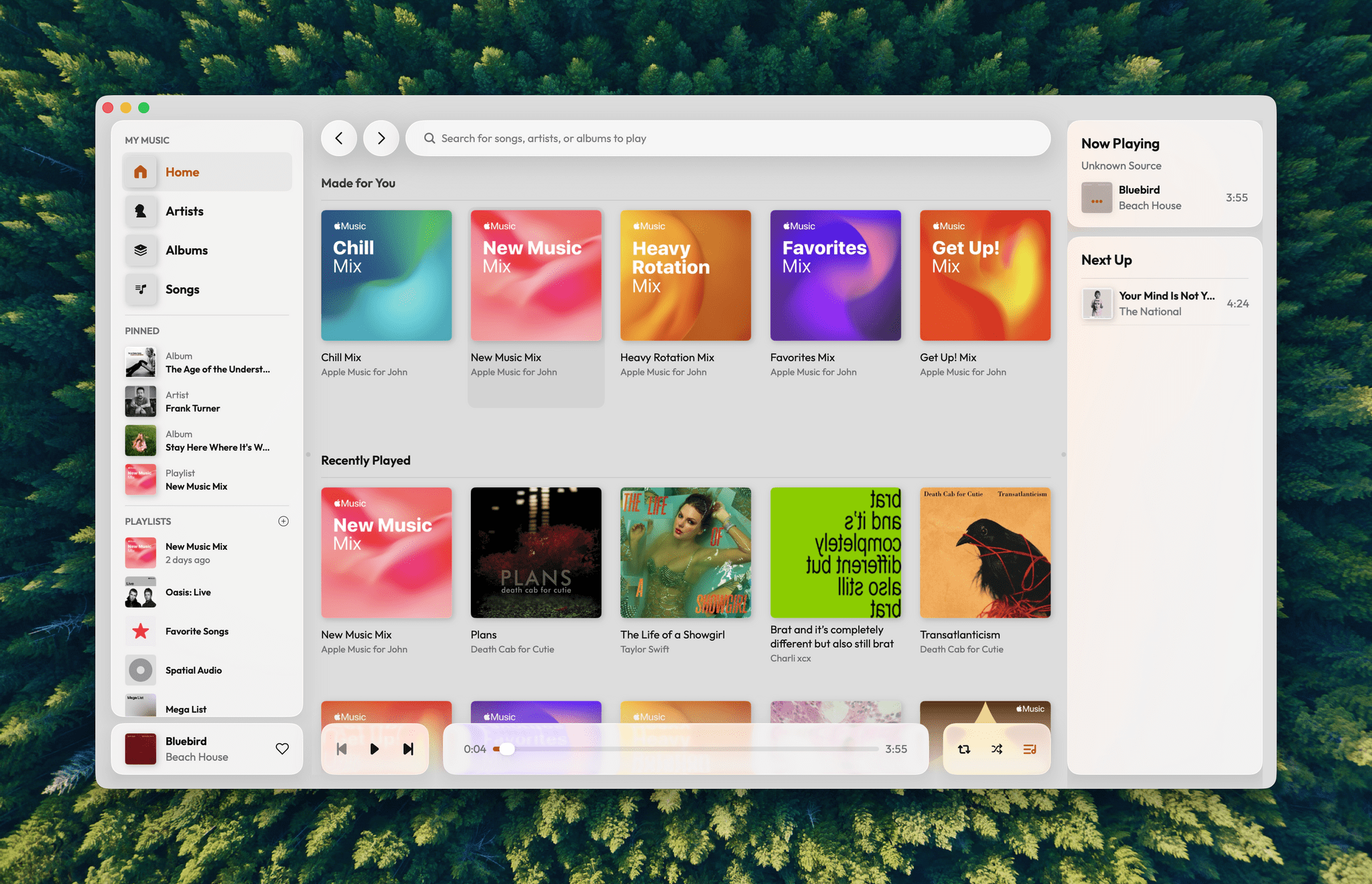
I love the simple elegance of Daft Music’s interface.

I love the simple elegance of Daft Music’s interface.

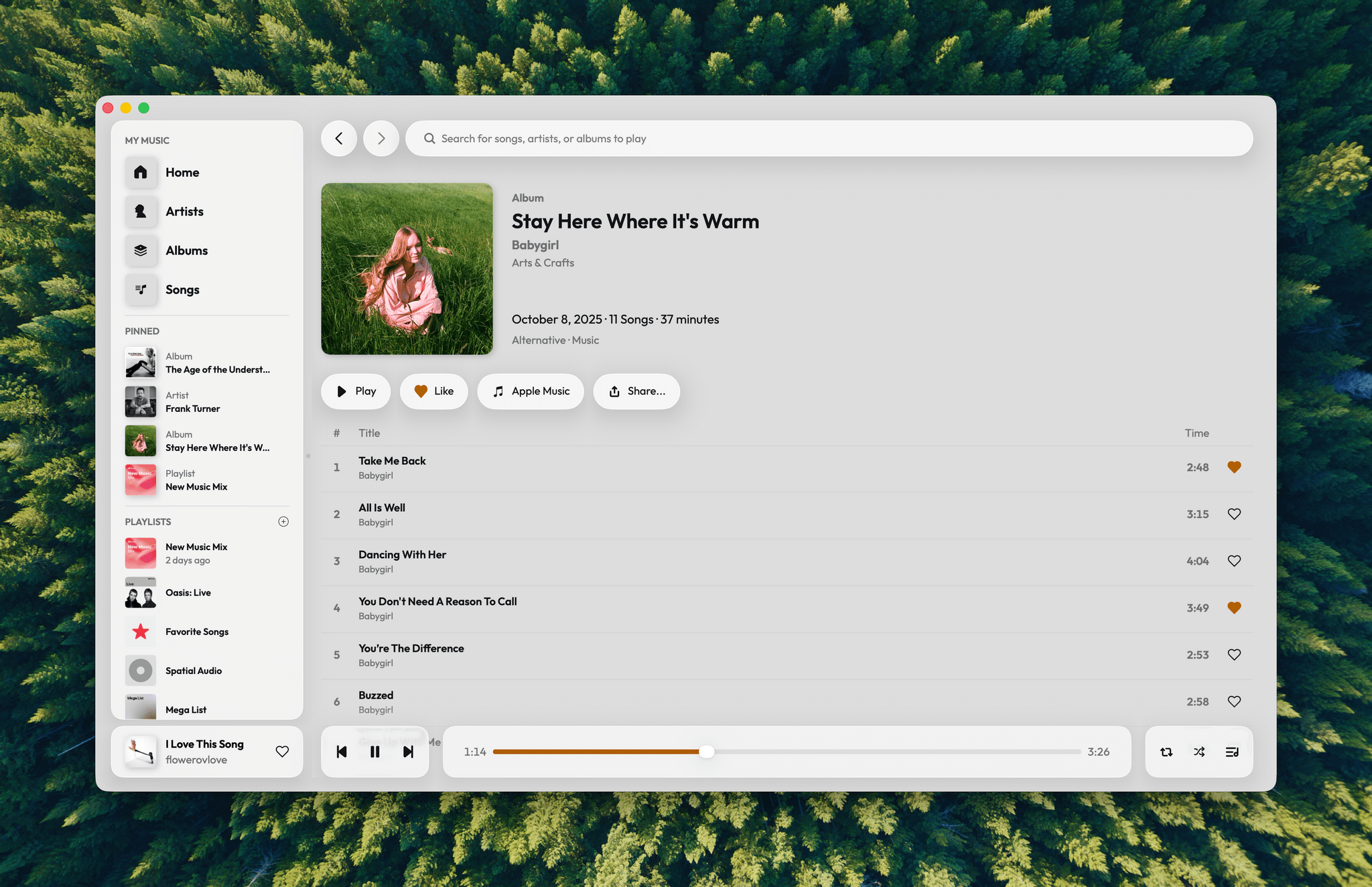
That’s where Daft Music by Dennis Oberhoff comes in. It’s a simple, elegant Apple Music “do-over” that also happens to be the first Mac app I’ve tried that was built from the ground up for Liquid Glass. There’s a lot to cover, so let’s dig in.

Read more


What Else Do We Want from Apple in 2025?

This week, with rumors of more products in the pipeline, Federico and John share what they want most from Apple before the end of the year.

On AppStories+, Federico experiments with lightning fast inference and iteration using Cerebras for scripting.


We deliver AppStories+ to subscribers with bonus content, ad-free, and at a high bitrate early every week.

To learn more about an AppStories+ subscription, visit our Plans page, or read the AppStories+ FAQ.


AppStories+ Deeper into the world of apps

AppStories Episode 456 - What Else Do We Want from Apple in 2025?

0:00
31:07

AppStories+ Deeper into the world of apps

Read more


macOS Tahoe Spotlight Tips

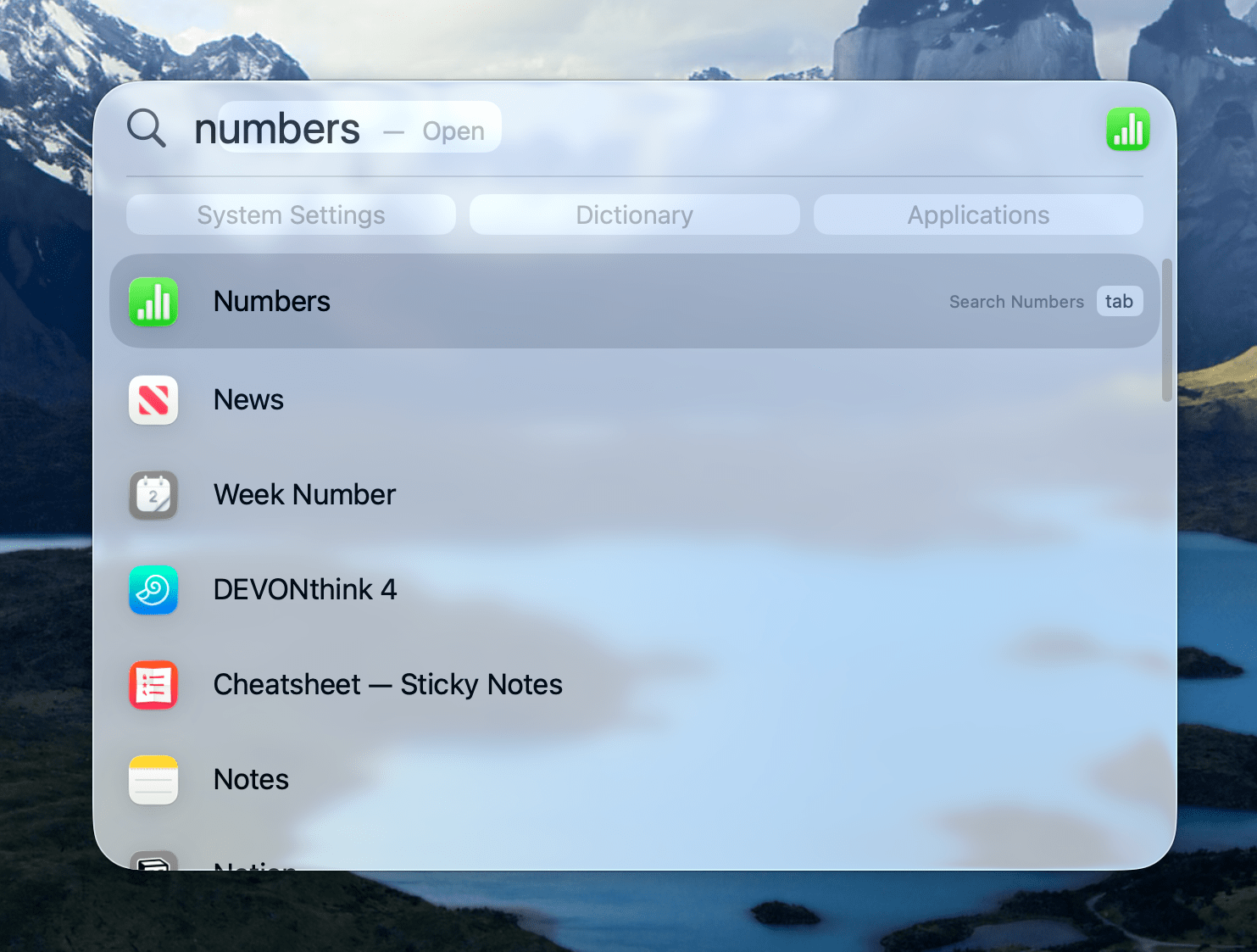
macOS Tahoe’s Spotlight is easily my favorite feature among this year’s updates. As I covered in my review, Spotlight gets attention every year, but this year was different because the focus was on productivity. Spotlight works well out of the box, but if you put in a little time to learn some of its less...


Interesting Links

I bought an Amazon Echo Show earlier this year to check out the new Alexa AI assistant, and I have to agree with Jennifer Pattison Tuohy on this: the ads ruin the experience and are only getting worse. (Link) 1Password claims to have solved the security problem around letting an AI agent fill in...


Gadget Grab Bag

While cleaning up my office earlier this week, I realized I had accumulated a few smaller gadgets worth sharing with Club members that I haven’t covered anywhere else, so it’s time to dive into the Gadget Grab Bag. Haribo Power Bank (Sold Out) My latest battery acquisition is probably the weirdest, but when I came...


App Debuts

Best-o-Masto Created by Comfort Zone’s Matt Birchler, Best-o-Masto is a Mastodon app that takes a different approach to browsing your timeline by automatically surfacing the most engaging posts. Rather than showing everything chronologically, the app analyzes your timeline to find and present the posts that have gotten the most interaction, which should help you...


Calame Giveaway

Calame Exclusively for Club MacStories members, we have 10 coupon codes for Calame to give away. Calame is abrand new writing app for the Mac that that uses local AI models to assist with autocompleting words based on your writing. You can readmore about it here. Simply enter your Club MacStories email address in the...


Synology Drops Branded Drive Requirement

Brad Linder, writing for Liliputing:

Earlier this year Synology announced that you’d need to use Synology-branded hard drives in its 2025 line of “Plus” branded network-attached storage devices if you wanted full functionality. While you could theoretically use a non-Synology drive with the Synology DiskStation DS225+, DS425+, DS925+ and other models, you’d be unable to create data storage pools, or use volume deduplication.

As Linder reports, six months later, Synology has reversed course on what was a widely unpopular decision among Mac and PC users that was viewed by many as a way to lock them into overpriced drives unnecessarily. The change of direction was revealed in a Synology press release announcing DiskStation Manager 7.3, the OS that runs the company’s Plus line of NAS hardware.

This is great news for Mac users who felt betrayed by Synology’s previous announcement. However, as Linder also points out it does not change the fact that the same “Plus” series of 2025 NAS hardware does not include hardware-accelerated transcoding of H.264 and HEVC video, which previous models supported.

Permalink

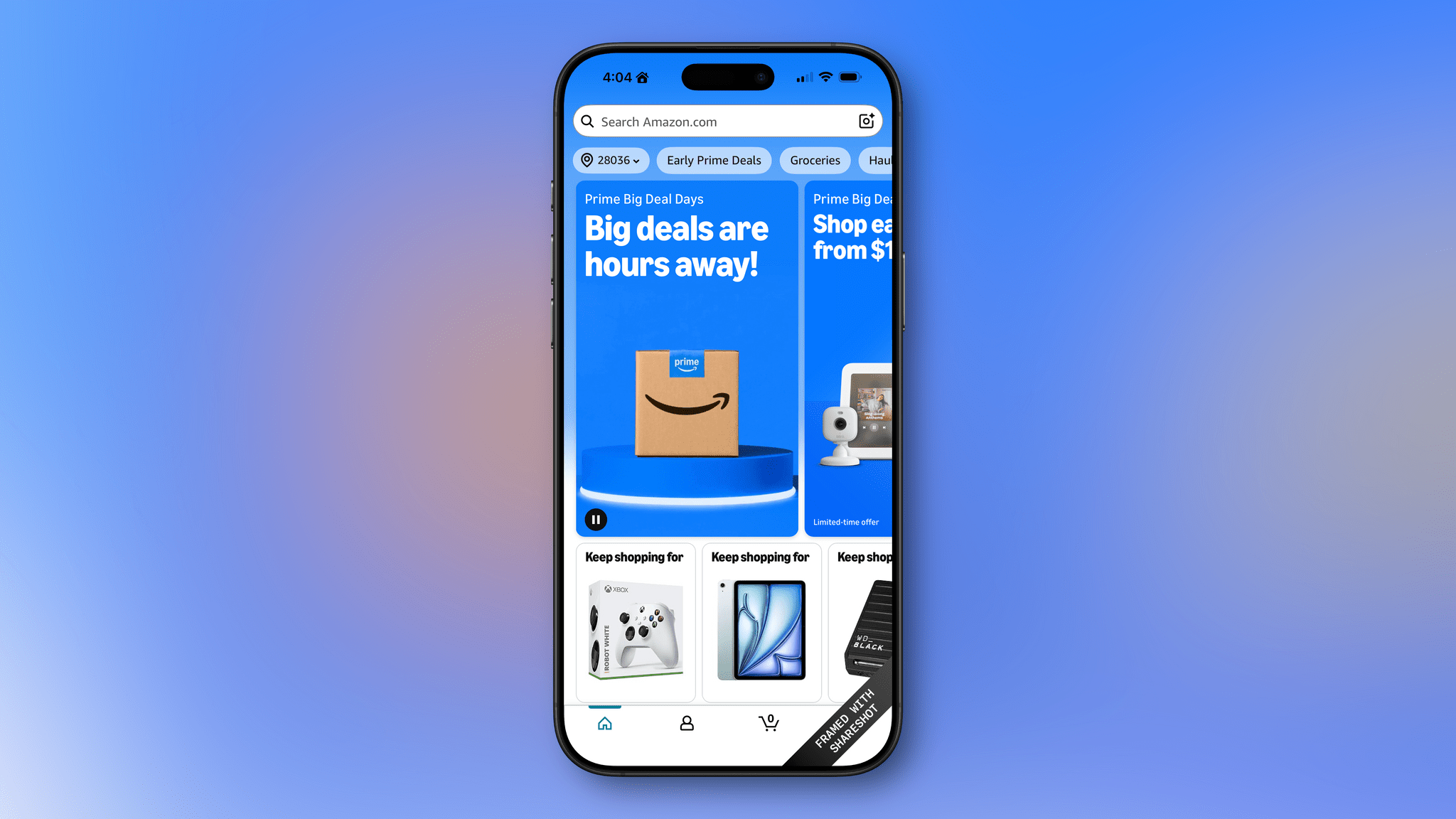
MacStories Deals Roundup: Amazon Prime Big Deal Days

Amazon’s Big Deal Days runs today and tomorrow (October 7–8), so I thought I’d share some of the best deals I’ve discovered so far. We’ll be keeping an eye out for other deals and posting them on the MacStories Deals accounts on Mastodon and Bluesky, too, so be sure to follow either for the very latest finds.

For prices, be sure to visit the MacStories Amazon storefront.

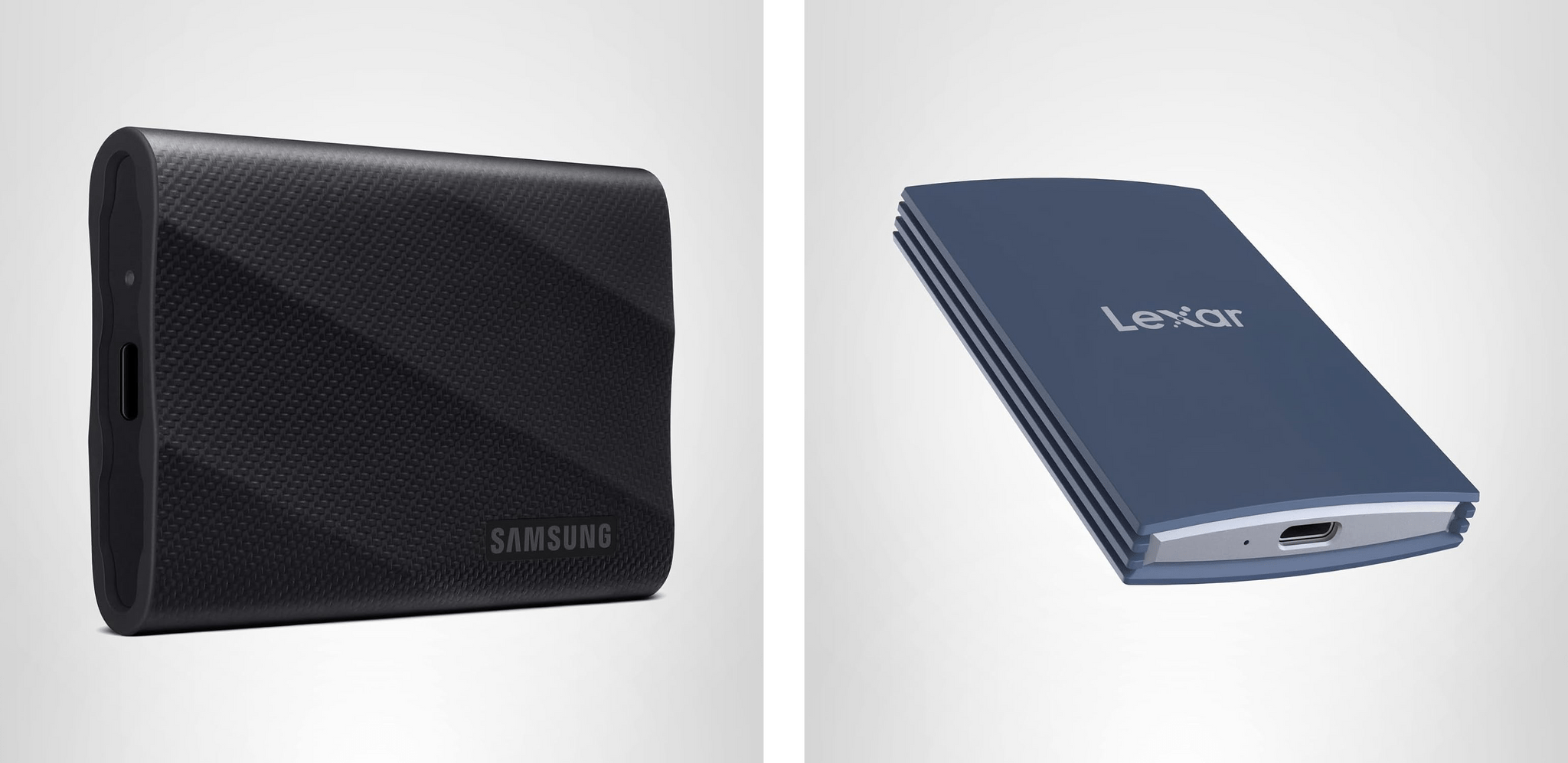
Portable SSDs: Samsung T9 and Lexar Armor 700

Events like Big Deal Days are always a great opportunity to pick up fast external SSD storage. I’ve used Samsung’s T line of external drives for years, starting with the T5. Lately, I’ve switched to the company’s T9 portable SSDs because they feature USB 3.2 Gen 2x2, which offers the fastest transfers you can get short of something like Thunderbolt 4 or 5, delivering 2,000 MB/s. That’s plenty fast for working with big files or moving a bunch of smaller files from one device to another. I’ve used the T9 for Carbon Copy Cloner backups, Time Machine backups, editing in Final Cut Pro and Logic Pro, and moving my ROM library from one handheld device to another, and it’s been reliable in every case.

During Big Deal Days, the biggest discount is on the 2TB model, with the 1TB model a close second. Depending on your storage needs, you can’t go wrong with either.

More recently, I also started using Lexar’s Armor 700 Portable SSD. In fact, it was one of these drives that we used to transfer huge video and audio files from Apple’s podcast studio at WWDC back to my hotel room for editing.

Like Samsung’s T9, Lexar’s drive features 2,000 MB/s transfer speeds, plus an aluminum case for heat dissipation, a rubberized exterior to help protect against drops, and IP66 water and dust resistance. I’ve been using the 1TB model of the Armor 700, but it’s the 4TB model that’s on the deepest discount during Big Deal Days.

For prices, visit the MacStories Amazon storefront.

Logitech: MX Keys S, Keys-to-Go 2, and POP Mouse

Logitech has gone all-in for Amazon’s big sales event, too. There are a bunch of keyboards, mice, and other accessories on sale, but I’d focus on these three:

The MX Keys S for Mac was my go-to keyboard for years. I’ve switched to Apple’s Magic Keyboard more recently, but if you’re looking for an alternative low-profile keyboard made for the Mac, this is a great pick.

Keys-to-Go 2 is the keyboard I throw in my bag when I need to connect to a handheld gaming device, or when I want a keyboard “just in case” but don’t want to carry my iPad’s Magic Keyboard case. The replaceable watch battery it came with is still going strong, and the integrated cover keeps it from getting damaged. It’s not the most ergonomic keyboard ever designed, but it’s perfect for lightweight travel.

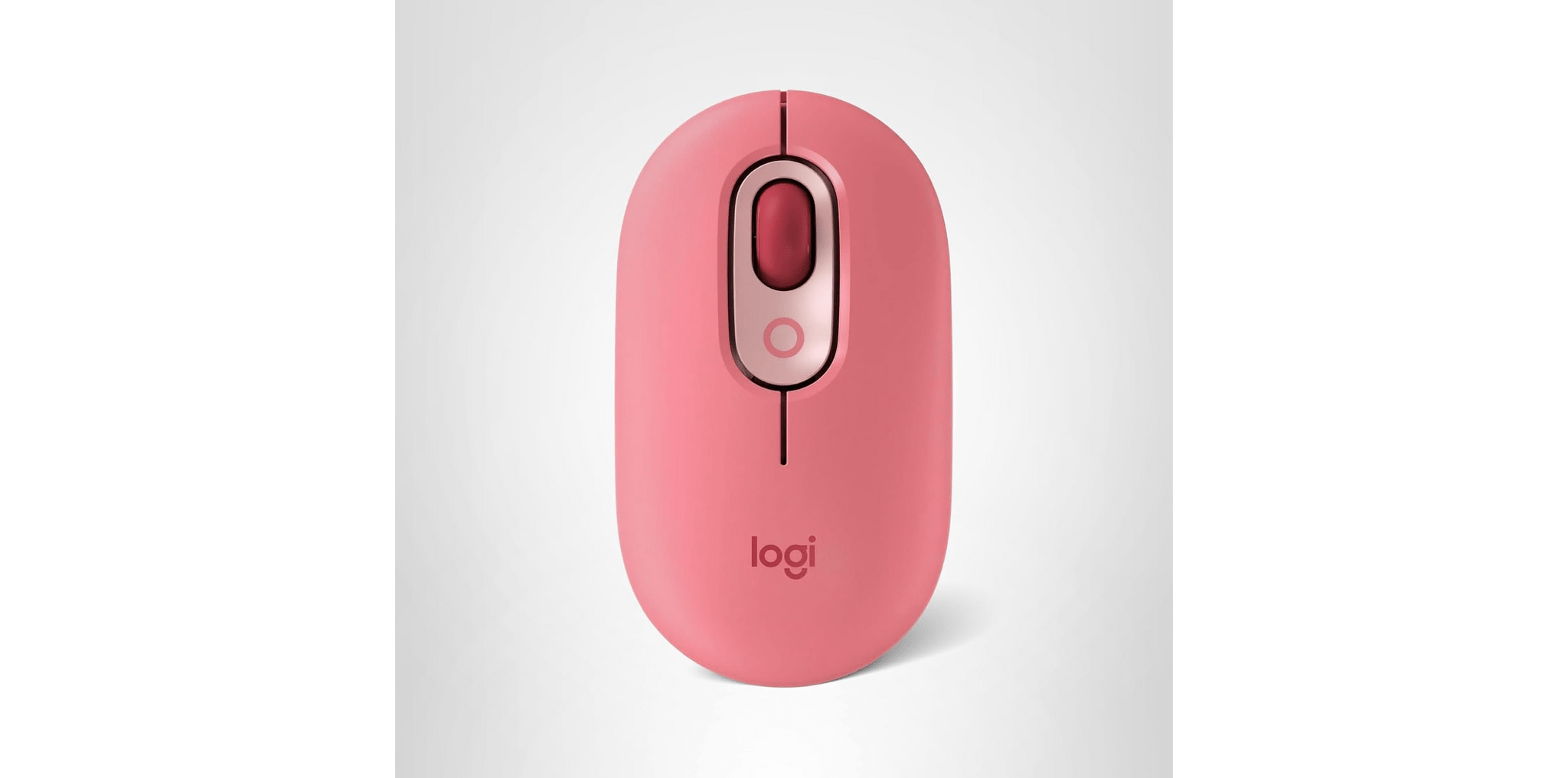
I got a POP Mouse for the same reason I have Logitech’s Keys-to-Go 2 keyboard. It’s a good lightweight on-the-go mouse I can connect to multiple devices. I love that it comes in bright colors, too.

For prices, visit the MacStories Amazon storefront.

Read more