AirBuddy by Guilherme Rambo is one of the handiest Mac utilities I’ve tried in a while. AirPods connect almost instantly to iOS devices, but the process of pairing them to a Mac is not as simple, often requiring fiddling with your Mac’s Bluetooth settings from the menu bar or System Preferences. AirBuddy solves that problem, making it as trivially easy to connect AirPods to a Mac as it is to do the same with an iPhone.
The app works with a Mac that supports Bluetooth LE and is running macOS Mojave and any headphones that include Apple’s proprietary W1 chip. That means in addition to AirPods, AirBuddy can also control Beats headphones that have a W1 wireless chip. The app runs in the background as a helper process, so you won’t usually see a window or dock icon while it’s running. Nor is there a menu bar icon. Instead, once you’ve adjusted the app’s handful of settings to your liking, the app appears almost immediately when you open your AirPods case near your Mac or turn on your Beats headphones.
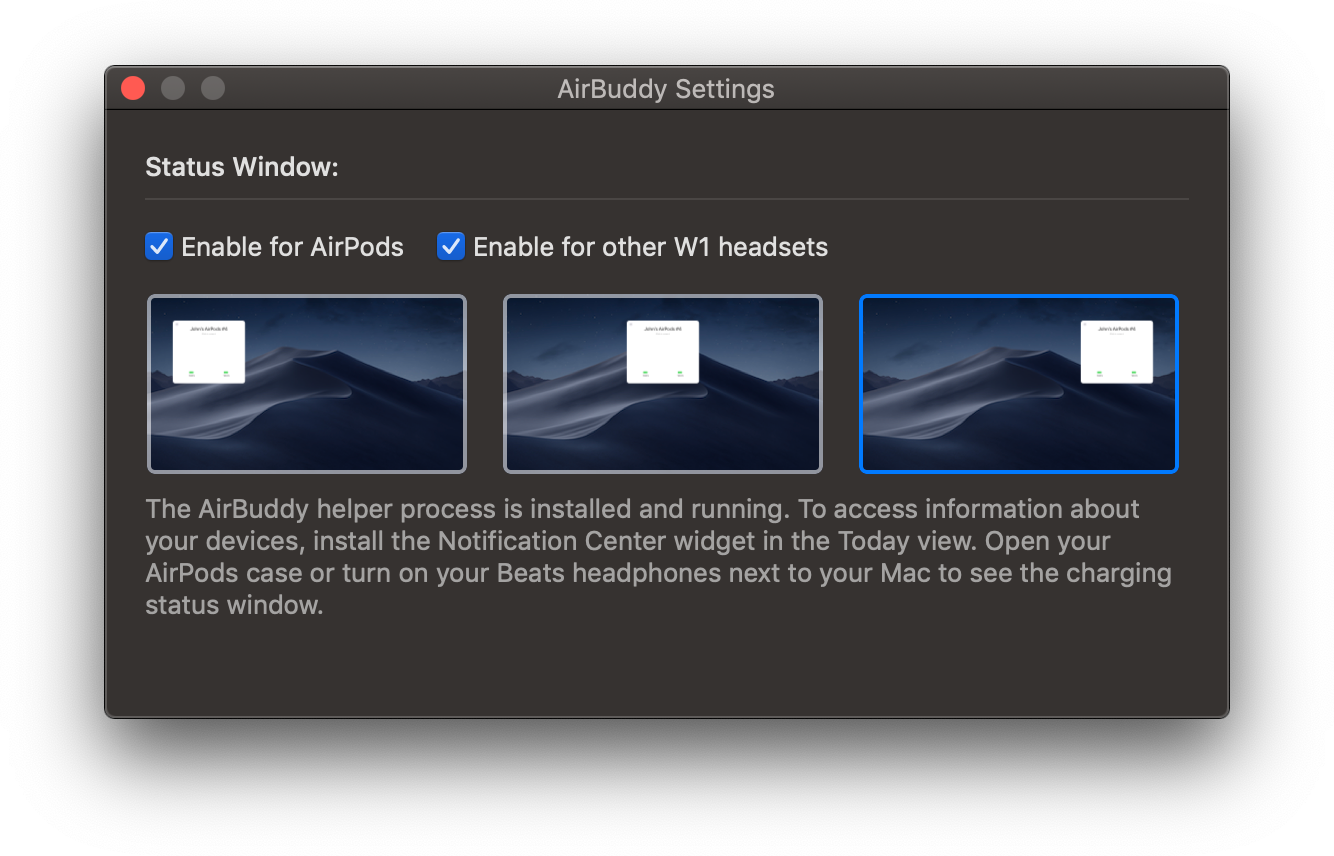
AirBuddy has a few settings that are available by opening the app from the Finder. There are checkboxes for enabling the app to work with AirPods and other W1 headphones and display options for picking where onscreen you want AirBuddy to appear when it detects nearby headphones.
Once you have the app set up, opening your AirPods case near your Mac causes a window to slide down from the top of your screen that looks just like you’d see if you did the same thing in proximity to your iPhone or iPad. For AirPods, you’ll see rotating images of your AirPods and their case with a charge indicator beneath them. The same sort of window appears when you turn on Beats headphones nearby.
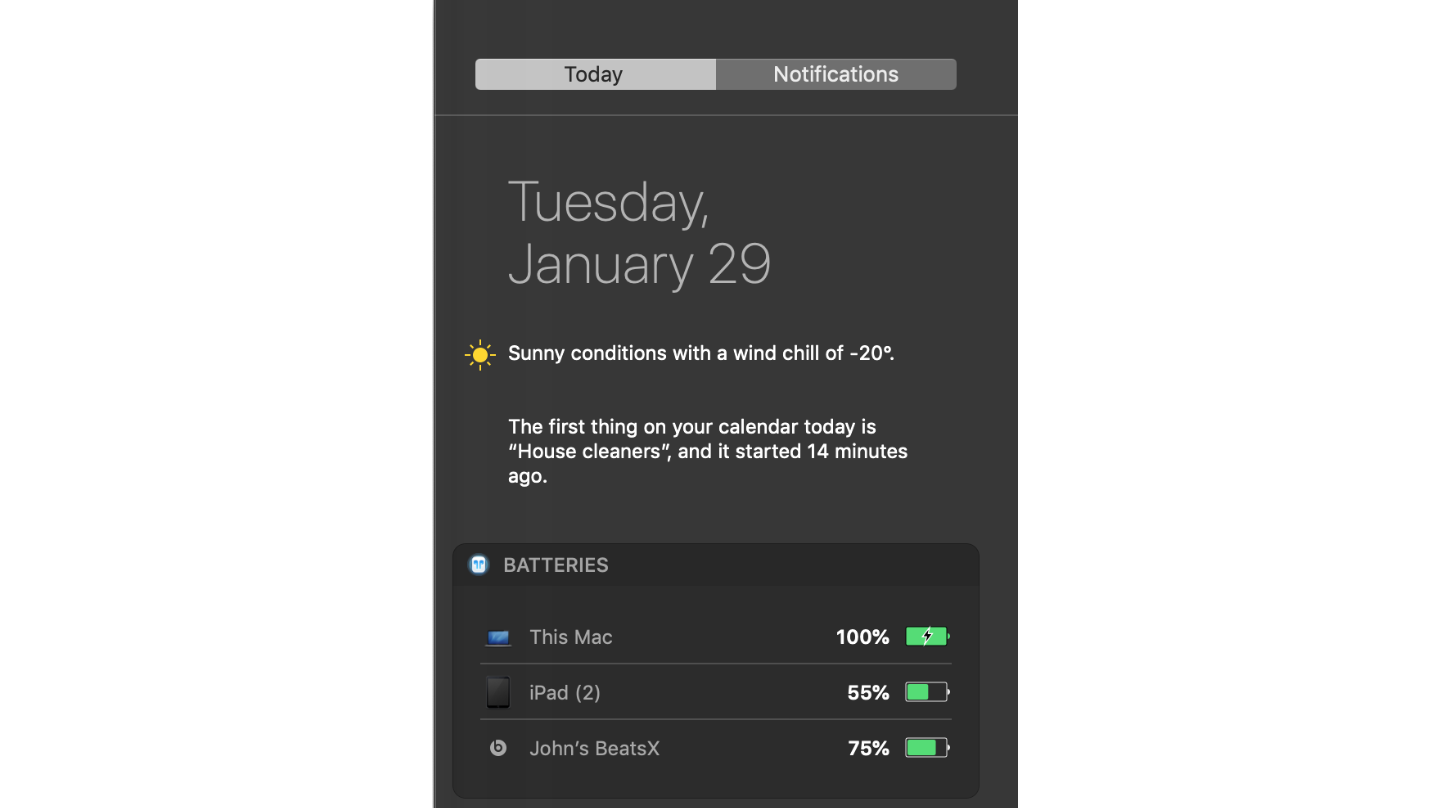
AirBuddy doesn’t just provide the status of your AirPods though. It also allows you to connect them to your Mac with a single click. There is a Mac Today widget that provides battery status for your Mac and any headphones or iOS devices you’ve ever connected to your Mac too. It’s easy enough to check the battery of devices sitting nearby without the help of AirBuddy, but it’s nice that I can also see that the battery of my iPad sitting two floors above me is running low and should be plugged in if I want to read in bed tonight.
In the past, I’ve rarely connected my AirPods to my Mac. Instead, I used headphones with my Mac’s 3.5mm audio jack because AirPods weren’t worth the trouble. In my tests of AirBuddy though, the app works as expected every time eliminating the friction from the connection process. AirBuddy is so simple and works so well that it begs the question of why Apple hasn’t built this sort of functionality into macOS. For whatever reason, Apple hasn’t, which is a shame. Perhaps Apple will add a similar feature to macOS in the future, but unless and until that happens, anyone with AirPods and a Mac should download AirBuddy.
Rambo is selling AirBuddy using a ‘name-your-price’ model with a suggested price of $5.












 Federico