John Voorhees

5638 posts on MacStories since November 2015

John is MacStories' Managing Editor, has been writing about Apple and apps since joining the team in 2015, and today, runs the site alongside Federico. John also co-hosts four MacStories podcasts: AppStories, which covers the world of apps, MacStories Unwind, which explores the fun differences between American and Italian culture and recommends media to listeners, Ruminate, a show about the weird web and unusual snacks, and NPC: Next Portable Console, a show about the games we take with us.

PCalc 3.9 Adds Dark Mode and the Latest Shortcuts Features, Expanding the App’s Automation Capabilities

Last year when Siri shortcuts debuted on iOS 12, developer James Thomson added one of the first and best implementations for creating custom shortcuts with his calculator app PCalc. However, iOS 12 required PCalc to rely on the system clipboard as a means of passing inputs to calculations and then outputting the results, which added complexity to shortcuts that used PCalc actions. iOS and iPadOS 13 free PCalc of that constraint, and with the addition of parameter support and the conversational Siri shortcuts coming in iOS and iPadOS 13.1, PCalc’s automation features are vastly more powerful.

Federico’s review of PCalc 3.8 featured a shortcut called PCalc Currencies, which is a terrific example of what a PCalc-based shortcut looked like in iOS 12. The shortcut coverts Euros to US Dollars and British Pounds. The first step is to pass the number of Euros to the shortcut from the system clipboard and then create a variable to store that value. Next, the shortcut uses PCalc’s conversion action to calculate the US Dollar equivalent, store it in a separate variable, and then do the same for pounds. The final step displays the results using each of the three currency variables. In total, the shortcut uses twelve actions, many of which involve moving data on and off the clipboard.

PCalc Currencies for iOS 12 (left) and iOS 13 (right).

PCalc Currencies for iOS 12 (left) and iOS 13 (right).

With PCalc’s new Shortcuts actions, we can reduce the number of actions from twelve to just four. It’s a fantastic demonstration of the power that iOS and iPadOS 13 add to third-party shortcut actions and the reduction in complexity that can be achieved with even a relatively simple shortcut. Okay, let’s update Federico’s shortcut.

Read more


AppStories, Episode 129 – The Apps of Apple’s Fall Event

On this week’s episode of AppStories, we dive into the new and updated apps announced at Apple’s fall keynote including Compass, Camera, and the upcoming Apple Arcade game subscription service.

Sponsored by:

  • Linode – High performance SSD Linux servers for all of your infrastructure needs. Get a $20 credit.
  • Setapp, from Macpaw – More than 100 powerful apps for your Mac.
  • Direct Mail – Create and send great looking email newsletters with Direct Mail, an easy-to-use email marketing app designed exclusively for the Mac.

AppStories+ Deeper into the world of apps

AppStories Episode 129 - The Apps of Apple’s Fall Event

0:00
37:48

AppStories+ Deeper into the world of apps

Permalink

Arcade Launches for Some iOS Beta Testers

Earlier today, a series of reviews of Apple Arcade were published across the web and on YouTube. Shortly thereafter, Apple took the wraps off the service itself for at least a subset of people running the iOS 13 or 13.1 betas. Arcade doesn’t officially launch until September 19th, but it appears that Apple is using a slow roll-out to some beta testers to test the service and create buzz around the launch.

The design of the Arcade tab is reminiscent of the App Store’s other tabs, although more space is reserved for spotlighting individual titles, and so far, there is little editorial content. It will be interesting to see how this mix evolves as more games become available and more editorial content is created. In addition to themed collections like ‘Start Your Adventure’ and ‘No Time to Blink,’ Arcade has a section dedicated to ‘New Arrivals,’ includes hint guides for three of the games and a button at the bottom of the view for accessing every game in the service.

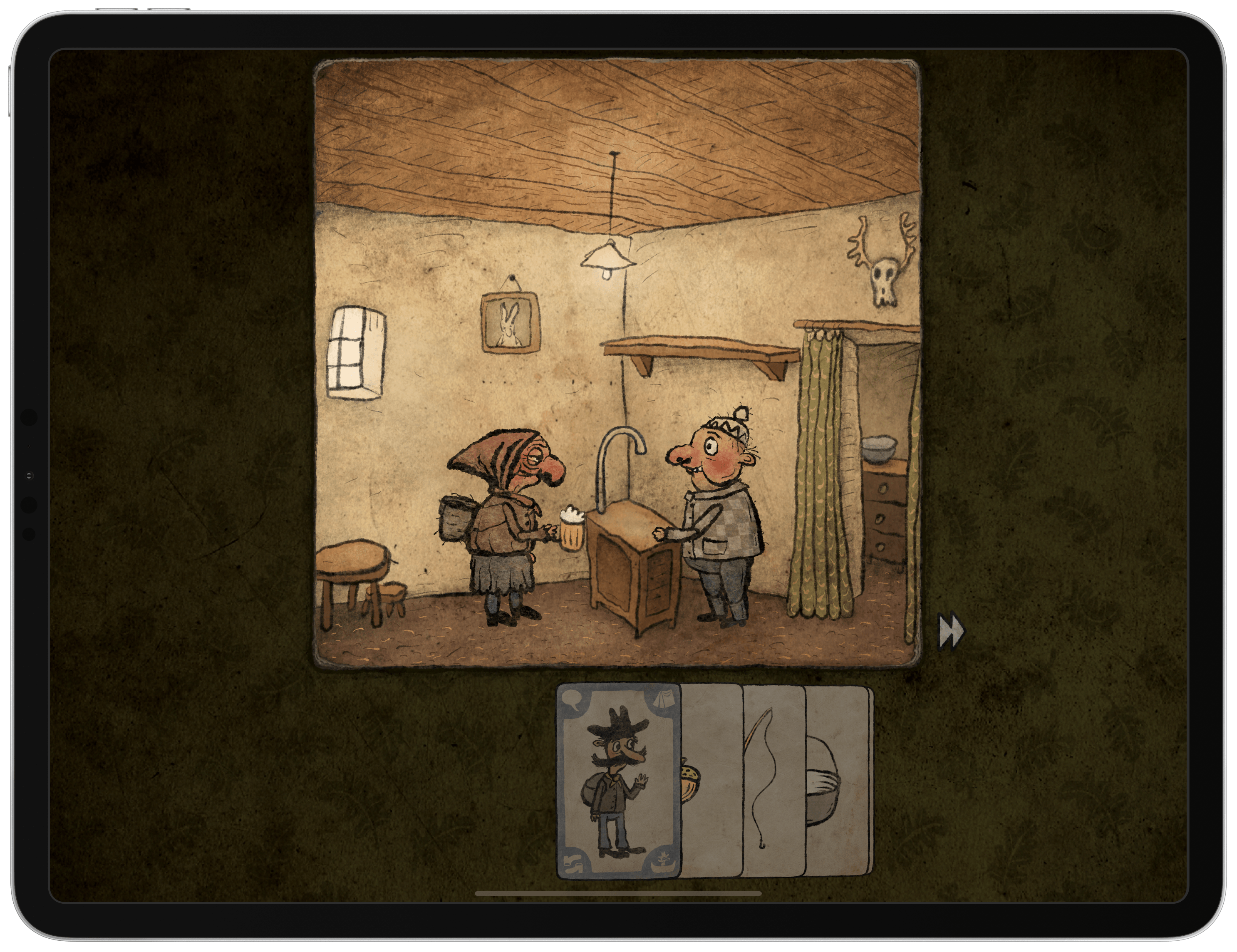
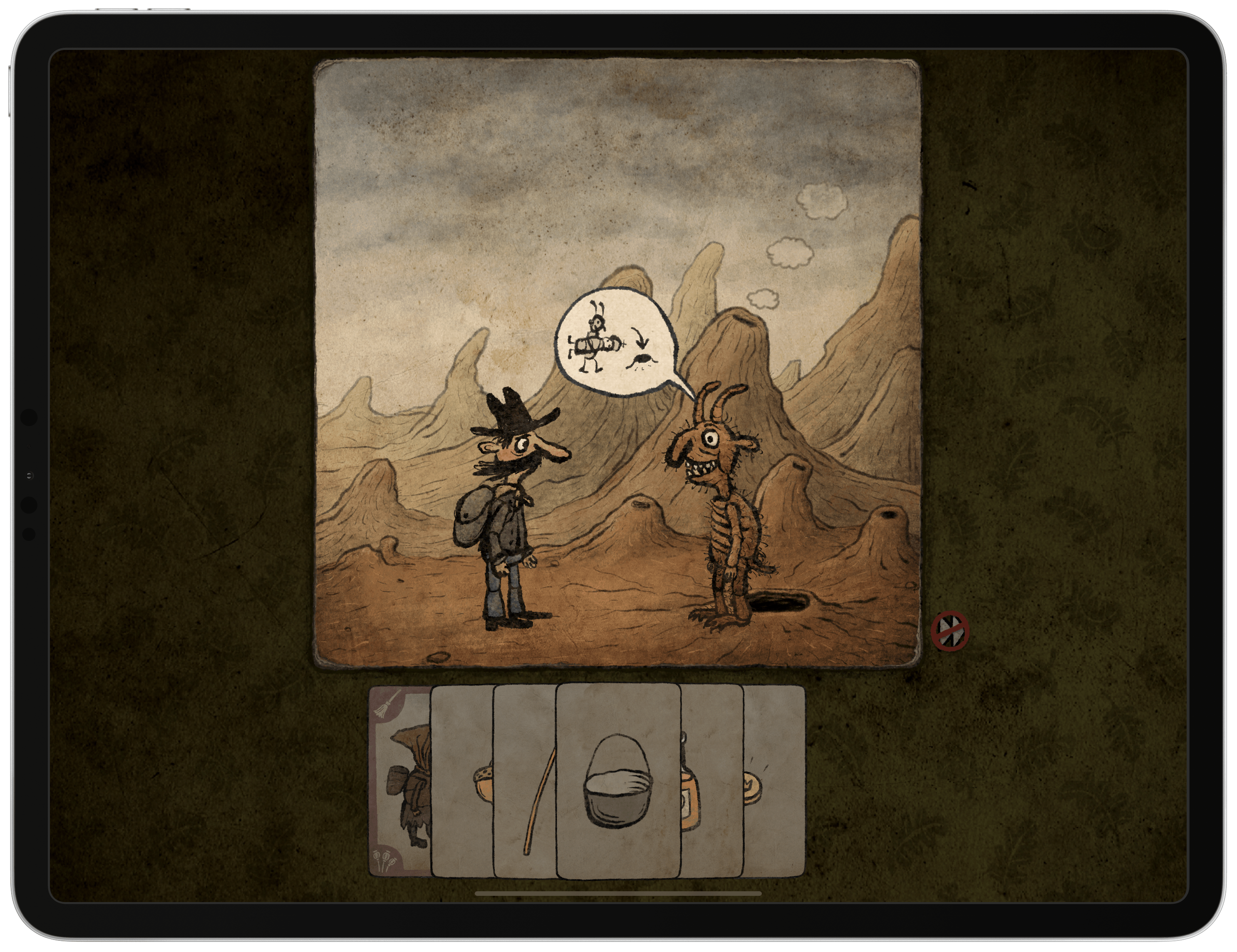
The activation of Arcade for some users coincided with a press release from Apple highlighting four games by smaller game studios: The Enchanted World, Patterned, Overland, and Card of Darkness. I haven’t had a chance to comb through the entire catalog yet, but there are a lot of great-looking games featured at launch that jumped out at me including:

I’m looking forward to trying all of these as well as discovering new titles.

As I said on AppStories this week, I’ve been cautiously optimistic and excited about Arcade. What I’ve seen of the new service in my brief time with it so far today is perfectly in line with what I hoped for. Apple seems to have struck a nice balance among many different categories of games, and with only about half of the 100+ titles that should be coming soon, that is an excellent start.


The Apps of Apple’s Fall Event

AppStories+ Deeper into the world of apps

AppStories Episode 129 - The Apps of Apple’s Fall Event

0:00
37:48

AppStories+ Deeper into the world of apps

This week, Federico and John dive into the new and updated apps announced at Apple’s fall keynote including Compass, Camera, and the upcoming Apple Arcade game subscription service.

Read more


Techmeme Ride Home, iPhone Event Debrief with John Voorhees of MacStories

On today’s weekend interview episode of Techmeme Ride Home, I was interviewed by Brian McCullough all about this week’s Apple event. We discussed the backlash against Apple events, how the company’s keynotes are evolving into something more than a showcase for iPhones, and then dove into all the new hardware and services announced.

As always, it was a pleasure to dig into the details as well as the big-picture implications of the week’s news with McCullough. You can find the episode on Apple Podcasts.

Permalink

The Potential of the iPhone 11’s Ultra Wideband U1 Chip

A feature of the iPhone 11 and 11 Pro that didn’t get stage time this week was Apple’s new U1 chip, which adopts the relatively new Ultra Wideband wireless technology. The UWB Alliance, an industry trade group, describes the technology as follows:

UWB is a unique radio technology that can use extremely low energy levels for short-range, high-bandwidth communications over a large portion of the radio spectrum. Devices powered by a coin cell can operate for a period of years without recharge or replacement. UWB technology enables a broad range of applications, from real-time locating and tracking, to sensing and radar, to secure wireless access, and short message communication. The flexibility, precision and low-power characteristics of UWB give it a unique set of capabilities unlike any other wireless technology.

For now, all Apple has said is that the U1 chip will permit users to point an iPhone 11 at another iPhone 11 and “and AirDrop will prioritize that device so you can share files faster.” However, the same iPhone 11 Pro preview page also notes that the U1 is “going to lead to amazing new capabilities.” In light of recent rumors that Apple is developing a hardware tag for tracking your belongings, it’s not hard to imagine at least one application that the company probably has in mind. However, Tile-like item tracking is just the tip of the iceberg.

Over on Six Colors, Jason Snell has dug deeper into UWB technology. Snell spoke to Mickael Viot, the VP of marketing at UWB chipmaker Decawave, to better understand other use cases for UWB:

But the possible applications of UWB go way beyond AirDrop and tracking tags. Decawave’s Viot says potential applications include smart home tech, augmented reality, mobile payments, the aforementioned keyless car entry, and even indoor navigation. (And it’s not a power hog, either—Viot says that Decawave’s latest UWB chip uses one-third of the power of a Bluetooth LE chip when in beacon mode, as a tracking tile would be.)

It’s interesting to consider what UWB could enable, especially inside the home. Apple will expand the automation capabilities of NFC tags, which are useful for home automation setups, in iOS and iPadOS 13.1. However, NFC tags still need to be scanned to trigger actions. UWB has the potential to go well beyond NFC by using spatial awareness and presence to expand how we interact and automate all sorts of smart devices.

Permalink

Q&A

Question: I have an iTunes Smart Playlist of all the songs I’ve marked as favorites and use Shortcuts to play it, but I’d like to access my favorite songs directly. Is there a way to do that in Shortcuts? (David)

The best way to access the songs you’ve marked as favorites is by using...


Apple’s Three Ps

Looking back on this week’s Apple event, I was struck by three big-picture themes that emerged: Postponement, Positioning, and Pricing. Okay, I may have stretched a little to fit all three trends into terms that begin with P, but a little alliteration never hurt anyone, so let’s look at each. Postponement The elephant in...


Streaks Workout

My favorite aspect of Streaks Workout is how easy it makes getting started exercising. Even if you’ve never looked at the app’s settings, you can immediately pick between Quick, Everyday, Tough, and Extreme routines that vary by length of time. Tap an option and Workout loads a random selection of exercises from its catalog...