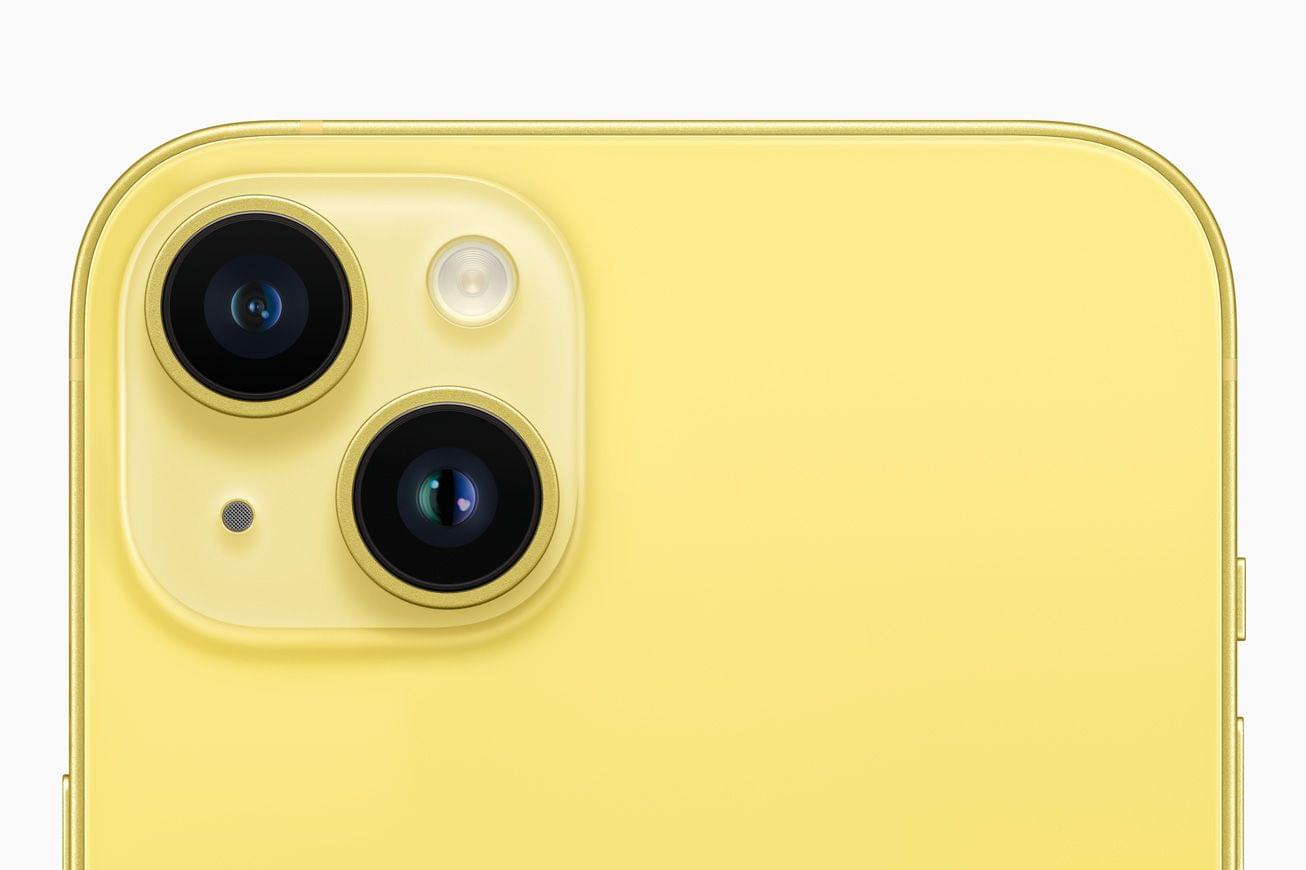
A new spring iPhone color has become an annual tradition for Apple. Today, the company announced that a pale yellow model is joining the midnight, starlight, (PRODUCT)RED, blue, and purple versions of the iPhone 14 and iPhone 14 Plus.
Apple also said that its Emergency SOS service is coming to six new countries later this month:
- Austria
- Belgium
- Italy
- Luxembourg
- Netherlands
- Portugal
The new yellow iPhone will be available for pre-order beginning at 5 am Pacific time in the US on Friday, March 10th, with availability beginning Tuesday, March 14th.
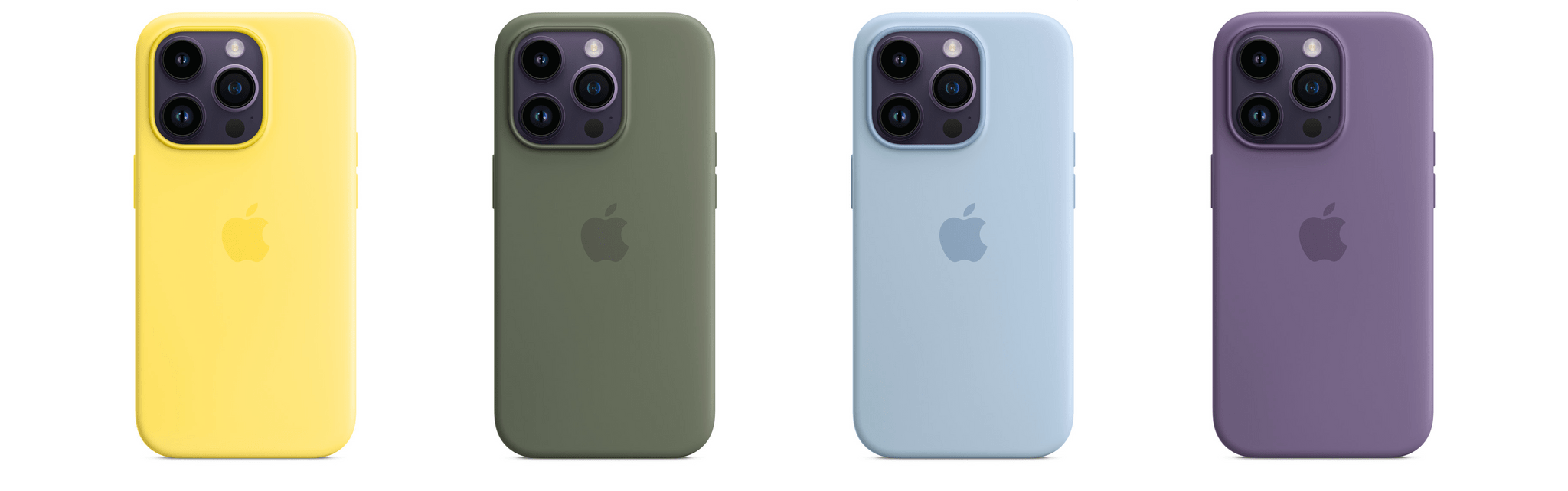
In a footnote to today’s iPhone announcement, Apple said that new canary yellow, olive, sky, and iris Silicone cases will be available for the iPhone and iPhone 14 Plus too.
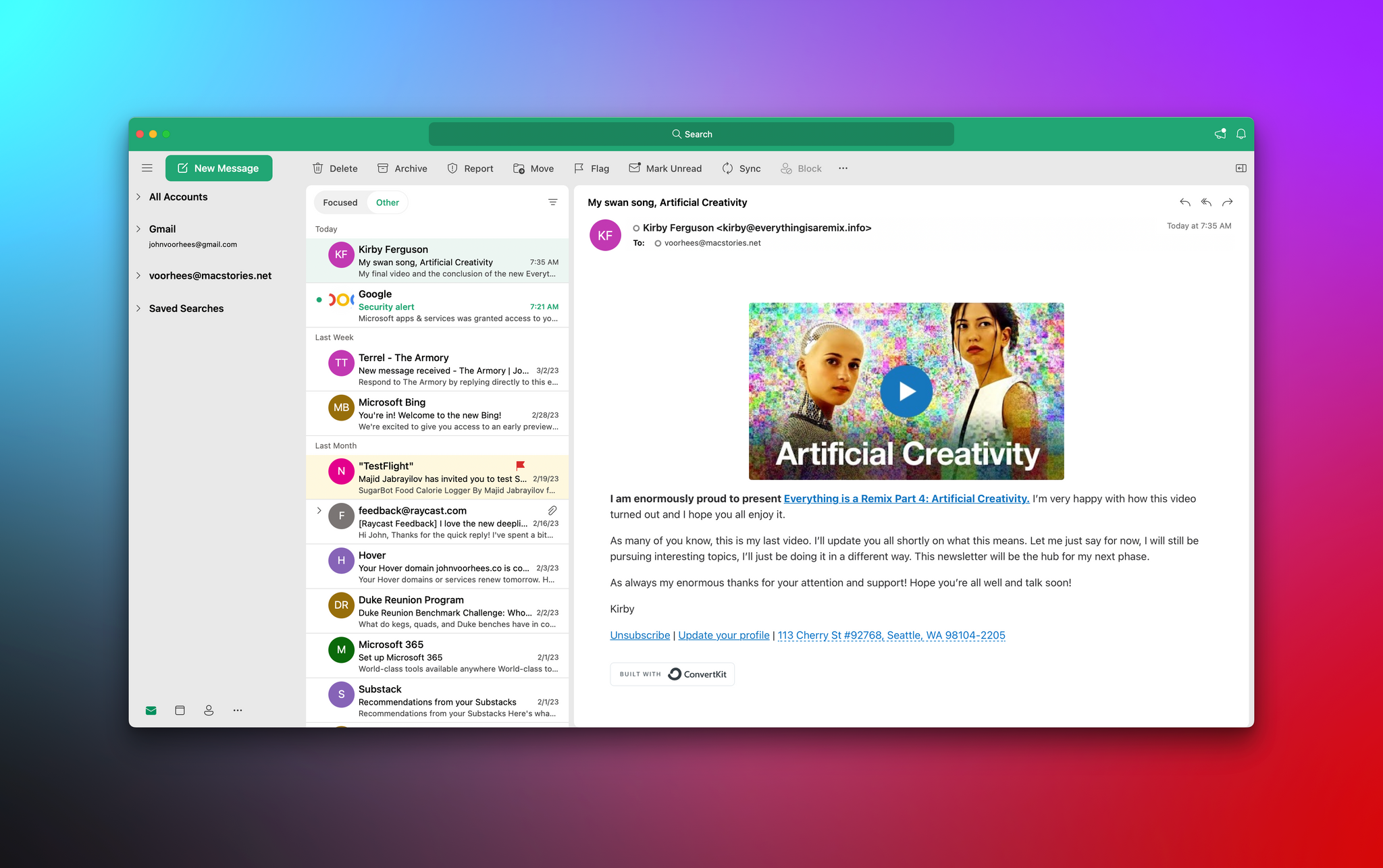
Yesterday, Microsoft announced that Outlook, its email and calendar app, is now free on the Mac App Store and doesn’t require a Microsoft 365 subscription, which has been the case for a long time on iOS and iPadOS.
That’s great news for Mac users. Outlook has been optimized for Apple silicon Macs and supports iCloud, Gmail, Outlook, IMAP, and other email systems. And, because it’s native, Outlook supports features like widgets, Handoff between devices logged into the same Apple ID, and rich notifications, plus it includes a menu bar app for quickly checking your calendar. In its announcement, Microsoft also said it is working on support for Focus modes through an Outlook feature called Profiles.
Microsoft’s move came as something of a surprise and in the midst of rebuilding the Windows version of Outlook. The company is also experimenting with a progressive web app version of the app but told The Verge that it is committed to native apps on Apple’s platforms.
Microsoft Outlook is available to download free on the Mac App Store.
Because Club MacStories now encompasses more than just newsletters, we’ve created a guide to the past week’s happenings:
The Monthly Log: February 2023
This week, Federico and John cover the increasing competition among web browsers and the emerging features they find most useful.
Read more
Reuters used AirTags in an investigation that showed that Dow’s claims that it was recycling old sneakers for playground equipment and exercise paths was untrue. (Link) Garmin is upping its running watch game with the Forerunner 965 and 265, which feature AMOLED displays for the first time. (Link) Emily Bender, a professor at the University...
Here are the highlights from the Club MacStories Discord this week:
The state of podcast players on Apple platforms was a hot topic in the apps channel this week. There was a good discussion of the Apple Watch Ultra following our AppStories episode about it and Watch apps. In the wake of the latest...
Tusker The versatile Mastodon client Tusker, which we covered a few weeks ago on AppStories, was updated this week with a lot of enhancements and nice quality-of-life improvements. Some of the highlights include: you can now pin specific public timelines to the Home tab of the app; you can choose to hide rich link...
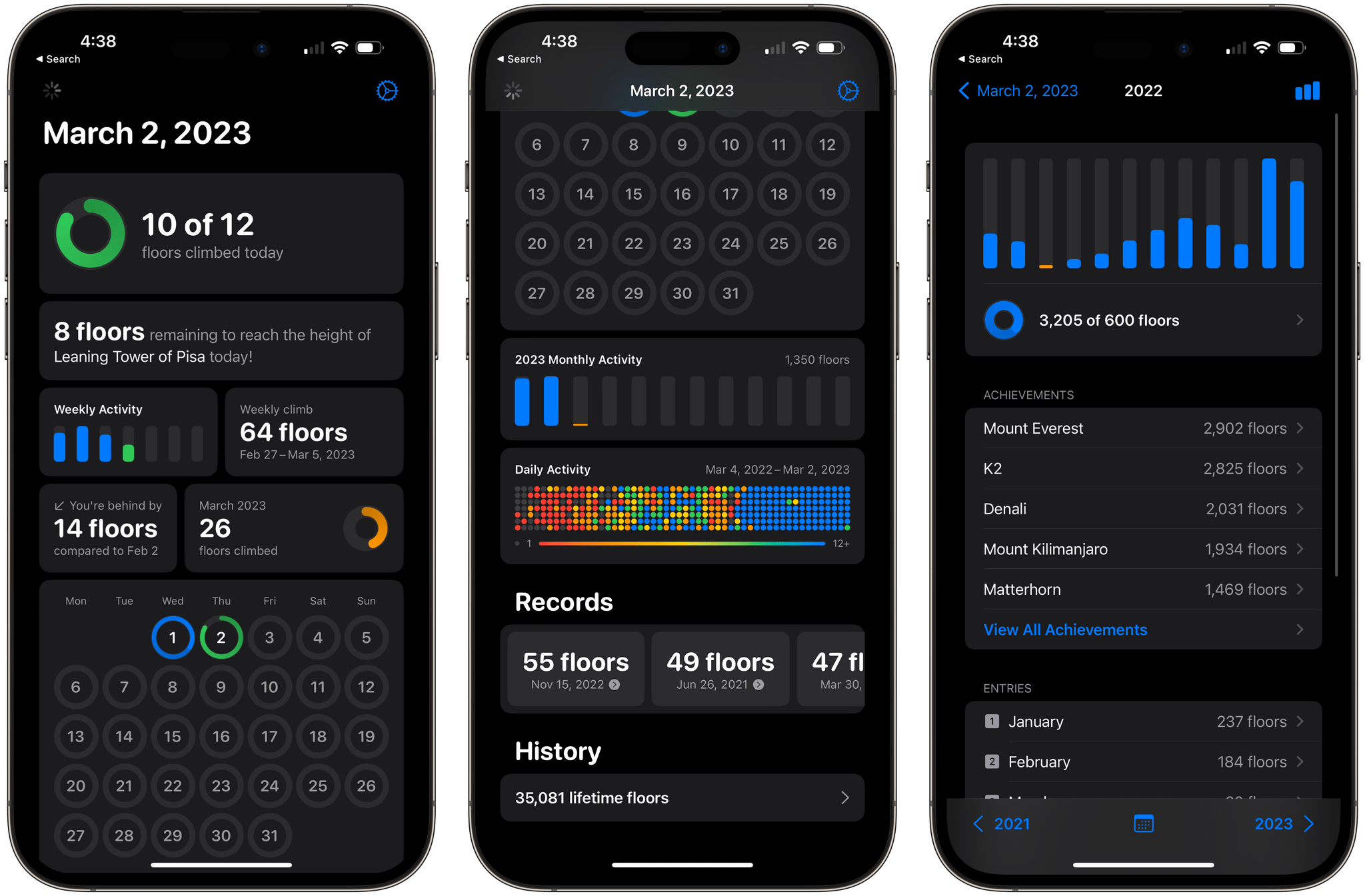
When I lived in the Chicago suburbs, the world felt infinitely flat. In some ways, that was great. It made long walks and bike rides a lot easier, but if I wanted to put in more physical effort on a hill, I’d have to drive somewhere, which always struck me as ridiculous. North Carolina has...
Sponsored by: Kolide – Ensures only secure devices can access your cloud apps. It’s Zero Trust tailor-made for Okta. Book a demo today.
This week on MacStories Unwind, rewatches Ted Lasso in preparation for season 3 and John binges his way through Eugene Levy’s new travel series, The Reluctant Traveler.
Links and Show Notes
Federico’s Pick:
John’s Pick:




 Federico