
Federico has been hard at work on an incredible project that will blow your mind. We’re sure Club members will have a lot of questions about what he’s been up to, so we’ve scheduled a special live Club MacStories Town Hall audio event for Tuesday, March 5th, at Noon Eastern US time in the Club...
 App Debuts
 Federico
Visionboard We’ve seen our fair share of digital status boards and menu bars for visionOS already, all typically designed with the goal to bring glanceable clocks, weather forecasts, and battery indicators to the Vision Pro to go beyond what’s offered by default in Control Center. Visionboard is another entry in this crowded space, and...
Interesting Links
The Threads API is on track to launch by the end of June, and it’ll allow third-party apps and services to authenticate, publish threads, and fetch content posted on Threads. (Link) The folks at Hyper have released a new USB-C to HDMI cable (which is quite a rare find to begin with) that supports...
Glanceable Time Zones
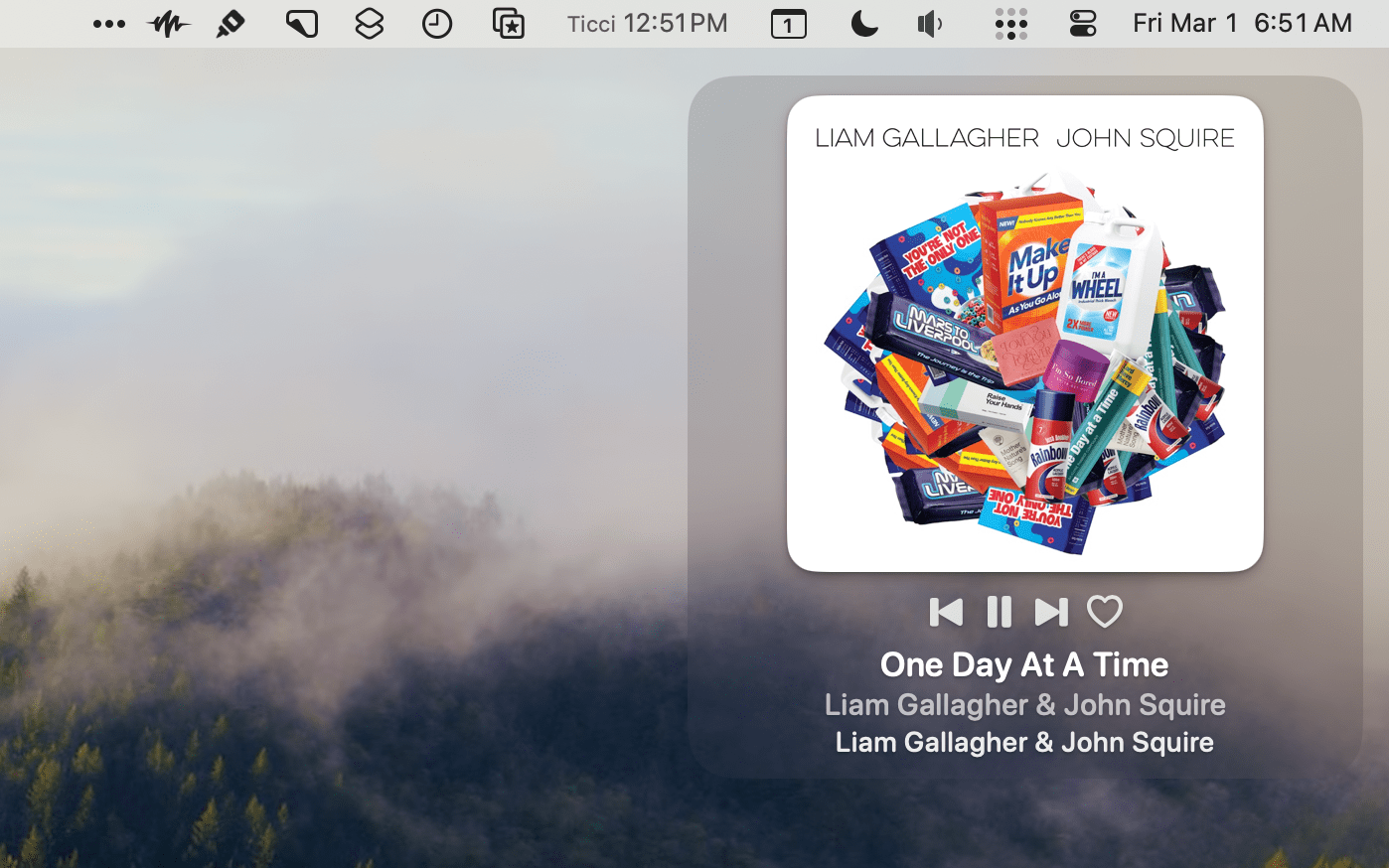
My family is spread across three time zones, and I work with people in even more parts of the world. Most days, though, I’m not scheduling something with the people in those time zones, so thankfully, it’s not as complicated as it could be. As a result, I typically only keep track of Central European...
Creating a Markdown Article Archive
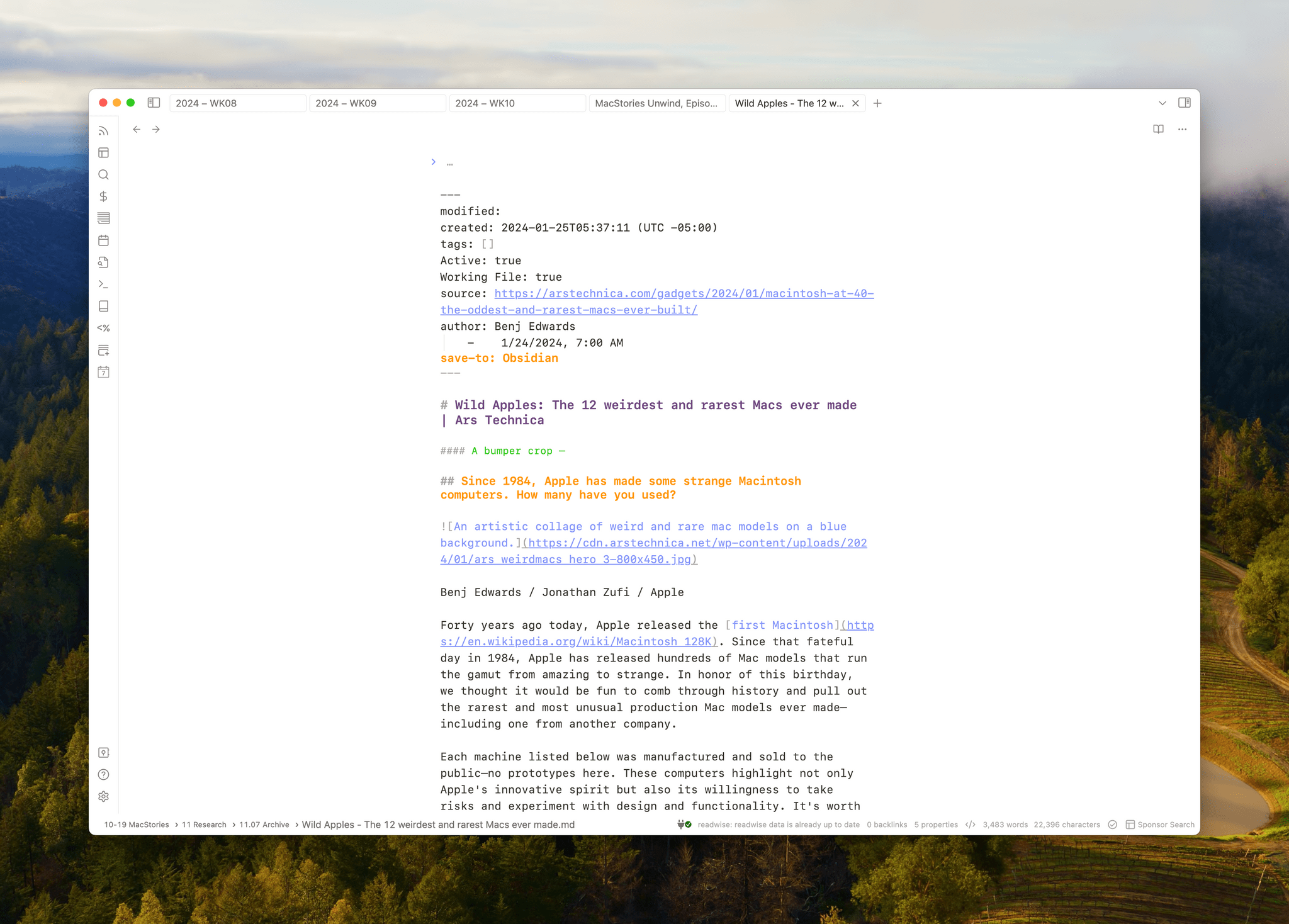
Last week on MacStories, I wrote about how I process RSS quickly using the ability to mark articles with a star and Feedbin’s Starred RSS feed to pipe those into Readwise Reader. Then, in the Monthly Log, I explained how I use Markdown and MP3 files to supplement my reading in Readwise Reader. Today, I...
MacStories Unwind: Obsessing Over Wi-Fi→

This week on MacStories Unwind, Federico teases a big project he’s been working on that will be out on MacStories next week, plus both he and John obsess over their Wi-Fi setups but wish Apple would make hardware that made it all easier.






This episode is sponsored by:
- Kolide – It ensures that if a device isn’t secure it can’t access your apps. It’s Device Trust for Okta. Watch the demo now.
Federico Teases a Big Project
- Stop by MacStories on Monday for a story you won’t want to miss.
Obsessing over Wi-Fi
- A Comprehensive Guide to Gaming on the Apple Vision Pro
- John’s Wi-Fi Setup
- Federico’s Wi-Fi Setup
MacStories Unwind+

We deliver MacStories Unwind+ to Club MacStories subscribers ad-free and early with high bitrate audio every week.
To learn more about the benefits of a Club MacStories subscription, visit our Plans page.
Vision Pro App Spotlight: Status Bar Builder’s Key Is Customization Combined with Simplicity

There’s an elegance in simplicity that I value. I use plenty of complex apps, but there’s a certain satisfaction in finding one that fits your needs perfectly. One such app that seems destined to claim a long-term spot on my Vision Pro is Status Bar Builder, a customizable utility that displays useful information without taking up much space.
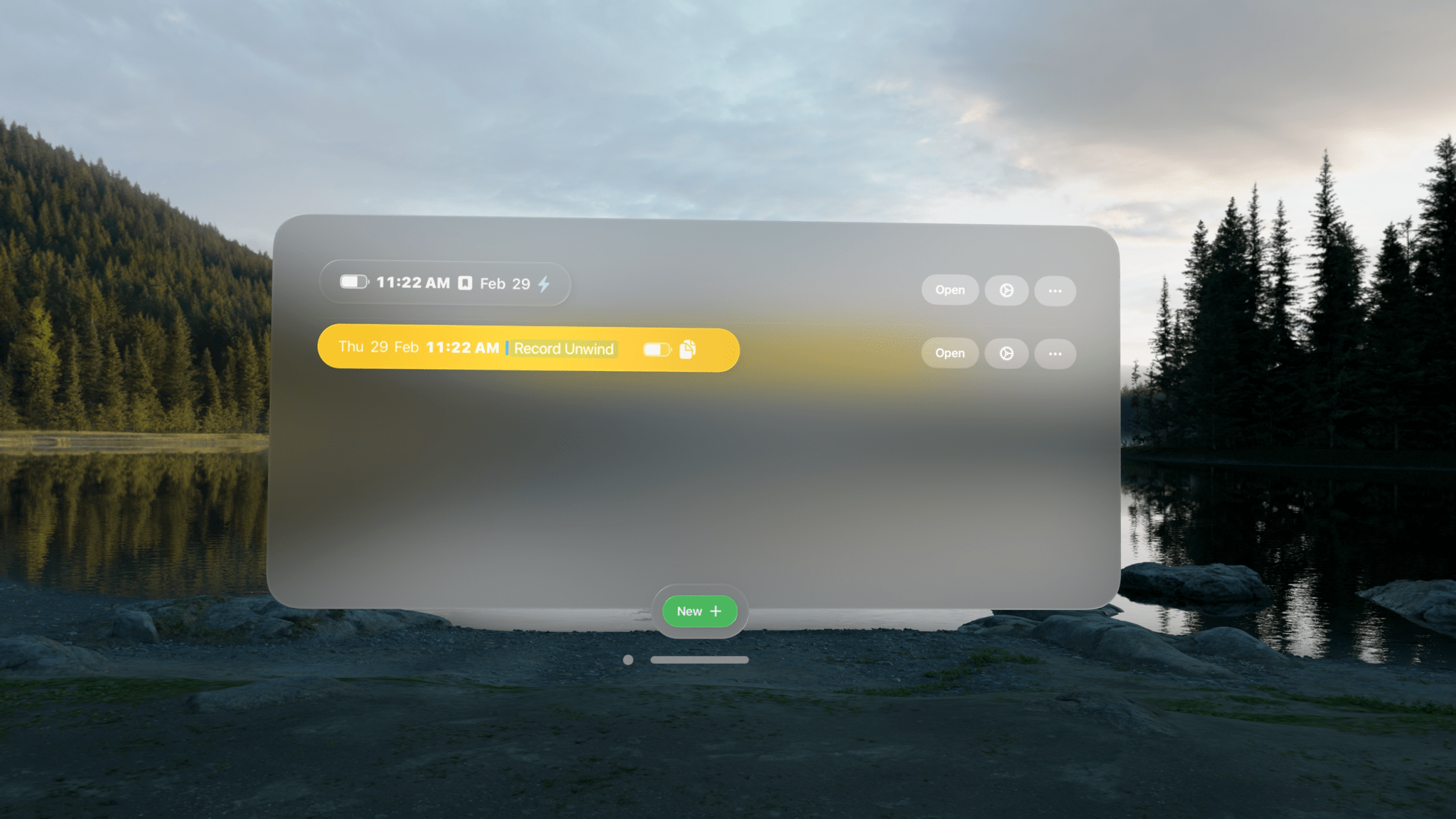
The app allows you to build status bars, which are narrow, horizontal windows reminiscent of the Mac’s menu bar that you can place around your environment. Status bars come in three text sizes and can have no background, be translucent, or use a colored background.
Regardless of the styling you pick, status bars can include:
- Shortcuts
- Links
- Today’s date
- Weekday
- Numerical date
- Month
- Time
- Your calendar events
- A battery charge indicator
- A spacer
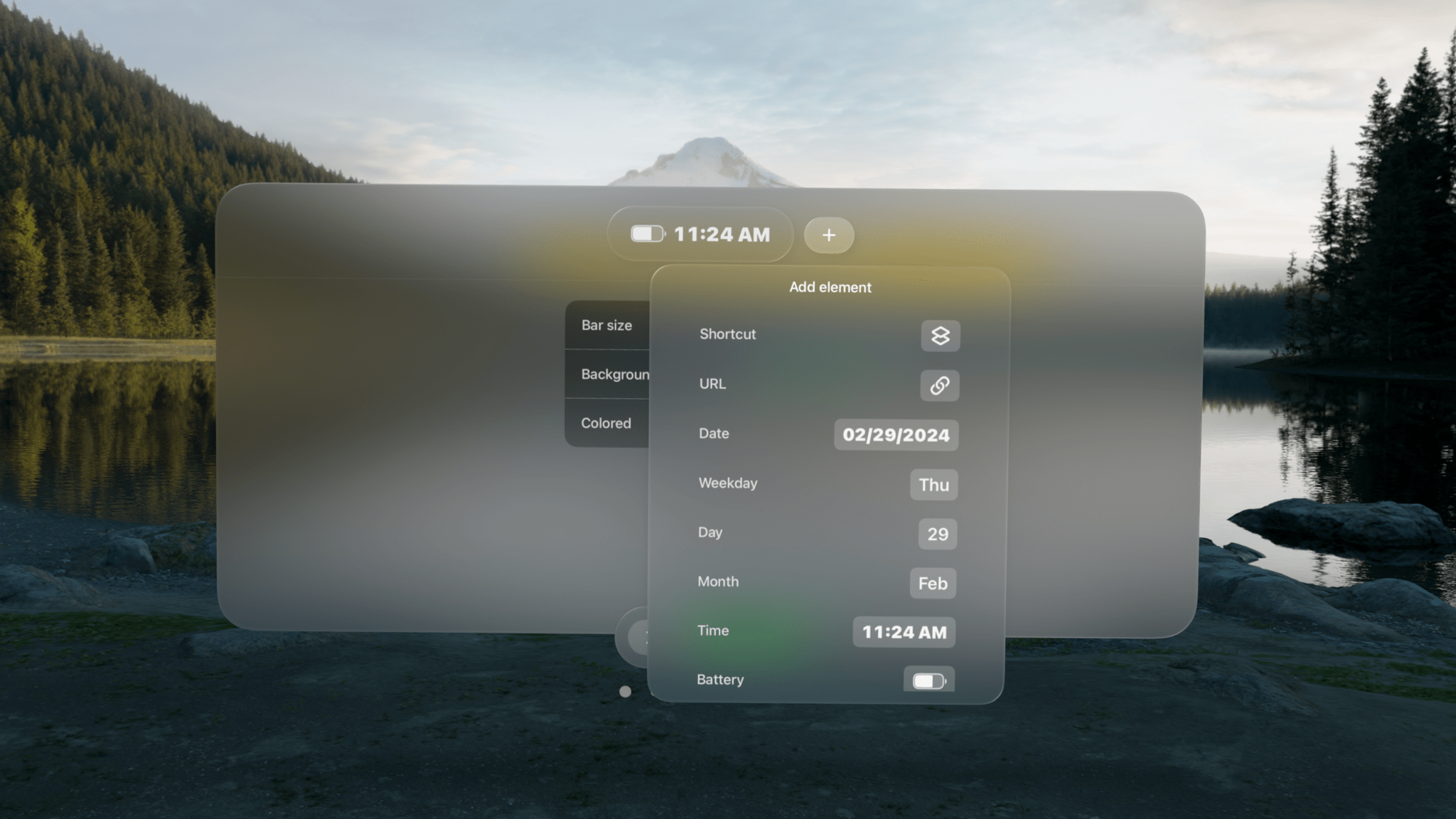
Designing status bars is easy. They’re created and stored in the app’s main window, which includes a preview of each along with buttons to open any existing status bars, make revisions, or delete them. At the bottom of the main window, there’s also a ‘New’ button to add to your collection.
You can make as many status bars as you’d like, sprinkling them around your room. There doesn’t seem to be a limit to how many items you can include in a status bar, either, but as a practical matter, if a status bar gets too long, it doesn’t look great, and some text will be truncated.
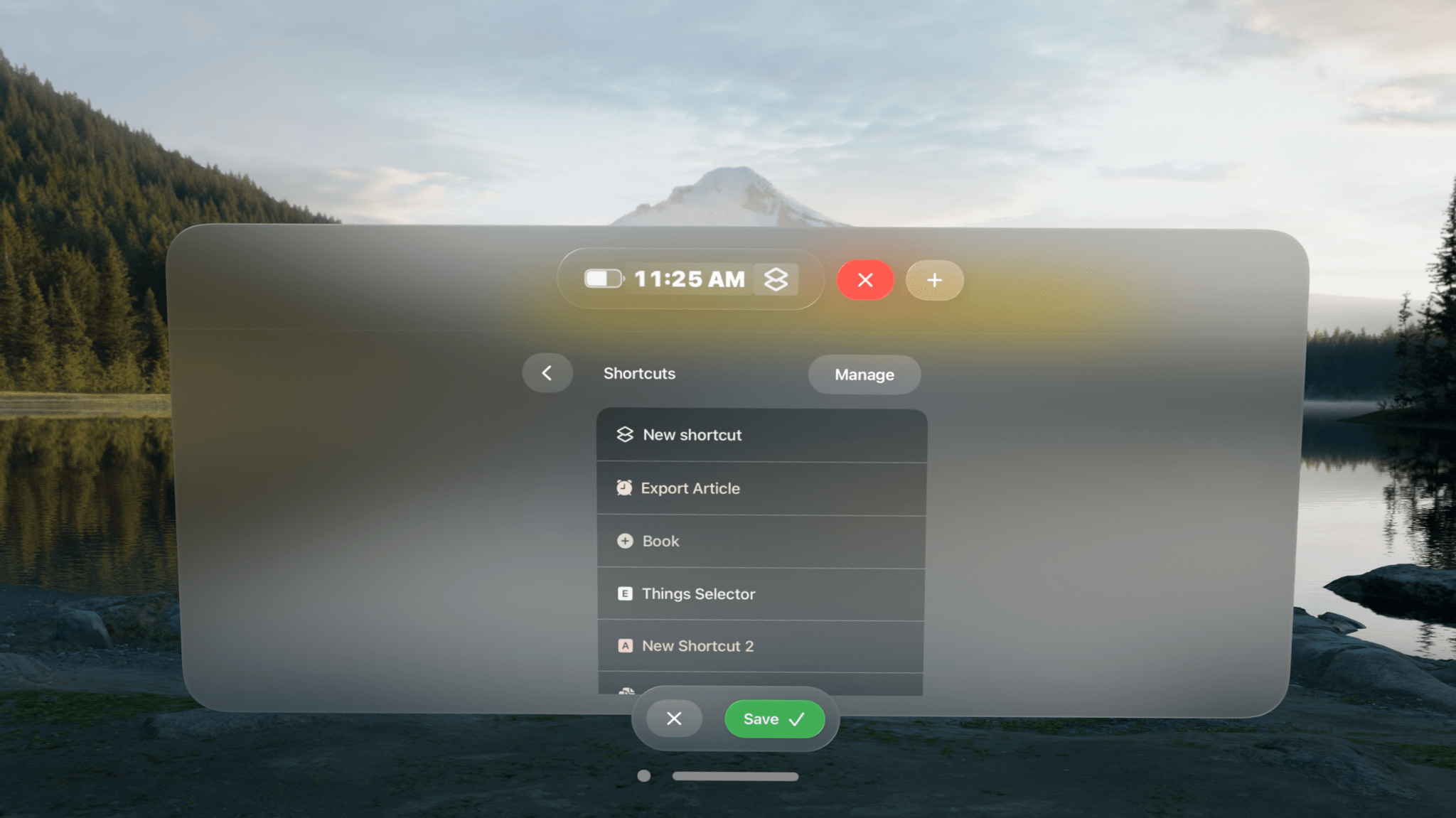
What’s more, you can add as many of each type of item as you’d like to a status bar. For Shortcuts, that means you can create a long list of shortcuts if you want. However, you better be able to identify them by their icons because the buttons in the status bar don’t include shortcut names or the colors you assigned to them.
Links work like a mini bookmark bar, allowing you to save frequently visited websites with a custom icon as a button in your status bar. However, like shortcuts, you’ll need a memorable icon because there are no link labels or other text to go by. Links support URL schemes too, offering additional automation options.
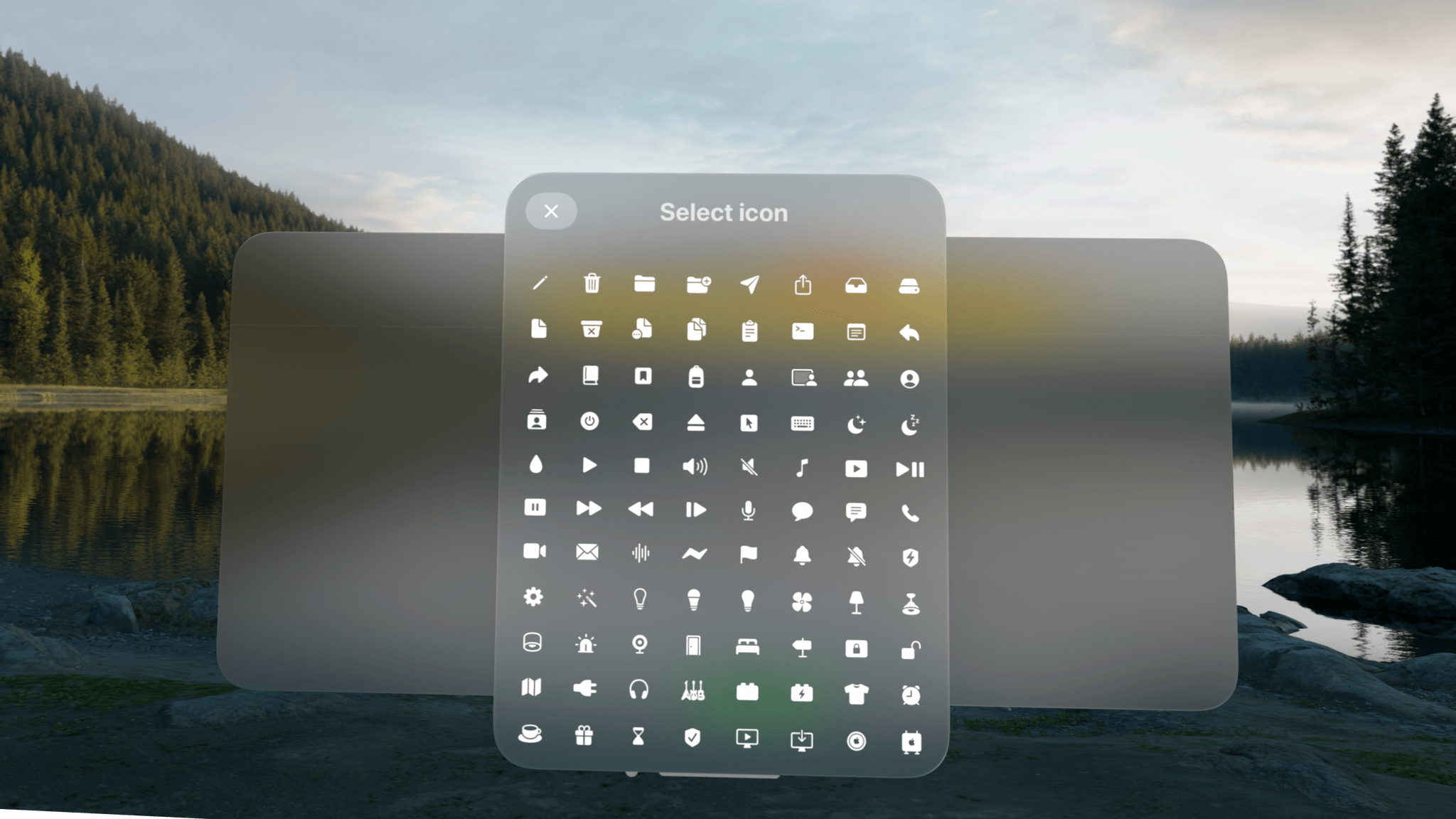
There are also a few other other item-specific settings available. For example, there are three sizes of spacers that can be added to a status bar, and calendar events can include the color of their associated calendars if you’d like. Plus, dates and times have formatting, color, size, and other style options. It’s worth noting that your next calendar event doesn’t include the scheduled time and events cannot be opened, both of which are things I’d love to see added to the app in the future.
Although you can overstuff your status bars with links, shortcuts, and other information, I’ve found that the best approach is to be picky, limiting yourself to a handful of items that make your status bars more glanceable. Then, if you find yourself adding more and more to a status bar, consider breaking it up into multiple status bars organized thematically. I find that works well and gives me more flexibility about where I put each.
I have to imagine that Apple will eventually release something like Status Bar Builder. It’s too easy to lose track of time in the Vision Pro. It needs a clock, battery indicator, date, and other basic data we’ve had on our iPhones since day one. Status Bar Builder fills that gap but goes one step further by adding links, calendar items, and shortcuts. I wouldn’t add a lot more to the app, but a weather item with the current conditions and temperature would be great. However, even though parts of Status Bar Builder may eventually wind up as parts of visionOS, I expect the app has a long and useful life ahead of it, thanks to the other components that go a step further than I expect Apple ever will.
Status Bar Builder is available on the App Store for $4.99.
Building a Markdown- and MP3-Based Read-Later System
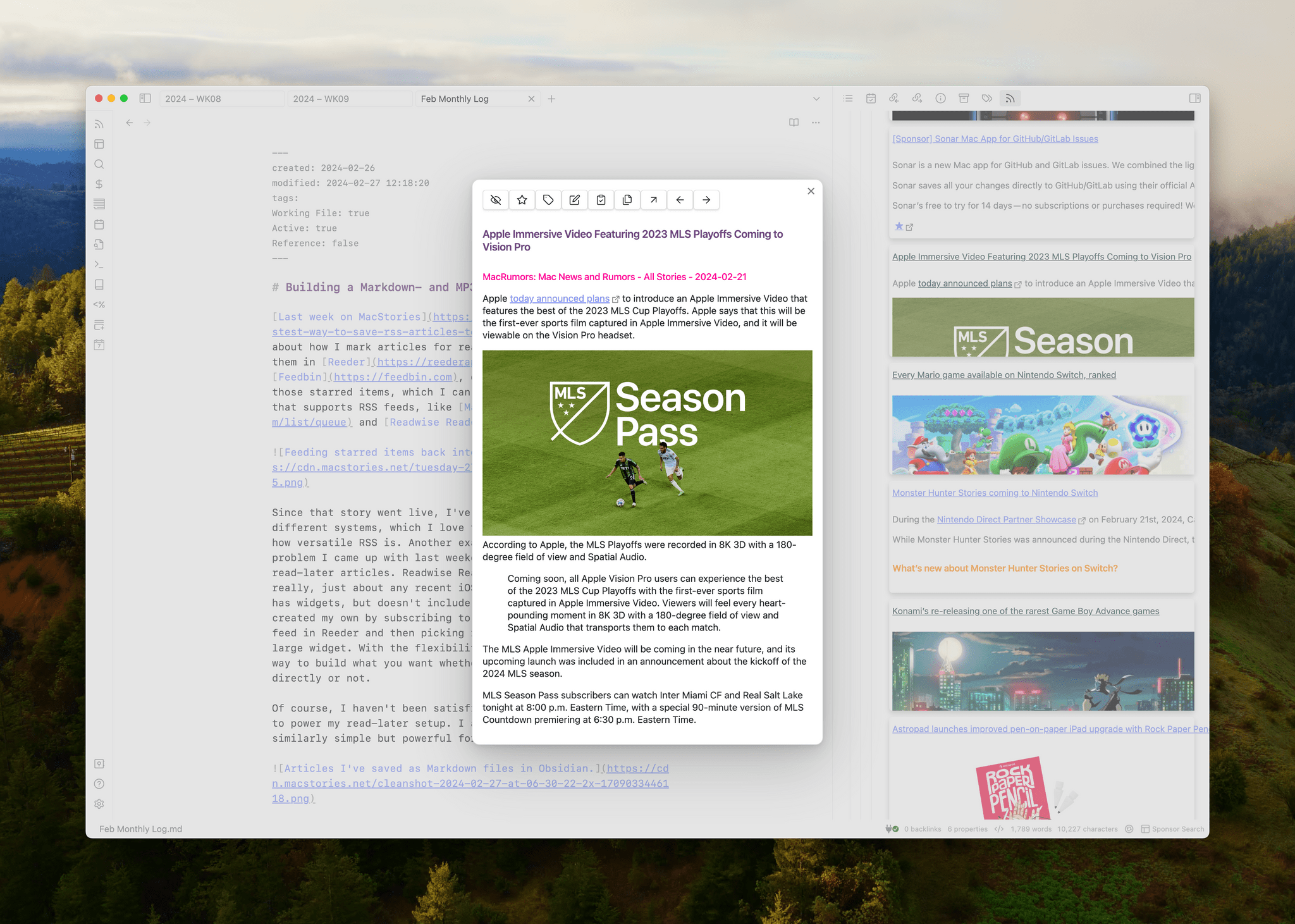
Last week on MacStories, I wrote about how I mark articles for reading later by adding a star to them in Reeder. My RSS sync service, Feedbin, creates a dedicated RSS feed of those starred items, which I can then add to any read-later app that supports RSS feeds, like Matter and Readwise Reader. Since...
Apple Music Debuts Heavy Rotation, A New Daily Made For You Playlist
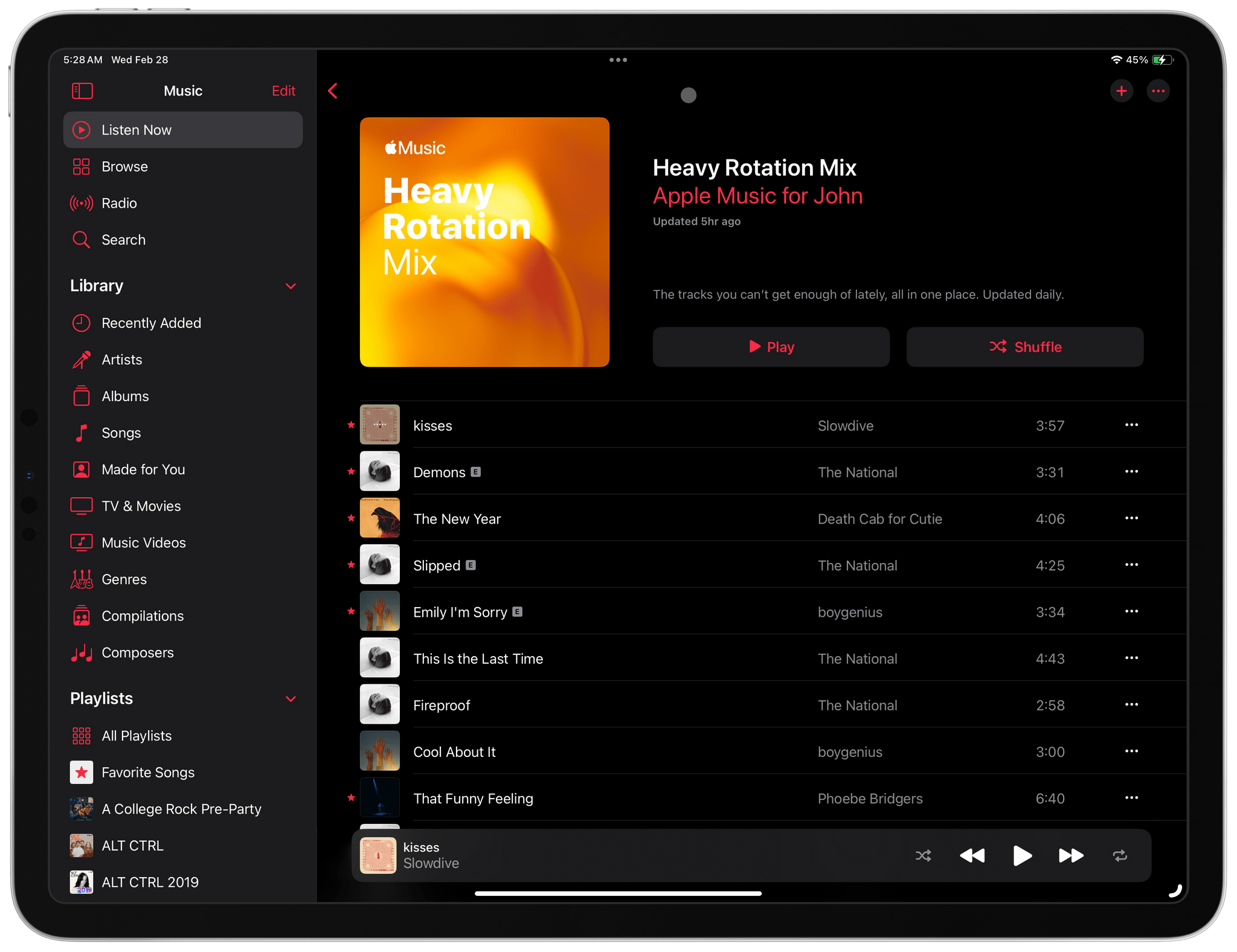
This morning I woke up to a pleasant surprise. Apple had quietly added a new Made For You playlist to the Music app called Heavy Rotation that’s updated daily.
As you’d expect from a playlist called Heavy Rotation, mine is comprised of 25 songs, most of which I believe I listened to yesterday and probably other times recently. What’s a little different about Heavy Rotation compared to the other Made For You Playlists is that it’s updated daily, while the other Made For You playlists get updated weekly.
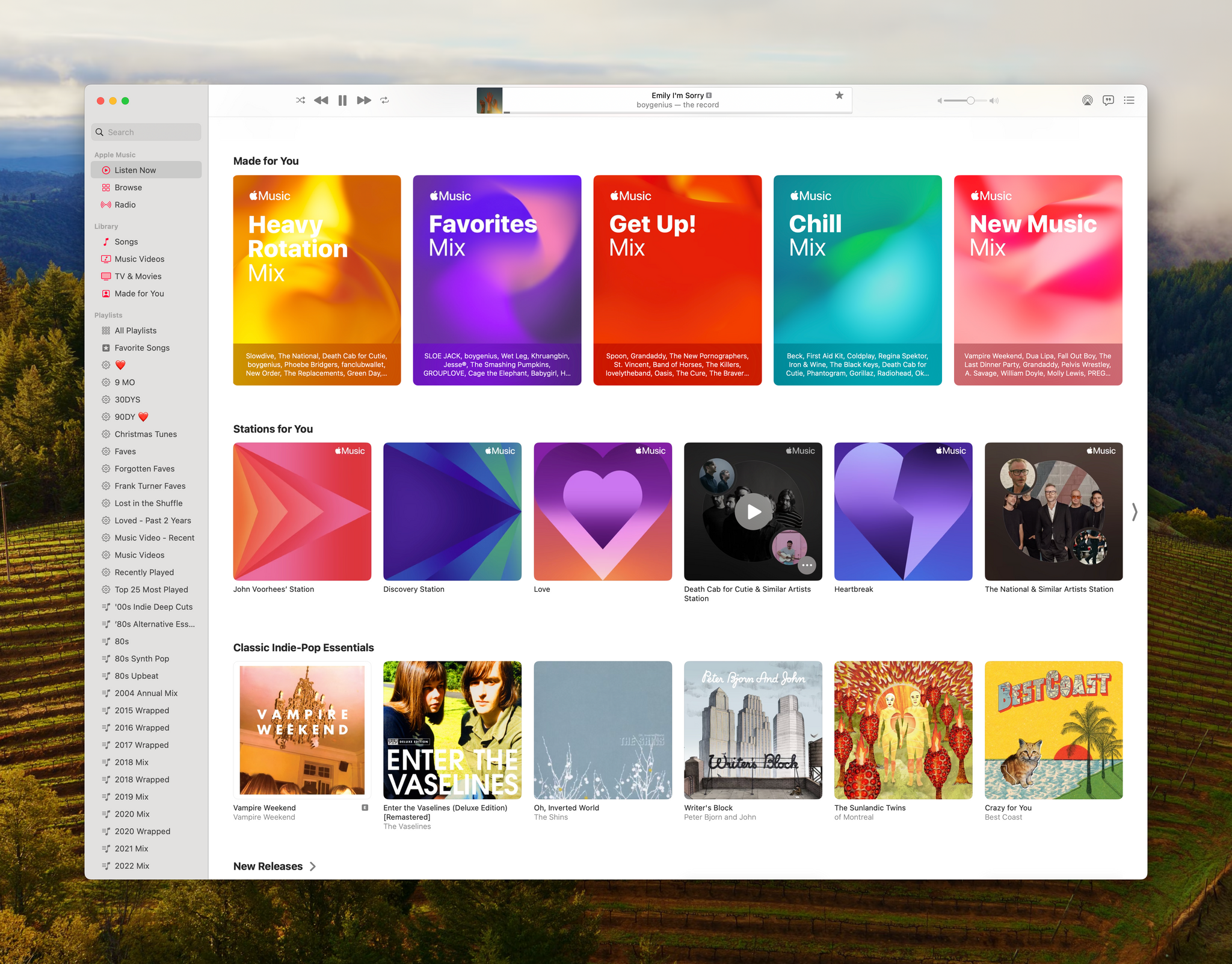
If you listen to a lot of albums, you’ll probably have a bunch of songs by a handful of artists in your Heavy Rotation playlist. That is certainly true of The National’s Trouble Will Find Me, an album I listened to yesterday. However, most of the time, I listen to playlists, which will undoubtedly add more variety.
Curiously, the new playlist doesn’t seem to respect the Focus filter that allows you to exclude listening from your Apple Music Listening History. Both Federico and Jonathan use that feature and told me they each found a track in their Heavy Rotation playlist that should have been filtered out.
Heavy Rotation is an excellent addition to Music. Playing it as I write this, it feels like I’m picking up where I left off yesterday as I walked around my neighborhood with my AirPods Pro. I hope that today’s addition of a new Made For You playlist and the recent addition of the Discovery station are signs that Apple plans to explore even more ways to resurface songs in your Music library.