John Voorhees

5686 posts on MacStories since November 2015

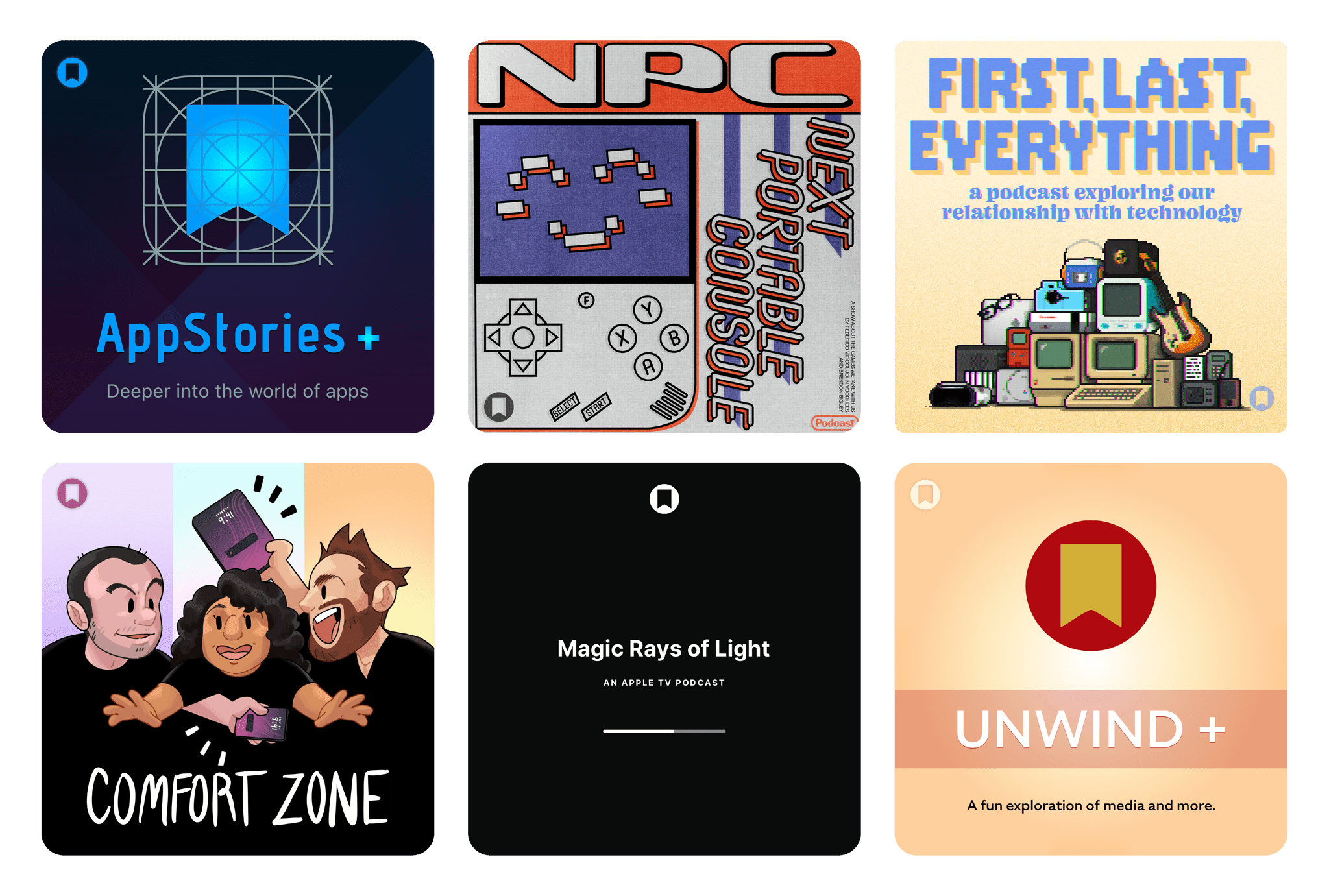
John is MacStories' Managing Editor, has been writing about Apple and apps since joining the team in 2015, and today, runs the site alongside Federico. John also co-hosts four MacStories podcasts: AppStories, which covers the world of apps, MacStories Unwind, which explores the fun differences between American and Italian culture and recommends media to listeners, Ruminate, a show about the weird web and unusual snacks, and NPC: Next Portable Console, a show about the games we take with us.

This Week's Sponsor:

Cotypist

Smart Autocomplete for Your Whole Mac


Indigo: A Clever Mashup of Bluesky and Mastodon in One Timeline

Last week, Soapbox Software (Ben McCarthy and Aaron Vegh) released Indigo, an iPhone, iPad, and Mac app that offers a unique take on social media, allowing you to log into both Bluesky and Mastodon in a single app. In the increasingly fractured social media landscape we live in, it’s a fantastic idea. Instead of bouncing back and forth between two services that have a lot of overlap for some users, why not use just one?

This isn’t Soapbox’s first collaboration. You may recall Croissant, the cross-posting utility that I covered when it released in 2024. We were so taken by the app that we gave it the Best New App award in the 2024 MacStories Selects Awards. That pedigree shows in what is a much deeper and more complex app.

Like Croissant, Indigo lets you cross-post to Bluesky and Mastodon and is beautifully designed. But unlike Croissant, Indigo is a full-blown timeline app for simultaneously catching up on your Bluesky and Mastodon feeds at the same time.

Depending on who you follow on each service, a mashup of the two has the potential to generate a timeline full of duplicates, but Soapbox took that into account with Indigo. There’s no need to change who you follow or make any other sort of adjustment yourself; instead, the app automatically detects duplicate posts and removes them from sight. However, if for some reason you want to see both, the duplicate post is always available behind the tap of a Crosspost button. It’s a great feature that alerts you to the fact that one of your timelines has been altered while also giving you the chance to check out the other post.

Indigo running on an iPad Pro.

Indigo running on an iPad Pro.

Other touches, such as the color of links, provide subtle clues to convey a post’s provenance, but the shades of blue and purple used are close enough that you might not notice the difference until you run across a Crosspost button. I also appreciate the separate character limit countdowns for each service on the New Post screen, which let you know when you’re going to have to forgo Bluesky for a chattier Mastodon post. Fortunately, the app lets you just post to one or the other service if you’d like by tapping on the character countdown.

All of the other core features you’d expect are available, too. Photos, videos, and GIFs are supported, as are @mentions and hashtags. You can filter who can see your post and who can reply to it, with some inherent differences in the underlying services’ support for those features. The app also includes search, notifications, direct messages, profile viewing, and a bunch of settings you can tweak. That said, power users of apps like Ivory may feel a little constrained in Indigo. It’s an excellent 1.0, but it doesn’t yet match the full functionality of Ivory.

Scrolling dog stories on the Mac.

Scrolling dog stories on the Mac.

Indigo strikes me as a good solution for a couple of different types of users. If you want a simple, beautifully designed way to read your Bluesky or Mastodon timeline, this is a great one. While the cross-posting and deduplication features are what will set Indigo apart for many, it works well as a standalone option for either service.

However, I expect the core audience will be people who use both Bluesky and Mastodon and follow many of the same people in both places. Especially if the people you follow cross-post a lot, Indigo greatly improves the experience.

I’ve enjoyed playing around with Indigo for the past few weeks and noticed a couple of things. Despite following roughly the same number of people on both services, the Bluesky accounts I follow are a lot chattier than those on Mastodon. I also have far fewer Crosspost buttons in my timeline than I expected. I guess I just follow very different accounts on each.

If you’ve ever felt the fatigue of jumping back and forth between a Bluesky and Mastodon timeline and found it hard to keep up with both, be sure to give Indigo a try. It makes the entire experience much nicer. You can download Indigo from the App Store on iPhone, iPad, and Mac and unlock its full feature set by purchasing the Ultraviolet tier, which costs $4.99/month, $34.99/year, or a one-time payment of $119.99.


Our iOS and iPadOS 27 Wishes

This week on AppStories, we share our wishes for iOS and iPadOS 27, and for AppStories+ subscribers, we tackle Visual Intelligence and whether there are any use cases that aren’t creepy.

Also available on YouTube here.


Subscribe here.

Subscribe here.

We deliver AppStories+ to subscribers with bonus content, ad-free, and at a high bitrate early every week.

To learn more about an AppStories+ subscription, visit our [Plans page](macstories.net/appstories-plans/, or read the AppStories+ FAQ.


AppStories+ Deeper into the world of apps

AppStories Episode 485 - Our iOS and iPadOS 27 Wishes

0:00
34:04

AppStories+ Deeper into the world of apps

This episode is sponsored by:

  • Steamclock: We make great apps. Design and development, from demos to details.
  • Claude: For problems worth solving — get started with Claude today.

Read more


This Week on MacStories Podcasts

This week on MacStories podcasts: AppStories This week, John and Federico kick off the app swap challenge, with each of them giving the other three apps to use. We’ll be checking in on how it’s going each week, with a final roundup of the results of the experiment after WWDC. On AppStories+, we each pick...


Perk

Monologue Monologue, the dictation app that Federico covered this week, is offering a free month of its Pro subscription to all Club MacStories members. To give it a try, you’ll first need to download the Mac version of the app, go through its onboarding, and then use the promo code MACSTORIES during checkout. Once you’re...


Interesting Links

Antonio G. Di Benedetto, writing for The Verge, has an excellent analysis of the Googlebook laptop that was announced this week. (Link) Tech in unusual domains is one of my favorite reading topics, which is why I enjoyed this story in The Atlantic about the recently broken marathon record and the role running shoes...


The Automation Calculus Has Changed

Source: [xkcd.com](https://xkcd.com/1319/)

Source: xkcd.com

You’ve probably seen the xkcd comic about automation. It’s funny because it’s true – or, at least, was true. Automation can be a complex time sink that can make you wonder if it’s even worth it. But with coding agents, that’s not as true as it once was. Earlier this week, I gave the example...


App Debuts

Indigo Indigo is a social media app for Bluesky and Mastodon by Ben McCarthy and Aaron Vegh that combines both services into a single app, deduplicating cross-posts automatically. For users of both services, that saves a trip to both apps and harmonizes timelines to avoid the noise of duplicate entries. It also lets you...


Previously, On MacStories

Apple Recognizes Developer Community Leaders A Dictation App with a CLI Is Exactly What I Needed Spark Mail Adds a Mac CLI and Agent Skills iOS 26.5 Adds RCS Encryption in Beta Starting Today...


Spark Mail Adds a Mac CLI and Agent Skills

About two weeks ago, Spark, the email app by Readdle, was updated with a CLI and a set of agentic skills for Claude Code, Codex, and other agents, allowing them read-only access to messages, calendar events, contacts, and meeting notes. These features were extended again a few days ago with new abilities that added email triage actions and more skills. The approach is clever in its local architecture, which keeps your message data on your Mac while making it available to agents.

CLIs are one of this year’s top app trends, with a wide variety of productivity apps adding them. The reason is simple: agents that work in the Terminal like Claude Code and Codex can use local CLIs, which keeps token usage down because the agent only sees a command’s text output instead of carrying tool schemas with it the way MCP servers do.

Spark works with several agents.

Spark works with several agents.

Spark isn’t the first to create an email CLI. The Google-created, but “not an official product,” googleworkspace CLI interfaces with Gmail and a bunch of other Google services, offering over 100 skills. The difference is that a CLI like googleworkspace contacts Google’s Gmail servers and acts on your messages in the cloud, whereas Spark’s CLI acts as a remote control for the Spark app itself, managing the messages locally on your Mac and then syncing them back to Gmail via the desktop app.

I’ve worked with both the googleworkspace CLI and Spark’s, and Spark’s is by far the easier one to use because you don’t need to set up a Google Cloud project or deal with OAuth. The only drawback is that the Spark app needs to be open for its CLI to work because everything happens on your Mac. However, as a practical matter, that’s not a limitation that has impacted me since my email app is open when I’d want to use Spark’s CLI or skills anyway.

Read-only actions are available for all users. Triage actions require a Pro subscription.

Read-only actions are available for all users. Triage actions require a Pro subscription.

There are two levels to what Spark offers. The read-only CLI and skills are available to all users, whether or not they subscribe to Spark Pro. Those actions include the ability to search and summarize messages, fetch context, read threads, and view your calendar, contacts, and meeting notes. A Pro subscription adds message drafting, replying, snoozing, pinning, labeling, moving, and archiving, along with team commenting. It’s an excellent set of actions that uses syntax similar to Gmail, which means it should be familiar to many long-time Gmail users straight out of the box.

And there’s more. Readdle has also released a set of recipes and personas, which are open-source skills. The recipes include instructions for morning and end-of-day email reviews, reviewing of new senders, catching up on messages after vacation, and more. Personas are more holistic approaches to your inbox that apply to an entire email session and have modes. For example, the Founder persona has Rapid Triage, Aggressive Delegation, and Cross-Team Oversight modes. Other personas include Executive Assistant, Freelancer, and Team Lead. Full details of every recipe and persona are available on Readdle’s GitHub page.

Searching email via the command line.

Searching email via the command line.

I’ve spent time using the read-only actions of Spark’s CLI with Claude Code, and it’s an excellent option for automating your email. Setup is simple and fast, and it works well. I’m not sure personas are for me, but there are a bunch of interesting ideas among the recipes, which I intend to explore more and use to create my own skills.

Spark Mail is available as a free download on the Mac App Store. The CLI’s triage actions are exclusive to users who subscribe to Spark Pro, which costs $20/month or $200/year.