

If you’re an “advanced” Mac user, it’s very likely that you daily use AppleScrips to speed up your workflow. If you haven’t ever heard of AppleScripts, this post is for you.
AppleScript is the language of automation: you can let the script perform boring tasks in your place and forget about it. Put simply: you find yourself searching terms on Wikipedia everyday by manually opening each time en.wikipedia.org? There’s an AppleScript for that. You’d like to mark as read all your Mail.app messages? There’s an AppleScript for that.
The problem is, you need to actually know the AppleScript language to write a script.
Here, I’ve collected the best link that the web offers about this topic with examples and tutorials.
Enjoy! :)
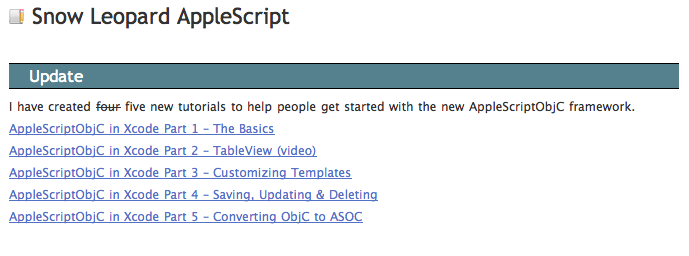
Snow Leopard AppleScriptObjC Framework Tutorials
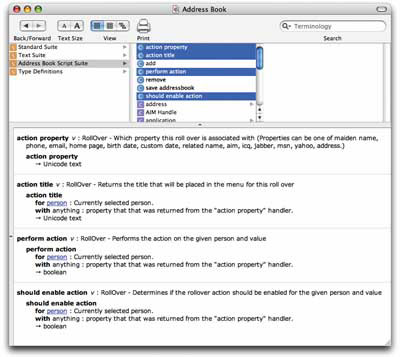
Introduction to Scripting Address Book
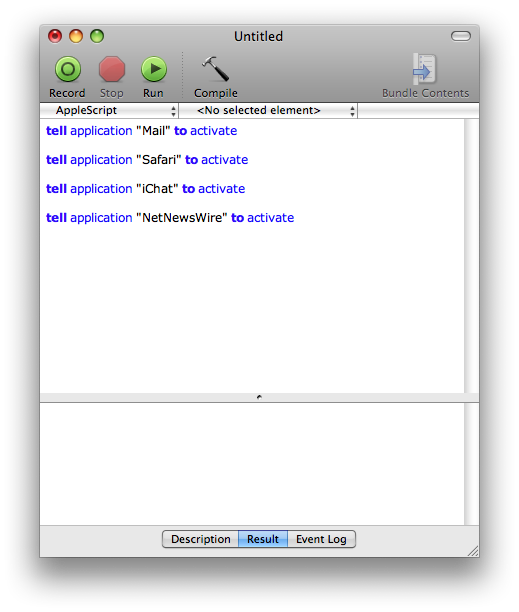
AppleScript: build a simple task launcher
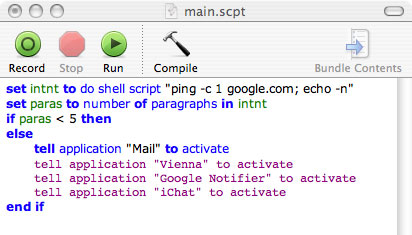
Smart Start: Use AppleScript to Control Startup Apps
Introduction to AppleScript Language Guide

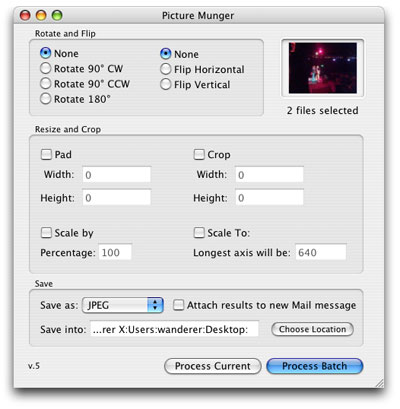
Framed and Exposed: Better Image Automation Through Scripting
Make the OS X Color Picker into an application
Proper English Title Capitalization - Doug’s AppleScripts for iTunes
Launch items in Stacks via AppleScript and keyboard
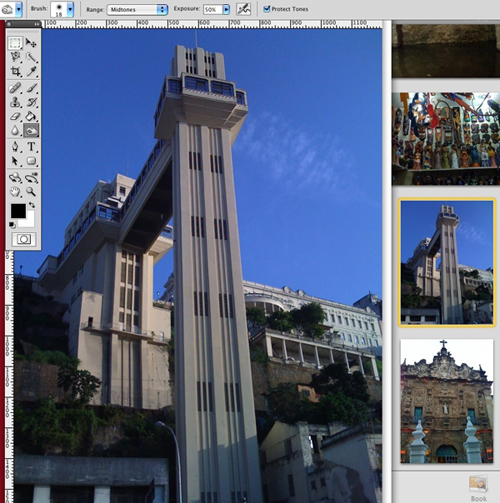
17 AppleScripts To Make Your Life Easier
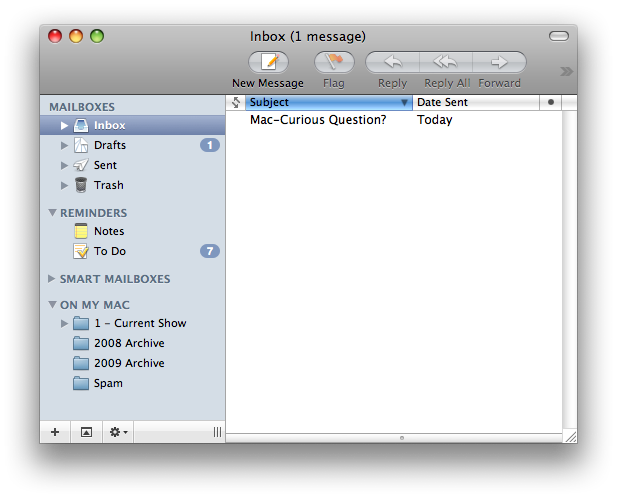
Applescript: Move Mail.app Messages to Folder
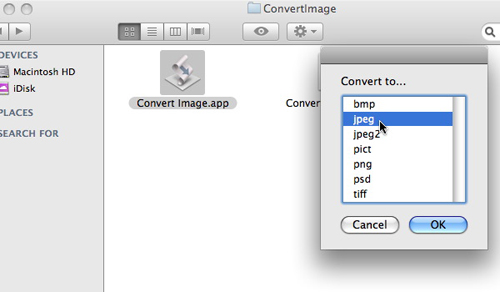
Excellent AppleScripts Speeding up Tasks
Using Quicksilver and Applescript to Keep a Stack of Safari URLs

AppleScript: Send Link From Safari to Evernote
10 AppleScripts to make you love your Mac (even more)
Controlling Acorn from AppleScript
Mark all as read in Mail via AppleScript
Run AppleScript When Webpage is Done Loading
Empty the trash from any application via AppleScript
AppleScript autoresponder in Snow Leopard’s Mail.app
So, have you get started to AppleScripts? You got a script to share? I’d love about that in the comments :)
