

They say the best camera is the one that’s always with you. I’m not a photographer, but I don’t mind taking some pics with my iPhone when I can, so I couldn’t agree more with this expression.
Let’s focus on the iPhone: the App Store has thousands of photography app, probably one of the best selling categories. Apps for digital flash, digital zoom, quick editing, Flickr uploading, everything. There are also many apps that integrate geo tagging seamlessly and usefully, thanks to the built-in iPhone capabilities.
Today we’d like to talk about a new app that got accepted by Apple 2 days ago, and that’s very promising. It’s called Photobag, and we have 10 promo codes up for grabs.
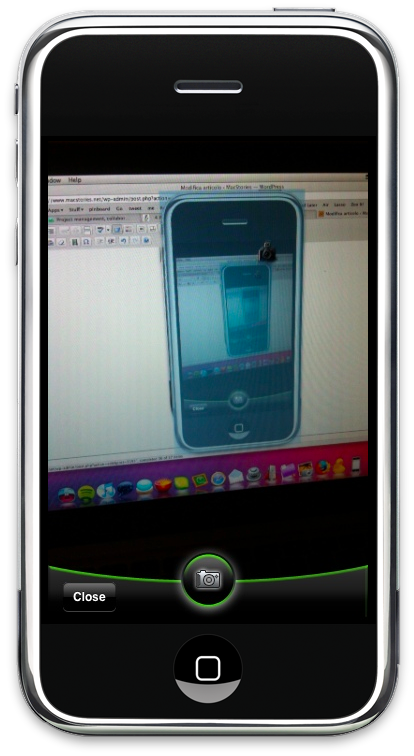
Photobag aims at collecting the pictures you take with your iPhone in one single place, basing on geo tagging references and date. It can basically group your photos, allowing you to quickly have a glimpse of what you’ve shot, where and when. Photobag allows you to take pictures directly within the application with a custom UI which, truth be told, might use some modifications: I don’t know why the developers opted for a custom solution, so I think a native interface, or even a slightly modified one, could fit better. Anyway, once you’ve taken a picture (and therefore allowed the application to fetch your current location) you’ll have to wait 1-2 seconds for the app to “bag” your photo, and assign it to a location.
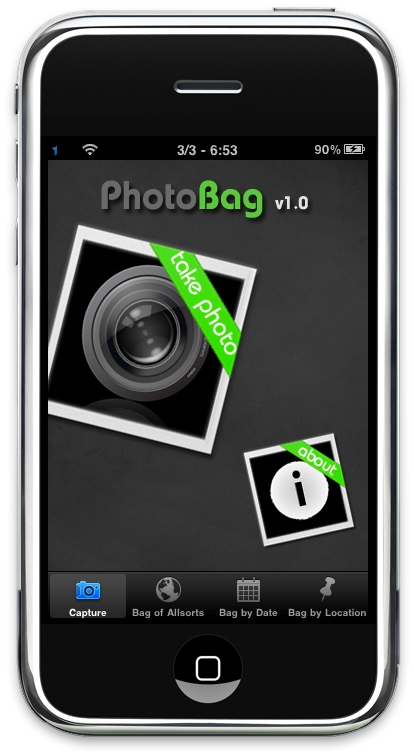
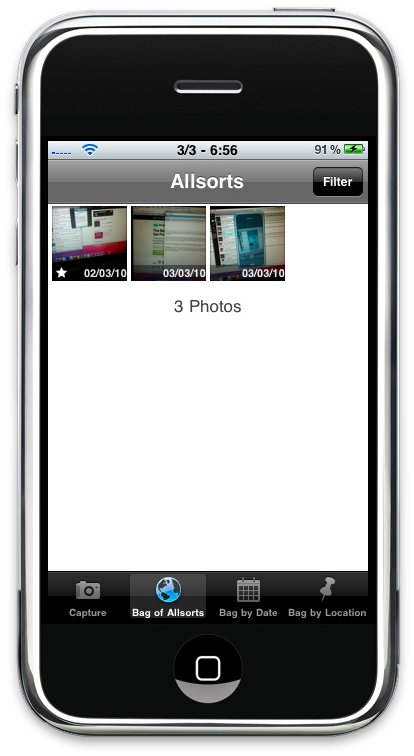
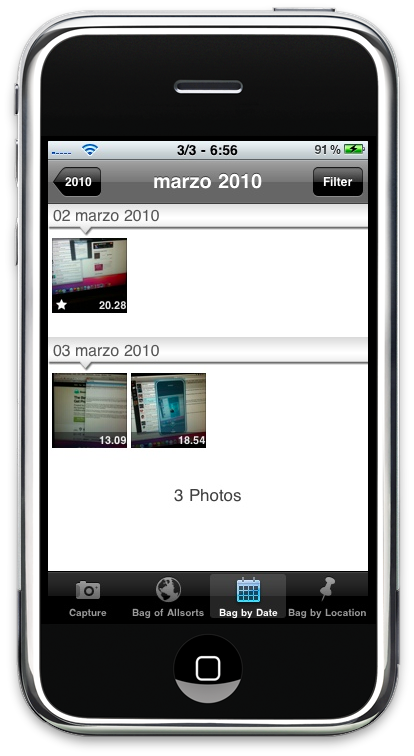
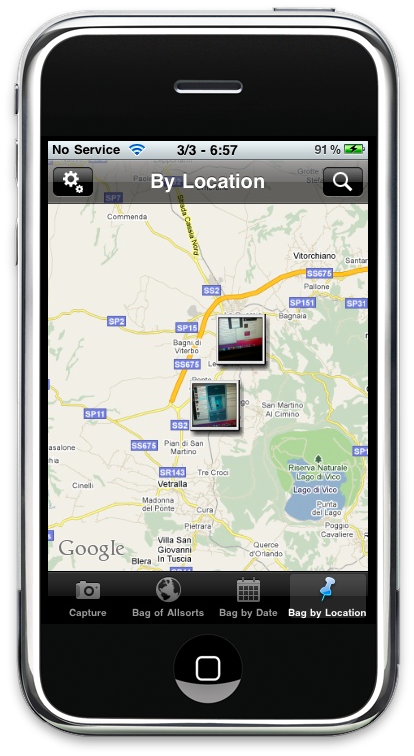
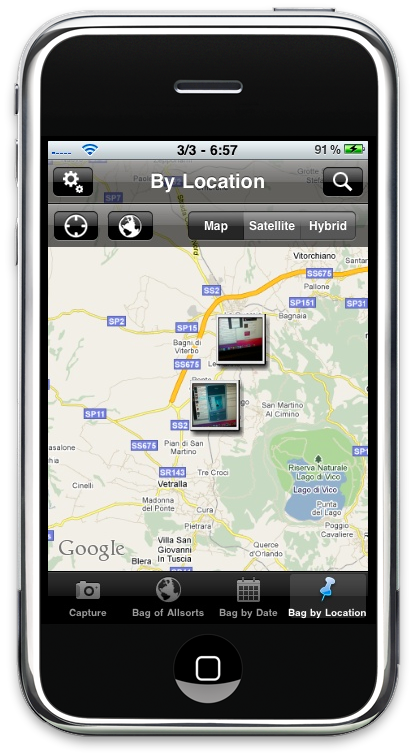
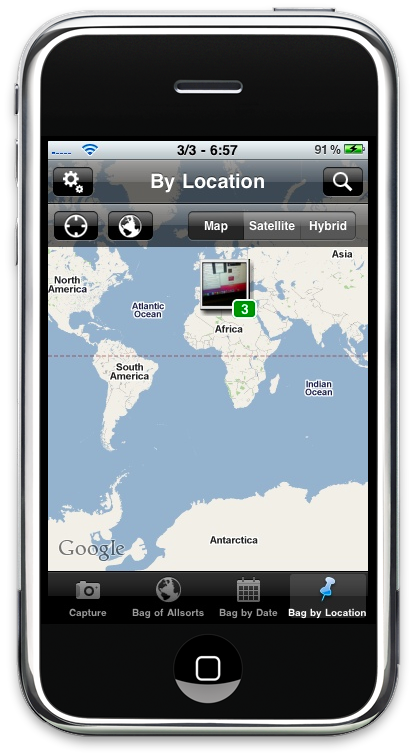
After that, it’s all collecting and browsing. There are 4 bottom tabs: Capture, Bag of Allsorts, Bag by Date and Bag by Location. While Capture is pretty self explanatory, Bag of Allsorts if the first tab you’ll play around with, as it presents all the pictures taken inside Photobag without an organization of any sort. You can filter pictures though, choosing either all or Favorites. Bag by Date is way more interesting, as it allows you to navigate through a date aware camera roll that divided pictures by year and month. Inside each month you’ll find the pictures arranged vertically by day. As for the bag by location, Photobag uses Google Maps to displays nice polaroid thumbnails in the location you were while shooting. You can zoom out to a large world view, pin again the location, switch between Map, Satellite and Hybrid. If more photos belong to a specific location a green badge will overaly the polaroid thing to tell you how many photos are there. Nice.
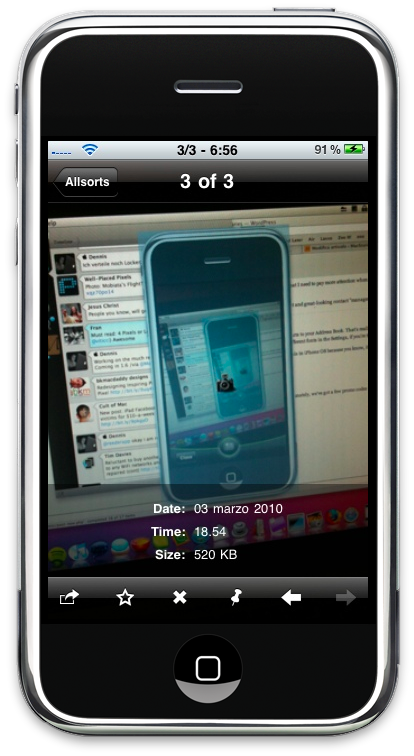
Last, you can obviously preview full size pictures - just like you can do in the camera roll. You can delete, see the location, favorite and share via Facebook and Email from there. No Flickr support, but that would be just perfect.
Photobag is good. It’s a first release (marked as 1.0.0) but it shows promising features and ideas that will surely be developed more in depth in the future. With Flickr support, maybe even Twitter, a redesigned UI for taking pics and a few other fixes Photobag could seriously become a must have. But if you’re ok with the features it offers now, you should give it a try. At $.99 in the App Store [iTunes Link] , it’s a pretty damn steal.
But you know, we’ve got 10 copies to give away.
Rules
We have 10 codes up for grabs, all you have to do is leave a comment here. Would you like to see other features implemented in Photobag? Feel free to share.
Winners will be announced on Friday, March 5th.
Good luck!
