Posts tagged with "Vision Pro"

On Vision Pro’s Spatial Computing

There’s no tech commentator better equipped to talk about the history of spatial interfaces in Apple operating systems than John Siracusa, and I enjoyed his latest, thought-provoking column on where visionOS and the Vision Pro’s gesture system fit in the spatial computing world:

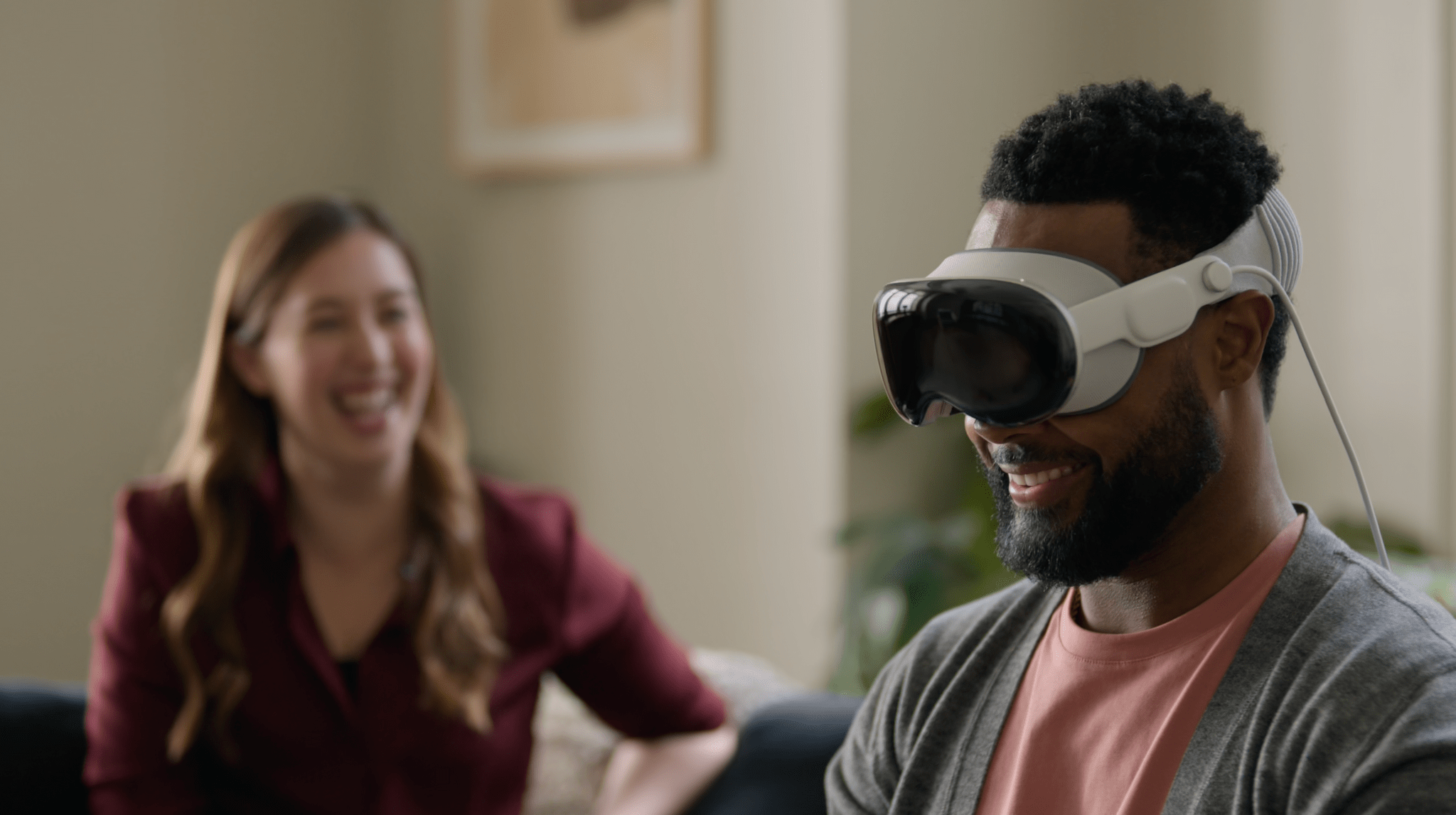
Where Vision Pro may stumble is in its interface to the deep, spatial world it provides. We all know how to reach out and “directly manipulate” objects in the real world, but that’s not what Vision Pro asks us to do. Instead, Vision Pro requires us to first look at the thing we want to manipulate, and then perform an “indirect” gesture with our hands to operate on it.

Is this look-then-gesture interaction any different than using a mouse to “indirectly” manipulate a pointer? Does it leverage our innate spatial abilities to the same extent? Time will tell. But I feel comfortable saying that, in some ways, this kind of Vision Pro interaction is less “direct” than the iPhone’s touch interface, where we see a thing on a screen and then literally place our fingers on it. Will there be any interaction on the Vision Pro that’s as intuitive, efficient, and satisfying as flick-scrolling on an iPhone screen? It’s a high bar to clear, that’s for sure.

In yesterday’s review on The Verge, Nilay Patel shared a similar idea: it’s a strange feeling to use a computer that requires you to look at what you want to control at all times. I don’t know what to think about this yet since I don’t have a Vision Pro, but I’m curious to learn how this interaction method will scale over time as we start using this new platform on a daily basis. It’s quite fitting, however, that visionOS is based on the one Apple platform that supports both kinds of manipulation with a pointer and touch.
Permalink

What Reviewers Have Learned about Apple Vision Pro

By the time most Apple hardware is released, we usually know every minute detail of the specs and have a pretty good idea of what using it will be like. That hasn’t been the case with the Apple Vision Pro. Apple conducted multiple waves of demos in the months since WWDC 2023, but those were tightly controlled and limited. Today, however, we’re seeing the first hardware reviews from a range of media outlets and YouTubers who have had a chance to spend about a week testing the device.

There are some excellent reviews that are well worth reading in full, but I thought I’d highlight some of the most interesting tidbits that were either unknown or unclear before now to help give readers a better sense of what this hardware is all about.

Read more


QuickTime VR and Spatial Computing

Source: Tabletops.

Source: Tabletops.

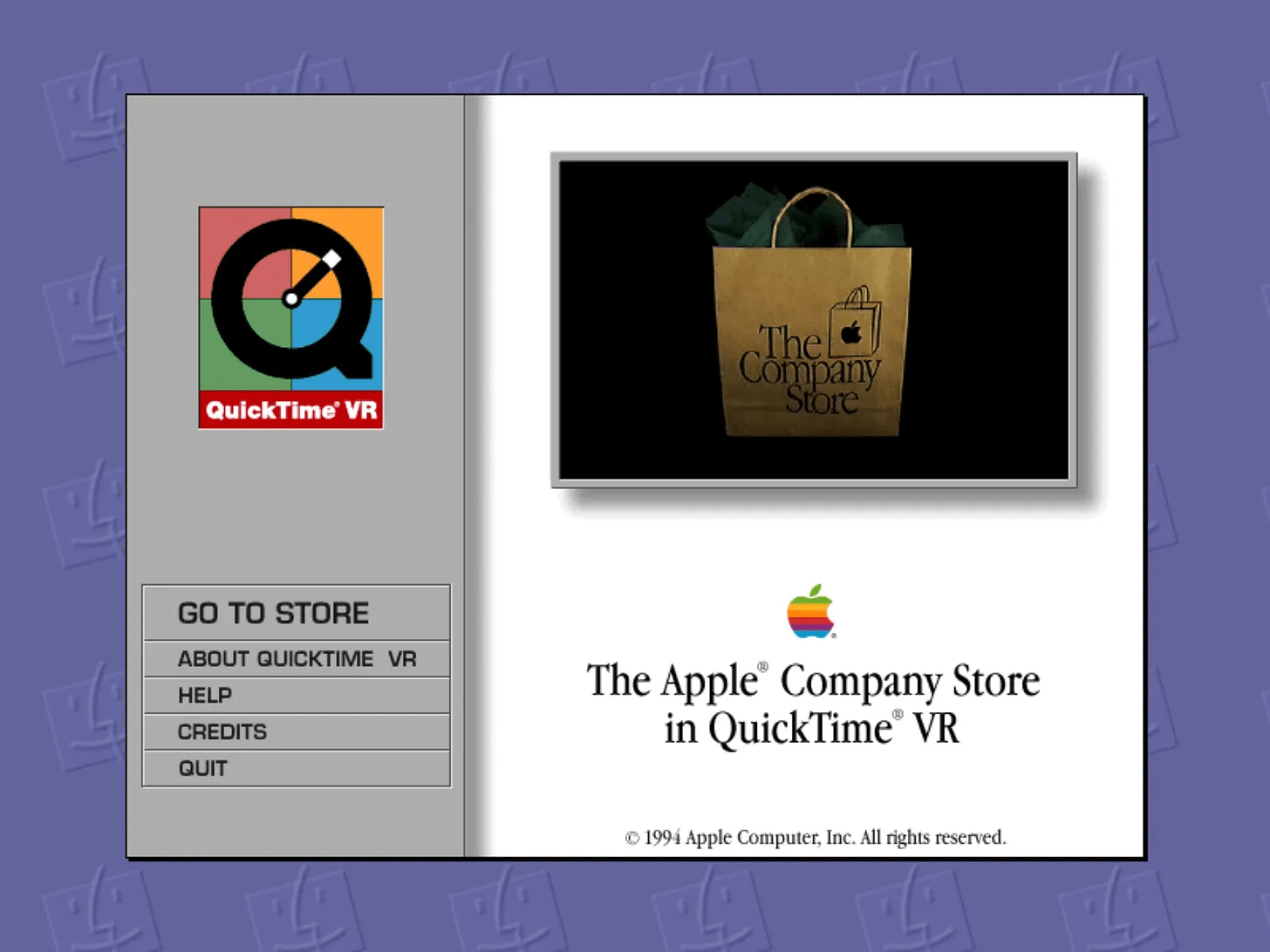
Soon, the world will get a glimpse of the Apple Vision Pro outside of the tightly controlled demos provided to a select number of people. As we wait for that moment, it’s worth taking a look back at QuickTime VR with Michael Steeber through his excellent newsletter, Tabletops.

QuickTime VR was a 3D image format that explored some of the spatial video concepts coming to the Vision Pro, albeit using CD-ROMs in 90s-era Macs. To show off the technology, Apple created a demo CD that included a virtual tour of the recently closed Company Store. Steeber got the tour up and running and shared some wonderful images and videos of Apple’s vision for VR 30 years ago.

The story is full of interesting details about Apple retail when the Company Store was all there was to Apple retail:

At the entrance to the store is a physical map of the space, like the kind you’d find at a trailhead or in a museum lobby. In the Performa department, a cutout of a child hanging upside down looms from the ceiling. Along the wall is a disheveled pile of AppleDesign Speaker boxes. In the Newton department, an entire wall is wrapped with a print of someone’s backside, toting a Newton in their jeans pocket.

One section of the store is filled with more than 700 software titles. In early promotional materials, Apple called this aisle “Technology Way,” which is so similar to the “Software Alley” in early Apple Stores that I can’t help but wonder if it was carried over.

Be sure to check out the latest issue of Tabletops to see QuickTime VR in all its glory and sign up for the newsletter while you’re there. It’s always a good read.

Permalink

The Vision Pro’s Most Important App Is Safari

Interesting perspective by David Pierce, writing for The Verge, on how, for the time being, Vision Pro users may have to use Safari to access popular services more than they anticipated:

But what if you don’t need the App Store to reach Apple users anymore? All this corporate infighting has the potential to completely change the way we use our devices, starting with the Vision Pro. It’s not like you can’t use Spotify on the headset; it’s just that instead of tapping a Spotify app icon, you’ll have to go to Spotify.com. Same for YouTube, Netflix, and every other web app that opts not to build something native for the Vision Pro. And for gamers, whether you want to use Xbox Game Pass or just play Fortnite, you’ll also need a browser. Over the last decade or so, we’ve all stopped opening websites and started tapping app icons, but the age of the URL might be coming back.

If you believe the open web is a good thing, and that developers should spend more time on their web apps and less on their native ones, this is a big win for the future of the internet. (Disclosure: I believe all these things.) The problem is, it’s happening after nearly two decades of mobile platforms systematically downgrading and ignoring their browsing experience. You can create homescreen bookmarks, which are just shortcuts to web apps, but those web apps don’t have the same access to offline modes, cross-app collaboration, or some of your phone’s other built-in features. After all this time, you still can’t easily run browser extensions on mobile Safari or mobile Chrome. Apple also makes it maddeningly complicated just to stay logged in to the services you use on the web across different apps. Mobile platforms treat browsers like webpage viewers, not app platforms, and it shows.

As we saw when we surveyed the state of apps already submitted to the visionOS App Store, more companies than we expected have – for now – decided not to offer their apps on the Vision Pro, either in the form of native visionOS apps or iPad apps running in compatibility mode.

I think that “for now” is key here: if visionOS proves to be a successful platform in the long term (and early sales numbers for the Vision Pro seem encouraging), most companies won’t be able to afford ignoring it. And why would they? If the users are there, why shouldn’t they provide those users with a better app experience?

This idea is predicated upon the assumption that native apps still offer a superior app experience compared to their web counterparts. The tide has been turning over the past few years. Workflows that would have been unthinkable in a web browser until a few years ago (such as design and collaboration) can now live in a browser; the most popular AI service in the world is literally a website; the resurgence of browsers (with Arc arguably leading the space) proves that a new generation of users (who likely grew up with Chromebooks in school) doesn’t mind working inside a browser.

With this context in mind, I think Apple should continue improving Safari and extend its capabilities on visionOS. My understanding is that, in visionOS 1.0, Safari cannot save PWAs to the user’s Home Screen; I wouldn’t be surprised if that feature gets added before visionOS 2.0.

Permalink

Apple Releases a Guided Tour of Vision Pro and Shares a Making Of Video

Source: Apple.

Source: Apple.

Apple has released a guided tour of Vision Pro on its website that walks through a bunch of its features. Whether or not you’re planning to purchase Apple Vision Pro, this video is worth taking the time to watch. It’s about ten minutes long and covers many of the device’s core features from the perspective of someone using it for the first time.

I wish I’d seen this guided tour earlier. As someone who hasn’t had a hands-on demo of Apple Vision Pro, this video has done far more to get me excited to try it myself than anything else.

Tim Cook also shared a montage video on X/Twitter of the Vision Pro being manufactured, which can also be viewed on YouTube. The careful orchestration of robots milling parts and stitching bands together is mesmerizing to watch.


Every Apple Vision Pro Accessory Option

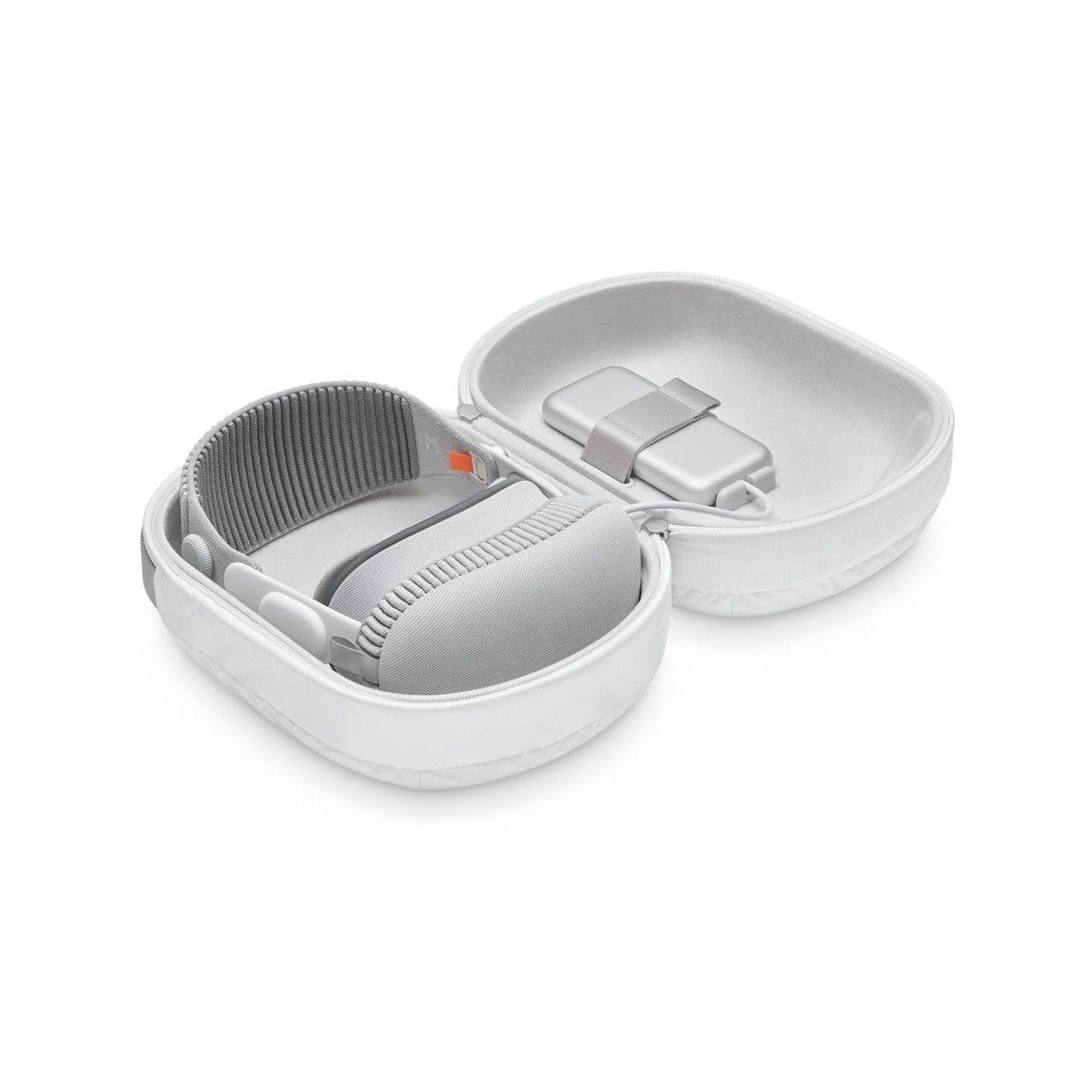
The Vision Pro Travel Case.

The Vision Pro Travel Case.

If you finished the Apple Vision Pro checkout process with any money left in your bank account, Apple has several accessories available for its new spatial computing headset.

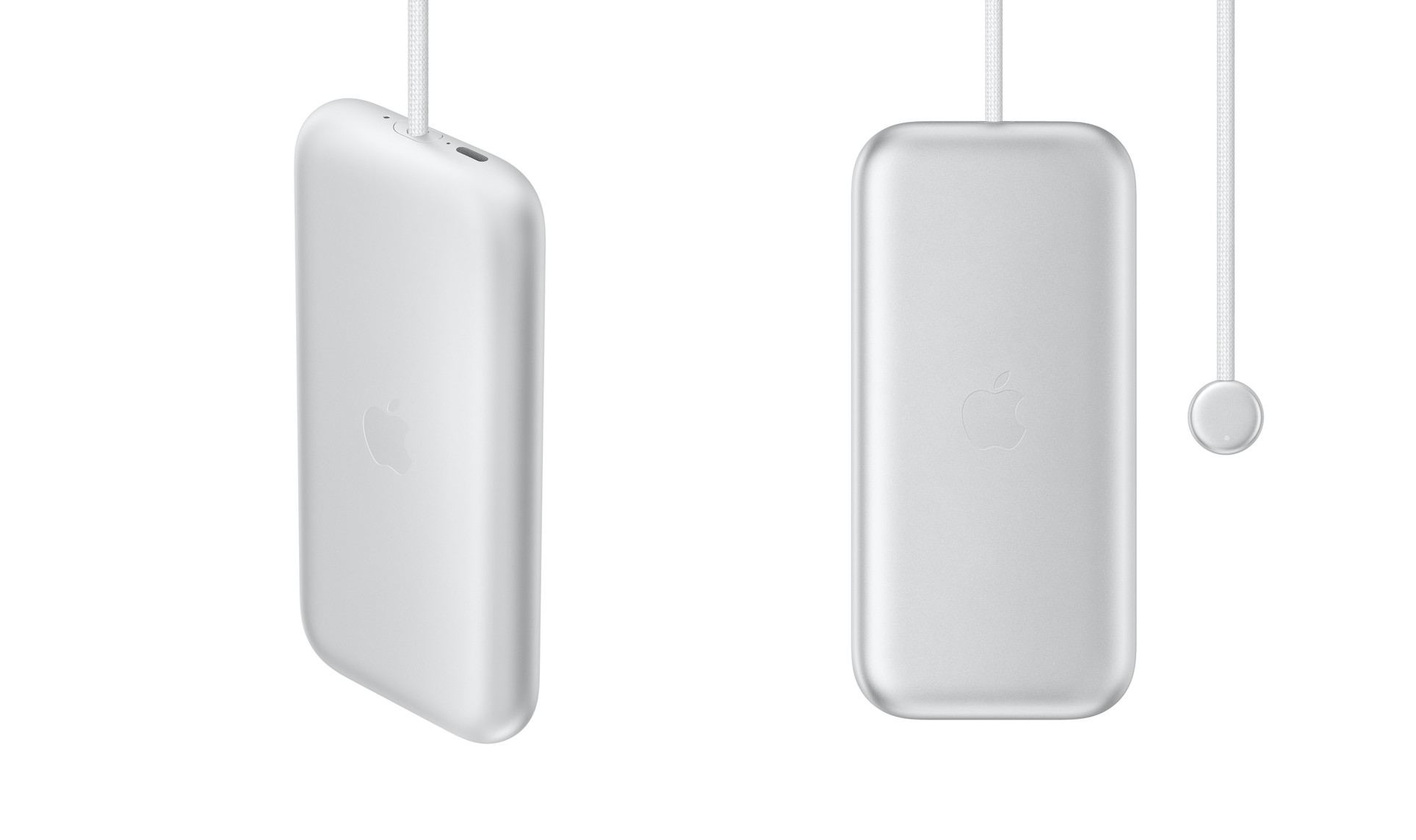
The Vision Pro battery.

The Vision Pro battery.

At the $199 price point, you have three options:

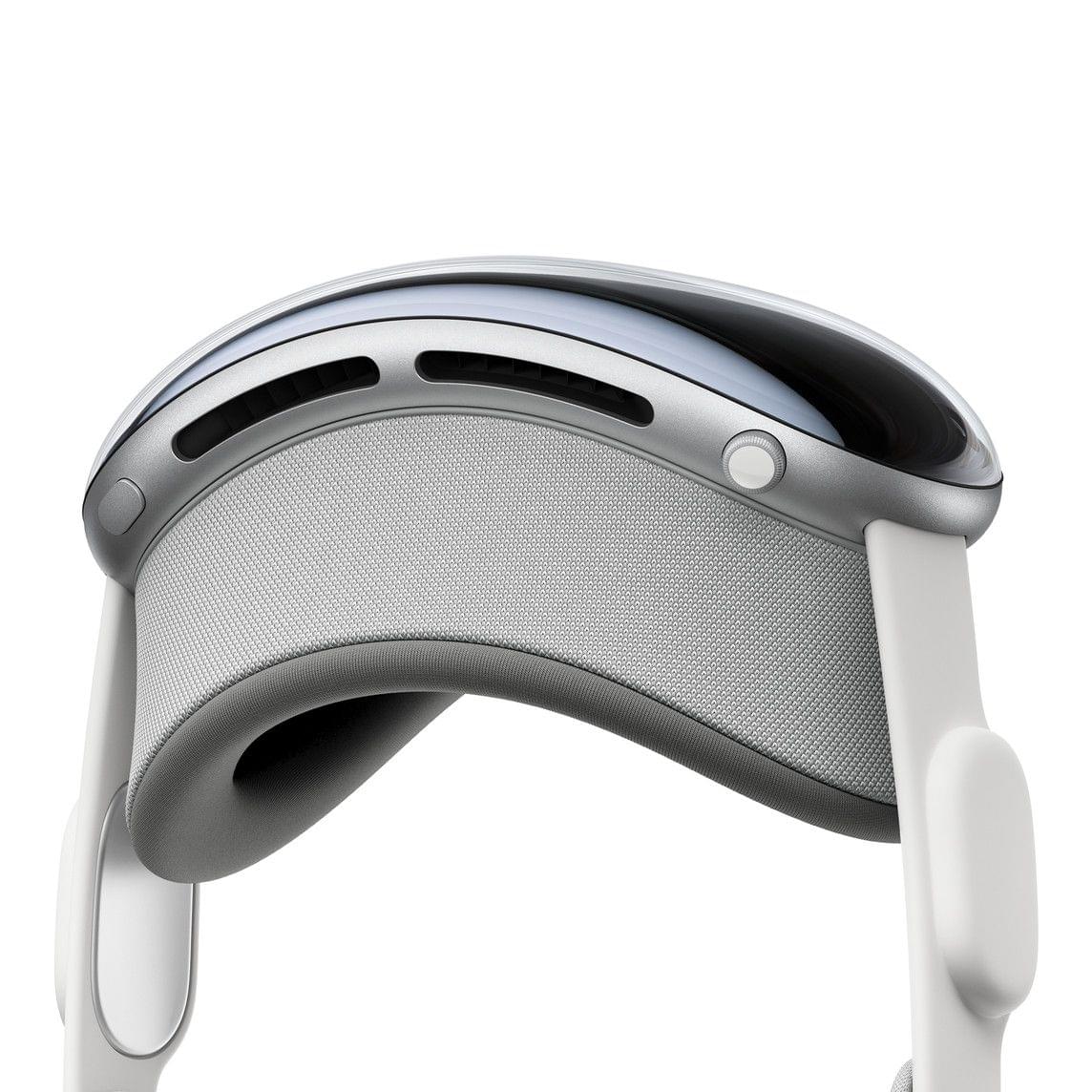
The light seal.

The light seal.

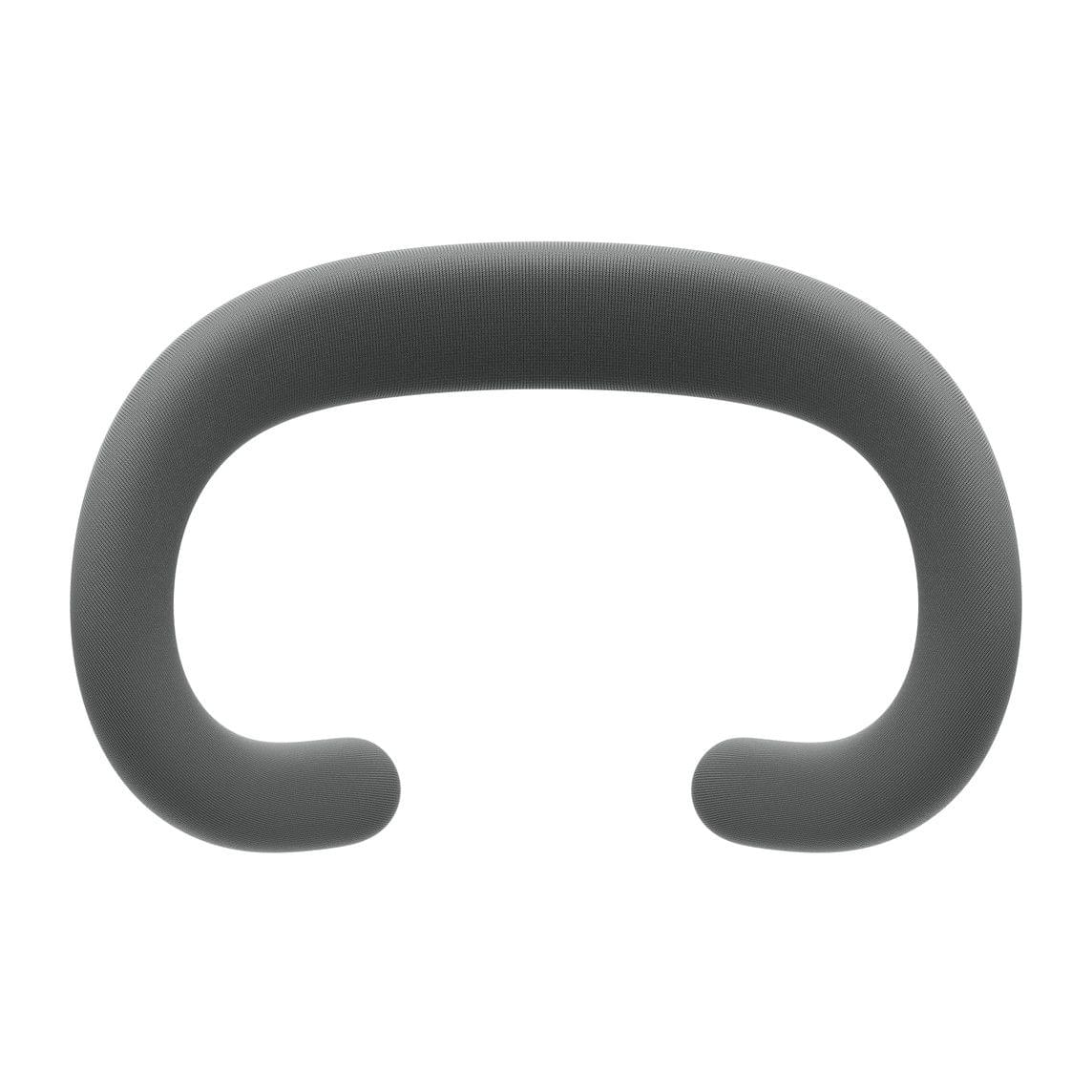
The light seal cushion.

The light seal cushion.

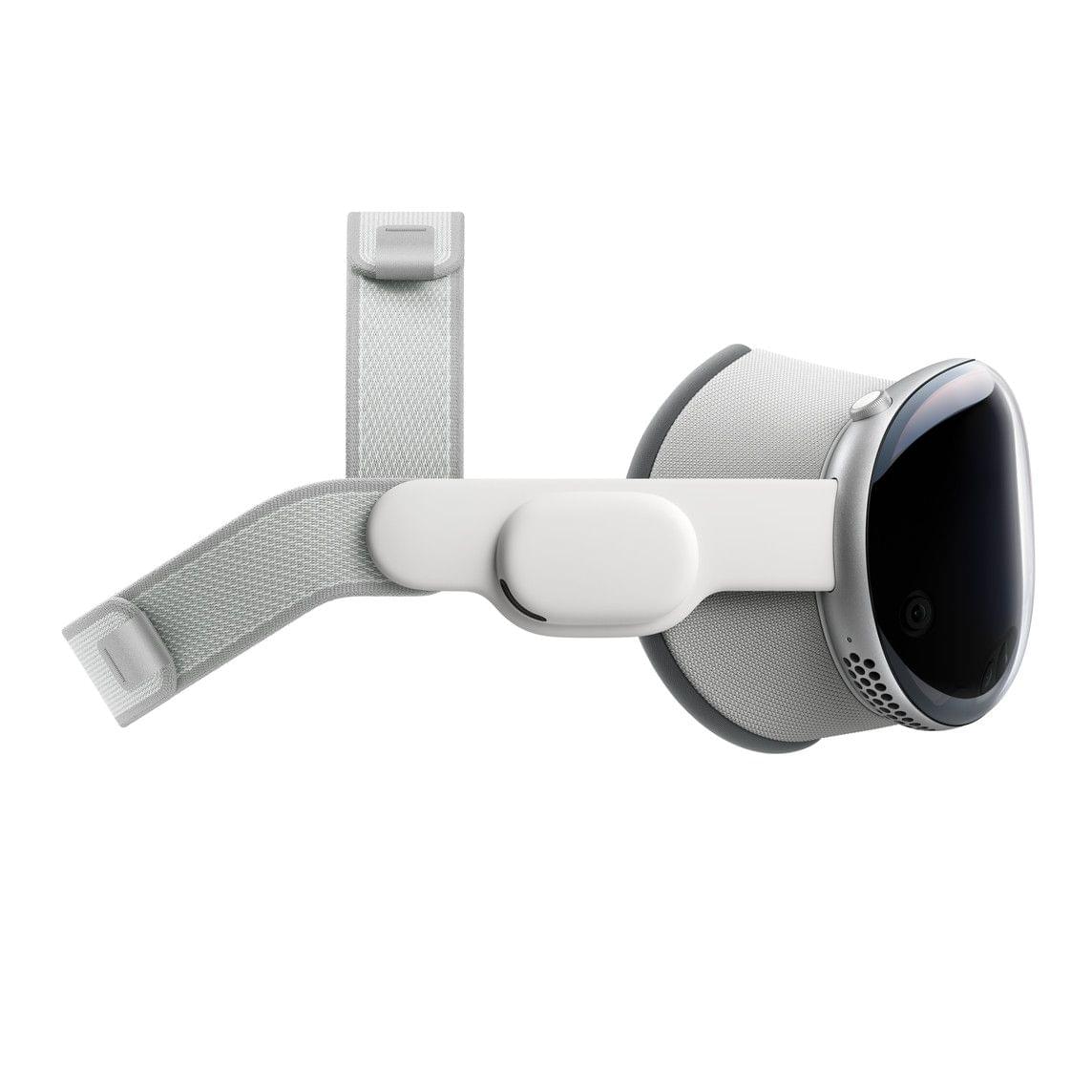
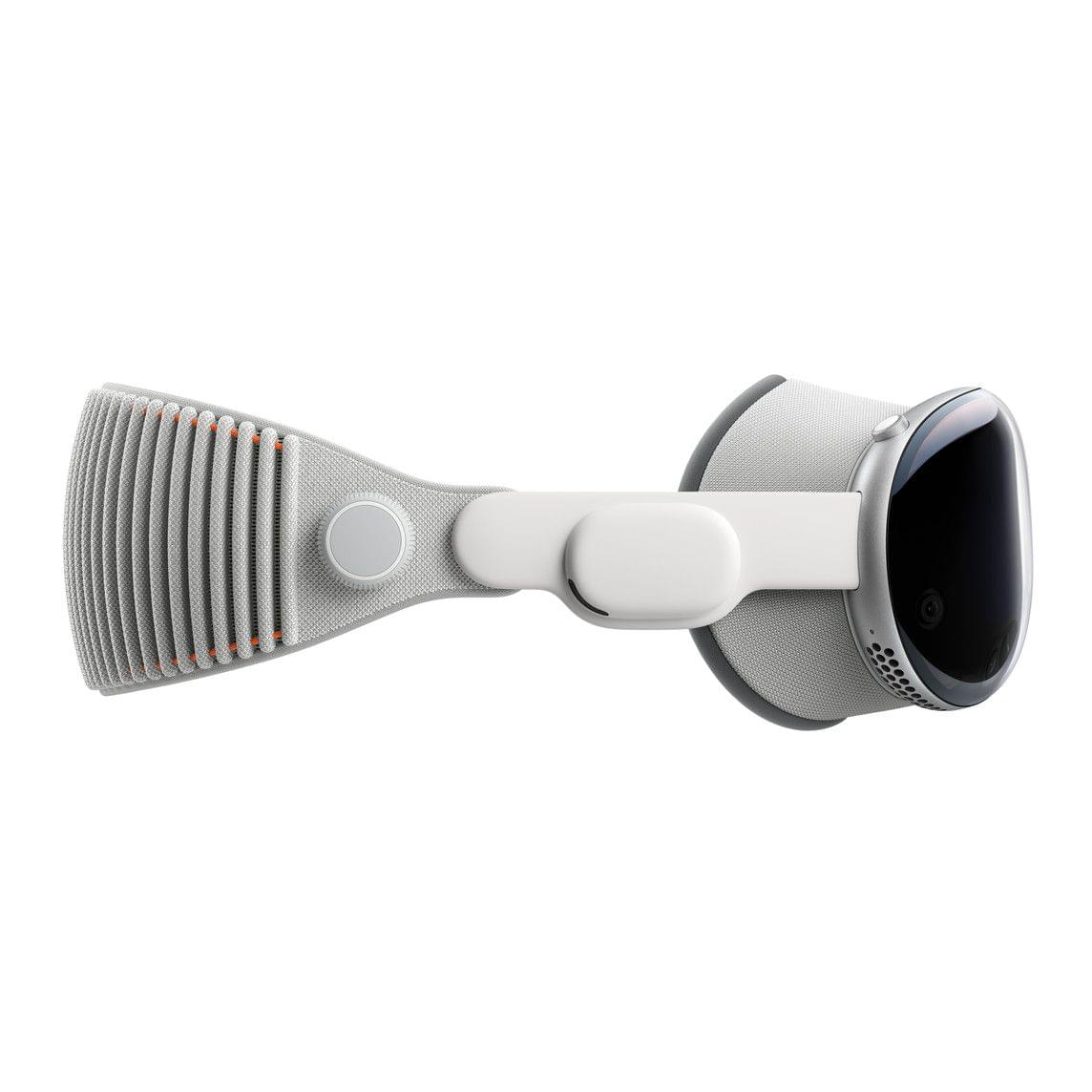
However, if all you need is the light seal cushion, you can order that for $29. The Apple Vision Pro Solo Knit Band and Dual Loop Band are also available for separate purchase for $99 each.

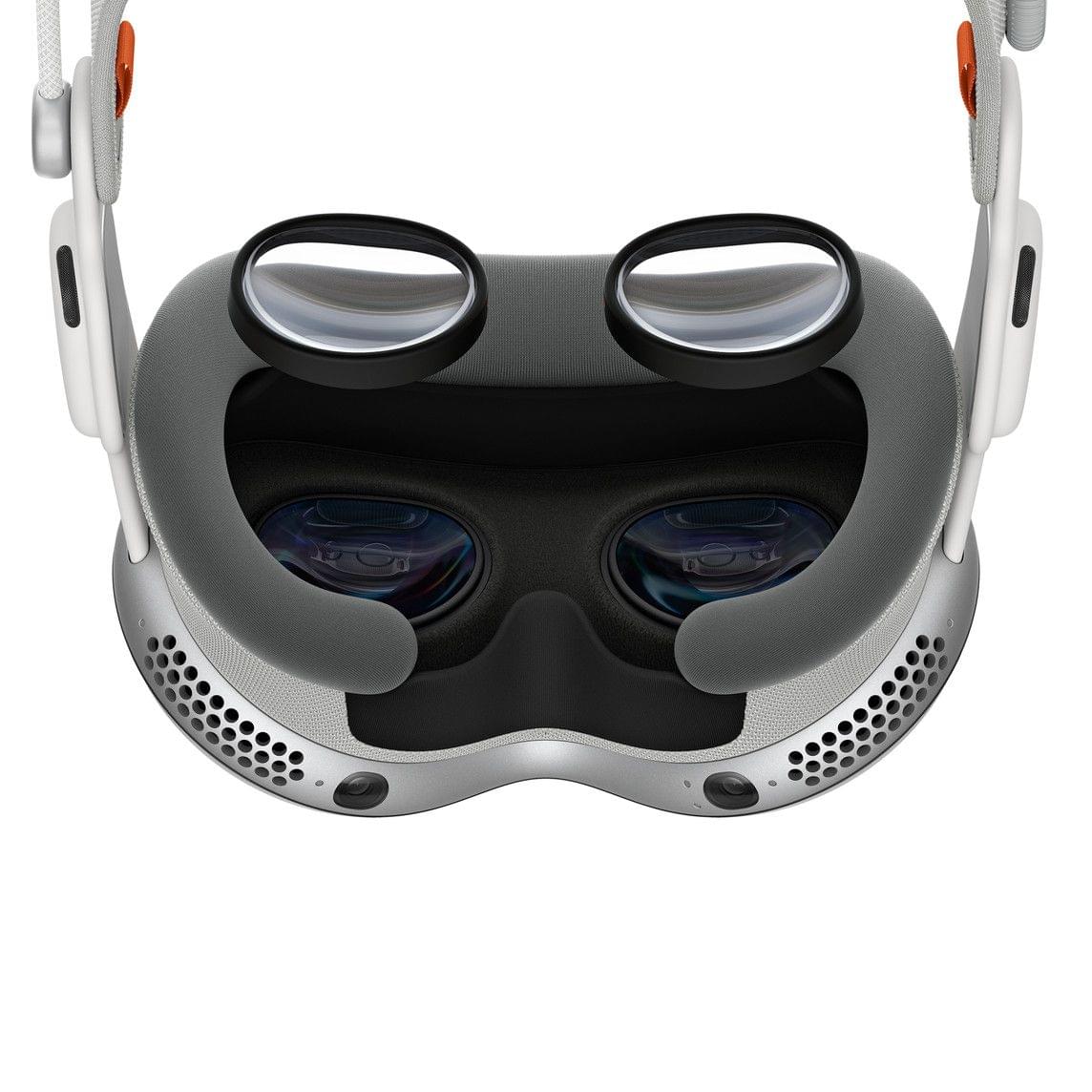
The ZEISS lenses.

The ZEISS lenses.

If you forgot to order ZEISS lens inserts during checkout or your prescription changes, they can be purchased separately starting at $99 for non-prescription ‘reader’ lenses and $149 for prescription lenses.

The Dual Loop Band.

The Dual Loop Band.

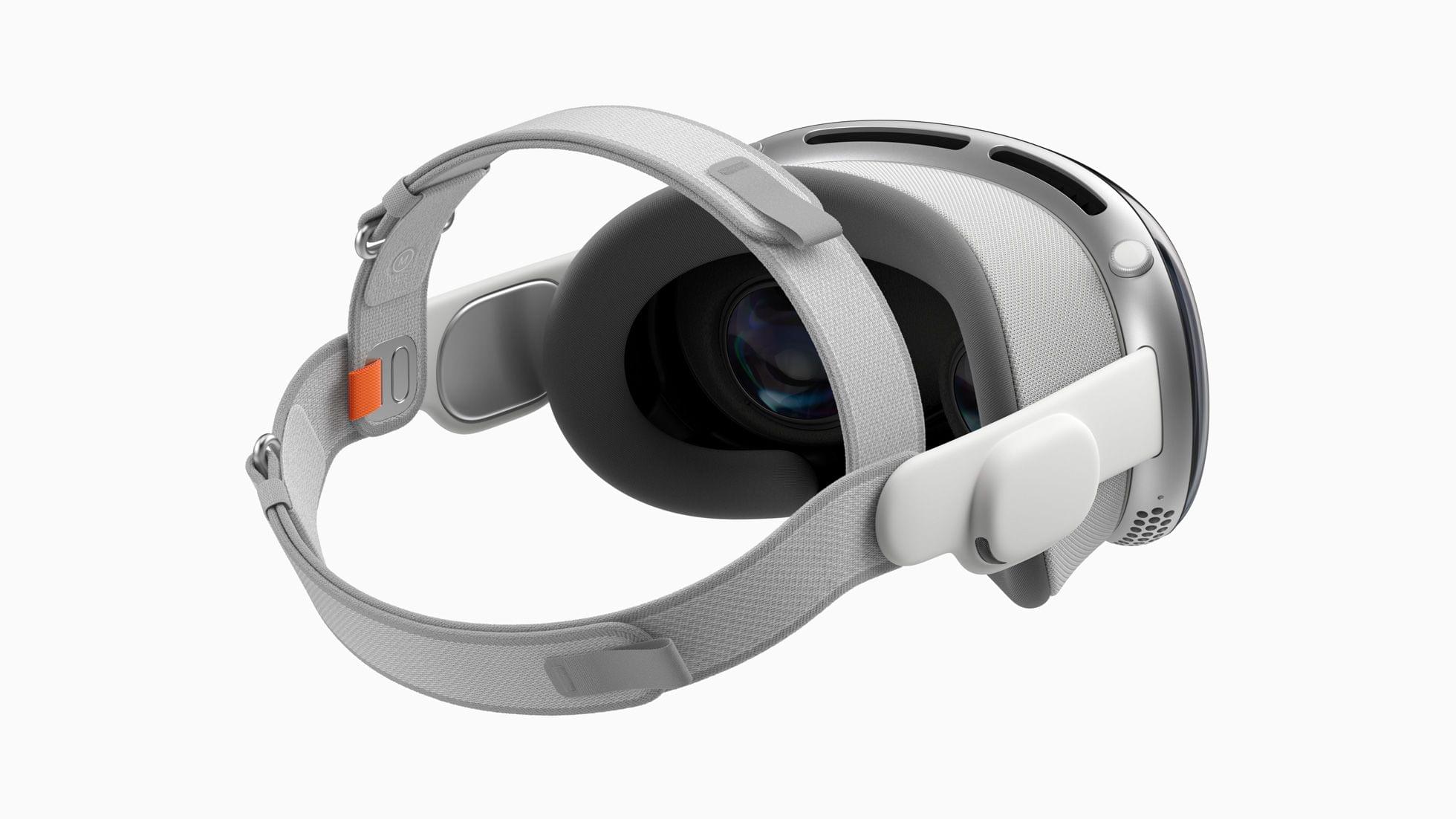
The Solo Knit Band.

The Solo Knit Band.

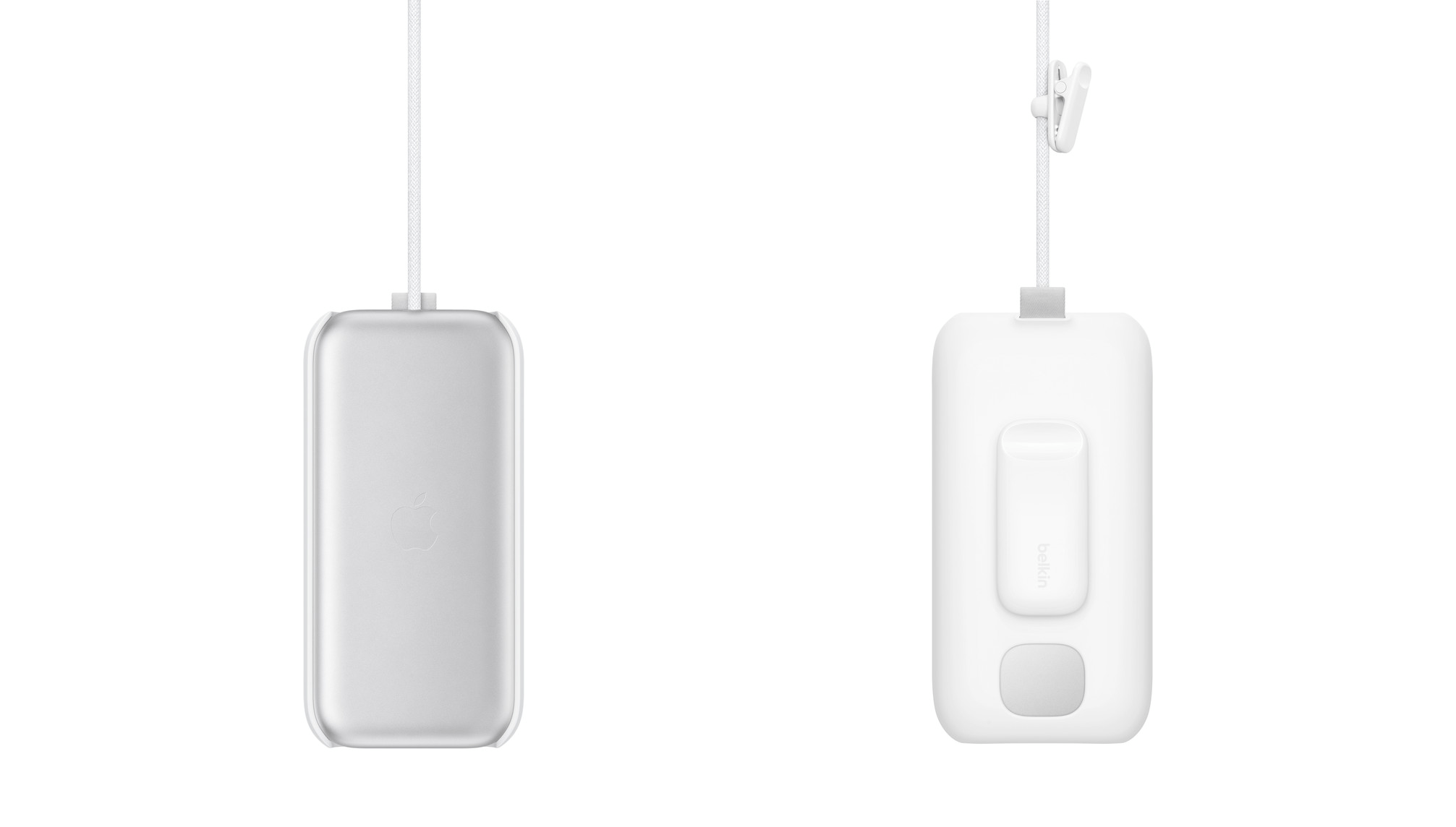
As previously reported, Belkin is offering a battery clip that includes a case with a clip for the battery and a smaller clip for the power cable for $49.95. Apple also lists a 30W power adapter, USB-C charging cable, the Magic Keyboard, Magic Trackpad, and AirPods Pro (2nd generation) alongside the Vision Pro.

Oh hey, here's an accessory for less than $100. Thanks Belkin.

Oh hey, here’s an accessory for less than $100. Thanks Belkin.

Thankfully, it looks like Apple heard the critics of its AirPods Max case and built a polycarbonate protective case with a ‘ripstop outer shell’ and spots to tuck the device’s battery, optical lenses, and cover, along with ‘other accessories.’ The case looks nice, but I took a pass, figuring I can always pick one up in advance of my next trip if I decide to take the Vision Pro on the road with me.

I did, however, buy a spare battery. I expect that I’ll connect the battery that comes with the Vision Pro to power a lot of the time to get more than two hours of use out of it, but a spare battery will allow for greater portability.


New Apple Vision Pro Hands-On Accounts From Engadget and The Verge

Today’s announcement by Apple about the entertainment aspects of the Vision Pro was followed up by new hands-on stories from Engadget and The Verge. A lot of what they saw was similar to the WWDC demos, but there were some new highlights, including additional Environments, a beta of the Disney+ app, Apple’s Encounter Dinosaurs app, and the Vision Pro’s floating keyboard.

One of the big open questions about the Apple Vision Pro is how well its virtual keyboard works. Interestingly, Engadget’s Cherlynn Low and Dana Wollman had very different experiences with it:

Cherlynn: It’s not as easy as typing on an actual keyboard would be, but I was quite tickled by the fact that it worked. Kudos to Apple’s eye- and hand-tracking systems, because they were able to detect what I was looking at or aiming for most of the time. My main issue with the keyboard was that it felt a little too far away and I needed to stretch if I wanted to press the buttons myself….

Dana: This was one of the more frustrating aspects of the demo for me. Although there were several typing options – hunting and pecking with your fingers, using eye control to select keys, or just using Siri – none of them felt adequate for anything resembling extended use. It took several tries for me to even spell Engadget correctly in the Safari demo.

Engadget’s editors were also impressed with the Disney+ Avengers and Star Wars-themed environments.

The Verge’s Victoria Song and Editor-in-Chief Nilay Patel also spent some time with the Apple Vision Pro. According to Song’s story:

Nilay had shot some spatial videos where he’d intentionally moved the camera to follow his kid around the zoo and felt some familiar VR motion queasiness. Apple says it’s doing everything it can to reduce that, but it’s clear some shots will work better in spatial than others — like any other camera system, really.

Song describes the experience of seeing EyeSight demoed, too:

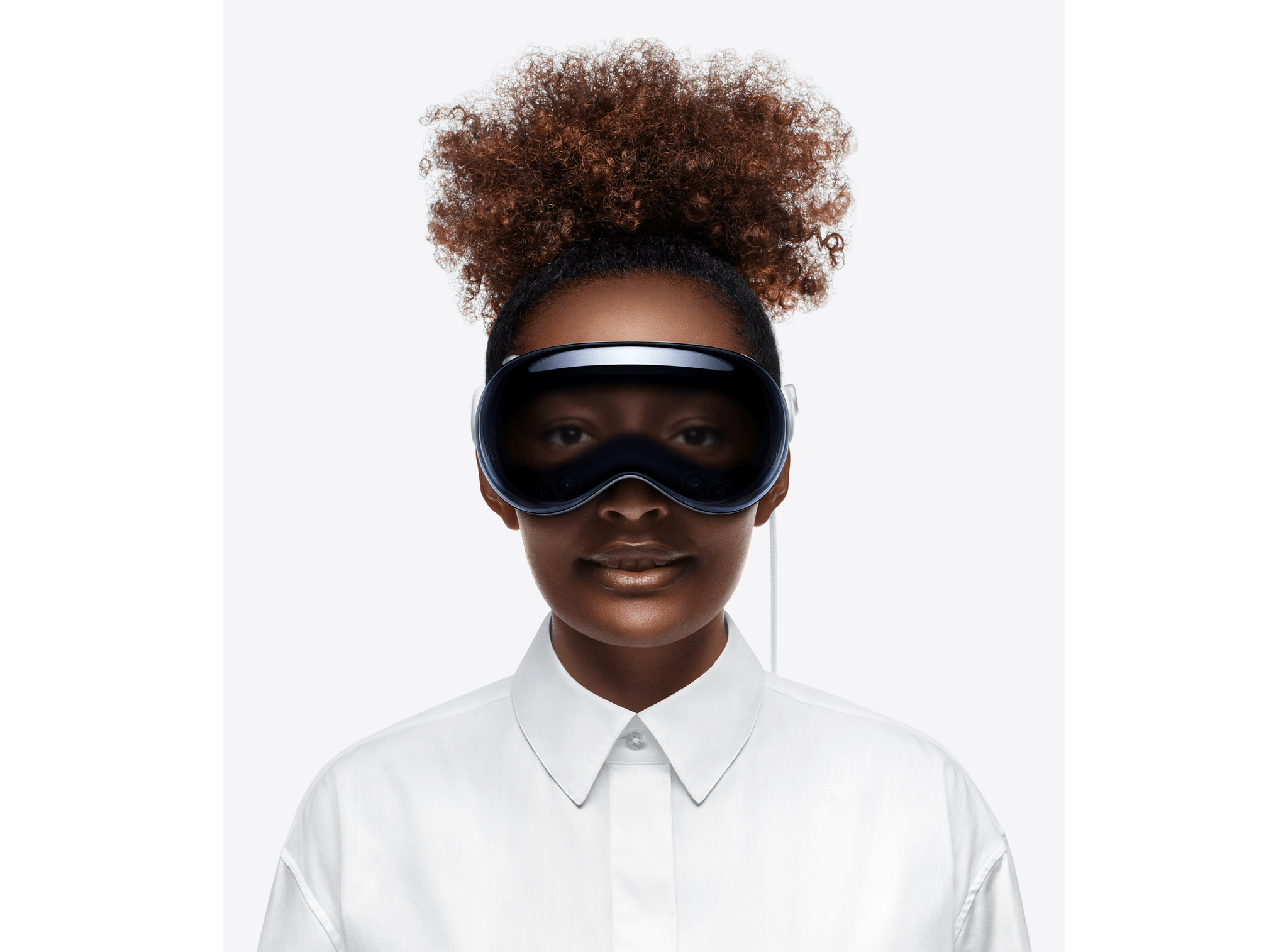
So we got to see a demo of EyeSight — what an onlooker would see on that front display when looking at someone wearing the Vision Pro. It’s a bit goofy, but you can see the wearer’s eyes, part of what Apple calls a “persona.” (We were not able to set up our own personas, sadly.) When Apple’s Vision Pro demo person blinked, we saw a virtual version of their eyes blink. When they were looking at an app, a bluish light appeared to indicate their attention was elsewhere. And when they went into a full virtual environment, the screen turned into an opaque shimmer. If you started talking to them while they were watching a movie, their virtual ghost eyes would appear before you. And when they took a spatial photo, you’d see the screen flash like a shutter.

What’s clear is that it’s one thing to read about these experiences with the Vision Pro and a completely different thing to live them. After reading several accounts, I still don’t know what to expect myself, except in the broadest sense. That’s both a little frustrating but also very exciting.


Apple Details Vision Pro’s Launch Day Entertainment Options

Source: Apple.

Source: Apple.

Apple has revealed new information about the entertainment that will be available when Vision Pro launches on February 2nd.

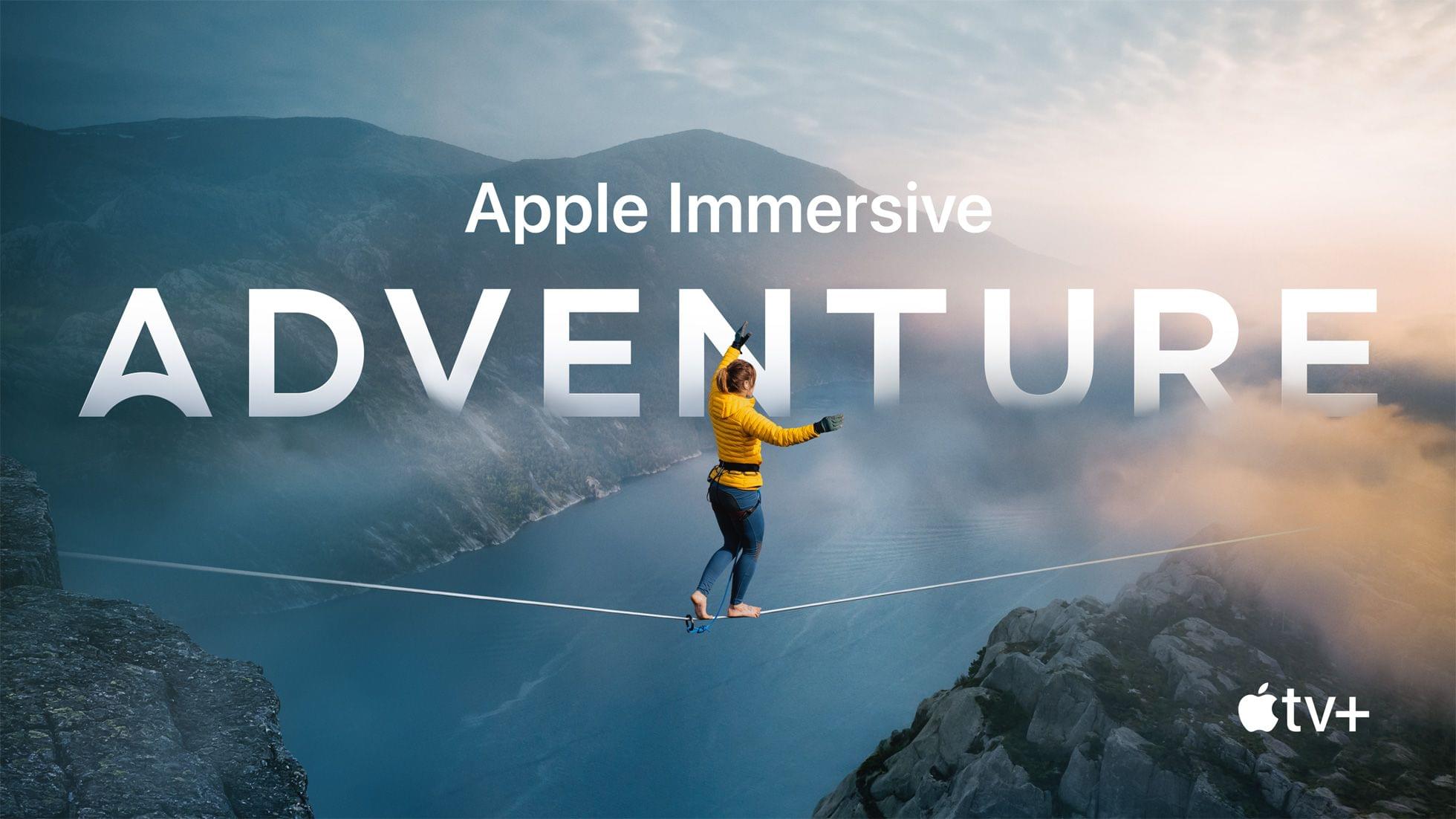
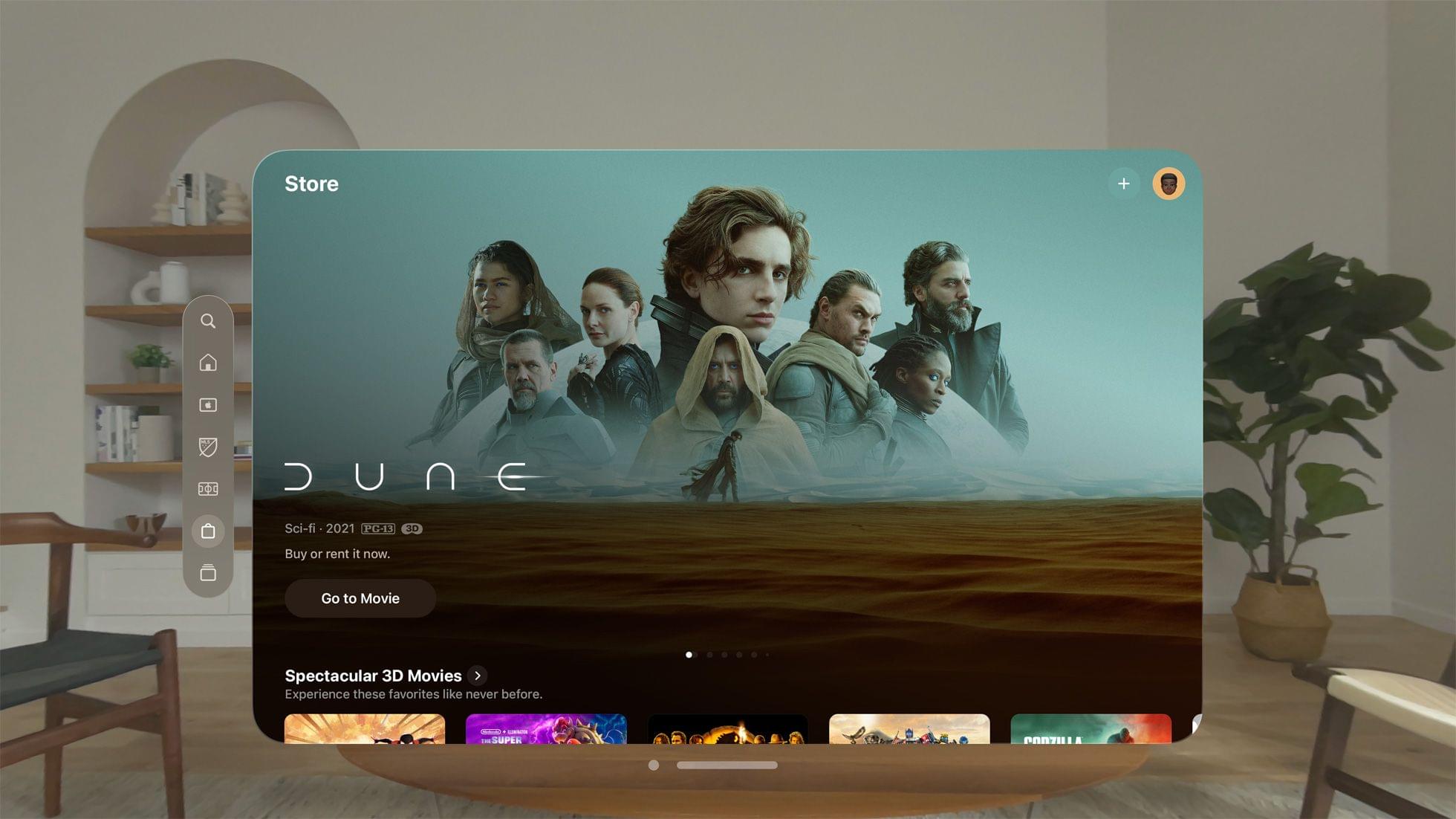
One of the highlights will be 3D movies. There will be more than 150 3D movies available, including Avatar: The Way of WaterDuneSpider-Man: Into the Spider-Verse, and The Super Mario Bros. Movie, all of which can be watched from a simulated personal theater environment or immersive Environments, including Yosemite, Haleakalā, and Mount Hood. Also, Apple Vision Pro users who already own a movie for which a 3D version becomes available will have access to it at no additional cost. Apple says streamers like Disney+ will offer 3D movies as part of their services, too.

Source: Apple.

Source: Apple.

Those same streaming services will also offer other unique experiences. For example:

With Disney+, subscribers can watch thousands of TV shows and films from four iconic environments with vivid details: the Disney+ Theater, inspired by the historic El Capitan Theatre in Hollywood; the Scare Floor from Pixar’s Monsters Inc.; Marvel’s Avengers Tower overlooking downtown Manhattan; and the cockpit of Luke Skywalker’s landspeeder, facing a binary sunset on the planet Tatooine from the Star Wars galaxy.

Read more


Apple Announces Vision Pro Pre-Orders and Availability

Source: Apple.

Source: Apple.

Apple has announced that the Vision Pro will be available for pre-order beginning on January 19th at 5 am Pacific time with the device available on Friday, February 2nd at Apple retail stores and its online store.

The Apple Vision Pro starts at $3,499 and has 256GB of storage. The device comes with a Solo Knit Band and Dual Loop Band, a Light Seal, two Light Seal Cushions, a cover from the front of the Vision Pro, a polishing cloth, a battery, a USB-C charging cable and a USB-C power adapter. Also, ZEISS Optical is offering reader inserts for $99 and prescription inserts for $149 that will attach to the Vision Pro magnetically.

Apple’s CEO Tim Cook said of the device:

The era of spatial computing has arrived. Apple Vision Pro is the most advanced consumer electronics device ever created. Its revolutionary and magical user interface will redefine how we connect, create, and explore.

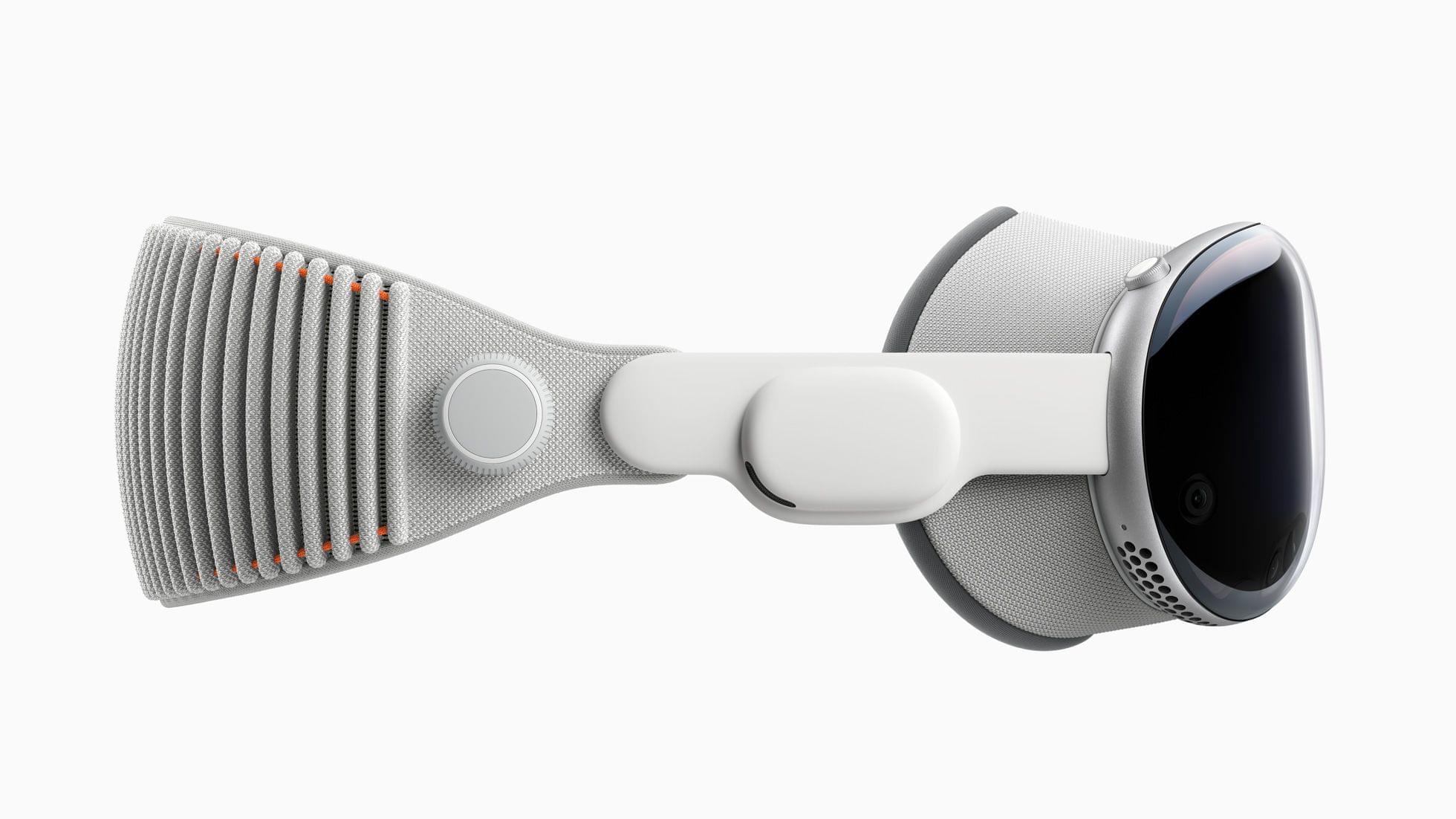
Today’s Apple Newsroom announcement includes images of the Solo Knit Band, Dual Loop Band, and Light Seal:

The Apple Vision Pro's Solo Knit Band. Source: Apple.

The Apple Vision Pro’s Solo Knit Band. Source: Apple.

The Apple Vision Pro's Dual Loop Band. Source: Apple.

The Apple Vision Pro’s Dual Loop Band. Source: Apple.

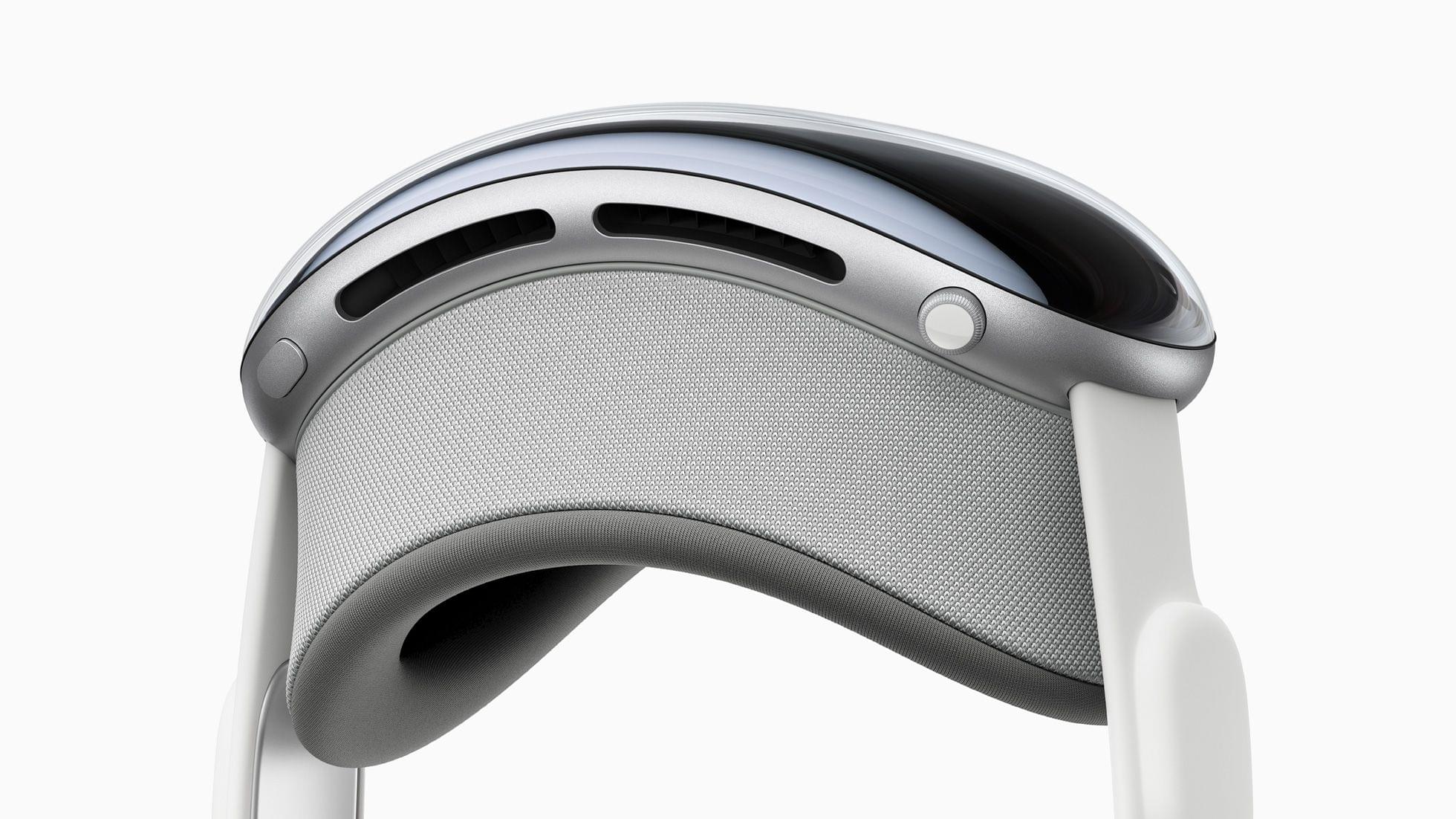
The Apple Vision Pro's Light Seal and Digital Crown. Source: Apple.

The Apple Vision Pro’s Light Seal and Digital Crown. Source: Apple.

As previously announced at WWDC in June 2023, the Apple Vision Pro will be initially available in the US only. Left unanswered by today’s announcement is whether additional storage options will be available and what they will cost. Also left unsaid is how ordering the ZEISS Optical inserts will work.