Posts tagged with "macbook pro"

M5 MacBook Pro and MacBook Air Review Roundup

Source: Apple.

Source: Apple.

The reviews are in, and it looks like my initial impressions from last week’s press releases hold up pretty well.

The M5 MacBook Pro

What was clear to me from what Apple said is that the M5 MacBook Pro is an especially nice upgrade, even from the M4 models. As Jason Snell put it on Six Colors:

The pace of Apple silicon progress is breathtaking, not just at the base level that powers the MacBook Air and iPad Pro, but up here at the level of bespoke chips designed for Apple’s most powerful systems.

Jason reviewed a MacBook Pro with an M5 Pro (18-core CPU, 20-core GPU) chip, which he reported is overall 23% faster than his personal M4 Max laptop. Even with its 32 GPU cores, Jason’s M4 Max was only 14% faster than his M5 Pro MacBook Pro review unit, which has just 20 GPU cores. I’ve noticed similar GPU improvements between my M1 Max Mac Studio and the M4 Pro Mac mini. I’m working on a story about my recent tests, which show that even the last-generation M4 Pro can run circles around the M1 Max’s GPUs. It’s astonishing.

Source: Apple.

Source: Apple.

What I find remarkable about this is that it has allowed Apple to embrace both ends of the computing spectrum at once. The longevity and capabilities of prior generations of Apple silicon chipsets allow for laptops like the MacBook Neo, which by all accounts is a champ at tackling day-to-day workloads. At the same time, the M5 Max exists, which is the sort of chipset that AI workflows and other pro use cases demand. The spread of capabilities has never been wider, which is great for users who can dial in exactly what they need better than ever.

Cameron Faulkner at The Verge was a little less enthusiastic:

People who bought the last-gen MacBook Pros aren’t missing out on a ton, save for the incredibly fast read/write SSD speeds. But if you bought the M2 Max three years ago and you’re already pushing it to its limits, the M5 Max looks like a significant upgrade.

I can’t disagree that if you have an M4-series MacBook Pro, you already have a powerful laptop that most people don’t need to upgrade, but buying decisions aside, I don’t think you can downplay 2× faster SSDs and significantly faster CPUs and GPUs. Given the right workload, those factors matter.

The M5 MacBook Air
Source: Apple.

Source: Apple.

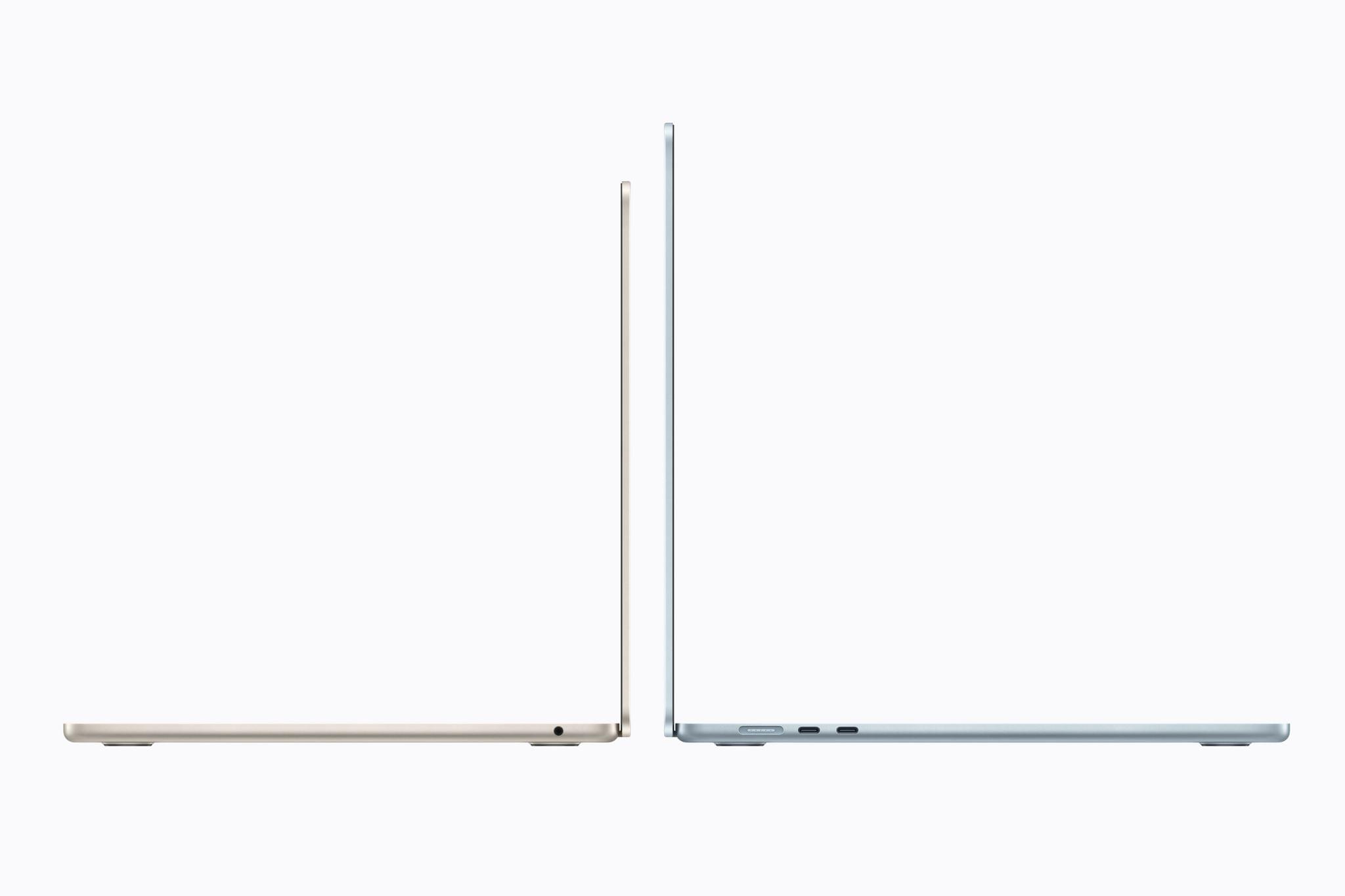
In many ways, I find the M5 MacBook Air just as exciting. It’s not as powerful as the M5 MacBook Pros, but I’m intrigued by the 15” model. I’ve been using a 14” MacBook Pro for quite a while, and it has convinced me that I’m not interested in going back to a 13” laptop.

What interests me most about the 15” MacBook Air is using it as a companion to my desktop Mac Studio. The reality is that when I’m away from my desk, I rarely need the power of a MacBook Pro or Mac Studio. Instead, most of what I do on a laptop can be accomplished with the Air, connecting via Screen Sharing to my desktop Mac as needed for heavier workloads.

As Dan Moren put it at Six Colors:

The Neo may vie for the title of Apple’s bestselling Mac, but it’s got its work cut out for it: the crown remains the MacBook Air’s to lose and if you come at the king, you better not miss.

For Dan, the SSD performance was a highlight coming in at a 125% improvement over the M4 Air for read speeds and 219% of the M4 Air for write speeds, using Blackmagic’s disk testing tool. That’s better than what Apple claimed in its press releases and the sort of difference that will have practical impacts when working with large files.

Source: Apple.

Source: Apple.

I also found Lance Ulanoff’s perspective on the Air interesting:

The M5 brings the level of performance we’ve previously seen in the MacBook Pro — I had trouble finding anything the laptop couldn’t do.

Consistent with what Jason Snell said of the M5 MacBook Pro, it’s the pace of progress that’s so astonishing. What the MacBook Pro could do yesterday, the M5 Air can do today.

Based on these reviews, I expect the Air will continue to be the best overall laptop in Apple’s lineup for most people. I’m intrigued by the Neo and love what the Pro can accomplish, but the Air sits in a sweet spot that makes it a great value even though it’s no longer the lowest-priced laptop Apple makes.


With these new laptops arriving on customers’ doorsteps and in stores today, I’m sure we’ll hear more firsthand accounts of their capabilities soon. From where things stand today, though, Apple’s laptop lineup has never looked better.
Apple Announces M5 Pro and M5 Max MacBook Pros

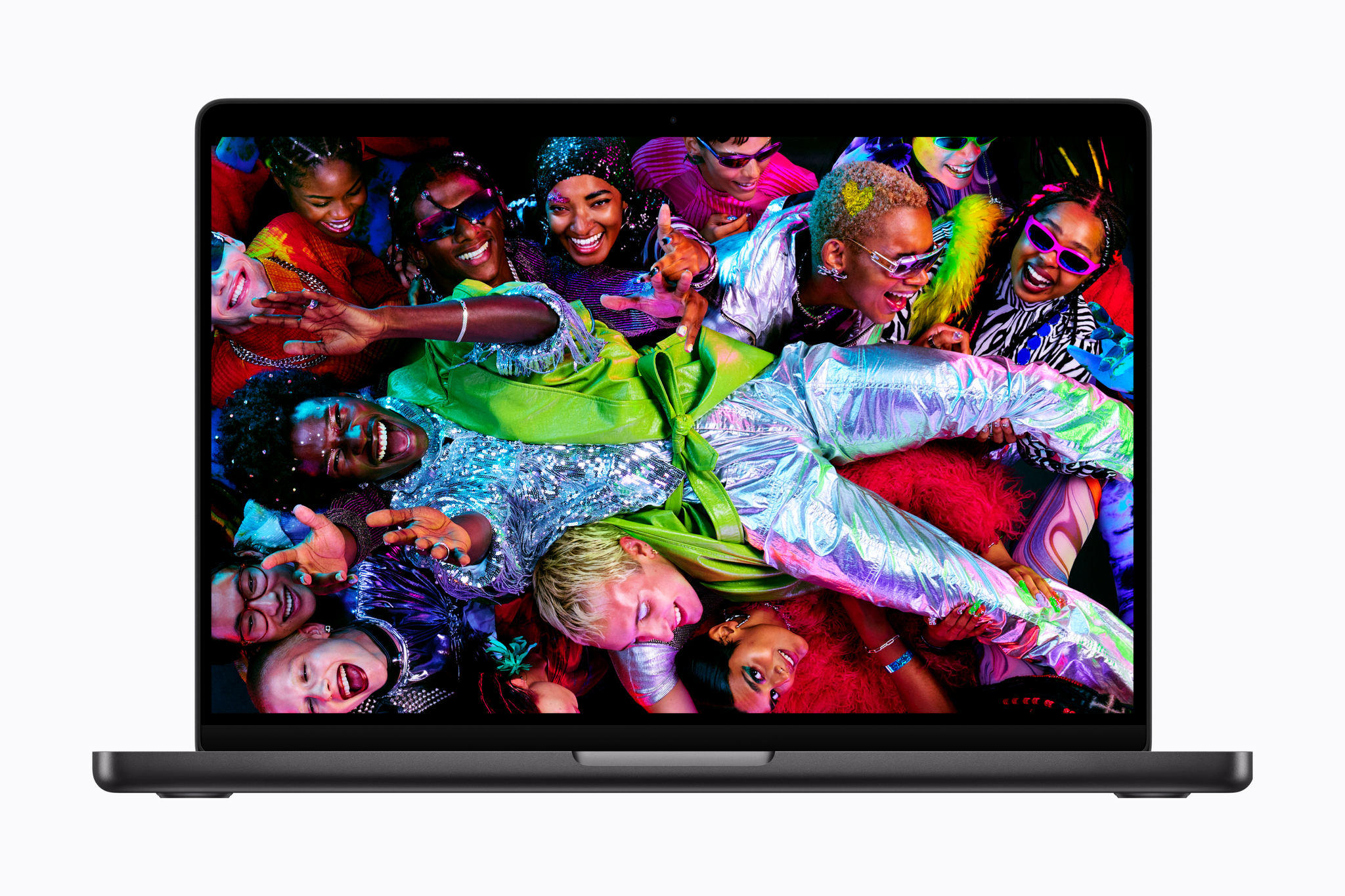
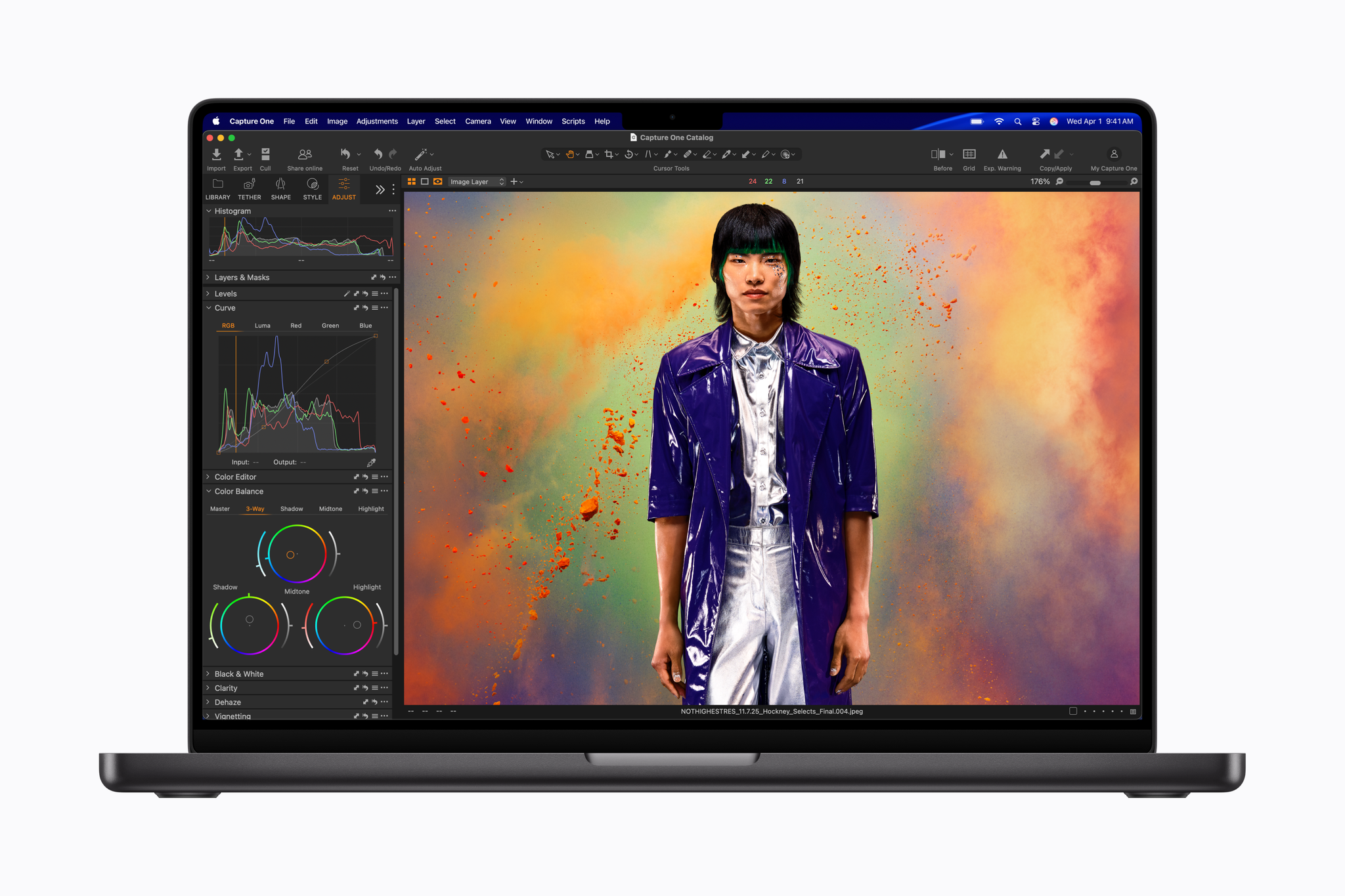
Apple has introduced new MacBook Pros featuring the M5 Pro and M5 Max chipsets. The big news here is speed because the design of the MacBook Pro has not changed.

According to John Ternus, Apple’s Senior Vice President of Hardware Engineering:

MacBook Pro with M5 Pro and M5 Max redefines what’s possible on a pro laptop, now up to 4x faster than the previous generation. With Neural Accelerators in the GPU, the new MacBook Pro enables professionals to run advanced LLMs on device and unlock capabilities that no other laptop can do — all while maintaining exceptional battery life. Combined with even faster unified memory and storage, it empowers users to take their work even further, unleashing new possibilities and pushing the boundaries of what they can do.

Let’s take a closer look at what Apple says these new laptops can do.

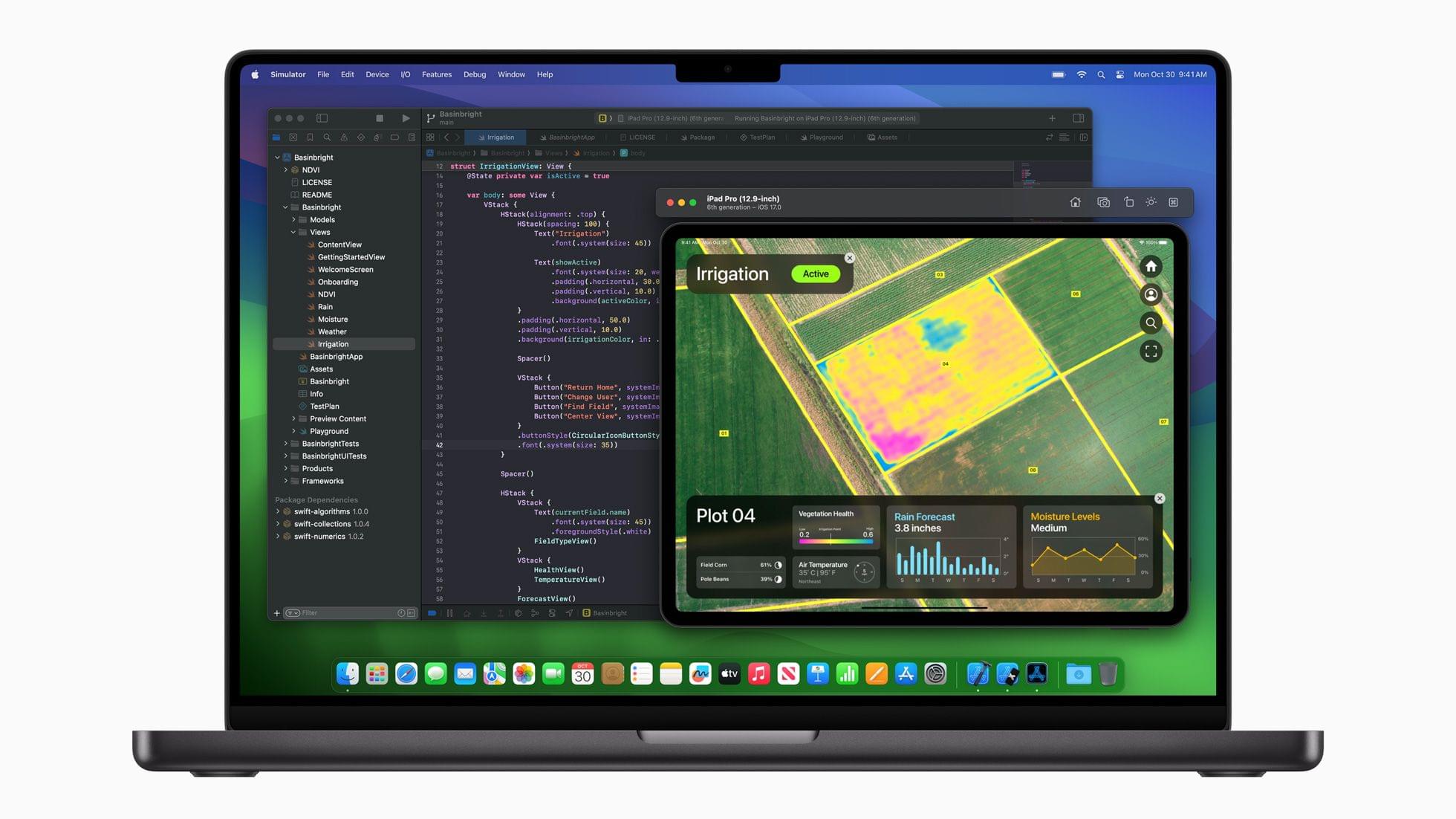
The specs are impressive. The M5 Pro and Max are based on Apple’s Fusion Architecture that combines two dies onto one system on a chip and features up to 18 CPU cores with 6 super cores and 12 new performance cores. According to Apple, that results in up to 30% faster CPU performance. As for the GPU with its Neural Accelerator, Apple says the performance exceeds the M4 Pro and M4 Max by up to 50%, which is a substantial single-generation increase. Apple also notes that the Neural Engine is faster and more powerful. As for unified memory, the M5 Pro supports up to 64GB with 306GB/s bandwidth, with the M5 Max doubling both the memory capacity and bandwidth.

Other specs and features include:

  • 2× faster SSD read/write speeds
  • storage that starts at 1TB for the M5 Pro model and 2TB for the M5 Max model
  • a Liquid Retina XDR display with 1000 nit brightness for SDR content, 1600 nits for HDR content, and a nano-texture option
  • 3 Thunderbolt 5 ports, plus HDMI with support for up to 8K output, an SDXC card slot, and MagSafe 3 charging
  • support for two external displays for the M5 Pro model and four external displays for the M5 Max model
  • Wi-Fi 7 and Bluetooth 6 via Apple’s N1 chip
  • a 12MP Center Stage camera, six speakers, and a microphone array, and
  • up to 24 hours of battery life with fast charging at 96W achieving a 50% charge in about 30 minutes.

Apple also lists substantial speed increases for the M5 Pro and M5 Max chipsets over the M4 generation they replace. The numbers are impressive but will require real-world testing to confirm.

I’ve been using an M4 Max MacBook Pro for over a year, and it’s the most powerful Mac I’ve ever used. I’m slightly stunned at the performance claims for the M5 Pro and Max just one generation later, but this is the kind of power needed for high-end workflows, including running local LLMs.

The new MacBook Pros come in silver and space black. The 14” model with the M5 Pro starts at $2,199, with the Max starting at $3,599. The 16” M5 Pro model starts at $2,699, with the Max variant starting at $3,899. All models also offer lower starting prices for educational buyers. Pre-orders begin tomorrow, March 4, with delivery and in-store availability beginning next Wednesday, March 11.


Apple Debuts New 14” MacBook Pro with the M5 Chip

Source: Apple.

Source: Apple.

Today, Apple debuted the new 14” MacBook Pro with its latest M5 chip, which is available for purchase now alongside the existing M4 Pro and M4 Max MacBook Pro models.

According to John Ternus, Apple’s senior vice president of Hardware Engineering:

MacBook Pro continues to be the world’s best pro laptop, and today, the 14-inch MacBook Pro gets even better with the arrival of the M5 chip. M5 marks the next big leap in AI for the Mac, and delivers a huge boost in graphics performance accelerating demanding workflows for everyone from students to creatives, developers to business professionals, and more. With its amazing performance, extraordinary battery life, and unrivaled display, M5 takes the new 14-inch MacBook Pro to another level.

Source: Apple.

Source: Apple.

Apple’s new M5 processor is the star of today’s MacBook Pro update. Apple says that the chip, which is only available in the 14” MacBook Pro configuration, is faster at AI workflows and file transfers and can last 24 hours on a single charge. The M5 chip includes an all-new GPU with a Neural Accelerator in each GPU core, which Apple claims speeds up AI workflows up to 3.5× compared to the M4 chip and 6× compared to the M1 chip. The new MacBook Pro’s performance is also enhanced by a new 16-core Neural Engine and SSDs that are up to 2× faster and can be configured up to 4TB, which will make managing large files easier.

Although Apple makes a big deal of the 14” MacBook Pro’s AI performance, the new M5 chip will enhance all kinds of resource-heavy tasks, including these spotlighted by Apple in its press release:

  • Up to 7.7x faster AI video-enhancing performance in Topaz Video when compared to the 13‑inch MacBook Pro with M1, and up to 1.8x faster than the 14-inch MacBook Pro with M4.
  • Up to 6.8x faster 3D rendering in Blender when compared to the 13‑inch MacBook Pro with M1, and up to 1.7x faster than the 14-inch MacBook Pro with M4.
  • Up to 3.2x higher frame rates in games when compared to the 13-inch MacBook Pro with M1, and up to 1.6x faster than the 14-inch MacBook Pro with M4.
  • Up to 2.1x faster build performance when compiling code in Xcode when compared to the 13‑inch MacBook Pro with M1, and up to 1.2x faster than the 14-inch MacBook Pro with M4.

(See the press release for footnotes regarding testing details).

Source: Apple.

Source: Apple.

Although I’m impatient to see what an M5 Pro and M5 Max MacBook Pro are capable of, and I’m dying to see a Mac Studio configured with the M5 generation of chips, I’m glad Apple didn’t wait to release the M5 in the 14” MacBook Pro. If the chip is ready, why not? Pro workloads, including running AI models locally, are only becoming more demanding, so getting the M5 into more hands as early as possible makes sense. Plus, for anyone coming from an Intel-based setup or an early-generation Apple silicon Mac, this update should be significant.

The new 14” MacBook Pro comes in Space Black and Silver and starts at $1,599 but can be configured to over $3,330. Pre-orders can be placed now, with deliveries and in-store availability beginning October 22.


What’s in My CES Bag?

Packing for CES has been a little different than WWDC. The biggest differences are the huge crowds at CES and the limits the conference puts on the bags you can carry into venues.

My trusty Tom Bihn Synapse 25 backpack isn’t big, but it’s too large for CES, so the first thing I did was look for a bag that was small enough to meet the CES security rules but big enough to hold my 14” MacBook Pro and 11” iPad Pro, plus accessories. I decided on a medium-sized Tomtoc Navigator T24 sling bag, which is the perfect size. It holds 7 liters of stuff and has built-in padding to protect the corners of the MacBook Pro and iPad as well as pockets on the inside and outside to help organize cables and other things.

Tomtoc's medium Navigator T24 sling bag. Source: Tomtoc.

Tomtoc’s medium Navigator T24 sling bag. Source: Tomtoc.

I don’t plan to carry my MacBook Pro with me during the day. The iPad Pro will be plenty for any writing and video production I do on the go, but it will be good to have the power and flexibility of the MacBook Pro when I return to my hotel room. For traveling to and from Las Vegas, I appreciate that the Tomtoc bag can fit everything I’m bringing.

A surprising amount of stuff fits in the T24. Source: Tomtoc.

A surprising amount of stuff fits in the T24. Source: Tomtoc.

With little room to spare, my setup is minimal. I’ll write on the iPad Pro and MacBook Pro, carrying the iPad with me tethered to my iPhone for Internet access. That’s a tried-and-true setup I already use whenever I’m away from home.

Read more


Apple Reveals New M4 MacBook Pros

Source: Apple.

Source: Apple.

In its third and likely last Mac announcement this week, Apple revealed updates to the MacBook Pro line of laptops, which includes Pro and Max variants of the M4 chipsets in the same 14-inch and 16-inch form factors we’ve seen in the MacBook Pro line for the past few years.

According to John Ternus, Apple’s senior vice president of Hardware Engineering:

MacBook Pro is an incredibly powerful tool that millions of people use to do their life’s best work, and today we’re making it even better. With the powerful M4 family of chips, and packed with pro features like Thunderbolt 5, an advanced 12MP Center Stage camera, an all-new nano-texture display option, and Apple Intelligence, the new MacBook Pro continues to be, by far, the world’s best pro laptop.

Source: Apple.

Source: Apple.

Regarding the M4 family of chips, Apple says:

Built using second-generation 3-nanometer technology, the M4 family is the most advanced lineup of chips for a personal computer. The M4 family features phenomenal single-threaded CPU performance with the world’s fastest CPU core,2 along with outstanding multithreaded CPU performance for the most demanding workloads. Combined with machine learning accelerators in the CPU, an advanced GPU, and a faster and more efficient Neural Engine, Apple silicon is built from the ground up to deliver incredible performance for AI. Together with faster unified memory, each chip also includes increased memory bandwidth, so large language models (LLMs) and other large projects run smoothly and on device.

The company also released a video touting the changes to the MacBook Pro line:

Highlights of the revised MacBook Pro line include:

  • Thunderbolt 5 ports on the Pro and Max models
  • Thunderbolt 4 on the base model M4 MacBook Pro, including an additional third port
  • Storage options ranging from 1TB to 8TB depending on the model you choose
  • A nano-texture display option
  • Support for two external displays
  • A 12MP Center Stage Camera like the one on the iMac released earlier this week
  • Up to 24 hours of battery life
  • A 10-core CPU, 10-core GPU, and 16–32GB of memory with 120GB/s of bandwidth on the entry-level M4 MacBook Pro
  • A 14-core CPU and a 20-core GPU on the M4 Pro version of the MacBook Pro
  • A 16-core CPU, 40-core GPU, and up to 128GB of memory on the M4 Max version of the MacBook Pro
  • Wi-Fi 6E and Bluetooth 5.3
Source: Apple.

Source: Apple.

I’ve been using an M3 MacBook Pro for about a year, and it’s a fantastic laptop. With the added speed and Thunderbolt 5, the latest MacBook Pros should be an attractive upgrade for a lot of users. I look forward to seeing how they stack up in real-world tests against previous models of Apple’s high-end laptop.

The new MacBook Pro is available for pre-order today, with deliveries and in-store availability beginning on November 8th. The M4 MacBook Pro starts at $1,599, the M4 Pro model starts at $1,999, and the M4 Max model starts at $2,299.


What’s in My WWDC 2024 Bag?

My [Tom Bihn Synapse 25](https://www.tombihn.com/collections/backpacks/products/synapse-25?variant=42796481904829) backpack.

My Tom Bihn Synapse 25 backpack.

It’s time to get packed for WWDC, and like most years, my carry-on bag will be stuffed with everything I need to cover the event for MacStories. This year, I’ve focused on streamlining my podcast recording setup after some problems that slowed me down last year. Built around my everyday ‘away from home’ setup that I’ve been using for several months, I think I finally have a simple yet powerful writing and podcasting travel setup that should serve me well on the trip.

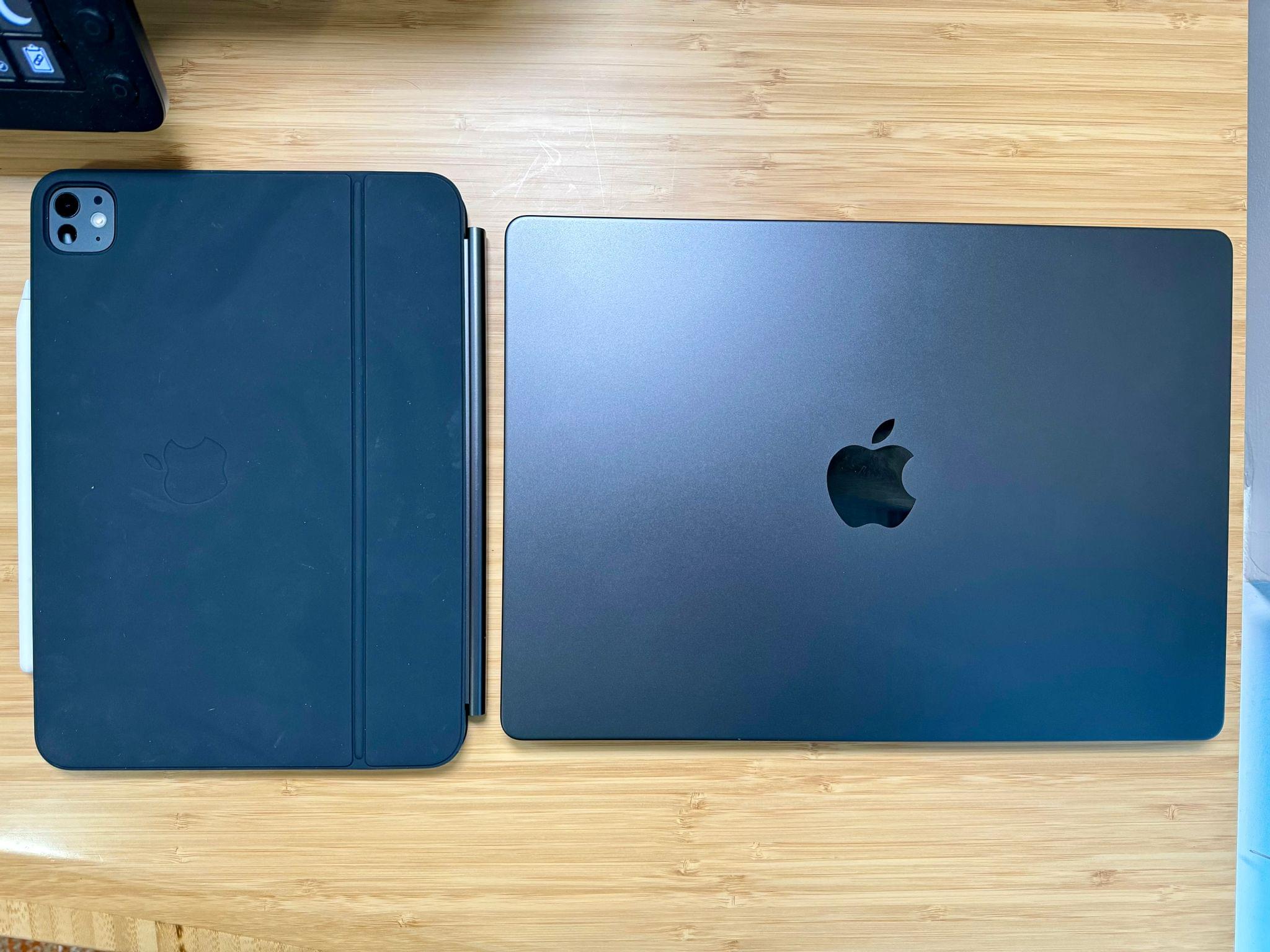
11" M4 iPad Pro and MacBook Pro.

11” M4 iPad Pro and MacBook Pro.

The center of my setup will be a 14” M3 Max MacBook Pro that Apple sent me for testing. It’s a fantastic computer that’s more than capable of handling the research, writing, and audio production work I’ll be doing, along with any video taken during the week.

I’ll also take my new 11” iPad Pro, which should help lighten my bag when I’m traveling back and forth from my hotel to Apple Park. Swapping my old 12.9” iPad Pro for the new 11” model will be perfect for this sort of trip. I plan to use it for getting some work done on the flight to California and for taking notes at the WWDC keynote. It’s hard to jot much down during the event while you’re sitting outside in the sun, so anything more than my iPad would be overkill.

Read more


Logitech’s Casa Pop-Up Desk Elevates Your MacBook for More Comfortable Computing

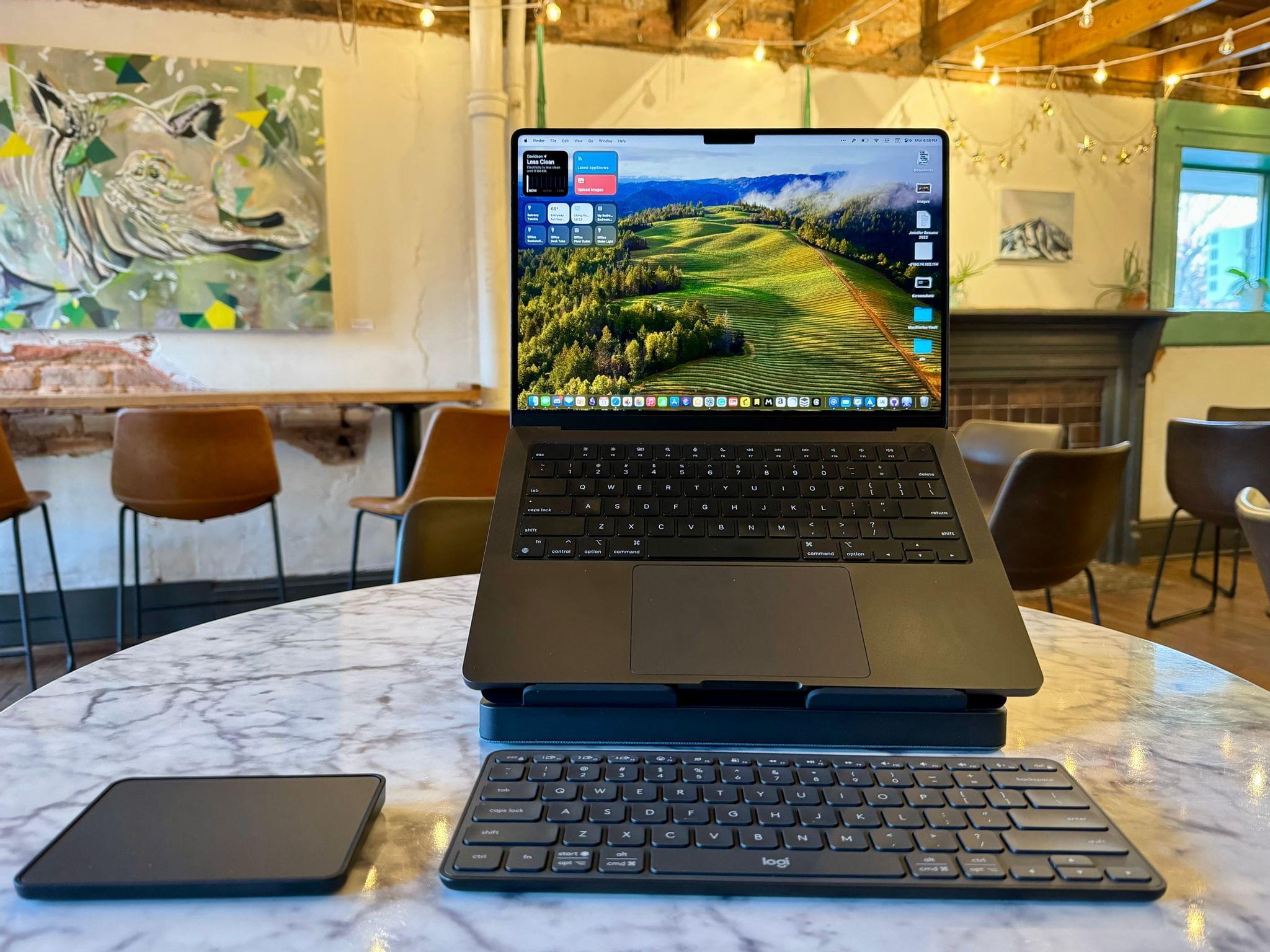
When I’m sitting at home in my office, the ergonomics are perfect. I have a comfortable chair with plenty of back support, my keyboard is at the right height, and my Studio Display is at eye level. The trouble is, that’s not the only place I work or want to work. As a result, I spend time almost daily using a laptop in less-than-ideal conditions. That’s why I was eager to try the Logitech’s Casa Pop-Up Desk that debuted in the UK, Australia, and New Zealand last summer and is now available in North America, too.

Logitech sent me the Casa to test, and I’ve been using it on and off throughout the past 10 days as I work at home, away from my desk, and in various other locations. No portable desktop setup is going to rival the ergonomics of my home office, but despite a few downsides, I’ve been impressed with the Casa. By making it more comfortable to use my laptop anywhere, the Casa has enabled me to get away from my desk more often, which has been wonderful as the weather begins to warm up.

Read more


Jason Snell’s Hands-On with the M3 MacBook Pros and iMac

Jason Snell of Six Colors got a sneak peek at the new Macs announced at yesterday’s Scary Fast Apple event. A lot of specs were thrown around by the company yesterday, but a software feature called Dynamic Caching really stood out because it’s clear that Apple is doing all it can to squeeze every bit of performance out of its GPUs. Jason’s explanation of how it works is excellent:

There’s also a big new feature Apple is calling Dynamic Caching. Put very simply, Apple’s chip engineers were extremely motivated to eke out even more performance from their graphics subsystem—and found that the way memory was traditionally allocated was inefficient. Memory is usually allocated to different threads at compile time, meaning that some threads allocate a larger amount of memory in order to handle peak need, while other threads might choose a smaller amount of memory but risk a bottleneck.

The M3’s graphics system dynamically allocates the memory per thread in a way that’s completely transparent to software developers. Apps don’t need to be rewritten to take advantage of the new system, which Apple says makes some huge gains by wringing a lot of memory efficiency out of the system. Memory that was previously reserved for a specific thread can be given to a different thread instead. A thread that’s in a bottleneck can be given more space. It’s all to the goal of increasing overall throughput.

The fact that these improvements come ‘for free,’ meaning developers don’t have to change their apps or games to take advantage of Dynamic Caching, is at least as important as the efficiency gains enabled by the technology. Especially when it comes to things like videogames, the more Apple can do to make it easy for developers to take advantage of Apple silicon Macs, the better.

Jason also got some hands-on time with the new MacBook Pros, including the new Space Black model:

I got my greasy monkey paws on a Space Black laptop and can report that Apple’s as good as its word in the sense that it seems generally more resistant to fingerprints and other smudges.

But I don’t want to exaggerate this feature: you can still see fingerprints. They just aren’t as prominent. This is a progressive improvement over something like the Midnight M2 MacBook Air, but it’s not a cure-all.

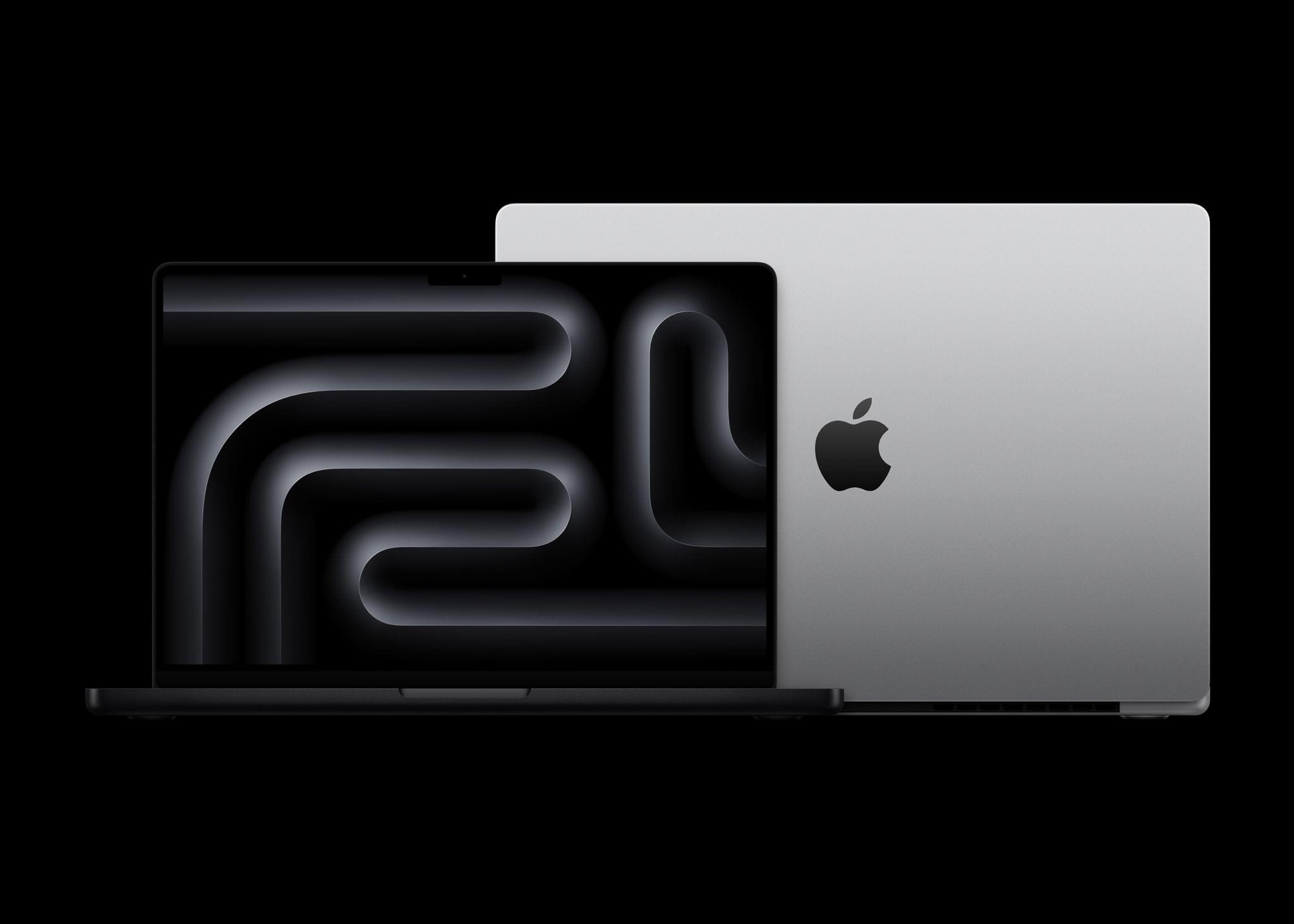
Despite its name, Jason reports that Space Black is more gray than black, but it’s still a noticeable shift from Space Gray.

With the details of the new Macs dissected, it’s going to be interesting to see how the M3 MacBook Pro’s latest CPU and GPU configurations perform relative to the M2 models that were released at the beginning of the year. As Jason also points out, the benchmarks we see from the new laptops and the M3 iMac should give us a good idea of how M3 MacBook Airs, Mac minis, and Mac Studios will perform when it’s their turn to be updated.

Permalink

Apple’s October 2023 Scary Fast Event: All The Small Things

Apple’s presentation moved fast this evening, and since the event concluded, more details have emerged about everything announced. We’ve been combing Apple’s product pages, social media, and other sources to learn more about everything announced, which we’ve collected below:

  • The 13” MacBook Pro with Touch Bar has been officially discontinued and is no longer available for sale, marking the end of the Touch Bar era at Apple.
  • None of the desktop accessories for the iMac – Magic Mouse, Magic Trackpad, and Magic Keyboard – were updated with a USB-C connector (or any other features).
  • The new ‘Space Black’ color of the 14” and 16” MacBook Pros with M3 Pro and M3 Max chips is apparently not so black, based on first impressions from people who saw it in person already.

  • Speaking of the color black, Apple now sells a 2-meter, black USB-C to MagSafe cable.

  • As it turns out, ‘Scary Fast’ was applicable not only to the new M3 series chips unveiled today but also the unusually short runtime of the event, which clocked in at 30:32, judging from the presentation’s YouTube video.

  • The event video was shot on an iPhone 15 Pro Max and edited on a Mac.

Not a very long list this time around, but at just over 30 minutes and no new accessories, there weren’t many tidbits surrounding this event I’m afraid.


You can follow all of our October 2023 Apple event coverage through our October 2023 Apple event hub or subscribe to the dedicated October 2023 Apple event RSS feed.