Posts tagged with "M5"

I Finally Tested the M5 iPad Pro’s Neural-Accelerated AI, and the Hype Is Real

The M5 iPad Pro.

The M5 iPad Pro.

The best kind of follow-up article isn’t one that clarifies a topic that someone got wrong (although I do love that, especially when that “someone” isn’t me); it’s one that provides more context to a story that was incomplete. My M5 iPad Pro review was an incomplete narrative. As you may recall, I was unable to test Apple’s promised claims of 3.5× improvements for local AI processing thanks to the new Neural Accelerators built into the M5’s GPU. It’s not that I didn’t believe Apple’s numbers. I simply couldn’t test them myself due to the early nature of the software and the timing of my embargo.

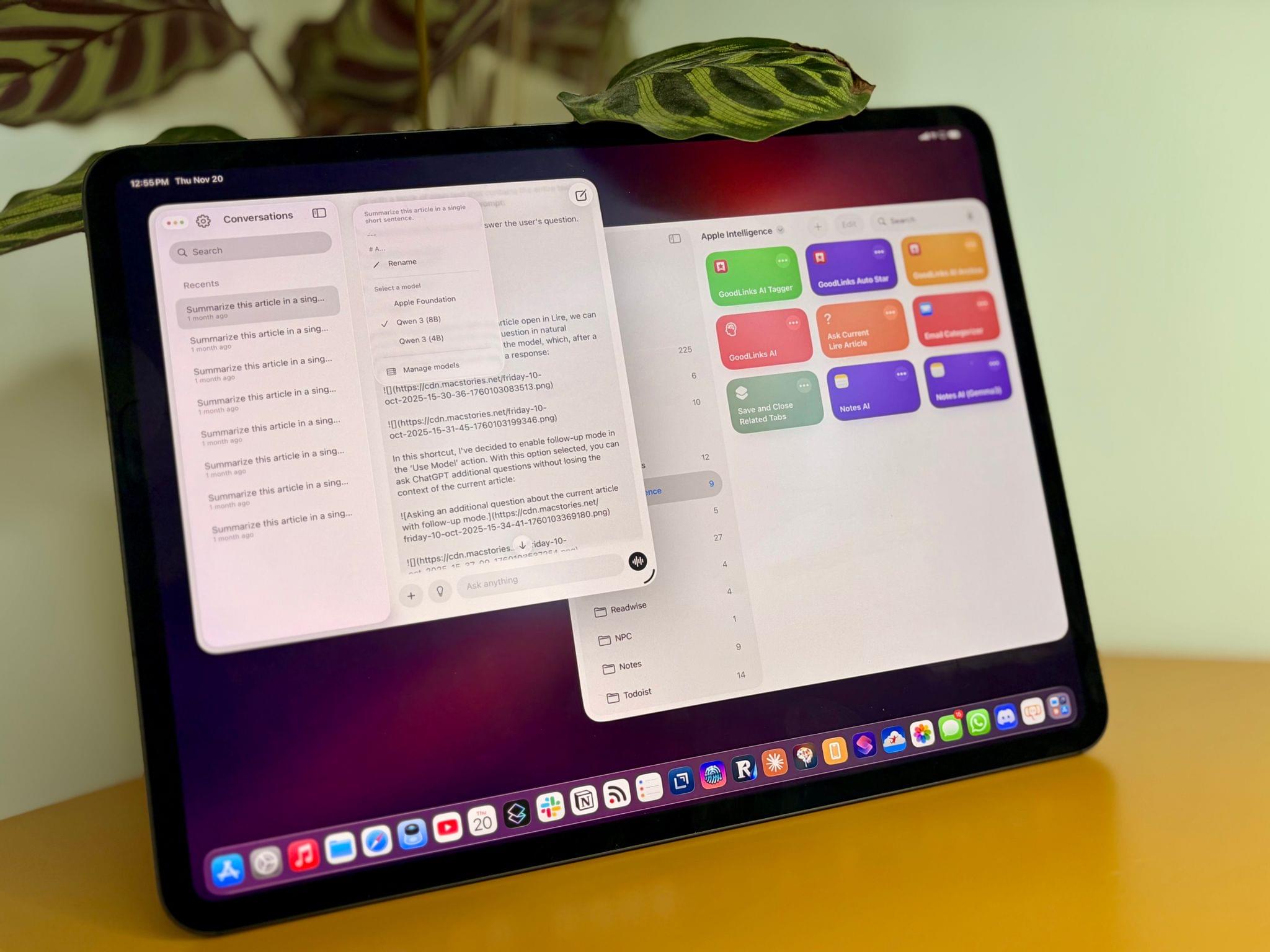
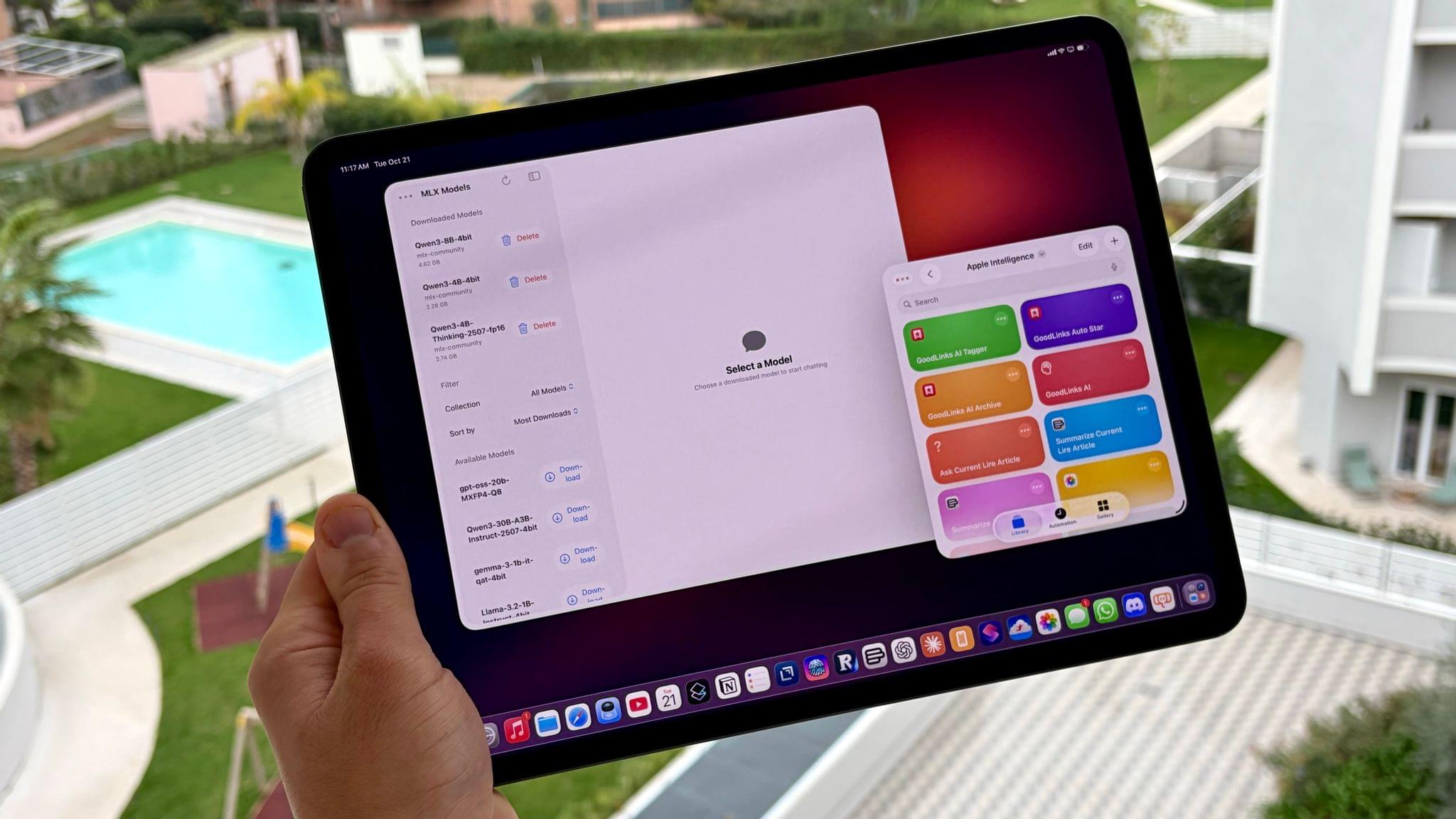
Well, I was finally able to test local AI performance with a pre-release version of MLX optimized for M5, and let me tell you: not only is the hype real, but the numbers I got from my extensive tests over the past two weeks actually exceed Apple’s claims.

Read more


Max Weinbach on the M5’s Neural Accelerators

In addition to the M5 iPad Pro, which I reviewed earlier today, I also received an M5 MacBook Pro review unit from Apple last week. I really wanted to write a companion piece to my iPad Pro story about MLX and the M5’s Neural Accelerators; sadly, I couldn’t get the latest MLX branch to work on the MacBook Pro either.

However, Max Weinbach at Creative Strategies did, and shared some impressive results with the M5 and its GPU’s Neural Accelerators:

These dedicated neural accelerators in each core lead to that 4x speedup of compute! In compute heavy parts of LLMs, like the pre-fill stage (the processing that happens during the time to first token) this should lead to massive speed-ups in performance! The decode, generating each token, should be accelerated by the memory bandwidth improvements of the SoC.

Now, I would have loved to show this off! Unfortunately, full support for the Neural Accelerators isn’t in MLX yet. There is preliminary support, though! There will be an update later this year with full support, but that doesn’t mean we can’t test now! Unfortunately, I don’t have an M4 Mac on me (traveling at the moment) but what I was able to do was compare M5 performance before and after tensor core optimization! We’re seeing between a 3x and 4x speedup in prefill performance!

Looking at Max’s benchmarks with Qwen3 8B and a ~20,000-token prompt, there is indeed a 3.65x speedup in tokens/sec in the prefill stage – jumping from 158.2 tok/s to a remarkable 578.7 tok/s. This is why I’m very excited about the future of MLX for local inference on M5, and why I’m also looking forward to M5 Pro/M5 Max chipsets in future Mac models.

Permalink

M5 iPad Pro Review: An AI and Gaming Upgrade for AI and Games That Aren’t There Yet

The M5 iPad Pro.

The M5 iPad Pro.

How do you review an iPad Pro that’s visually identical to its predecessor and marginally improves upon its performance with a spec bump and some new wireless radios?

Let me try:

I’ve been testing the new M5 iPad Pro since last Thursday. If you’re a happy owner of an M4 iPad Pro that you purchased last year, stay like that; there is virtually no reason for you to sell your old model and get an M5-upgraded edition. That’s especially true if you purchased a high-end configuration of the M4 iPad Pro last year with 16 GB of RAM, since upgrading to another high-end M5 iPad Pro model will get you…16 GB of RAM again.

The story is slightly different for users coming from older iPad Pro models and those on lower-end configurations, but barely. Starting this year, the two base-storage models of the iPad Pro are jumping from 8 GB of RAM to 12 GB, which helps make iPadOS 26 multitasking smoother, but it’s not a dramatic improvement, either.

Apple pitches the M5 chip as a “leap” for local AI tasks and gaming, and to an extent, that is true. However, it is mostly true on the Mac, where – for a variety of reasons I’ll cover below – there are more ways to take advantage of what the M5 can offer.

In many ways, the M5 iPad Pro is reminiscent of the M2 iPad Pro, which I reviewed in October 2022: it’s a minor revision to an excellent iPad Pro redesign that launched the previous year, which set a new bar for what we should expect from a modern tablet and hybrid computer – the kind that only Apple makes these days.

For all these reasons, the M5 iPad Pro is not a very exciting iPad Pro to review, and I would only recommend this upgrade to heavy iPad Pro users who don’t already have the (still remarkable) M4 iPad Pro. But there are a couple of narratives worth exploring about the M5 chip on the iPad Pro, which is what I’m going to focus on for this review.

Read more


Apple Announces New M5 iPad Pros

Source: Apple.

Source: Apple.

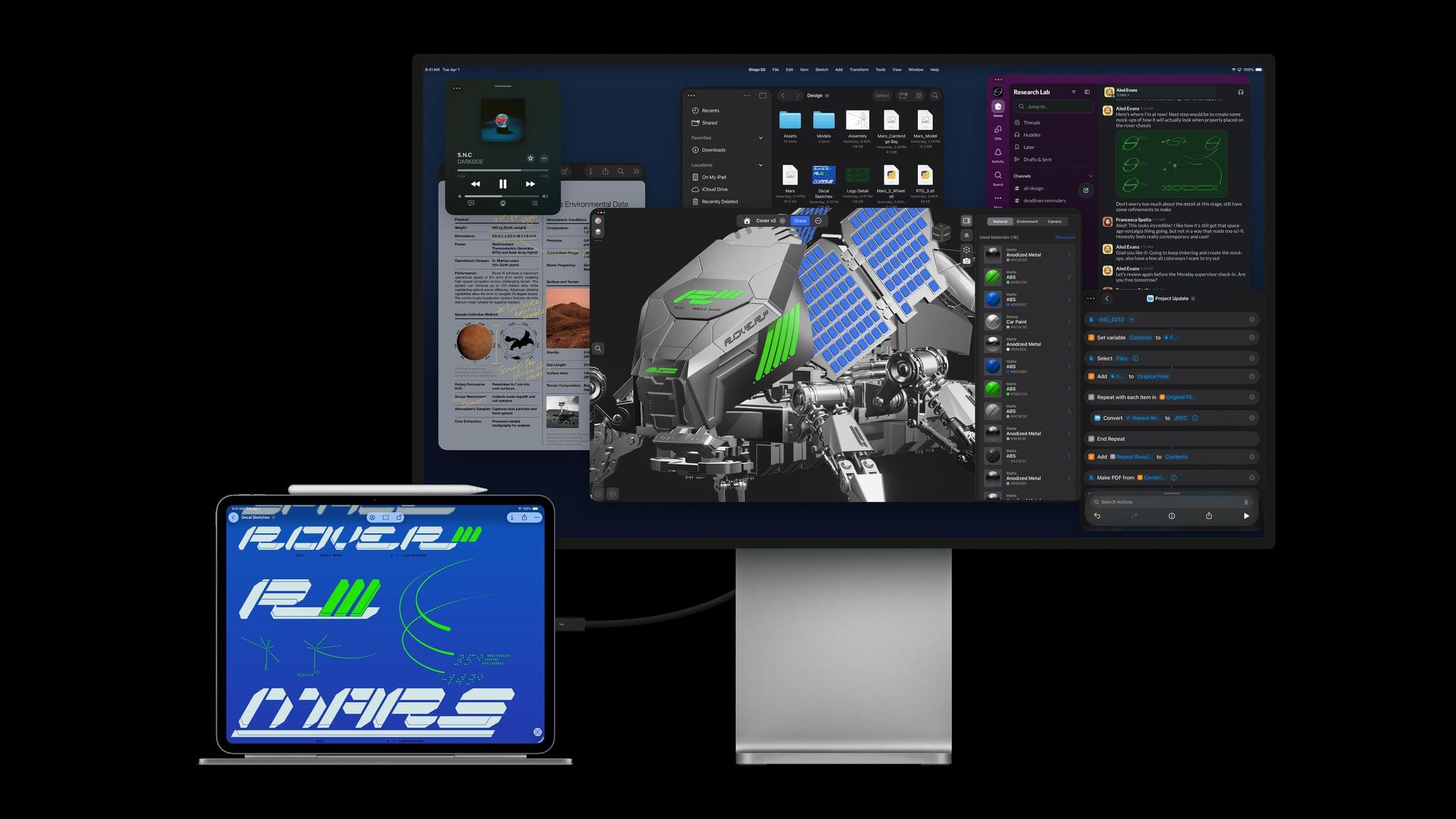
The MacBook Pro wasn’t the only Apple computer to receive an M5 update today. Both the 11” and 13” iPad Pros were updated with the company’s latest chip, too.

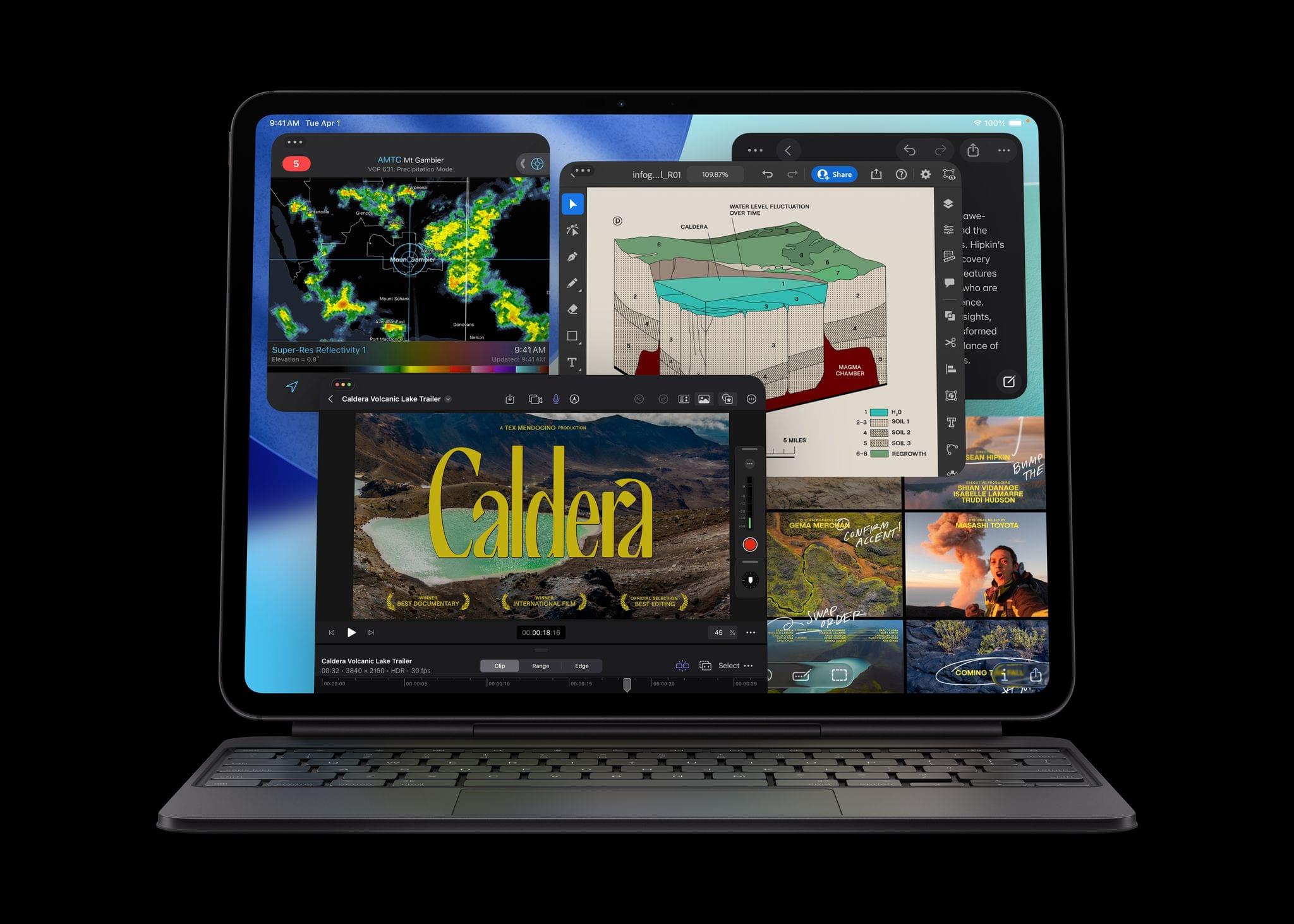
As you’d expect, the performance boosts to the iPad Pro line closely resemble the enhancements to the 14” MacBook Pro, with up to 3.5× performance gains on AI workflows compared to the M4 iPad Pro and 5.6× the performance of an M1 iPad Pro, which is slightly less than the bump from an M1 Mac to the M5 MacBook Pro. The base RAM configuration has been increased to 12GB, too, and the M5 chip enables the iPad Pro to run external displays up to 120Hz with Adaptive Sync.

The new iPad Pros also feature Apple’s N1 networking chip, which supports Wi-Fi 7, Bluetooth 6, and Thread and was first seen in this year’s iPhone updates. For users who buy a cellular-capable iPad Pro, that feature is now powered by Apple’s C1X modem, which the company says is up to 50% faster and more power efficient.

Source: Apple.

Source: Apple.

Like with the MacBook Pro introduced today, the M5 is the star of this update. The chip features a 10-core GPU architecture that has dedicated Neural Accelerators for each GPU core. The 16-core Neural Engine, unified memory bandwidth, storage, and charging are faster too.

According to Apple that equates to substantial real-world performance enhancements:

  • Up to 6.7x faster 3D rendering with ray tracing in Octane X when compared to iPad Pro with M1, and up to 1.5x faster than iPad Pro with M4.
  • Up to 6x faster video transcode performance in Final Cut Pro for iPad when compared to iPad Pro with M1, and up to 1.2x faster than iPad Pro with M4.
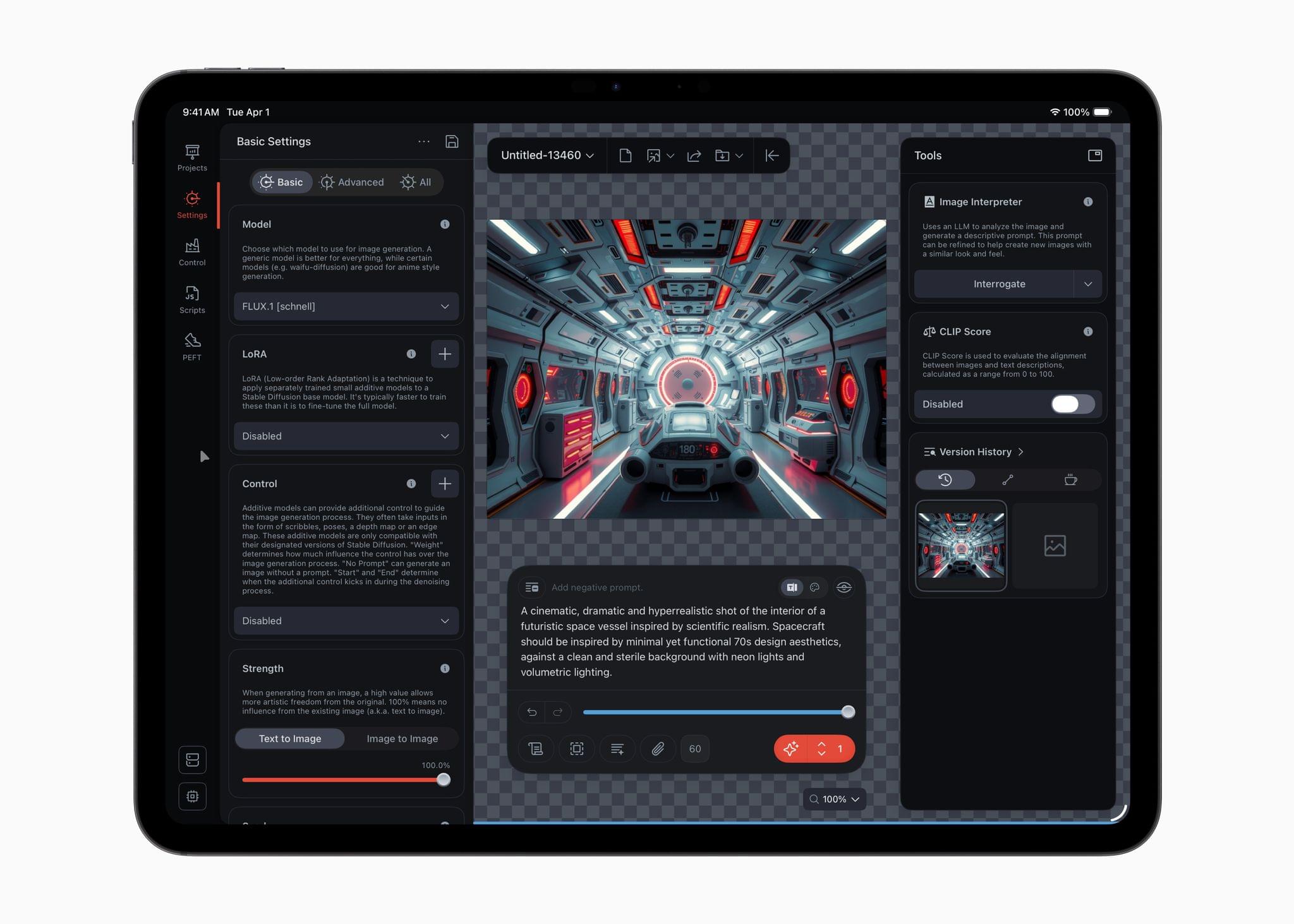
  • Up to 4x faster AI image generation performance in Draw Things for iPad when compared to iPad Pro with M1, and up to 2x faster than iPad Pro with M4.
  • Up to 3.7x faster AI video upscaling performance in DaVinci Resolve for iPad when compared to iPad Pro with M1, and up to 2.3x faster than iPad Pro with M4.

(See the press release for footnotes regarding testing details).

Source: Apple.

Source: Apple.

The iPad Pro line’s new M5 chip should be a meaningful performance boost for users coming from older models, though less so for M4 iPad Pro users. Regardless, it’s good to see Wi-Fi 7 continue to spread across Apple’s hardware lineup. Between multi-windowing and the M5, users will undoubtedly be pushing the iPad Pro further than ever, which often means large files that will benefit from a faster chipset, Wi-Fi, and internal storage.

The new 11” and 13” iPad Pros come in Space Black and Silver and start at $999 for the 11” Wi-Fi model and $1,299 for the 13” Wi-Fi model, with cellular models costing $200 more. Education customers can save $100 on each model, too. Pre-orders can be placed today, with deliveries and in-store availability beginning October 22.


Apple Debuts New 14” MacBook Pro with the M5 Chip

Source: Apple.

Source: Apple.

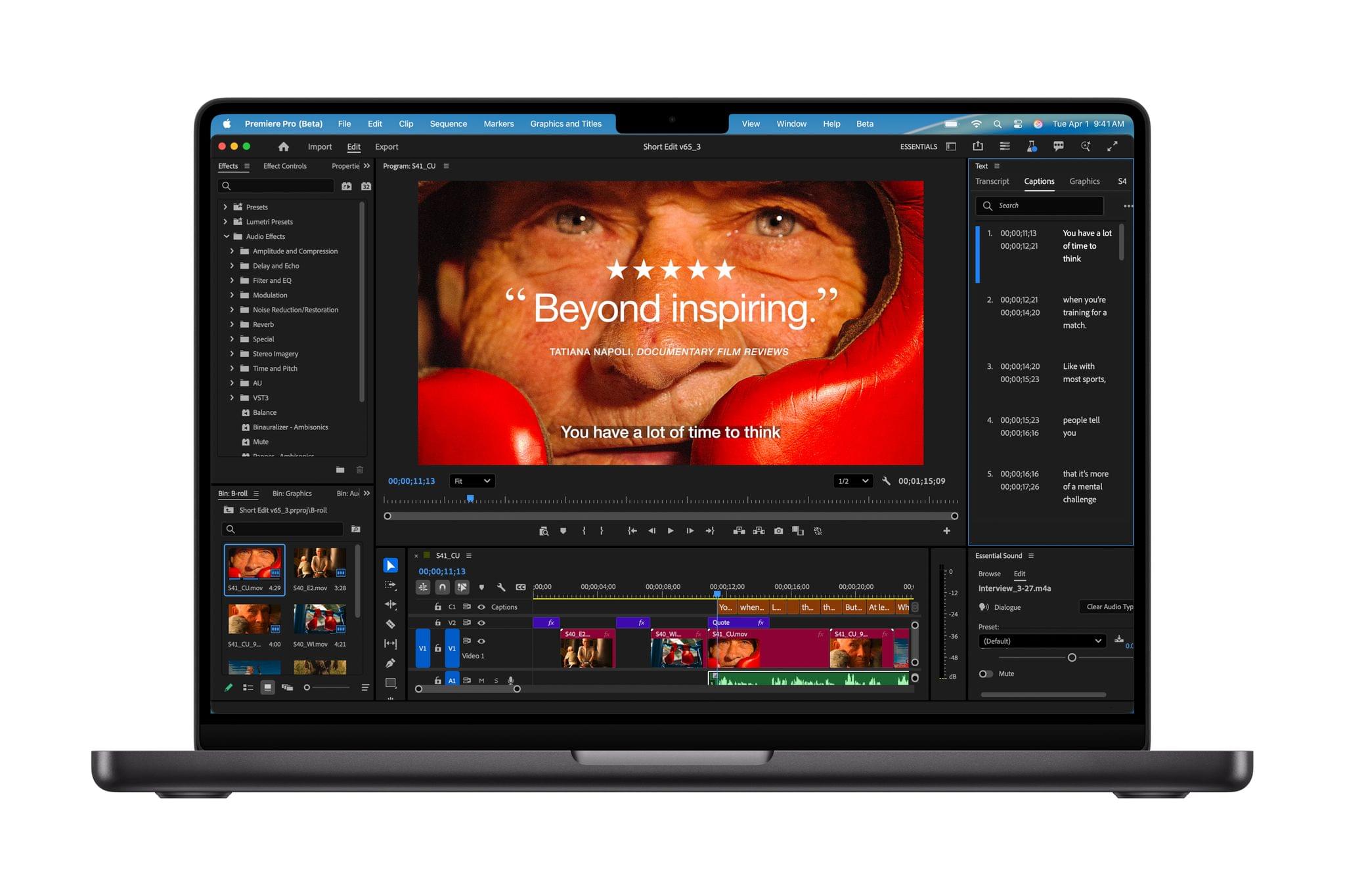
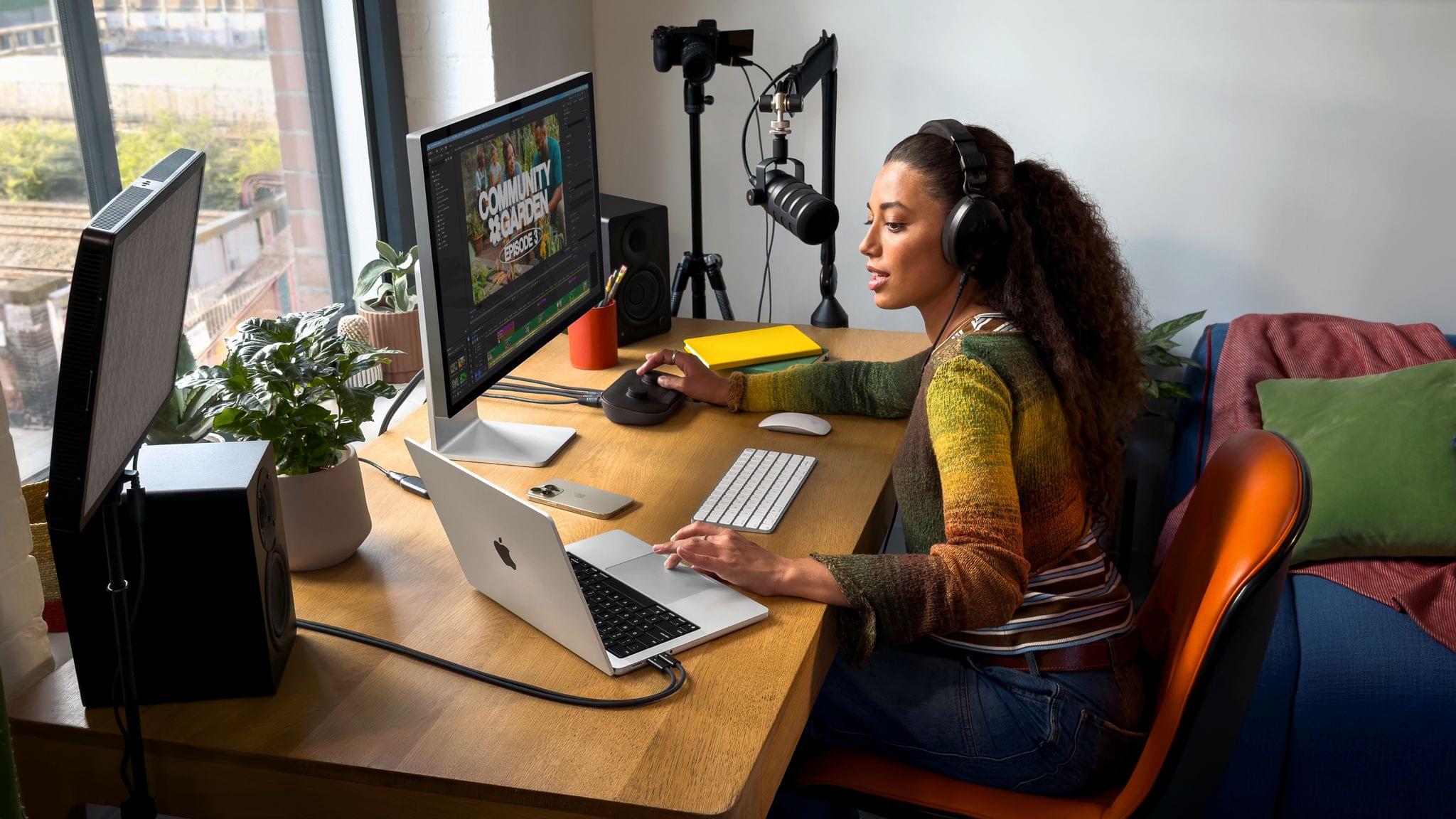
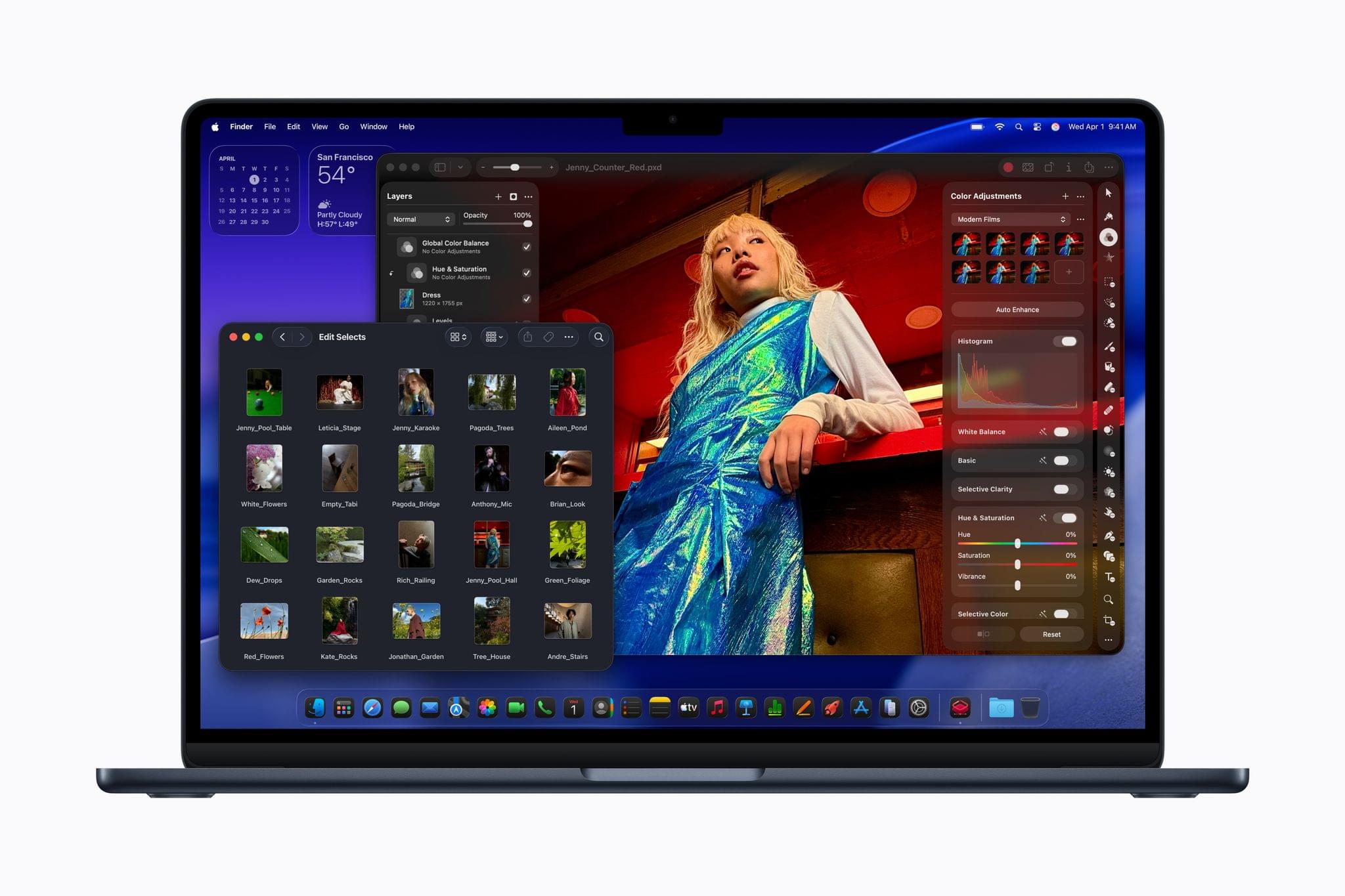
Today, Apple debuted the new 14” MacBook Pro with its latest M5 chip, which is available for purchase now alongside the existing M4 Pro and M4 Max MacBook Pro models.

According to John Ternus, Apple’s senior vice president of Hardware Engineering:

MacBook Pro continues to be the world’s best pro laptop, and today, the 14-inch MacBook Pro gets even better with the arrival of the M5 chip. M5 marks the next big leap in AI for the Mac, and delivers a huge boost in graphics performance accelerating demanding workflows for everyone from students to creatives, developers to business professionals, and more. With its amazing performance, extraordinary battery life, and unrivaled display, M5 takes the new 14-inch MacBook Pro to another level.

Source: Apple.

Source: Apple.

Apple’s new M5 processor is the star of today’s MacBook Pro update. Apple says that the chip, which is only available in the 14” MacBook Pro configuration, is faster at AI workflows and file transfers and can last 24 hours on a single charge. The M5 chip includes an all-new GPU with a Neural Accelerator in each GPU core, which Apple claims speeds up AI workflows up to 3.5× compared to the M4 chip and 6× compared to the M1 chip. The new MacBook Pro’s performance is also enhanced by a new 16-core Neural Engine and SSDs that are up to 2× faster and can be configured up to 4TB, which will make managing large files easier.

Although Apple makes a big deal of the 14” MacBook Pro’s AI performance, the new M5 chip will enhance all kinds of resource-heavy tasks, including these spotlighted by Apple in its press release:

  • Up to 7.7x faster AI video-enhancing performance in Topaz Video when compared to the 13‑inch MacBook Pro with M1, and up to 1.8x faster than the 14-inch MacBook Pro with M4.
  • Up to 6.8x faster 3D rendering in Blender when compared to the 13‑inch MacBook Pro with M1, and up to 1.7x faster than the 14-inch MacBook Pro with M4.
  • Up to 3.2x higher frame rates in games when compared to the 13-inch MacBook Pro with M1, and up to 1.6x faster than the 14-inch MacBook Pro with M4.
  • Up to 2.1x faster build performance when compiling code in Xcode when compared to the 13‑inch MacBook Pro with M1, and up to 1.2x faster than the 14-inch MacBook Pro with M4.

(See the press release for footnotes regarding testing details).

Source: Apple.

Source: Apple.

Although I’m impatient to see what an M5 Pro and M5 Max MacBook Pro are capable of, and I’m dying to see a Mac Studio configured with the M5 generation of chips, I’m glad Apple didn’t wait to release the M5 in the 14” MacBook Pro. If the chip is ready, why not? Pro workloads, including running AI models locally, are only becoming more demanding, so getting the M5 into more hands as early as possible makes sense. Plus, for anyone coming from an Intel-based setup or an early-generation Apple silicon Mac, this update should be significant.

The new 14” MacBook Pro comes in Space Black and Silver and starts at $1,599 but can be configured to over $3,330. Pre-orders can be placed now, with deliveries and in-store availability beginning October 22.


Apple Reveals the M5 Apple Vision Pro

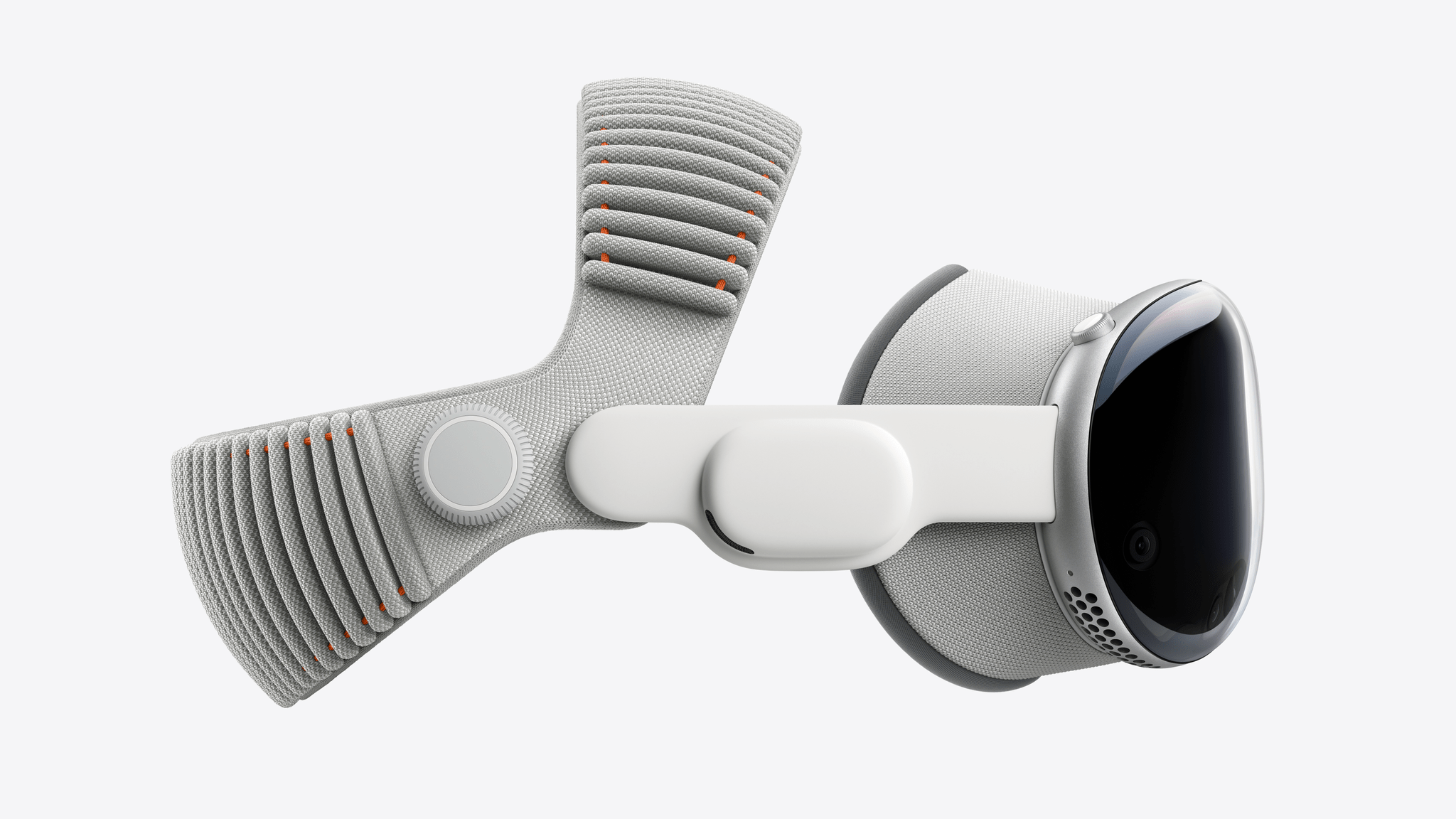
Today, Apple announced the first revision to the Vision Pro, the company’s mixed reality headset. The updated device sports an M5 chip and the new Dual Knit Band for improved comfort.

The M5 chip is making its debut in the Vision Pro alongside the new MacBook Pro and iPad Pro. It features a 10-core CPU, a 16-core Neural Engine that’s up to 50% faster than the M2, and a 10-core GPU with hardware-accelerated ray tracing and mesh shading. The M5 allows the Vision Pro to render 10 percent more pixels on its micro-OLED displays, resulting in a clearer image, an increased refresh rate up to 120Hz, and a smoother Mac Virtual Display experience. It also increases the device’s battery life to 2.5 hours of regular use and 3 hours of video playback. The M5 processor works alongside the R1 co-processor and the device’s built-in cameras and sensors to render the user’s surroundings in real time.

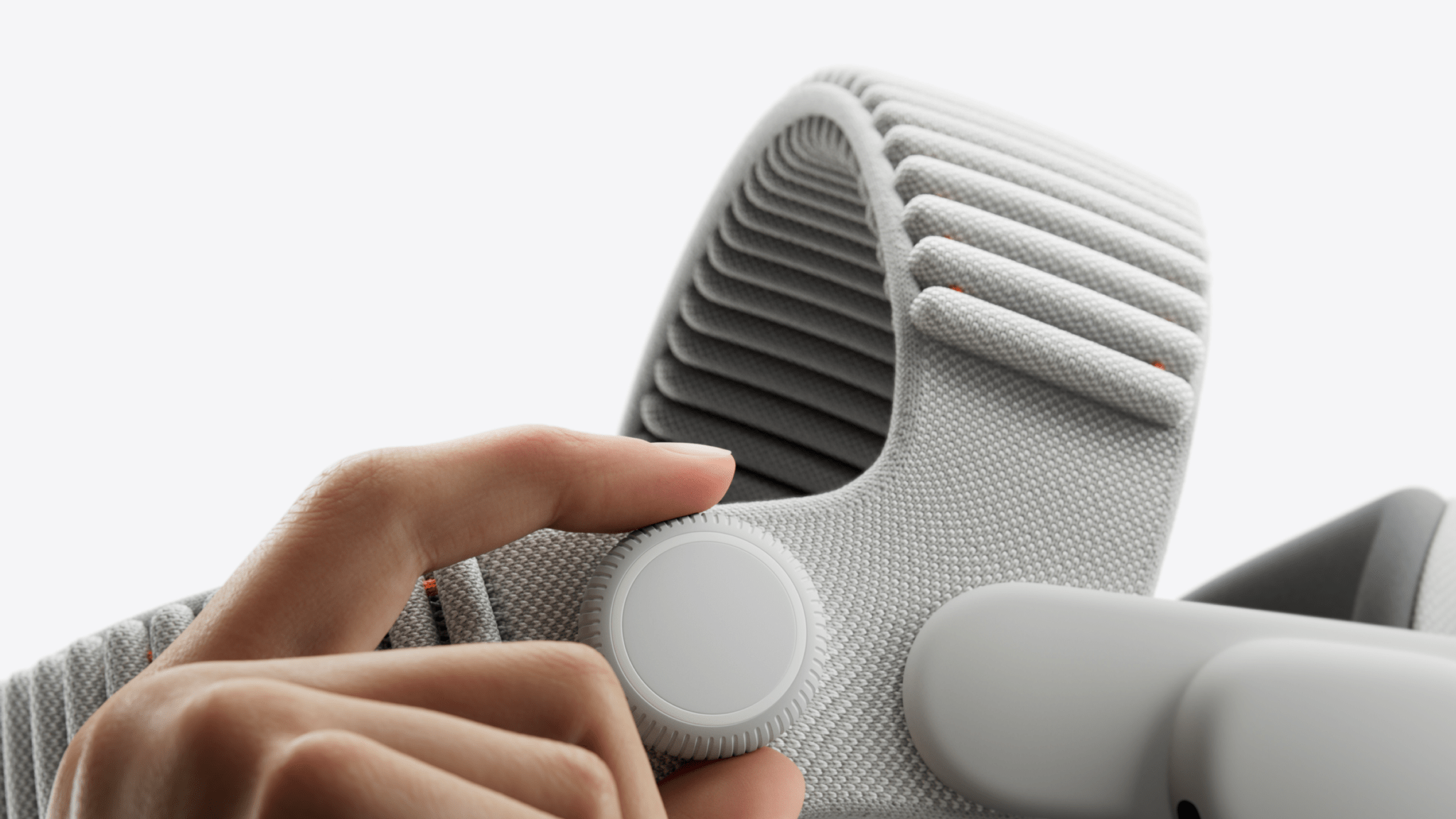
The biggest visible difference this generation is the new Dual Knit Band. Made of two 3D-knitted straps that look similar to the original Solo Knit Band, the Dual Knit Band incorporates a second strap that runs across the top of the user’s head and a counterweight in the lower strap to better distribute weight, increase comfort, and create a more stable fit. The strap is backwards compatible with the first-generation Vision Pro and available to purchase for $99.

Owners of either the M2 or M5 Vision Pro can pair the device with spatial accessories. The Sony PlayStation VR2 Sense Controller, which enables VR games like Elu Legend, Pickle Pro, Ping Pong Club, and Spatial Rifts and can be used to navigate visionOS in lieu of hand tracking, will cost $249.95 and be available November 11. The Logitech Muse digital pencil for drawing and collaboration costs $129.95; it can be pre-ordered directly from Apple now and will be released alongside the M5 Vision Pro.

The Vision Pro itself, meanwhile, maintains its starting price of $3,499 with 256 GB of built-in storage. The storage can optionally be configured to 512 GB for $3,699 or 1 TB for $3,899. The M5 Vision Pro is available for pre-order now with deliveries and in-store availability starting Wednesday, October 22.